This Week's Sponsor:

Copilot Money

The Apple Editor’s Choice App for Managing Your Money


Posts tagged with "featured"

TwIM: Instant Messaging Built on Twitter Direct Messages

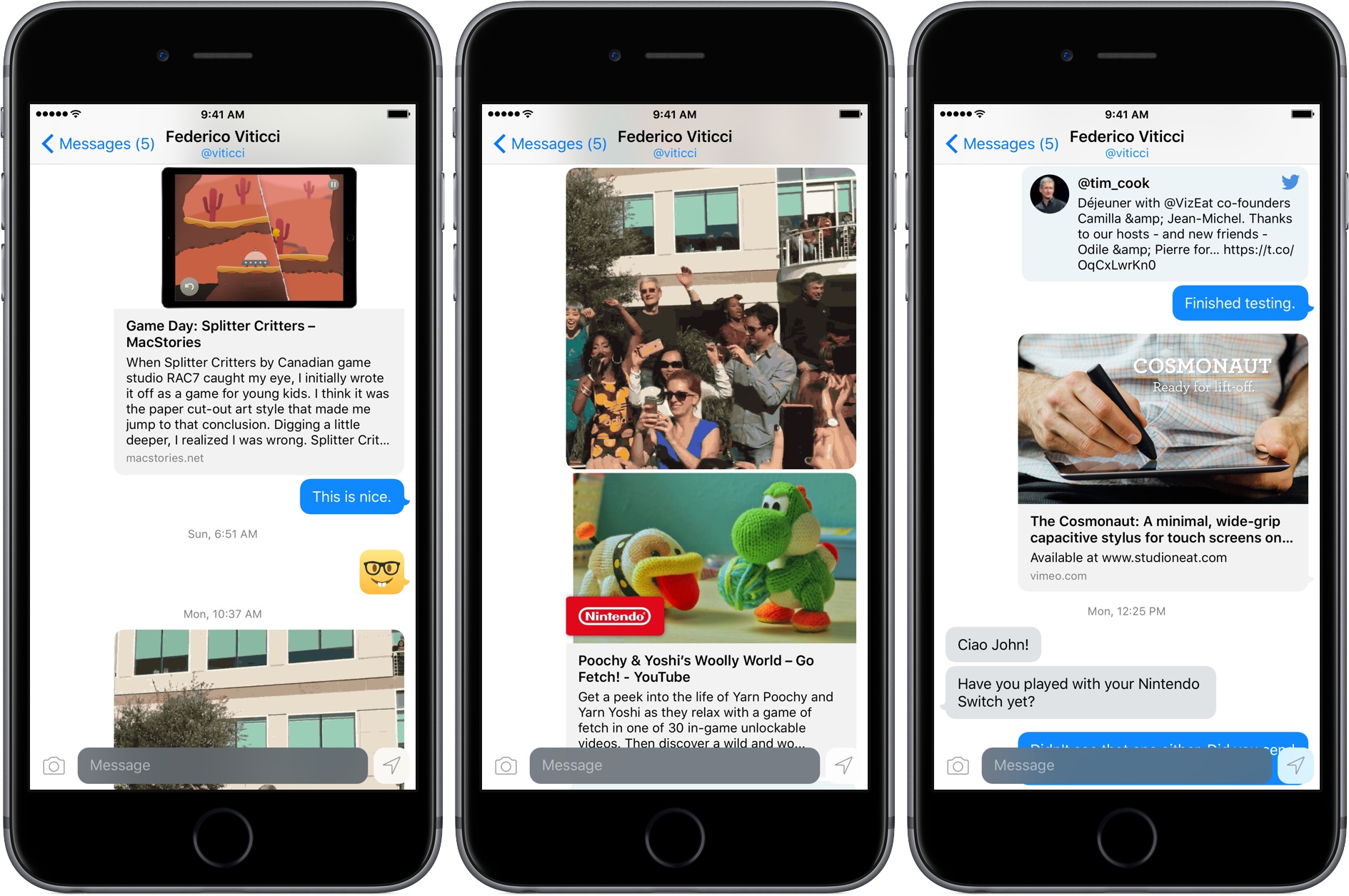
Last December, BuzzFeed reported that Twitter built and killed a messaging app. It wasn’t the first time rumors circulated that Twitter was working on a messaging app, but for whatever reason, none has ever been released. That left a void that developer Andrew Hart has filled with his new iPhone app TwIM, a modern messaging app built on top of Twitter DMs.

There’s a lot of friction involved in trying a new messaging service. Not only do you have to want to try the service, but you have to convince friends or family to try it too or you’ll have no one with whom to chat. That’s a significant disadvantage that TwIM sidesteps for anyone whose contacts are already on Twitter. What’s more, TwIM sets itself apart from the built-in direct messaging functionality of other Twitter clients with better content handling and support for the latest iOS features like Siri, interactive notifications, and 3D Touch. That gives TwIM a shot at appealing not only as a messaging app, but to anyone who wants a better direct messaging experience.

Read more


Working from an iPhone

One of my goals in 2016 was to make working from my iPhone as efficient as possible. The desire to make this happen initially sprung from experiences raising a baby. My wife and I began foster parenting in July of 2015, and one of our foster children was AJ, a four-week-old baby boy. AJ ended up staying with us for about a year before returning to his birth mother, and in that year I learned that when raising a baby, there are frequently occasions when only one hand is available for computing. I would often have a hand tied up feeding AJ or carrying him around, and if I needed to get any work done during that time, my iPad Pro was no help. iPads are built for two-handed computing, while iPhones work great with one.

In addition to the motivation of being able to get work done with one hand, one of the things I’ve learned during the past couple years is that the best computer for work is the one you have with you. Despite the iPad Pro being more portable than most Macs, it still pales in portability compared to the iPhone. Because my iPad doesn’t travel with me everywhere, I need to be able to do anything on my iPhone that I can on my iPad.

Between my two current jobs, much of my work can be done while on the go – whether I’m waiting for an oil change to be completed, standing in a seemingly endless DMV line, or any similar scenario. In these short intervals of life, there are moments work can be done – which is where my iPhone comes in, because it’s with me wherever I go.

If and when a pressing work issue comes up, in many cases it can’t just be ignored until I get back to my desk; my iPhone needs to be capable of handling the task. Even if the issue isn’t time-sensitive, getting things done while I’m out makes the load lighter when I do get back to my desk.

I’ve grown extremely proficient in using my iPhone to get things done, and there are six key things I’ve identified that make that possible.

Read more


Stagehand Review: Living Platforms

One of my first memories of a portable platform game takes place in the summer of 1996 and it involves Super Mario Land 2 for the original Game Boy. I was 8, and until that point, my only console experience had been with a Super Nintendo my parents bought me for Christmas. I could play with it a few hours each week, which didn’t satiate my infinite curiosity for videogames. When I saw Super Mario Land 2 on a friend’s Game Boy, I was taken aback by two distinct aspects: the contagious fun of a platformer (my only SNES game was Stunt Race FX – don’t ask) and its ubiquitous availability – provided you had enough daylight and 4 AA batteries.

Later that year, I convinced my mom to buy me a Game Boy. A couple of years later, I got a Game Boy Color. For the past 20 years, portable consoles and Nintendo’s Mario games have shaped my taste in videogames and defined my moments of quiet downtime. From Super Mario Advance 1 and 3 (both remakes of games I had never played) to New Super Mario Bros and, to an extent, the recent Super Mario Run for iOS, all my favorite 2D platform games agreed on a basic idea: you control a surprisingly athletic plumber who runs and jumps from left to right.

Conversely, Stagehand, the latest creation by Big Bucket (makers of The Incident and Space Age), upends decades of platformer conventions by turning the genre on its head. You don’t maneuver a character with meticulously timed jumps across retro-styled stages filled with floating platforms and spikes; rather, you sloppily modify the stage itself with touch, dragging platforms to accomodate the hero’s run and making sure he doesn’t run headfirst into cliffs, fall into pits, or get eaten by the inexorable advance of the left side of the stage.

Stagehand is an endless runner combined with a dynamic platform game, only you don’t control the character – you facilitate his run by reshaping the stage around him.

Read more


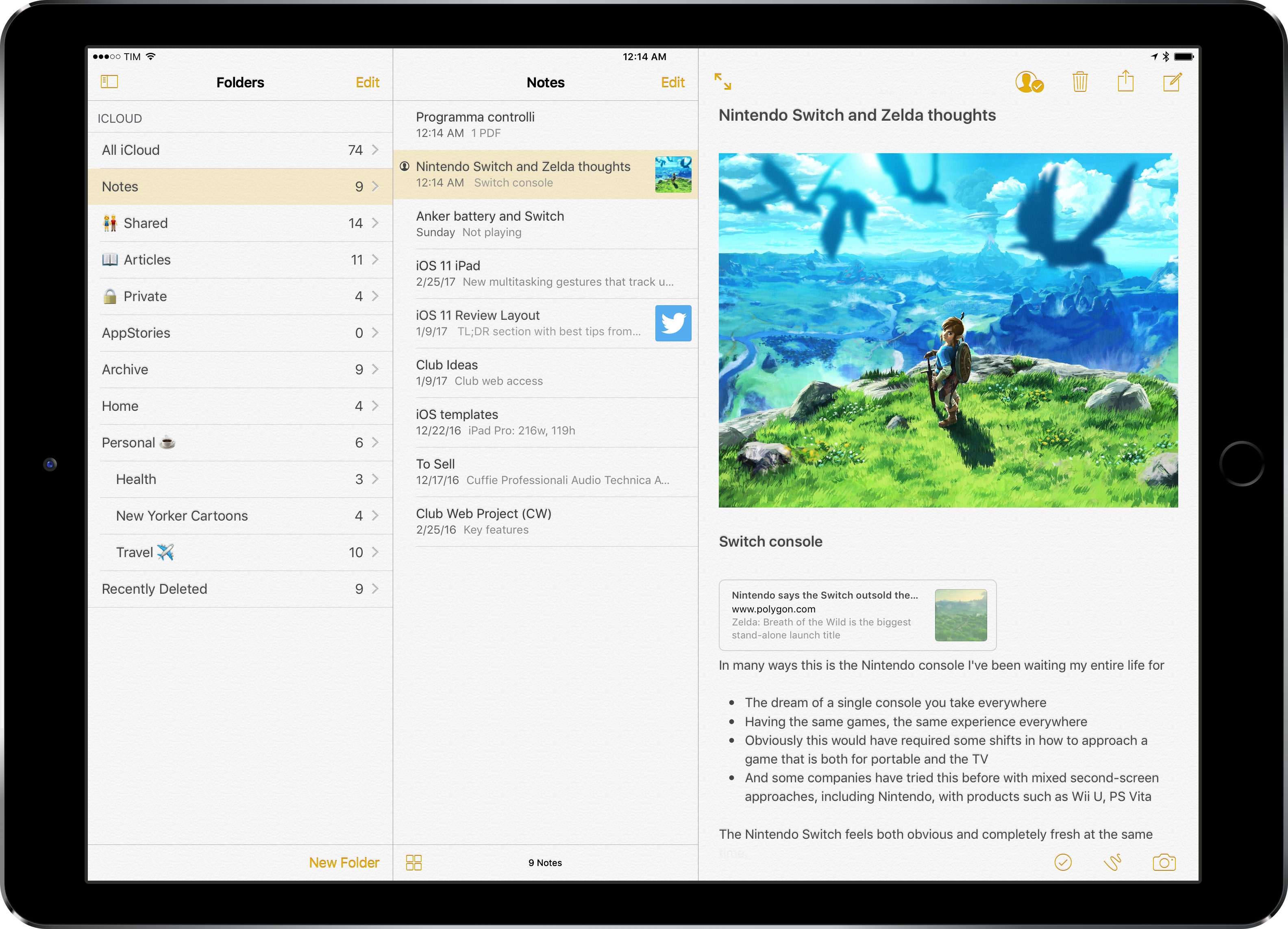
Evernote 8: A Review and Comparison with Apple Notes

Evernote has a long and storied history. It once reigned as king of note-taking services, successfully blossoming in an increasingly mobile world. But as the service grew larger, it became a less efficient tool for the core task of viewing and creating notes. New features and tangential apps added over time created bloat and became distractions. For a time, there weren’t many worthwhile alternatives for Apple users to explore. That changed in June 2015, when Apple introduced a revamped Notes app for iOS and macOS.

I’d been unhappy with the clunky state of Evernote at the time iOS 9’s Notes was unveiled. My experience with Notes in the past had been frustrated by poor syncing that led to data loss on multiple occasions. But what Apple demonstrated with Notes’ overhaul looked promising, and I gave it a shot.

Notes has kept me satisfied since its big update, and I know many people are in the same boat. But Evernote recently launched version 8 of its iOS app, which led me to give that service another try.

Read more


Linea: An Elegant Sketching App for the iPad from The Iconfactory

Drawing and sketching apps present difficult interface challenges. On the one hand, they should maximize the space reserved for their intended use – drawing. On the other, they need to include sufficient tools for users to create what they envision. It’s a balance that many apps get wrong. Some are too simple, forcing too many constraints on users, while others are horribly complicated and intimidating to new users. Linea, a new sketching app for the iPad from The Iconfactory, is exceptional because it manages an ease-of-use and approachability that is rare while maintaining just the right set of tools.

Linea is a sketching app, not a full artist’s toolbox. It won’t replace a more complex app like Procreate, but that’s not its purpose. Instead, Linea is focused on delivering the best possible sketching experience whether you are drawing, prototyping an app interface, storyboarding, taking notes, or something else. The point is to get visual ideas down with the least amount of fiddling, which is exactly what Linea delivers.

Read more


AirPods: Ushering in a Wireless Future

AirPods were announced at Apple’s September keynote, accompanied by a video introduction in which Jony Ive proclaimed: “We believe in a wireless future, a future where all of your devices intuitively connect.” In other words, a future that goes beyond getting wires out of the way by creating experiences that are only possible with smarter inter-device connections.

AirPods entered the world on the heels of a controversial decision to remove the standard headphone jack from the iPhone. Connecting wired headphones to an audio source is a decades-old practice we’ve all grown used to, and while this type of connection is still possible on the iPhone via a Lightning connector, AirPods represent Apple’s efforts to move forward into a wireless future.

Though wired headphones are dead simple to use, no one can deny that they do get in the way in a material sense. We’ve all experienced the frustration of cords that tangle, tug, and keep us tethered to our devices. Even the most passionate wire-supporters among us are familiar with these challenges. Wireless AirPods were designed to make such issues ancient history, while simultaneously mitigating the negative trade-offs that are typically associated with Bluetooth headphones.

Technology is at its best when its net gains make you forget about any net losses. Traditional Bluetooth headphones have done a relatively poor job at this, plagued by poor battery life, unstable connections, and often, high cost. So Apple’s challenge with AirPods was to achieve what its competition had not: create a device whose benefits over wired earbuds greatly outweighed its drawbacks.

After nearly a month with AirPods under my belt, I believe the company succeeded.

Read more


App Extensions Are Not a Replacement for User Automation

Here’s a thought experiment. Let’s imagine that Apple decided to combine their engineering resources to form app teams that delivered both iOS and macOS versions of applications.

In such a scenario it may seem logical to retain application features common to both platforms and to remove those that were perceived to require extra resources. Certainly Automation would be something examined in that regard, and the idea might be posited that: “App Extensions are equivalent to, or could be a replacement for, User Automation in macOS.” And by User Automation, I’m referring to Apple Event scripting, Automator, Services, the UNIX command line utilities, etc.

Let’s examine the validity of that conjecture, beginning with overviews of App Extensions and User Automation.

Read more


3D Touch for Power Users

If you read and listen to enough opinions in the Apple-sphere, you know that there are widely varying views of 3D Touch. Some quickly gave up on it, others found it indispensable, and there seem to be plenty of people in between. When Apple first announced the feature alongside the iPhone 6s, I was intrigued by the potential of 3D Touch to add a new dimension of depth to an otherwise flat slate of glass.

When I got an iPhone 6s, I immediately found that some uses of 3D Touch were handy, but those uses were overshadowed by Apple’s marketing message that focused on peek and pop, distracting from the more valuable benefits the feature offers. However, when I pushed aside the Apple-marketing-infused expectations of how 3D Touch should be used, I quickly discovered how valuable it can be in many cases.

It has been over fifteen months since I began using 3D Touch, and I’m convinced that the true value of it only becomes evident through dedicated practice. If you just use 3D Touch now and then, you may find yourself frustrated by not knowing or remembering what all it can be used for. The lack of iPad support doesn’t help here.

The start of a new year is a perfect time to learn new habits. As we reflect on the year gone by, it is a good time to consider changes for the year ahead – new habits to form, improved practices to follow – with an aim to make our lives better. Train yourself to use 3D Touch, and you’ll benefit in the long run. The closest analogy to 3D Touch I can think of is keyboard shortcuts. Nobody has to learn keyboard shortcuts, but if you’re a power user, you learn them because you know they’ll make your life and work easier and more efficient. 3D Touch can do the same; it improves interactions with my iPhone on a daily basis.

Read more


My Favorite iMessage Apps and Sticker Packs of 2016

You may have noticed that we’re big fans of iMessage apps and stickers. Since their introduction with iOS 10 in September, we have covered more than 250 sticker packs and apps between MacStories and the weekly roundup of stickers Federico and I do in MacStories Weekly for Club members. That’s a lot of apps and stickers, and there are so many excellent ones we covered this year that it was difficult to narrow them down to shorter list.

When it comes to iMessage apps, my favorites are games and apps that make it easy for me to share bits of useful information with friends and family. Sticker packs become favorites for a wider variety of reasons; some are useful, allowing me to get my point across better than words alone, others are funny, and some just look great, but all liven up conversations. Here are my favorites of 2016.

Read more