Developer adoption of new macOS features is often a little slower than it is on iOS and iPadOS. However, that hasn’t been the case with Big Sur widgets. Apple wisely took the same SwiftUI-based system used for creating widgets on the iPhone and iPad and implemented it on the Mac, providing a relatively simple approach for developers to bring their existing widgets to the Mac. The result has been an immediate explosion of widget options for Mac users.
Over the course of the summer and fall, I tried several different widgets as I ran the Big Sur betas. A few of those widgets — which have been in development the longest and were highlighted in my Big Sur review — remain some of my favorites and are recapped below. However, many more terrific widgets have been released since and deserve consideration as well, so let’s dig in.
Big Sur is a big deal. The OS picks up where Catalina left off, further rationalizing Apple’s product lineup through design, new ways to bring apps to the Mac, and updates to existing system apps. The approach realigns functionality across Apple’s platforms after years of divergence from their common foundation: Mac OS X. The result is an OS that walks a perilous line between breaking with the past and honoring it, acknowledging the ways computing has changed while aiming for a bold future.
macOS, which OS X has been called since 2016, is a mature operating system, so more often than not its annual updates are incremental affairs that don’t turn many heads. Big Sur is different. It’s an update that promises a future that’s connected to its past yet acknowledges today’s mobile-first computing landscape and harmonizing user experiences across devices.
Big Sur also clarifies Apple’s Mac strategy, the contours of which began to emerge with Catalina. It’s a vision of a continuum of computing devices that offer a consistent, familiar environment no matter which you choose while remaining true to what makes them unique. In practical terms, that means a carefully coordinated design language and a greater emphasis on feature parity across OSes. Conceptually, it’s also an opportunity for macOS to shed the perception that it’s a legacy OS overshadowed by iOS and reclaim a meaningful place in Apple’s lineup for years to come.
Together, the changes to macOS set the table for Apple’s M1 Macs, the next big step in the Mac’s modernization, and easily earn Big Sur its designation of version 11.0.
The M1-powered Mac mini features significantly faster compute and graphics performance, two Thunderbolt/USB-4 ports, Wi-Fi 6 support, SSD storage, and significantly improved machine learning capabilities. To top it all off, the starting price has been dropped by $100.
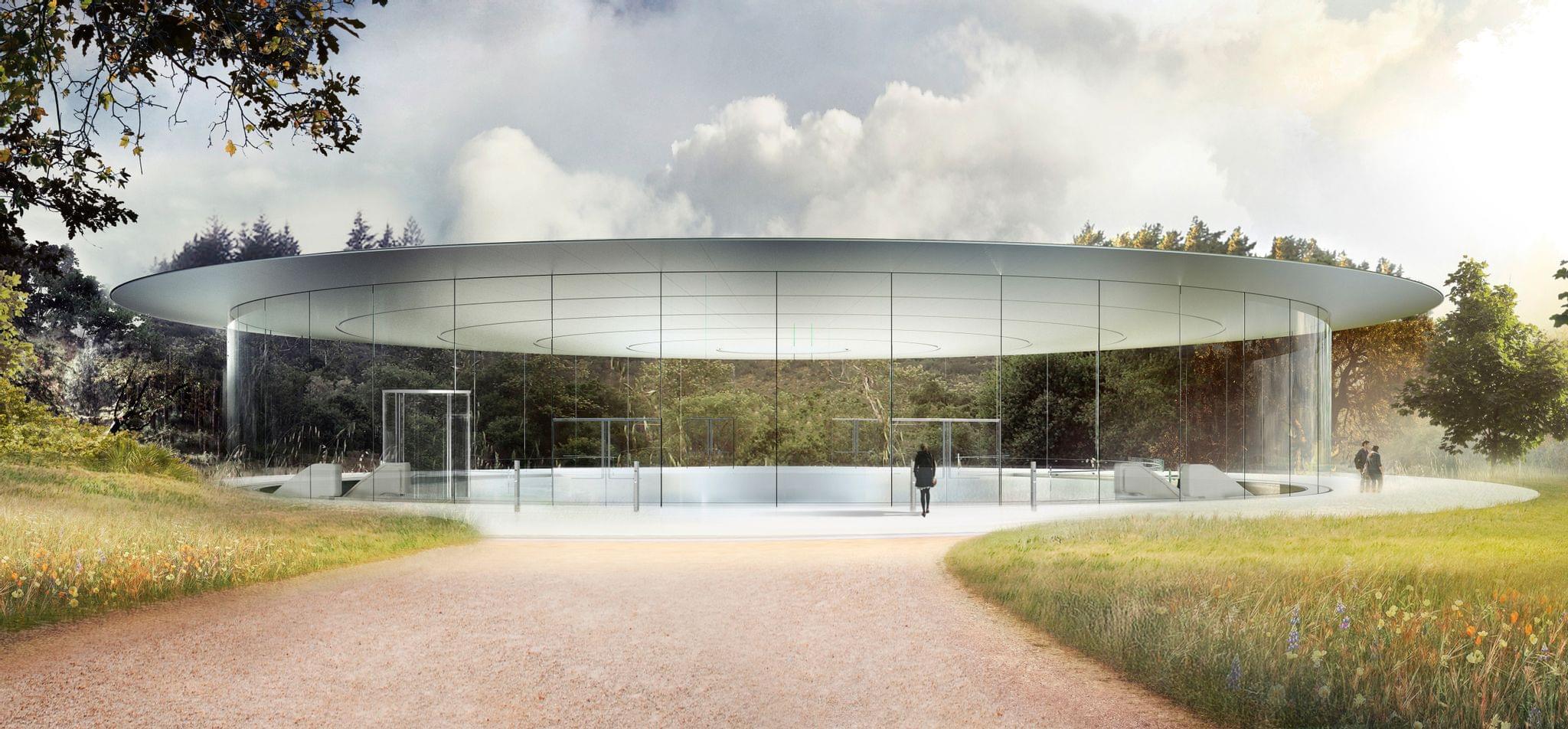
Before today’s event, little was known about the Apple silicon Macs that the company promised to release by the end of the year. Today, during an online presentation hosted by CEO Tim Cook from Apple Park, Apple took the wraps off its new M1 chip, which powers the new MacBook Air, 13” MacBook Pro, and Mac mini.
During this morning’s Apple special event stream, SVP of Hardware Technologies Johny Srouji unveiled the first Apple silicon chip for Mac. The company teased this chip at WWDC in June, but we’ve had to wait until today for the full details. Chip transitions are never undertaken lightly, so expectations were high for how significant the advantages of Apple silicon would be. Thankfully, the M1 chip does not disappoint.
The M1 ushers in one of the largest single-generation leaps in performance and power efficiency for Apple hardware in recent history. It is a system on a chip (SoC), meaning it has pulled multiple different chip types from prior Macs together into one package. Assembled using a 5-nanometer process, the M1 is packed with 16 billion transistors. The result is a highly power-efficient chip which can deliver impressive performance while maintaining the longest battery life ever for Mac laptops.
Today Apple released the second major revision to iOS and iPadOS 14 since their introduction in September. The previous major update, 14.1, was largely just for iPhone 12 support and bug fixes. iOS and iPadOS 14.2 are packed with quite a few nice new additions to the operating system, and are available to the public as of this morning.
New Emoji and Wallpapers
iOS 14.2 packs over 100 new emoji, including a smiling face with a tear1, a ninja, a toothbrush, and a pickup truck. Emojipedia covered the new emoji earlier in the beta cycle, and of course Federico attempted to guess all of their official names on an episode of Connected. My personal favorite is the new mousetrap emoji, which reminds me of the leprechaun traps that my sister and I used to set up the night before St. Patrick’s Day when we were growing up.
Eight new still wallpapers have also been released in today’s update. Some are photos of mountainous regions while others are scenic illustrations. Each new wallpaper includes a variation for light and dark mode.
Ever since its launch in late 2015, the 12.9” iPad Pro has been my primary computer. The combination of a large display – the largest Apple makes for iPads – with software that properly takes advantage of it (see: Split View, multiwindow, multicolumn) makes the 12.9” Pro an ideal blend of laptop-like usability and tablet modularity. If you’re looking for power and flexibility, the 12.9” iPad Pro is the ne plus ultra of the iPad line.
Before the iPad Pro, however, it was the iPad Air 2 that convinced me the iPad could be a suitable replacement for a MacBook. In my review of the iPad Air 2 in early 2015, which I published just a few months before the iPad Pro’s debut, I called the device a “liberating” experience, noting how it struck a balance of high portability and versatility that enabled me to get more work done from more places. In spite of the iPad Pro’s superiority – especially in terms of display size – I’m always going to have a soft spot for the iPad Air as the device where my modern iPad journey began.
For the past few days, I’ve been testing Apple’s latest iPad Air, which comes out this Friday starting at $599 for the 64 GB, Wi-Fi model. While the 10.9” Air won’t replace the 12.9” iPad Pro as my primary machine, I’ve been impressed by this iPad for a different reason: the iPad Air democratizes the notion of “pro iPad”, bringing key features of iPad Pro to more customers, while at the same time looking ahead toward the future of iPad with hardware not seen on the current iPad Pro lineup. The iPad Air sits at the intersection of old iPad Pro features trickling down to the rest of the iPad line and new ones appearing on this model first. This makes the iPad Air a fascinating device to review, as well as a compelling alternative to another iPad of similar dimensions: the 11” iPad Pro.
Five years after the iPad Air 2, I’m intrigued by an iPad Air again. Let me explain why.
Last year we named RSS client Reeder 4 the Best App Update as part of the MacStories Selects awards for a good reason. Reeder has been one of the best-designed RSS apps available for a very long time. With the release of version 4, developer Silvio Rizzi rebuilt the app on a modern foundation from the ground up. Roughly one year later, version 5 is out as a brand new app that takes what Rizzi began last year and extends it further with a host of excellent new features and design refinements.
As busy as it’s been though, there’s a lot more coming. In addition to Federico’s comprehensive, in-depth iOS and iPadOS 14 review, we’ve got a bunch of perks exclusively for Club MacStories members.
Among the Club-only extras this year are three eBooks, a set of stunning, widget-friendly iPhone wallpapers, advanced shortcuts, podcast episodes, and a special edition of MacStories Weekly. Check out all of the details after the break. If you’d like to learn more about the Club or sign up to take advantage of all these extras, plus perks from previous years and our jam-packed, year-round newsletters, please visit //www.macstories.net/club.