Daylite is Monterey Ready! [Sponsor]

Hey Apple fans, excited for the macOS Monterey? So are we! Daylite is an award-winning CRM and productivity app made exclusively for your Mac, and it’s now Monterey ready! Daylite goes beyond the essential CRM experience or project management tool for small businesses; it seamlessly integrates with Apple devices and most of the built-in Apple apps and features you already use and love, with or without an internet connection. Direct Apple Mail integration so you and your team can capture all email communication in one place. That means you can create opportunities, appointments, and tasks in Daylite right from your Apple Mail.

Daylite’s productivity-focused design helps you and your team get more done throughout the full customer lifecycle. From meeting prospects and winning business to managing the moving pieces on projects, all the way through to following up for referrals and repeat business, it’s all done in Daylite.

If you live by the Mac, you’ll love Daylite. Start your free 30-day Daylite trial today!

Our thanks to Daylite for sponsoring MacStories this week.



MacStories Unwind: Apple’s Music and MacBook Pro Event, a Great Safari Extension, and Yoink’s Clever Clipboard System

AppStories+ Deeper into the world of apps
0:00
15:03

AppStories+ Deeper into the world of apps


Sponsored by: Due – I Made the Most Annoying App. And People Loved It.

This week on MacStories Unwind:

MacStories

Club MacStories

  • MacStories Weekly
    • Federico continues his series on his Obsidan setup with a look at how he’s using templates
    • John on favorite moments from Monday’s event
    • A Mac widget tip
    • Lots of new apps

AppStories

Unwind


A Comprehensive Guide to 250+ of Apple Music’s New Mood and Activity Playlists

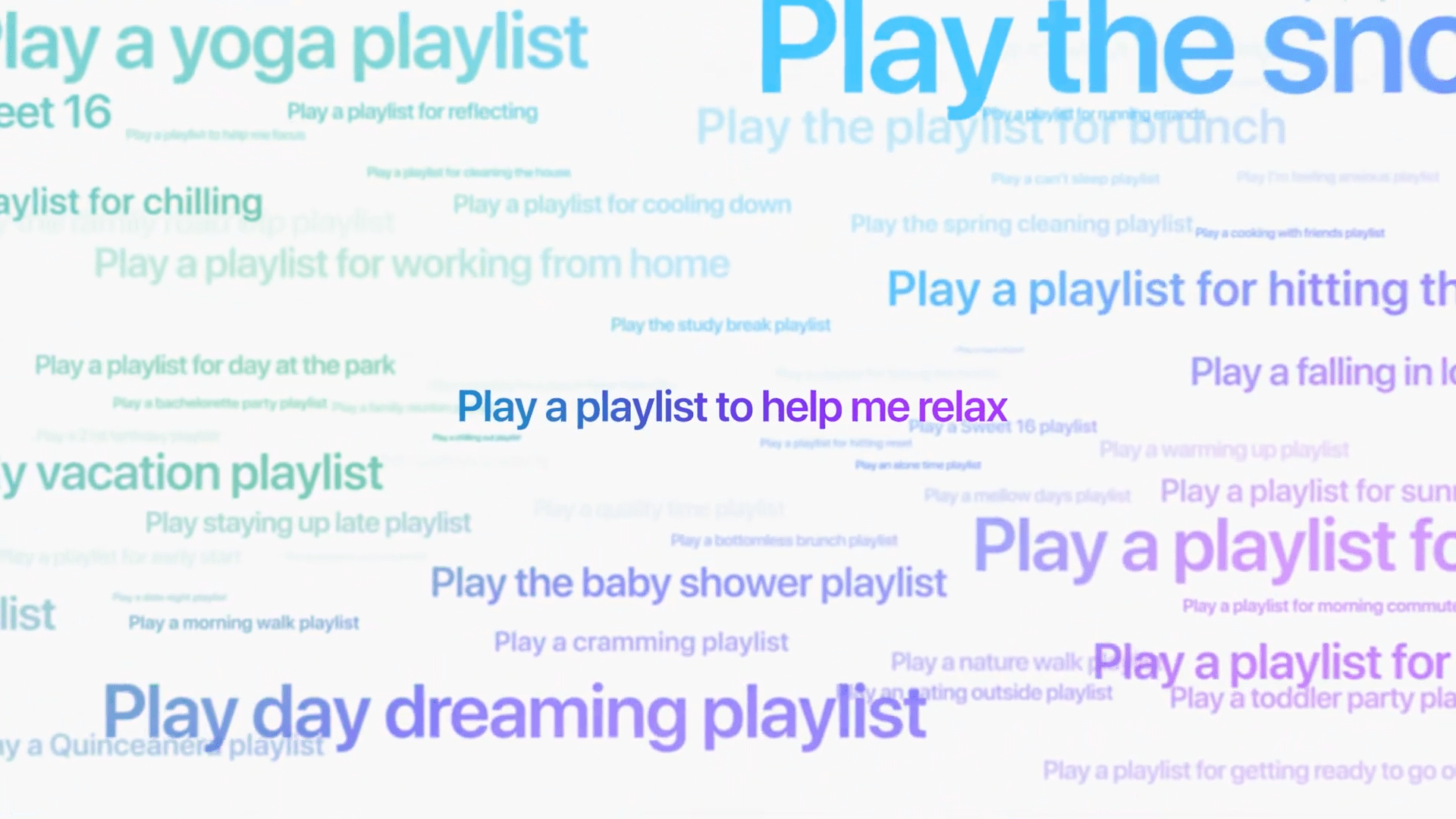
On Monday, Apple announced that it was expanding the integration between Siri and Apple Music. Zane Lowe, Apple Music’s co-head of Artist Relations and radio host, explained that the company’s team of music experts had created hundreds of playlists for moods and activities. Ask Siri to play a playlist for your dinner party, to help you relax, or for hiking and Lowe said Siri will start a playlist that fits the moment.

Apple also announced Apple Music Voice Plan, a $5/month tier for Apple Music that is operated using Siri. The new playlists are perfect for the new monthly plan, but they’re available to all Apple Music subscribers.

Apple's Zane Lowe introduced the company's new mood and activity playlists and Apple Music Voice Plan.

Apple’s Zane Lowe introduced the company’s new mood and activity playlists and Apple Music Voice Plan.

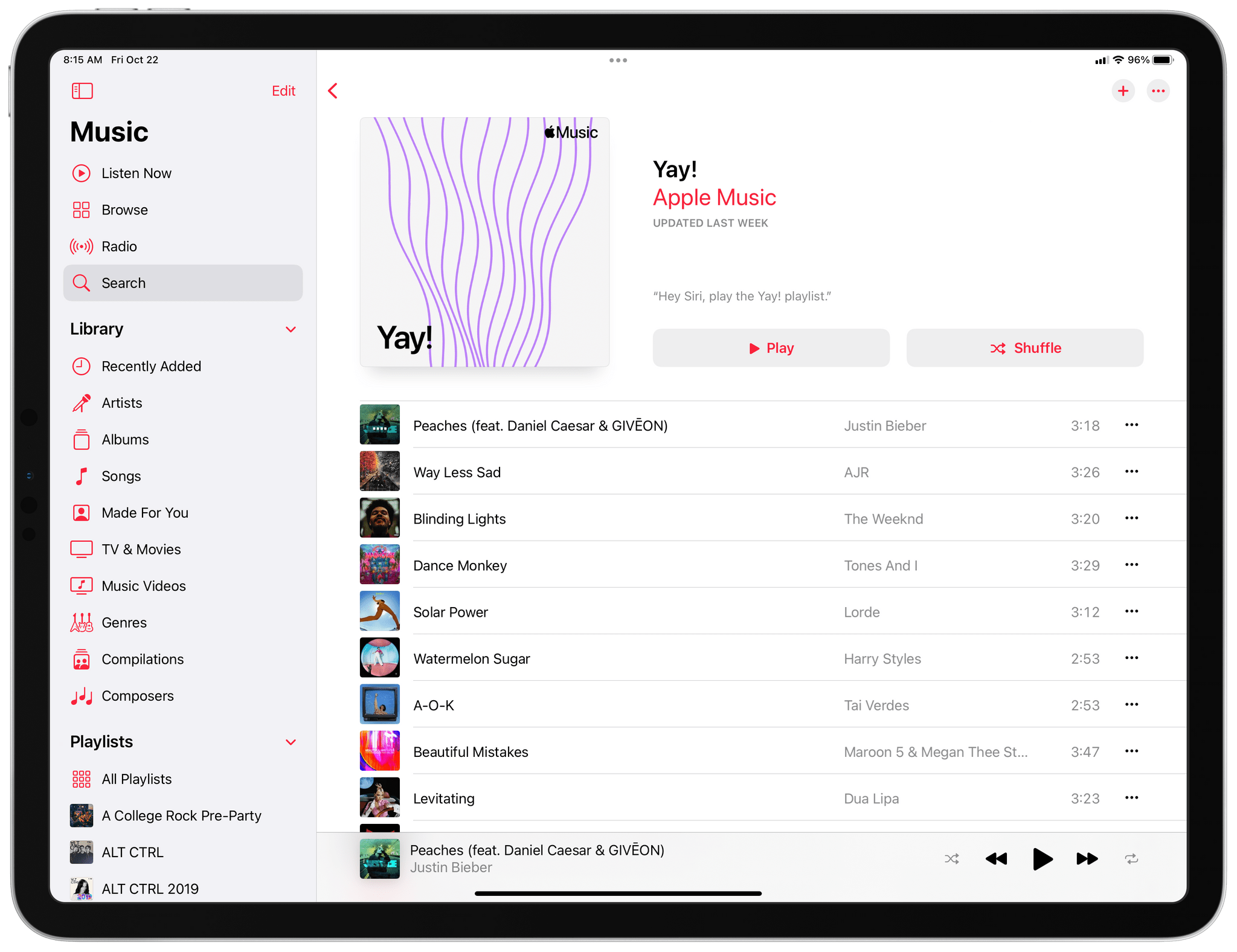
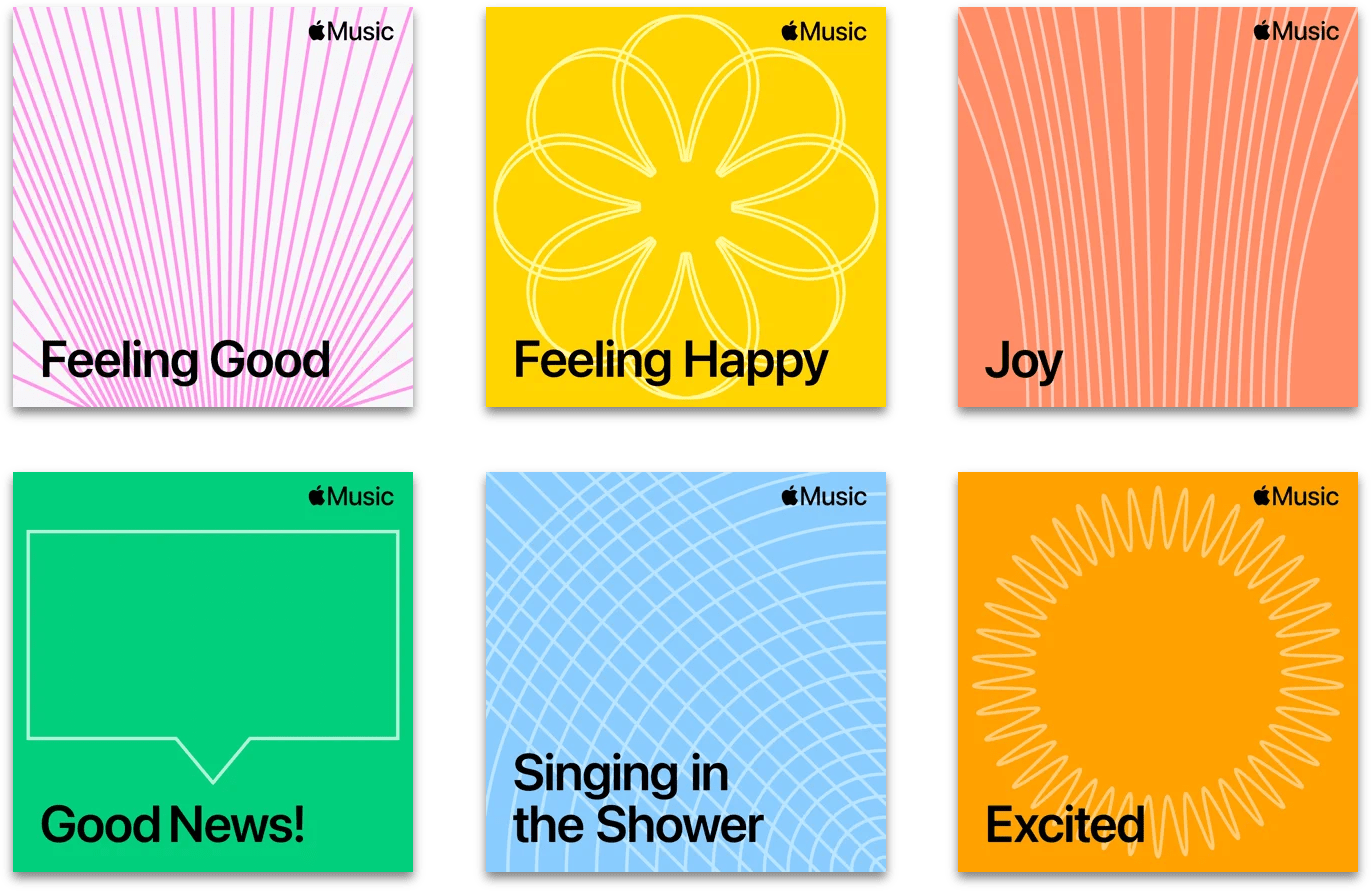
The playlists have begun showing up on Apple Music, so last night, Federico and I began searching the streaming service to see what’s new. What we found was over 250 playlists each designed to fit a mood or activity that use animated cover art with simple line drawings to set them apart from Apple’s other playlist. Although they were announced as Siri playlists during the event on Monday, anyone with an Apple Music subscription can view and play the new playlists in the Music app like any other playlist in the service’s collection.

Anyone with an Apple Music subscription can play the new mood and activity playlists in the Music app.

Anyone with an Apple Music subscription can play the new mood and activity playlists in the Music app.

You won’t find a directory of the new mood and activity playlists in the Music app, and there’s no filter that can be applied to see the entire collection, so we’ve complied a massive link list of all the playlists we have been able to find so far, organized into categories. Think of it as a sort of ultimate MacStories Unwind weekend pick.

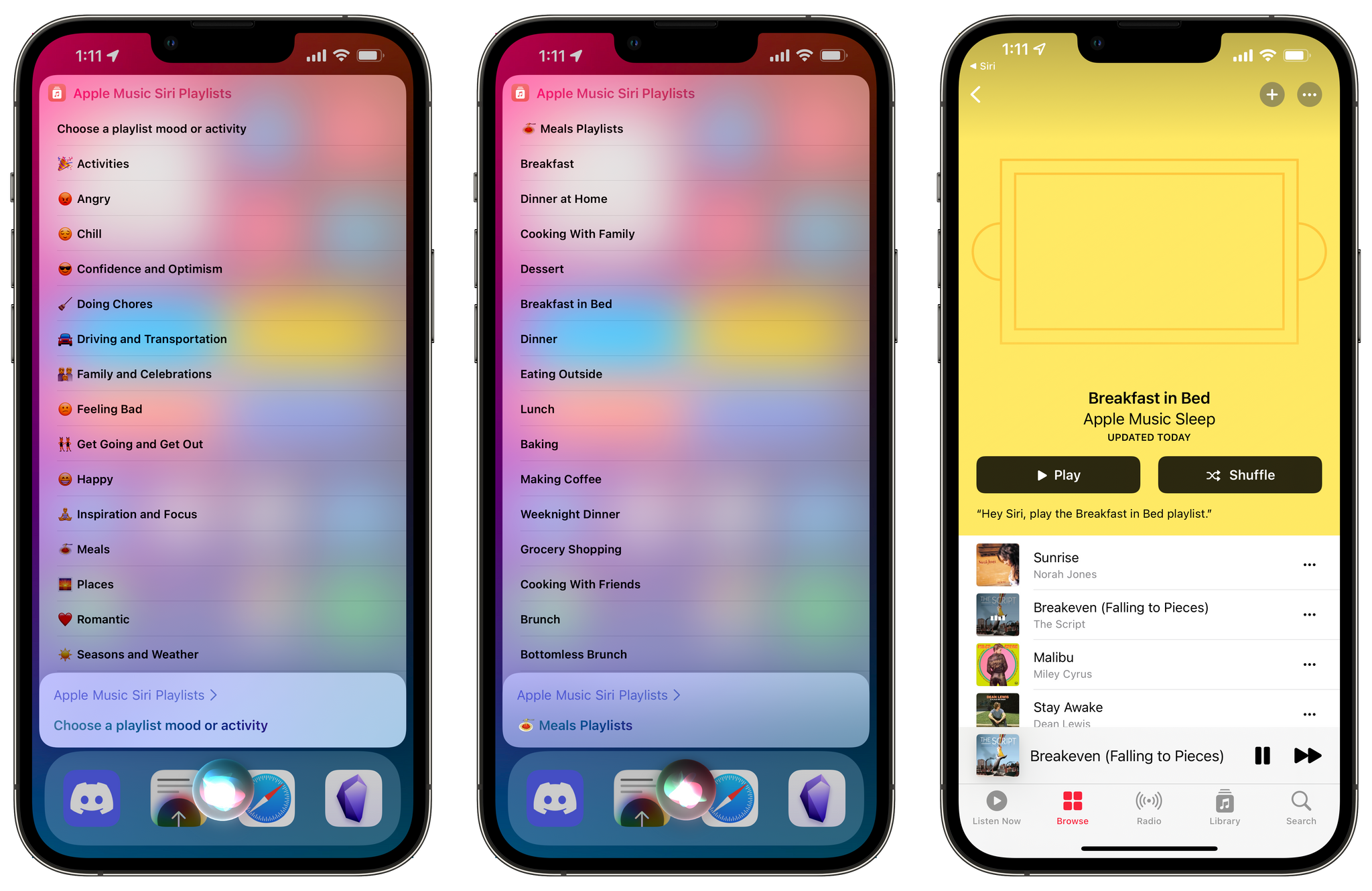
To make it fast and easy to access Apple’s new playlists, Federico has also created a shortcut organized by the categories. You can grab the shortcut below or visit the MacStories Shortcuts Archive where you’ll find it along with hundreds of other shortcuts we’ve published over the years.

Apple Music Siri Playlists

View and open Apple Music’s new playlists without using Siri.

Get the shortcut here.

We’ll add to this list as we find new playlists, so if you find one that you don’t see here, get in touch with me or Federico on Twitter and we’ll add it to the list.

Happy

Read more


Apple Announces 100+ Tech Talks for Developers

Apple announced today that it will be conducting over 100 live sessions and 1,500 hours of one-on-one office hours over the next eight weeks for developers. According to Susan Prescott, Apple’s vice president of Worldwide Developer Relations:

Every single day, developers around the world are creating incredible apps and games for our platforms, and it’s our goal to provide them with every resource we can to help make the hard work they put in that much easier and more impactful. Our team is looking forward to connecting with even more developers around the world so we can better support the important work of this incredibly valued community, and listen to and learn from them.

The live sessions are being held online around the world from Bengaluru, Cupertino, London, Mexico City, São Paulo, Seoul, Shanghai, Sydney, Tel Aviv, and Tokyo, making them accessible from a wide range of time zones. Each session, which will be led by someone from Apple and followed by a Q&A session. Topics will include many subjects, including SwiftUI, App Clips, HealthKit, machine learning, AR, and accessibility. Office hours are a chance for developers to get one-on-one assistance with their apps in 30-minutes sessions.

Tech Talks 2021 are free and available to members of the Apple Developer Program and the Apple Developer Enterprise Program. To register, visit developer.apple.com/tech-talks.


AppStories, Episode 245 – Apple’s October Music and MacBook Pro Event

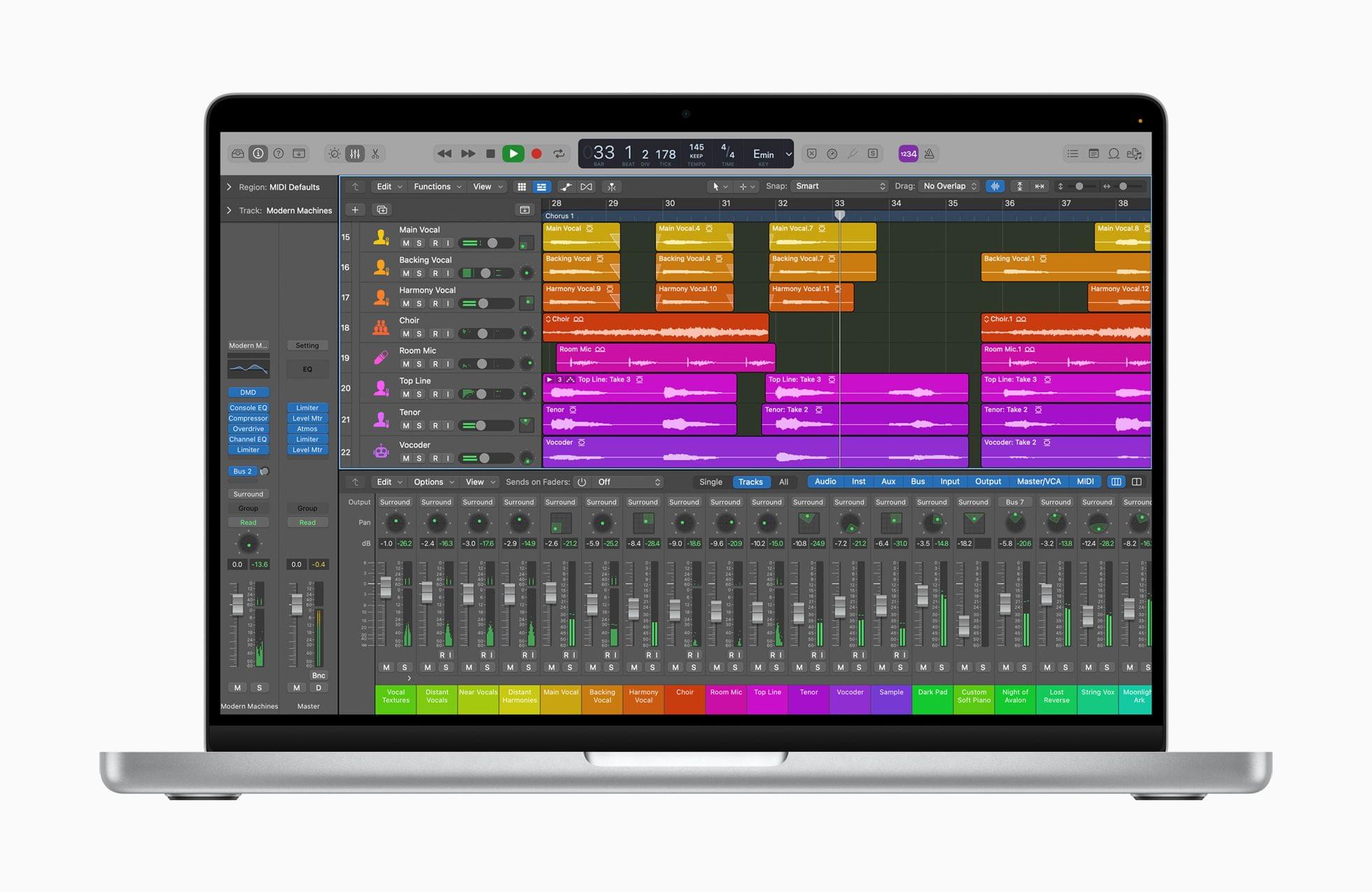
This week on AppStories, we are joined by Alex Guyot live in the Club MacStories+ Discord community for a special episode recapping and breaking down everything announced by Apple at its latest online event, including the Apple Music, HomePod, and AirPods 3 announcements and the all-new MacBook Pros.


On AppStories+, Federico considers ditching his iPad mini’s Smart Cover for a sleeve, and John provides an update on his macOS Monterey review.

We deliver AppStories+ to subscribers with bonus content, ad-free, and at a high bitrate early every week.

To learn more about the benefits included with an AppStories+ subscription, visit our Plans page, or read the AppStories+ FAQ.

Permalink

Apple’s October 2021 Event: All The Small Things

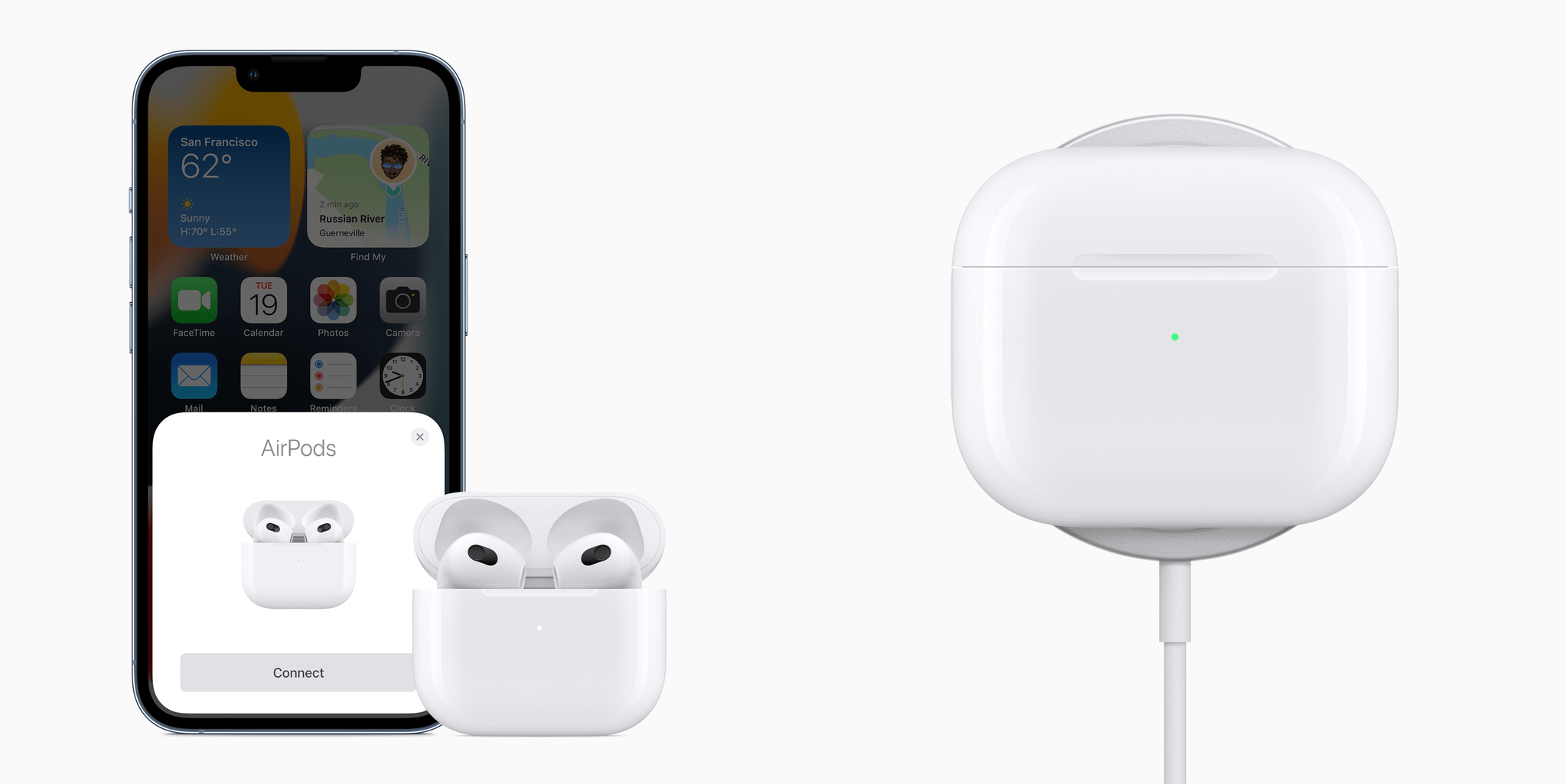
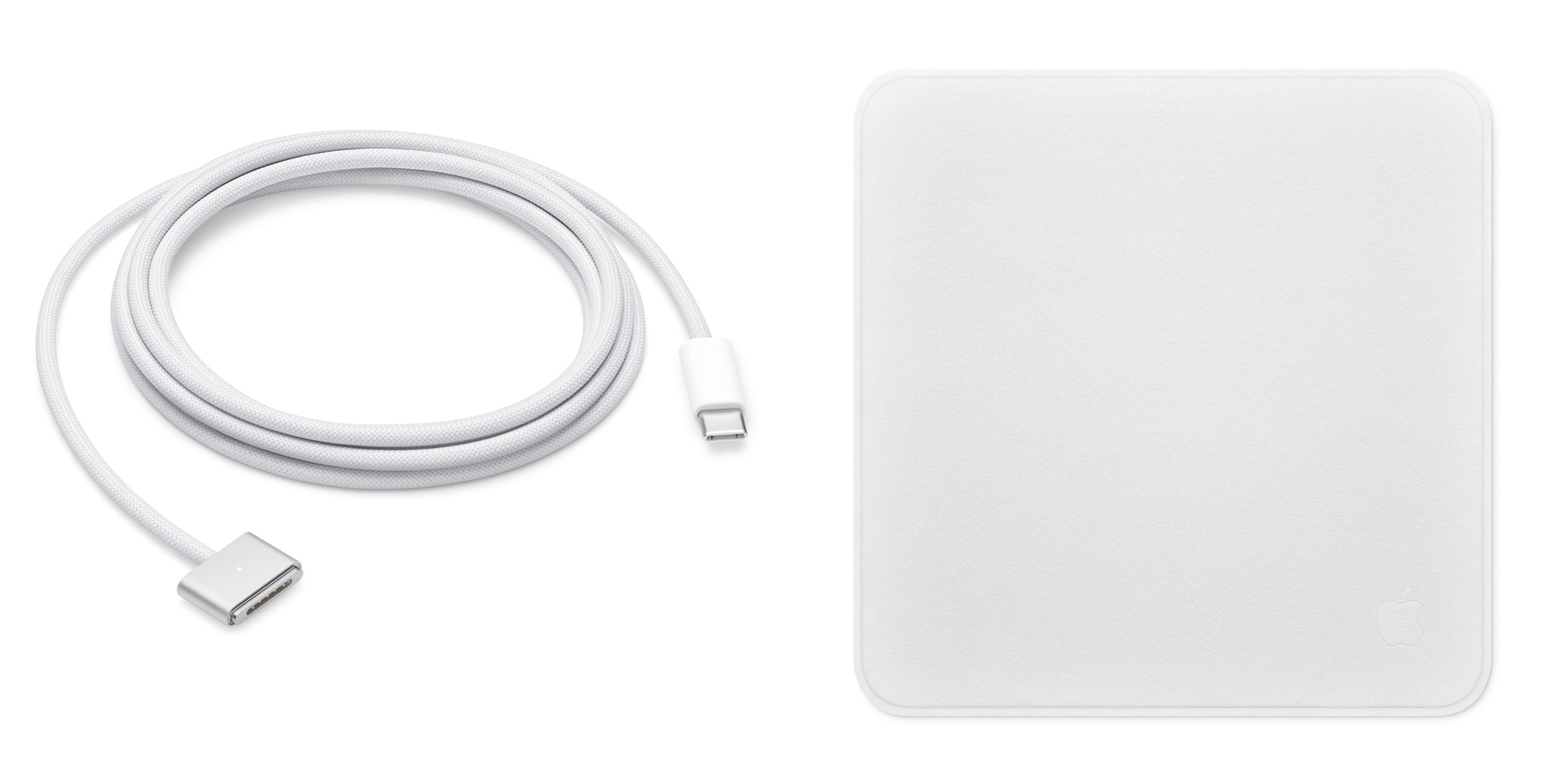
Yesterday, Apple covered a lot of ground quickly, and as usual, more details have emerged in the aftermath of the event. We’ve been combing apple.com, Twitter, and other sources to learn more about the new MacBook Pros, AirPods 3 and more, which we’ve collected below:

MacBook Pro

AirPods 3

Everything Else


Mapper Safari Extension Automatically Redirects Google Maps Links to Apple Maps

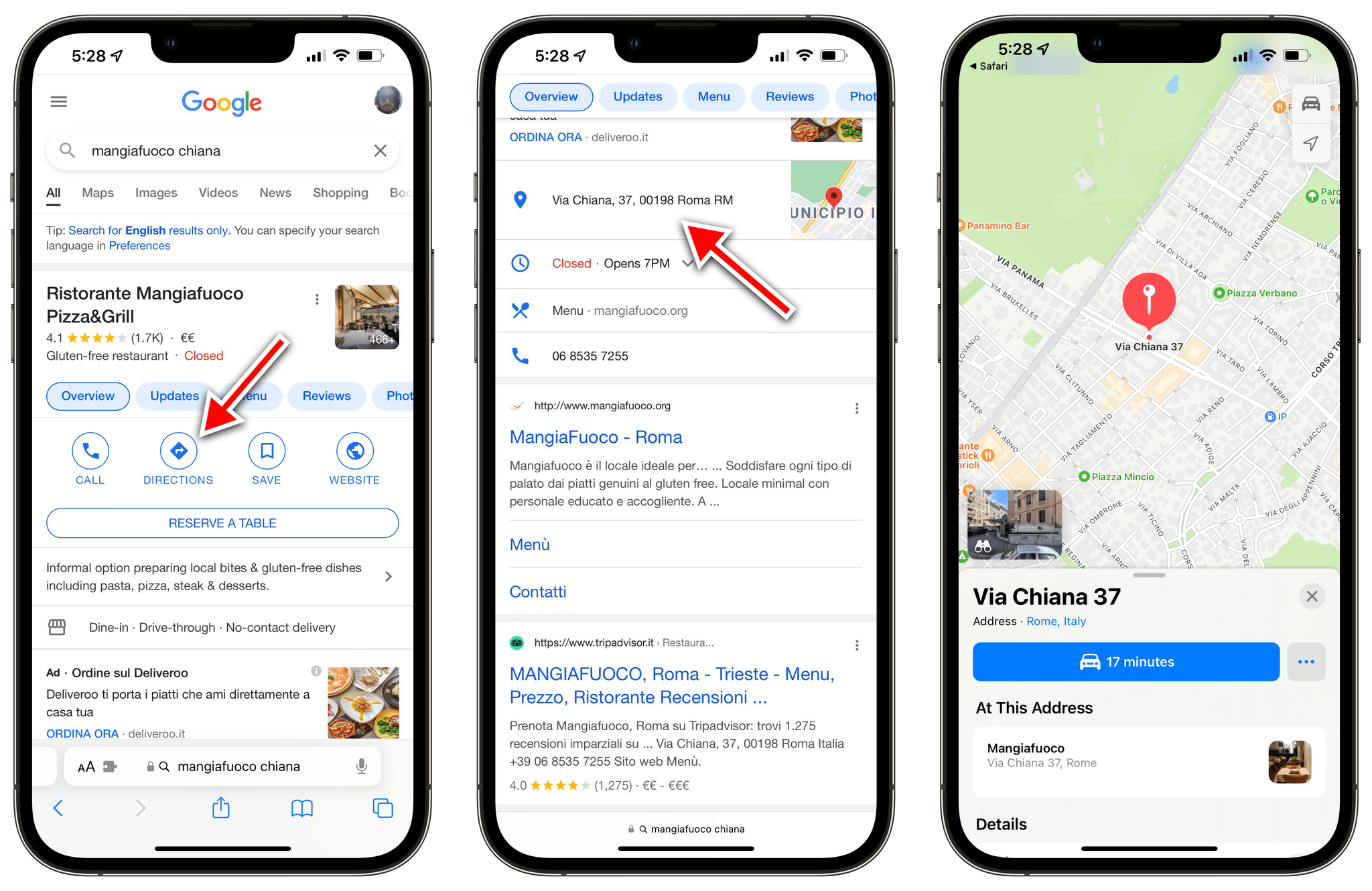
All of these place links get redirected to Apple Maps with Mapper.

All of these place links get redirected to Apple Maps with Mapper.

Ever since Apple rolled out the redesigned and improved Apple Maps in Italy last month, I’ve been increasingly switching my usage of maps for exploration and turn-by-turn directions from Google to Apple Maps. I prefer Apple’s overall design sensibilities, I find Look Around drastically superior to Google Street View, and the integration with Apple Maps and the Lock Screen for turn-by-turn navigation is excellent.

However, I still have to keep Google Maps installed on my iPhone for all those times when a particular point of interest (usually a shop or restaurant) isn’t showing up in Apple Maps’ search results. And because the Google Maps app is still installed on my iPhone, every time I tap a search result with an address from Google search, it automatically redirects to Google Maps. I’ve always found this annoying, but now even more so since I consider Apple Maps my primary navigation app here in Rome.1 Now, thanks to a Safari extension, that Google Maps redirect nightmare is finally over.

Read more


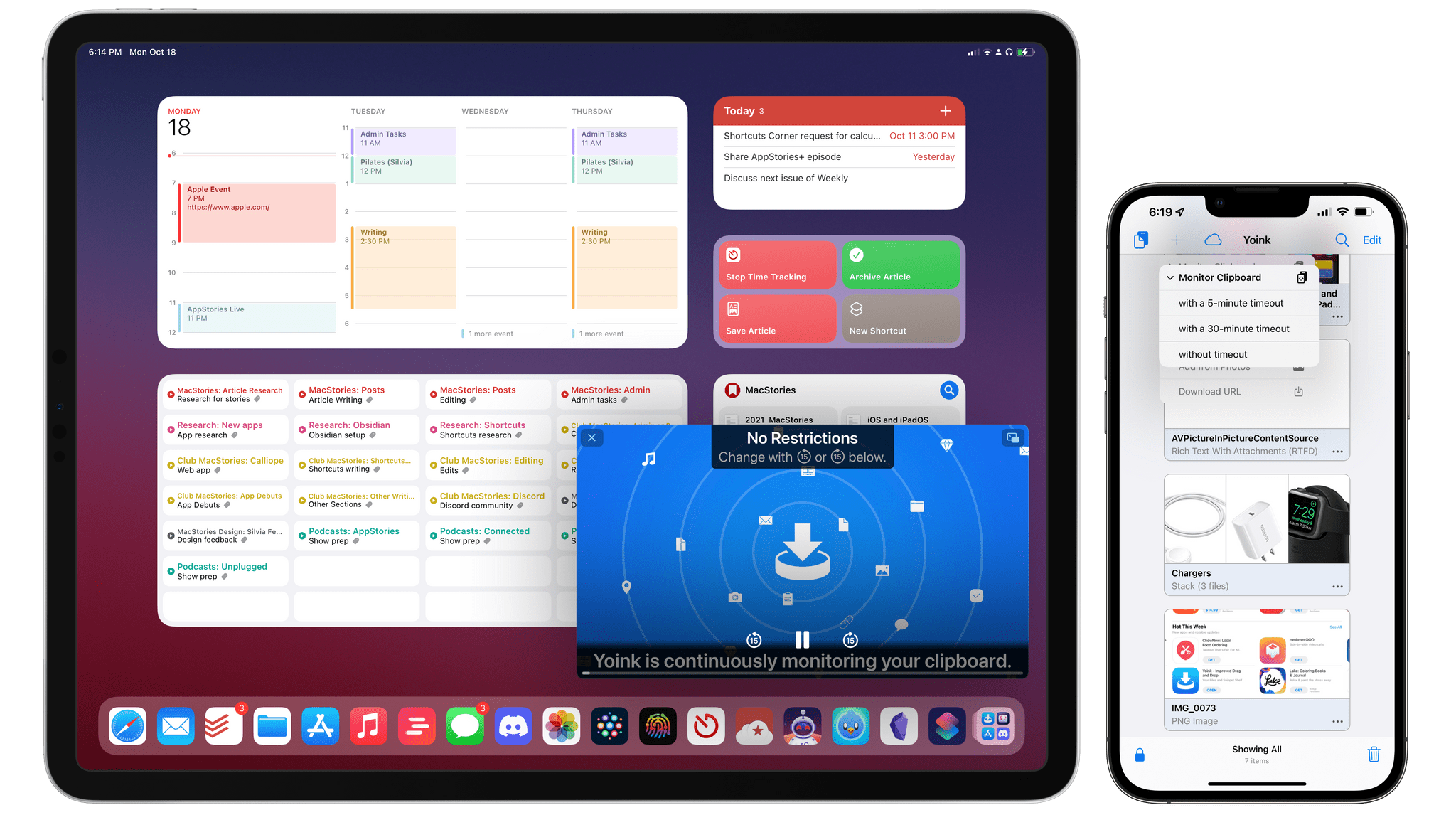
Yoink Brings Background Clipboard Monitoring to iOS and iPadOS 15 via Picture in Picture Workaround

Yoink's new persistent clipboard monitoring.

Yoink’s new persistent clipboard monitoring.

In the years I’ve spent working on iPad as my primary computer, I’ve learned to appreciate the platform’s advantages over the Mac (a richer app ecosystem and superior modularity, for instance), and I’ve accepted its limitations. Despite the advances in the past 18 months with iPadOS 14, the Magic Keyboard, and iPadOS 15, there are still several areas where iPadOS falls short: I can’t record podcasts on it with the setup I like (unless I deal with some ridiculous cable shenanigans); the Files app still lacks Finder features such as smart folders or the ability to navigate into hidden folders; and, due to Apple’s restrictions, iPad utilities like clipboard managers can’t run persistently in the background like they can on a Mac.

While I continue to believe Apple will have to address these issues in the next iterations of iPadOS, Matthias Gansrigler didn’t want to wait for Apple to let his clipboard manager Yoink run continuously in the background and automatically capture anything the user copies to the system clipboard. So, using a clever workaround made by possible by new APIs introduced in iOS and iPadOS 15, he figured out how to turn Yoink – already a capable and modern clipboard manager and shelf app – into a “true” clipboard manager that, like those you may have seen on macOS, can monitor everything you copy and automatically save it for you. The result is unlike anything else I’ve seen on iOS and iPadOS, and it unlocks the kind of flexibility and peace of mind I’ve long missed from macOS. It’s almost too good to be true, and I hope I won’t cause any trouble by writing about it.

Read more