Coming Soon: What’s Next on Apple TV and Apple Arcade in January 2026

To ring in the new year, Apple has a great lineup of returning Apple TV shows and brand-new Apple Arcade games on the way, with everything kicking off later this week. Here are the highlights.

Apple Arcade Games (January 8)

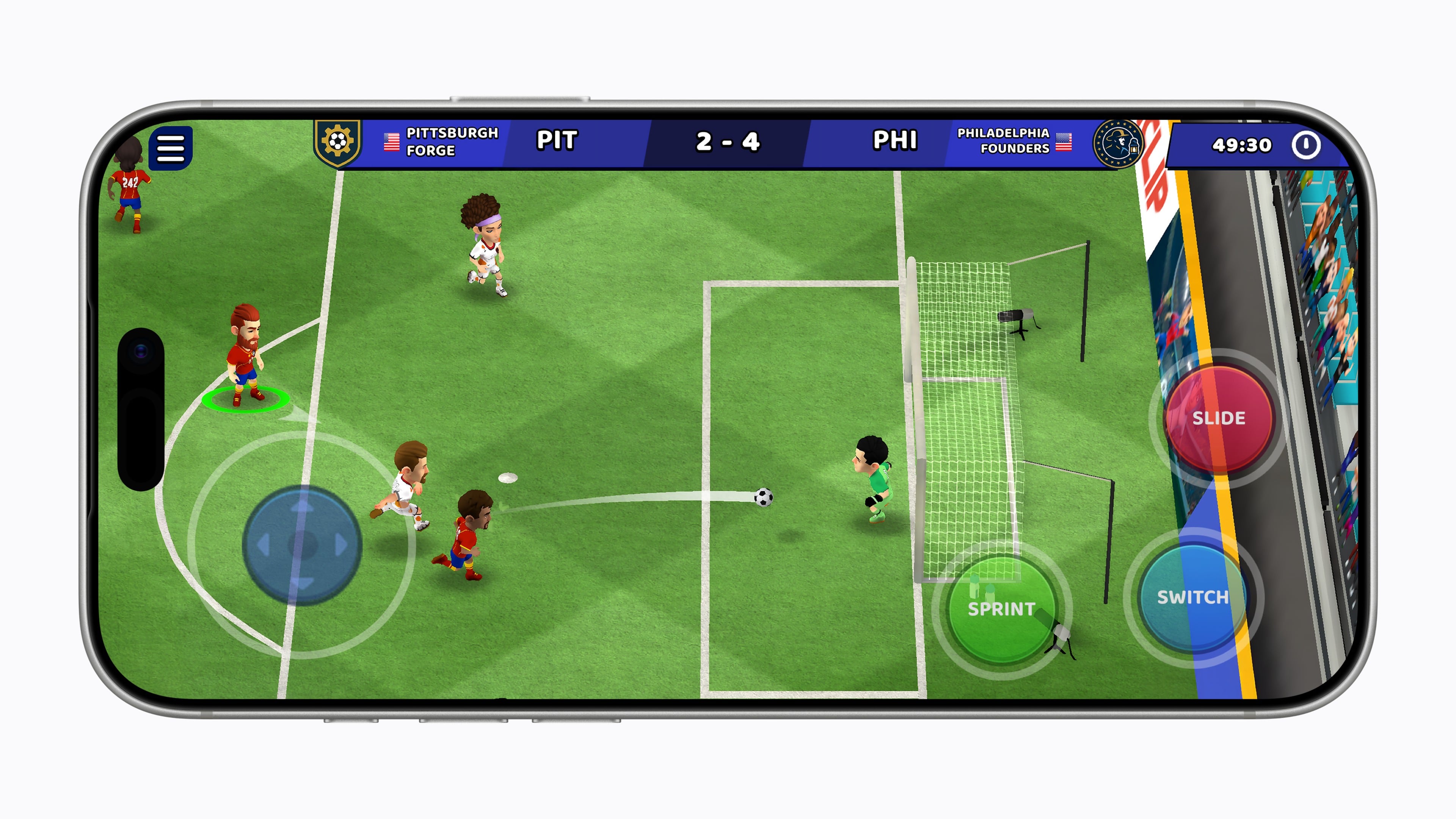
On January 8th, Apple will release four new games:

  • True Skate+: a skateboarding simulator with realistic physics that’s set in more than 20 real-world locations. The game has been available on the App Store for years, but now Arcade subscribers can play on their iPhone and iPad, or even stream a game via AirPlay to an Apple TV without the In-App Purchases.
  • Sago Mini Jinja’s Garden: a family game that lets preschool-aged kids explore gardens, cook, and harvest ingredients in three distinct 3D areas.

  • Cozy Caravan: another family-friendly game where kids can create and play as an animal character, make meals, and enjoy activities like fishing and games, all while preparing for the Whizz Bang Fair.

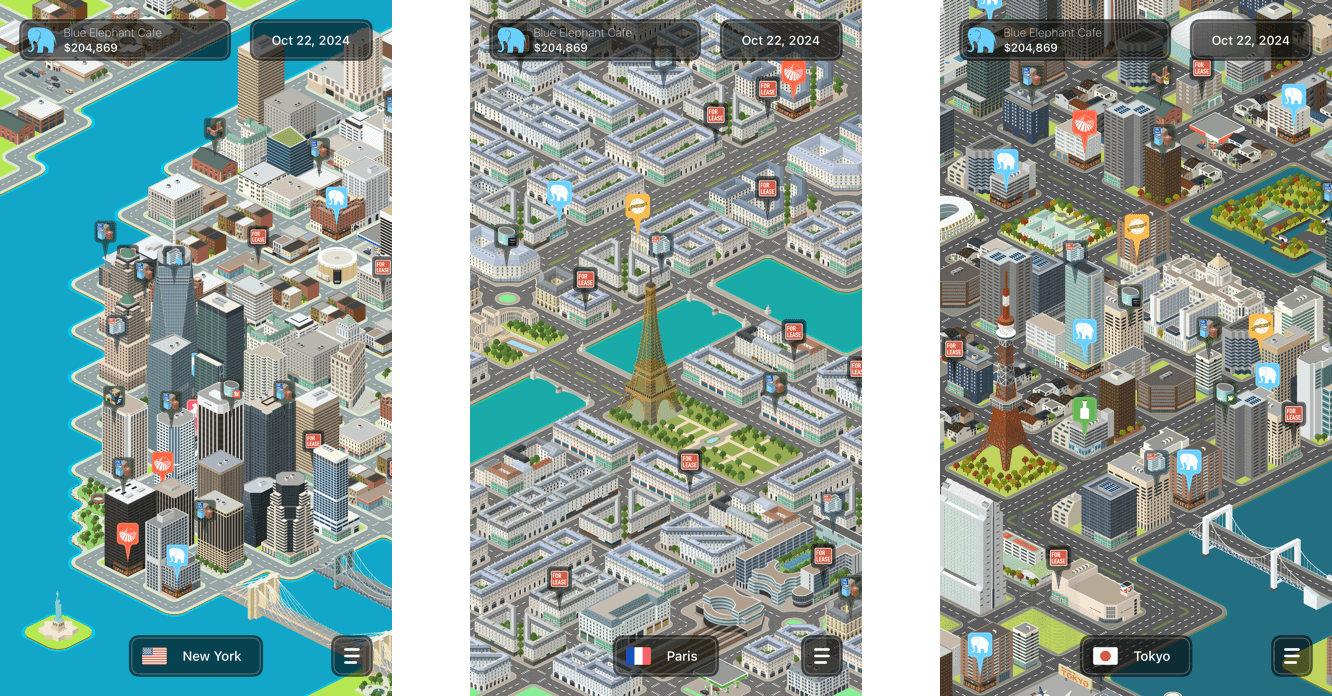
  • Potion Punch 2+: a restaurant management simulator where you manage a variety of shops like the Potion Café or Enchantment Shop. The app features a fantasy theme filled with magic and monsters with an amusing storyline.

Then starting this Friday, a host of new Apple TV shows will begin to appear:

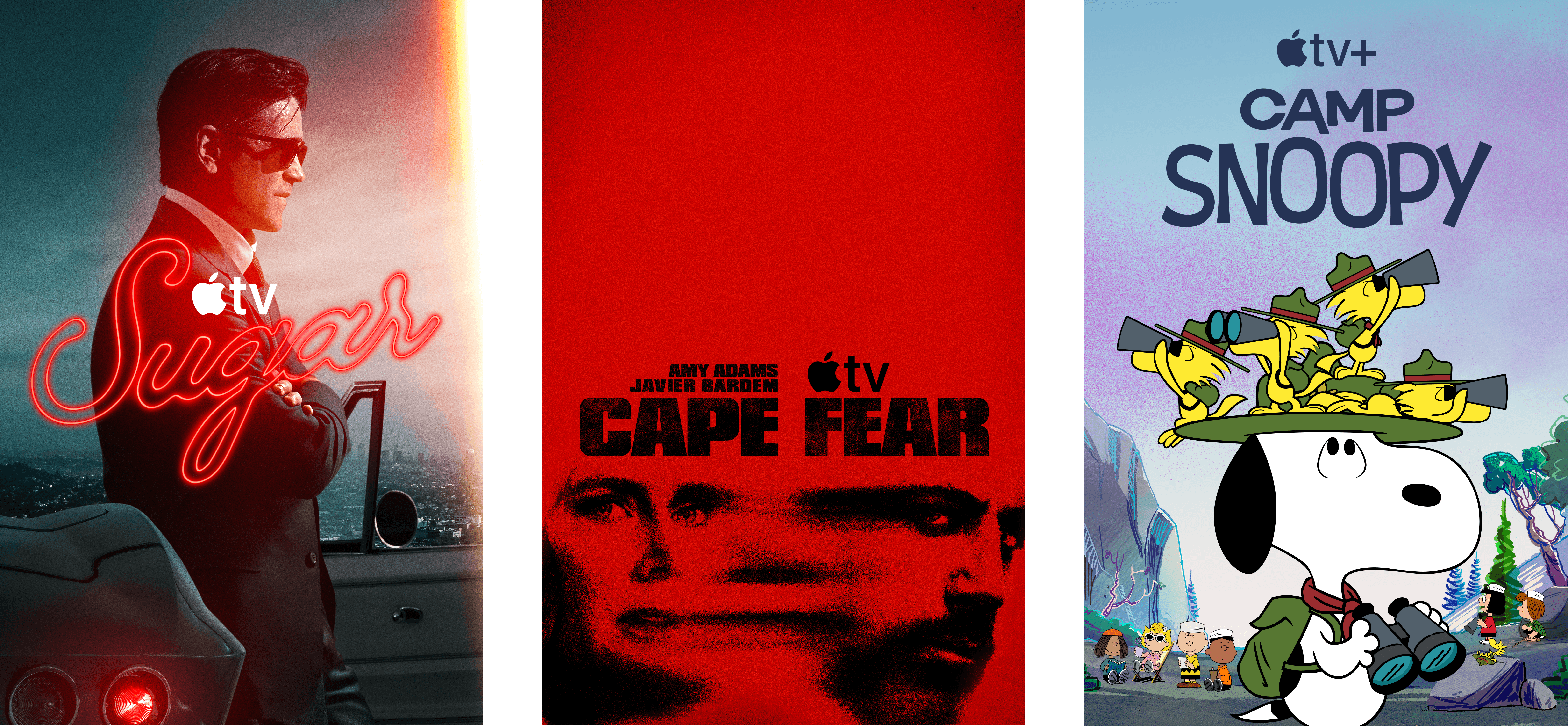
Tehran, Season 3 (January 9)

The International Emmy Award-winning Israeli spy thriller returns for its third season with Hugh Laurie, who joins the cast as a South African nuclear inspector. Created by Moshe Zonder, Dana Eden, and Maor Kohn, the series follows Mossad agent Tamar Rabinyan (Niv Sultan) as she takes on dangerous missions deep inside Iran. After going rogue at the end of season two, Tamar fights to win back the Mossad’s support and survive, with the eight-episode season directed by Daniel Syrkin.

Add to your Calendar:

Hijack, Season 2 (January 14)

I loved season one of this series starring Idris Elba, who returns as corporate negotiator Sam Nelson in this real-time thriller. After saving a hijacked flight last season, Sam finds himself at the center of a new crisis on a Berlin underground train. The eight-episode season includes new cast members Toby Jones, Lisa Vicari, and Clare-Hope Ashitey, with returning stars Christine Adams, Max Beesley, and Archie Panjabi.

Add to your Calendar:

Read more


macOS Tahoe’s Messy Menus

Nikita Prokopov writing on tonsky.me about macOS Tahoe’s menu icons:

In my opinion, Apple took on an impossible task: to add an icon to every menu item. There are just not enough good metaphors to do something like that.

But even if there were, the premise itself is questionable: if everything has an icon, it doesn’t mean users will find what they are looking for faster.

And even if the premise was solid, I still wish I could say: they did the best they could, given the goal. But that’s not true either: they did a poor job consistently applying the metaphors and designing the icons themselves.

It’s a brutal assessment of the sprinkling of iconography throughout Tahoe’s menu system that had me nodding along in agreement as I read it.

There’s no denying the inconsistencies in icon choices, their lack of legibility, and the overall clutter added to menus. Yet at the same time, I can’t say I’ve been terribly bothered by them either. That’s probably because I use keyboard shortcuts and launchers so much, rarely relying on the Mac’s menu system. At the same time, though, part of me wonders whether those tiny icons are at least partially what drove me to buy a bigger monitor recently. I don’t think so, but maybe?

In any event, if you care about design, Prokopov’s detailed and well-illustrated analysis of Tahoe’s menu icons is well worth your time.

Permalink

Immersive Basketball Games Come to Apple Vision Pro on January 9

Source: Apple.

Source: Apple.

Last year, Apple announced a partnership with cable company Spectrum and the Los Angeles Lakers to stream select games in Apple Immersive Video on Vision Pro. Today, the company announced the schedule and availability of the games, which will be offered via Spectrum Front Row starting this Friday.

These are the dates the games will be streamed live in Immersive Video:

  • Friday, January 9, at 7:30 p.m PT
  • Thursday, February 5, at 7:00 p.m. PT
  • Friday, February 20, at 7:00 p.m. PT
  • Thursday, March 5, at 7:00 p.m. PT
  • Tuesday, March 10, at 8:00 p.m. PT
  • Monday, March 30, at 7:00 p.m. PT

In the press release, Apple revealed details of what viewers can expect from the broadcasts:

Spectrum Front Row in Apple Immersive is directed and produced for Vision Pro with a feed of up to 150 Mbps and seven unique viewing angles: the scorer’s table, the area beneath each basket, a high-and-wide view of the arena, the player tunnel, the broadcast booth, and a roaming courtside perspective for interviews and commentary. The broadcast team features Emmy Award-winning play-by-play commentator Mark Rogondino and three-time NBA champion and former Lakers forward Danny Green as an analyst.

Spectrum SportsNet subscribers in the Lakers regional broadcast territory (Southern California, Hawaii, and parts of southern Nevada) can watch immersive games live via the Spectrum SportsNet app or the NBA app. Viewers in other U.S. markets will have access to highlights and full-game replays later, beginning this Sunday, for free via the NBA app or in the SportsNet app with a subscription.

The games will be available in some international markets as well. Users in Japan, Singapore, and South Korea will have access to live immersive games in the NBA app, while users in Australia, France, Germany, Japan, Singapore, South Korea, the UAE, and the UK will be able to watch replays up to 24 hours after each game has ended.

The Vision Pro’s potential for offering viewers the thrill of attending sports events has been a part of the product’s story from the very beginning, with the company including sports footage in the first demos shown to attendees at WWDC 2023. And while we’ve seen highlight videos of various sporting events released publicly since then, this collaboration marks the first time Vision Pro users will be able to experience a full game in Immersive Video. This is also the first time the format will be used for live video rather than on-demand. It’s only a handful of games from one team, but this is a step forward for Immersive Video and the Vision Pro itself that I’m looking forward to experiencing myself this weekend.


The iPad Finally Becomes a Gaming Console with CloudGear

My iPad has been gathering dust. I bought it last May – an 11” M4 iPad Pro with 512GB of storage and a Magic Keyboard – mostly for writing, photo and video editing, and experimenting with Apple’s seemingly renewed focus on gaming.

On paper, it excels at all of these things.

While the M4 chip is overkill for the iPad’s possibility space, the ever-present specter of the shortcomings inherent in iPadOS tends to loom over more intensive tasks. There’s a clear disconnect between what Apple states the iPad is for in a post-iPadOS 26 world and what the hardware itself is allowed to do when constrained by software limitations. Quinn Nelson of Snazzy Labs explored this from multiple angles in a recent video that ended with a poignant sentiment:

There are still days that I reach for my $750 MacBook Air because my $2,000 iPad Pro can’t do what I need it to. Seldom is the reverse true.

As a person who also owns a MacBook Pro with an M4 Pro chip stashed away inside, I’ve found the moments I choose my iPad to be few and far between. Despite the ease with which I could fit it into most of my small sling bags when I leave the house and the fact that it’s “good enough” at accomplishing most tasks I could throw at it, I still tend to pack the MacBook instead.

Just in case.

Read more


How I Revived My Decade-Old App with Claude Code

Blink from 2017 (left) and 2026 (right).

Blink from 2017 (left) and 2026 (right).

Every holiday season, Federico and I spend our downtime on nerd projects. This year, both of us spent a lot of that time building tools for ourselves with Claude Code in what developed into a bit of a competition as we each tried to one-up the other’s creations. We’ll have more on what we’ve been up to on AppStories, MacStories, and for Club members soon, but today, I wanted to share an experiment I ran last night that I think captures a very personal and potentially far-reaching slice of what tools like Claude Code can enable.

Blink from 2017 running on a modern iPhone.

Blink from 2017 running on a modern iPhone.

Before I wrote at MacStories, I made a few apps, including Blink, which generated affiliate links for Apple’s media services. The app had a good run from 2015-2017, but I pulled it from the App Store when Apple ended its affiliate program for apps because that was the part of the app that was used the most. Since then, the project has sat in a private GitHub repo untouched.

Last night, I was sitting on the couch working on a Safari web extension when I opened GitHub and saw that old Blink code, which sparked a thought. I wondered whether Claude Code could update Blink to use Swift and SwiftUI with minimal effort on my part. I don’t have any intention of re-releasing Blink, but I couldn’t shake the “what if” rattling in my head, so I cloned the repo and put Claude to work.

Read more


App Marketing: My Extended Q&A for Paul Hudson’s Everything but the Code

Earlier this year, Paul Hudson asked me to answer a few questions about app marketing for a book he was writing called Everything But the Code.

The book is finished now, and it’s full of great advice from Paul and a long list of indie developers whose apps are some of MacStories’ favorites. Paul covers the entire process of making apps, from validating an idea to selling your app and beyond. The only thing he doesn’t cover, as the book’s title makes clear, is building apps, which is the subject of other books and courses he’s created.

Paul was kind enough to ask me to share some insights on marketing apps to the press. You’ll find my contributions in the Prelaunch and Publicity and Aftermath and Evolution chapters, and now that the book is final, I thought I’d share extended versions of my responses with readers. Although the focus is on apps, I expect there are a few lessons here for anyone pitching their creative work to the world. So, here you go.

Paul Hudson: What common mistakes do developers make when pitching their app to the press?

Me: Most developers do a great job thinking through what they’re pitching but don’t spend enough time thinking about who they’re pitching to. I’d love to be able to tell developers do these five things, and you’ll have a pitch you can send to anyone, but it doesn’t work that way. Developers need to think about things like who at a publication typically covers certain types of apps.

For example, if you know a publication has a musician on staff who has covered music apps before, that person should be at the top of your list if you’ve built a guitar tab app. However, that doesn’t mean you shouldn’t contact anyone else at the publication. People get busy, so don’t limit yourself. However, focus your efforts on the people who are most likely to be receptive to your app.

It also pays to make things easy for the person you’re pitching to. Keep your pitch short and to the point, link to a press kit, beta, and other materials, and follow up closer to launch.

A few other pitch pointers:

  • Don’t wait to send your pitches until the last minute. Personally, I prefer getting pitches at least a couple of weeks in advance of a launch, so I can make the time for testing and writing about them.
  • Don’t send pitches during WWDC, on Apple event days, or major holidays. Your pitch is much more likely to get lost in the shuffle on those days.
  • You don’t need to ask if it’s okay to send a TestFlight link. If the person you’re pitching to isn’t interested, they won’t use it.
  • It’s okay to copy multiple people at a publication if you’re unsure who to contact.
  • Try to understand where a writer likes to be contacted. Email is probably the safest bet, but social media DMs might be better for some people.
  • It’s okay to send follow-up reminders about your app launch. I personally appreciate them.
  • Don’t expect app feedback from most press contacts. I let developers know when I find the kind of bug I’d mention in a review, but unfortunately, I usually don’t have time for much more than that.
  • Don’t take it personally if you don’t get a response to a pitch. Remember, the people you contact are getting a lot of pitches.
  • Don’t close down your TestFlight beta immediately after you launch your app. If a publication can’t get a story out to coincide with your launch, closing down your beta immediately so it can no longer be downloaded makes it less likely they’ll cover it post-launch.
  • Don’t forget to include the name of your app in your pitch – yes, that happens.

Read more


WinterFest 2025: The Winter Festival Of Artisanal Software [Sponsor]

WinterFest 2025: The Festival of Artisanal Software is back with a fantastic new collection of carefully crafted software for writing, research, and thinking.

Innovative software often comes from small teams, crafted with imagination and a vision of a better way to work. There are no bundles, games, or prices that are too good to be true: just fresh software with fantastic support at great, sustainable prices.

Software artisans from around the globe have come together for this time-limited sale to bring you innovative apps to assist you with everyday work. This incredible catalog of productivity software includes:

  • Avalanche: Photo catalog migration
  • BBEdit: Power tool for text
  • Bookends: The reference manager you’ve been looking for
  • Cotypist: Type as fast as you can think (Free Beta)
  • DEVONagent Pro: Your smart (re)search assistant
  • DEVONthink 4: Manage documents the smart way
  • Easy Data Transform: Merge, clean, and reformat data without coding
  • FindMySnap: Your private photo search engine
  • Hookmark: Using links beats searching
  • HoudahGeo: Know where every photo and video was taken
  • HoudahSpot: Powerful file search
  • HyperPlan: Flexible visual planner
  • ImageFramer Pro: Add creative borders and frames to photos
  • MailMaven: Take control of your email
  • Panorama X: Collect, organize, and understand your data
  • Peakto: Innovative AI-driven media asset manager
  • Scapple: Quickly capture and connect ideas
  • Scrivener: Your complete writing studio
  • Thinking With Tinderbox: The definitive ebook
  • Tinderbox: Visualize and organize your ideas and plans
  • Tinderbox 101: Learn to unleash your knowledge and insights
  • Trickster: Your recently used files, at your fingertips
  • Yojimbo: Your effortless, reliable information organizer

These amazing deals don’t come around often, so act today to start 2025 off with the best software available from this terrific group of developers.

Visit the WinterFest website to learn more about these amazing deals.

Our thanks to Winterfest for sponsoring MacStories this week.


Podcast Rewind: Apps in 2026 and The Best Handhelds of the Year

Enjoy the latest episodes from MacStories’ family of podcasts:

AppStories

This week, Federico and John look ahead to 2026 and what it will mean for apps, smarter Siri, and more.

On AppStories+, Federico and John update listeners on their latest app experiments and holiday hardware projects.

NPC: Next Portable Console

This week, Brendon, Federico, and John pick their top handheld consoles of 2025.

On NPC XL, Federico, John, and Brendon share their HOTY Honorable Mentions and trends they expect for 2026.

Read more


Podcast Rewind: The 2025 MacStories Selects Awards, John’s Journey into Bazzite, Techy Clothes Shopping, and The Best Music of the Year

Enjoy the latest episodes from MacStories’ family of podcasts:

AppStories

This week, Federico and John reveal the winners of the 2025 MacStories Selects Awards, which celebrate the exceptional design, innovation, and creativity of apps across the iPhone, iPad, Mac, and Apple Watch.

On AppStories+, John has some Apple Music discovery tips for Federico, and they reveal the iPhone features they don’t use.

NPC: Next Portable Console

This week, handhelds are shipping for the holidays, AYANEO makes a bold bet on a phone, a new Strix Halo tablet one-ups the ASUS ROG Flow Z13, and John dips a toe in the Bazzite waters.

On NPC XL, Federico jumps into the Bazzite mini PC world, while Brendon is revisiting the iPod on handheld consoles.

Comfort Zone

Chris reflects on a big year of changes, Matt has turned his garage into a mini-factory, and the gang buys clothes, but in a techy way.

On Cozy Zone, we draft fonts…for real this time!

MacStories Unwind

This week, Federico and John close out the year by sharing their favorite music of 2025.

Read more