When Apple TV, née Apple TV+, launched in November 2019, the original price was $4.99/month – or, conveniently for us regular Apple device buyers, free for a year with the purchase of certain Apple hardware. At the time, the price was almost a little too high, considering the service only started with eight series (of...
 A Lock Launcher Takeover, Open Minis Usage, and More
Among the highlights on the Club MacStories+ Discord: Now that Lock Launcher can instantly launch users straight into any app, member Nilotpal has created an entire Home Screen featuring an extra large Lock Launcher widget with custom, shapeless icons. (Link) Members shared how they are using Open Minis. (Link) Want to join the Club MacStories+...
In Praise of Strong and Good iOS and watchOS Integration
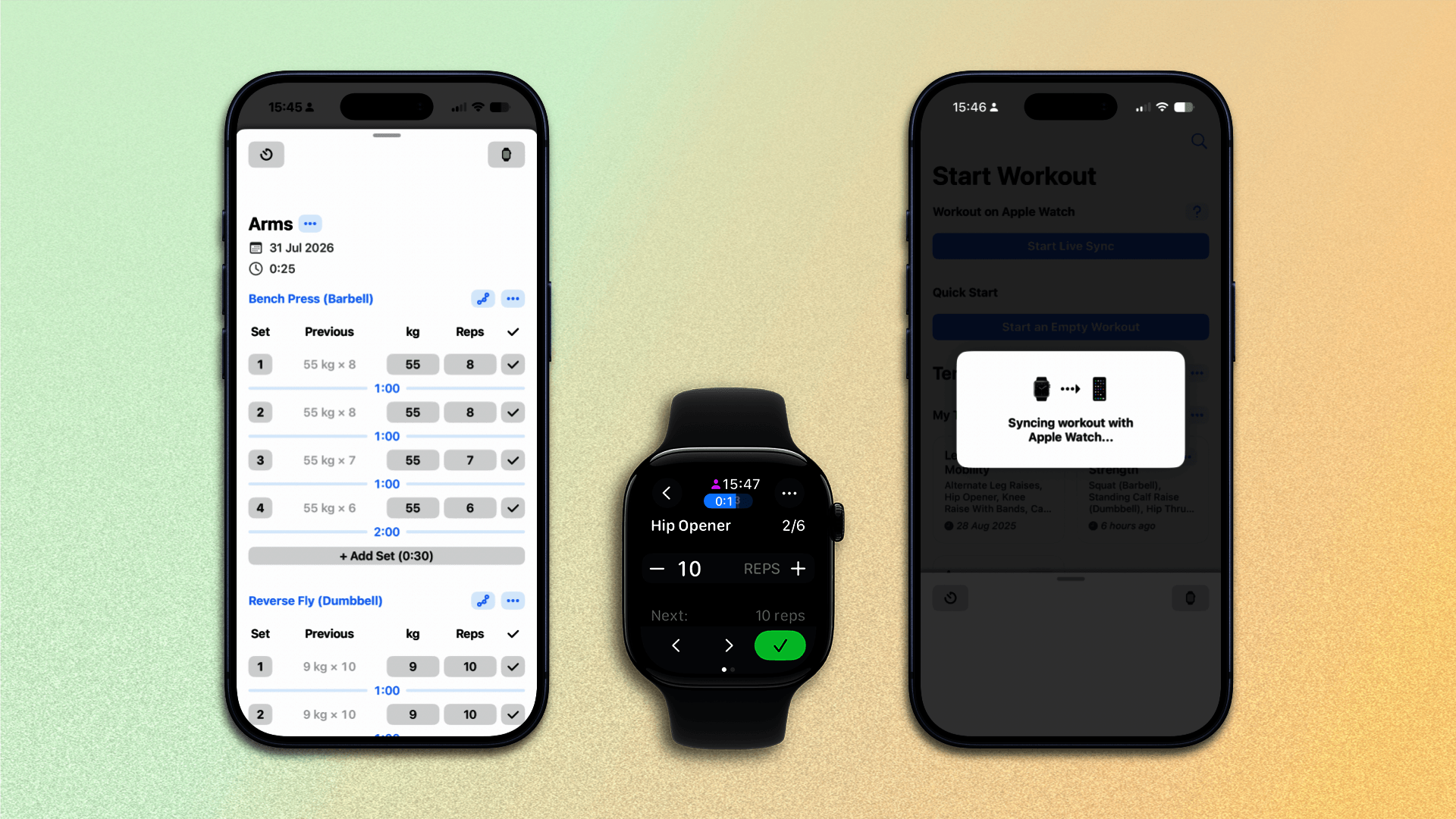
There are times when the Apple Watch can seem like a second-class device, an oft-ignored platform that sometimes misses out on new features. Messages, Mail, and Calendar for watchOS all used to feel like stripped-down or constricted versions of their iOS counterparts. That trend seems to be getting course-corrected by those inside Apple, and the...
Every Cloud Continues the Trend of Clever Weather Apps
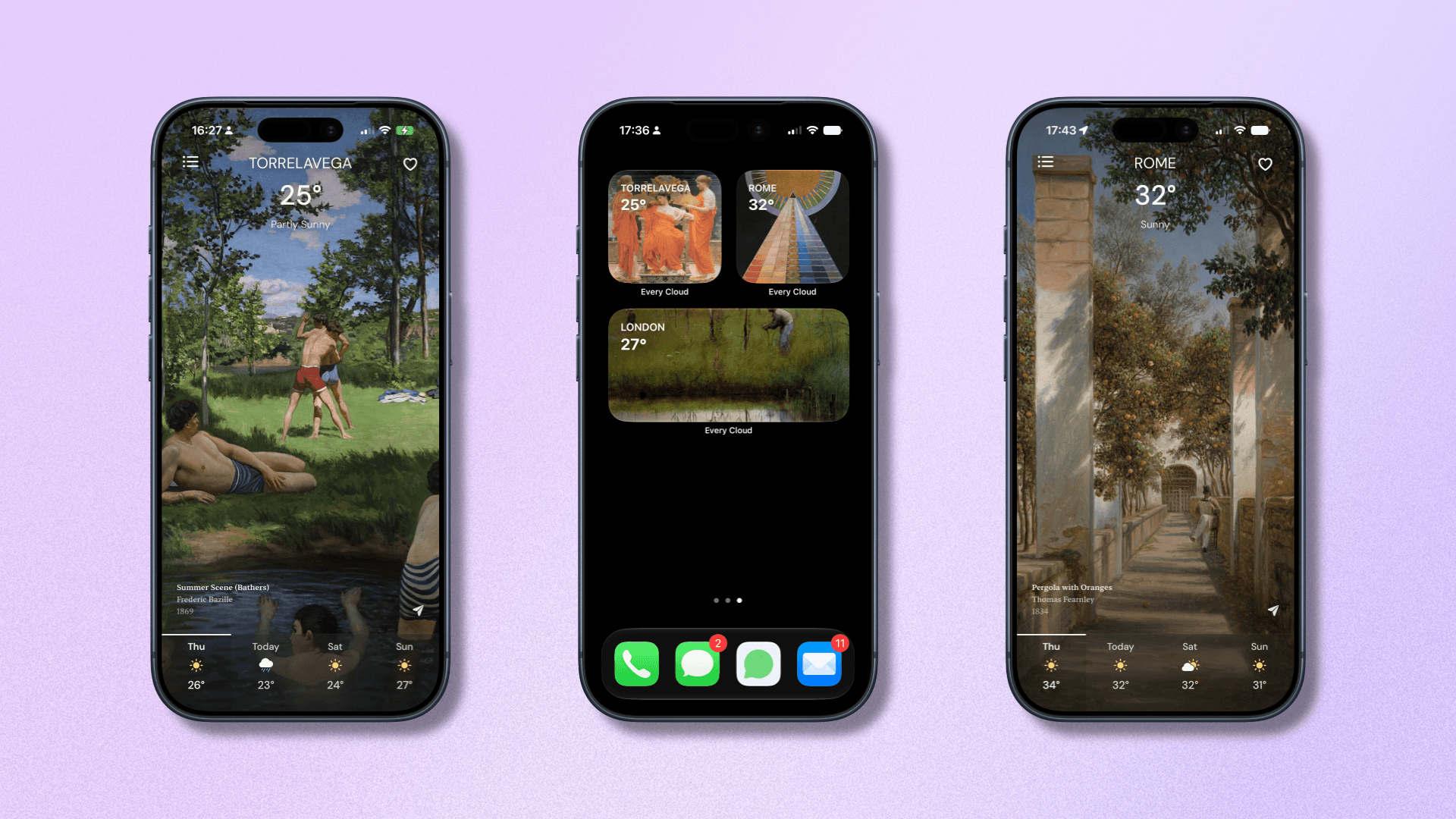
The range and variety of weather apps out there is considerable, maybe more so than any other app type. It’s not surprising, either. After all, if every weather app is gathering data from the same few sources, it truly does come down to how each app presents that data. The spectrum of these types of...
Pursuing Meta-Style Glasses is a Poor Strategy for Apple

The Meta glasses, in their various forms, have become moderately successful without quite breaking into full mainstream popularity. I bought a pair a couple of years ago to try out the experience and came away relatively impressed by the utility of having a camera on my face, even if the AI features worked poorly at...
Public Betas, Dictation Apps, and More
Among the highlights on the Club MacStories+ Discord: The public OS 27 betas are out, so even more members are being tempted to install them. Check out #beta-life for some cautionary tales. (Link) Member ThatCW had an interesting use case for Federico’s RemCTL. (Link) Jeff is giving all the dictation apps a first look, with...
watchOS 27: The MacStories Public Beta Preview
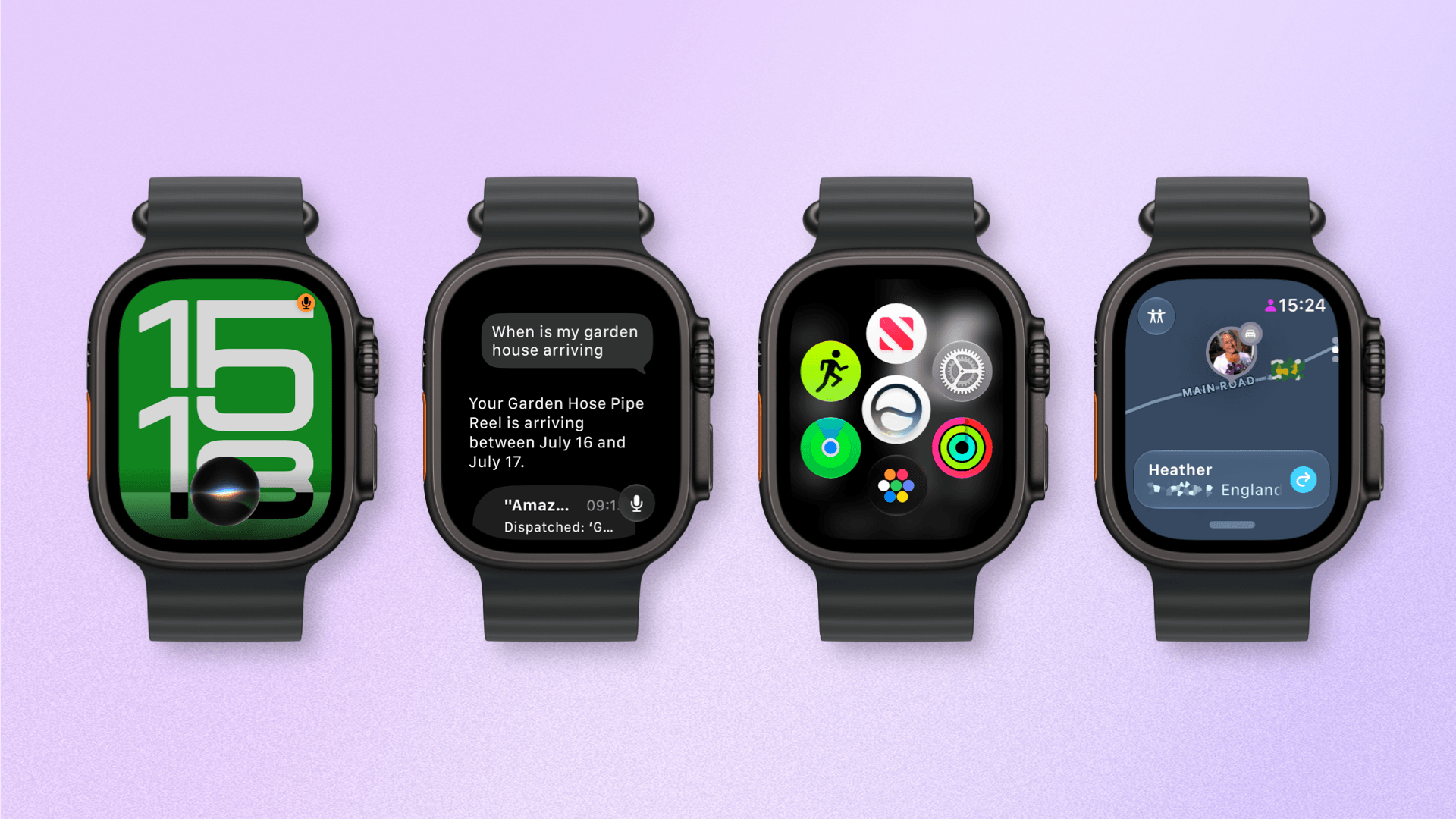
Last year was a quiet year for watchOS. While Apple took a couple of swings with Workout Buddy, Smart Stack hints, and a redesign of the Workout app, watchOS 26 was a scaled-back release compared to the big changes and upgrades in watchOS 11 the year before.
Of those swings, the excellent redesign of the Workout app felt severely hampered by bizarre scrolling behavior, Smart Stack hints didn’t appear often enough, and I found Workout Buddy to be mildly annoying and limited (though it’s true some users had the opposite view).
Let’s not forget the addition of Liquid Glass, too, a design system that was more like a coat of paint for the Apple Watch than the behavioral change seen on iOS.
Out of everything that was added, the wrist flick gesture was my favorite, and something I continue to use throughout the day. I don’t mean to sound down on last year’s release – there were genuine improvements in several areas – but it just felt more like a small evolution.
This year’s WWDC keynote didn’t feature a dedicated watchOS section (or a dedicated section for any particular OS, for that matter), but that’s not to say there’s nothing to see in watchOS 27. In fact, after several weeks of beta use, I see several intriguing things going on here.
So with that obvious tease out of the way, let’s break down what you can expect from watchOS 27.
It’s Time to Move On From the Current Apple Watch Band
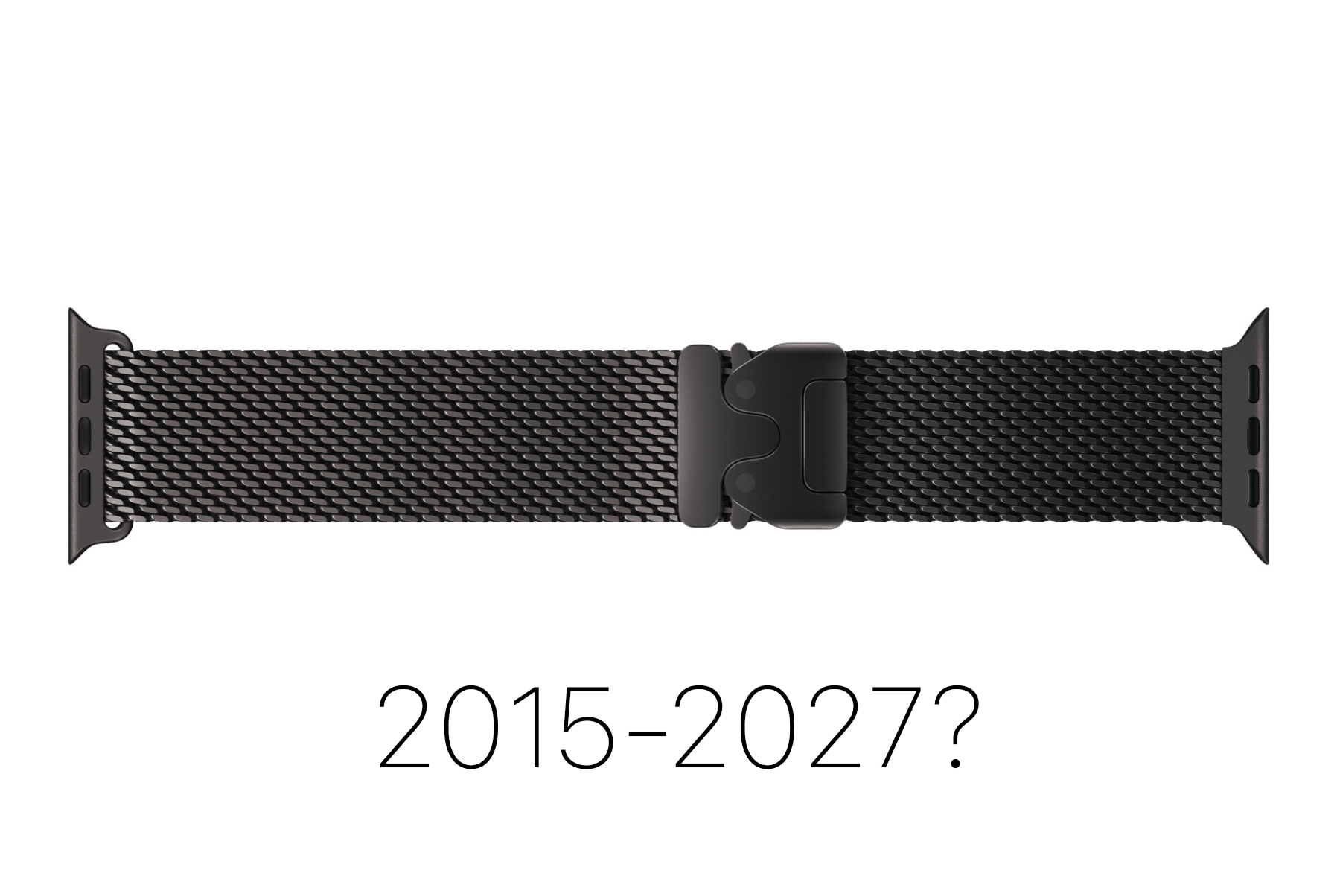
Rumors have resurfaced over the past week about a major redesign of the Apple Watch, potentially coming in 2027. We’ve seen rumors like this in various forms since 2023. The element of the rumor that has stood out to most people has been the disposal of the current mechanism for attaching watch bands and the...