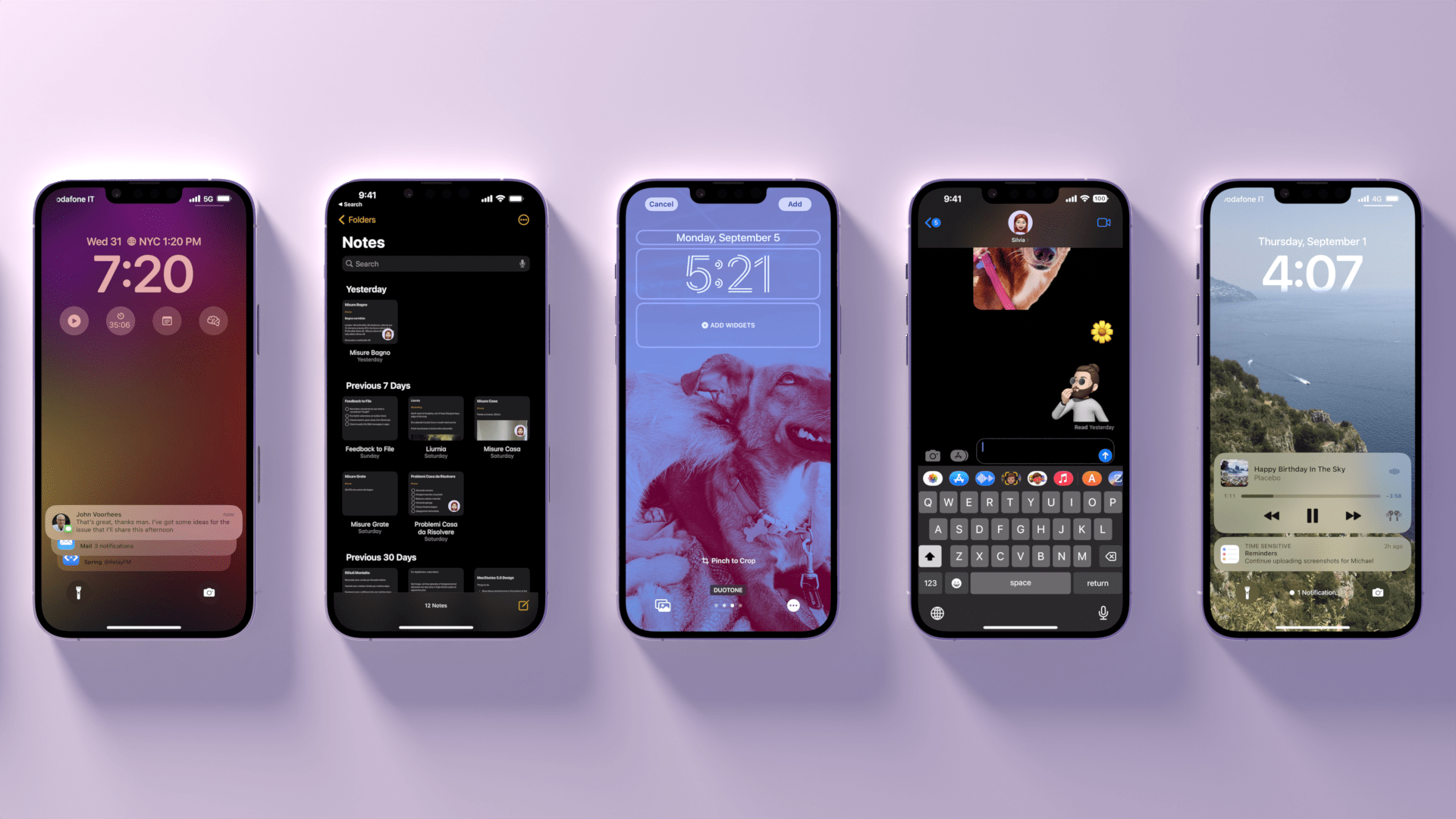
AppStories, Episode 281 – WWDC 2022: App Shortcuts, New Actions, and What We Didn’t Get

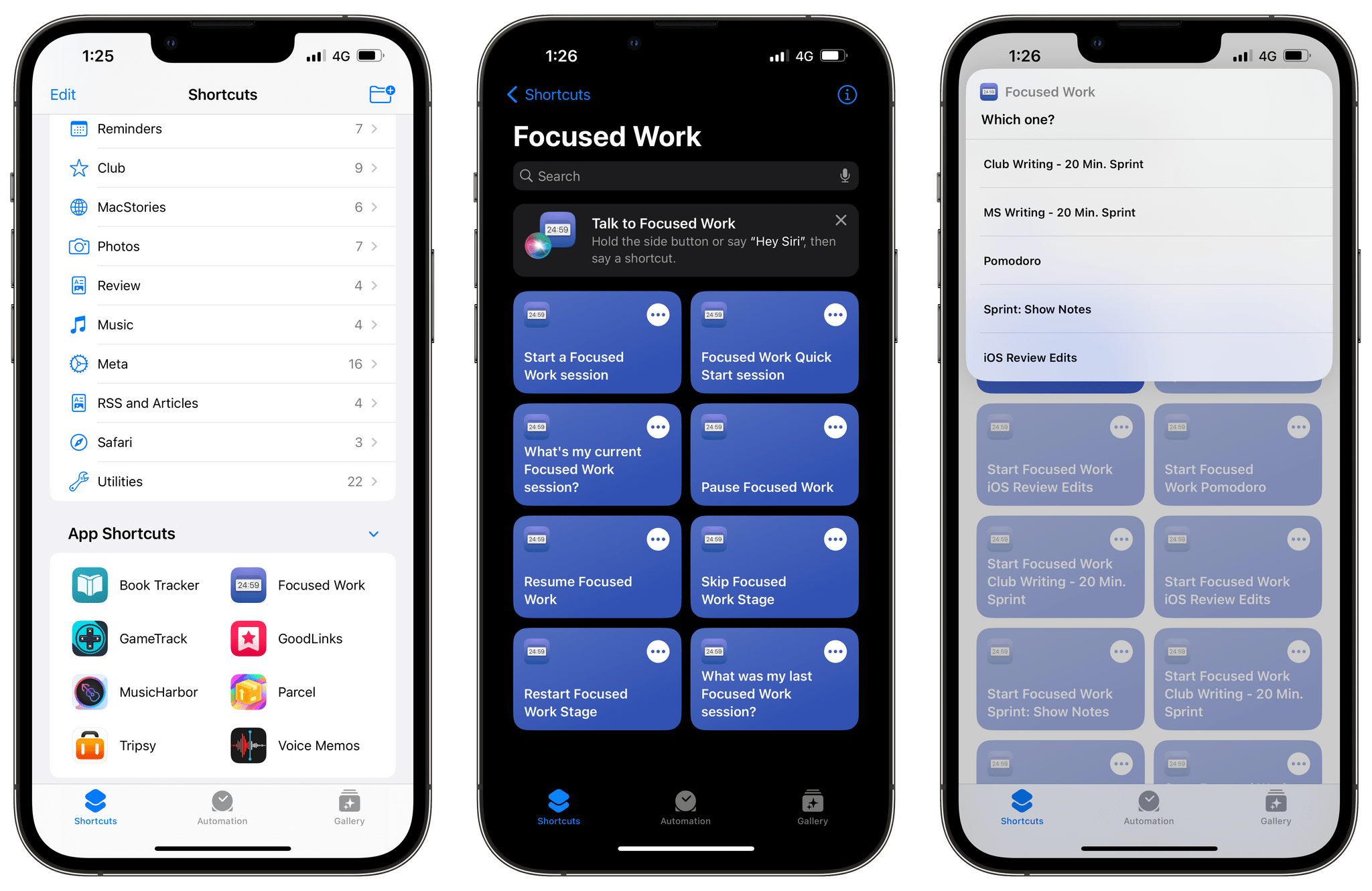
In the latest installment of AppStories’ special WWDC series, we talk about how we use the Developer app before diving into Shortcuts with a closer look at App Shortcuts and some of the new actions Shortcuts has to offer and considering some of the wishes that didn’t come true in 2022.

Sponsored by:

  • Kolide – Endpoint security powered by people. Try Kolide for 14 days free; no credit card required.

On AppStories+, we answer questions from Club MacStories+ listeners who listened to the episode live, and continued our conversation about some of iPadOS’s most interesting features.

We deliver AppStories+ to subscribers with bonus content, ad-free, and at a high bitrate early every week.

To learn more about the benefits included with an AppStories+ subscription, visit our Plans page, or read the AppStories+ FAQ.

Permalink

MacStories Unwind: Stranger Things and the Khadas Tea

AppStories+ Deeper into the world of apps
0:00
19:27

AppStories+ Deeper into the world of apps


This week on MacStories Unwind, John is hooked on Stranger Things, Season 4, and Federico shares his experience using a dedicated iPhone DAC.

Kolide: Endpoint security for teams that Slack. Try Kolide for 14 days free; no credit card required.

John’s Pick:

Federico’s Pick:


AppStories, Episode 278 – 2022 Apple Design Award Winners: The AppStories Interviews

It’s been quite a week. We’ve recorded daily episodes of AppStories in the Club MacStories+ Discord community, covering everything from our initial reactions to Monday’s keynote to the features of each of the OS updates announced. It’s been a lot of fun and we’re not quite finished, but the highlight of the week was the opportunity to interview three of the Apple Design Award winners in Apple’s podcast studio, where I recorded in person with the ADA winners with Federico joining us remotely on the big screen.

We interviewed Claire d’Este of Savage Interactive, the maker of Procreate, which won an ADA in the Inclusivity category, Curtis Herbert of Breakpoint Studios, the creator of Slopes, which won in the Interaction category, and Joe Lee, of Netmarble, the developer of MARVEL Future Revolution, which won in the Innovation category. It was a fantastic mix of apps and games and an excellent conversation about the qualities that make an app or game an Apple Design Award-winner.

Sponsored by:

  • Kolide – Endpoint security powered by people. Try Kolide for 14 days free; no credit card required.
Curtis Herbert (left) and Joe Lee (right).

Curtis Herbert (left) and Joe Lee (right).

Thanks again to Apple for making the interviews possible and a highlight of our week, and thanks to Claire, Curtis, and Joe for taking the time to share their experiences as developers with us.


We deliver AppStories+ to subscribers with bonus content, ad-free, and at a high bitrate early every week.

To learn more about the benefits included with an AppStories+ subscription, visit our Plans page, or read the AppStories+ FAQ.

Permalink

Kolide: Endpoint Security Powered by People; Try for Free! [WWDC Sponsor]

Kolide is a SaaS app that sends employees important, timely, and relevant security recommendations concerning their Mac, Windows, and Linux devices, right inside Slack.

Kolide is perfect for organizations that want to move beyond a traditional lock-down model and move to one where employees are educated about security and device management while fixing nuanced problems. We call this approach Honest Security.

For example, Kolide can:

  1. Instruct developers to set passphrases on the unencrypted SSH keys littered throughout their devices.
  2. Find plain-text two-factor backup codes and teach end-users how to store them securely.
  3. Convince employees to uninstall evil (yet allowed) browser extensions that sell their browser history to marketing companies

You can try Kolide on an unlimited number of devices with all its features for free and without a credit card for 14 days.

Our thanks to Kolide for sponsoring MacStories and all of our WWDC coverage this week.


AppStories, Episode 280 – WWDC 2022: The M2 MacBook Air and macOS Ventura

In yesterday’s installment of AppStories’ special WWDC series, we were joined by Myke Hurley to talk about the M2 MacBook Air, as well as Stage Manager and gaming on macOS Ventura.

Sponsored by:

  • Kolide – Endpoint security powered by people. Try Kolide for 14 days free; no credit card required.

On AppStories+, I went behind the scenes about the logistics of interviewing Apple Design Award winners in Apple’s podcast studio and Federico and Myke need to know more about the presenter who showed off Apple’s Big Sur Theater at its Developer Center.

We deliver AppStories+ to subscribers with bonus content, ad-free, and at a high bitrate early every week.

To learn more about the benefits included with an AppStories+ subscription, visit our Plans page, or read the AppStories+ FAQ.


The M2’s Unique Combination of Unified Memory and GPU Performance May Reveal Apple’s Videogame Ambitions

As I mentioned on AppStories, I’m intrigued by what Apple is doing with the Apple silicon GPU and memory and what it could mean for gaming. Although no one has had a chance to put the M2 through its paces yet, AnandTech does an excellent job of putting the facts and figures from Monday’s keynote into perspective, explaining what it means for what will undoubtedly be a multi-tiered M2 chip family like the M1 family.

With the M2’s memory, Apple’s SoC picks up where the M1 Pro, Max, and Ultra left off. Like those higher-tier M1s, the M2 uses LPDDR5-6400 memory that supports 100GB/second of memory bandwidth, which is a 50% increase in bandwidth over the M1. The M2 also supports up to 24GB of unified memory, a 50% increase over the M1 Air.

That memory is paired with a GPU that can be configured with up to 10 cores, two more than the top-tier M1 Air. According to Apple, that 10-core GPU delivers a 35% increase in performance.

However, it’s the combination of more, higher-bandwidth memory and a more powerful GPU that should make a significant difference in the M2 Air’s performance of graphics-intensive tasks like rendering game assets. As AnandTech explains:

Apple’s unconventional use of memory technologies remains one of their key advantages versus their competitors in the laptop space, so a significant increase in memory bandwidth helps Apple to keep that position. Improvements in memory bandwidth further improve every aspect of the SoC, and that especially goes for GPU performance, where memory bandwidth is often a bottlenecking factor, making the addition of LPDDR5 a key enabler for the larger, 10-core GPU. Though in this case, it’s the M2 playing catch-up in a sense: the M1 Pro/Max/Ultra all shipped with LPDDR5 support first, the M2 is actually the final M-series chip/tier to get the newer memory.

We won’t know more until reviewers put the new M2 MacBook Air through their paces, but the M2 Air appears to be a significant step forward compared to the M1 model. As one of Apple’s most popular Macs, that’s important because it sets a performance benchmark that game developers need to target if they want to make a game for the majority of Mac owners.

During the keynote, Apple showed off two games running on the M2: No Man’s Sky, an older but frequently updated game, and Resident Evil Village, a game that arrived on the PC and consoles just last fall. Resident Evil Village especially caught my eye because it’s such a recent release. It’s just one game, but it stands in contrast to others that have been used to demo gaming on the Mac in the past.

It would be a mistake for anyone to pin their Mac gaming hopes on the scant details we have so far. However, the keynote made it clear to me that Apple has gaming ambitions beyond Arcade, and its unique SoC architecture has moved Macs one step closer to that becoming a reality.


You can follow all of our WWDC coverage through our WWDC 2022 hub or subscribe to the dedicated WWDC 2022 RSS feed.


Safety Check Lets Victims of Domestic or Intimate Partner Violence Reset Privacy Settings

Safety Check is a new iOS privacy feature that allows users whose safety may be at risk due to domestic or intimate partner violence to review and revoke access previously granted to their partner. Apple developed the feature in consultation with groups that support the victims of domestic and intimate partner violence, including the National Network to End Domestic Violence, the National Center for Victims of Crime, and Wesnet, The Women’s Services Network.

Speed is important when someone’s safety may be at risk. Instead of hunting app-by-app to undo privileges granted to a partner, Safety Check includes an emergency reset that signs a user out of their iCloud account on other devices that might be in a partner’s possession, stops sharing their location, resets privacy permissions across all apps, and limits messaging to the device they have with them.

Safety Check also includes tools to manage sharing with people and apps. The feature can show you what you’re sharing and with whom and then change the access settings if you’d like. For apps, each type of private information that’s shared is listed and can be disallowed. It promises to be a great way to perform a periodic personal privacy audit.

With the number of apps we use and people we share with growing all the time, a tool like Safety Check is critical. It eliminates the need to go hunting for multiple privacy settings by consolidating the information in one place, which is important if you’re someone whose safety is at risk.


You can follow all of our WWDC coverage through our WWDC 2022 hub or subscribe to the dedicated WWDC 2022 RSS feed.


Apple Introduces iCloud Shared Photo Library and New Family Sharing Setup Features

Sharing photos among family members has never been easy on Apple’s platforms. Photos and albums can be shared individually or in batches, but it’s a manual process that too often, I, and I’m sure many others, don’t bother to do. The result is that members of the same household often end up with different collections of images from the same events. iCloud Shared Photo Library is designed to solve that problem with a single, shared photo library to which each participant can contribute.

iCloud Shared Photo Library allows you to share your photos with up to five other people. Your shared iCloud photo library is separate from your own library, and you’re in control of what you contribute to the group library. If you want, you can share everything in your personal photo library. You can also pick and choose individual photos or share everything after a particular date or shots of a certain person.

Read more


AppStories, Episode 279 – WWDC 2022: iPadOS’ Desktop-Class Features and Updates to Reminders

On the latest installment of AppStories’ special WWDC series, Federico and John dig in deeper on the desktop-class features being added to iPadOS and the new functionality in Reminders on all platforms.

Sponsored by:

  • Kolide – Endpoint security powered by people. Try Kolide for 14 days free; no credit card required.

On AppStories+, Federico and John answer listener questions about the betas, iPadOS, and more.

We deliver AppStories+ to subscribers with bonus content, ad-free, and at a high bitrate early every week.

To learn more about the benefits included with an AppStories+ subscription, visit our Plans page, or read the AppStories+ FAQ.