

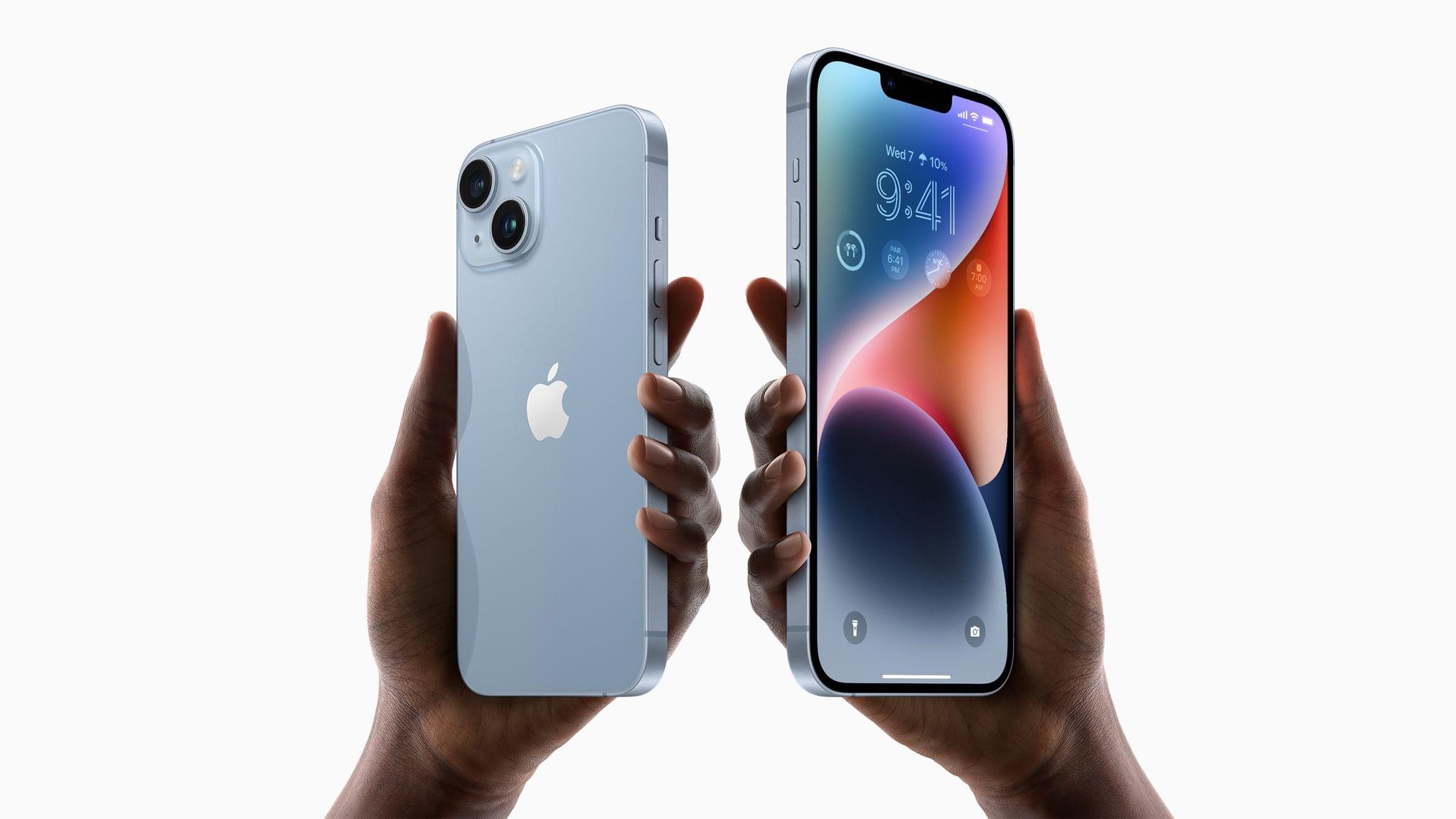
As expected, Apple introduced four new iPhone models today, the iPhone 14, the iPhone 14 Plus, the iPhone 14 Pro, and the iPhone Pro Max. There are a lot of new hardware and software features sprinkled throughout the iPhone lineup this year, so let’s dig in.
Apple’s iPhone 14 Lineup: The MacStories Overview
Apple Watch Series 8, Ultra, and SE: The MacStories Overview
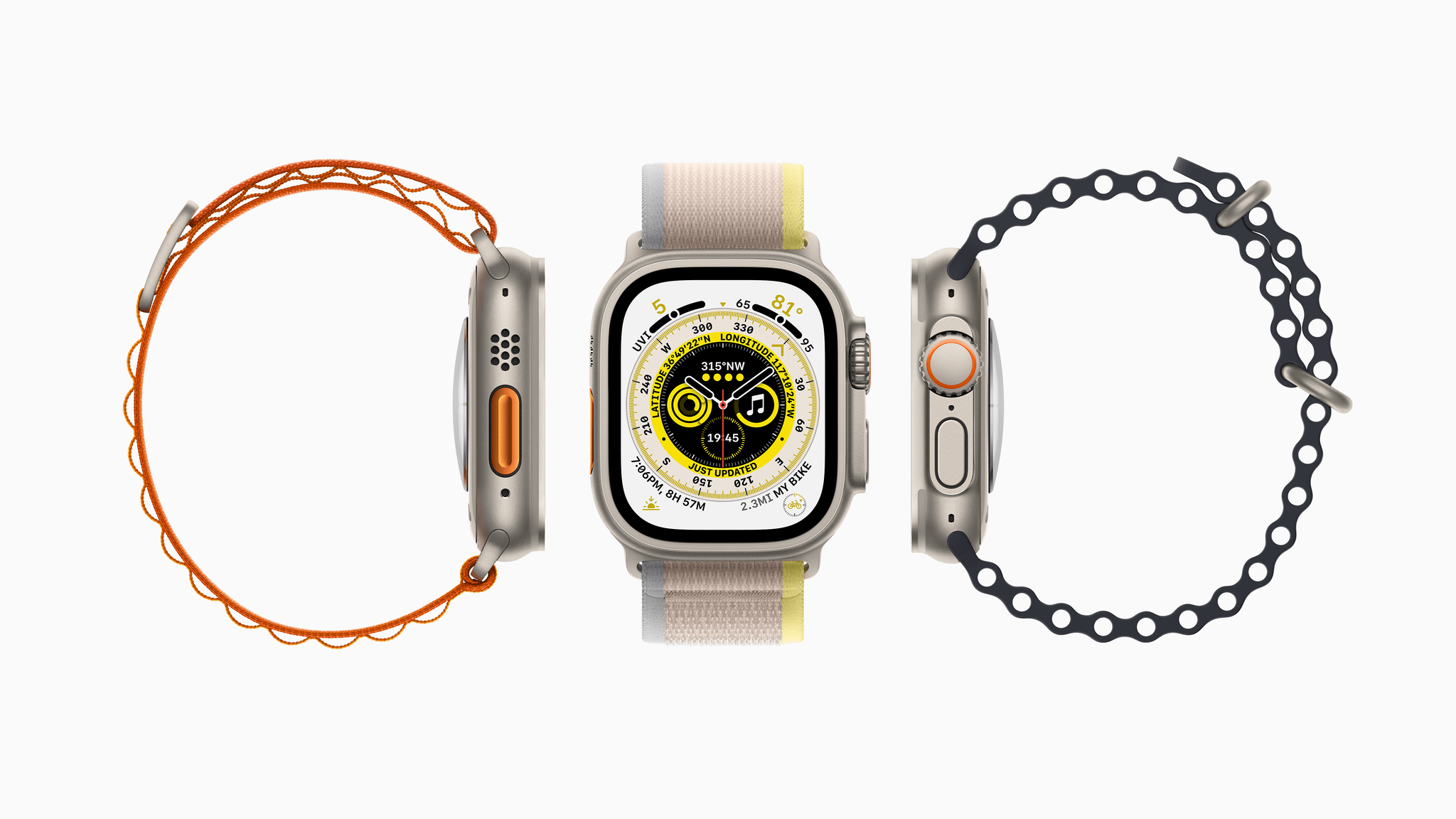
At today’s Apple event, Director of Apple Watch product marketing Deidre Caldbeck took the stage to introduce the Apple Watch Series 8 and the Apple Watch Ultra. The Series 8 is another solid year-over-year upgrade to the standard Apple Watch line, but the Ultra is an all-new category of watch aimed at high-end sports and rugged outdoor activities.
Apple’s September 2022 Event: By the Numbers
Apple sprinkled facts, figures, and statistics throughout its presentation today. Here are highlights of some of those metrics from the event that was held online at the Steve Jobs Theater in Cupertino, California.
iPhone
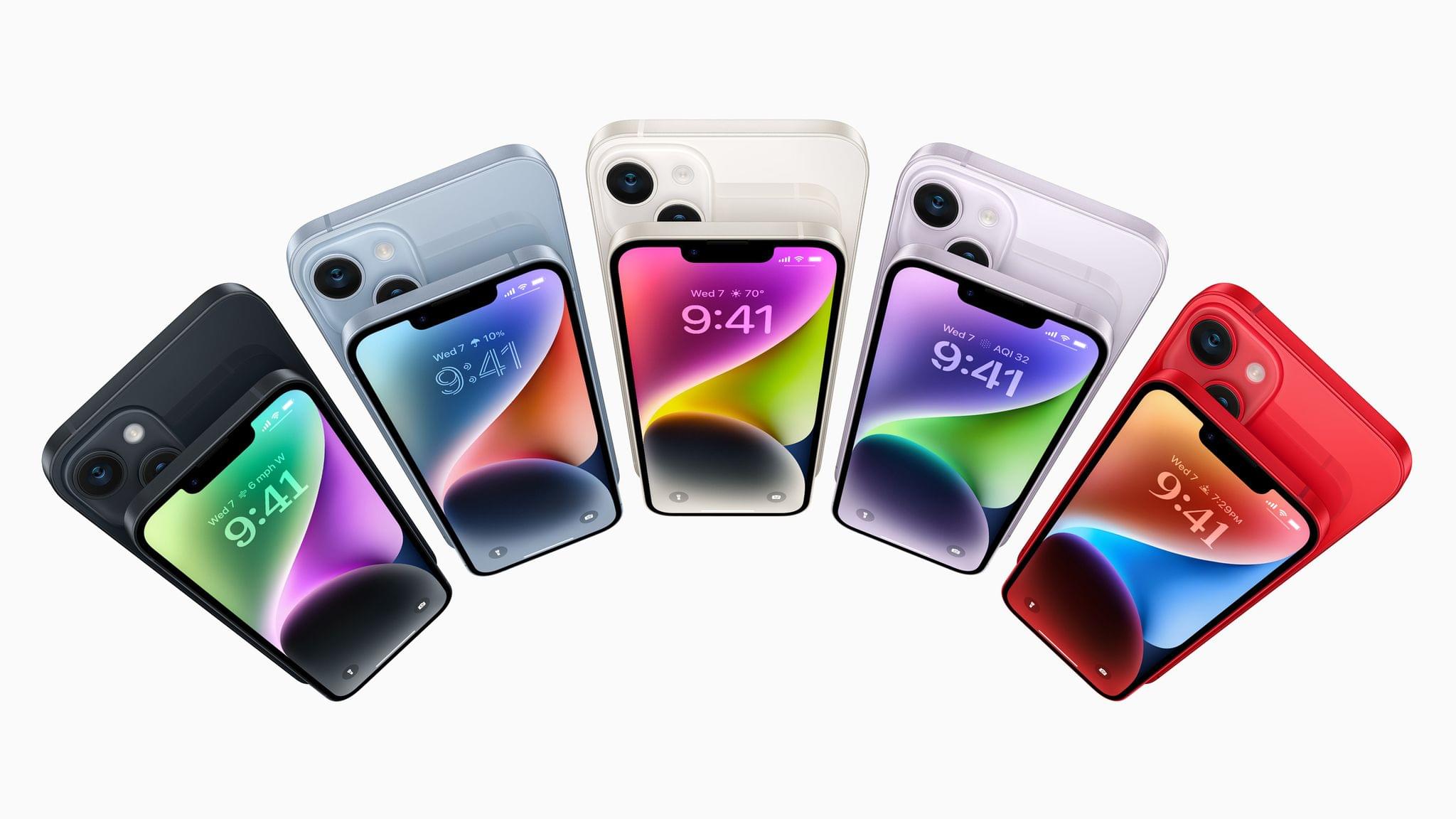
iPhone 14
- 6.1 and 6.7” displays with 1200 nits peak brightness and 2 million:1 contrast ratio
- A15 Bionic 6-core processor
- 12MP TrueDepth camera with a ????/1.9 aperture
- 12MP Main camera with a ????/1.5 aperture
- 49% low-light performance improvement with the Main camera and 38% better low-light performance with the front-facing camera
- Cinematic Mode can shoot video at 4K at 30 fps and 4K at 24 fps (also available on Pro models)
- Crash detection (also on Pros) with the ability to detect 256 g of force
Apple’s September 2022 Event: Replay Today’s Keynote and Product Videos
If you didn’t follow the livestream or announcements as they unfolded today, you can replay it on Apple’s Events site or YouTube and catch the product videos on Apple’s YouTube channel.
The keynote video can be streamed here and on the Apple TV using the TV app. A high-quality version is also available through Apple Podcasts as a video and audio podcast. There is also an American Sign Language version of the event, which is available here.
More videos after the break.
Next-Gen AirPods Pro: The MacStories Overview
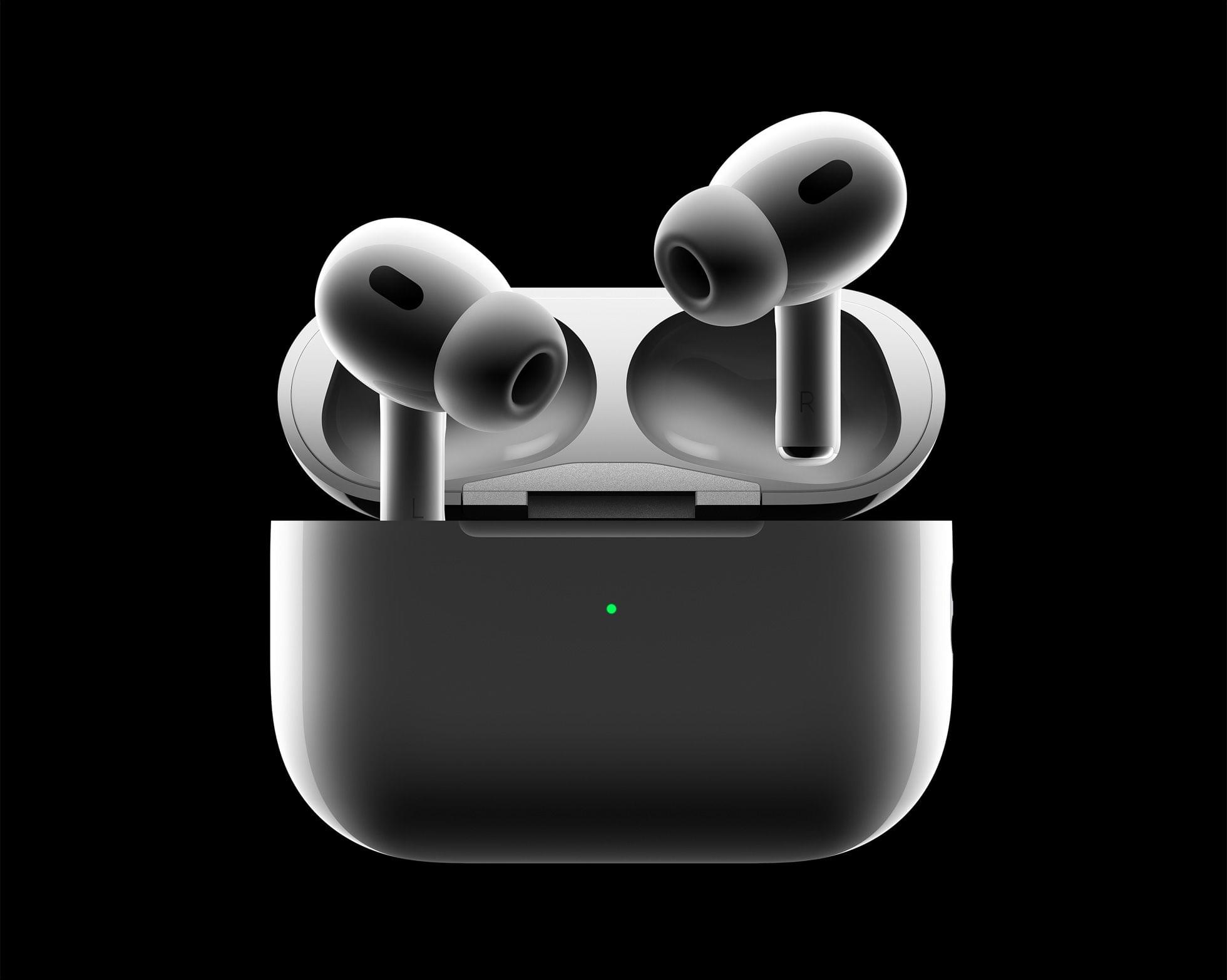
As rumored, Apple announced a next-generation version of AirPods Pro today. The new AirPods feature a new Apple-designed H2 chip, improvements to sound and battery life, and more.
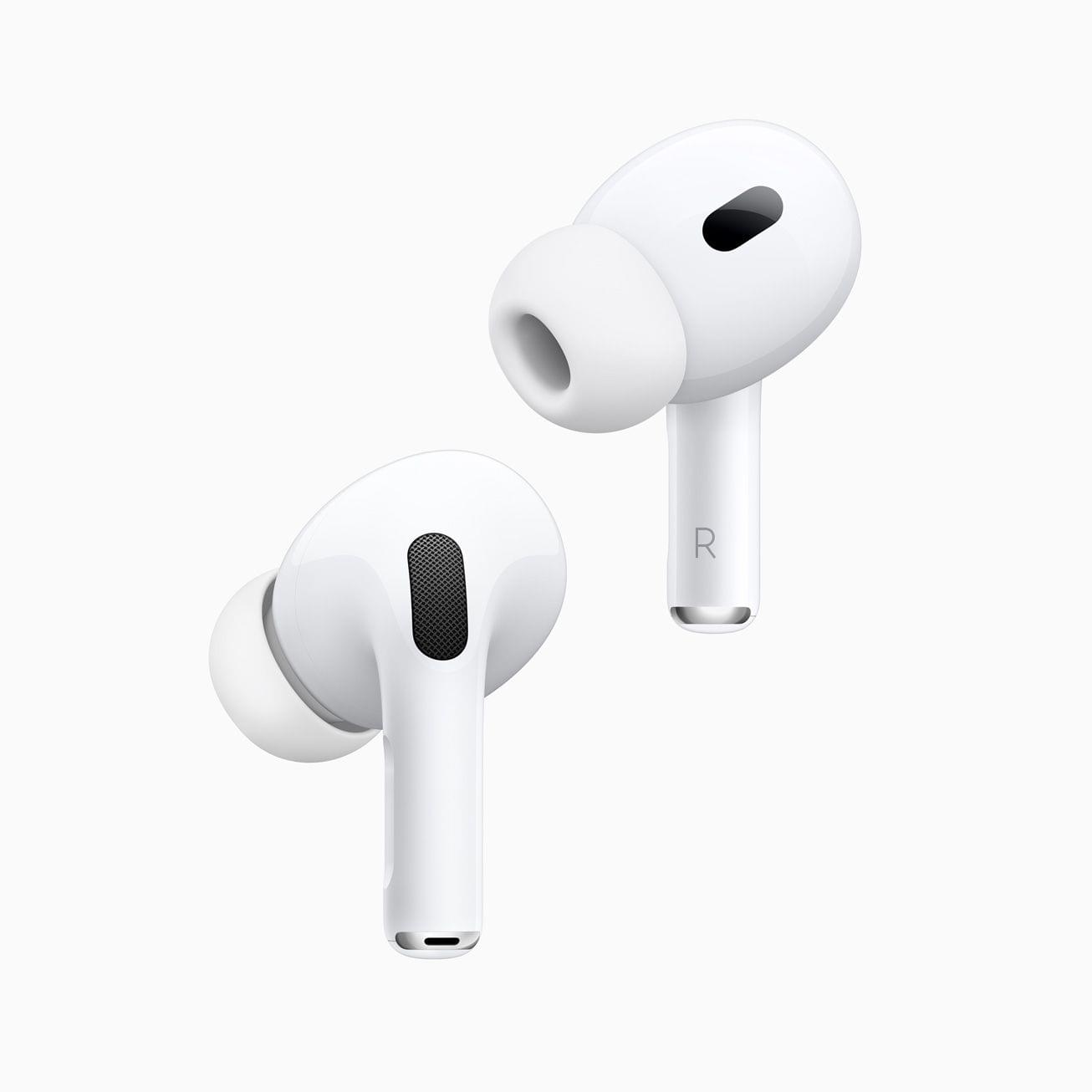
On the outside, the new AirPods Pro look just like the original model, coming in with exactly the same dimensions but with a case that weighs only about 5 grams more. But don’t let those looks deceive you. There are changes both to the inside and outside of Apple’s popular wireless earbuds.
Apple’s September 2022 Event: Apple Announces iPhones, Apple Watch, and AirPods Pro Availability

Apple announced the following pre-order and availability dates for the products announced today:
iPhone 14, 14 Plus, 14 Pro, and 14 Pro Max
Pre-Order: September 9th
Availability: Friday, September 16th, except for the iPhone 14 Plus which is coming October 7, 2022
Apple Watch Series 8 and SE
Pre-Order: Today
Availability: Friday, September 16th
Apple Watch Ultra
Pre-Order: Today
Availability: Friday, September 23rd
AirPods Pro
Pre-Order: Friday, September 9th
Availability: Friday, September 23rd
You can follow all of our September 2022 Apple event coverage through our September 2022 Apple event hub or subscribe to the dedicated September 2022 Apple event RSS feed.
AppStories, Episode 294 – macOS Ventura with Jason Snell
This week on AppStories, I’m joined by special guest Jason Snell to talk about macOS Ventura, including iCloud Shared Photo Library, Stage Manager, Shortcuts, and System Settings.






Sponsored by:
- Pillow – Sleeping better, made simple.
- Kolide – Kolide can help you nail third party audits and internal compliance goals with endpoint security for your entire fleet. Learn more here.
- Sourcegraph – Universal Code Search. Move fast, even in big codebases. Try it now.
](https://cdn.macstories.net/banneras-1629219199428.png)
On AppStories+, Jason and I go behind the scenes to talk about how they cover Apple events and consider the narrative Apple might build around the rumored ‘pro’ Apple Watch.
We deliver AppStories+ to subscribers with bonus content, ad-free, and at a high bitrate early every week.
To learn more about the benefits included with an AppStories+ subscription, visit our Plans page, or read the AppStories+ FAQ.
Hands On: iCloud Shared Photo Library and Family Checklist
iCloud Shared Photo Library
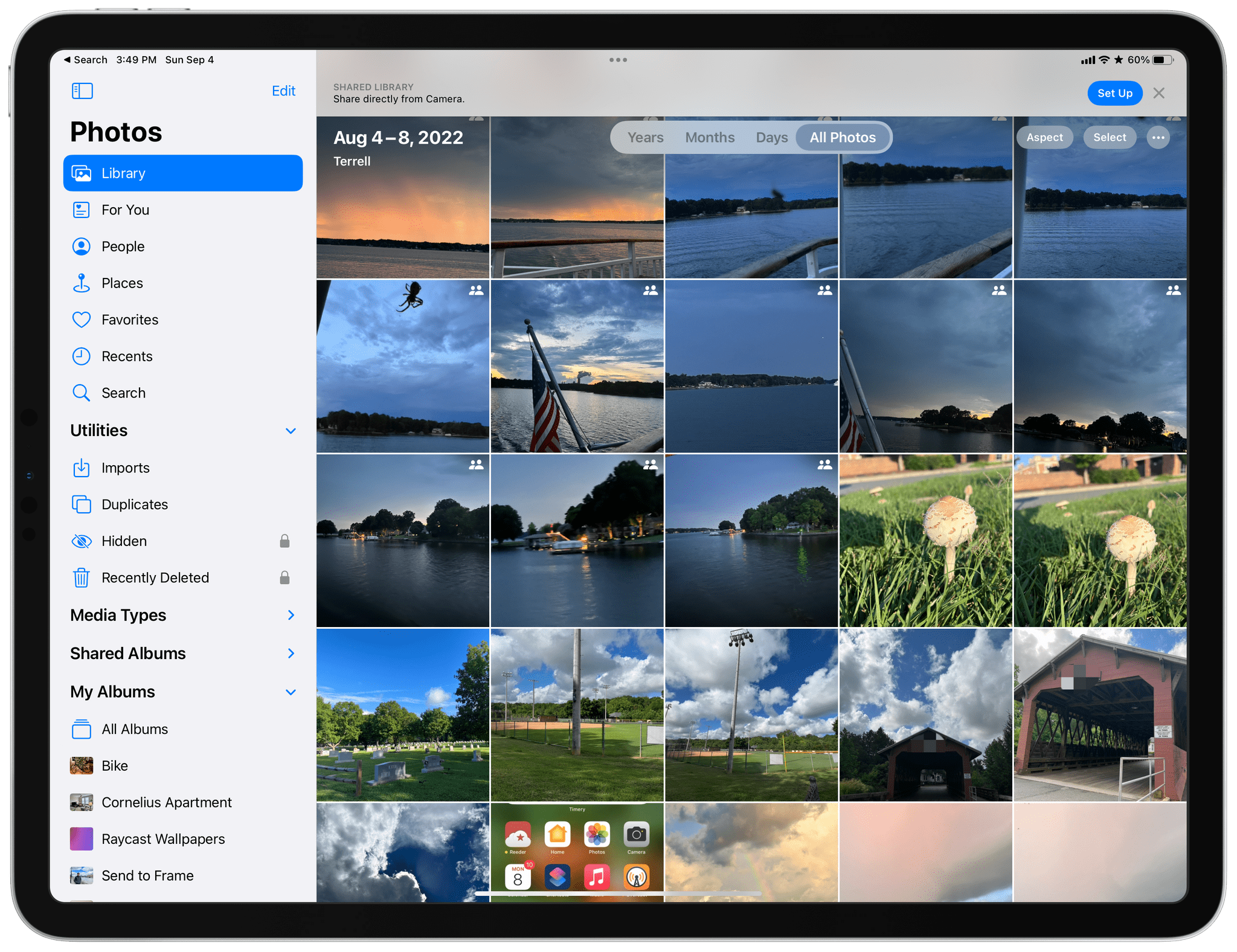
Over the years, I’ve shared family photos with my wife Jennifer in three ways: iMessage, AirDrop, and Shared Albums. However, of those, iMessage won hands down, not because it’s the best way to share photos, but because Messages is an app we already use every day to communicate. Plus, sharing photos with Messages is easy whether you’re already in the app and using the Photos iMessage app or in the Photos app itself and using the share sheet. From conversations with friends and family, I know I’m not alone in my scattershot approach to sharing photos with my family.
It’s into that chaotic, ad hoc mess and all of its variations that users have improvised over the years that Apple is stepping in with iCloud Shared Photo Library, its marquee new Photos feature for iOS and iPadOS 16 and macOS Ventura. And you know what? It just works.
The feature lets anyone with an iCloud photo library share part or all of their photo library with up to five other people. Once activated, a new library is created that sits alongside your existing one and counts against the iCloud storage of the person who created it.
One critical limitation of iCloud Shared Photo Library is that you can only be a member of one shared library, a restriction that is designed to limit the library to your immediate household. That means I could share photos with my wife and kids because there are fewer than six of us, but I couldn’t set up another library with my siblings or parents for our extended families. Nor could I invite one of my extended family members to use the extra slot I’ve got in my family library unless they were willing to forego being part of any shared library their own family created.
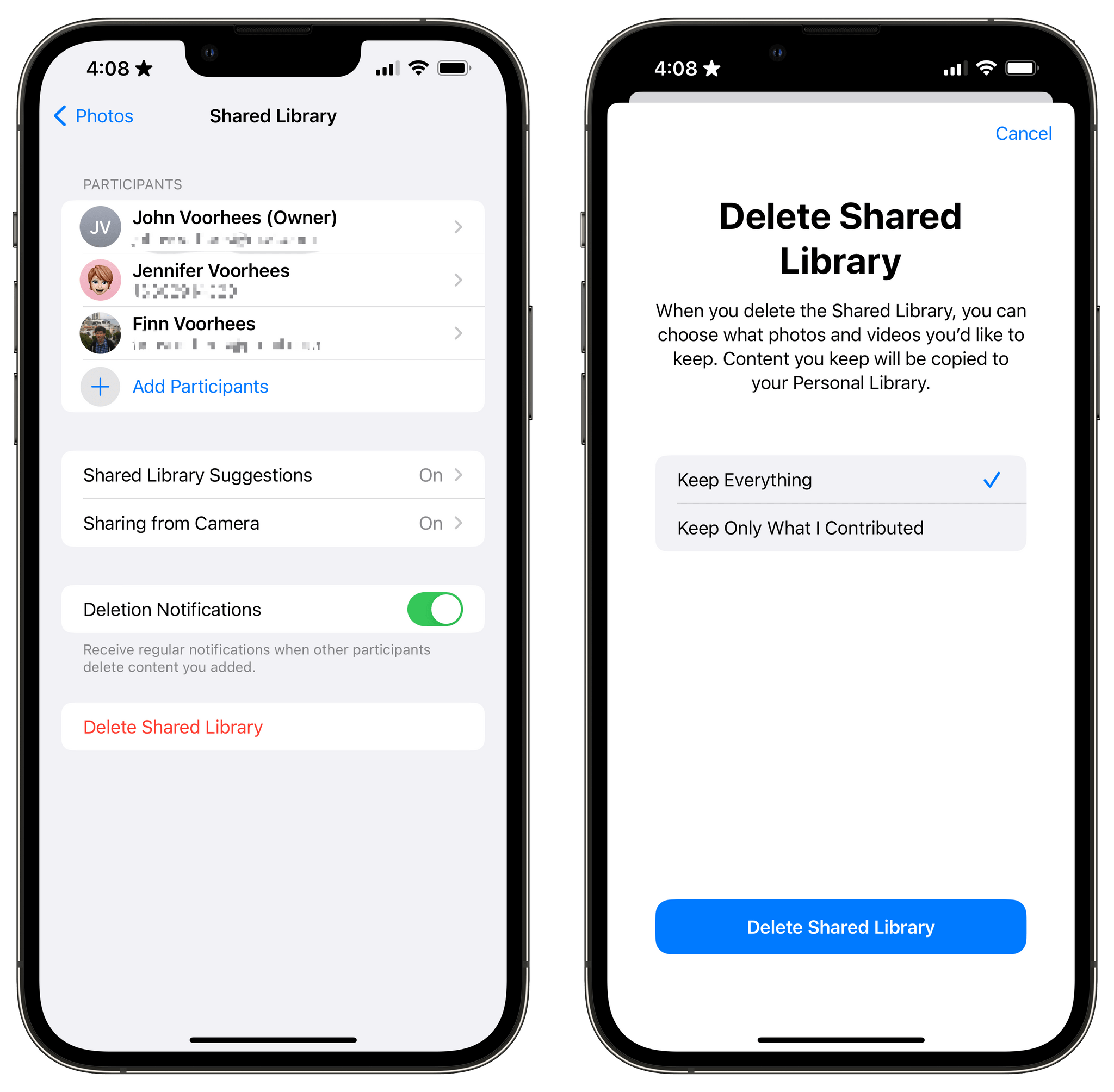
So, what do you do if you’re in a shared library and want to join a different one? There’s a button in the Photos section of Settings to leave a library, so you can do so with one tap, saving all of the photos in the shared library to your personal library or keeping just those you originally contributed to the shared pool. Deleting libraries is possible too, but only by the person who created them, who is given the choice of keeping all images or just the ones they contributed when they do so.
Last Week, on Club MacStories: PC Gaming on the Studio Display, Focus Modes, a Read-Later App, and a Town Hall Event Preview
Because Club MacStories now encompasses more than just newsletters, we’ve created a guide to the past week’s happenings along with a look at what’s coming up next:
Monthly Log: August 2022

- Alex shared his adventures trying to connect a gaming PC to the Mac Studio Display and a mini-review of the Azio Cascade Slim Keyboard
- I suggested that Focus modes point to a larger trend in Apple’s OSes: an activity-based computing model that has its origins in so-called contextual computing
MacStories Weekly: Issue 334
- A rundown of read-later app Matter’s latest features
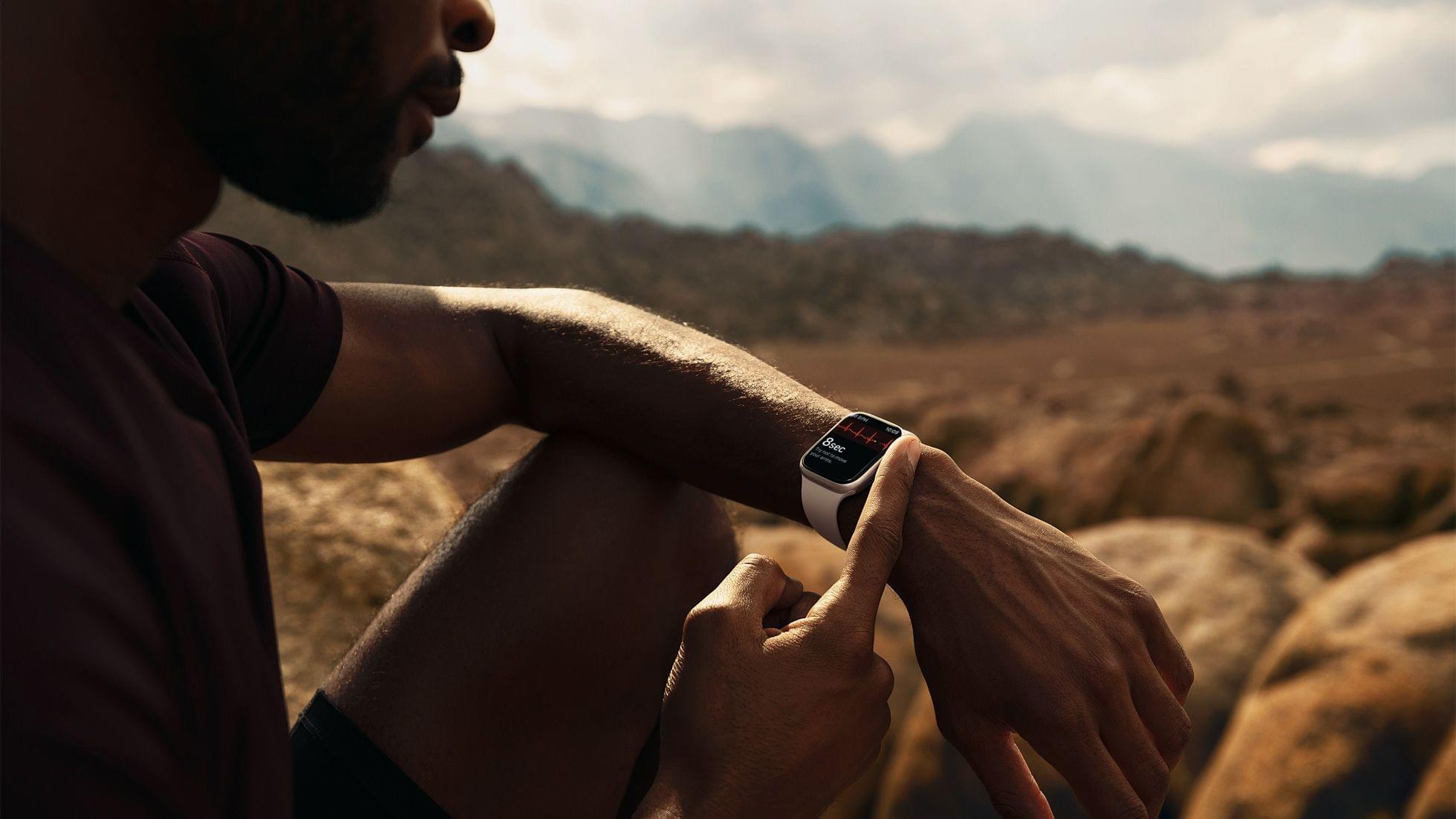
- Why features once reserved for ‘serious’ athletes make sense in a ‘pro’ Apple Watch targeted at a broader audience
- A reader setup
- Plus:
- App Debuts
- Highlights from the Club MacStories+ Discord
- Interesting links from around the web
- A sneak peek at what’s next on MacStories’ podcasts
- and more
Up Next
Tomorrow, September 7th, at 4:30 pm Eastern US time, Federico, Alex, and I will host a live Town Hall audio event in the Club MacStories+ Discord community, recapping Apple’s Far Out event and sharing our initial thoughts about everything that’s announced. For Club members who can’t join us live, we’ll publish the event audio in the Town Hall podcast feed.