Today’s Scary Fast online Apple event was packed with facts, figures, and statistics throughout the presentation and elsewhere. We’ve pulled together the highlights.
M3, M3 Pro, and M3 Max Chips
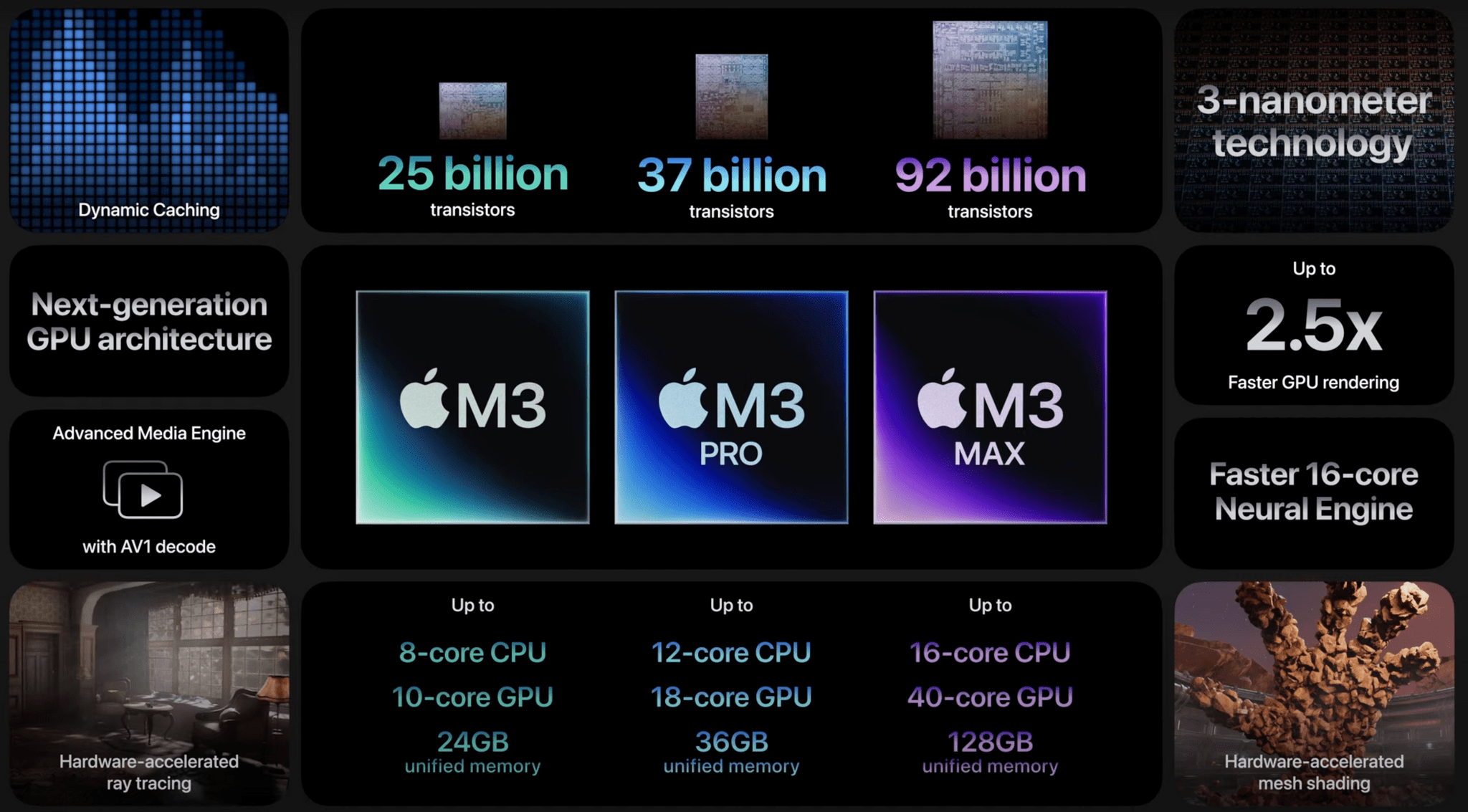
These are the first chips built on a 3-nanometer process.
This process can fit up to 2 million transistors in the cross-section of a human hair.
The M3 architecture grants up to 2.5x faster performance than the M1 generation.
The M3 CPU’s performance cores are 30% faster than M1 and 15% faster than M2; the efficiency cores are 50% faster than M1.
The Neural Engine is faster and more efficient in M3 as well. Specifically, it’s 60% faster than M1 and 15% faster than M2.
The M3 Max chip is up to 80% faster than the M1 Max.
The M3 has 25 billion transistors, while the M3 Pro has 37 billion, and the M3 Max has 92 billion.
MacBook Pro
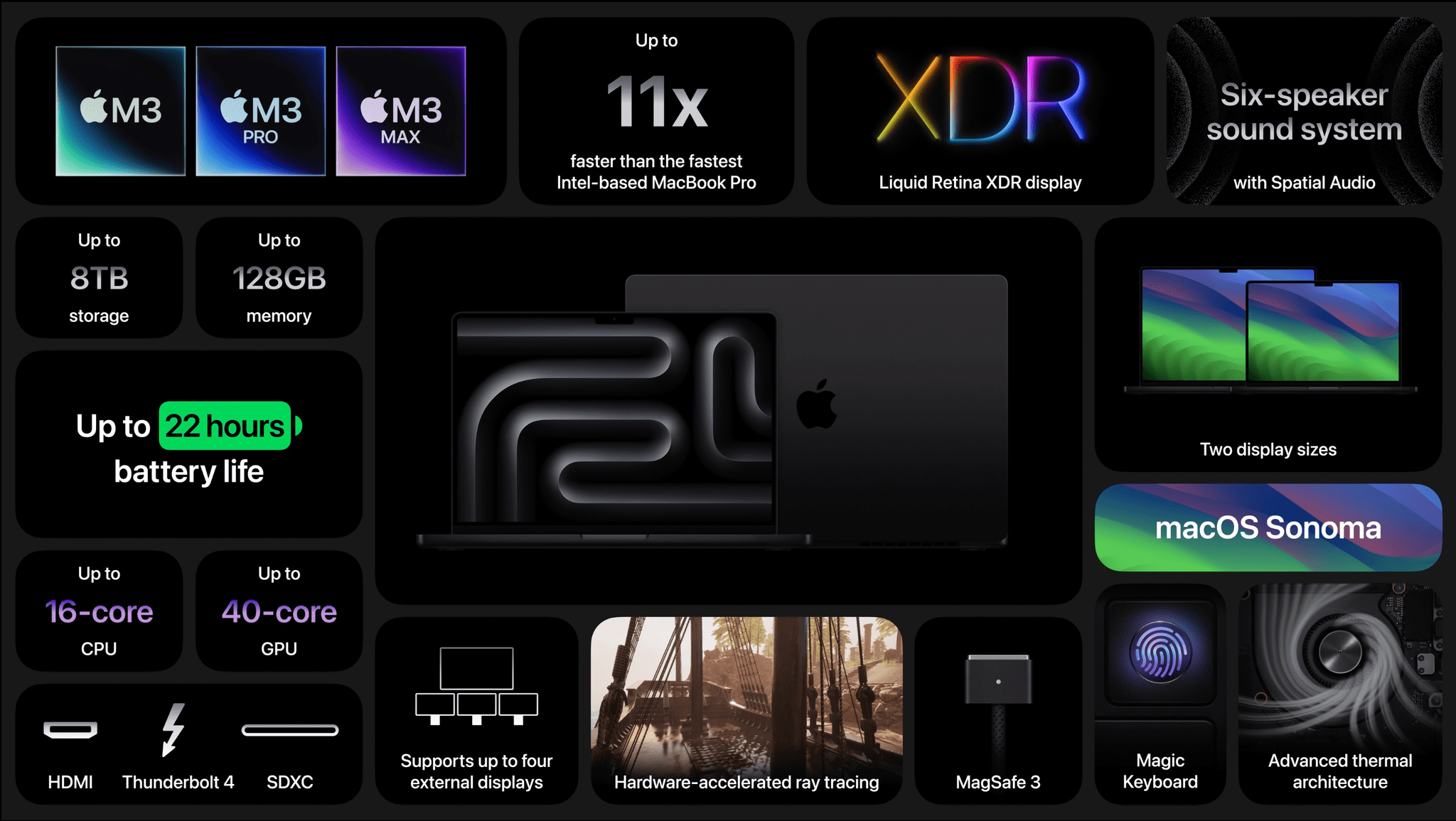
The M3 Max MacBook Pro supports up to 128 GB of unified memory and 8 TB of storage, with a maximum 16-core CPU and 40-core GPU.
The M3 MacBook Pro can run for up to 22 hours on one charge, playing movies using the Apple TV app.
The new MacBook Pros are up to 11x faster than the last Intel-based models.
iMac
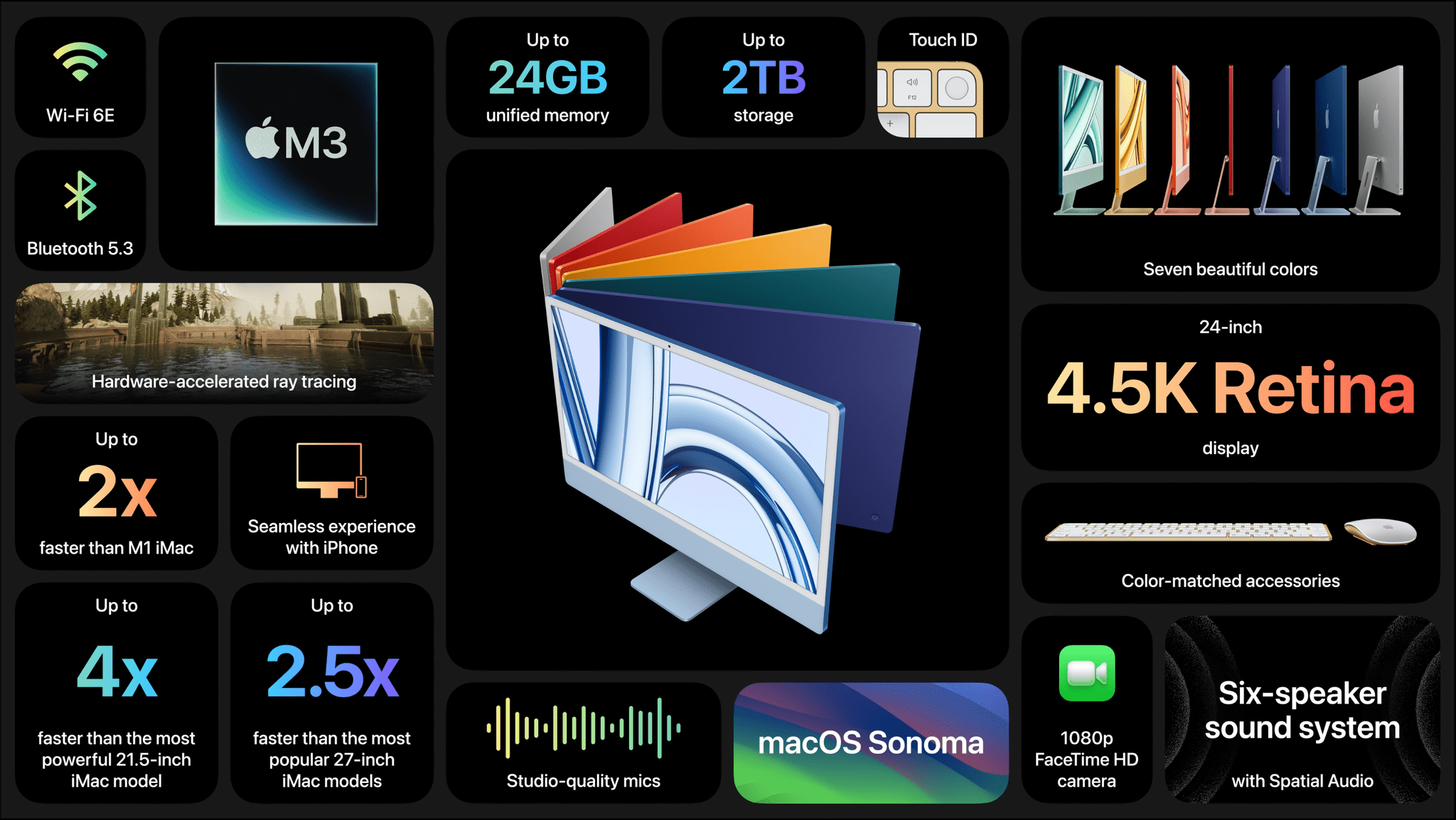
The M3 iMac is 2x faster than the M1 model, 2.5x faster than the 27-inch Intel model, and 4x faster than the 21.5-inch Intel-based iMac.
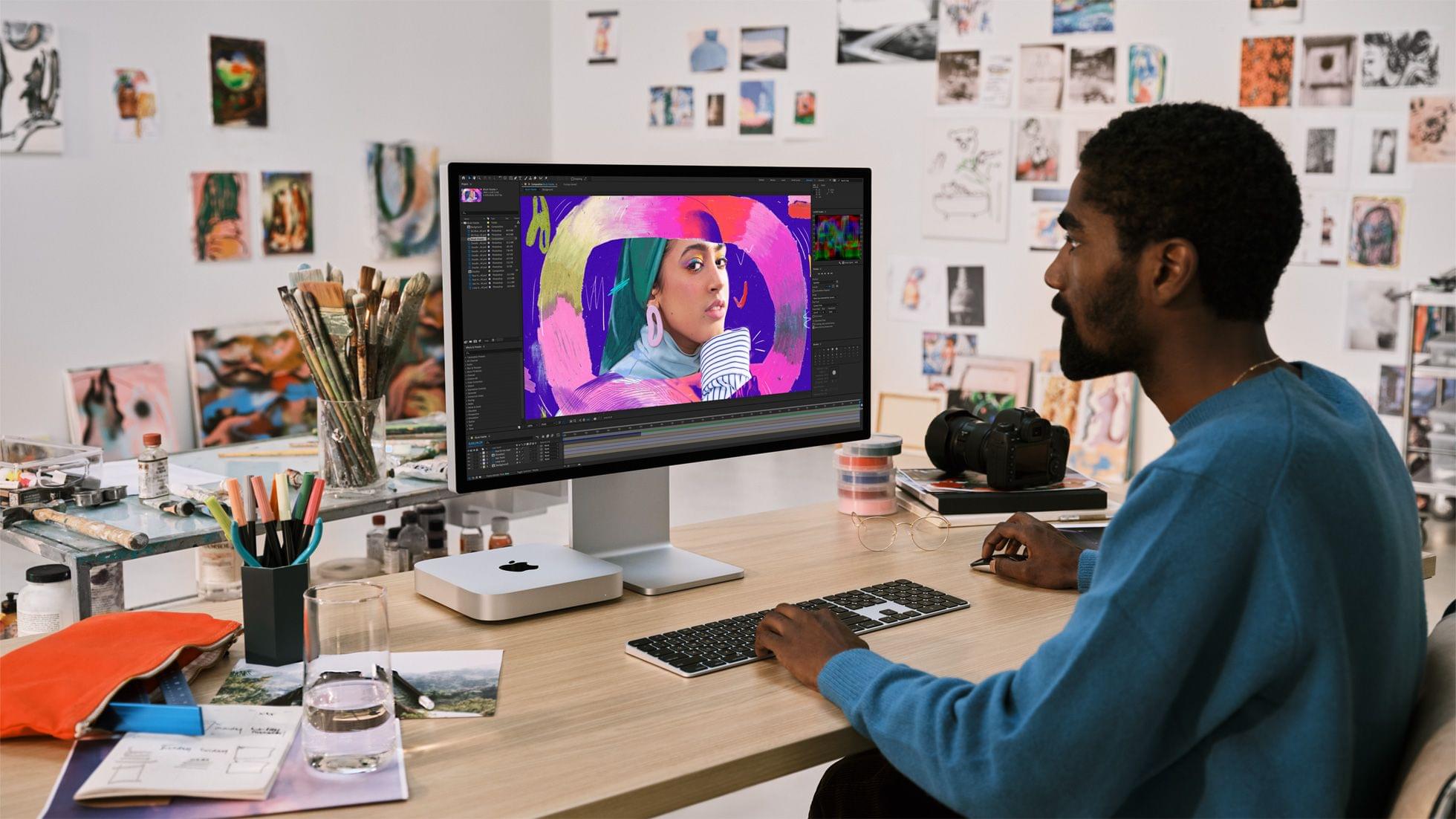
The M3 iMac has a 4.5K Retina display and features a 6-speaker sound system.
Apple offers up to 24 GB of unified memory and 2 TB of storage in the M3 iMac.
One of the things I’ve enjoyed about the rollout of Apple silicon Macs is that the old rules don’t apply, and the new ones are still being written. The cadence of releases is still settling in, and today, in the face of speculation that Apple was struggling to release M3 Macs, Apple made it clear that not one, but three 3 nanometer process-based chips are ready to ship. Along with the M3 iMac, the company refreshed its entire lineup of MacBook Pros, computers that gained the M2 chip less than a year ago.
Reviews of the new M2-based Mac minis and MacBook Pros are out, and of the two computers, the mini is the one that I find the most interesting. With Apple silicon no longer limited to the entry-level mini, it’s now possible to spec the tiny desktop so it rivals some configurations of the M1 Mac Studio, leading The Verge’s Chris Welsh to dub the higher-end mini configuration the ‘Mac Studio junior.’
That’s a great way to look at that model, but it also fills many more roles than just the slot immediately beneath the Mac Studio. As Dan Moren of Six Colors explains:
It’s hard to argue that the mini’s versatility isn’t the biggest part of why the product is still going strong, nigh on two decades after its debut. If the iMac, the Mac Studio, and the still-waiting-in-the-wings Apple silicon Mac Pro are the bricks of Apple’s Mac lineup, the Mac mini is the mortar, with its various configurations filling the gaps in between.
But remember that there’s no such thing (yet) as an iMac with an M2 Pro inside. So for anyone who wants a Mac desktop but finds the Mac Studio to be overkill — and it’s exactly that for many use cases — this M2 Pro Mini could make a ton of sense. And it doesn’t cost anywhere near as much.
I’ve owned the 2009 and 2014 Mac minis, as well as a fully-spec’d 2018 Mac mini, which I’m still running as a home server. I’ve also tested the M1 version of the mini. It’s safe to say that I’m a big fan of Apple’s tiniest desktop machine, which started as a way to attract Windows users into the Mac universe with a modestly-powered and priced desktop. That original mini has morphed into a Mac that now fulfills a remarkably broad spectrum of use cases. I’m sure that if I weren’t using an M1 Max Mac Studio, I’d have an M1 Pro Mac mini with 32 GB of unified memory, a 4 TB SSD, and 10 Gigabit Ethernet on my desk instead.
Source: Apple.
The M2 MacBook Pro is less interesting than the mini, not because it’s a less capable computer, but because the design is identical to the M1 version of the laptop and the speed gains are incremental over those models. Of course, as Jason Snell points out on Six Colors, most users won’t be upgrading from an M1 MacBook Pro to the M2 model, and for them, the jump will be significant and worthwhile:
The fact remains, though: If you want the very best laptop Apple has to offer, the MacBook Pro will not disappoint you. The M1 models were great in late 2021, and these new M2 models are even better—albeit incrementally so.
I’m fascinated with Apple’s gaming narrative. Ever since WWDC, Apple has touted Metal 3 and the M1, and now, M2’s videogame performance. There aren’t a lot of games that take advantage of Metal 3 yet, so it’s still hard to judge how Apple’s computers stack up to their PC counterparts, so I was particularly intrigued by Monica Chin’s imperfect, but insightful take on how the MacBook Pro with M2 Max’s performance compares to gaming laptops that she’s tested for The Verge:
I think — put the pitchforks away, I know these are totally different things and there are all sorts of problems with this comparison — that the simplest way to think of the MacBook Pro with M2 Max is as the addition of an RTX 3070 GPU. It’s not quite providing the frame rates that we’ve seen from the biggest RTX 3070 computers out there (MSI’s GS76 gave us 114fps, for example) but it’s not too far off, and it’s well above what we’d expect to see from an RTX 3060 gaming machine. The M2 Pro Mac Mini, which only put up 62fps on Tomb Raider, is closer to RTX 3050 territory.
There are far more economical ways to achieve that sort of gaming performance than buying a MacBook Pro, but it’s still interesting to see where the laptop falls on the gaming spectrum because it speaks directly to the capabilities of its GPU. As with the M1-based MacBook Pros, the M2 models also distinguish themselves compared to the MacBook Air by their superior displays, higher memory configurations, the wider variety of ports, and ability to drive multiple external displays.
If there’s anything missing from Apple’s current laptop lineup, it’s the ability to configure a laptop with the horsepower of an Air but the memory and storage capacities and screen of the MacBook Pro. I think there are a lot of ‘pro’ uses for a laptop that would benefit from that sort of configuration but don’t require a lot of raw CPU or GPU performance. However, given the lines along which Apple distinguishes its ‘Pro’ laptops from the Air, I’m not holding my breath waiting for it.
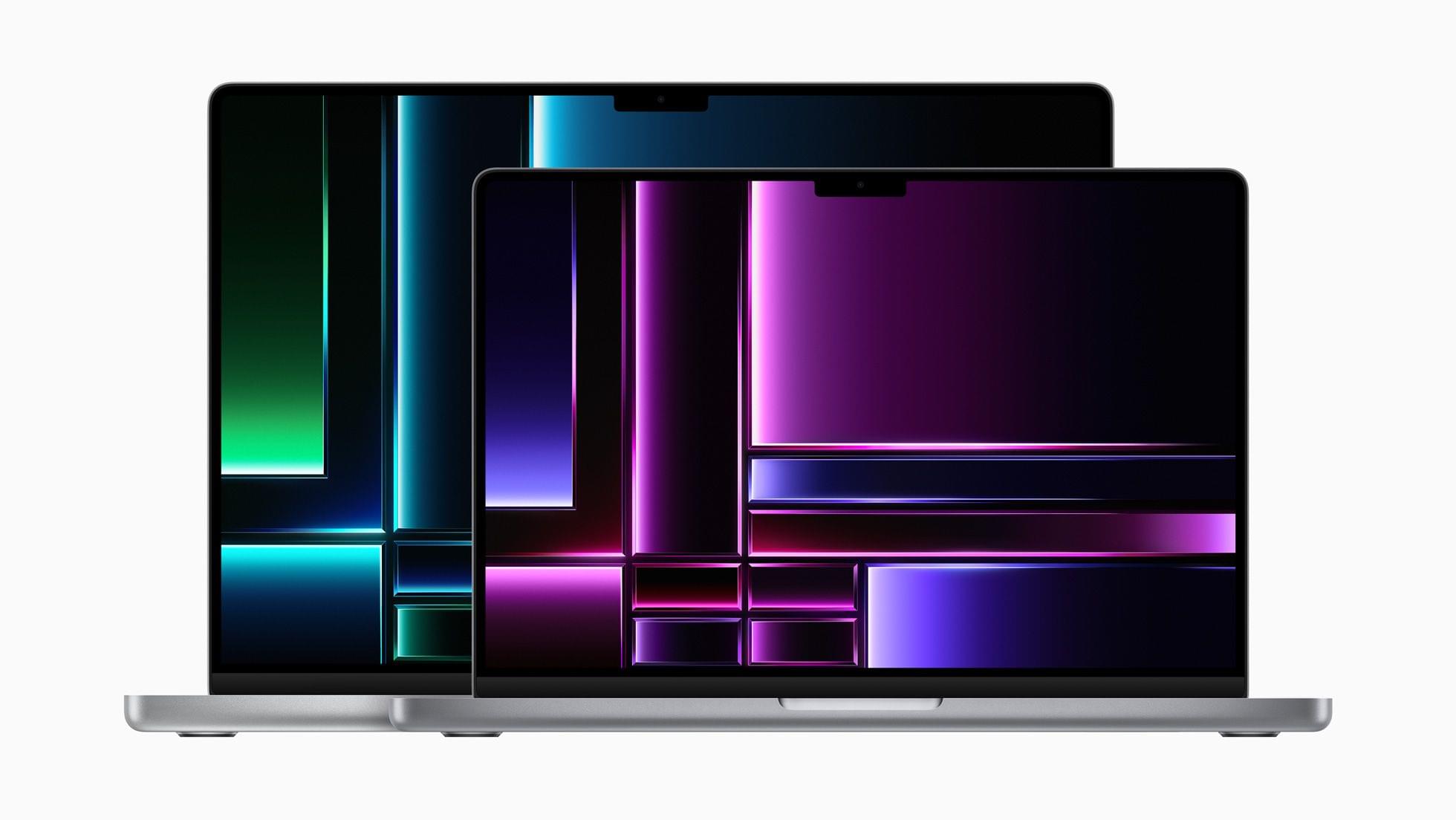
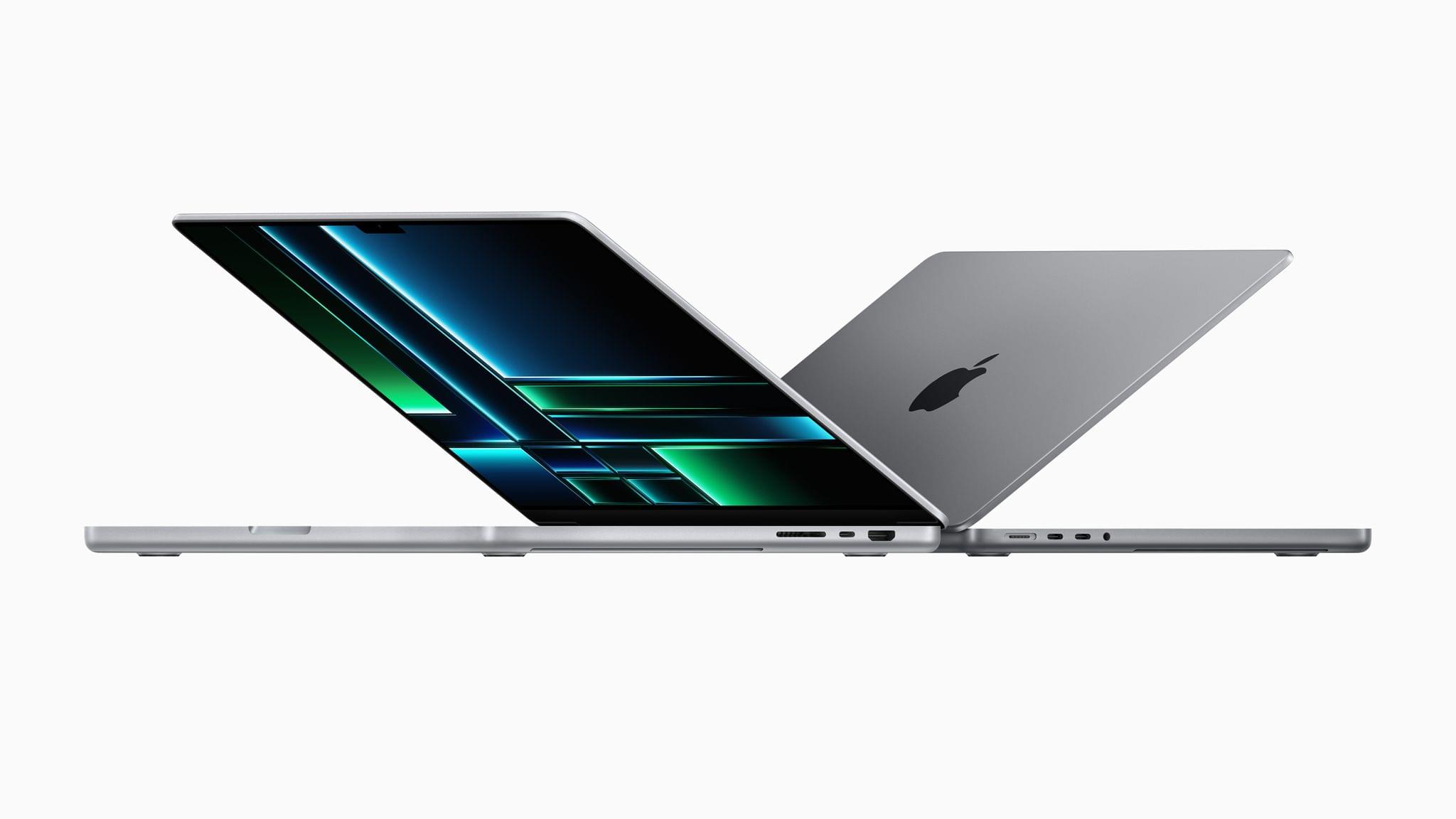
Today, Apple announced new MacBook Pro 14” and 16” models and a new Mac mini via press releases and a video on its YouTube channel. The new laptops are available in M2 Pro and Max chip configurations and feature faster memory bandwidth, WiFi 6E, and the same design as the models they replace. The Mac mini has also been updated to add the M2 and M2 Pro options, as well as other features.
Source: Apple.
In its press release, Apple had this to say about the new M2 Pro and M2 Max SoCs:
M2 Pro scales up the architecture of M2 to deliver an up to 12-core CPU and up to 19-core GPU, together with up to 32GB of fast unified memory. M2 Max builds on the capabilities of M2 Pro, including an up to 38-core GPU, double the unified memory bandwidth, and up to 96GB of unified memory. Its industry-leading performance per watt makes it the world’s most powerful and power-efficient chip for a pro laptop.
The 13” MacBook Pro and MacBook Air were upgraded to the base model M2 last year, but the laptops announced today are the first to include the Pro and Max versions of that SoC. Regarding the MacBook Pro, Apple says:
With M2 Pro and M2 Max — the world’s most powerful and efficient chip for a pro laptop — MacBook Pro tackles demanding tasks, like effects rendering, which is up to 6x faster than the fastest Intel-based MacBook Pro, and color grading, which is up to 2x faster. Building on the unprecedented power efficiency of Apple silicon, battery life on MacBook Pro is now up to 22 hours — the longest battery life ever in a Mac. For enhanced connectivity, the new MacBook Pro supports Wi-Fi 6E, which is up to twice as fast as the previous generation, as well as advanced HDMI, which supports 8K displays for the first time. With up to 96GB of unified memory in the M2 Max model, creators can work on scenes so large that PC laptops can’t even run them.
Source: Apple.
The MacBook Pro with M2 Pro comes in 10 and 12-core CPU configurations that Apple says deliver up to 20% faster performance than the M1 Pro, about what you’d expect from an SoC with 20% more cores. The laptops can be configured with up to 32GB of unified memory that has 200GB/s of bandwidth, which is double the standard M2. The GPU has 19 cores and delivers 30% faster performance, according to Apple. The laptop also features Apple’s media engine that handles encoding and decoding video.
The M2 Max version of the MacBook Pro can be configured with up to 38 GPU cores for what Apple says is 30% better performance than the M1 Max, while the CPU has 12 cores. The MacBook Pro with M2 Max also supports up to 96GB of unified memory with 400GB/s of bandwidth.
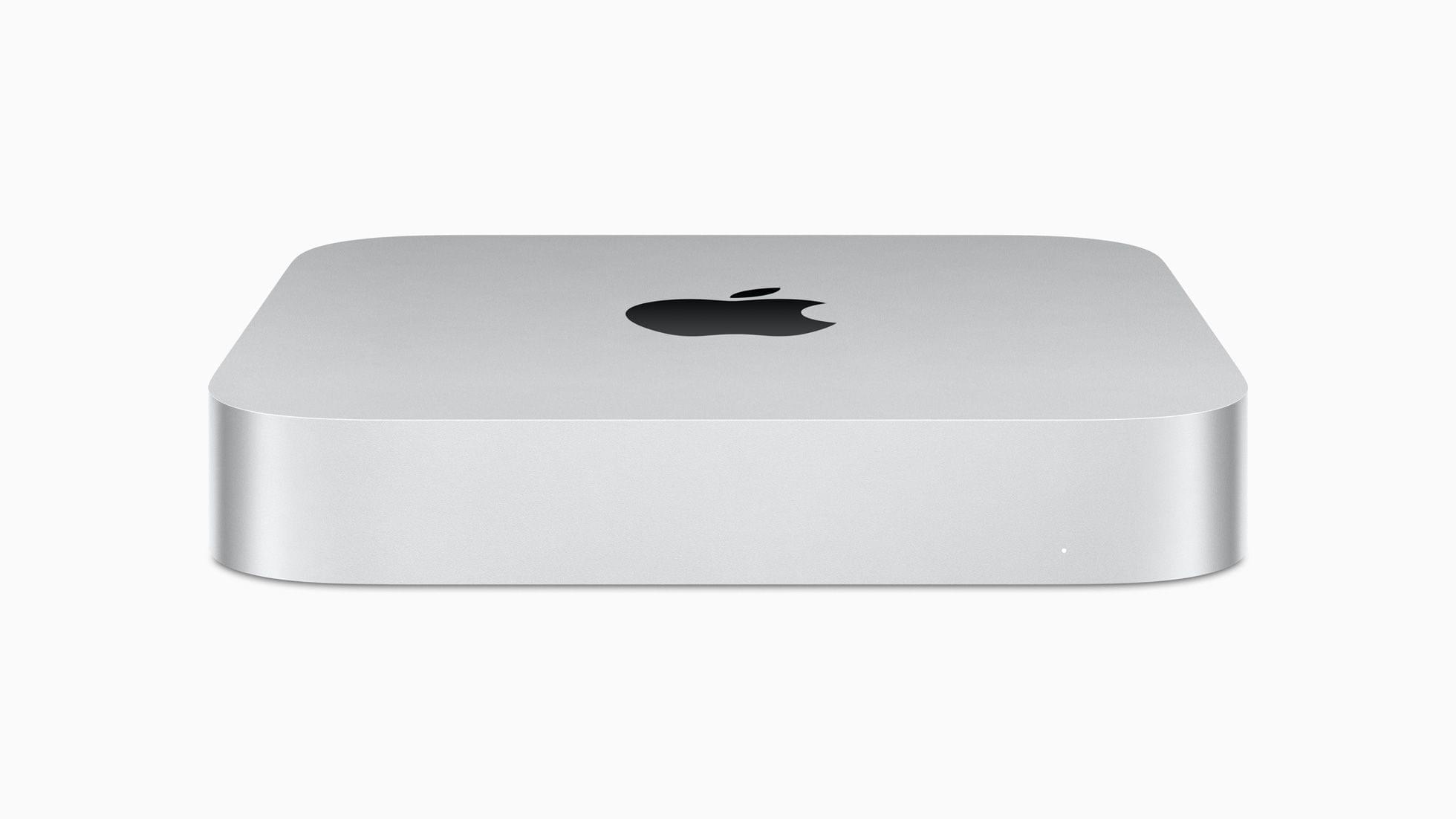
With incredible capabilities and a wide array of connectivity in its compact design, Mac mini is used in so many places, in so many different ways. Today, we’re excited to take it even further with M2 and M2 Pro. Bringing even more performance and a lower starting price, Mac mini with M2 is a tremendous value. And for users who need powerful pro performance, Mac mini with M2 Pro is unlike any other desktop in its class.
The Mac mini, which was among the first Macs to be updated to the M1, is gaining an M2 SoC, with an option to configure the desktop Mac with an M2 Pro. The M2 mini has two Thunderbolt 4 ports, and the Pro version comes with a total of four. The M2 model can power two displays, and the Pro model three.
The updates bring WiFi 6E to all of the Macs announced today for the first time too. The only other devices Apple makes that support the faster wireless networking standard are the 11” and 12.9” iPad Pros.
These look like solid updates across the board, but I’m especially interested in the Mac mini, which seems to be the best value among the Macs announced today.
Both Macs can be preordered today, with deliveries starting January 24th.
Yesterday during their WWDC keynote event, Apple unveiled the updated M2 Apple Silicon chip. While the M2 might not be quite as revolutionary of an upgrade as the M1 was over previous Intel chips, it’s still a very solid year-over-year improvement which continues to boost Apple ahead of the competition.
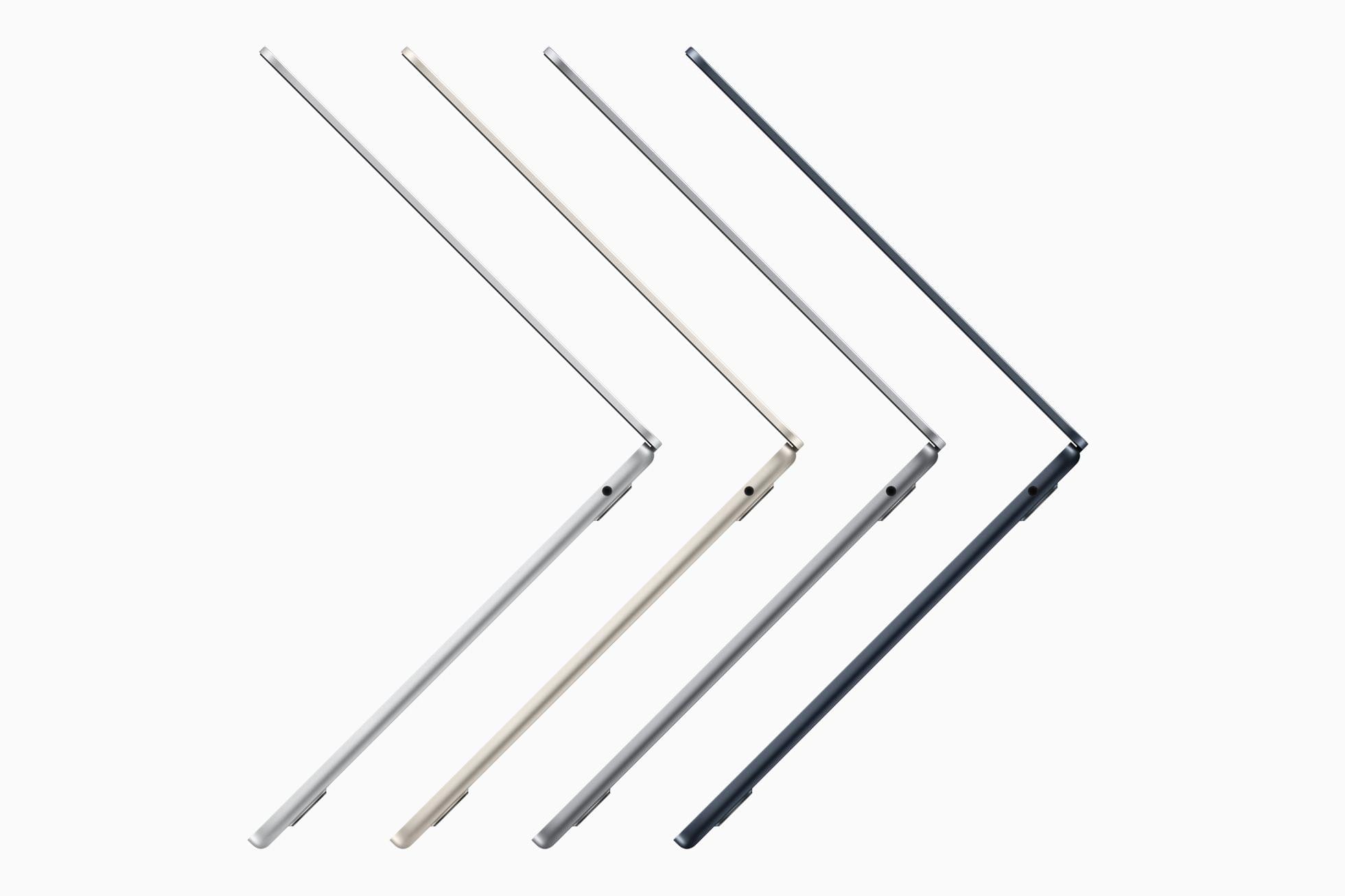
Debuting with the M2 inside are the all-new MacBook Air and the upgraded 13” MacBook Pro. While the MacBook Pro has very few changes other than the new processor, the MacBook Air sports a completely new industrial design. Let’s take a look at Apple’s latest entires into the Mac lineup.
For the past few months, I’ve been living a double life.
Most of you probably know me as “the iPad guy”. And rightfully so: the iPad – more specifically, the iPad Pro – is my favorite computer Apple’s ever made; my coverage of iPad, iPad apps, and, later, iPadOS has far exceeded everything else on MacStories for the last 10 years. I’ve long considered myself primarily an iPad user and someone who strongly believes in the platform because there’s nothing else like it. I don’t think I need to tell that story again.
For these reasons, as you can imagine, when Apple got in touch with me last November asking if I wanted to try out one of the new MacBook Pros with the M1 Max chip, I welcomed their suggestion with a mix of surprise, trepidation, and, frankly, genuine curiosity. What could I, a longtime iPad user, even contribute to the discourse surrounding the comeback of the Mac lineup, the performance of Apple silicon, and the reality of modern Mac apps?
But I was intrigued by the proposal regardless, and I said yes. I was very skeptical of this experiment – and I told Apple as much – but there were a few factors that influenced my decision.
First and foremost, as many of you have probably noticed, I’ve grown increasingly concerned with the lack of pro software (both apps and OS features) in the iPad Pro lineup. As I wrote in my review last year, iPadOS 15 was, by and large, a quality-of-life update that made iPadOS more approchable without breaking any new ground for existing pro users of the platform. As much as I love the iPad, at some point I have to face its current reality: if Apple thinks iPadOS isn’t a good fit for the kind of functionalities people like me need, that’s fine, but perhaps it’s time to try something else. If my requirements are no longer aligned with Apple’s priorities for iPadOS, I can switch to a different computer. That’s why I believe 2022 – and the upcoming WWDC – will be a make-or-break year for iPad software. And I don’t think I’m the only iPad user who has felt this way.
Second, the arrival of Shortcuts on macOS Monterey gave me an opportunity to expand and rethink another major area of coverage for MacStories, which is automation. Along with iPad and iOS, I consider Shortcuts the third “pillar” of what I do at MacStories: with the Shortcuts Archive, Shortcuts Corner and Automation Academy on Club MacStories, and Automation April, I’m invested in the Shortcuts ecosystem and I know that our readers depend on us to push the boundaries of what’s possible with it. With Shortcuts on macOS, I felt a responsibility to start optimizing my shortcuts for Mac users. That meant learning the details of the Shortcuts app for Mac and, as a result, use macOS more. From that perspective, Apple’s review unit couldn’t have come at a better time.
Third, and perhaps most important to me and least helpful for you all, is one of my greatest fears: becoming irrelevant in what I do. As a writer, I guess I shouldn’t say this; I should say that I write for me, and that I would write regardless, even if nobody read my stuff. But as a business owner and someone who’s gotten used to having a medium-sized audience, that would be a lie. I love the fact that I can write for my readers and get feedback in return. I love that I can write something that is wrong and be corrected by someone. I don’t want to lose that. Do you know what’s a really easy way to make it happen? Grow into someone who’s stuck in their ways, only writes about a certain topic, and doesn’t think anything else is worth trying or even remotely considering. In my case, I don’t want to look back at MacStories in 10 years and regret I didn’t at least try macOS again because I was “the iPad guy” and I was “supposed to” only write about a specific topic. I make the rules. And the rule is that curiosity is my fuel and I was curious to use macOS again.
So that’s my context. For the past six months, I’ve been using my MacBook Pro instead of the iPad Pro to get my work done on a daily basis. I’ve kept using the iPad Pro to test my shortcuts, read articles, and write in places where I didn’t have enough room for a MacBook, but, by and large, I’ve lived the macOS lifestyle for half a year by now.
As we head into WWDC, here’s my story on how this experiment went.
Pro photographer Austin Mann has been testing a new MacBook Pro M1 Max with 64GB RAM and an 8TB SSD in Arizona. As always, his review includes beautiful images that required substantial computer power to create. After running the highest-end version of the MacBook Pro through its paces, Mann came away impressed by the laptop’s fast charging and power efficiency, as well as its overall performance:
In summary, the most impressive performance from the new MacBook Pro M1 Max wasn’t just speed (it was about twice as fast), but it was insanely efficient in how it managed both its power and heat, which matters as much or more than pure speed.
Mann’s review does an excellent job capturing how the new MacBook Pros work as a package. It’s not just that they are power efficient or fast, but the combination of multiple advances that has enabled such a substantial leap forward over previous models.
Yesterday, Apple covered a lot of ground quickly, and as usual, more details have emerged in the aftermath of the event. We’ve been combing apple.com, Twitter, and other sources to learn more about the new MacBook Pros, AirPods 3 and more, which we’ve collected below:
Battery life is a function of what you do with your laptop and The Verge’s Mitchell Clark takes a critical look at Apple’s battery life claims, putting them in perspective
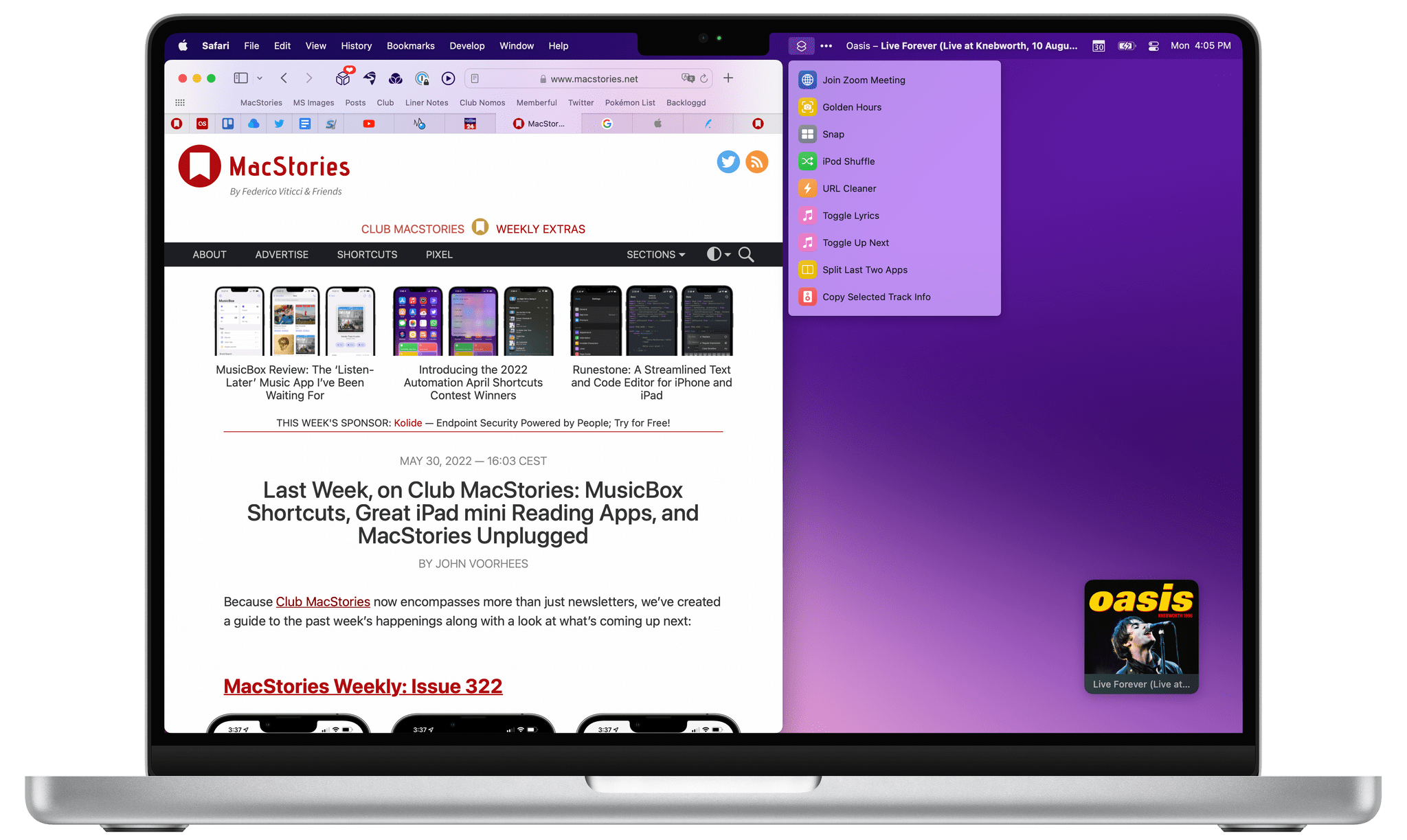
As MacRumors reported and screenshots in Apple’s press releases suggested, the MacBook Pro’s notch is hidden in full-screen mode by a black bar.
Speaking of the notch, Apple’s Serenity Caldwell tweeted yesterday that there is new HIG documentation for developers looking to design for the menu bar on the new MacBook Pros.
As MacRumors’ Juli Clover explains, the MacBook Pro’s HDMI port is HDMI 2.0, which supports a single 4K display at 60Hz, which is disappointing since HDMI 2.1 supports a 120Hz refresh rate.
There’s a striking resemblance between the new Silver MacBook Pro and the Titanium PowerBook G4
As MacRumors noted, Apple has broken out AirPods on its website, giving it a tab that is separate from TV & Home
Everything Else
The latest betas of iPadOS and macOS have brought back standard Safari tabs, relegating the compact mode to Safari’s preferences as Steve Troughton-Smith discovered
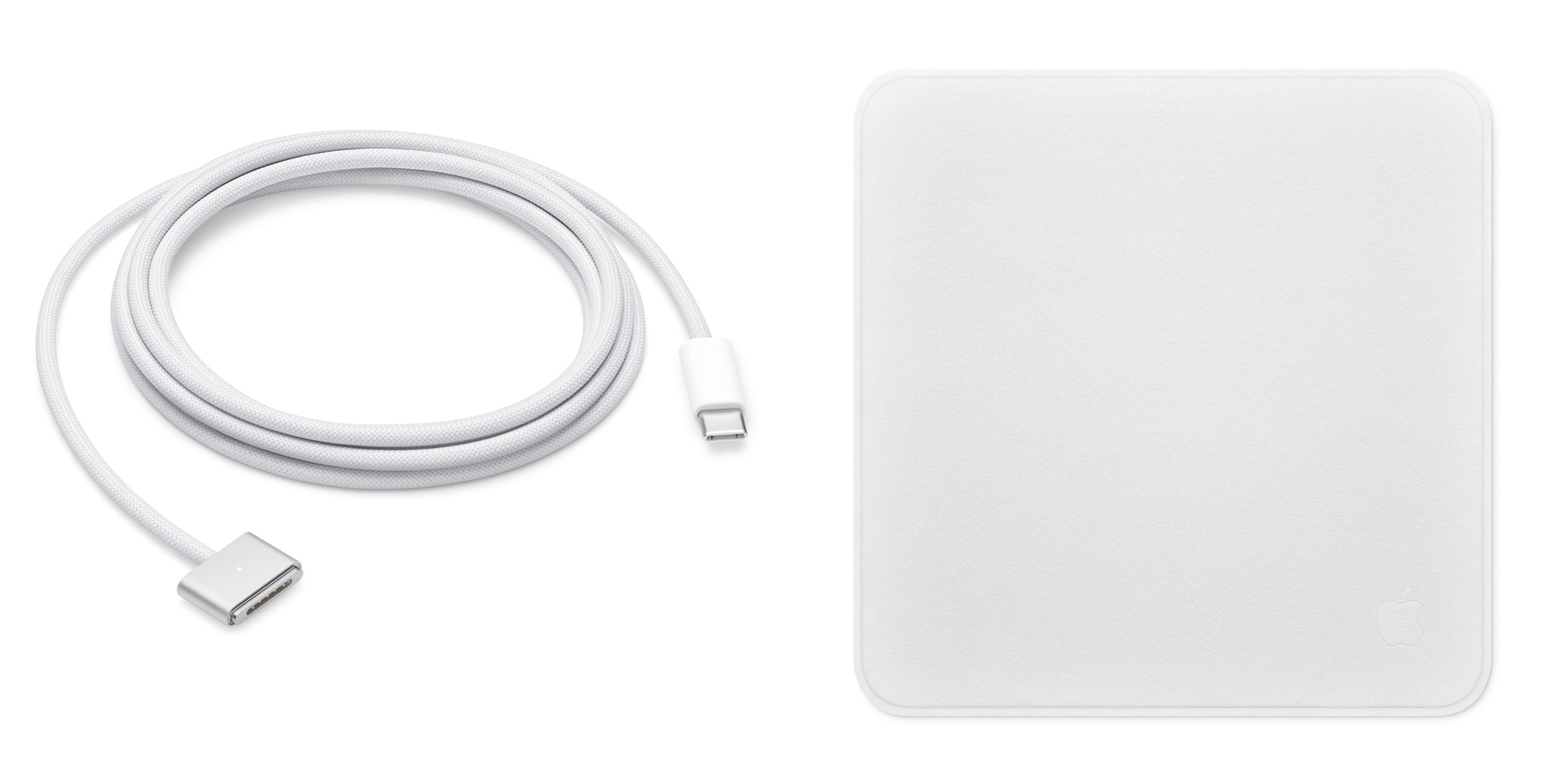
Originally an exclusive Pro Display XDR accessory, now you too can own an Apple Polishing Cloth suitable for all of your Apple device screens for just $19. Coming soon, ‘Apple Polishing Cloth: The MacStories Review’
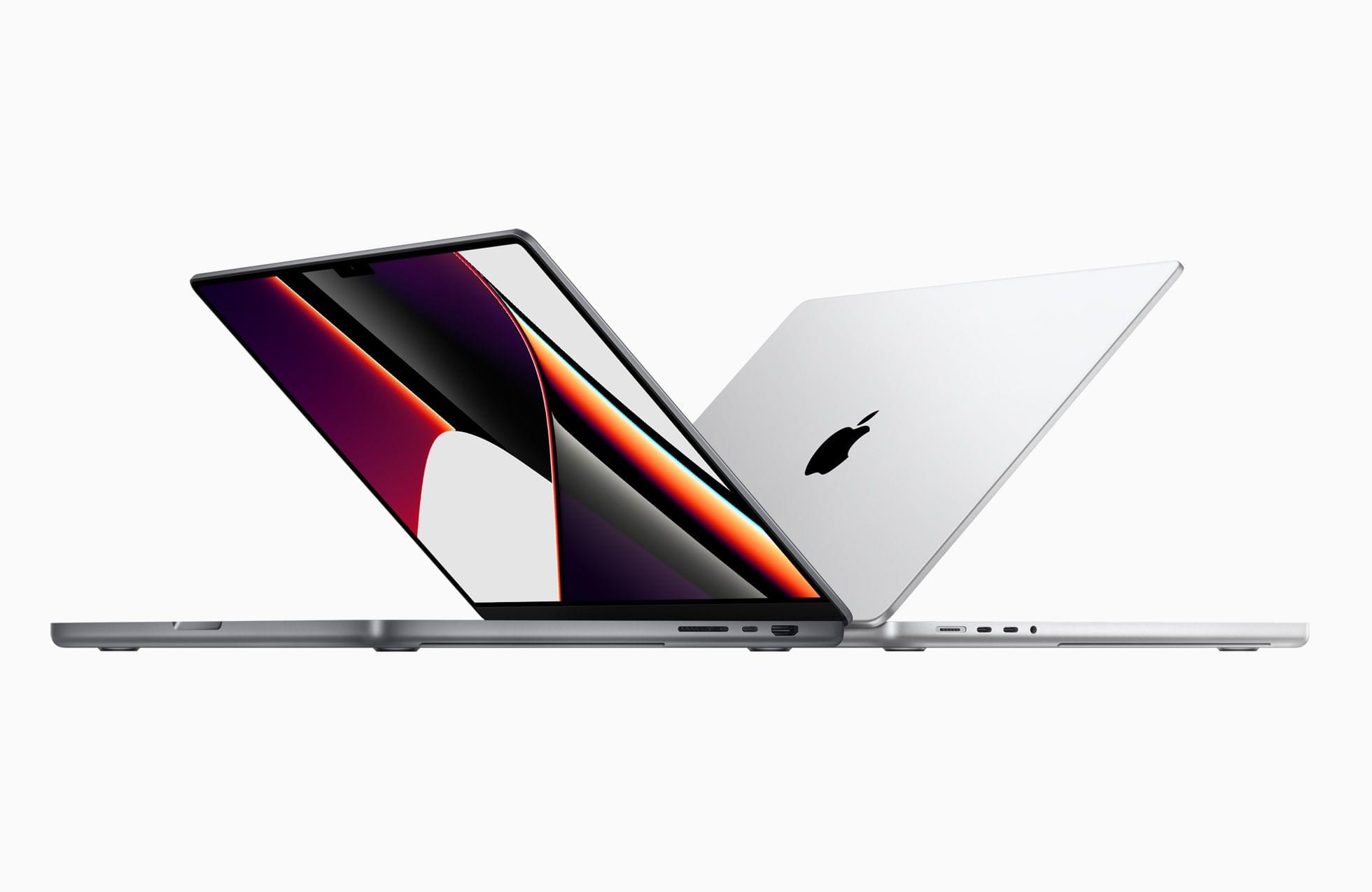
As expected, Apple released new MacBook Pros today featuring all-new Apple silicon systems-on-a-chip (SoCs). Let’s start with the chips that drive the new 14 and 16” MacBook Pros.
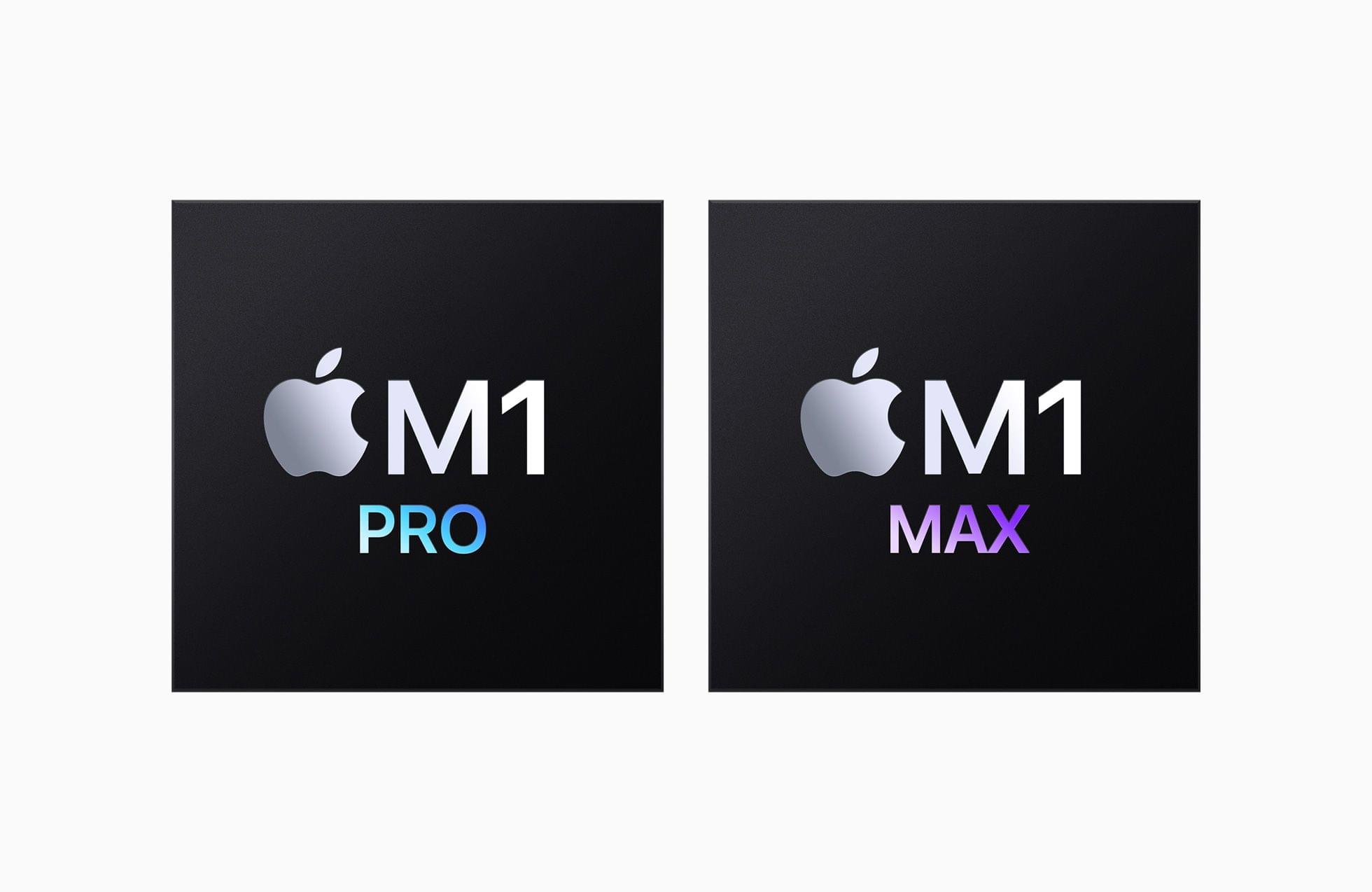
Apple introduced two new SoCs, the M1 Pro and the M1 Max. Both MacBook Pro models can be configured with either SoC, which take the M1 architecture and scale it up for pro-level performance. Today’s presentation emphasized a long list of metrics in several key areas, including the speed, bandwidth, and capacity of its unified memory and both SoC’s efficiency and performance per watt.
The M1 Pro has up to 200GB/s of memory bandwidth and can drive up to 32GB of unified memory. The Max doubles that with up to 400GB/s of memory bandwidth and up to 64GB of unified memory.




](https://cdn.macstories.net/_adm5040-min-horizon-noise_final-2-1635430810671.jpg)