

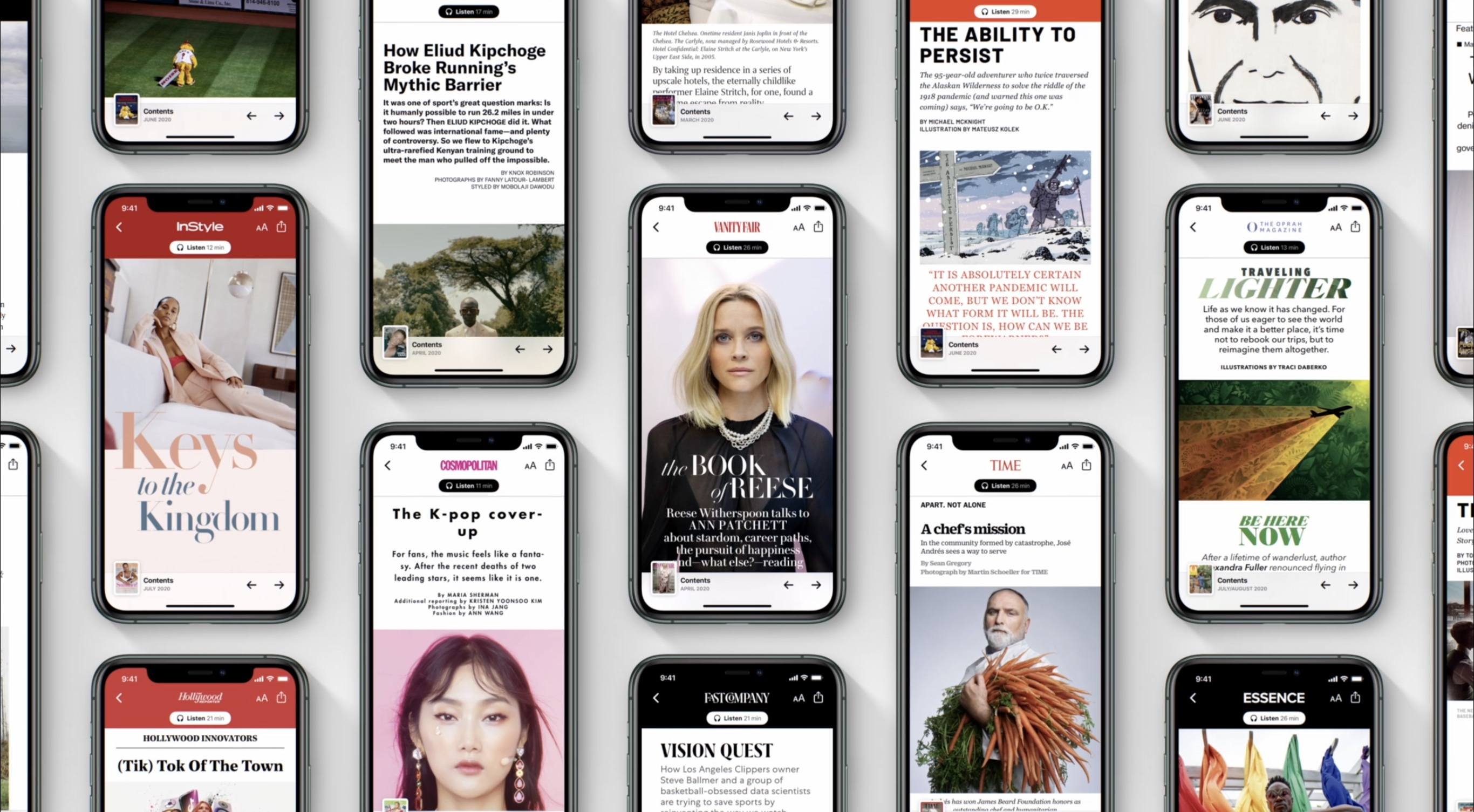
Today Apple announced big enhancements to its Apple News offerings paired with the launch of iOS 13.6. Apple News is entering the world of audio through two main products: a daily news program called Apple News Today, which is available free to all users, as well as premium audio versions of News+ stories which are exclusive to paying News+ subscribers. iOS 13.6 also introduces curated local news experiences to Apple News in a handful of regions, and brings initial support for the digital car key feature first announced at WWDC.
Posts in news
Apple Releases iOS 13.6 with Apple News Audio Features and Expanded Local News Coverage, Plus Digital Car Key Support
MacStories Unwind: The Evolution of iPadOS, Widgets, ADA Interviews, and a New Use for ARKit







Sponsored by OffScreen – Leave Your Phone, and Focus on Real Life
This week on MacStories Unwind:
MacStories
- Widgets and the App Library: A First Look at Bringing Personality and Customization to Your Home Screens
- Two Weeks with iPadOS 14: Redefining the Modern iPad Experience
- Apple Opens First Public Betas for iOS, iPadOS, and tvOS 14
- Epic Games Releases iPhone App That Captures Facial Expressions to Unreal Engine
- Apple Updates Coding Resources for Students, Teachers, and Families
- Omni’s Revised 2020 Roadmap
- 2020 Apple Design Award Winners: The AppStories Interviews
- Majd Taby, Darkroom
- Sam Rosenthal, Where Cards Fall
- Jenova Chen, Sky: Children of the Light
Club MacStories
- MacStories Weekly
- MacStories and Privacy
- Book Track
- A collection of quick and easy iOS video editing apps
- First Impressions: HyperDrive Gen 2 12-port USB-C Hub
- Straw Poll results
AppStories
Unwind Picks
- John’s Pick:
- Hanna available on Amazon Prime Video
Apple Opens First Public Betas for iOS, iPadOS, and tvOS 14
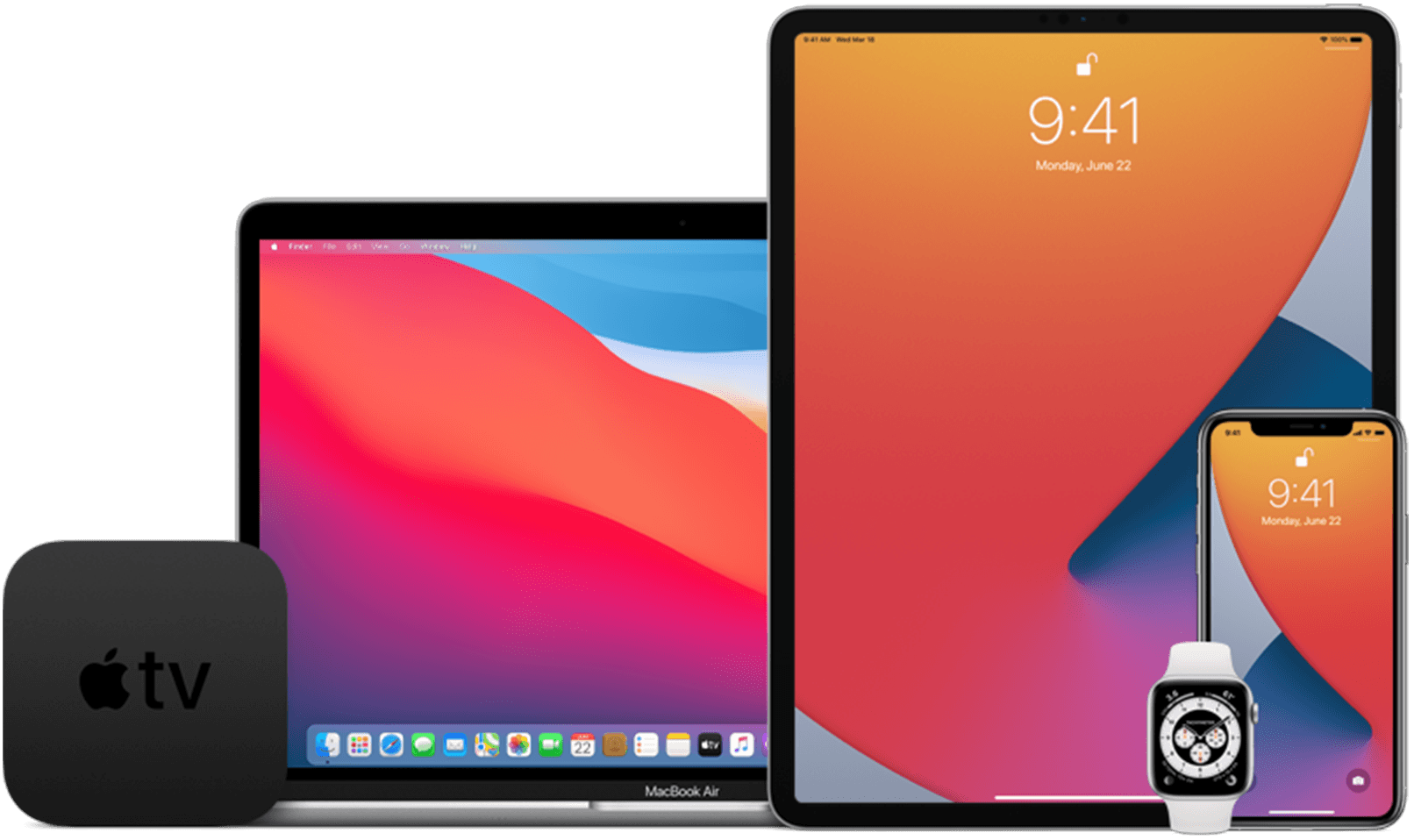
Apple has opened its public beta program for iOS 14, iPadOS 14, and tvOS 14 on the Apple Beta Software Program website.
Developers, who can access betas of Apple’s OS releases before the general public, received the first developer betas on June 22nd, the first day of WWDC and a second version earlier this week. If past practice is a guide, the public beta released today should be identical to the second developer beta released on Tuesday.
If you would like to sign up but haven’t, visit beta.apple.com and log in using your Apple ID. It should go without saying that you should only install betas on your devices after you’ve taken appropriate steps to protect your data and are willing to endure potentially buggy software.
For more on what’s in the betas check out our full overviews of iOS 14 and iPadOS 14 and tvOS 14, which are terrific overviews that we published during WWDC.
Stay tuned for more over the summer too. The MacStories team is working on special preview stories that cover a wide range of features in the public betas as we approach the publication of our annual OS reviews this fall. Federico and I will also be doing some special interview episodes of AppStories this summer to dig deeper into what the new OSes will mean to MacStories readers and the apps they love.
Update: An earlier version of this story stated that the macOS Big Sur and watchOS 7 public betas have been released too, which was incorrect. We expect macOS Big Sur and watchOS 7 to be released soon, but they are not yet available.
Apple Updates Coding Resources for Students, Teachers, and Families→

Apple has updated its lineup of coding resources for kids and educators across the board and introduced all-new resources for parents and children interested in learning to program from home.
Apple first introduced its Everyone to Code program in 2016. That program was joined by Develop in Swift in 2019. Between the two programs, Apple has developed resources for students of all ages and their teachers. With today’s announcement, Apple has updated its existing materials and is expanding them with new offerings. As Susan Prescott, Apple’s vice president of Markets, Apps, and Services describes it in an Apple press release:
“Apple has worked alongside educators for 40 years, and we’re especially proud to see how Develop in Swift and Everyone Can Code have been instrumental in helping teachers and students make an impact in their communities. We’ve seen community college students build food security apps for their campus and watched middle school educators host virtual coding clubs over summer break. As part of our commitment to help expand access to computer science education, we are thrilled to be adding a new professional learning course to help more educators, regardless of their experience, have the opportunity to learn coding and teach the next generation of developers and designers.”
The new course that Prescott mentions is a free online course that educators can take to prepare themselves to teach Apple’s Develop in Swift curriculum.
Apple has also updated its set of four free Develop in Swift books that are available from the Apple Books app. The company also introduced a new Everyone Can Code book and teacher guide called Everyone Can Code: Adventures, which is also available in Apple Books.
Also introduced today is a new coding guide that parents and their kids can use at home:
To support parents with kids learning to code at home, Apple is adding a new guide to its set of remote learning resources. “A Quick Start to Code” is now available and features 10 coding challenges designed for learners ages 10 and up, on iPad or Mac. Additional resources are available on Apple’s new Learning from Home website, launched this spring, where educators and parents can access on-demand videos and virtual conferences on remote learning, and schedule free one-on-one virtual coaching sessions, all hosted by educators at Apple. New videos are being added all the time as part of the Apple Education Learning Series — including videos about using Apple’s industry-leading accessibility features.
As someone who struggled to find good resources for my kids to learn to code when they were younger, I’m pleased to see that Apple has continued to expand and support its educational programs. These programs, along with Swift Playgrounds, are rich resources for kids, teachers, and their parents and a terrific way to help kids get started with coding.
MacStories Unwind: The ADAs, New Apple Watch Details, and Big Sur’s Redesign
Sponsored by Streaks Workout: Work out in your home with no equipment.
This week on MacStories Unwind:
MacStories
- Apple Design Awards for 2020 Awarded to Eight Developers
- Apple’s Kevin Lynch on watchOS 7’s Sleep Tracking
- How the watchOS 7 Handwashing Feature Works
- Michael Flarup on Big Sur’s New Design
- Apple Adds Look Around for Seattle, Washington in Maps
- Apple News Loses The New York Times
Club MacStories
- MacStories Weekly
- John shares a collection of small but interesting changes coming in macOS Big Sur
- Federico shares an OmniFocus shortcut for iOS and iPadOS 14
- Ryan considers Apple’s plans for gaming
- We’ve got a reader straw poll about WWDC 2020
- Monthly Log
- John on the Big Sur redesign and whether it’s a sign of an imminent touchscreen Mac, part of a longer-term experiment, or something else
- Stephen considers the design changes coming to the Mac with Big Sur
- Ryan shares some of the apps he’s switching to while testing iOS and iPadOS 14
AppStories
Unwind Picks
- Federico’s Picks:
- The Politician, Season 2 on Netflix
- John’s Picks:
- On Writing by Stephen King
Apple Debuts Web Portal for Apple Card Management

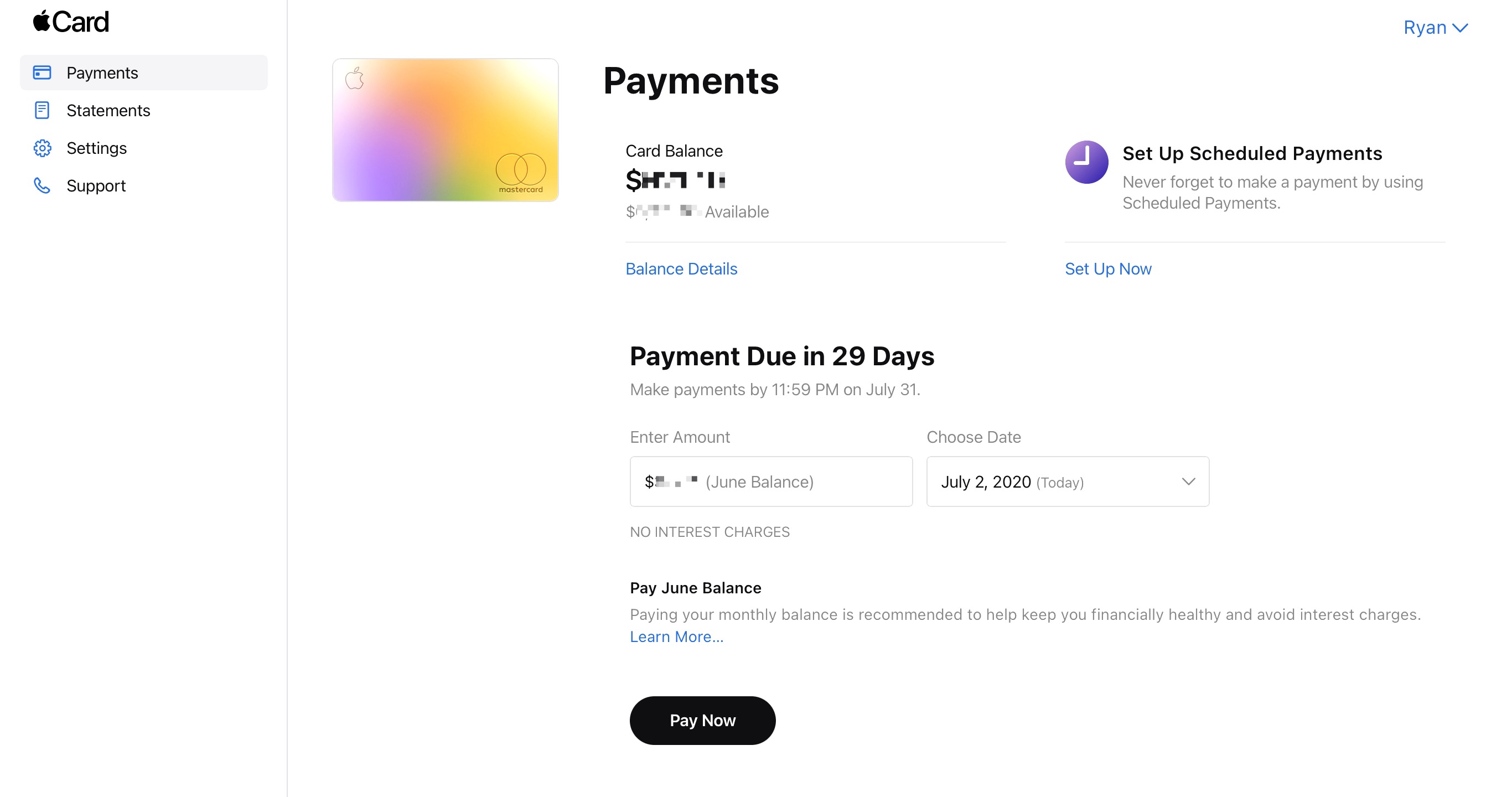
Apple Card users can now view their entire transaction history, make payments, and more from card.apple.com.
Launched today, the new web portal for Apple Card users addresses a concern prospective users voiced when Apple Card first launched: how do I manage my credit card if I lose my iPhone (and/or iPad)? That should no longer be an issue, since Apple’s website now enables users to:
- Check their Apple Card balance
- Make payments, including setting up scheduled payments
- Download PDF statements of monthly activity
- View information about their Apple Card Monthly Installments
- Set up and remove bank accounts
The timing of this new web portal coincides nicely with a special promotion Apple just started, which offers new Apple Card users a $50 credit to use toward Apple services. Just a couple weeks ago, Apple Card also gained special 0% financing options for a host of Apple products, including Macs, iPads, AirPods, and more.
I’ve been an Apple Card user since the beginning and love it. While I don’t expect to use the web interface on a regular basis, it’s a great option for people who need it, and I’m happy to see Apple continue to make the product more appealing.
Apple Adds Look Around for Seattle, Washington in Maps

It was clear during WWDC that Apple is forging ahead with its Maps app at full-speed. Not only were several interesting refinements to the app and its underlying data announced during the conference keynote and sessions, but Apple continues to improve the functionality of its maps throughout the year, adding its Look Around feature to Seattle, Washington today.
Look Around was the marquee addition to Maps in iOS 13. The feature, which competes with Google Street View, provides a 3D representation of the world from a car’s vantage point. When you zoom far enough into an area that supports Look Around, an icon of a pair of binoculars appears in the top right-hand corner of the screen. Tapping it opens a separate overlay that you can pan around by swiping and move through by tapping along streets. The animations are smooth and the images high-resolution, making Look Around a terrific way to explore an unfamiliar area before visiting.
Seattle joins ten other US cities as the eleventh area to add the Look Around feature. The last city added was Chicago and parts of its suburbs, which were added in April.
At WWDC, Apple announced that Apple is updating its map data in Ireland, the UK, and Canada later this year. With the US map data updated, I’m glad to see Apple moving forward in other countries. I expect that before long, we’ll see other countries add the new map data too.
Also, I hope that the addition of Look Around in Seattle marks an acceleration of that feature. It’s a fantastic resource in the 11 major urban areas it covers. Still, I’d love to see Look Around expand to smaller cities and public spaces over time, making it useful to a broader cross-section of the world’s population.
Apple Design Awards for 2020 Awarded to Eight Developers
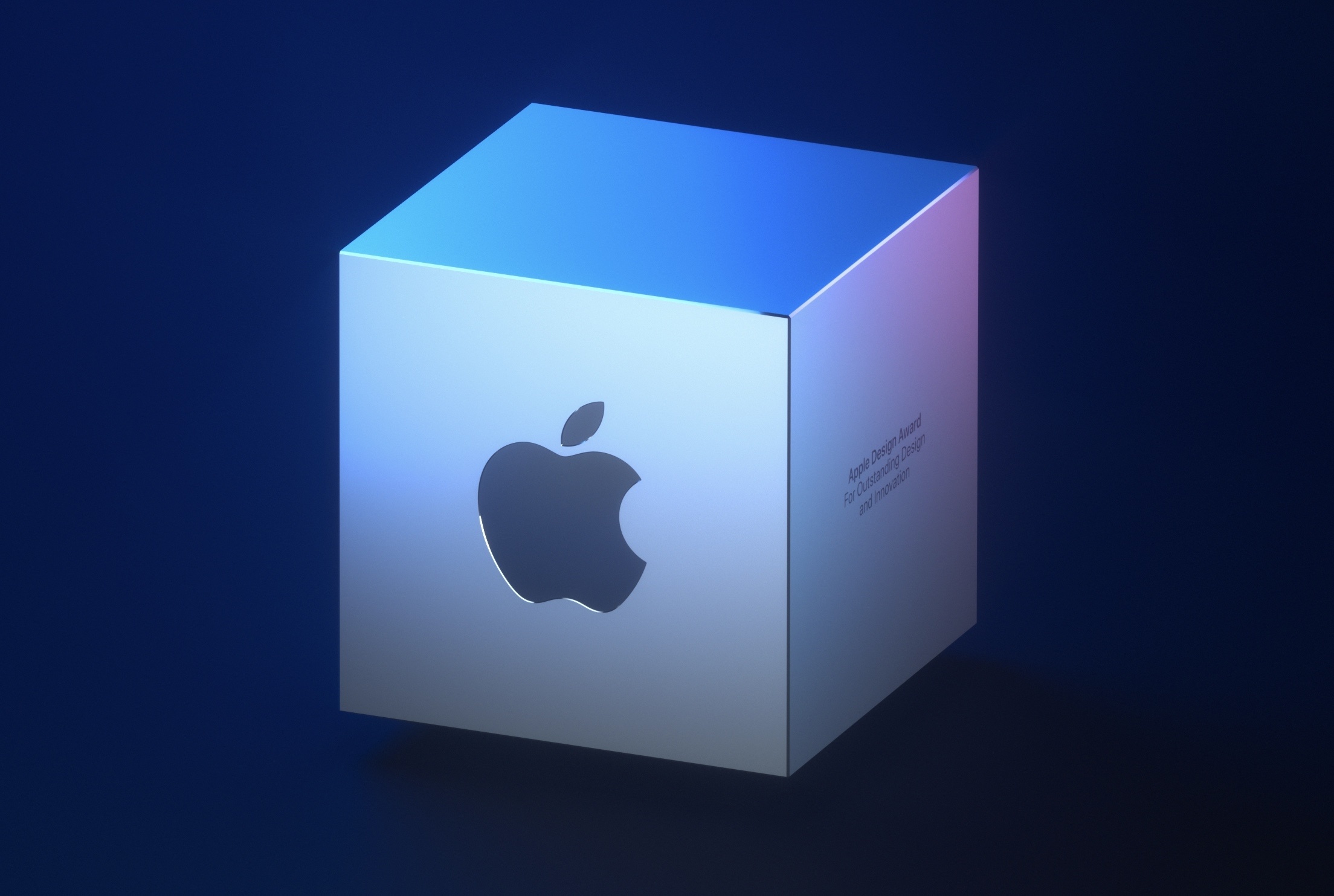
Typically, the Apple Design Awards have been held on the evening of the first day of WWDC. With the conference online this year, Apple held off until today to announce the winners. This year, in a collection that has a distinct iPad focus, the company announced four app winners and four game winners.
The 2020 Apple Design Award winners for apps are:
Darkroom
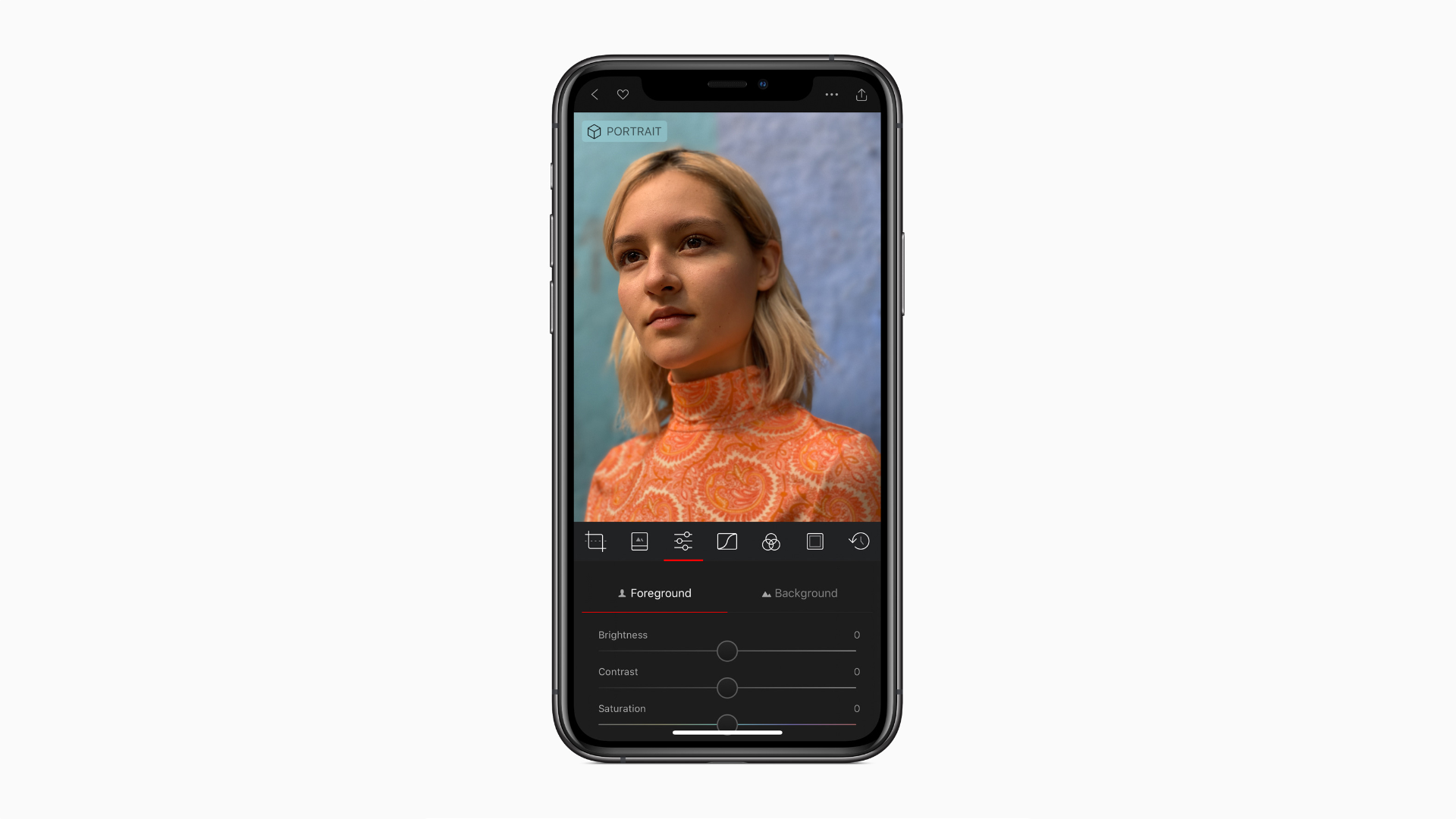
A MacStories favorite, Darkroom by Bergen Co. is a beautiful photo and video editor for the iPhone and iPad that takes advantage of many of Apple’s latest OS features.
MacStories Unwind: WWDC Wrapped – Themes, Overviews, and Music
This week on MacStories Unwind:
MacStories
- A GoodLinks Read and Listen Later Shortcut and Custom Action
- Apple’s WWDC 2020 Design Sessions
- David Smith on Sleep Tracking in watchOS 7 and Its Likely Effect on Sleep++
- Everything Changing in Apple Notes and Reminders in iOS and iPadOS 14
- Apple Silicon Macs Will Add a New Boot and Recovery Mode
- The Talk Show Remote from WWDC 2020 with Guests Craig Federighi and Greg Joswiak
- WWDC 2020: All the Little Things in Apple’s New OS Releases
- The Mac’s Transition to Apple Silicon
- Apple Audio: AirPods Receive Automatic Switching, Spatial Audio on AirPods Pro, and HomePod Integrates with Third-Party Music Services
- tvOS 14: The MacStories Overview
- Craig Federighi on Apple’s New Privacy Initiatives
- macOS Big Sur: The MacStories Overview
- iOS and iPadOS 14: The MacStories Overview
- watchOS 7: The MacStories Overview
- WWDC 2020 Keynote: By the Numbers
- Apple Publishes Video from WWDC 2020 Keynote
Club MacStories
- MacStories Weekly
- Federico shares his first two iOS 14 Shortcuts
- Ryan collects his favorite and most surprising announcements of WWDC
- John evaluates which of his workflows worked best during WWDC
- Plus apps, Q&A, links and more
- MacStories Unplugged
- John explains the Illinois cicada invasion, Federico gets ready to write his iOS and iPadOS 14 review, we preview some of our summer plans for MacStories and the Club over the summer, and we explain why we hope that WWDC will return to being an in-person event next year.
- Join Club MacStories
AppStories
- Episode 169: WWDC 2020: Keynote Overview and Reactions
- Episode 170: WWDC 2020: Widgets Come to the iPhone, iPad, and Mac
- Episode 171: WWDC 2020: iOS and iPadOS 14 First Impressions, Favorite Small Details, and App Clips
- Episode 172: WWDC 2020: The Mac, Big Sur, and Shortcuts
Unwind Picks
- Federico’s Pick:
- John’s Picks:
- WWDC 2020 Apple Music Playlists