
Earlier this week, John published his latest Macintosh Desktop Experience column for Club MacStories+ and Club Premier members, which wraps up his series on the Loupedeck Live. Here are the other highlights from the Club MacStories+ Discord: Our moderator and automation extraordinaire Rosemary shared a simple, yet effective workaround to force the ‘Copy to Clipboard’...
 Manually Install Obsidian Plugins on iOS and iPadOS via Working Copy and Its New Version Control for Files
Earlier this week Discord member OneMorningStar brought to my attention that the latest version of Working Copy – the excellent Git client for iPhone and iPad I’ve been using for years – can access hidden files and folders configured as linked repositories. Naturally, I immediately started thinking about how to take advantage of this feature...
Personalizing My Apple Music Experience with Marvis
With the iOS and iPadOS 15 review finally behind me, I’ve started catching up on things I largely ignored during the summer as I was busy writing. These include videogames (I’m trying to finish Metroid: Zero Mission before Dread comes out next month), reading books (our Discord members know!), reading articles in my Safari Reading...
How iPadOS 15 Ruined Chris Welch’s iPad Home Screen→
Chris Welch, writing for The Verge, covers an aspect of iPadOS 15 I also pointed out in my review: iPadOS 15 no longer keeps the same icon grid layout in portrait and landscape orientations, and, if you place widgets on the Home Screen, its density is reduced.
Welch concludes:
Some will see this as a very minor inconvenience and carry on with updating to iPadOS 15 for all of the other benefits. Since the App Library is now there, you can even go in the complete opposite direction and load your homescreens up with widgets everywhere and only a few app icons. If that’s you, don’t let me stop you. On the whole, it’s a very good release.
But I’m really hoping in a future software update, Apple will add a setting to restore the old layout that kept everything more consistent. It’d be even better if the company made the grid more customizable on the whole. If we’re letting people choose between new and old Safari designs, why not offer a choice between having more things on-screen or a less dense grid that’s better optimized for widgets? There’s already a “Home Screen and Dock” section in settings, after all. Letting you adjust the grid to your liking is something that Android phones and tablets already get right. It’s not a huge ask.
I think the point about customization is exactly right, and also why I’m not complaining about the ability to choose a layout in Safari. As iPads are used by a variety of less tech-savvy and more experienced pro users, it’s now increasingly challenging for Apple to cover the platform’s full spectrum of workflows with non-customizable features. Welch makes a great point about the Home Screen grid’s rigidity and lack of control; I hope Apple provides more options for this in the future, along with a denser grid if you have widgets placed on the iPad Home Screen.
 The iPad mini: Small Wonder
 John
John
Making Of: The iOS and iPadOS 15 Review
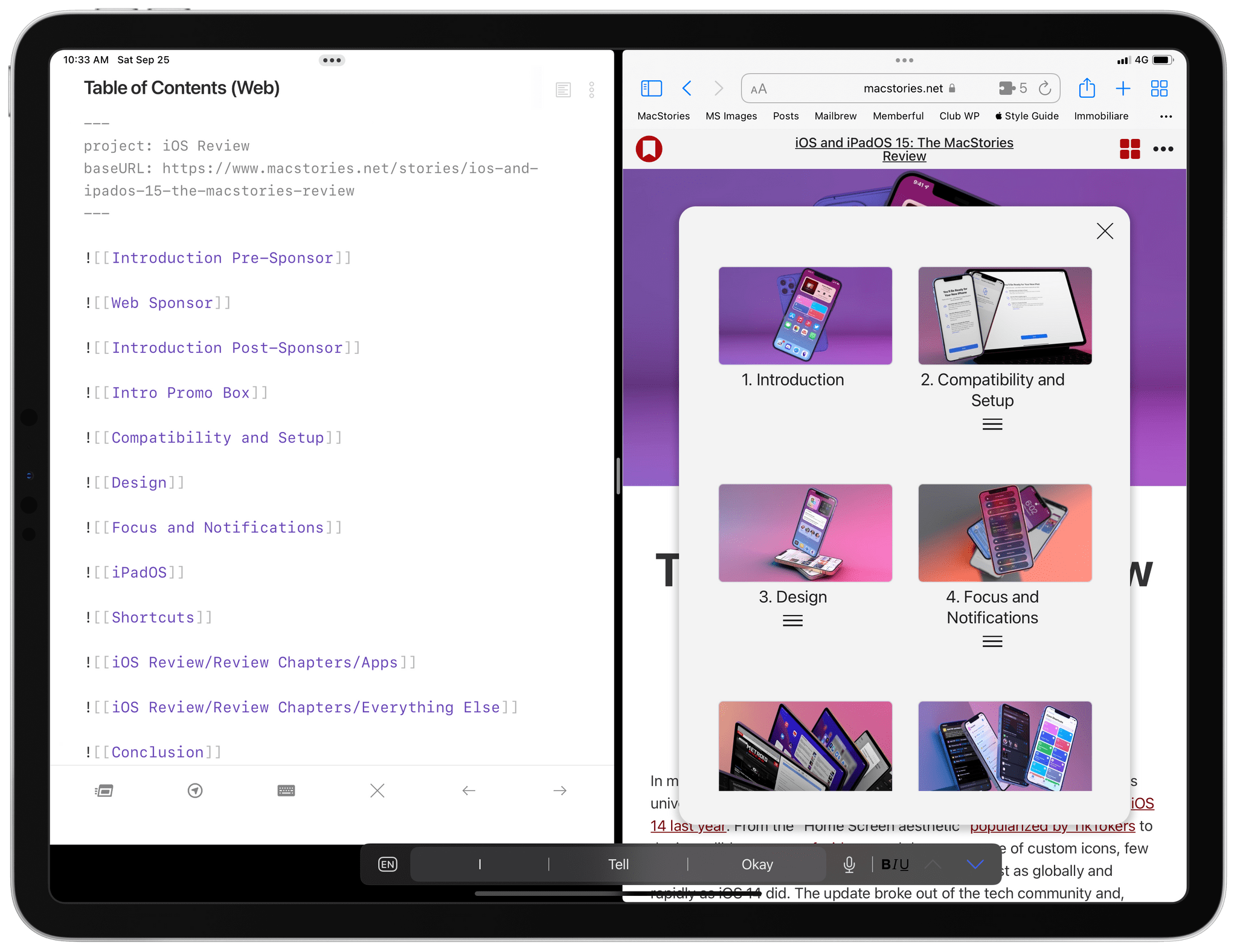
As you may have guessed from my previous columns here on MacStories Weekly over the past few weeks, this year I completely changed my setup for researching, writing, and editing the iOS and iPadOS review. For the first time since I started doing these reviews with iOS 9 in 2015, I didn’t use a mind...
iPad mini Review: Small Wonder
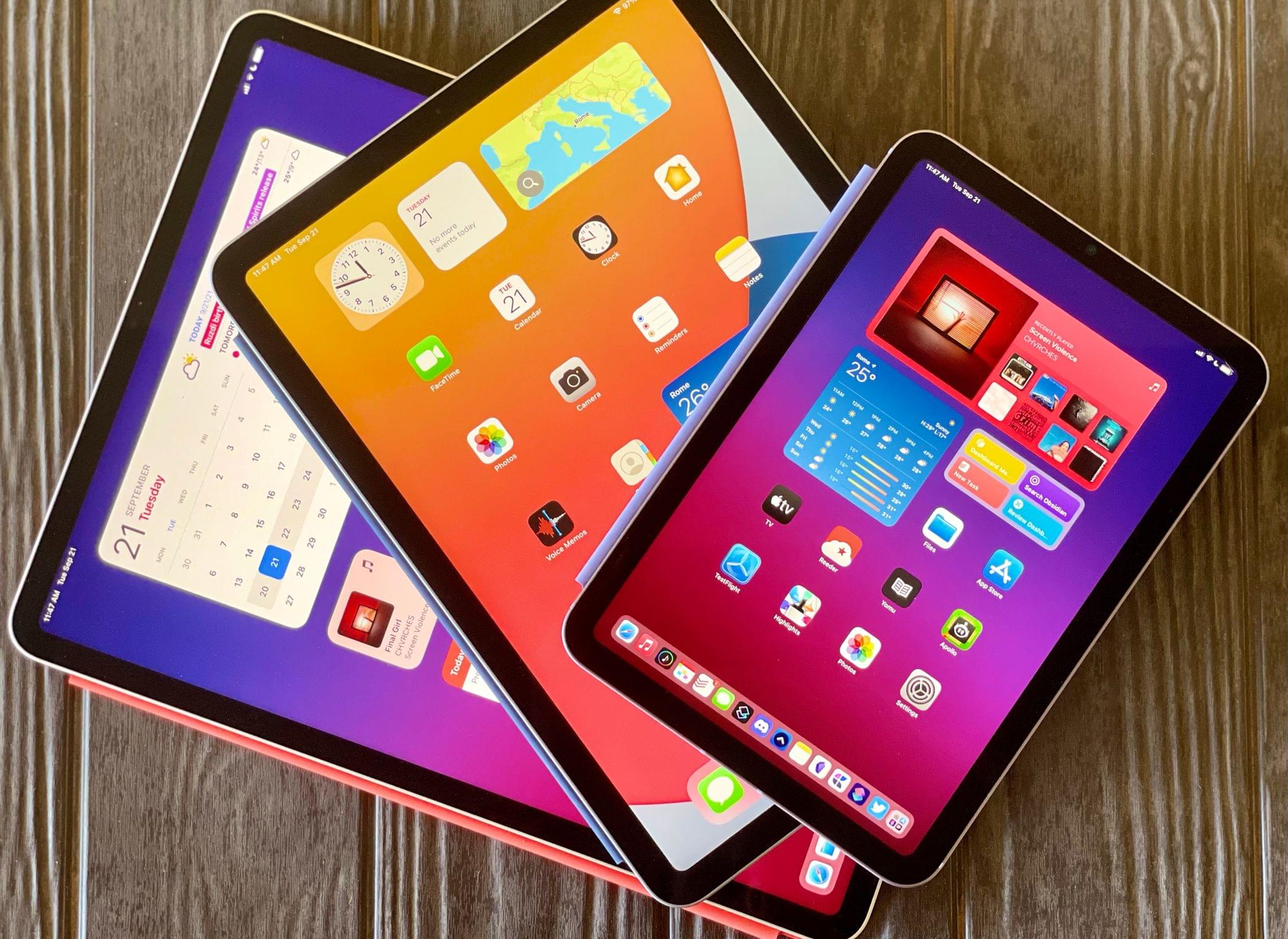
For the past week1, I’ve been using Apple’s sixth-generation iPad mini, which is officially launching this Friday. I’ll cut right to the chase: I’ve been waiting for this kind of iPad mini refresh for years, and the device absolutely delivers on all fronts. The new iPad mini fulfills my longstanding dream of an iPad Pro/Air-like device in a diminutive form factor, providing a highly portable experience unlike anything else in Apple’s lineup.
The iPad mini was already in a class of its own; with this redesign, Apple has made the best small iPad I’ve ever tried – one that is a joy to use on a daily basis. Whether you’re looking for a companion device to your iPad Pro or a portable iPad to complement your Mac experience, this little iPad is worth the price of admission.
The new iPad mini was the missing piece to my iPad workflow; now that I have it, I want to use it as much as possible.
Let me explain.
iOS and iPadOS 15: The MacStories Review

AppStories Episode 241 - iOS and iPadOS 15: The MacStories Review
0:00
01:01:22
01:01:22
This week, John interviews Federico about his iOS and iPadOS 15 review live in the Club MacStories+ Discord community, covering the challenges of writing this year’s review, Focus mode, Safari changes, Shortcuts, Live Text, the Shelf, listener questions, and more.
iOS and iPadOS 15: The MacStories Review
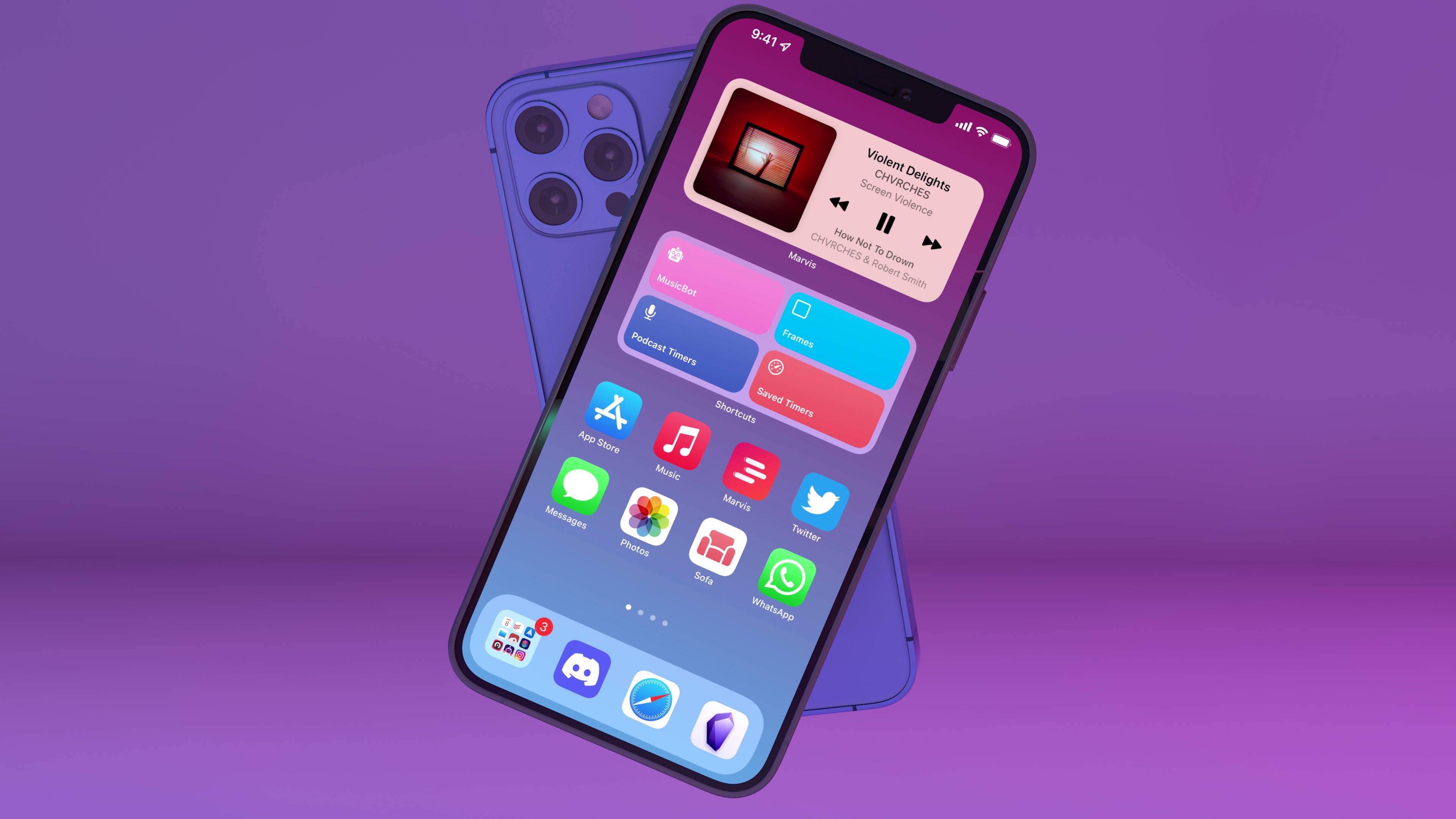
A quieter release for even stranger times.
In my career as an iOS reviewer, I don’t think I’ve ever seen a response as universally positive and enthusiastic as the general public’s reception of iOS 14 last year. From the “Home Screen aesthetic” popularized by TikTokers to the incredible success of widgets and the resurgence of custom icons, few iOS updates managed to capture the cultural zeitgeist as globally and rapidly as iOS 14 did. The update broke out of the tech community and, perhaps for the first time in decades, made UI personalization a mainstream, easily attainable hobby. For once, we didn’t have to convince our friends and family to update to a major new version of the iPhone’s operating system. They just did it themselves.
The numbers don’t lie: five weeks after its release, iOS 14 was already set to surpass iOS 13’s adoption rate; in April 2021, seven months after launch, over 90% of compatible devices were running iOS 14. Which begs the obvious question: if you’re Apple, you’re planning to follow up on what made iOS 14 successful with even more of it, right?
Well, not quite.
With the world coming to a halt due to the pandemic in early 2020, Apple could have easily seized the opportunity to slow down its pace of software updates, regroup, and reassess the state of its platforms without any major changes in functionality. But, as we found out last year, that’s not how the company operates or draws its product roadmaps in advance. In the last year alone, Apple introduced a substantial macOS redesign, pointer support on iPad, and drastic changes to the iOS Home Screen despite the pandemic, executing on decisions that were likely made a year prior.
Surprisingly, iOS 15 doesn’t introduce any notable improvements to what made its predecessor wildly popular last year. In fact, as I’ll explore in this review, iOS 15 doesn’t have that single, all-encompassing feature that commands everyone’s attention such as widgets in iOS 14 or dark mode in iOS 13.
As we’ll see later in the story, new functionalities such as Focus and Live Text in the Camera are the additions that will likely push people to update their iPhones this year. And even then, I don’t think either of them sports the same intrinsic appeal as widgets, custom Home Screens, or the App Library in iOS 14.
It’s a slightly different story for iPadOS 15, which comes at a fascinating time for the platform.
As I wrote in my review of the M1 iPad Pro earlier this year, Apple needed to re-align the iPad’s hardware and software on two fronts. For pro users, the company had to prove that the new iPad Pro’s hardware could be useful for something beyond basic Split View multitasking, either in the form of more complex windowing, pro apps, or desktop-like background processes; at the same time, Apple also had to modernize iPadOS’ multitasking capabilities for all kinds of users, turning an inscrutable gesture-based multitasking environment into a more intuitive system that could also be operated from a keyboard. It’s a tall order; it’s why I’ve long believed that the iPad’s unique multiplicity of inputs makes iPadOS the toughest platform to design for.
Apple’s work in iPadOS 15 succeeds in laying a new foundation for multitasking but only partially satisfies the desires of power users. Apple managed to bring simplicity and consistency to multitasking via a new menu to manage the iPad’s windowing states that is easier to use than drag and drop. Perhaps more importantly, Apple revisited iPad multitasking so it can be equally operated using touch and keyboard. If you, the person reading these annual reviews, have ever found yourself having to explain to a family member how to create a Split View on iPad, tell them to update to iPadOS 15, and they’ll have a much easier time using their iPads to their full extent.
But after three months of running iPadOS 15 on my M1 iPad Pro, I can’t help but feel like power users will still be left wishing for more. Yes, iPadOS 15 brings extensive keyboard integration for multitasking with a plethora of new keyboard shortcuts and yes, the new multitasking menu and improvements to the app switcher benefit everyone, including power users, but iPadOS 15 is a foundational update that focuses on fixing the basics rather than letting the iPad soar to new heights.
While Apple is probably preparing bigger and bolder updates for next year, there are still plenty of features to discover and enjoy in iOS and iPadOS 15 – some that could still use some refinement, others that already feel like staples of the modern iPhone and iPad experience.
Let’s dive in.