Apps, Services, and Everyday Improvements
Find My
It never made sense to me that different aspects of the iPhone’s Find My were spread across separate apps on the Apple Watch. I suppose the idea was that splitting the app up made it more atomic and widget-like for the Apple Watch’s small screen, but in practice, I think most people use Find My from an iPhone more than they do an Apple Watch, so the split on the Apple Watch was confusing.
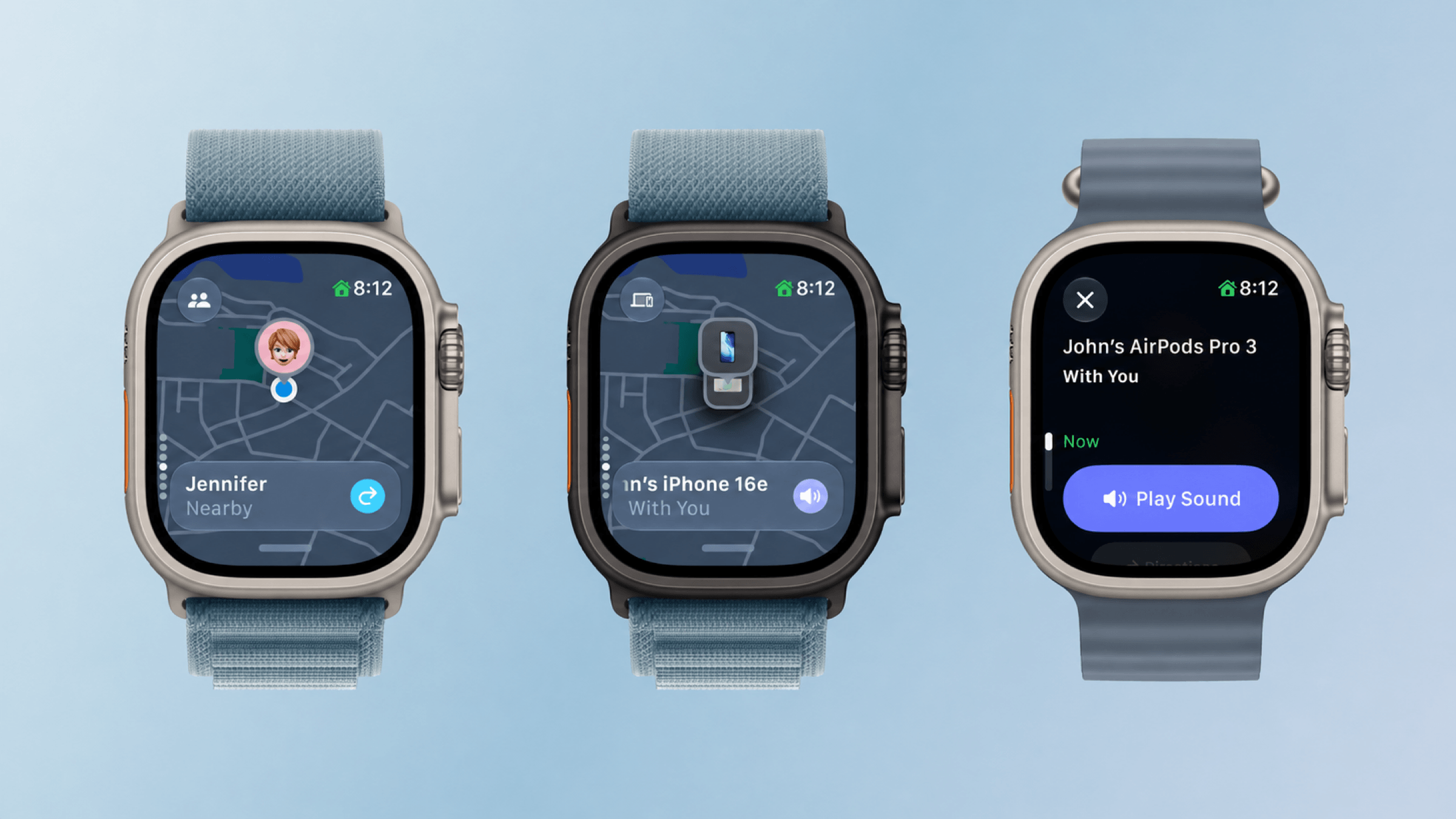
The new Find My app is map-based, just like it is on other platforms. The app defaults to a devices view, and if you have multiple devices with Find My enabled in one location, you can scroll among them using the Digital Crown. Tap the button in the top left corner and you can switch from devices to people or items.
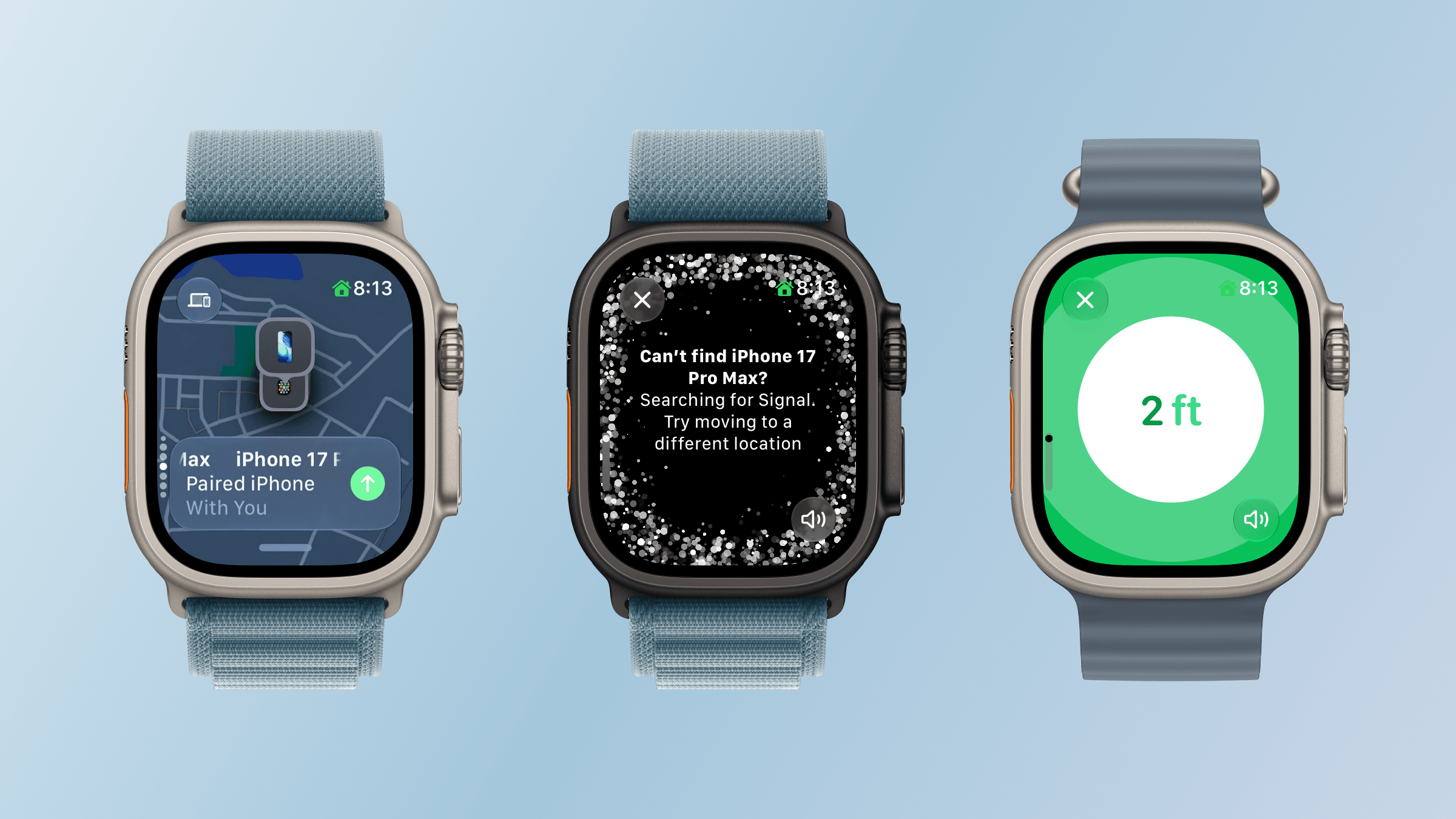
What I love about the new Find My is how true it is to the iPhone app. You’re able to use it to get directions, contact someone, play a sound on a device or item, enable Notify When Found or Notify When Left Behind, set arrival and departure alerts for people, mark devices and items as lost, and use Precision Finding with the iPhone and second-generation AirTag. Precision Finding requires a Series 9 or later or Ultra 2 or later, and locating an iPhone requires a compatible model with Ultra Wideband. Find My is no companion Watch app. It’s the real deal.
Wallet
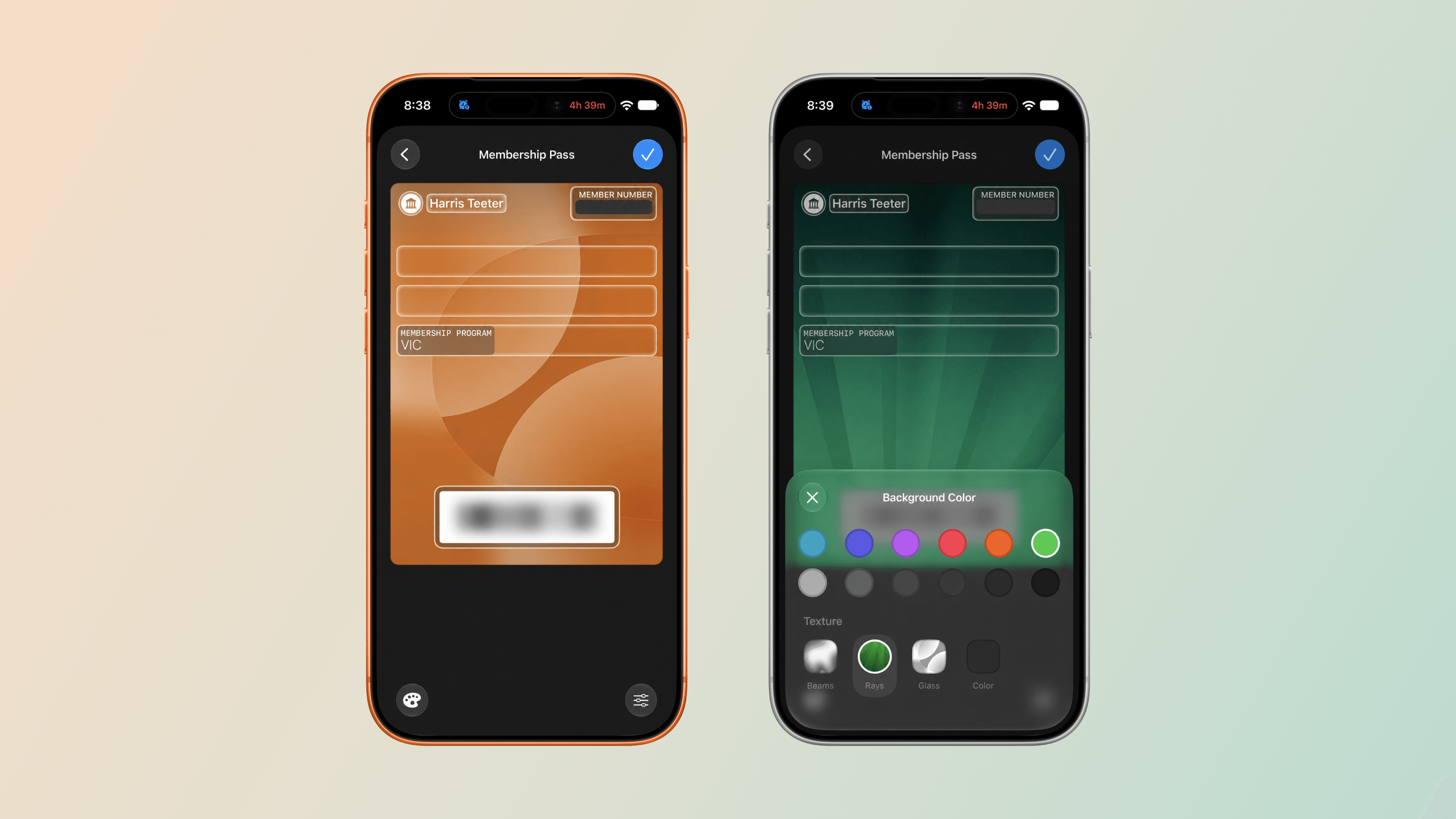
iOS 27 adds the ability to create passes in the Wallet app. The new feature makes it easy to add library, loyalty, and gym cards that use a barcode or QR code to Wallet even when a service doesn’t offer a Wallet pass. With “Create a Pass,” you no longer need to carry physical cards.
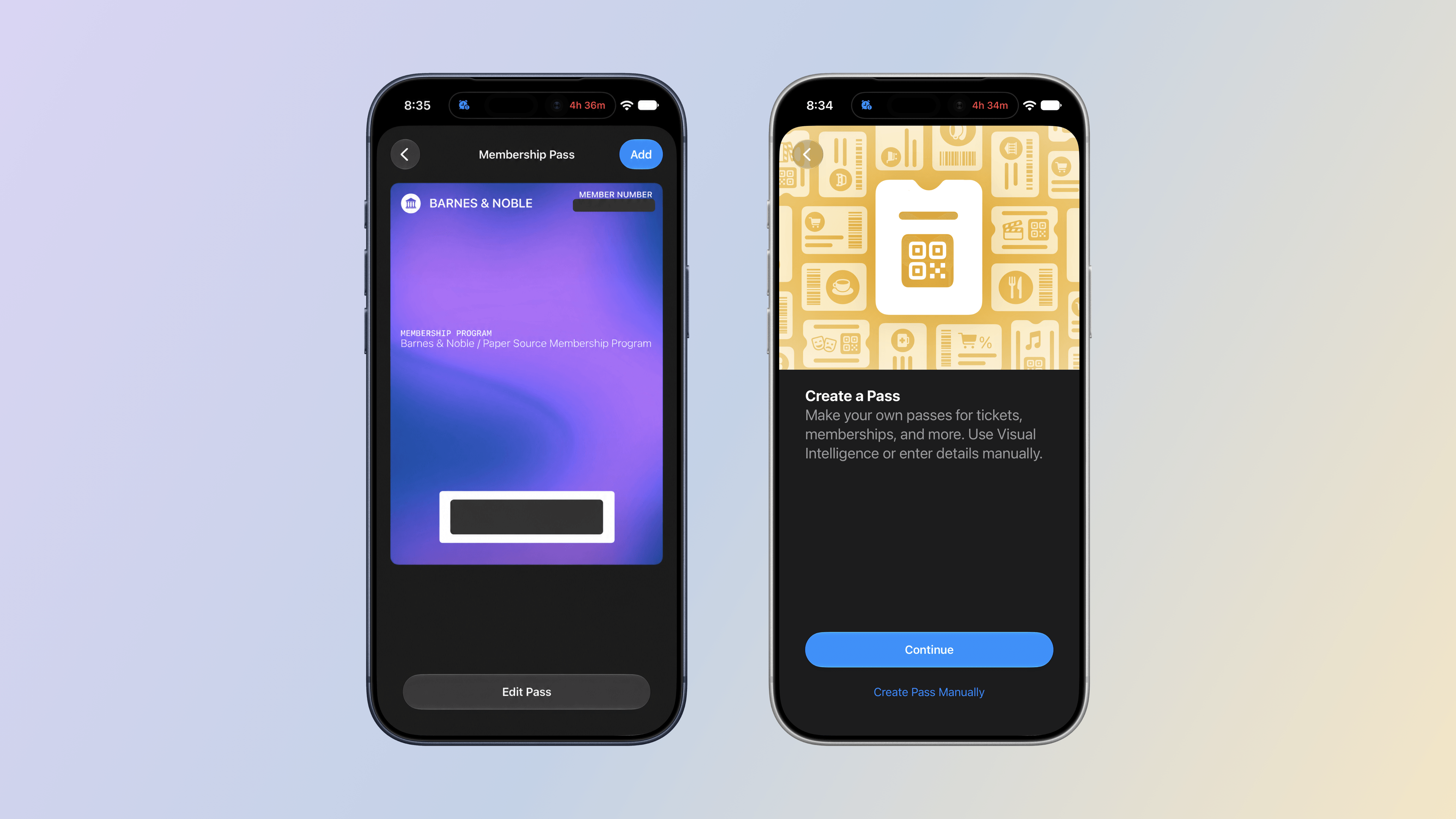
Setting up a pass is easy. From the Wallet app on your iPhone, tap the plus button and choose “Create a Pass.” The next screen explains that you can set up a pass automatically by photographing it or manually by typing in the information yourself. I’ve used the automatic approach with our local supermarket’s loyalty card and one my wife has for Barnes & Noble. Wallet picked up the relevant information from both cards right away. I haven’t tried the Barnes & Noble card, but the card for our supermarket worked perfectly the last time I bought groceries.
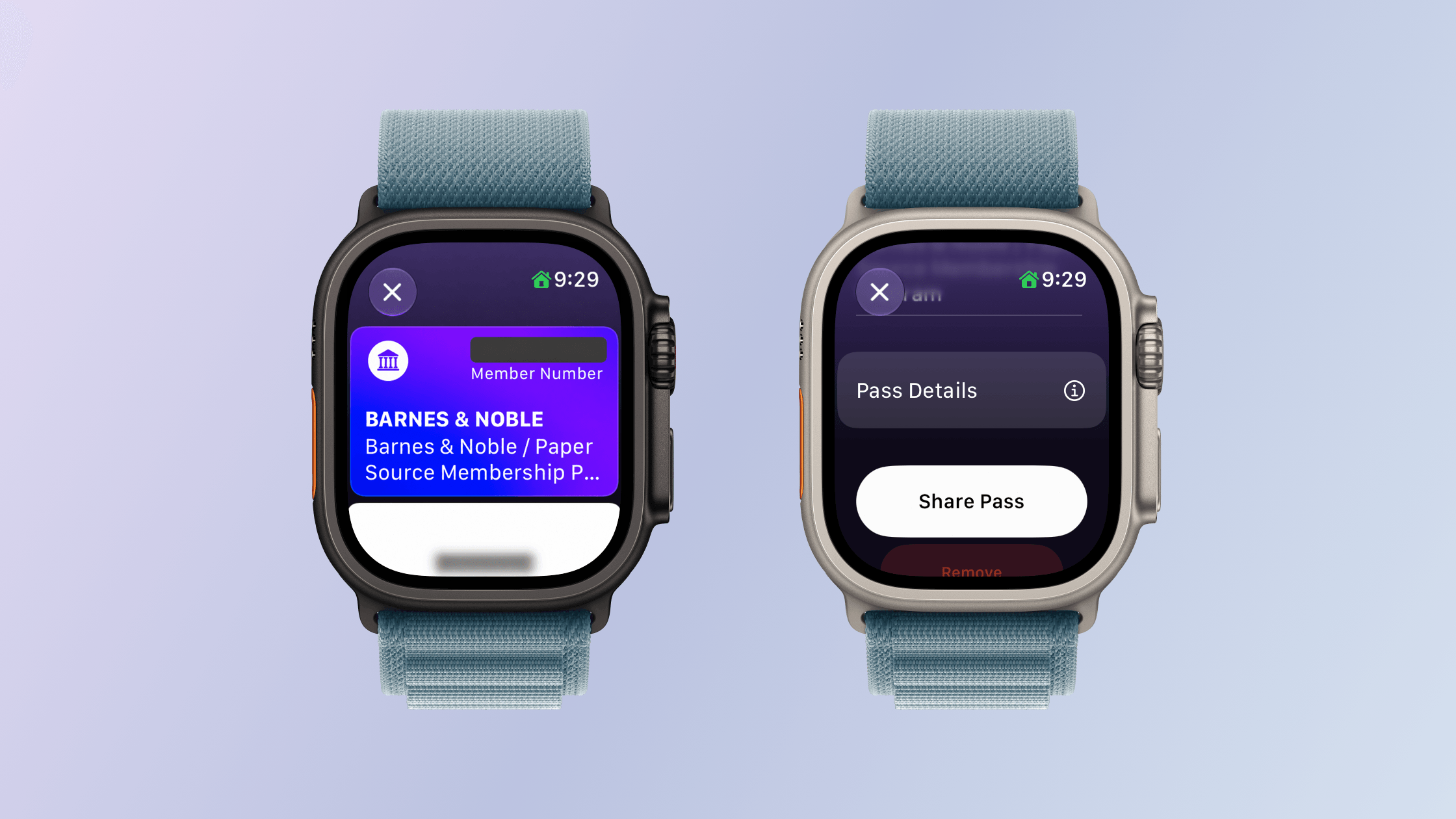
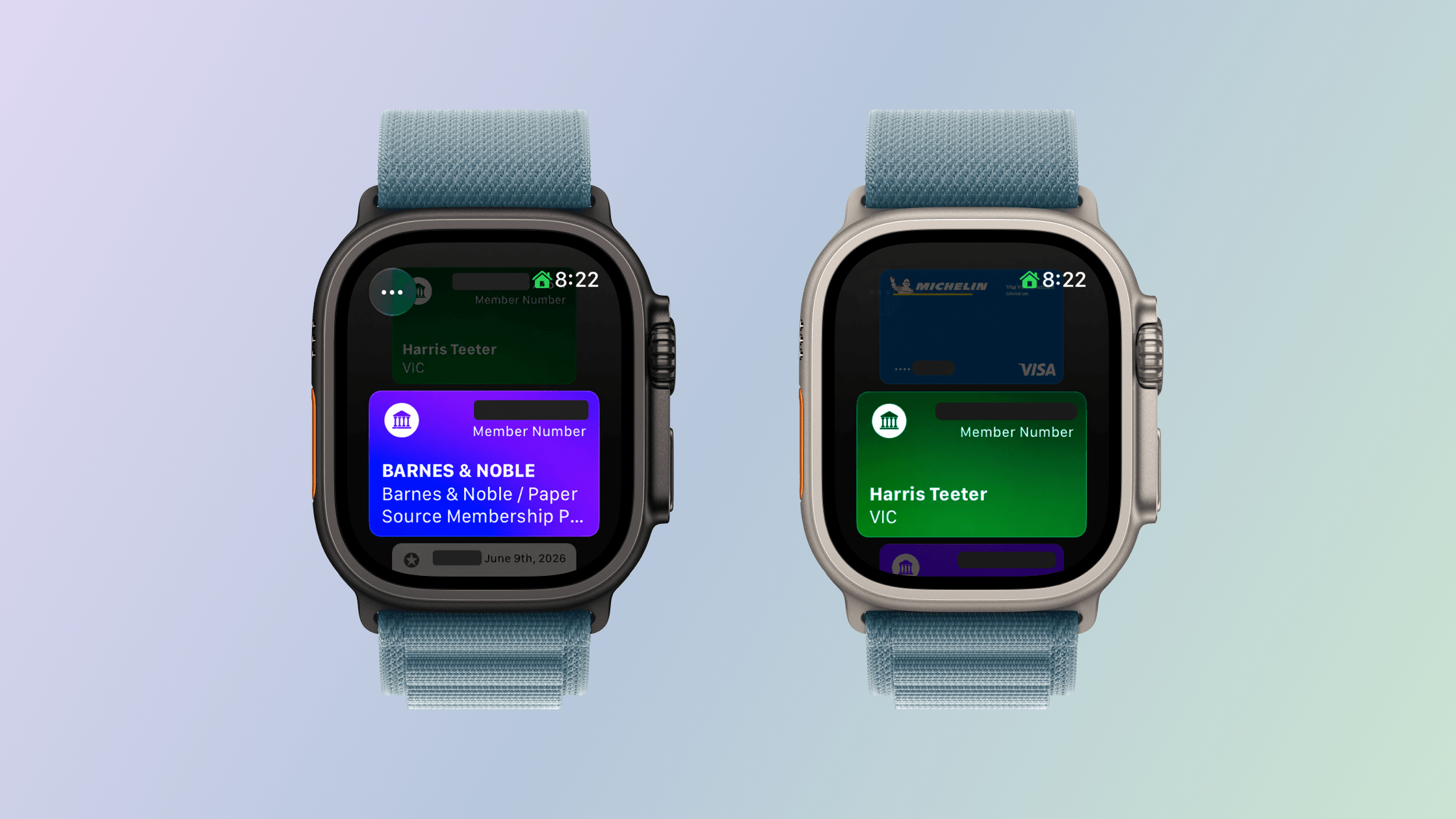
The functionality extends to watchOS 27, too. Although you can’t make passes with the Apple Watch’s Wallet app, they appear there the same way cards from other apps are collected there. Tap on a pass in the Wallet app and it expands to show the membership number and name, followed by a barcode, more pass details, and buttons to share the pass with someone or remove it from Wallet. There are third-party apps that do something similar, but for the limited number of cards I have that aren’t already tied to an app or Wallet pass from that app, the new pass generation feature and its integration with watchOS 27 are exactly what I need. On the iPhone, you can also edit a pass’s details and customize its appearance, making your passes easier to tell apart.