Other Apps and Features
Phone:
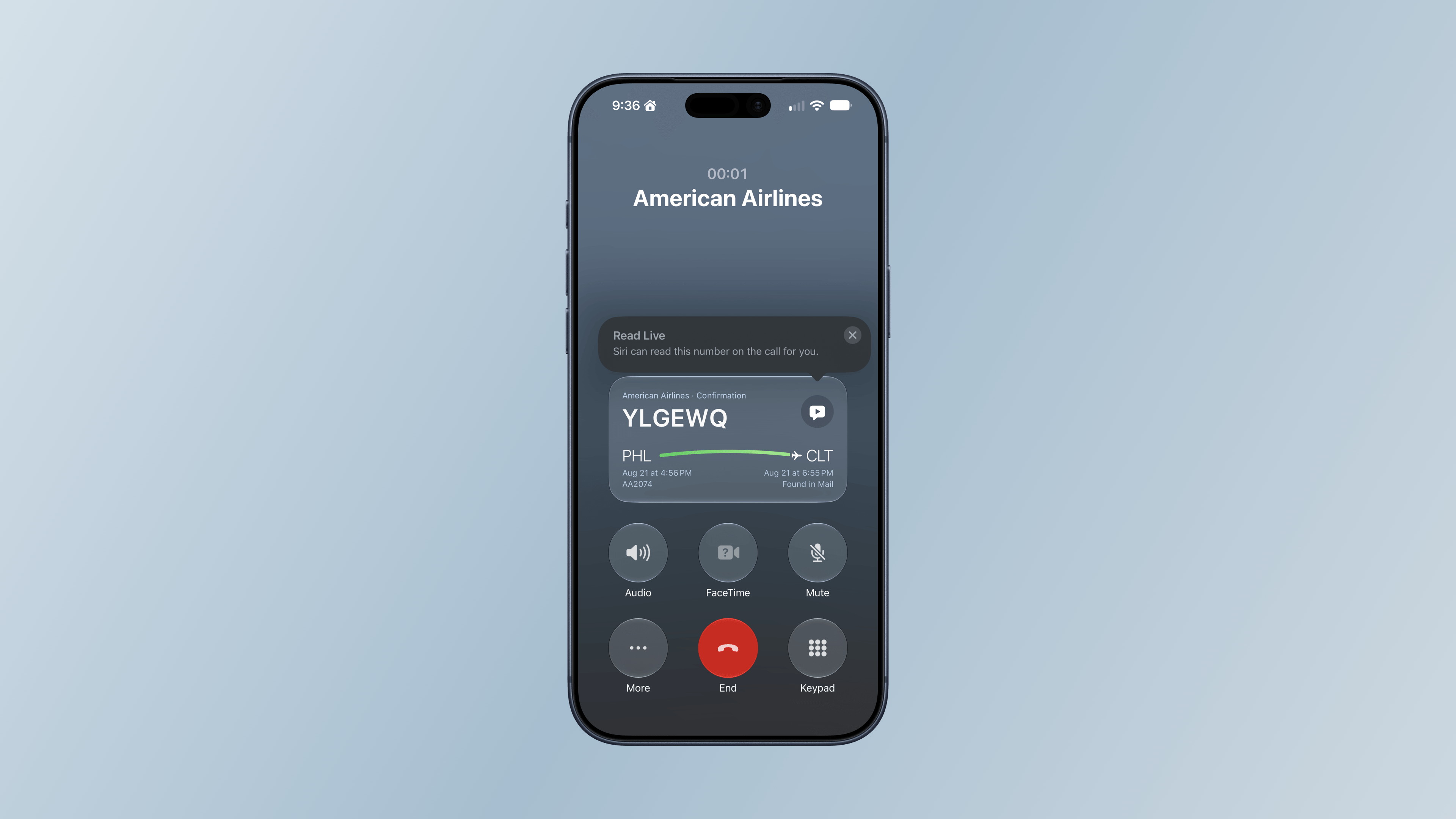
Call Context is a Phone feature that’s available on both the iPhone and Apple Watch that can surface relevant information from Mail during a call, such as flight details when you call an airline. I haven’t had many opportunities to try this over the summer, but it did pull up a flight for me on my iPhone when I called American Airlines about a flight. I called back later from my Apple Watch Ultra 3, but that time, the flight details didn’t appear.
Shazam:
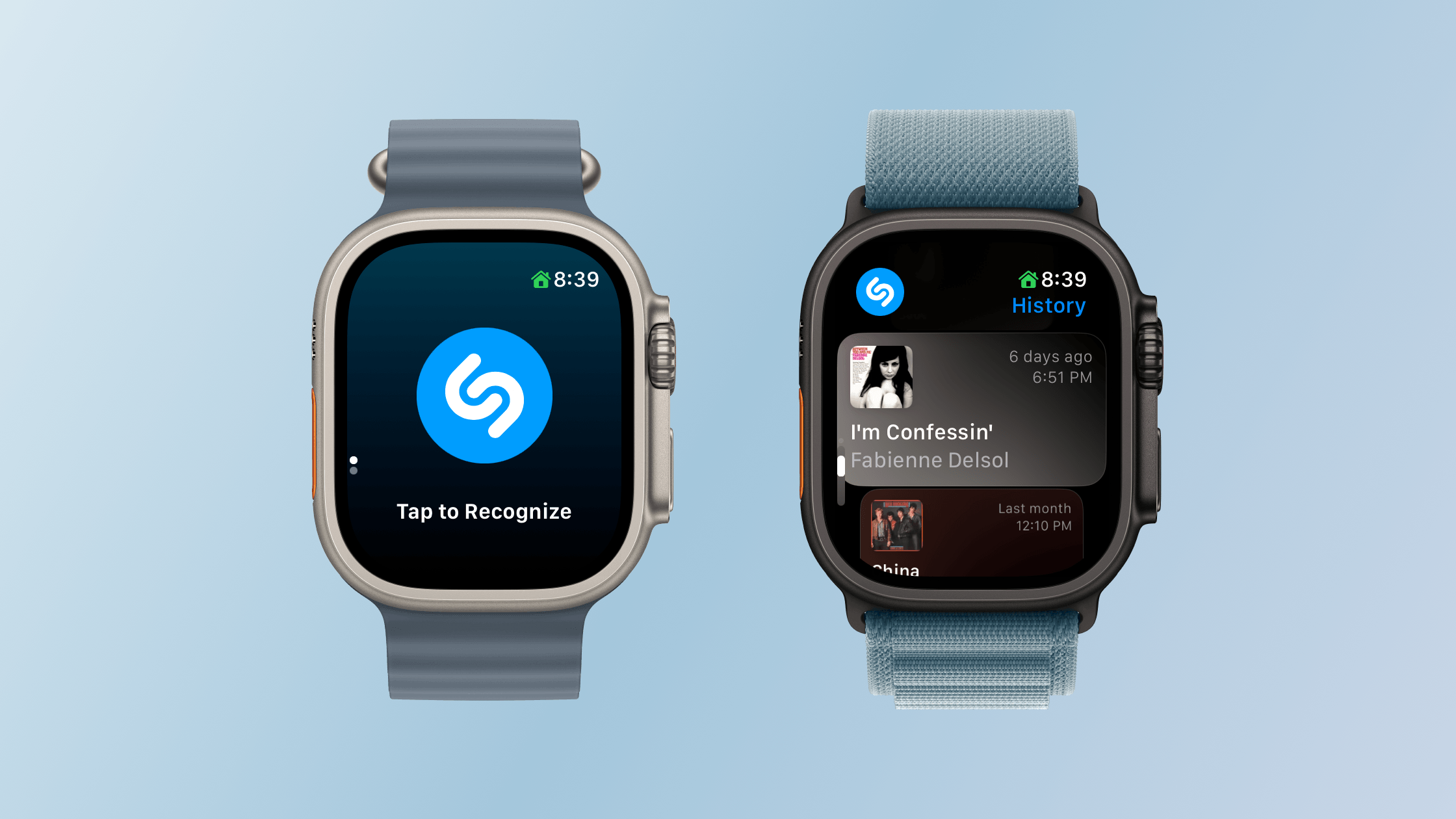
With watchOS 27, Shazam can listen to music even if your Apple Watch isn’t connected to the Internet and send its acoustic signature to the cloud for analysis and matching when your connectivity resumes. This is not on-device song recognition, but it does mean you can still track a song in the moment and get the results later, which I like.
Unused Feature Notifications:
watchOS 27 proactively sends notifications that it will turn off unused features, such as gestures, Start Workout reminders, and Raise to Speak, to preserve your Watch’s battery life. If you get one of these notifications, you can decline it or turn the feature back on later in Settings. I haven’t seen any of these notifications during my summer testing.
Cycle Tracking:
watchOS 27’s Cycle Tracking expands support to perimenopause and menopause, including symptom logging and educational resources. For anyone 40 and older, changes in logged cycle patterns may prompt a notification suggesting a consultation with their doctor. Apple makes it clear that the notifications the Apple Watch provides aren’t meant to be a diagnosis, but a way of recognizing a pattern that the user may want to raise with their doctor.
Screen Time:
Apple has also redesigned Screen Time controls to help families manage a child’s Apple Watch use, including contact restrictions, app schedules, and app access. I don’t manage any of my grown kids’ devices, so I haven’t tested these updates.
Performance
My experience with watchOS 27 has been a lot like my experience with macOS Golden Gate. The performance enhancements touted by Apple at WWDC are real, but soon become the new normal. I also have just my one Apple Watch to go by, so I’ll share my anecdotal experience with the betas.
My Apple Watch Ultra 3 already had one of the fastest chips available in an Apple Watch, but the performance of watchOS 27 was still noticeably faster from the very first time I installed developer beta 1. That experience is as true today as it was then, but I’m more used to it now. Apps launch faster and more smoothly, and transitions between in-app views are better too. The changes are relatively subtle, but nonetheless noticeable, which I appreciate.
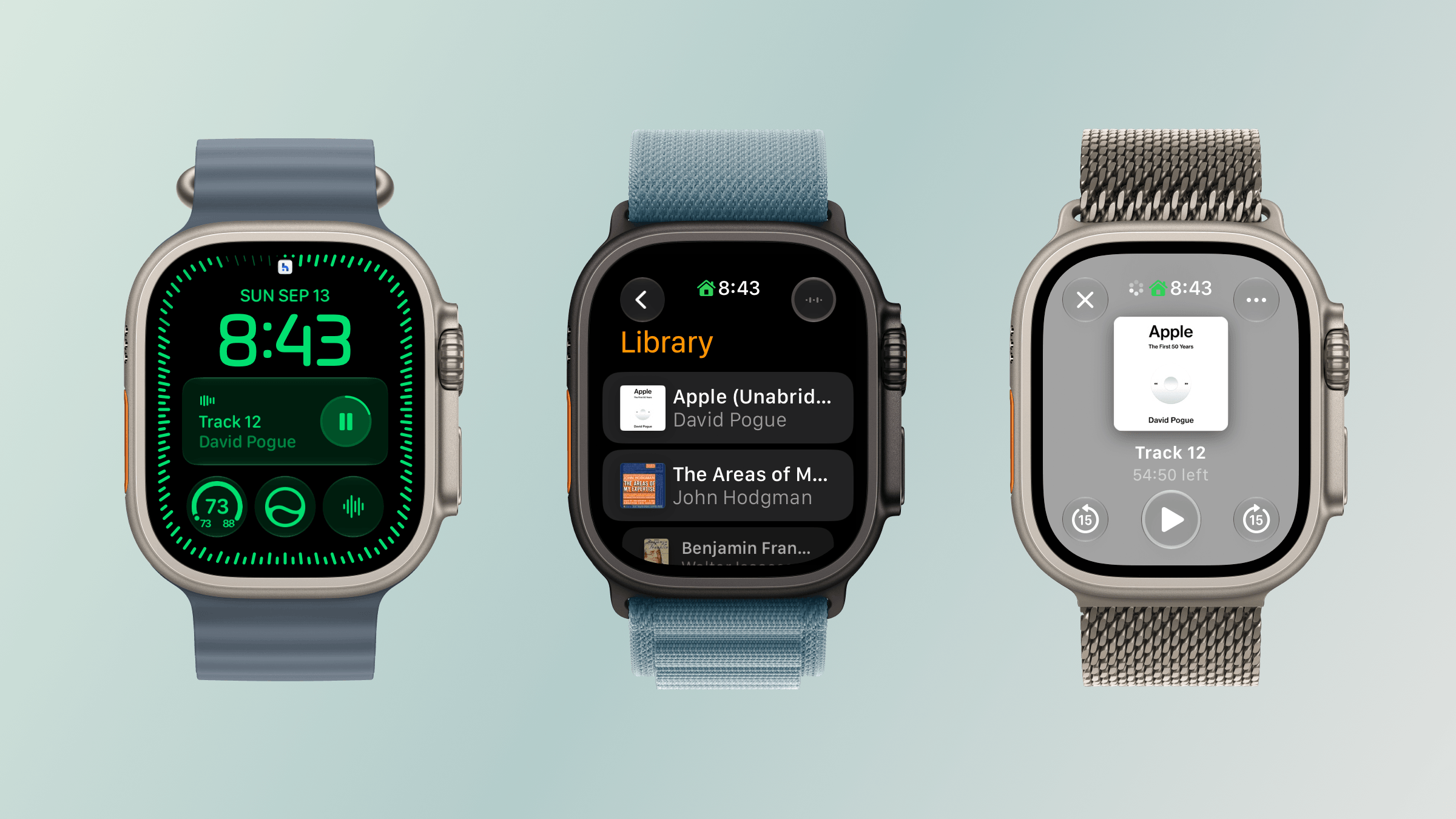
The biggest difference of all, though, has been my experience with Apple Music, Podcasts, and Books. All three apps load content and start playing it faster than before. I’ve also had less trouble connecting both my Powerbeats Fit earbuds that I use for exercising and my AirPods Pro 3. That’s ended a whole connection and playback dance I used to do every time I got ready to go for a jog, which has been wonderful to leave behind.
What I didn’t notice was better battery life. That’s not to say it isn’t better, but with the frequency of beta updates over the summer and my habit of periodically charging my Watch at my desk, battery life seemed about the same as watchOS 26.
Odds and Ends
In addition to what I’ve already covered, it’s worth noting the following changes:
- The Walkie-Talkie has been removed. I don’t think it was used by many people.
- Apple says water detection is more efficient, though in what way is unclear.
- GymKit has been extended to the iPhone with AirPods Pro 3, which allows heart rate data collected by the earbuds to be synced through your iPhone to GymKit-enabled equipment, although I haven’t tried this because I don’t belong to a gym.
- watchOS 27 requires an Apple Watch Series 9 or later, Ultra 2 or later, or SE 3, paired with an iPhone 11 or later or iPhone SE 2 or later running iOS 27. That’s the requirement for the OS itself, but Siri AI also requires an Apple Intelligence–capable iPhone. The update drops support for Series 6–8, the original Ultra, and SE 2, too, although Apple’s Cait Dooley told TechRadar in June that those older models can remain paired with an iPhone and will continue to receive security updates.