This Week's Sponsor:

GoodLinks

Save articles for later and enjoy them when you have time


Posts tagged with "Siri AI"

Our Favorite Indie Apps for iOS 27, Vol. 3

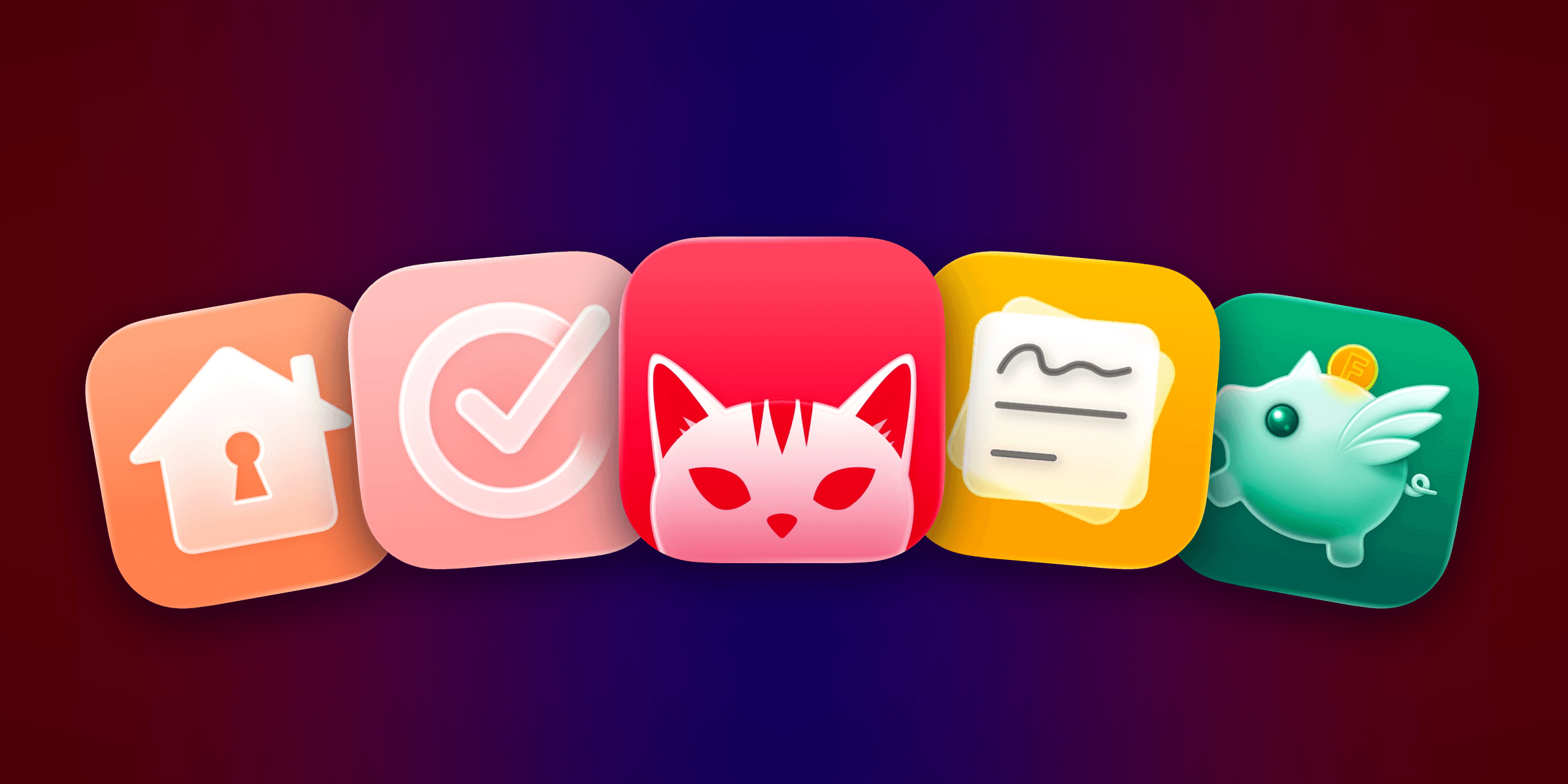
We have another collection our favorite indie apps that take advantage of Apple’s latest OS features. Today, we’re highlighting: Haven, Structured, Capture, Scrappy, and Fin.

Haven

Haven is a HomeKit and Matter pairing code utility by João Franco for the iPhone, iPad, Mac, and Apple Watch that added Siri AI features this fall. The app is exactly what you want with this sort of utility because it makes storing codes for safekeeping fast and easy. Later when you need to re-pair a smart plug behind a couch or a lightbulb in a hard-to-reach spot, you’ll be glad you dropped the codes into Haven.

Retrieving codes is made even simpler, thanks to Haven’s Siri AI integration. Just ask for a code based on the name of your device in Haven, and Siri will fetch the code for you without opening the app. The feature works with both HomeKit and Matter codes and is compatible with natural language queries. The app also supports tagging and the ability to use Apple Intelligence to suggest a tag from among your existing tags.
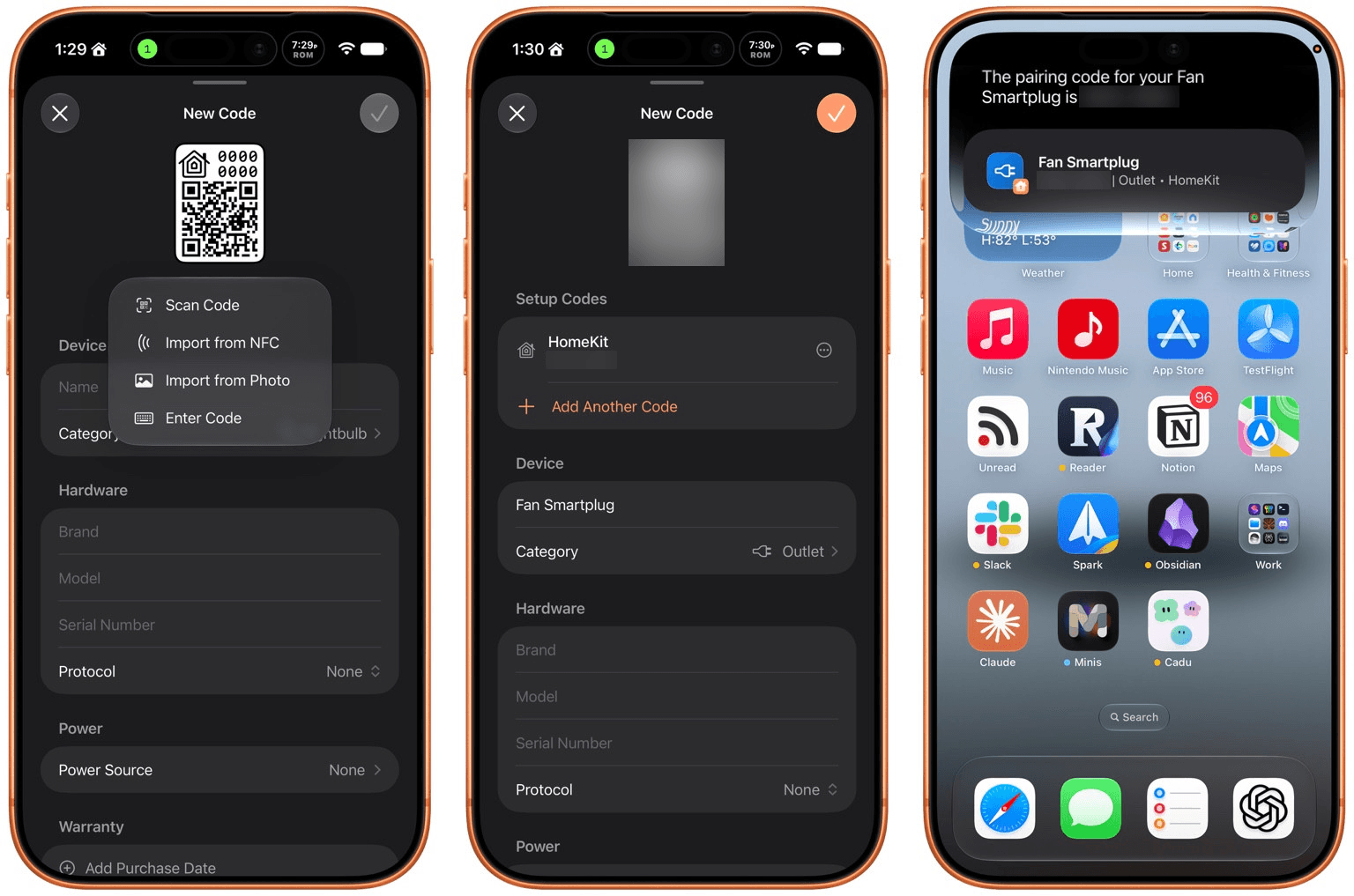
In addition to the new Apple Intelligence and Siri AI features, Haven can track the home where your device is installed, its room, category, brand, model, serial number, protocol, power source, and status. You can mark items as favorites and add notes and attachments, like a photo of the device, too.

That’s a lot, which will appeal to the HomeKit nerds out there, but as a free download that offers unlimited pairing codes for just $6.99, it’s worth setting up Haven even if all you do is name your device, add the room where it’s located, and then search for it when needed via Siri. Siri AI is perfect for databases, and as anyone who is deep into the HomeKit world knows, a database is the best way to keep your smart home humming.

Structured

I had the pleasure of meeting the Structured team at WWDC this year. It was fun to walk through the app with them, learning about all their plans for the summer development season. But it’s been even more fun to actually play with the final product on the iPhone, iPad, Mac, and Apple Watch.

Structured is a day planning app with a beautiful and unique design that made it a finalist for both the 2025 iPad App of the Year Award and an Apple Design Award. I have a bad habit of overstuffing my workday, which is precisely the problem that Structured is designed to solve by visualizing your day and work on a timeline. The app can integrate with Reminders, your calendars, handle recurring tasks, start focus timers, and more.
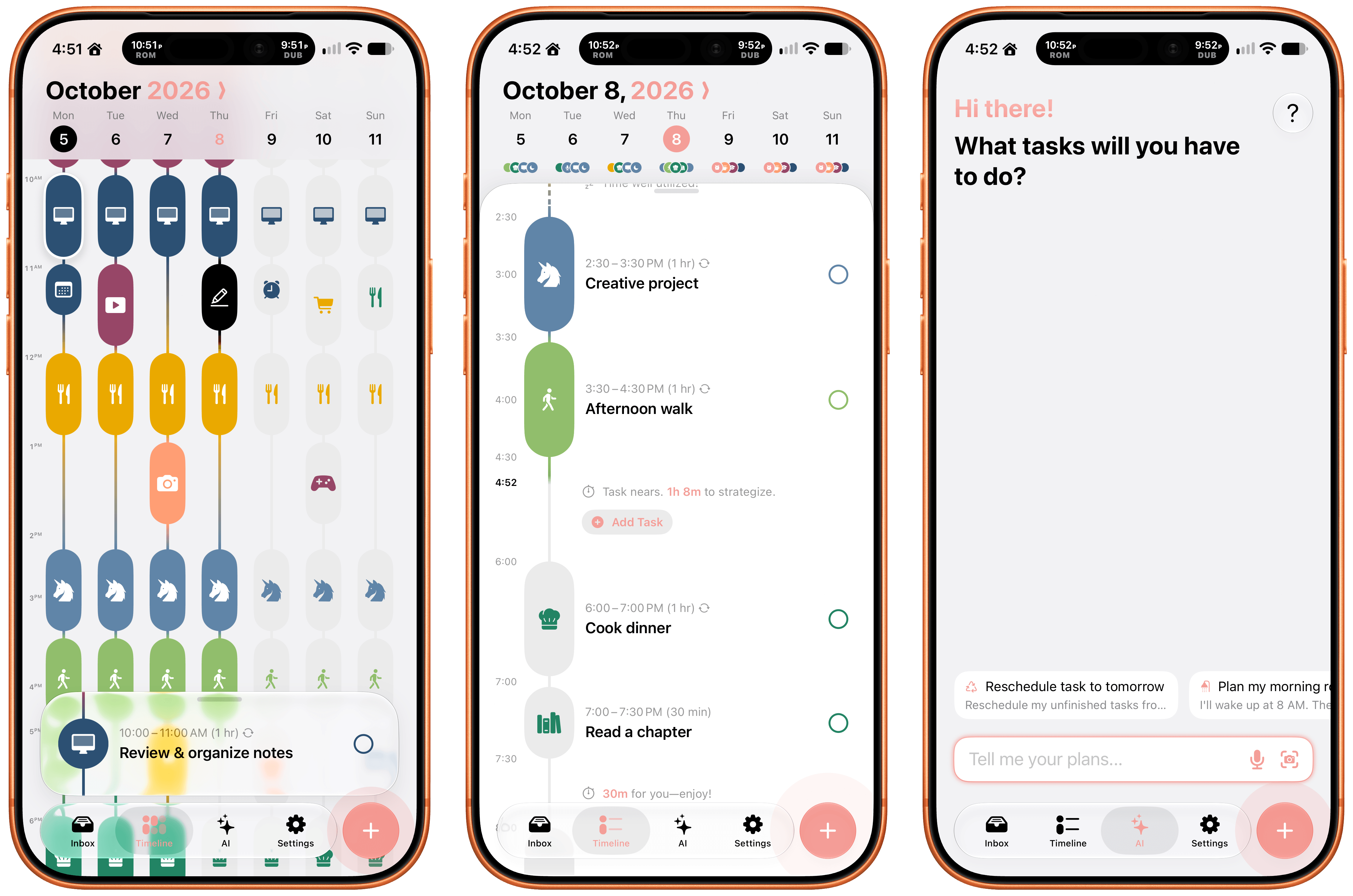
As for Siri AI, Apple’s assistant can now assist Structured users with creating and editing tasks. There’s also a color prediction feature that’s in beta that learns from your past color choices to help suggest the color of a new task. Plus, Structured got a Liquid Glass update, which makes the app feel right at home among other modern apps without sacrificing the app’s simple design and legibility. If you need help organizing your day and want to see everything in one place, you can’t go wrong with Structured.

Scrappy

I’m always on the lookout for new ways to save random things I find on the Internet. I’m a digital hoarder by nature because you never can be sure when a link, image, or article that piques your curiosity will become something more in the future. The trouble is keeping these sort of bucket apps organized.

With Scrappy, by developer Steve Harris, you can save it all: notes, images, PDFs, links, videos, photos, screenshots, and more. Harris is also the developer of Keep It a notebook and document organizer app that we’ve covered on MacStories before. There are similarities between Keep It and Scrappy, but the thing that unique about Scrappy is that it’s much more visual.
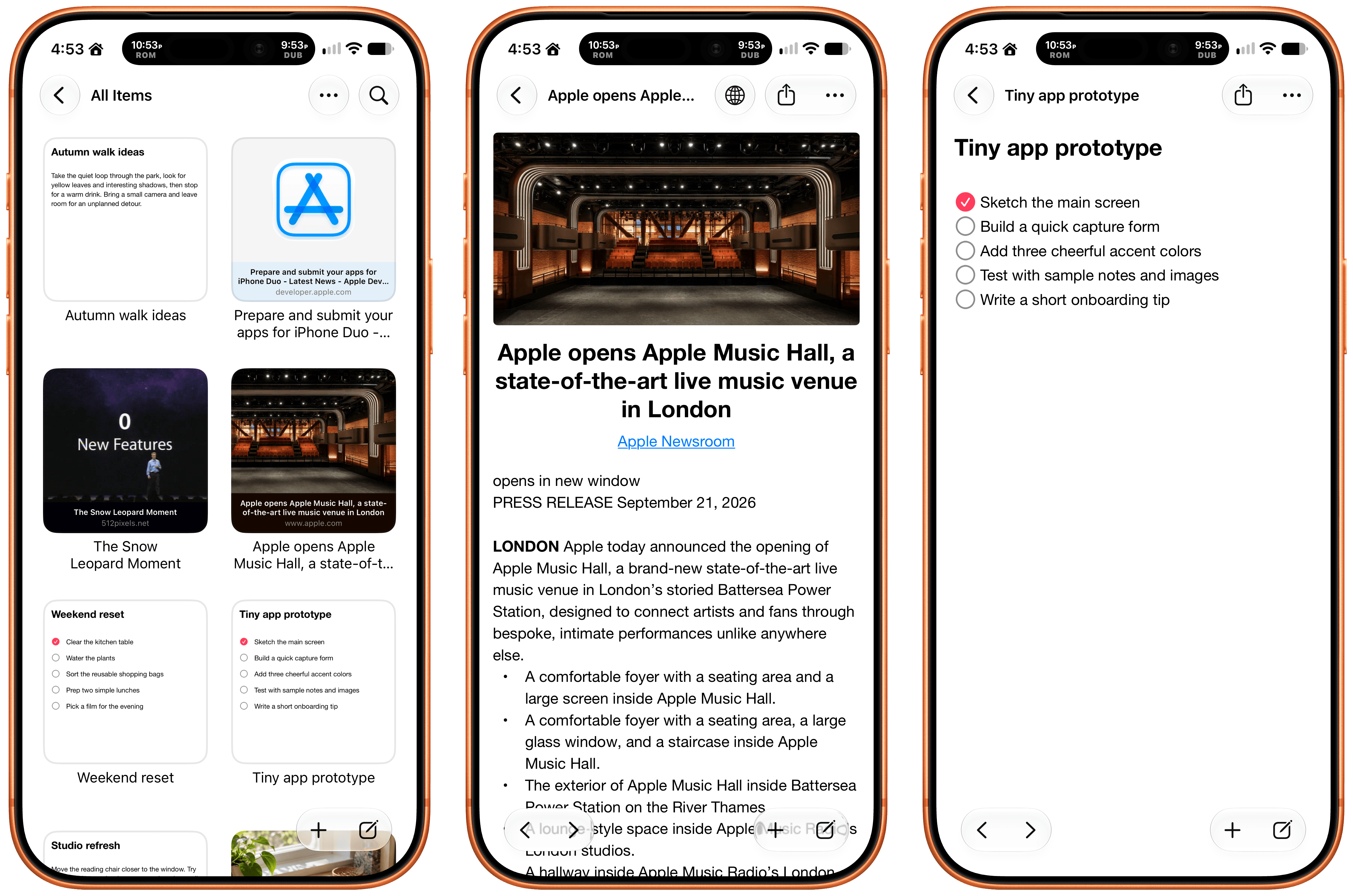
The app, which works on iPhone, iPad, and Mac, puts a handy shelf just off the edge of your Mac’s screen where you can drag items, and across all platforms, it feautures fast search and smart lists. Plus, thanks to Siri AI, you can search and open what you’ve saved and create and edit notes. There are filtering and sorting options, along with an extraordinarily long set of Shortcuts actions that make the app uniquely suited for automation. Scrappy also has a wonderfully modern card interface that takes advantage of Liquid Glass, and it displays previews of links, images, and other content. There are lots of “bucket apps” on the App Store, but Scrappy is one of my favorites.

Capture

Apps like Capture are a unique obsession of mine as the online world relentlessly accelerates. Capture acts as an inbox for text, links, images, files, and tasks that works on the iPhone, iPad, Mac, Vision Pro, and Apple Watch. While you can store information in Capture long-term, it’s really meant to act as an inbox because the app has nearly 60 integrations with other third-party apps.
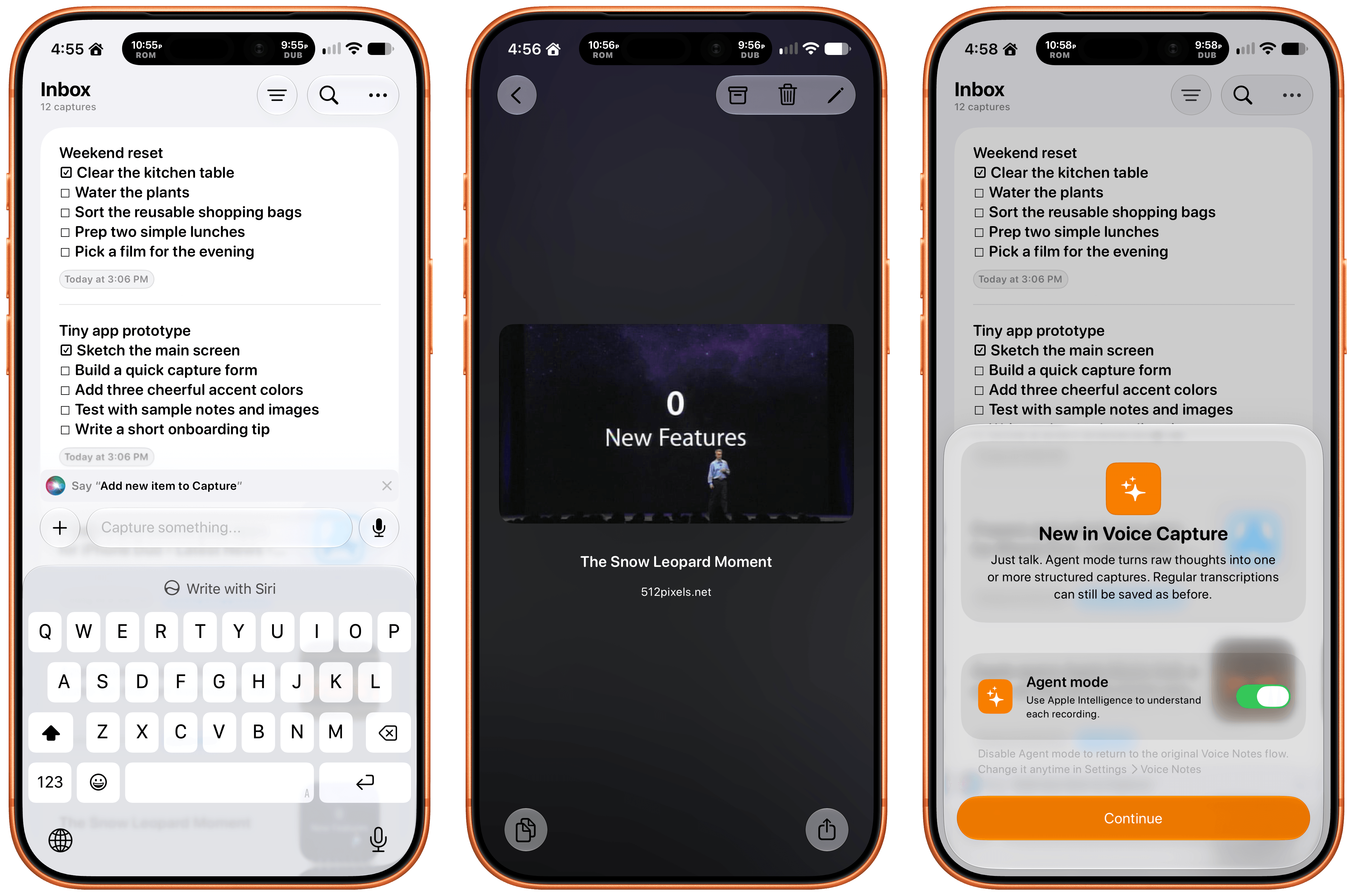
Capture has been building a deep library of integrations for a long time now, which I appreciate. It’s the sort of user-first approach that also made the app a perfect fit for App Intents. That integration makes it simple to find, create, and edit items with Siri. There is also an extensive set of Shortcuts actions, making the app a great fit for cross-app automations. Capture also offers creating, finding, and editing via Siri AI, note transcription using Apple’s on-device model, and a voice-based agentic mode.
Fin

Finally, I want to shout out Fin, the personal budgeting app for iPhone, iPad, Vision Pro, and Apple Watch. Getting data into a budgeting app quickly and easily makes all the difference in the world when it comes to sticking to your budget. Fin excels at quickly recording and organizing your expenses in a clear, colorful interface that takes advantage of Apple’s modern design language.
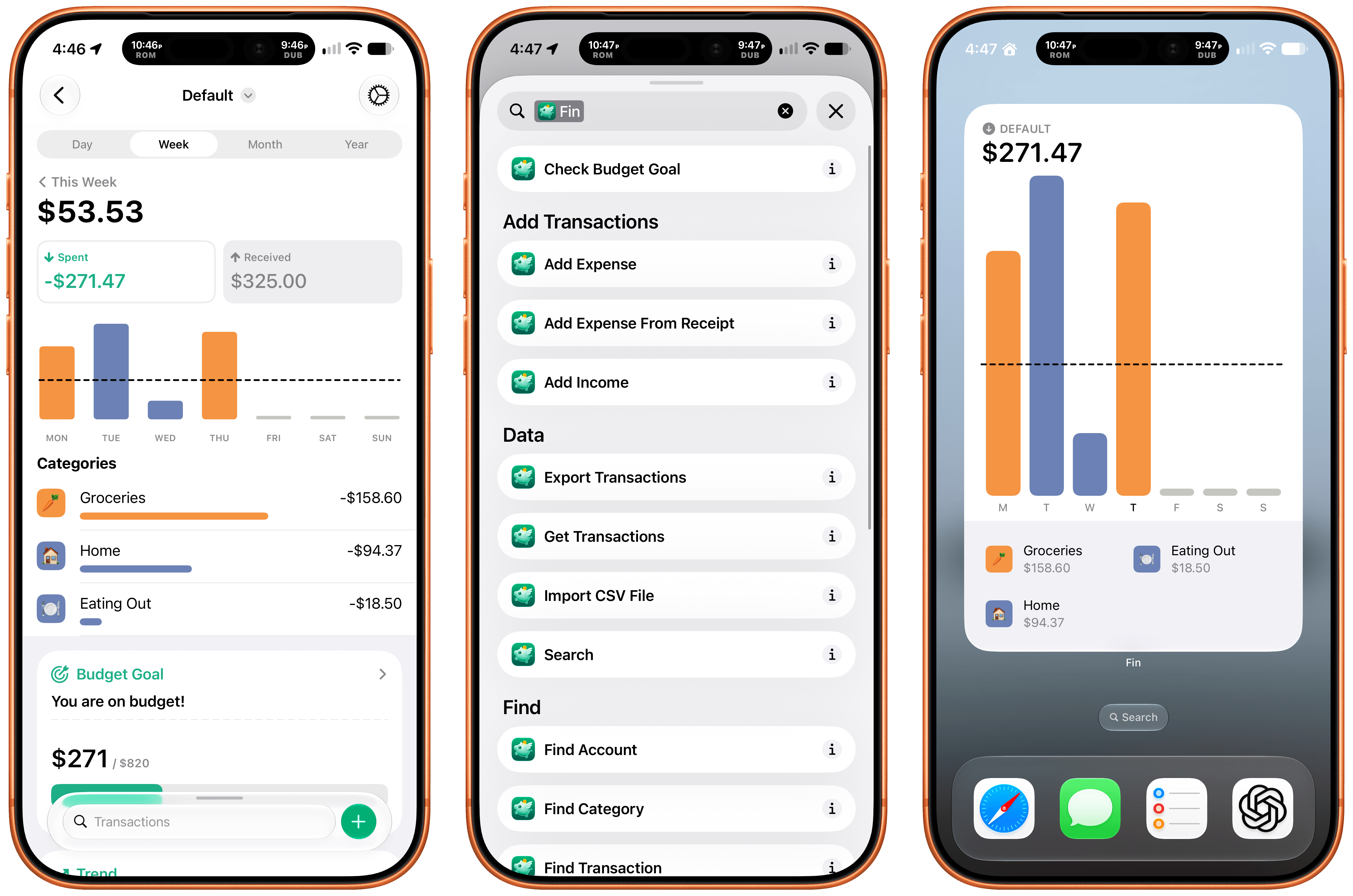
With the latest version, Fin adds onscreen awareness that lets you ask Siri questions about what’s onscreen. The app also exposes transactions and accounts to Spotlight making it easy to pinpoint data in both. Plus, Fin lets you search, import, export, and add data to the app using Siri. There’s an extra large chart widget too. If you’re looking for a simple on-device way to privately manage your expenses, Fin’s a great choice.
watchOS 27: The MacStories Review

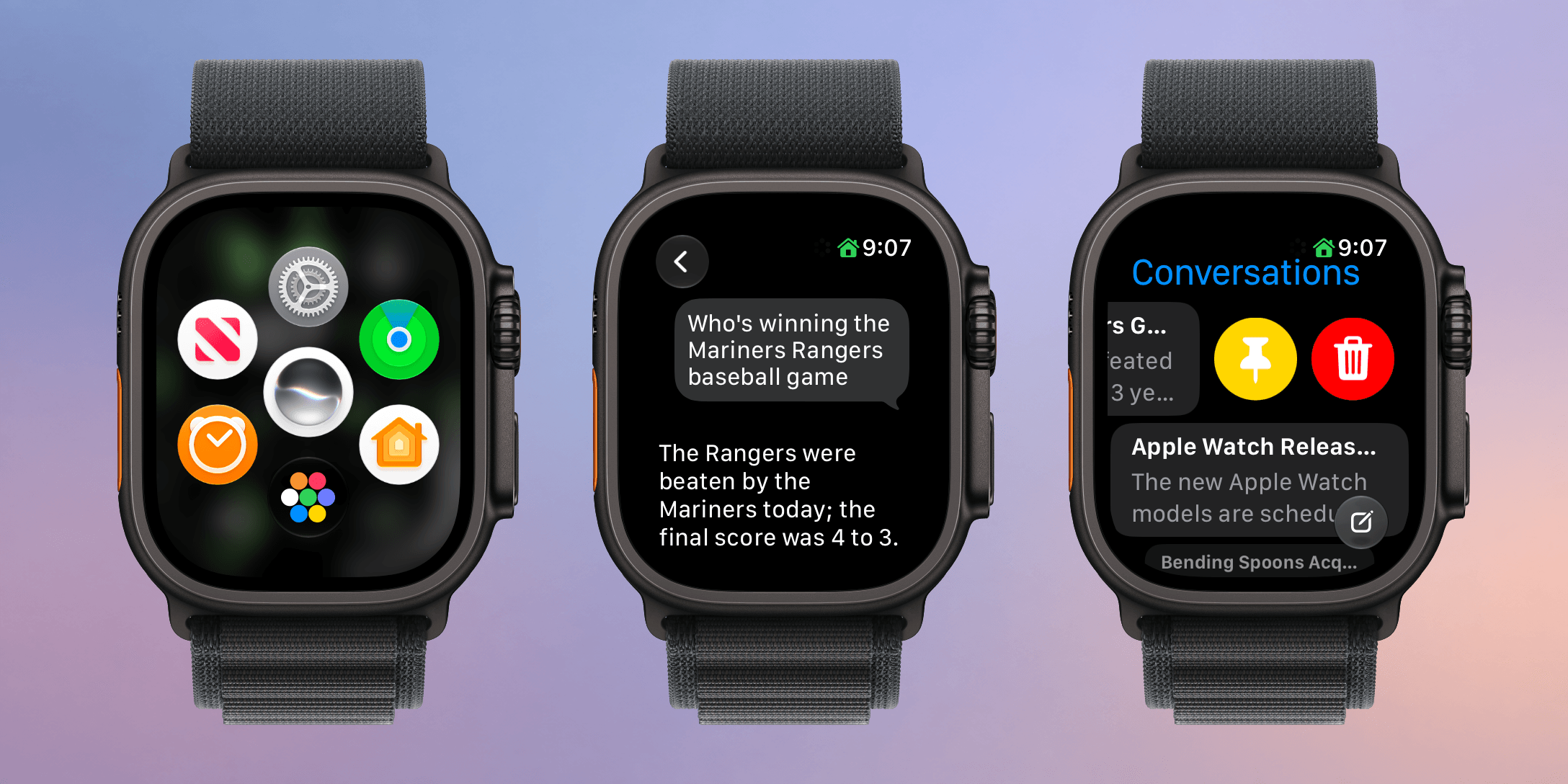
I haven’t been this excited about an Apple Watch in a long time. Last week, Apple introduced the Apple Watch Series 12 and Apple Watch Ultra 4, which will be available at the end of the week. The new Watches feature the S11 chip, which enables a bunch of new features, some of which won’t debut until later this year. At the same time, Apple is dropping support for more Watches than usual.

What we’re witnessing is a reboot of the Apple Watch and watchOS forced by advances in AI. The Apple Watch and its OS found their niche years ago, freeing us from pulling out our iPhones for notifications, tracking our health and fitness, and enabling the occasional Siri request. It was a good and comfortable spot for what by all accounts has been one of the most successful wearables to date, but watchOS also felt stuck in a rut.

Every year we got a few new workout types, a new watch face, and a few other features, but the OS didn’t advance much. What’s different this year is that watchOS 27 is breaking with slower hardware and looking forward to the substantially more powerful S11 chip, which will allow the Apple Watch to expand into all-new areas.

What this transition also means is that there is not just one set of features to track in watchOS 27 this year but three:

  • those that arrive today for anyone with a compatible Apple Watch,
  • those that arrive at the end of the week that are exclusive to the new Apple Watch Series 12 and Ultra 4, and
  • those that are coming later this year.

That makes this more than just a review. It’s also a preview of things to come and a roadmap for where the Apple Watch is heading.

There’s more than usual to cover this year, so let’s dive in and check it out.

Read more


macOS 27: The MacStories Review

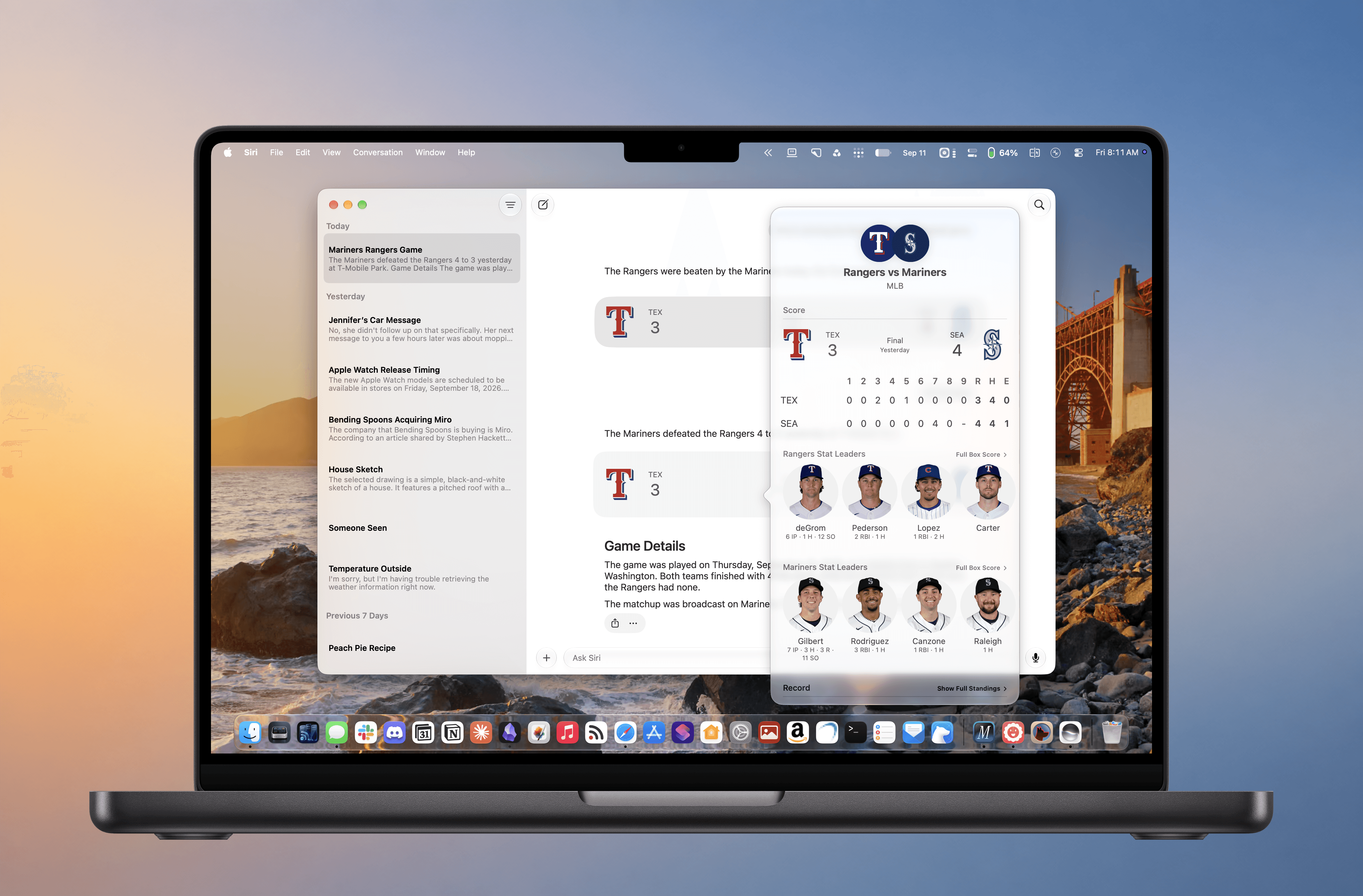
Every OS update has a story to tell. With macOS 27 Golden Gate, that story captures a moment when Apple is faced with multiple challenges, many of which are tied to the rise of large language models.

One of those challenges is obvious. Apple was caught off guard by chatbots, overpromised a response at WWDC in 2024, and has been playing catch-up ever since.

But this isn’t simply a story of missteps or wasted opportunities. There’s more to it than that.

Read more


iOS and iPadOS 27: The MacStories Review

After years of relentless building, it’s good to see Apple sweat the details again.

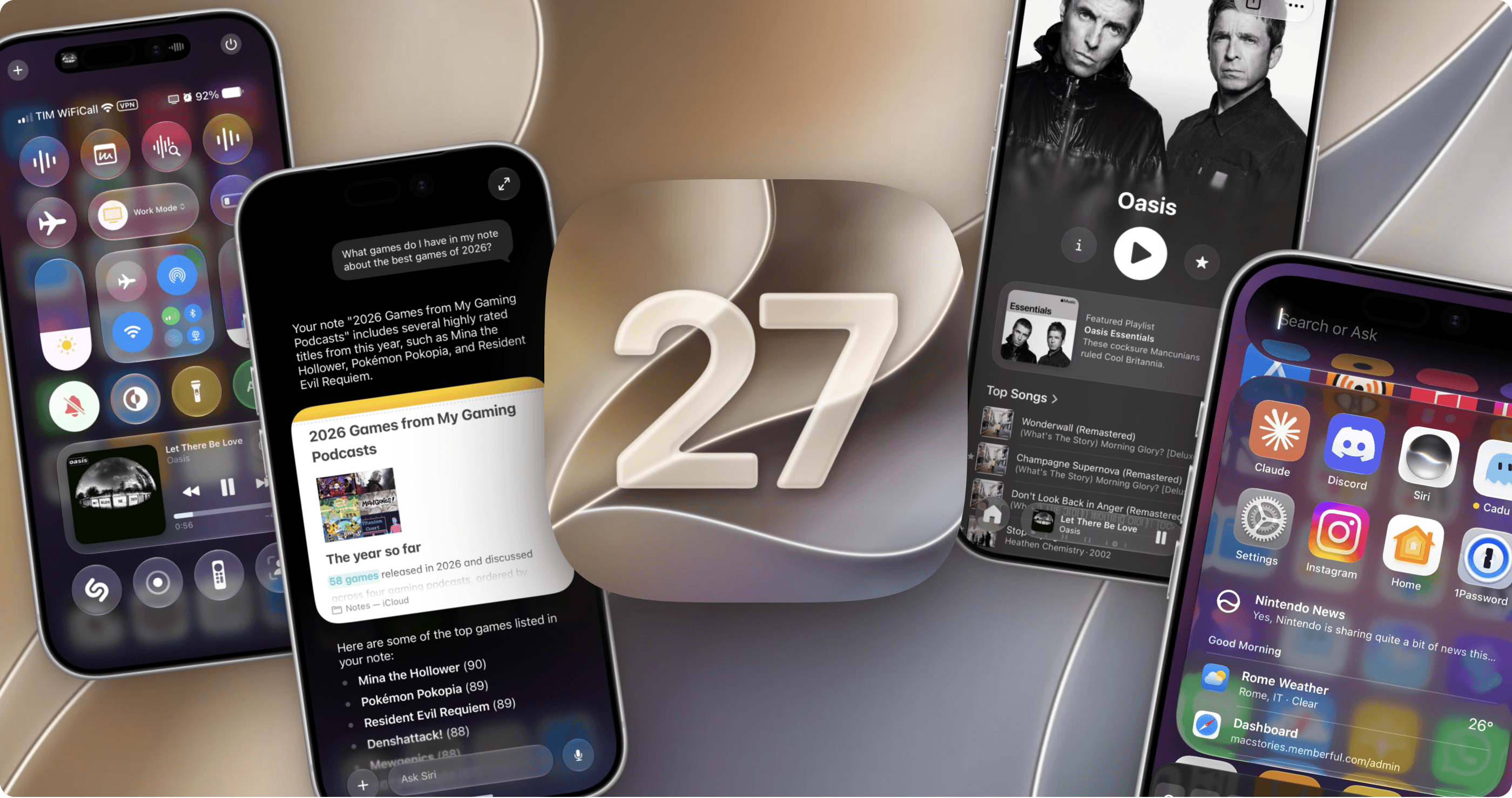
In the 11 years I’ve been writing annual iOS and iPadOS reviews every summer, I don’t think I’ve ever struggled to find an “angle” for my story as much as I did this year. The reason was twofold: I wasn’t particularly enamored with Siri AI and Apple’s belated chatbot efforts; and, as I realized during the summer, it can be challenging to write about an OS update that is largely focused on performance improvements and refinements.

“Everyone wants a so-called Snow Leopard year until it actually happens,” I thought to myself on several occasions over the past few months. Think about it: on paper, we all love a good ol’ basket of bug fixes that just make our phones better without changing much about the overall design and experience of iOS. It’s a commendable effort, and there’s no denying that iOS 27 is the snappiest (insert meme here), most stable version of iOS I’ve ever tested – and it has been since the first developer beta. In practice, though, it turns out that considering a major iOS update merely through the lens of improvements and fixes can be…a little boring.

So I’ve been sitting on this review for a while. I let it simmer. Then, a month ago, as I was sunbathing with my girlfriend Silvia down south in beautiful Vieste, Puglia, it hit me: iOS 27 is a geographically ambiguous update. Stay with me here. Depending on where you are in the world, this update can either be a little boring or pretty exciting.

Read more


Open Minis Is the iOS Agent I Wish Siri AI Could Be

Open Minis for iOS.

Open Minis for iOS.

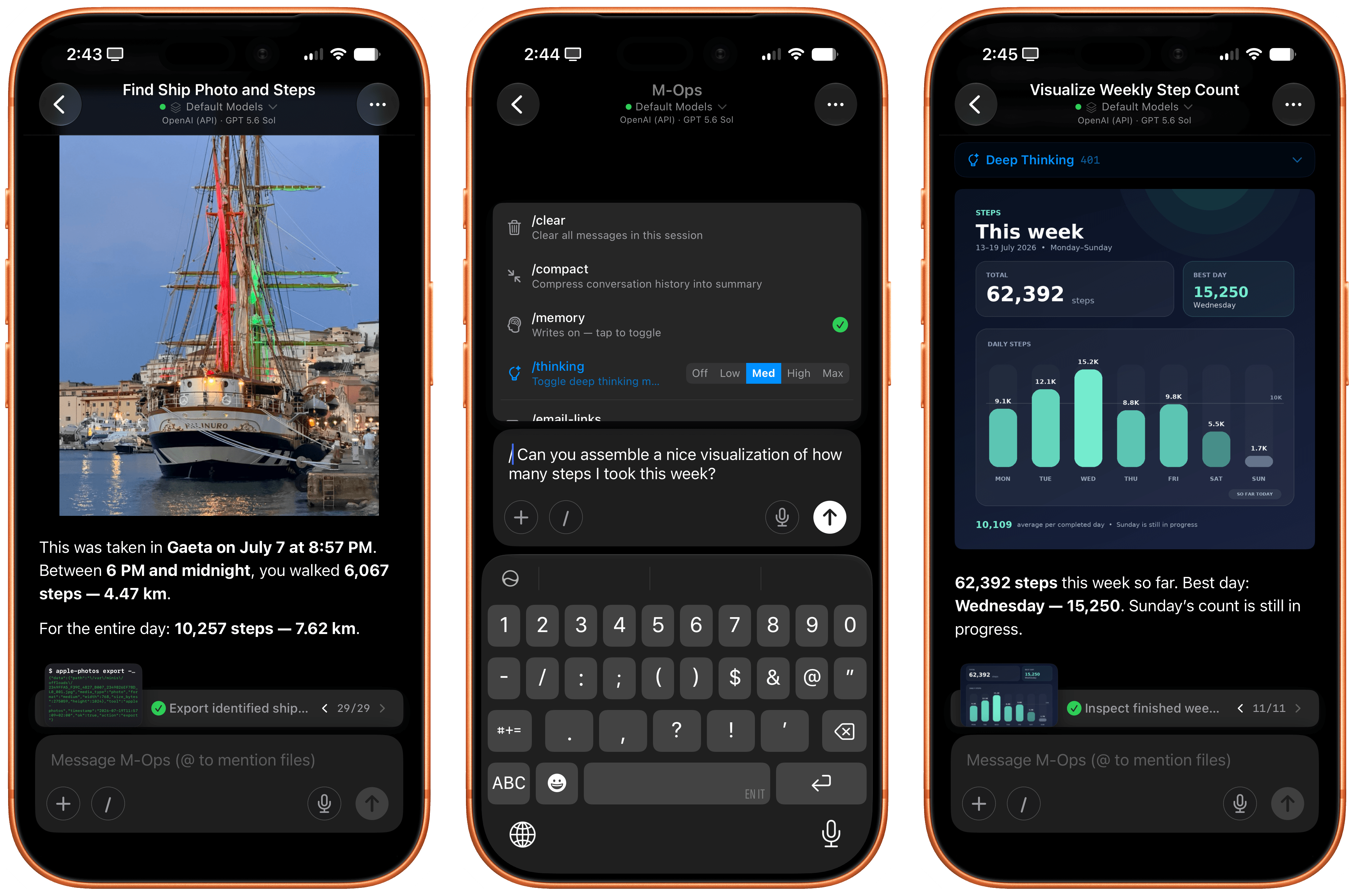
Every once in a while, I come across a third-party app that either resets my expectations for a particular niche of software on iOS or creates an entirely new category altogether. I’ve had quite a few of these moments in the 17 years I’ve been writing app reviews at MacStories: Editorial, Workflow, Obsidian, Sky, and, most recently, OpenClaw come to mind. Over the past few weeks, I’ve had another such moment with Open Minis, a new chatbot app for iPhone and iPad that I can best describe as getting a preview of Siri AI’s agentic future, today.

Open Minis is an on-device agent that lets you use any frontier model for conversations, with a twist: unlike other AI wrappers, this app deeply integrates with all sorts of native Apple system frameworks using official APIs available to third-party developers. Open Minis can control Reminders and Music, which we have seen before, but also Calendar, Maps, HomeKit, HealthKit, and Files; it can even work with frameworks such as Vision for OCR, Apple NLP for natural language processing, the iOS clipboard, speech recognition and dictation, NFC, and Bluetooth. Furthermore, Open Minis comes with its own configurable workspace in the Files app, has an on-device memory system, and features browser-use capabilities via a (once again, native for iOS developers) built-in WebKit web view.

Effectively, Open Minis is what would happen if you rolled Claude Code and OpenClaw into one intuitive agentic experience designed for Apple users, with a powerful tool-calling harness that can improve and tweak itself, and with integrations specifically designed for the Apple ecosystem. It is the most impressive indie app I’ve seen in a while. If you were disappointed by the lack of power-user capabilities in Siri AI, this is a real, currently shipping example of what Siri AI could be if only it were powered by a frontier model with truly agentic functionalities.

Read more


Siri AI and Apple’s Trickle-Up Strategy

The new Siri AI in iOS 27.

The new Siri AI in iOS 27.

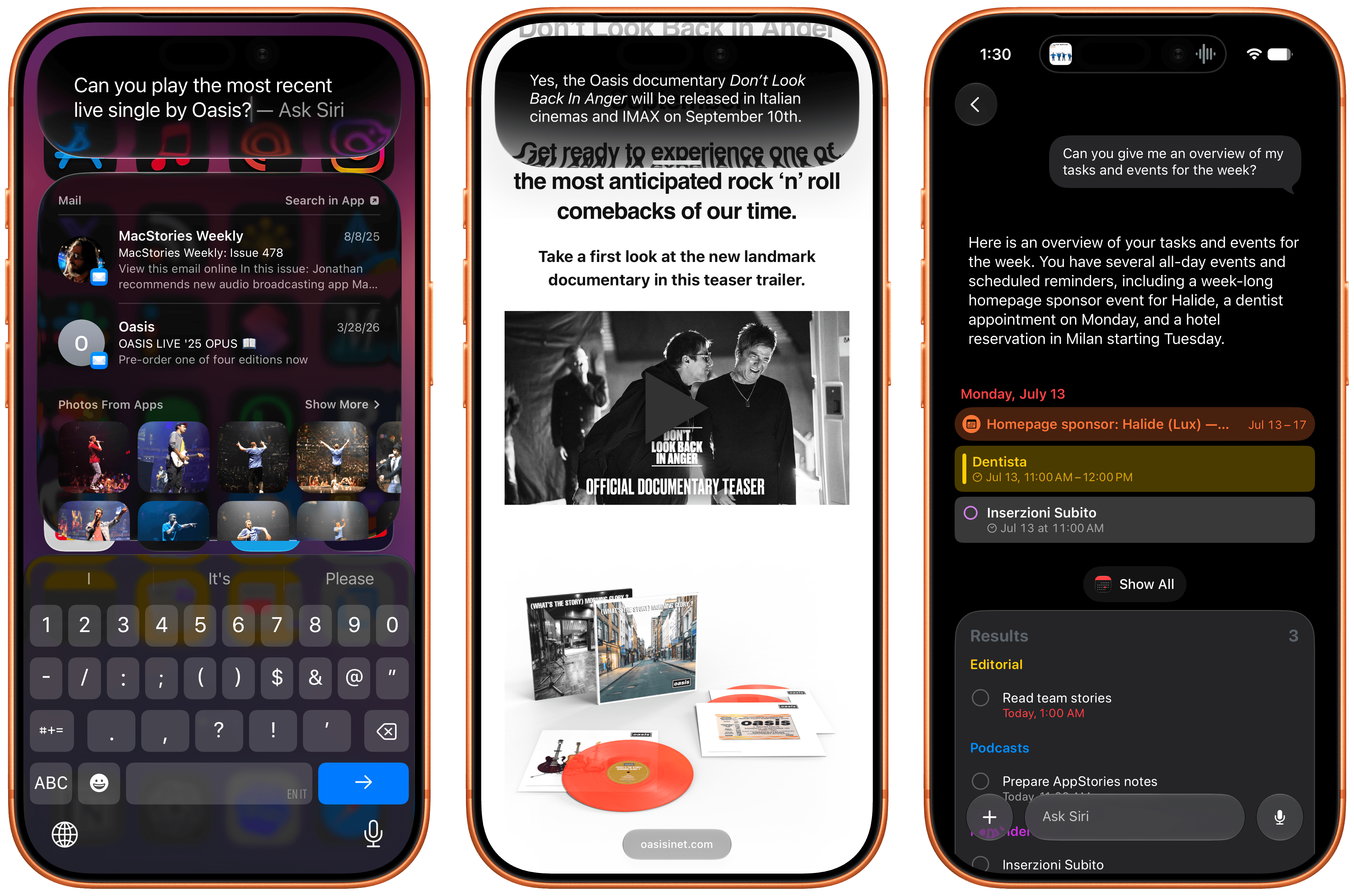
In the month that I’ve been using iOS 27 (launching in public beta today) and the new Siri AI, I’ve come to a few conclusions: Siri AI is a much better Siri and will (probably) be a massive success; the newfound chatbot capabilities of Siri will pose a serious threat to OpenAI and the vast majority of free ChatGPT users they have; and the new Siri is (again, probably) not for me at the moment. At the very least, it can’t be right now given its lack of support for third-party apps and technical issues I’ve encountered during beta testing.

It took me a while to accept the fact that Siri AI can’t be the kind of AI assistant I’d spend hours working with every day. But after testing iOS 27’s new Siri experience every day (and breaking it often in the process), I think that’s okay – and, arguably, what Apple is shooting for at the moment.

The new Siri AI is not designed for people who have grown accustomed to working with frontier models and agents such as Claude Code and Codex. The first version of Siri AI can’t be considered an “agent”, nor can it be compared to products from Anthropic, OpenAI, or Google that are targeting power users living at the bleeding edge of AI. If you go into Siri AI thinking that it’s Apple’s answer to ChatGPT Work or Claude Cowork for long-running tasks or deep research queries, you’re going to be disappointed – like I initially was.

Instead, Siri AI carries all the typical traits of a new Apple product: it’s a user-friendly experience designed for the masses, without any of the complexities that define a power-user tool, for better or worse. This is how Apple rolls: they don’t start from a high power-user ceiling and let products trickle down to consumers; they always start from the consumer level and refine, iterate, and extend until products trickle up to power users. This perspective isn’t meant to excuse the (many) current flaws of Siri AI. (More on them below.) It’s just the necessary lens for understanding how Apple is addressing their AI shortcomings in a way that doesn’t betray the company’s soul and design ethos.

There will be plenty more to say about iOS 27, the improved Shortcuts app, Liquid Glass tweaks, and other system enhancements later this year. After all, I have a review to write. Today’s column is merely an opportunity for me to reason through the obstacles I’ve faced with Siri AI and the way I’ve had to re-learn how to think about Siri.

Read more