This Week's Sponsor:

Dropzone 5

Improve your Drag-and-Drop Workflow


Posts in stories

iOS 12: The MacStories Review

After years of unabated visual and functional changes, iOS 12 is Apple’s opportunity to regroup and reassess the foundation before the next big step – with one notable exception.

We left last year’s iOS 11 update with a palpable tension between two platforms.

On one hand, following a year of minor changes to the iPad and a hardware refresh that came in later than some expected, Apple once again devoted plenty of attention to reimagining the tablet’s role in the world of modern computing. iPad updates in iOS 11, despite having their fair share of critics, largely did not disappoint. On the other hand, the iPhone – by and large still Apple’s crown jewel – had to play second fiddle to a platform that was more in need of a strong, coherent message. And so despite blessing the iPhone with the same features of its larger multitouch cousin (at least most of them), Apple seemed content ceding the smartphone’s spotlight to the iPad. There was a healthy array of new functionalities for both, but iOS 11’s “Monumental leap for iPad” tagline pretty much told the whole story.

iOS 12, available today for the same range of devices that supported iOS 11, feels like a reaction to changes that have occurred around Apple and consumer technology over the past year.

While iOS 11 may go down in Apple software history as the touchstone of the iPad’s maturity, it will also be remembered as one of the company’s most taxing releases for its users. You don’t have to look far into the iOS 11 cycle for headlines lamenting its poor stability on older hardware, plethora of design inconsistencies (which were noted time and time again), and general sense of sluggishness – issues that may have contributed to a slower adoption rate than 2016’s iOS 10.

There were debacles in Apple’s PR and marketing approach as well: performance problems with battery and power management were handled poorly during a key time of the year, culminating with a year-long discounted battery replacement program and a somewhat rushed battery-related addition to iOS’ Settings. Then, of course, there was the much derided iPhone X ad clearly showing one of the many reported iOS bugs on TV, which had to be fixed with an updated commercial before the actual software was fixed. No matter how you slice it, it’s been a rough few months for Apple in the realm of public perception of its software.

At the same time, toward the beginning of 2018, technology observers witnessed the rise of Time Well Spent – an organization and, perhaps more broadly, a public movement demanding that tech companies prioritize enabling healthier relationships with mobile devices. The principles underlying Time Well Spent, from battling smartphone addiction and notification overload to including superior parental controls in mobile OSes, may have originated as a natural consequence of breakneck technological progress; as some argue, they may also be a byproduct of global socioeconomic and political events. Time Well Spent’s ideas found fertile soil in Silicon Valley: earlier this year, Facebook made key changes to its news feed to improve how users spend time on the social network; Apple made a rare commitment to better parental features in a future version of iOS; Google went all out and turned digital well-being into a suite of system features for Android.

It’s important to understand the context in which iOS 12 is launching today, for events of the past year may have directly shaped Apple’s vision for this update.

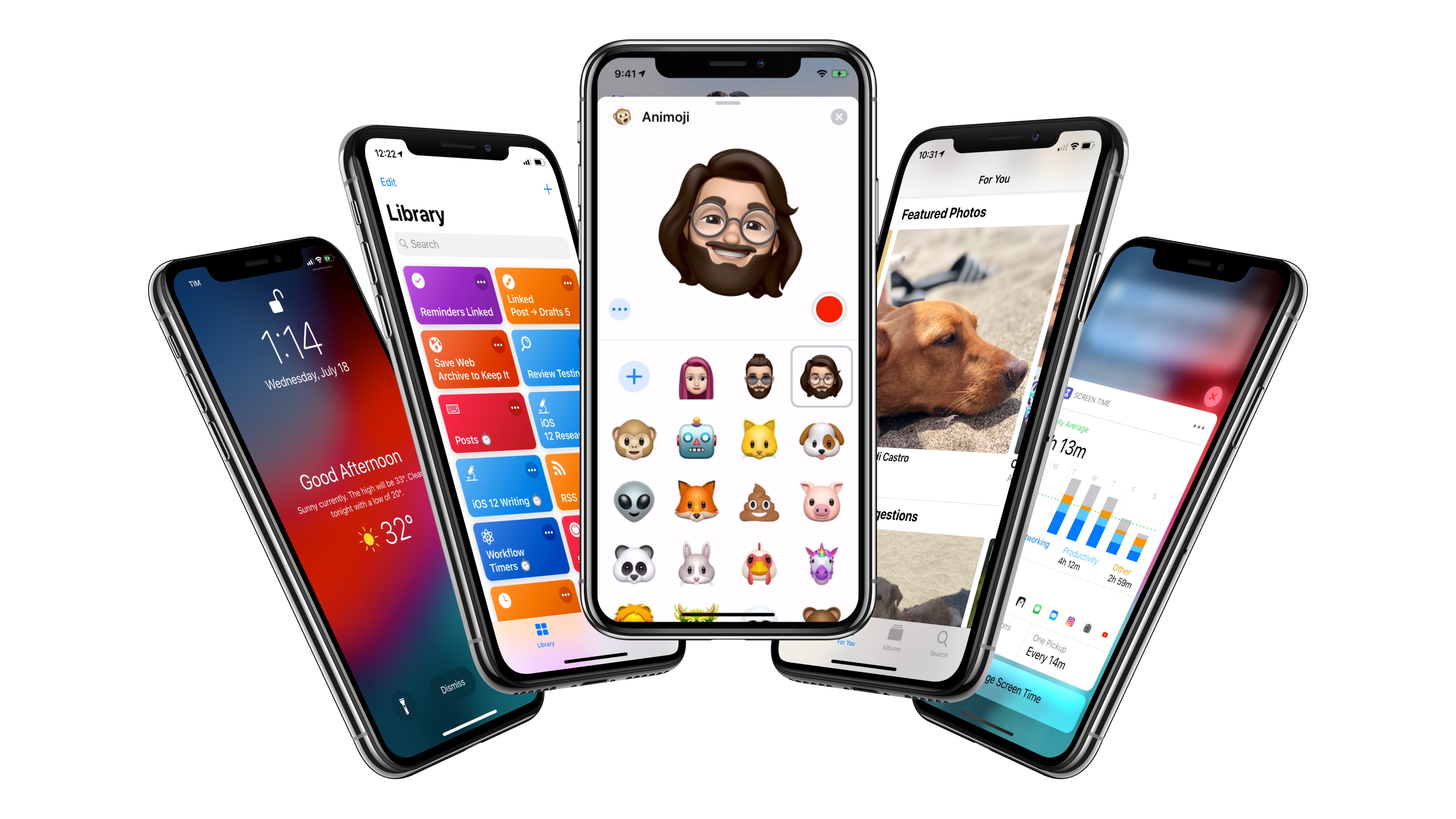
With iOS 12, Apple wants to rectify iOS’ performance woes, proving to their customers that iOS updates should never induce digital regret. Perhaps more notably though, iOS 12 doesn’t have a single consumer feature that encapsulates this release – like Messages might have been for iOS 10 or the iPad for iOS 11. Instead, iOS 12 is a constellation of enhancements revolving around the overarching theme of time. Apple in 2018 needs more time for whatever the next big step of iOS may be; they want iOS users to understand how much time they’re spending on their devices; and they want to help users spend less time managing certain system features. Also, funnily enough, saving time is at the core (and in the very name) of iOS 12’s most exciting new feature: Shortcuts.

iOS 12 isn’t Apple’s Snow Leopard release: its system changes and updated apps wouldn’t justify a “No New Features” slide. However, for the first time in years, it feels as if the company is happy to let its foot off the gas a little and listen to users more.

Will the plan work?
Read more


    Screen Time for Kids Puts Powerful iOS Monitoring Tools and Use Restrictions in Parents’ Hands

    For the past couple of years, the tech industry has grappled with the consequences of people carrying a tiny computer with them all day long. When it comes to Apple, iOS devices have long had a Do Not Disturb setting and notifications can be adjusted, but over time, it became apparent that the existing tools were not enough.

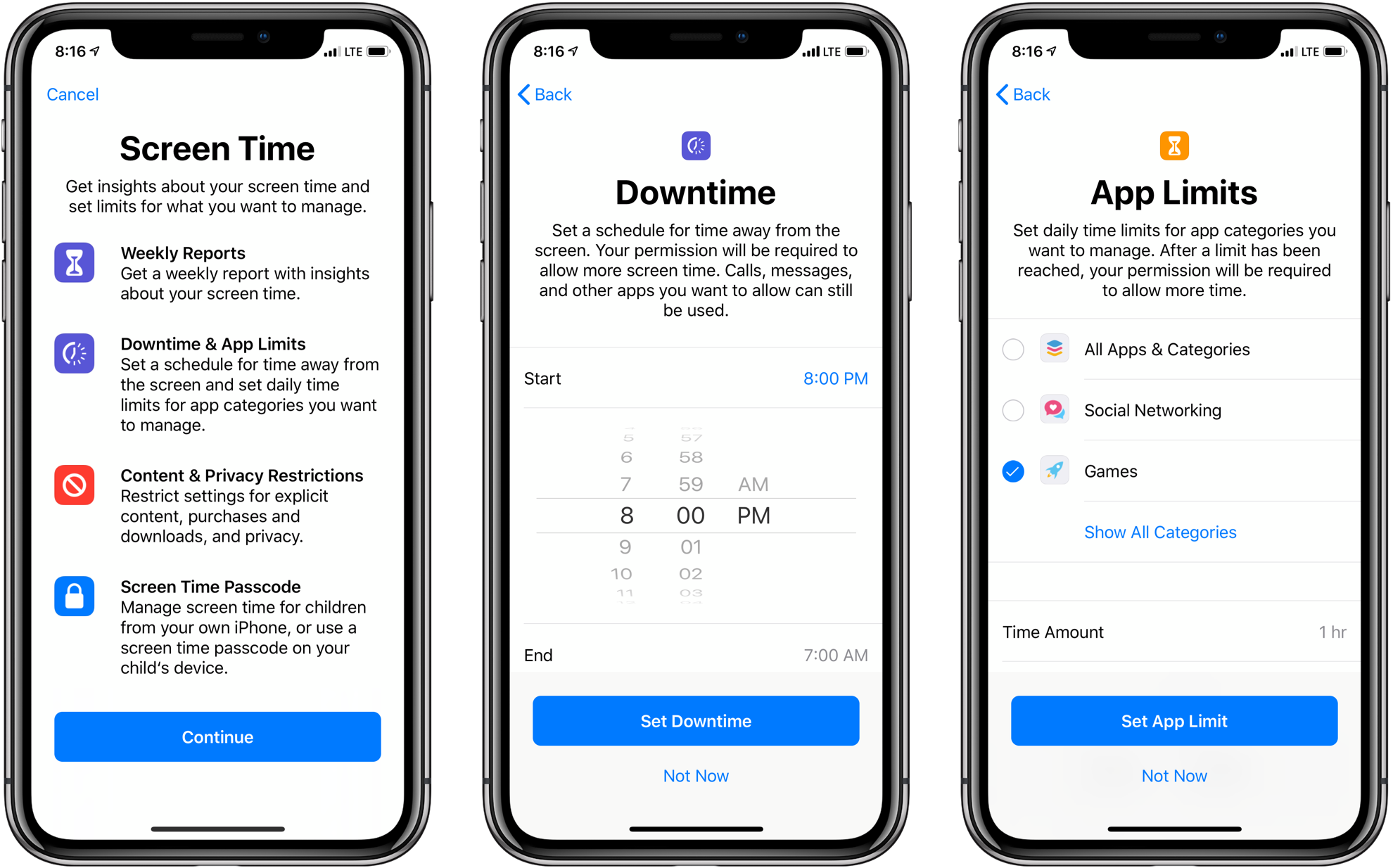
    Screen Time is Apple’s solution to the information gap about how we use our iOS devices. The new feature, which is found in the Settings app in iOS 12, provides a wide array of metrics that give an unforgiving and eye-opening look into exactly how you use your devices each day.

    Screen Time is also the means for acting on that information. Users can impose restrictions on when and how they use their devices.

    The same tools are available to parents through Apple’s Family Sharing feature. Although Screen Time for kids is complex in some respects and lacking in others, it’s an excellent first step. The feature may require a time investment to master, but it succeeds on two levels. First, by working the same way it does for individuals, which Federico will cover in his iOS 12 review, managing the feature for a child will be familiar to anyone who uses Screen Time themselves. Second, although I’d like to see Apple implement some age-appropriate default settings in places, on balance, I’m satisfied that the complexity of Screen Time is a fair trade-off for the customization that it enables.

    Read more


    Getting Behind the Mac as a Productivity-First Platform

    Apple’s recent Behind the Mac series is one of my favorite marketing campaigns of late. I find the visual of people sitting behind their Macs so romantic and nostalgic. It’s a sight that’s ever-present whenever I spend time in a coffee shop, and the series’ tagline, “Make something wonderful behind the Mac,” causes me to now wonder in public: what are these people making as they sit behind the iconic Apple logo’s glow?

    Following WWDC earlier this year, I shared that one of the things I least expected from the conference was that it would get me excited about the Mac. I’ve been iOS-first for three years now, with no regrets whatsoever. During that time, while the Mac has received incremental improvements, its growth has lagged significantly behind iOS and the iPad. While I never expected the same level of innovation on macOS that iOS received – since the Mac didn’t need as much work, frankly – it was frustrating to constantly see iOS score new apps and technologies before the Mac.

    It has long seemed to me like the Mac was on its way to an eventual death. But WWDC breathed new life into the platform, with Apple doubling down on the Mac’s strengths as a productivity tool, and the prospect of ported iOS apps starting next year. Each of these changes will bring, I believe, genuine excitement back to the platform.

    Read more


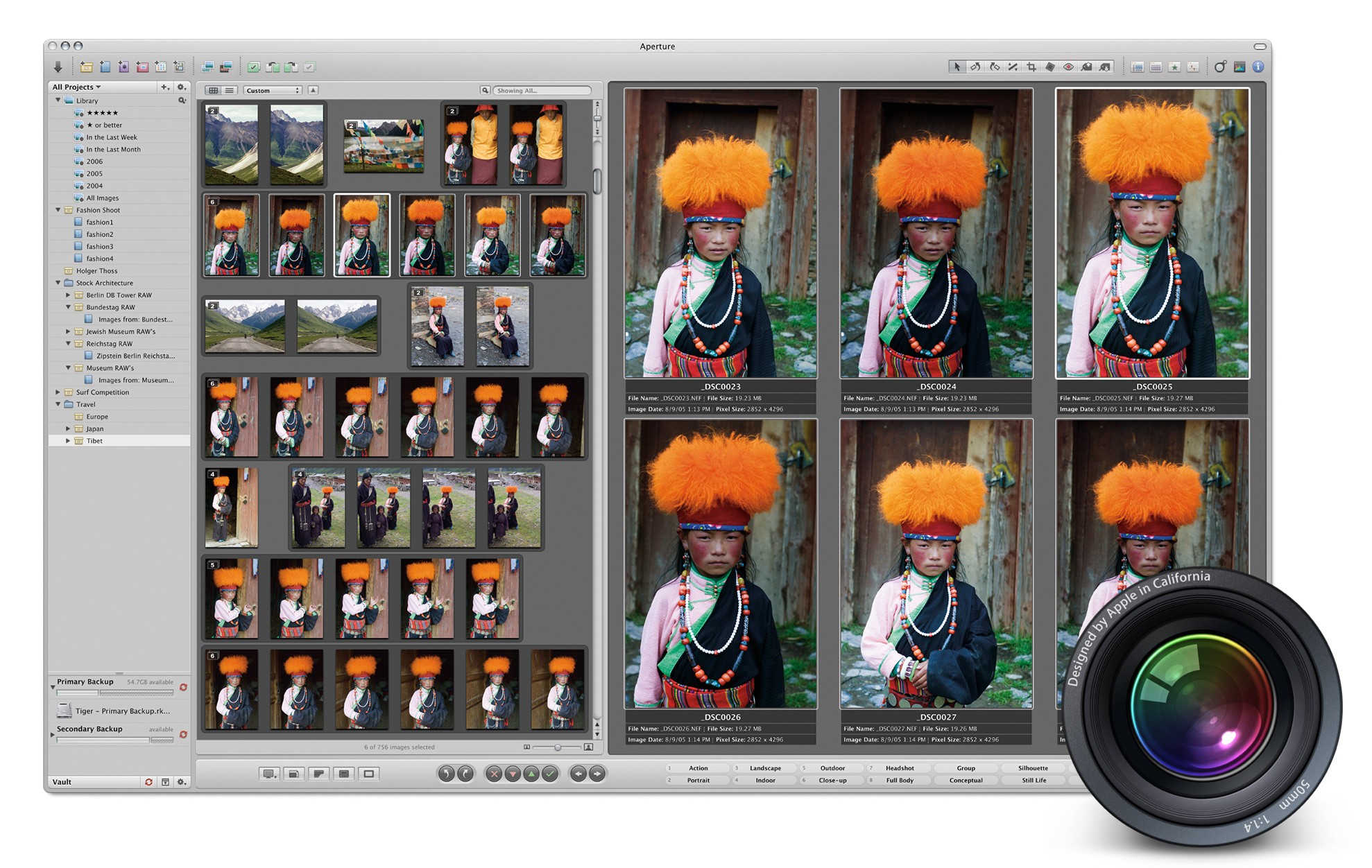
    The History of Aperture

    For years, iLife defined the Mac experience, or at the very least, its marketing. An iMac or MacBook wasn’t a mere computer; it was a tool for enjoying your music, managing your photos, creating your own songs, editing your home videos, and more.

    iLife was brilliant because it was approachable. Programs like iTunes, iPhoto, iMovie, iDVD, and GarageBand were so simple that anyone could just open them from the Dock and get started creating.1

    Of course, not everyone’s needs were met by the iLife applications. iMovie users could upgrade to Final Cut, while Logic was there waiting for GarageBand users. And for those needing more than what iPhoto could provide, Apple offered Aperture.

    Read more


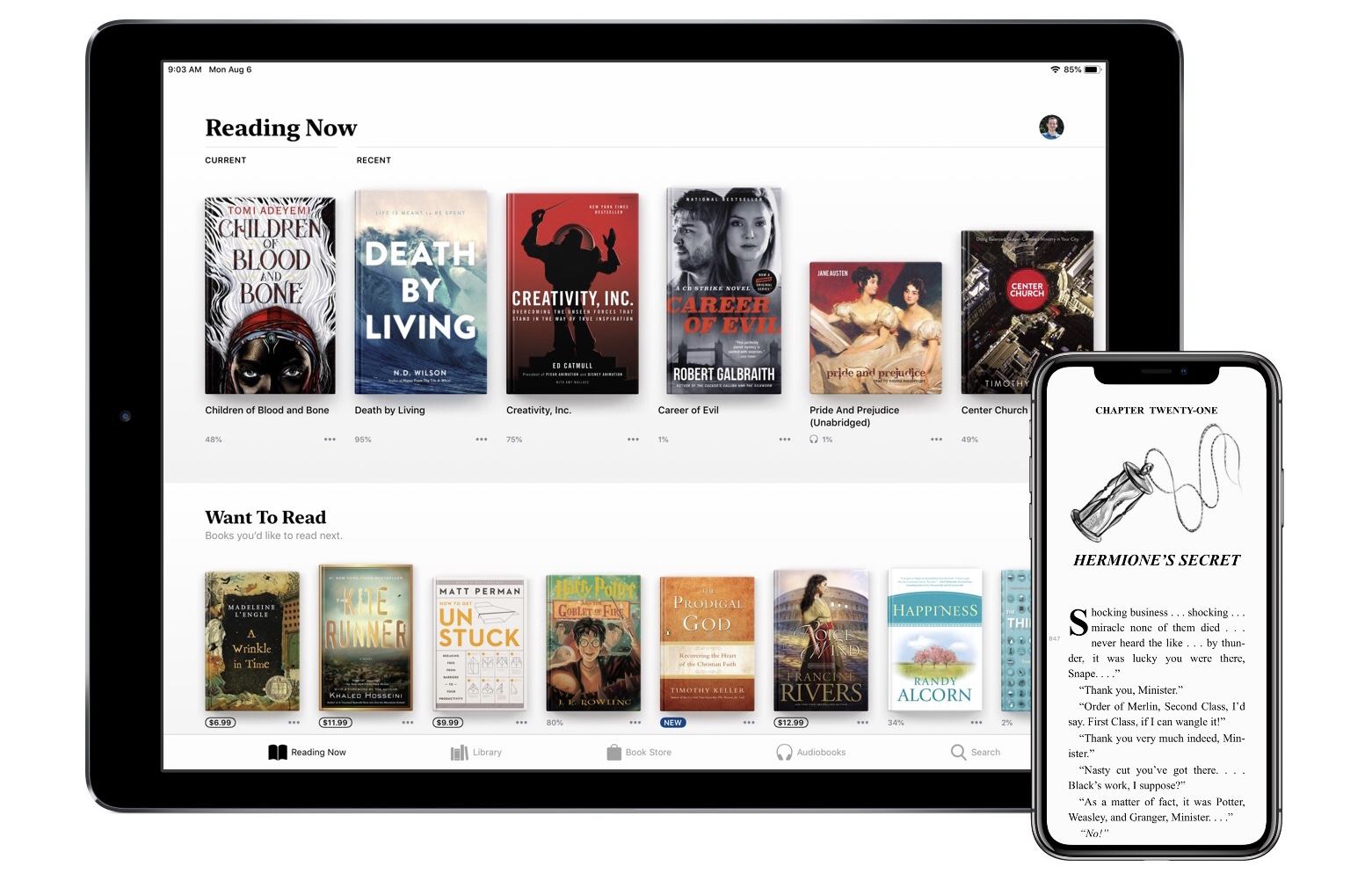
    Apple Books: A Love Letter to Readers

    When iOS 12 launches this fall, it will introduce a newly redesigned iBooks app simply named Books. Though the reading experience in Books is largely the same as before, the rest of the app is drastically different, offering the biggest app redesign on iOS since last year’s App Store.

    Modern design is a clear centerpiece of Books, but the app also includes new features, big and small, that make it feel all-new. From tools that borrow from Goodreads, to more robust collections, to dark mode, and much more. There’s a lot to explore here, so let’s dive in.

    Read more


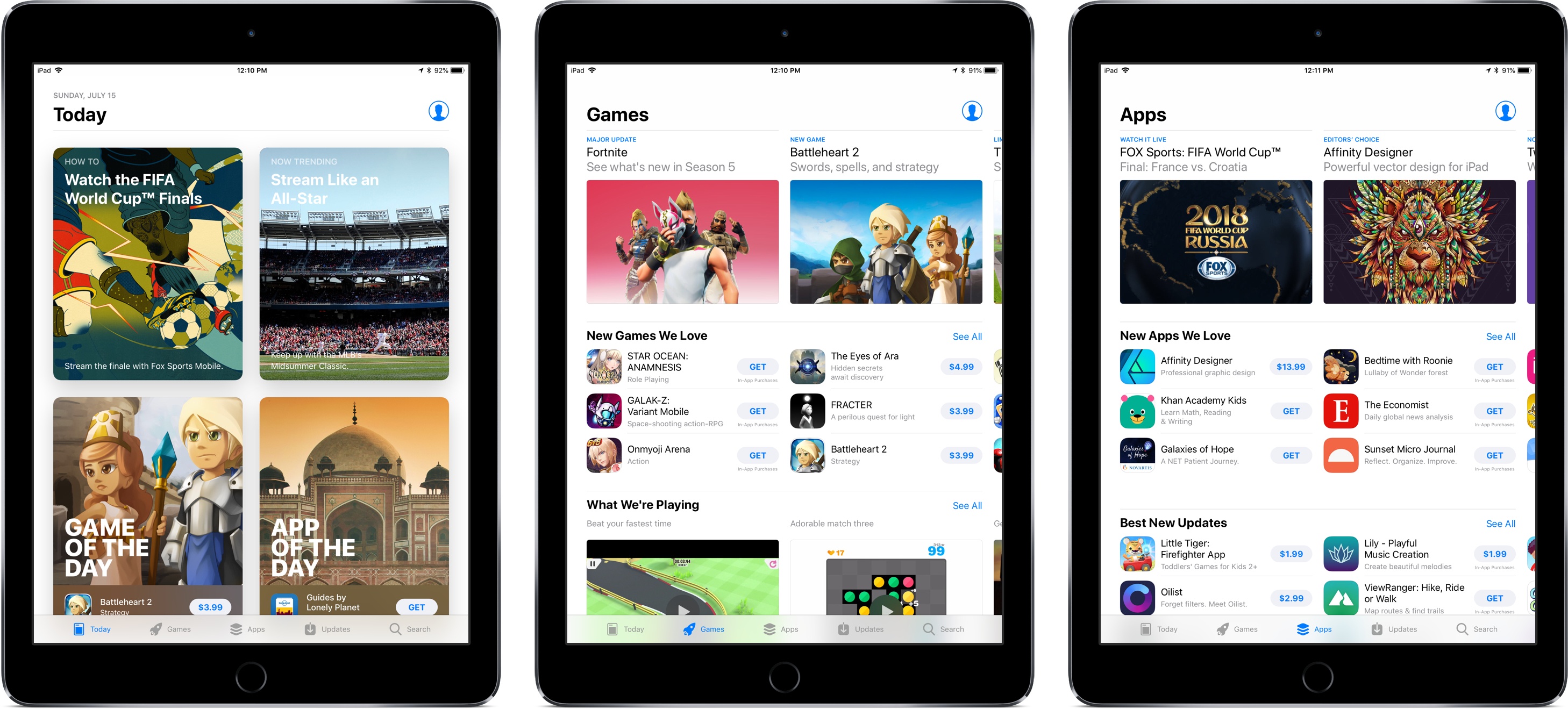
    The App Store at 10: The Next Decade

    The App Store has changed the world. Over the last decade society as we know it has been irrevocably shaped by the App Store and its products.

    Just as no one 10 years ago could have predicted where the App Store would have brought us today, so is it impossible to guess what the next decade might bring. There’s no stopping us from trying though.

    As we close out our App Store anniversary week coverage, here are our hopes and expectations for the next 10 years.

    Federico

    Apple predictions often age badly because the company has a tendency to not directly follow the latest market trends; at the very least, they offer their unique twist on ideas others have been experimenting with for some time. However, based on how the App Store has evolved for the past 10 years, I see some interesting signs in its trajectory that are pointing to obvious changes coming down the road. So, even though I may turn out to be dramatically wrong in 10 years, here’s my list of App Store changes I believe will occur over the course of the next decade.

    Read more


    Personal App Store Stories from the MacStories Team

    Over the past week we’ve released articles and podcast episodes documenting the stories of Apple and third-party developers during the App Store’s decade of life, but as our celebration week nears its end, we wanted to shift gears and share our own stories.

    The story of the App Store doesn’t just belong to Apple, nor is it limited to the developers who have made the App Store such a vibrant marketplace. Everyone who has ever downloaded an app on their iPhone, iPad, or even iPod Touch has their own story of the App Store’s impact on their life. In that vein, here are the MacStories team’s personal stories of what the Store and its products have meant to us.

    Federico

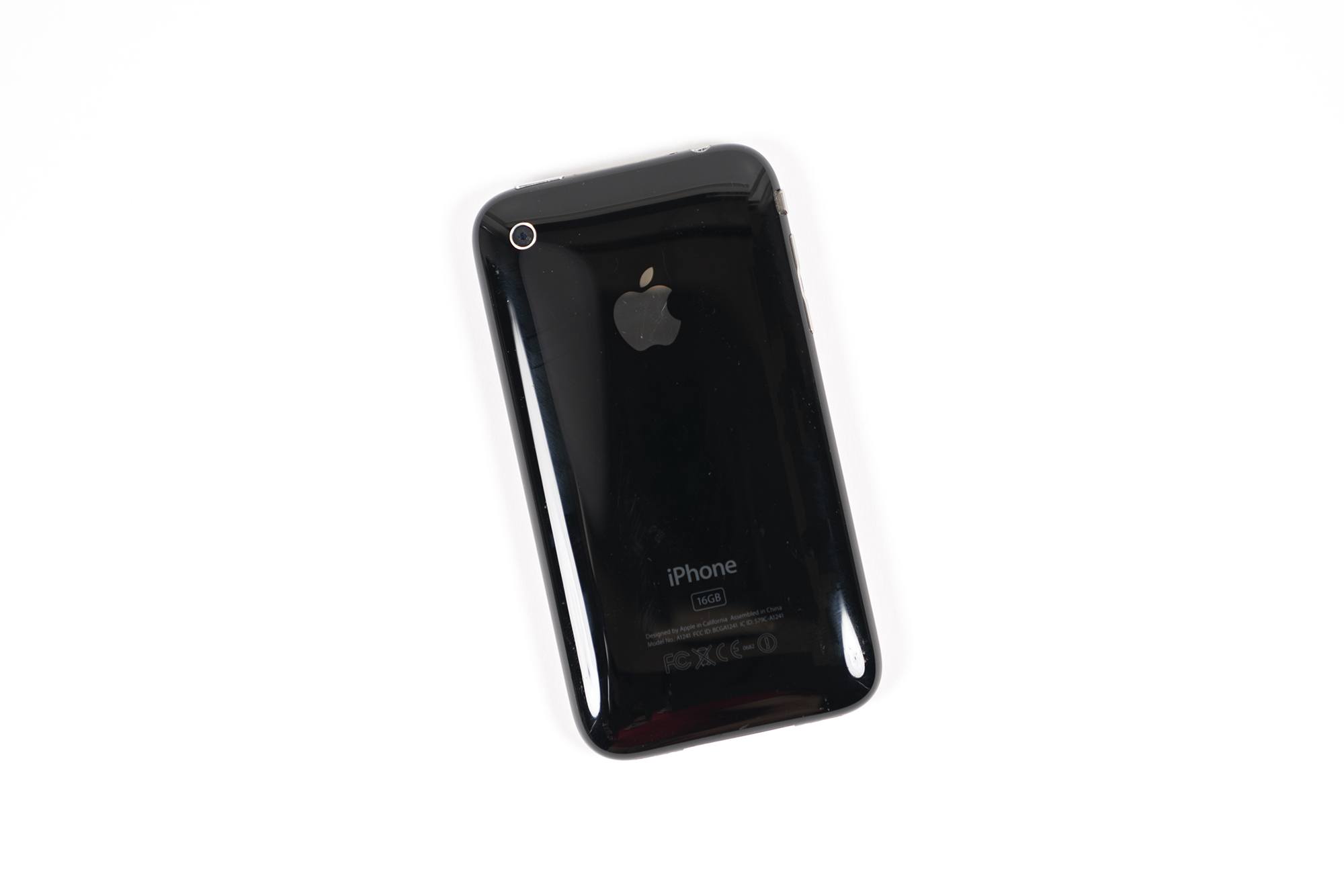
    I told the story of how MacStories came to be before. After dropping out of university (where I thought I was going to study Philosophy – it’s funny to imagine another timeline where I ended up a Philosophy professor), I got a full-time job as a seller at a physical eBay store. Those stores, which were quite common before the smartphone era and the mobile-marketplace app boom, helped folks who didn’t know how or didn’t have the patience to sell old items on eBay. My job consisted of assisting customers who came into the store with boxes full of stuff, explaining to them how eBay and our fees worked, putting items up for sale, monitoring the auction, and taking care of shipments. It was a fun job, but it was also repetitive and somewhat boring after a while, yet it allowed me to save money toward the first computer I wanted to buy entirely with my own money. I wanted to buy a 15” MacBook Pro.

    Read more


    App Preservation: Saving the App Store’s History

    The App Store had just turned one when, sometime in the summer of 2009, concept artist and game developer Zach Gage published a preview video for an iPhone game he had been working on. The game was based on a simple premise: Gage’s girlfriend liked playing Tetris for iPhone, which he thought was a rushed adaptation of the console game that didn’t take advantage of the iPhone’s unique hardware. “I just looked at it”, Gage told me in an interview on our podcast AppStories, “and I thought – I can make a better game than this”. So, in his spare time between different projects, he got to work.

    The game, which launched in fall 2009, was called Unify. On his website, Gage described it as “Touch-Tetris for both sides of the brain”. In Unify you can see traits that would define Gage’s later work on the App Store: the game takes a well-known concept and adds a twist to it – blocks come in from both sides of the screen rather than falling from the top as in classic Tetris. Graphics are minimal, but instantly recognizable and somewhat cute in their simplicity. Unify is entirely controlled via touch, eschewing any kind of console-like onscreen controls. “I was trying to imagine what Tetris would look like as a game designed for multitouch”, Gage added. “And that kind of got me hooked. After that, I just kept making games”.

    Unify has all the elements for an ideal App Store origin story: a basic preview video uploaded to Vimeo 9 years ago, before YouTube became the de-facto standard for videogame trailers; an independent artist and game developer who, years later, would win awards for innovation in mobile gaming; a funny backstory that stems from big publishers’ inability to adapt console games to touchscreens a decade ago.

    You’d think that Unify would make for the perfect case study in app development and mobile creativity, if only for historic purposes. Except that Unify is gone from the App Store, as if it never existed in the first place.

    Read more