Posts tagged with "mac"

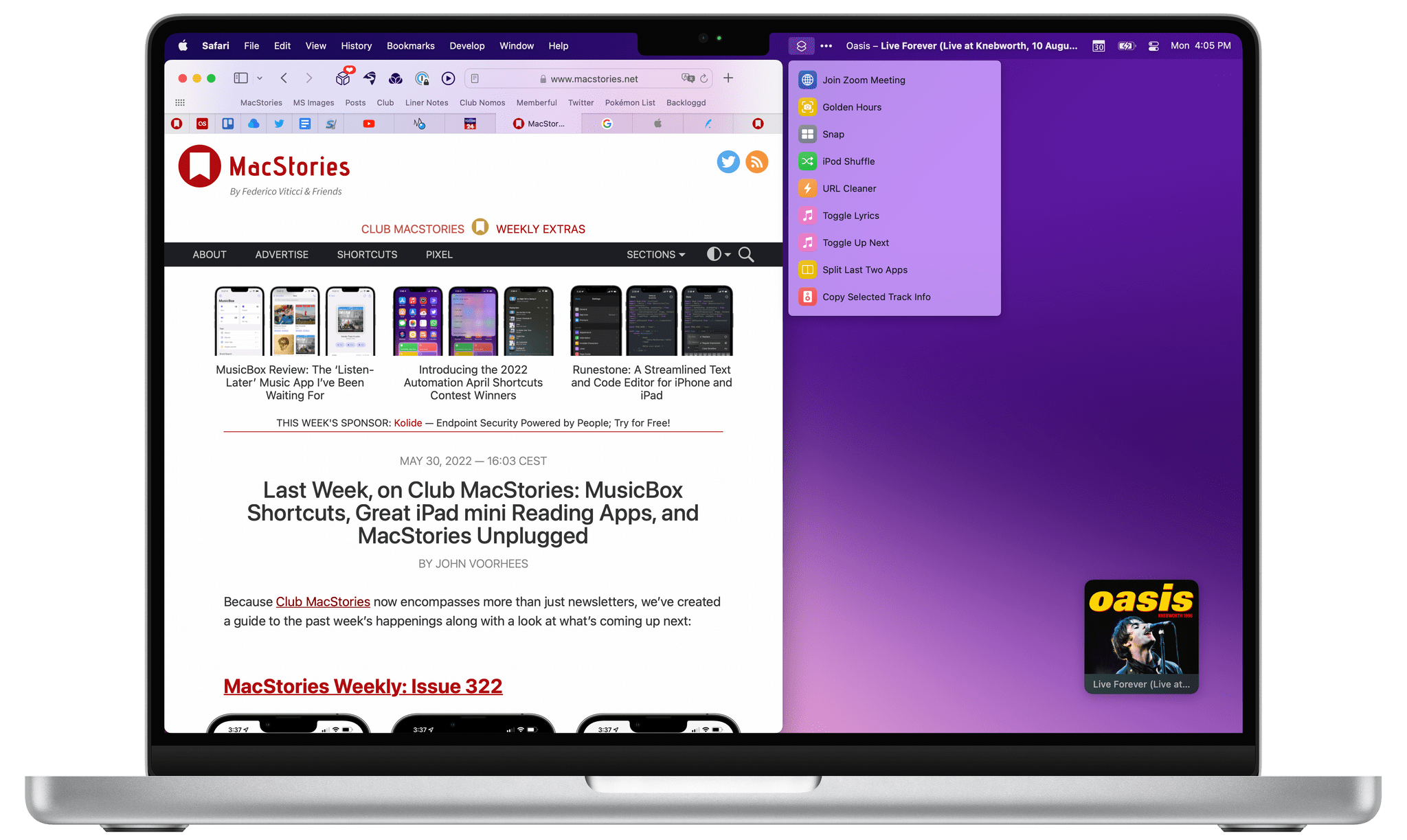
Automation April: 10 Shortcuts for Mac Multitasking, Markdown, Reminders, Music Lyrics, Twitter, and More

10 shortcuts for Automation April.

10 shortcuts for Automation April.

Automation April is well underway: we’ve entered the second week of our month-long special event about automation on Apple platforms, and – in case you haven’t noticed – things are happening everywhere. We’ve published Shortcuts-focused articles on MacStories; interviewed developers of Shortcuts-compatible apps on AppStories; we’ve hosted a Town Hall Workshop on our Discord along with giveaways. And, of course, our panel of judges is now busy testing and evaluating shortcuts submitted by people for the Automation April Shortcuts Contest. If you haven’t yet, now would be a great time to start following @AutomationApril on Twitter to keep up with everything we’re doing.

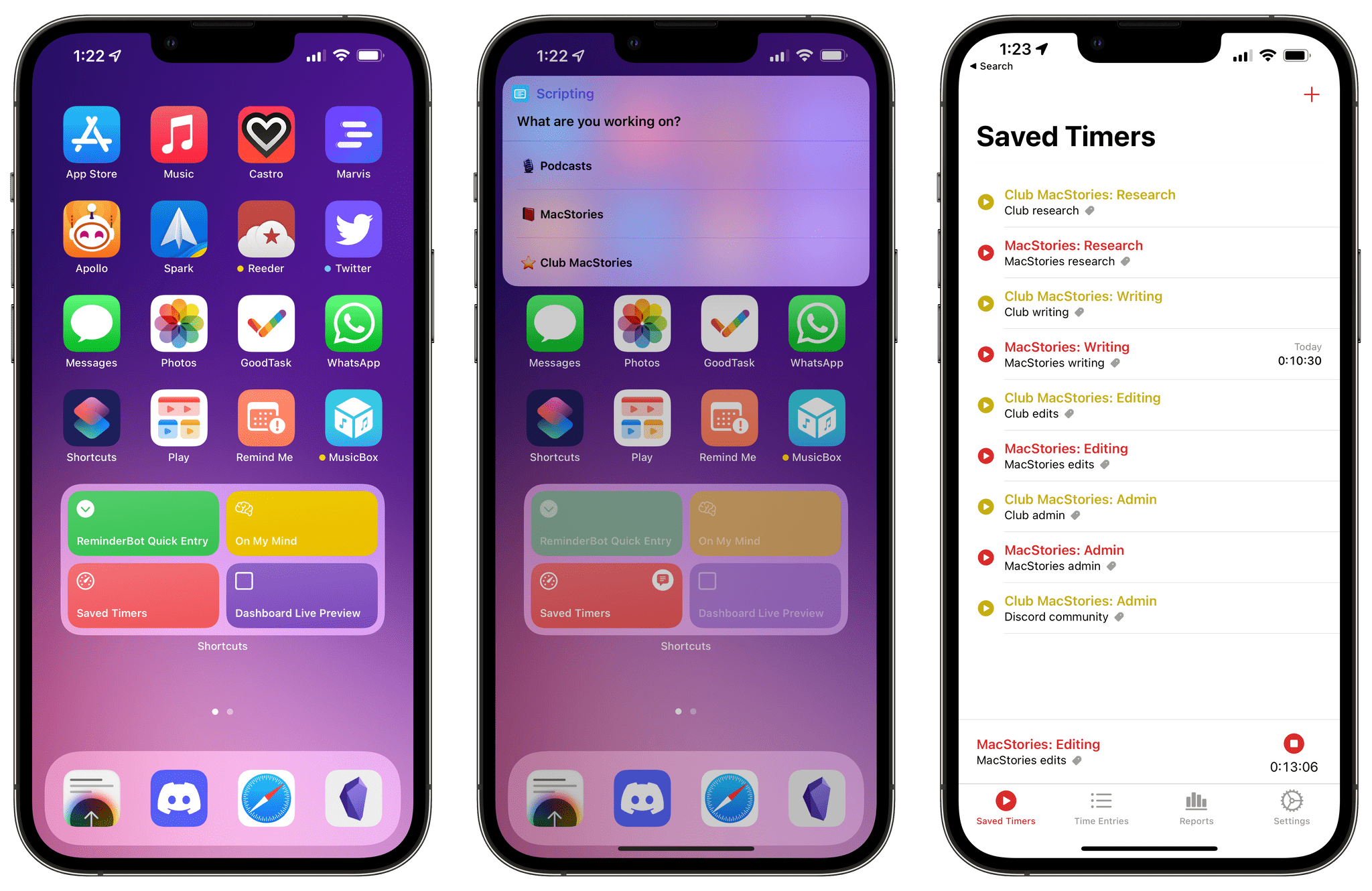
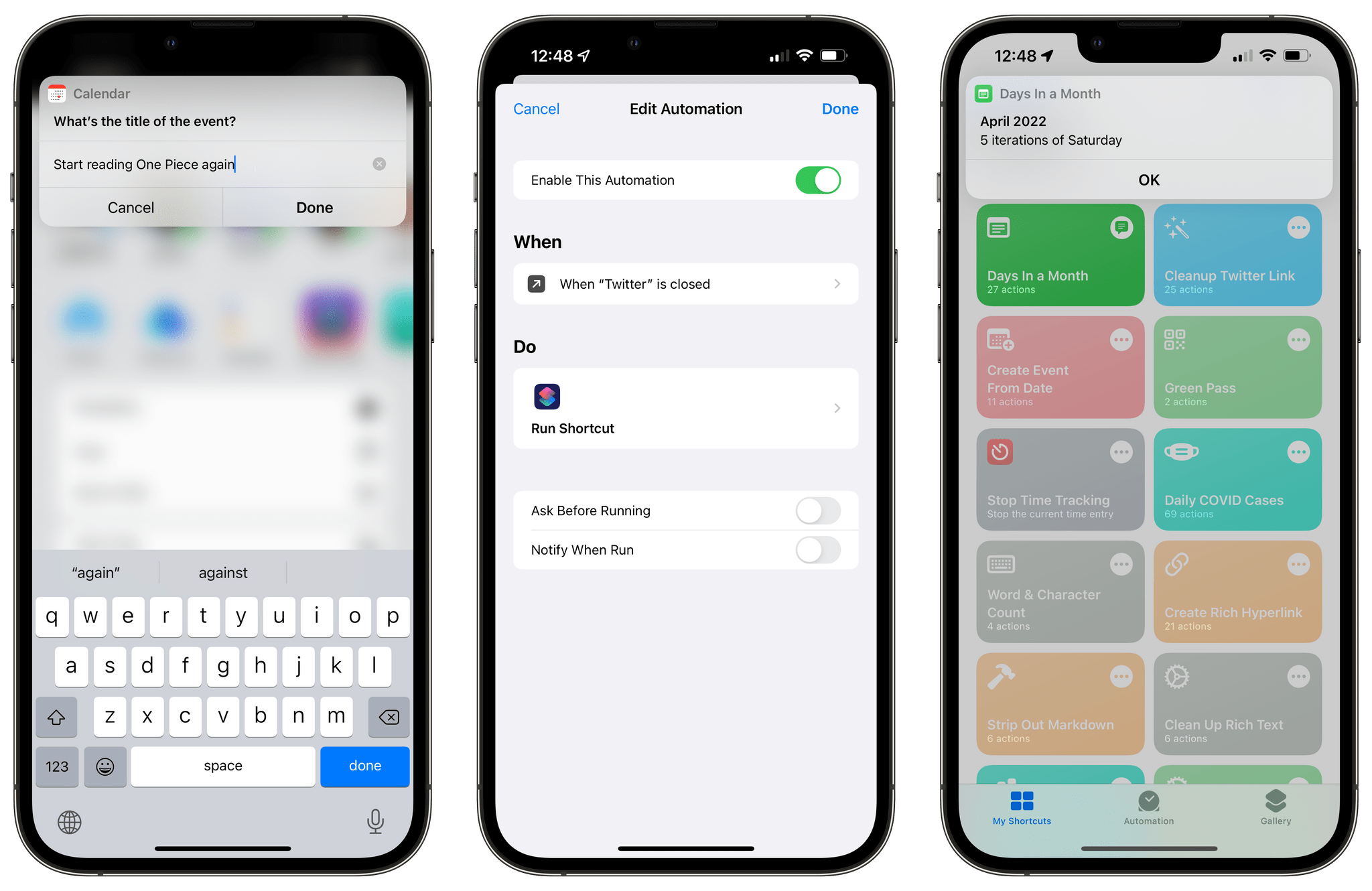
Last week, I shared an initial batch of 10 shortcuts I prepared for Automation April here on MacStories. I’m back this week with another set of 10 shortcuts that encompass a variety of platforms, app integrations, and functionalities. In this week’s collection, you’ll find even more shortcuts to speed up macOS multitasking; a shortcut that makes it easy to create a calendar event starting from a date; there will be a couple of shortcuts for Markdown and Obsidian users too.

I’m having a lot of fun sharing these sets of shortcuts for Automation April. So once again, let’s dive in.

Read more


ComicTrack: A Beautifully-Designed, Flexible Way to Organize Your Comic Book Reading

ComicTrack is a new app from Joe Kimberlin for tracking and organizing the comic books you’ve read, are currently reading, and want to read. The idea is similar to his excellent videogame tracking app, GameTrack, but applied to comics. I’ve been using ComicTrack for a couple of weeks now, and it’s excellent. Of course, you’ll also need a separate app to read your comics, but having a dedicated app to organize what I’m reading and plan to read has single-handedly gotten me back into reading comics more regularly.

ComicTrack on the iPhone.

ComicTrack on the iPhone.

For context, I’ve always been a very casual comic book fan. I have Comixology and Shonen Jump installed on my iPad mini, but I often go weeks or months without touching either. It’s not a lack of interest, so much as a combination of not knowing where to start and having limited free time. ComicTrack hasn’t magically granted me more free time, but it has made getting started much easier by reducing the friction of picking something to read.

ComicTrack on the 12.9" iPad Pro in dark mode

ComicTrack on the 12.9” iPad Pro in dark mode

I’m going to focus on the iPad version of ComicTrack because that’s where I read most of my comics, but the app also works and looks great on the iPhone and Mac, as you’ll see in the screenshots below. Everything syncs over iCloud too. Also, although I spend most of my time using the iPad version of ComicTrack, I find the iPhone and Mac apps indispensable for collecting new ideas of things to read. I run across comic books all the time via RSS, Twitter, podcasts, and friends’ recommendations. That doesn’t just happen when I’m using my iPad, but with ComicTrack on all the platforms I use, it’s easy to add something that catches my eye.

Read more


macOS 12.3: The Magic of Universal Control and More

macOS 12.3 Monterey has arrived, delivering Universal Control, the long-awaited feature that allows users to transition between Macs and iPads with a single set of input devices. Federico is covering the feature from the perspective of iPadOS 15.4, so I’ll focus on the Mac. In addition to Universal Control, macOS 12.3 includes other smaller features, which I’ll cover at the end of this story.

I’ve been using macOS 12.3 as my daily OS throughout the current beta cycle for a couple of reasons. First, Shortcuts has been steadily improving ever since Monterey’s fall introduction, so I wanted to stay on top of those improvements in real-time. Second, I’ve been fascinated by the possibilities created by Universal Control since it was announced at WWDC last year. I’m pleased to report that the feature hasn’t disappointed me and has quickly found a place as part of my core computing setup.

Read more


The Shift in Apple’s Hardware Strategy

John Porter writing for The Verge puts a finger on a strategic shift that has slowly been emerging at Apple for a while.

Summoning the era of butterfly keyboards and the Mac Pro’s infamous thermal corner, Porter says:

There was a time not long ago when it seemed like Apple spent more time telling its customers what they wanted rather than just giving it to them.

In contrast,

with yesterday’s announcements, which include the powerful and port-rich Mac Studio and a new monitor that costs a fraction of the price of Apple’s previous attempt, Apple is now consistently doling out consumer-friendly features its fans have been calling for.

Porter traces the roots of Apple’s shift in approach back to 2017 when the company gathered a small group of writers to announce that it was hitting reset on the Mac Pro. Two years later, Apple introduced a new Mac Pro, and ever since then, there’s been a steady stream of devices released that underscore the company’s new hardware approach.

Reading the tea leaves to discern strategic shifts like this is always fraught with peril, but I think Porter is onto something. As he lays out, there are plenty of signs of the shift stretching back five years, and no better evidence than the Mac Studio, which is bristling with utilitarian conveniences like ports and an SD card slot on the front of the computer and plenty of other I/O options tucked away on the rear of the machine.

Apple’s shift has left users with an abundance of excellent computing options. Next, I hope we see a similar shift in the company’s approach to its software, concentrating on taking better advantage of the devices now available to users.

Permalink

Mac Studio, M1 Ultra, and Apple Studio Display: The MacStories Overview

Yesterday during their Peek Performance keynote event, Apple unveiled the Mac Studio and Apple Studio Display. The former is an all-new computer joining the Mac lineup, with specs that are blowing away Apple’s previous offerings due to the introduction of a new top-of-the-line M-series chip: the M1 Ultra. The Apple Studio Display marks Apple’s true return to the consumer display market after a near decade-long hiatus.

Read more


OutlineEdit 3 Offers a Fast, Keyboard-Driven Way to Outline Your Thoughts

One of my earliest MacStories reviews was of OutlineEdit 1.0, a Mac-only outlining app that caught my eye with its attention to the kind of details that are a must for creating carefully structured outlines quickly. Version 3.0 recently landed on the Mac App Store and at its core, OutlineEdit is just as capable as ever at effortlessly turning ideas into outlines. The changes introduced with version 3.0 include refinements to existing features, as well as a handful of new features that extend OutlineEdit’s capabilities. Let’s take a look.

Read more


MacStories Starter Pack: Taking Apple Music Discovery into Your Own Hands

Editor’s Note: Taking Apple Music Discovery into Your Own Hands is part of the MacStories Starter Pack, a collection of ready-to-use shortcuts, apps, workflows, and more that we’ve created to help you get the most out of your Mac, iPhone, and iPad.

Apple Music’s tools for discovering new music could be better. A lot has been written about the problems, which I’m not going to rehash here. Instead, I’ve got a long list of tips, apps, and workflows you can use to discover new music now.

I’ve collected these apps and tips over many thousands of hours of listening and written about some of them here and for Club MacStories members before. However, this is the first time I’ve gathered and expanded those tips and workflows in one comprehensive story.

Read more


Mac Widgets Need a Dashboard

On 512 Pixels, Stephen Hackett argues that Apple should bring back Dashboard, a macOS feature that disappeared with Catalina. Dashboard gave users access to Apple and third-party widgets: single-purpose utilities that were a lot like the widgets on the iPhone, iPad, and Mac today, except they were better because they were also interactive.

Widgets’ lack of interactivity on the Mac is compounded by the fact that they share a panel with notifications and are hidden behind a click on the menu bar’s clock. I couldn’t agree more with Stephen’s conclusion:

Apple needs to rethink this and let this new class of widgets breathe, being able to use the entire screen like the widgets of yore could. Bringing back Dashboard is an obvious solution here, and I’d love to see it make a return.

The Dashboard metaphor worked for widgets before and it could work again, but I’d love to see Apple make the desktop the Dashboard, letting users mix files, folders, and widgets the same way I can mix apps and widgets on my iPhone or iPad.

Permalink

AirBuddy 2.5: A Refined Experience That Adds Shortcuts Integration and Other New Features

Today, Gui Rambo released version 2.5 of AirBuddy, his Mac menu bar app for connecting and managing wireless headphones and other devices. AirBuddy has come a long way from its origins as an app that simply connected AirPods and some Beats headphones with your Mac. The app still does that well, but as I wrote about AirBuddy 2.0, the app is a fantastic way to monitor the charge status of a wide variety of devices and hand their connections off from one Mac to another. With the latest version, the app’s core features are faster and more reliable, the UI has been refreshed with a Monterey-friendly design, and there are some excellent new features, too, so let’s dig in.

Read more