This Week's Sponsor:

Clic for Sonos

The native app Sonos should’ve made. No lag, no hassle, just music. Save up to 50%.


Posts tagged with "app store"

TodoMovies 2: A Gorgeous Way to Keep Track of Movies You Want to Watch

Banner Image

Banner Image

Due in part to the frequency I can meet up with friends and get to a movie theater, I inevitably end up with a backlog of movies to watch since I often don’t see them until months after they’ve been released. It wasn’t until last weekend that I finally watched The Hobbit for example, both in part to try Vdio and get hands on with Taphive’s latest app.

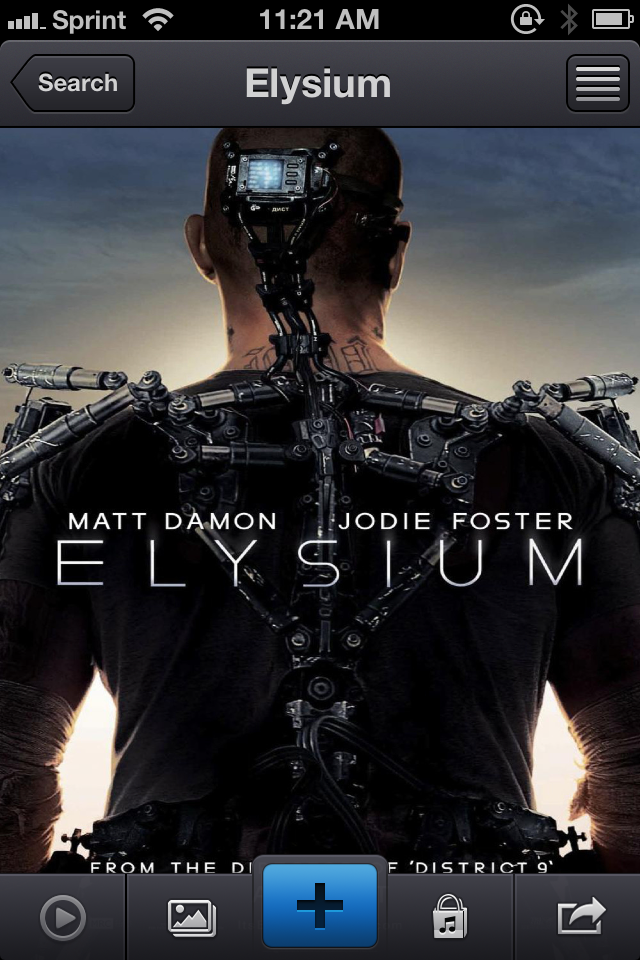
Where Apple’s Trailers showcases upcoming films and offers up information on where and when to watch them, TodoMovies 2 is your personal list of movies seen and not yet seen, keeping movies sorted in any preferred order while also offering trailers and additional links to associated goodies like soundtracks. Integrated with TMDb and additionally bringing in ratings from sites like Rotten Tomatoes and Netflix, TodoMovies 2 offers a quick glance at actors and actress, plot summaries, and ratings underneath gorgeous movie posters that shine on Apple’s Retina displays.

Read more


Twitterrific 5.2: Push Notification Rollout, Profile Banners, and Storify for Discussions

Push Notification Beta Alert

Push Notification Beta Alert

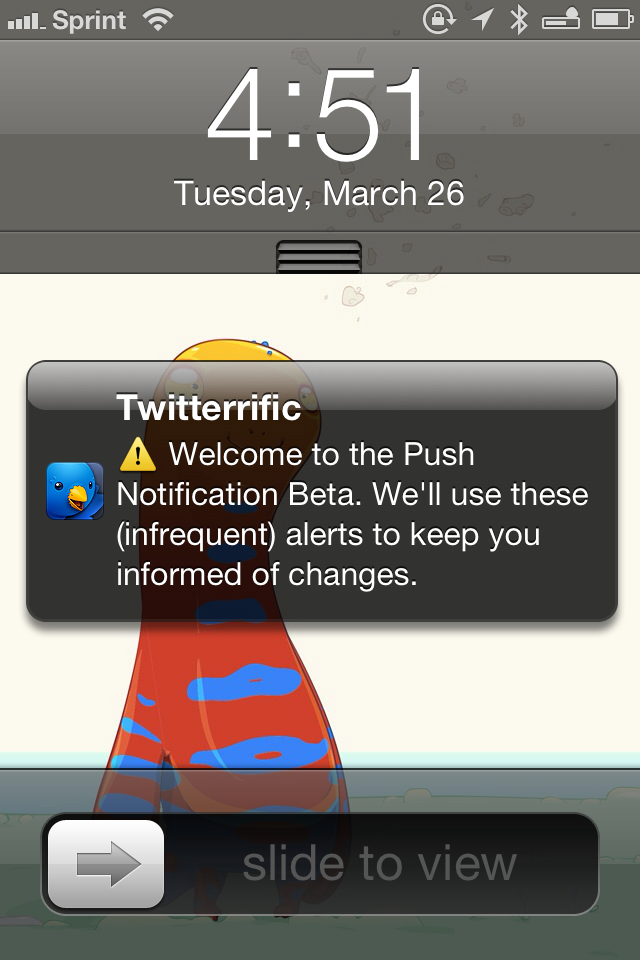
Redesigned from the ground up, Twitterrific launched last December with a fresh design that pleasantly surprised long time fans of the app. Breaking ground on the original iPhone, Twitterrific has relatively stayed the same for years, subtracting unnecessary features and focusing on delivering a robust core experience. Today, people expect more from their Twitter clients, such as the ability to mute hashtags and receive push notifications for follows and replies. The Iconfactory addressed the former through their last update with muffling, a simple way to shush users, hashtags, and domains on the timeline. Yesterday, The Iconfactory began addressing the latter by introducing push notifications in Twitterrific 5.2.

Read more


A Better Testing Process for App Store Developers

A Better Testing Process for App Store Developers

The Iconfactory’s Sean Heber, in a radar filed on Open Radar:

Allow developers to add “in development” apps to the App Store. Rather than having them go through review, they simply upload builds like normal but the builds are set as “in development” which then only go to registered testers associated with the app.

In his proposal, Sean goes through the steps a possible “beta portal” for App Store apps may require. While I’m not sure about the idea of putting available development builds in the Purchased section of the App Store (if only for the poor technical performances of that section), I do believe this is a good idea. The lack of any sort of deeper App Store integration is what helped the rise of services like Hockey and TestFlight, and it seems strange that Apple hasn’t done much in the area of testing development builds of apps. I would also add that it’s absolutely anachronistic how Apple is still forcing developers to associate builds with device IDs rather than Apple IDs of testers (device slots are limited, and many testers have multiple devices).

I’m also intrigued by Sean’s other idea – letting users pay for early access to betas:

Bonus points would be to actually allow the developer to put a price on an app - even for testers. Using a mechanism like this, the developer could gather a group of early adopters who are willing to pay for early development access - perhaps to help support the developer in their quest to build the next big game. The goal with this is to provide a way that the next Minecraft could actually happen on iOS. When Minecraft was first beginning, Notch allowed people to pay for beta “lifetime” access up front. Even when the game was barely a game or barely anything at all. That early access generated a lot of buzz and revenue for him allowing him to continue development.

Again, I’m not sure how it would work in practice, but I think the idea is fascinating and worth discussing. Imagine some sort of Kickstarter-like approach for App Store apps, managed and sanctioned by Apple, and directly controlled by the developer. The App Store needs many, more basic improvements, but this is still something Apple should consider.

Permalink

A Better App Store

Better App Store

Better App Store

Marco Tabini has a good overview of how the App Store (both for iOS and OS X) could use some improvements now that the 1 million app milestone is in sight. I particularly agree with his points on curation:

Given the sheer volume of apps on the App Stores, Apple’s role in curating them is becoming more and more important. The company’s notoriously tight grip on its distribution channels is often the source of much controversy, but there’s no denying that, by and large, it promotes all apps on an even field: In any given week, the latest release from a giant like, say, Electronic Arts could share the “Editor’s Pick” spot with an app written by an equally talented—but much more wallet-impaired—team of independent developers.

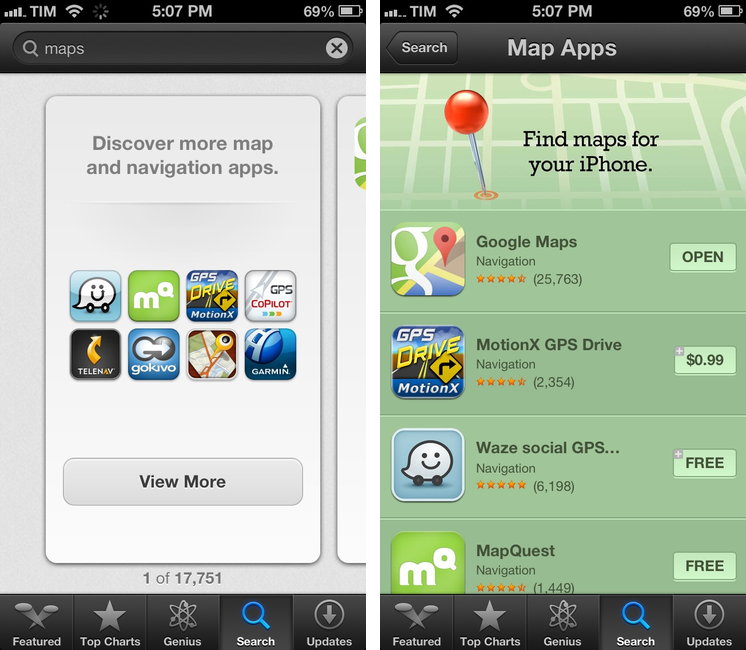
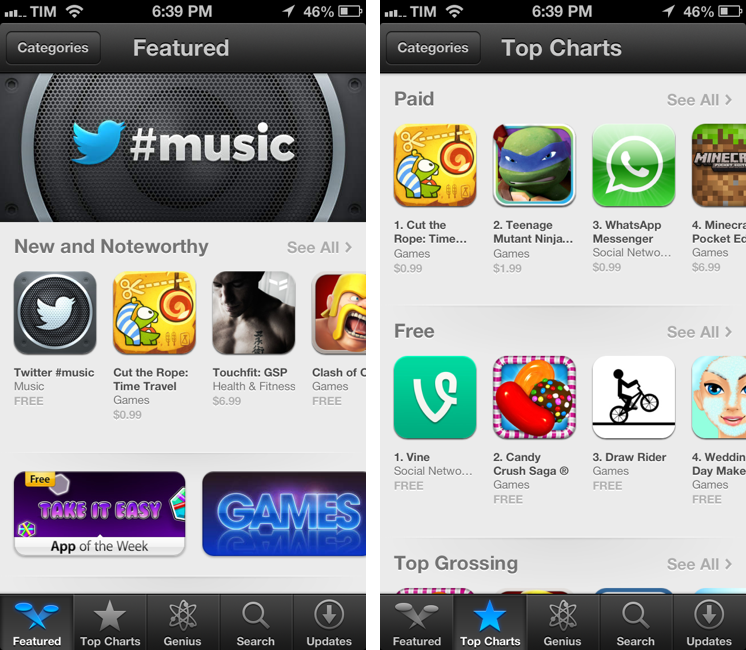
App Store curation is a topic I have been covering on MacStories for the past year, so Marco’s observations resonate with me. Looking back at my Four Years of App Store article from May 2012, it’s clear that the App Store team has done a very good job in increasing “human curation” with custom sections and weekly features, but there’s still lots of work to be done. So, with the one-million app mark approaching, I thought this could be a good time to offer some suggestions for improvements (you’ve probably already seen a lot of these as tweets in my Twitter timeline).

Read more


App Store Screenshot Changes

App Store Screenshot Changes

Earlier this week, Apple announced a change in iTunes Connect for developers: app screenshots will be “locked” to an approved app, and developers may only change them upon submitting a binary for an update to an existing app (or new app). This has quickly been summarized as a way to slow down a popular tactic for App Store scammers; on the other hand, it also affects legitimate developers, who will now have to more carefully select app screenshots.

Craig Grannel comments on the change:

Users can now look at an App Store grab and be sure that’s the app they’re going to get. This means they will be more likely to trust the system and more likely to use it. That leads to increased income. The compromise: you can’t change your App Store grabs approximately every six seconds

This is one of those changes with consequences that are clearly visible and direct for those who follow development and App Store news, but more nuanced and indirect for the general consumer. Developers will find the change annoying, because it has become common practice to “tweak” screenshots even after an app has been released to highlight different features and/or include text overlays with quotes from positive reviews, and so forth. Now screenshots will perhaps be treated more like app icons, which have to be chosen and studied carefully upon submitting an app. Developers now have less chances to “get screenshots wrong”, unless they want to submit an app update to fix them.

On the flip side, this is the kind of news that average users won’t care about. The billions of App Store downloads are made by people who have no clue about scamming strategies and who definitely don’t read Apple’s developer news. They trust Apple to provide a quality App Store experience, they don’t know about the inner workings of iTunes Connect. This screenshot policy won’t be directly noticed by consumers, but it will help Apple provide a better experience by crippling a common trick scammers used to sell one app for another.

What’s the solution? Enabling a “trusted developer” tier could be an idea. But then again, how does Apple determine “trusted developers”? By making them pay more, or by manually selecting companies they know and trust? And if the latter solution is feasible, how can a kid with a legitimate idea become “trusted” if he has no connections at Apple? Should there be a “request verification” process? And so on.

As the App Store grows bigger and older, dealing with thousands of sellers will become harder for Apple; sooner or later, they’ll have to face the fact that the current App Store infrastructure wasn’t built for a million apps. That is already true for search and curation. Trusting more and more developers is just another consequence of growth.

Permalink

Apple Posts “Best Of App Store 2012” Lists

In today’s weekly refresh of the App Store, Apple posted a list called “Best of 2012”, highlighting the apps they “loved the most” this year. Day One, a journaling apps we reviewed on MacStories several times, wins as “Mac App of the Year”; “Deus Ex: Human Revolution” wins as “Game of the Year”. The Mac section is also viewable on the web here. On the iOS side, Paper for iPad and Action Movie FX win as Apps of the Year; Rayman Jungle Run and The Room win as Games of the Year for iPhone and iPad, respectively.

Over the past year, the Mac App Store was packed with impressive new apps and games. Some were dazzling debuts, while others were existing apps updated to leverage new features in OS X Mountain Lion or to take advantage of the Retina display of the new MacBook Pro. Browse the apps and games we loved most in 2012.

The list is organized in Runners-Up, Best Apps of 2012, and Best Games of 2012. Below, the full list, recompiled from the Mac App Store, iPhone App Store, and iPad App Store. My personal congratulations to the Day One team, an app that has completely changed the way I archive my memories on iOS and OS X.

Other notable winners in iTunes categories include:

Read more


Instacast 3 Review

Instacast 3 is both iterative and something different. No longer divided into separate iPhone and iPad apps, Instacast 3 is universal, also eschewing the in-app purchase model introduced with Instacast 2. And at its core, iCloud sync has been gutted and replaced with Vemedio’s own syncing solution that’s faster and less error prone (an in-house solution that works with WebDAV.). On the iPad, Vemedio has completely redesigned their Twitter-for-iPad inspired interface in favor of a more parallel experience with the iPhone. Just as Apple makes small iterations to their hardware, Vemedio has made small iterations to their software.

Read more


Twitterrific 5 Review

Twitterrific 5. It’s been fun to watch Twitter’s reaction to an app that I, and other writers, wanted to surprise the world with. Alas, it was bound to leak, unsurprisingly by Apple’s Japanese App Store. The Iconfactory’s latest iteration of their famed Twitter client is shockingly different isn’t it? The same gut reactions I watched unfold on Twitter could not better describe the same gut reactions I had when I first saw just how striking the new interface is.

Sharing the first pic of Twitterrific 5 with my coworkers resulted in an immediate, “Wow.” After a few more screenshots, “That looks like a Windows 8 app. Like Track 8.” It’s an absolutely fair assessment. And it’s one I’ve seen echoed on Twitter as I watched the tweets scroll by. Thankfully, Twitterrific 5 is as much of an iOS app as it ever was. No text hangs off the screen — no “CTURES” as Federico and I will joke.

Twitterrific 5 presents itself dressed in black with Helvetica accents and familiar shades of orange and blue for mentions and messages. It’s both instantly recognizable and obviously different. In contrast to colored entries and standard rectangular iOS elements, it is typography, floating buttons, and rounded corners that are pervasive in the new Twitterrific.

Read more


Gmail 2.0: A Year Later

Despite Google’s persistence on adopting web views in an iOS frame, Gmail’s iOS app has been consistently improved since its inception. For the amount of ridicule Gmail for iOS has received, whether it be for its mobile web disguise or a lack of support for multiple accounts, it’d be a shame not to recognize some of the substantial improvements that have been made to the app. While I didn’t think Gmail was a great app, I didn’t think of it as a bad app, offering a native Gmail experience for account holders who want to take advantage of Google’s quick search capabilities, labels, and importance markers. On iOS, the main benefit is near instant notifications, something that Apple’s native Mail app can’t take advantage of unless Gmail is set up as an Exchange account. (And that notification sound? One of the best.)

Read more