A Computer for Everything: One Year of iPad Pro

I wasn’t sure I needed a 12.9-inch iPad when Apple announced the iPad Pro in September 2015. And yet, over a year later, the iPad Pro is, by far, the best computer I’ve ever owned. I’ve never felt so satisfied with any other Apple device before – but the transition wasn’t easy.

After years spent adapting what I learned from the Mac to bring it to iOS, what I found on the other side was a more focused, efficient way of working and communicating with people. The iPad Pro accelerated my move to an iOS-only setup; today, I genuinely don’t know how to perform certain tasks on a Mac anymore.

I use my iPad Pro for everything. It’s my writing machine and favorite research tool, but I also rely on it to organize my finances, play games, read books and watch movies, program in Python and Workflow, and manage two successful businesses. While I’ve been advocating for such multi-purpose use of the iPad platform for a while, the iPad Pro elevated the threshold of possibilities, reaching an inflection point that has pushed others to switch to an iPad as their primary computer as well.

Much of the iPad’s strength lies in iOS and its app ecosystem. If Apple were to stop making iPads, I’d still prefer to work on a device that runs iOS rather than macOS. iOS is where app innovation happens on a regular basis with developers one-upping each other in terms of what software can achieve; I also prefer the structure and interactions of iOS itself. The iPad Pro is the purest representation of iOS: it’s a computer that can transform into anything you need it to be.

Even if this discussion was settled a long time ago, it bears repeating: millions of people today like working on iOS more than they do on macOS, and the iPad Pro is the best machine to run iOS. There is no sarcastic subtext about the Mac here, which is still a fantastic environment that many Apple users love and need for their line of work. The Mac and the iPad can coexist in a market where customers believe one is superior to the other. I prefer working on the iPad; others like their Macs more. And that’s fine because, ultimately, the Apple ecosystem as a whole grows stronger and we all reap the benefits.

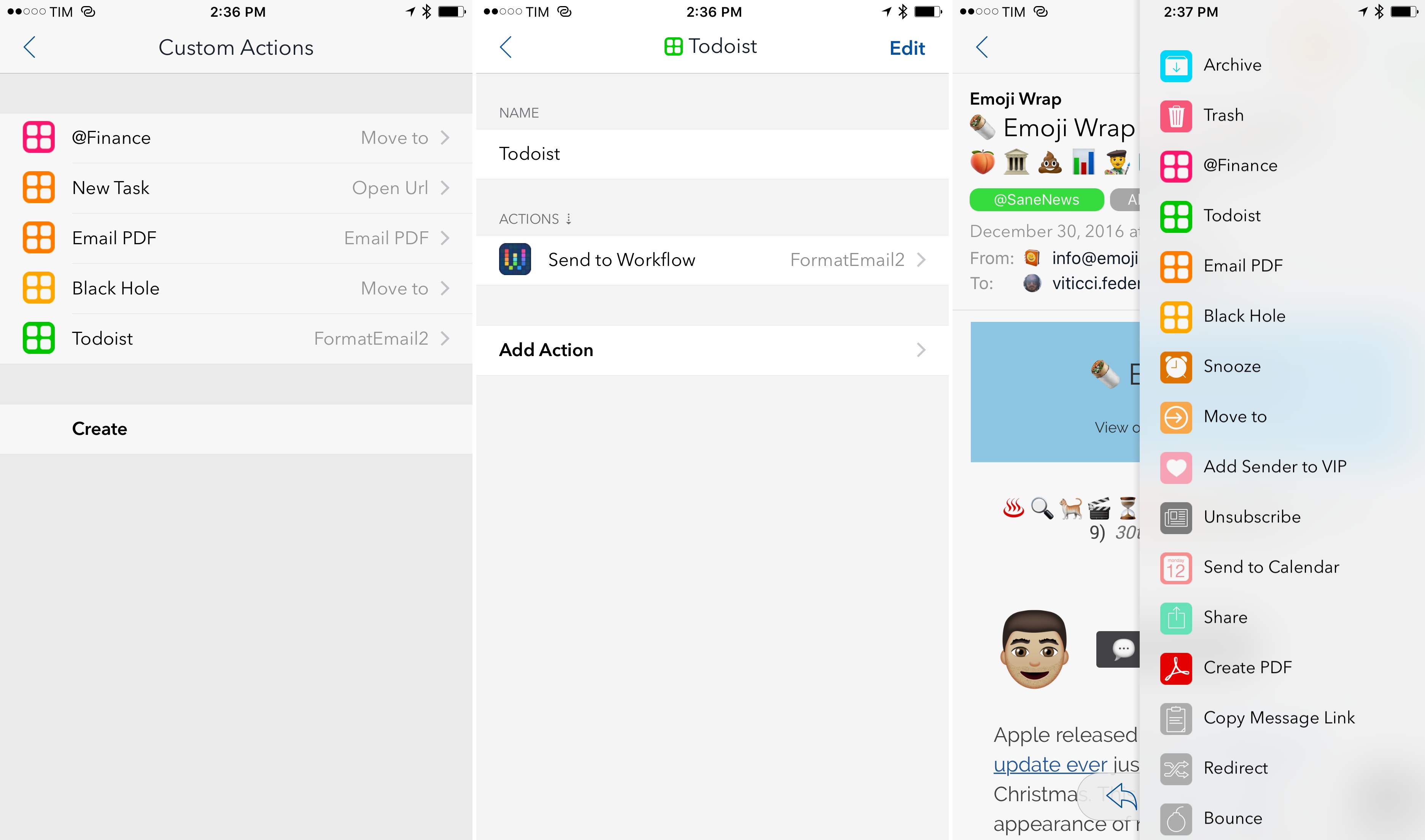
Over the past year of daily iPad Pro usage, I’ve made it my personal goal to optimize my iPad workflows as much as possible. This is one of the best aspects of the iOS platform: competition between developers is fierce and you can always choose between different apps to get work done – apps that are improved on a regular basis and are constantly updated for the latest iOS technologies. With enough curiosity and patience, iOS rewards you with the discovery of new ways to work and save time.

Since my last iPad story in February, I’ve taken a hard look at my entire iPad setup and rethought the parts that weren’t working. I tried new apps, created new automations, and optimized every weak spot I could find. I improved how I collaborate with my teammates and produce weekly content for Club MacStories members. Thanks to the time I invested in understanding and fine-tuning my iPad Pro, I was able to embark on more projects, double MacStories’ growth, and manage a larger team.

As a result, my iPad Pro today is noticeably more capable than it was a year ago – all without the need for a hardware refresh.

Here’s what I’ve done.

Read more


    Apple Releases macOS 10.12.2 and watchOS 3.1.1

    Today, Apple updated macOS Sierra 10.12.2 and yesterday, it updated watchOS 3.1.1 with the usual unspecified bug fixes and performance enhancements, but there are also a few other nice perks that are likely to attract customers to the update.

    Some of the 72 new emoji accessible from the macOS character viewer.

    Some of the 72 new emoji accessible from the macOS character viewer.

    The macOS and watchOS updates both feature the same emoji added to iOS 10.2. The 72 new emoji, approved as part of Unicode 9.0 in June 2016, include new smileys, animals, food items, professions, sports, and more. Apple has also redesigned many of the existing emoji with a slightly more three-dimensional look and greater detail. As has been the case in the past, the new emoji added to macOS and watchOS should encourage adoption of what are otherwise primarily maintenance updates to each OS.

    macOS 10.12.2 includes four new colorful wallpapers.

    macOS 10.12.2 includes four new colorful wallpapers.

    In addition, macOS adds four new wallpapers called Abstract Shapes, Color Burst 1, Color Burst 2, and Color Burst 3. The Color Burst wallpapers were first seen at Apple’s October MacBook Pro event and have since made cameos in advertisements for the new MacBook Pros.


    Apple Publishes Super Mario Run Podcast

    Two days out from the release of Super Mario Run for iPhone and iPad, Nintendo’s marketing onslaught continues unabated, this time with a podcast.

    Apple has published a new podcast featuring an interview with Shigeru Miyamoto, creator of the beloved Nintendo character. The podcast’s official description reads:

    Join the video game designer and creator famously known for Super Mario Bros. and other iconic Nintendo games for an insightful chat on the making of Super Mario Run. He’ll be in conversation with TV personality Katie Linendoll to share the importance of fun and the inspiration behind the gameplay.

    The Super Mario Run podcast is available in both video and audio formats. It is unknown at this time whether future episodes can be expected, or if the one episode available now will remain a stand-alone.


    Pitchfork’s Year-End Evaluation of Music Streaming Services

    This year should be the first time that music streaming revenue meaningfully exceeds download revenue. According to Pitchfork:

    Going into 2017, streaming will no longer be a niche for music but the new normal. The big question is no longer whether streaming is the future, but what form that future will take, who will benefit, and what that might mean for listeners.

    To mark this pivotal moment in the music industry’s history, Pitchfork published a survey on the state of music streaming. The article goes into depth about each of the major players, evaluating the highlights and lowlights of each and considers what the future may hold.

    Apple Music gets high marks from Pitchfork for solidifying its number two position behind Spotify through exclusive deals with artists, but it also points to missteps that angered customers and artists this year. As for the future, Pitchfork predicts more exclusives and algorithmic playlists for Apple Music and concludes that:

    Apple was too late to streaming to hold anything like the stranglehold iTunes had over downloads (at least, not yet). Instead, Apple Music’s battle with Spotify may be more like the Mac vs. PC debate: a corporate presentation of chic tastefulness versus an ostensibly techier rival.

    The on-going battle between Spotify and Apple will be interesting. Spotify has never turned a profit and Apple has the cash to weather a long, drawn-out fight for the hearts and minds of customers. With the bulk of music revenues now coming from streaming, it looks as though 2017 could turn out to be an interesting year for the music industry.

    Permalink


    TV App Review

    Today Apple released tvOS 10.1 and iOS 10.2, both of which bring several additions to the operating systems. Chief among all additions, the clear centerpiece of these updates is a brand new app called TV. When Tim Cook announced this app onstage earlier this fall, he plainly stated its purpose: TV exists to create a unified TV experience, one place to access all TV shows and movies.

    Does it succeed? Is this the best television experience available today?

    Before answering those questions, it’s important to consider the history of underwhelming television endeavors that brought Apple to this point.

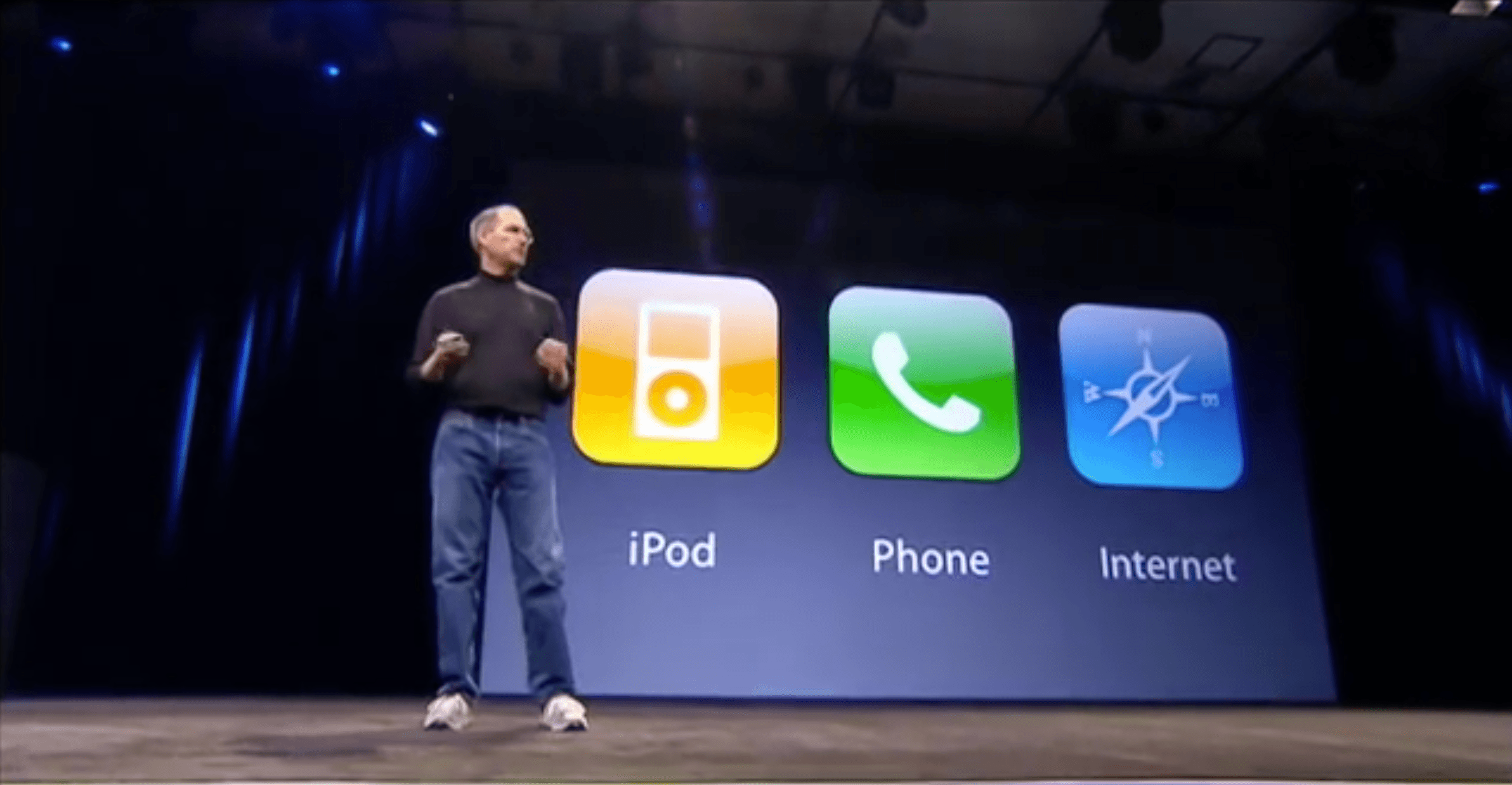
    Steve Jobs introduced the first Apple TV set-top box over ten years ago, in September 2006. That product unveiling came at the tail end of a keynote focused on the iPod and iTunes, where Jobs announced the additions of Movies and TV Shows to the iTunes Store. At its birth, the Apple TV was not meant to revolutionize television; it was made to support the iTunes ecosystem Apple was building.

    Throughout its first three iterations, the Apple TV was never a hallmark product like the iPod, Mac, or iPhone; it was simply a hobby for the company. It was Apple dipping its toes in the TV market. But the fourth generation Apple TV represented a shift. With modern hardware, a new operating system dubbed tvOS, and a vision that the future of TV is apps, Apple dove full force into the television market. It set out to create the best TV experience possible.

    The newly released TV app is a significant step forward in realizing that goal.

    TV is intended to address a modern issue. While the future of television may be apps, up until now Apple’s implementation of that vision has been lacking; it’s been lacking because the more video apps you have, the more navigating it requires to find the content you love. More time navigating means less time watching. TV was built to solve this problem.

    The TV app on tvOS and iOS centralizes content from a wide array of video apps in one place, presenting that content in a simple and familiar interface. No one wants to juggle an assortment of video apps, jumping from one app to another to find the content they’re looking for. We’ve all learned to tolerate it, but none of us wants it. So Apple built TV to be the new hub of our video-watching life.

    Read more


    Calendar Spam Reporting Added to iCloud.com

    Last month a rash of spam calendar invitations began showing up in iCloud users’ calendars from unknown senders. Benjamin Mayo at 9to5Mac reports that Apple has begun rolling out a ‘Report Junk’ link on iCloud.com to address the situation:

    This lets users remove spammy invites from their calendar and reports the sender to Apple for further investigation.

    At the moment the fix is available through iCloud.com only. Presumably the feature will be added to a future update to iOS, though it has not made an appearance in the iOS 10.2 betas to date.

    If you receive a spam calendar invitation, log into iCloud.com, navigate to the spam invitation, open it, and look for the ‘Report Junk’ link. Clicking that link and confirming that the invitation is junk will remove the event from your calendar and report the sender to Apple. Calendar spam can be reported as junk whether or not you have accepted the invitation first, although it is best to avoid accepting spam invitations because it alerts the senders that the invitation was sent to an active iCloud account.

    Permalink

    Game Day: Le Parker – Sous Chef Extraordinaire

    There are a lot of pixel art platformers on the App Store. The hard part if finding the good ones. Too many are shallow imitations of classics like Super Mario Bros. that lack their own personality and challenges. Le Parker – Sous Chef Extraordinaire by Play Pretend is different. There are superficial similarities to the classics, like the save-the-princess storyline, but Le Parker brings together bright, colorful pixel art, fun sound effects, a great soundtrack, and challenging gameplay in a way that puts it head and shoulders above other App Store platformers.

    The storyline is simple. You are Le Parker, a chef and the creator of a meringue so light it floats on air. Only the princess has the recipe until one day, the king and his men capture her and banish you from the kingdom. Your goal is to save the princess and recover your magical meringue.

    The controls of Le Parker are simple. You run forward and back by dragging a finger left and right across a button in the lower, left-hand corner of the screen. In the opposite corner is an ‘A’ button for jumping. Single tap for one jump and double tap to double jump. How high you jump depends on how long you press the ‘A’ button.

    Along your journey, there are macaroons to collect instead of coins. Every 100 macaroons you collect gives you an extra life, which you’ll need. There are also special items scattered throughout the level, including chef hats that give you an extra life and hidden kitchen utensils. Enemies roam Le Parker’s world inflicting damage that can be healed by finding hearts.

    I’ve played many iOS games that look better than they play. What’s special about Le Parker is that there’s substance behind the polished artwork. Each of the 32 levels is deep and designed to keep you coming back to find hidden collectibles or beat the clock with Time Attack challenges. That said, this game is also great to look at. It’s colorful, detailed, and creates a real sense of continuity and presence in Le Parker’s world. Add to that a soundtrack with over twenty songs and the result is a delightful and engaging experience.

    Le Parker is a universal app that works equally well on iPhones and iPads, though the iPad’s larger screen helps bring the game to life. Unlike many games, Le Parker syncs your progress among multiple devices. Le Parker also supports the Apple TV. I have found precious few games that are worth playing on the Apple TV, but Le Parker stands out from the crowd. The levels look great on a big screen, but the clincher is that if you have a third-party controller, the controls work better than most games. Mashing a physical ‘A’ button and controlling Le Parker with a thumbstick makes the game feel more like a classic platformer than touchscreen buttons ever could.

    If you’re a fan of platform games and especially if you want a challenging game that looks and sounds great, give Le Parker a try this weekend.

    Le Parker – Sous Chef Extraordinaire is available on the App Store for $2.99.