Posts in stories

Creating Home Screen Icons with Launch Center Pro 3.1 and the Shortcuts App

This fall when iPadOS 13 launches, it will bring an updated Home screen that incorporates pinned widgets and a denser arrangement of apps. The changes aren’t as revolutionary as iPad power users may have hoped when they heard whispers of a redesigned Home screen, but they’re a start. While the addition of widgets is valuable in its own right, in my beta testing of iPadOS I’ve also discovered a lot of potential for the larger set of icons the Home screen can now hold – particularly when combined with a new feature just added to Launch Center Pro.

Debuting today, Launch Center Pro 3.1 centers around a major upgrade to the app’s icon composer that provides countless options for creating custom icons. While the use cases for this icon creation tool are vast, I was intrigued by one specific possibility: designing icons that could be exported as image files and used by Apple’s Shortcuts app when adding shortcuts to the Home screen, since Shortcuts allows choosing custom images for Home screen shortcuts. Combined with several key OS changes, and the icon creation tool in Launch Center Pro, it’s a better time than ever to add shortcuts to your iPad or iPhone Home screen.

Read more


How I Edit Podcasts on the iPad Using Ferrite

This has been a year of new creative projects for me. In addition to some personal endeavors that have yet to see the light of day, I joined Federico as the co-host of Adapt, a new iPad-focused podcast on Relay FM. Learning the art of expressing my Apple takes in speech rather than text has been an adventure in itself, but I’ve also grown to cultivate a very different skill: audio editing.

When I was charged with editing this iPad-focused podcast, I naturally turned to an iPad-based editing tool: every episode of Adapt has been edited in Ferrite Recording Studio, and I’ve never even tried using another app. Most podcasters I’m familiar with edit in Logic, but my Mac mini is purposely utilized as little as possible, so I knew when I dove into podcasting that I wanted an iPad-based solution if at all possible. On multiple occasions I’ve heard and read Jason Snell extol the virtues of Ferrite, so that was the app I turned to.

Getting started with podcast editing, even with an app like Ferrite that’s built for it, can be extremely intimidating. There are lots of settings, and unless you have previous experience working with audio, you likely have no idea what any of them do. I learned a lot from Ferrite’s user guide in the early days, and the aforementioned Jason Snell articles on Six Colors. And before long, I found an editing setup that worked well for me. Now, I want to share it with you.

Read more


Apple Maps in iOS 13: Sights Set on Google

Apple’s path to a home-brewed mapping solution has been long and perilous, but it’s almost arrived.

12 years ago the iPhone launched with Google powering its pre-installed navigation software; five years later, the botched debut of Apple’s own Maps app led to the firing of a key Apple executive; Apple Maps has steadily improved over the years, but seemingly its biggest weakness is that it has never truly contained Apple’s own maps. The app is Apple’s, but the maps have always come from other sources.

Last year, Apple announced a coming change that had been years in the works: Maps would soon contain the company’s own maps, and they would be transformative. The new maps started rolling out in the US last fall with iOS 12, and Apple claims they’ll cover the entire US by the end of 2019.

Timed with the spread of its first-party mapping data, Apple is giving the Maps app a big upgrade in iOS 13 that represents the company’s biggest push yet to overtake Google Maps as the world’s most trusted, go-to mapping service. Apple Maps in iOS 13 represents – if you’re in the US at least – Apple’s purest vision to date for a modern mapping service. Here’s everything that it brings.

Read more


A Timeline of iOS Accessibility: It Started with 36 Seconds

On June 8, 2009, at the end of a two-hour WWDC keynote, Phil Schiller was running through a long list of new features and apps that would be available on the iPhone 3GS, due to ship on June 19 of that year. Phil was pinch-hitting as keynote master of ceremonies for Steve Jobs, who was then on leave, recovering from a liver transplant.

At 1:51:54 in the video, just after he showed off Voice Control and the new Compass app, Apple’s version of the accessibility logo appeared on screen. It’s a stick-style figure with arms and legs outstretched. The icon is still used today.

“We also care greatly about accessibility,” Schiller said, and the slide switched to an iPhone settings screen.

For a total of 36 seconds, Schiller spoke somewhat awkwardly about VoiceOver, Zoom, White on Black (called Invert Colors from iOS 6 onward), and Mono Audio – the first real accessibility features on the iPhone OS platform, as it was then called.

And then it was over. No demo. No applause break.

Schiller moved on to describe the Nike+ app and how it would allow iPhone users to meet fitness goals.

I surveyed a number of liveblogs from that day. About half noted the mention of accessibility features in iPhone OS. The others jumped directly from Compass to Nike+. Accessibility hadn’t made much of a splash.

But in the blindness community, things were very different. Time seemed to stop somewhere after 1:51:54 in the video. Something completely amazing had happened, and only a few people seemed to understand what it meant.

Some were overjoyed, some were skeptical, some were in shock. They all had questions. Would this be a half-hearted attempt that would allow Apple to fill in the checkboxes required by government regulations, a PR stunt to attract good will? Or would it mean that people who had previously been completely locked out of the iPhone would have a way in?

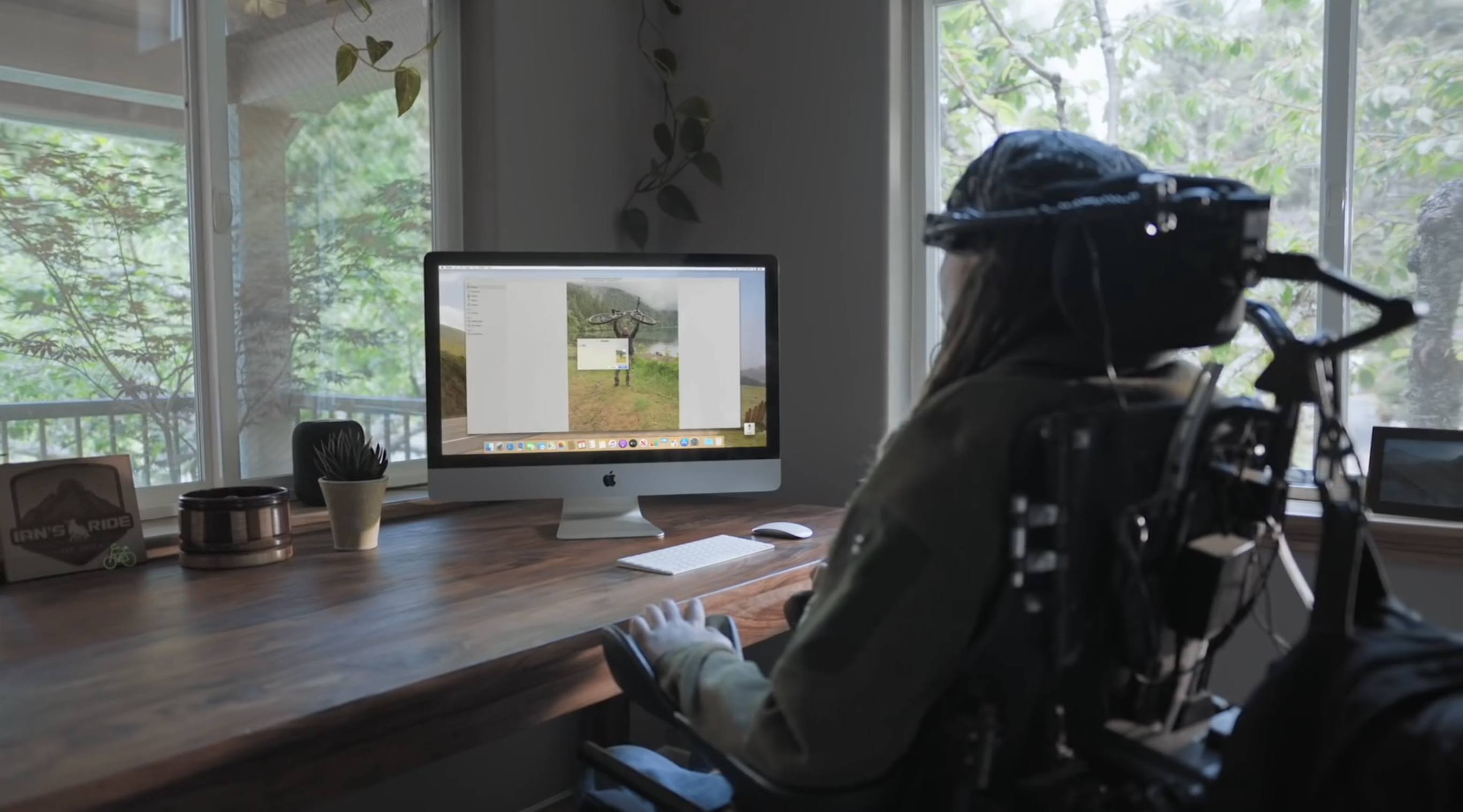
You can probably guess what the answer is, now that we have ten years of an accessible mobile platform in the rearview mirror – now that Apple is widely credited with offering the best mobile accessibility experience available. But it didn’t all happen at once, and not every step along the way was a positive one.

AppStories+ Deeper into the world of apps
0:00
1:51

Excerpt from ‘36 Seconds That Changed Everything.’

AppStories+ Deeper into the world of apps

As a companion to my audio documentary, “36 Seconds That Changed Everything: How the iPhone Learned to Talk,” I’ve put together a timeline of iOS accessibility milestones from the past ten years. I’ve focused on Apple hardware and operating systems, though there have also been important Apple app updates, and third-party apps that opened doors to new ways of using iOS accessibly. It’s a list that’s simply too long for this article. And, with a few exceptions, I’ve addressed accessibility-specific features of iOS. Many mainstream features have accessibility applications and benefits, even if they don’t fit here directly.

Read more


I Won’t Sit Down: Songwriting with Frank Turner (Part 2)

Today on Dialog, we published the conclusion of our interview featuring musician and songwriter Frank Turner.

To wrap things up with speak to Turner about the democratization of the creation, access, and distribution of music and other media, the role of hard work and luck, the songwriting process, when to listen to feedback and from whom, editing your work, the role of technology in songwriting, the state of albums today, and a whole lot more. It was a fantastic way to finish up, so be sure to check it out.

You can find the episode here or listen through the Dialog web player below.

Sponsored by:


Next Tuesday, we’ll have the first part of a two-part interview with screenwriter and director John August, who has written screenplays for movies like Big Fish, Charlie and the Chocolate Factory, Frankenweenie, and many others. August is also a podcaster and is behind the variant of Markdown for screenwriters known as Fountain, the Highland 2 text editor, the Courier Prime typeface, and the Arlo Finch series of books. Join us the next two weeks for a fantastic wide-ranging discussion of screenwriting, productivity, apps, typefaces and lots more.


Catalyst Can Rescue the Mac and Grow the iPad

At WWDC 2018, Craig Federighi provided a sneak peek at what everyone was calling Marzipan: an as-yet-unnamed way for iPad app developers to bring their apps to the Mac. So, it came as no surprise when Federighi retook the stage in 2019 and revealed more details about the project and its official name: Catalyst.

What caught a lot of developers off guard though was SwiftUI, a declarative approach to building user interfaces that was also announced at WWDC this year. SwiftUI, known before the conference as Amber, its rumored project name, was on developers’ radar almost as long as Catalyst, but it’s fair to say that few anticipated the scope of the project. The purpose of SwiftUI is to allow developers to build native user interfaces across all of Apple’s hardware platforms – from the Apple Watch to the Mac – using highly-readable, declarative syntax and a single set of tools and APIs. If that weren’t enough to get developers’ attention, using SwiftUI carries the added advantage of providing features like dark mode, dynamic type, and localization automatically.

The message from WWDC was clear: SwiftUI is the future, a unified approach to UI development designed to simplify the process of targeting multiple hardware platforms. It’s a bold, sprawling goal that will take years to refine, even if it’s eagerly adopted by developers.

AppStories+ Deeper into the world of apps

AppStories Episode 117 - Catalyst to the Rescue

0:00
39:37

AppStories+ Deeper into the world of apps

However, SwiftUI also raises an interesting question: what does it mean for Catalyst? If SwiftUI is the future and spans every hardware platform, why bother bringing iPad apps to the Mac with Catalyst in the first place? It’s a fair question, but the answer is readily apparent from the very different goals of the two technologies.

SwiftUI serves the long-term goal of bringing UI development for all of Apple’s platforms under one roof and streamlining it. It won’t take over immediately though. There’s still work to be done on the framework itself, which Apple will surely expand in capability over time.

By contrast, Catalyst is a shorter-term initiative designed to address two soft spots in Apple’s lineup: the stagnation of the Mac app ecosystem, and the slow growth of pro iPad apps. The unstated assumption underlying the realignment seems to be that the two app platforms are stronger tied together than they are apart, which ultimately will protect the viability of their hardware too.

The impact of Catalyst on the Mac and iPad remains murky. It’s still too early in the process to understand what the long-term effect will be on either platform. There’s substantial execution risk that could harm the Mac or iPad, but despite some troubling signs, which I’ll get to in due course, I’m convinced that Catalyst has the potential for meaningful improvements to both platforms, especially the Mac. Let’s take a closer look at what those could be.

Read more


I Won’t Sit Down: Songwriting with Frank Turner (Part 1)

In the fall of 2013, I sat in the first row balcony of The Vic theater on Chicago’s north side. I was there to see Frank Turner and the Sleeping Souls for the first time. Can you see me stage left in the baseball cap?

Today, we published the latest interview of Dialog Season 1 featuring musician and songwriter Frank Turner.

You can find the episode here or listen through the Dialog web player below.

There’s something about Turner’s songs that grabbed hold of me in 2013 and has brought me back to several live shows since. Aside from Turner’s music, which I love, part of the draw was his abrupt break with his musical past. I found Turner’s jump from post-hardcore band Million Dead to a folk-inspired, acoustic guitar-based solo career inspiring as I contemplated a career departure myself.

There’s also something in Turner’s autobiographical, personal style of songwriting that connects with listeners and transcends differences in their experiences, which I find intriguing. It reminds me of the discussion Federico and I had in episode 1 about writing personal stories. Those are often the hardest stories to write, but they can also be the most rewarding when, despite different backgrounds, others draw something useful from them. In today’s episode, we explore that aspect of Turner’s music, his relationship with fans, and the interpretation of his lyrics.

We also trace Turner’s early years of constant touring and how he’s managed to find the time to write new songs and books while on tour. We talk about social media’s dual nature as a useful tool and destructive force in society too; a topic that has become a common theme among Dialog guests. Finally, we touch on the evolving music industry and how it’s affected Turner’s career as a musician.

Photo Credit: Nicole C. Kibert

Photo Credit: Nicole C. Kibert

The title of the episode is drawn from Turner’s song Photosynthesis:

I won’t sit down,
And I won’t shut up,
And most of all I will not grow up.

The lyrics reflect a stubborn defiance of authority and expectations combined with a restless energy that I think captures Turner’s musical career and the mindset of many of the other writers we have already interviewed and will interview soon.

I hope you enjoy the interview. When we sat down to plan Dialog, Frank Turner was precisely the sort of guest I had in mind: someone working in a creative field affected by many of the same technological issues other writers face, but with a unique perspective on them. Be sure to check out the show notes for the episode to learn more about Turner and his music, and stay tuned for the conclusion of our interview next Tuesday.

Also, we’d appreciate it if you would rate Dialog in Apple Podcasts, recommend it in Overcast, or simply tell a friend about it.


Initial Thoughts on iPadOS: A New Path Forward

When I published my Beyond the Tablet story a few weeks ago, I was optimistic we’d get a handful of iPad-related features and optimizations at WWDC. I did not, however, foresee an entire OS designed specifically around iPad. And the more I think about it, the more I see iPadOS as a sign of Apple’s willingness to break free from old assumptions and let the iPad be what it’s best at: a portable computer inspired by the Mac, but based on iOS.

Read more


Dialog Season 1, Episode 3: A Conversation with John Gruber (Part 2)

Today, we published the second part of our Dialog interview with John Gruber of Daring Fireball. You can find the episode here or listen in the Dialog web player below.

Like Federico, John Gruber was one of the first people I thought of when we began planning this first season of Dialog about writers and writing. Daring Fireball was an inspiration for me too, but in a slightly different way.

I first met Gruber in 2012 at the first Úll conference in Dublin, Ireland, where he was a surprise speaker. That was before I built my first iOS app or was writing or podcasting. I went to Úll on a lark to get a closer look at the iOS developer community I’d been following as I started to teach myself Objective-C. By the end of three days chatting with Gruber and other writers and developers at Úll, I knew I wanted to be part of that scene, creating my own apps. It would be almost three years before I launched Blink, my first app that drew any attention, and five before I could quit my old job, but that’s precisely why this second part of our interview with Gruber resonated with me.

Daring Fireball started like many indie businesses: as a labor of love that Gruber wrote on the side while working another job. The site didn’t earn enough to make it a full-time job at first, but over time it grew, and Gruber was faced with a choice. Daring Fireball had reached a point where it had a shot at supporting him and his family, but not unless he quit his day job, which he did.

In the latest installment of Dialog, we continue our conversation about the difficulty of making it as an indie writer online today. Gruber discusses how his priorities have shaped Daring Fireball, the audience for whom he writes, and maintaining the site’s relevance long-term.

Of course, no interview with Gruber would be complete without talking about Markdown. Although we nearly forgot to ask about it, I’m glad we did because it’s not easy to remember that Markdown, which debuted 15 years ago, took a while to catch on. Markdown’s human-readable syntax may not have clicked with writers on the web in 2004, but as more people who didn’t have experience with HTML started their own websites, Markdown gained momentum. Today, it’s used on all sorts of platforms and in text editors, blogging tools, and even Apple’s own Xcode IDE.

As we conclude our first Dialog interview, I want to thank John Gruber for taking the time to be our first guest on Dialog. Next week, we’ll begin a two-part interview with singer-songwriter Frank Turner, who we caught up with as he passed through Madison, Wisconsin on tour last month. I’m excited to share those episodes for a couple of reasons. First, it was a personal thrill to interview Turner, whose music I love. Second, while the conversation is a departure from what you likely hear on a lot of your favorite tech podcasts, there are fascinating parallels between John Gruber’s writing on Daring Fireball and Turner’s songwriting, which is precisely what we’d hoped for when we began this season.

Finally, thanks for listening. If you missed the first part of our interview with John Gruber you can listen to it here, and you can subscribe to the podcast here. Also, if you’re enjoying the show, please take a moment to rate it in iTunes or recommend it in Overcast to help others discover it.