

Earlier this week on MacStories, I wrote about my experiments with the Apple Notes URL scheme and how I was able to leverage Shortcuts to find the unique identifiers for notes. As a result, I came up with a consistent approach for generating quick launchers for notes that you can use on the Lock Screen...
Creating Lock Screen Widgets for Specific Notes via the Apple Notes URL Scheme
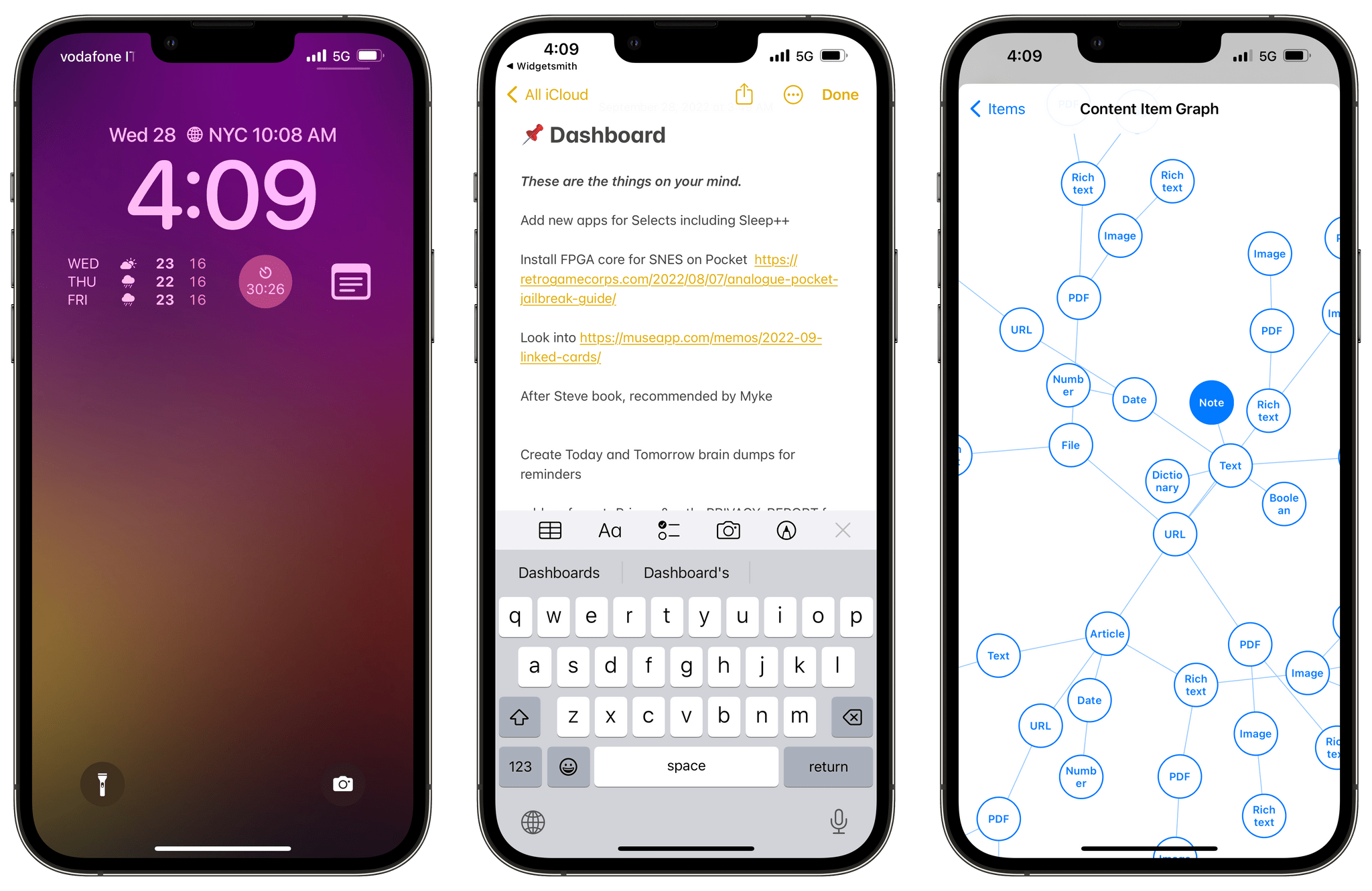
A few days ago, as I was playing around with my Lock Screen on iOS 16, I wondered: would it be possible to use the hidden Apple Notes URL scheme to create widget launchers to reopen specific notes in the Notes app?
That led me down a fascinating rabbit hole filled with hidden Shortcuts tricks and discoveries I thought would be useful to document on MacStories for everyone to see.
You know, for posterity.
 Lock Screen Widgets, Focus Filters, and Shared with You Apps
 John
John
AppStories Episode 297 - Lock Screen Widgets, Focus Filters, and Shared with You Apps
0:00
37:24
37:24
This week, Federico and John tour third-party apps with new iOS 16 features, including more apps with Lock Screen widgets and apps with support for Focus Filters and Shared with You.
 A Faster Way to Delete Apps on iPadOS
I’ve been using this technique for such a long time that it’s obvious to me at this point, but I recently discovered that some users aren’t familiar with it, which is why I thought it’d be useful to share it here on MacStories Weekly. If you’re anything like me, you like to download a lot...
iOS 16 Apps with Great Lock Screen Widgets
Making Of: The iOS 16 Review
My approach to the iOS review this year was one born out of sheer necessity. I spent months without sharing this information on Twitter and my various podcasts, but last February, my girlfriend Silvia and I began the long, time-consuming process of buying our first house. Between construction companies, banks, notaries, attorneys, and other paperwork...
iOS 16: All the Things I Didn’t Like
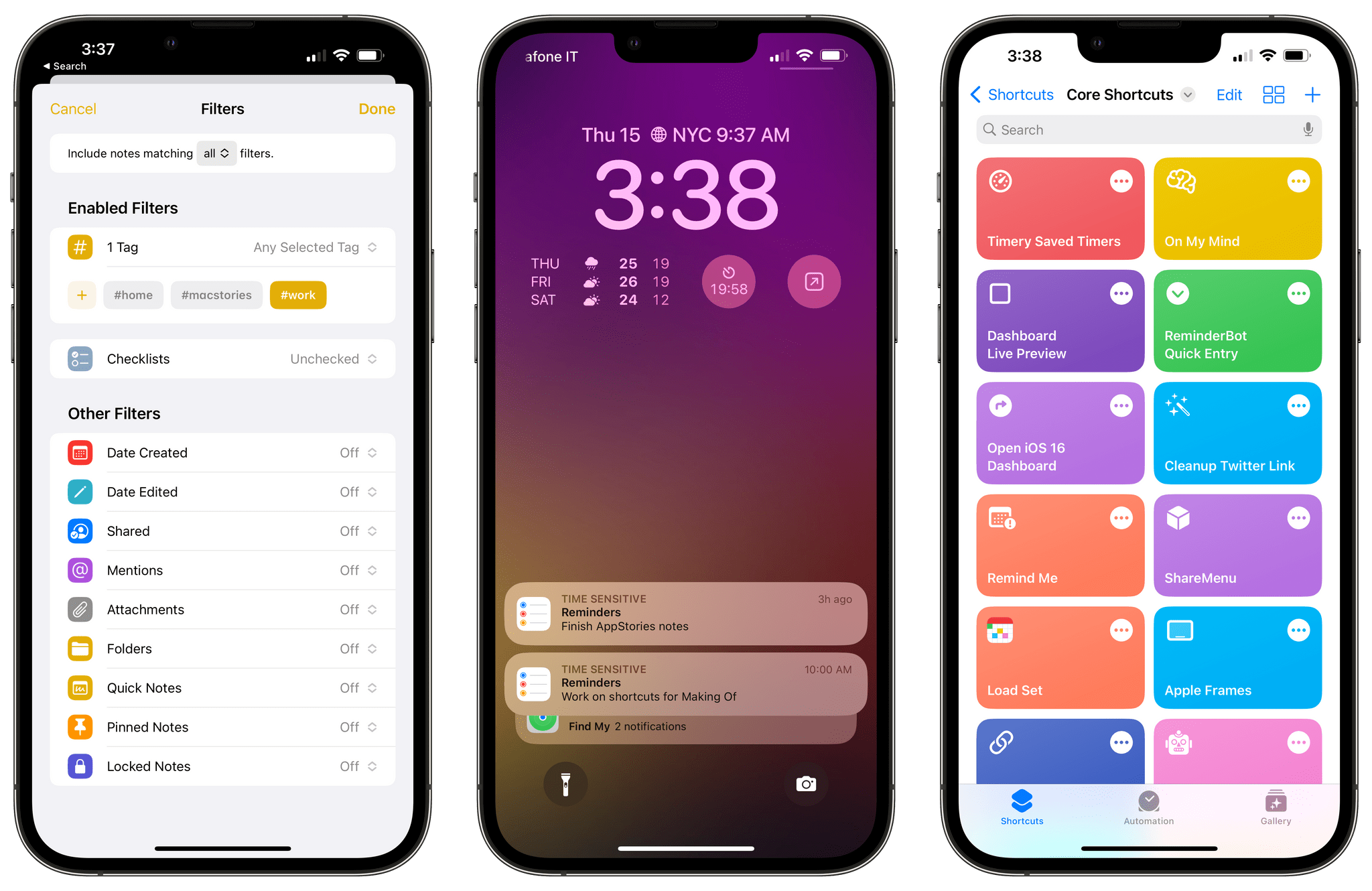
Earlier this week, I published my review of iOS 16. As you may have seen, throughout the eight chapters of the story, I pointed out some of the flaws of iOS 16 and aspects I didn’t particularly like. That gave me an idea.
First, however, allow me to thank to everyone who read, enjoyed, and recommended the review. I’m glad the story resonated with MacStories readers. I take my responsibility to work on these annual reviews very seriously, and I’m excited about having found a format that lets me review a sprawling operating system such as iOS in a review that’s still approachable and fun to write.
Anyway: as I was writing the review, I realized that I had several complaints about things I didn’t like in iOS 16 (shocker, I know). So I had an idea: I asked Finn Voorhees1 to work on an update to my Obsidian plugin that lets me compile chapters of the review into a single Markdown file. This update, which will be released for Club MacStories+ and Premier members this Saturday, enabled me to mark specific passages of the review as “complaints” and extract them all at once. You will be able to use this new plugin option however you want: it’s going to work for any kind of text you want to highlight from a long-form story in Obsidian.
That being said, I compiled all my iOS 16-related complaints, organized them into sections, and you can find them below.
Here are all the things I didn’t like in iOS 16, which I hope Apple will fix in the future.
iOS 16: The MacStories Review
AppStories Episode 295 - iOS 16: The MacStories Review
0:00
42:18
42:18
This week, Federico and John dig into Federico’s iOS 16 review, discussing the all-new Lock Screen, wallpaper creation, Focus modes and filters, App Shortcuts, and some of the smaller changes you might have missed.
iOS 16: The MacStories Review
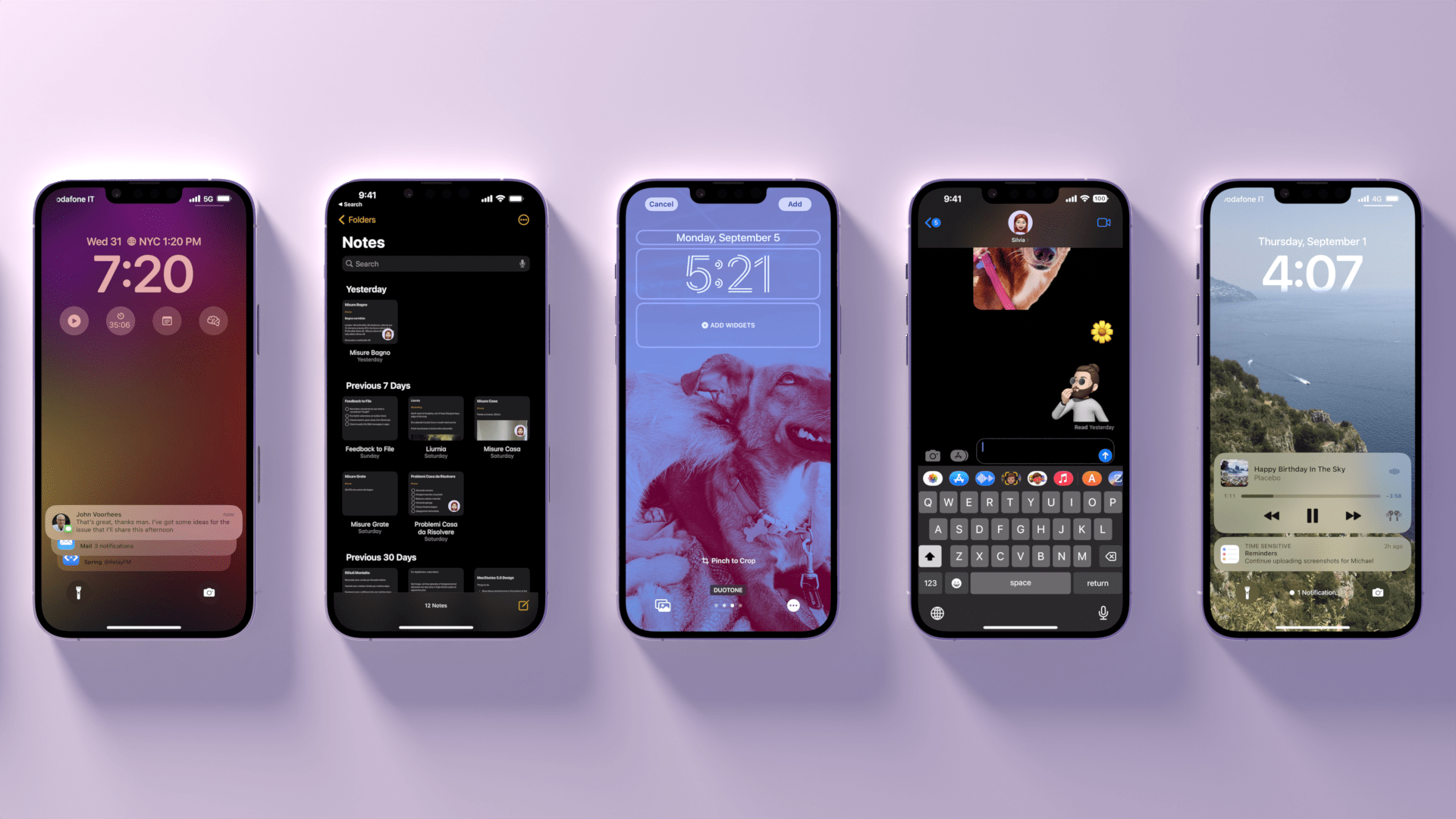
Customization is back, and Apple’s having fun again.
When is the last time your iPhone truly surprised you?
The answer to this question is a fascinating Rorschach test that can say a lot about a person’s relationship with Apple’s mobile platform. Some might say it was over a decade ago, when they feasted their eyes upon the Retina display for the first time in 2010. Some might say it happened when the iPhones got bigger – and sales skyrocketed – with the iPhone 6 lineup in 2014. Others might argue that it happened with Face ID on the iPhone X, or the first time they tried Portrait or Night mode, or perhaps when they first took an ultra-wide shot.
My point is: if you ask someone about the last time an iPhone truly surprised them, chances are they’ll reply with a hardware feature. That’s not a shocker: Apple prides itself upon the tight integration they’ve been able to achieve between the iPhone’s hardware and iOS; they’ve successfully managed to turn their design philosophy into a selling point of their entire ecosystem.
People buy iPhones because they know they’re going to work well for a long time, and, usually, because the model they’re getting has a cool new gimmick they want to try. For this reason, it’s not absurd to postulate that, by and large, the iPhone’s software serves to enable hardware sales and subscriptions. I do not mean this pejoratively: I like Apple’s approach, otherwise I wouldn’t be writing annual reviews about their operating systems. But I also recognize that on the iPhone (the situation is the exact opposite on iPad) the software now largely takes the backseat compared to hardware and services.
Which is why whenever the iPhone’s software truly surprises me, I get excited.
Software-related surprises are more rarefied on iOS these days, but the kind of people who are reading this story can point to a few examples in our recent history. Apple buying Workflow, turning it into a system app, and outright claiming that Shortcuts is the future of automation was a surprise. The extent to which Apple integrated dark mode in iOS 13 was a surprise.1 The arrival of two iPad features – Picture in Picture and inter-app drag and drop – on iPhone felt like a surprise. But, of course, no modern feature comes close to the surprise that we all witnessed with iOS 14 two years ago: a renewed focus on user personalization with custom Home Screen widgets and the ability to create multiple Home Screens.2
That’s why, following last year’s welcome (if perhaps a tad uninspired) quality-of-life update that was iOS 15, I’m excited about a new version of iOS again.
iOS 16, launching today for a variety of iPhone models dating back to the iPhone 8, marks Apple’s triumphant return to user personalization, with a twist: while in 2020 customization might have felt like a happy consequence of Apple’s engineering, this time the company has intentionally marketed iOS 16 as an update that will make an iPhone feel truly your own. As we explored in June and July, the first thing you see on your iPhone – the Lock Screen – is fundamentally changing in iOS 16. With the ability to create multiple Lock Screens, choose from a diverse collection of wallpaper sets, and customize each one with widgets, you’ll now have endless possibilities for the screen you always see when you pick up your iPhone.
Sure, there’s an argument to be made for Lock Screen widgets also being developed in service of new hardware, but I don’t think that takes away from the breadth of this feature and how Apple created a whole narrative around wallpapers, widgets, photos, and Focus modes this year. As you’ll see, the customizable Lock Screen will be the main character of this review: I’ve had a lot of fun exploring different permutations of my Lock Screen this summer, and I’ve been able to test dozens of widgets from third-party developers, which I’ll also showcase in this story.
In keeping with my theory that modern iOS updates always need to have a little bit of something for everyone, there’s a ton of other (some bigger, some smaller) features I’ll be covering in this review.3 Messages, one of my most used apps on iPhone, has received a substantial update with the ability to edit and un-send messages, making it, in some ways, even superior to WhatsApp for me now. Mail – of all apps – has gotten a major upgrade with modern features such as scheduled send and, almost unbelievably, a revamped search that actually works. Reminders has officially turned into a serious task manager with even more filters for smart lists and the ability to create and share templates with others.
The new Lock Screen takes center stage this year and everything else pales in comparison to the massive update it received, but, overall, I find iOS 16 a more fun and useful update than iOS 15.
So, as with every September: let’s dive in.
- Then again, wasn't that in service of OLED displays? ↩
- Perhaps the iPhone 14 Pro's Dynamic Island will be another major surprise for iPhone users. Fascinatingly, it's going to be a unique blend of hardware and software that shows how Apple has been playing the long game with their design strategy for the past few years, which is now paying off. However, the iPhone 14 Pro is not out yet and I haven't tested the Dynamic Island, so that's beyond the scope of this review. ↩
- That's in addition to the apps and features we've already covered in our annual OS Summer Series on MacStories. ↩