John is MacStories' Managing Editor, has been writing about Apple and apps since joining the team in 2015, and today, runs the site alongside Federico.
John also co-hosts four MacStories podcasts: AppStories, which covers the world of apps, MacStories Unwind, which explores the fun differences between American and Italian culture and recommends media to listeners, Ruminate, a show about the weird web and unusual snacks, and NPC: Next Portable Console, a show about the games we take with us.
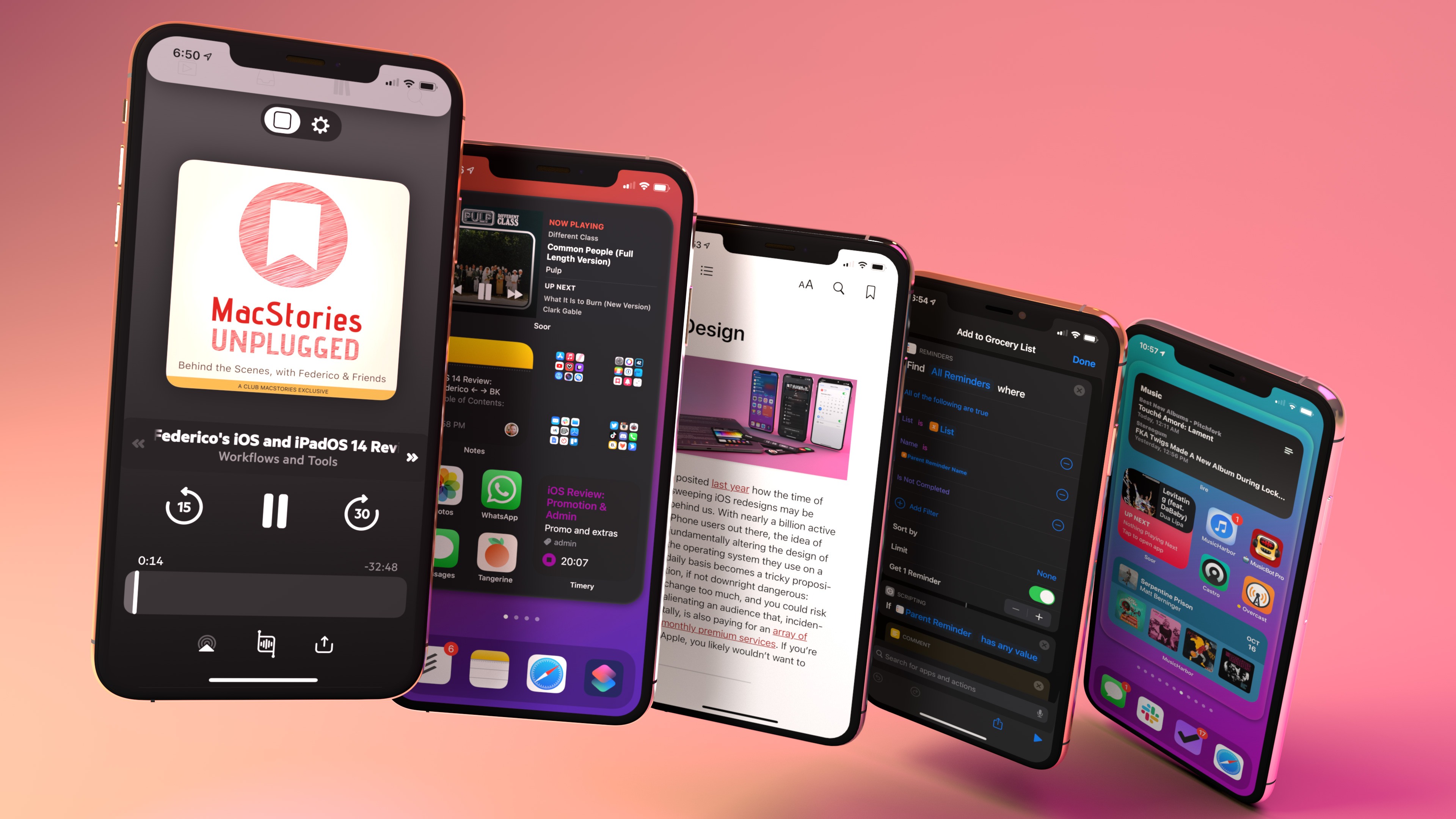
This week on AppStories, we dive into Federico’s annual iOS and iPadOS review to look at big picture trends like Compact UI along with the changes to iPadOS, the Apple Pencil’s new Scribble feature, and Shortcuts.
AppStories Episode 188 - iOS and iPadOS 14: The MacStories Review
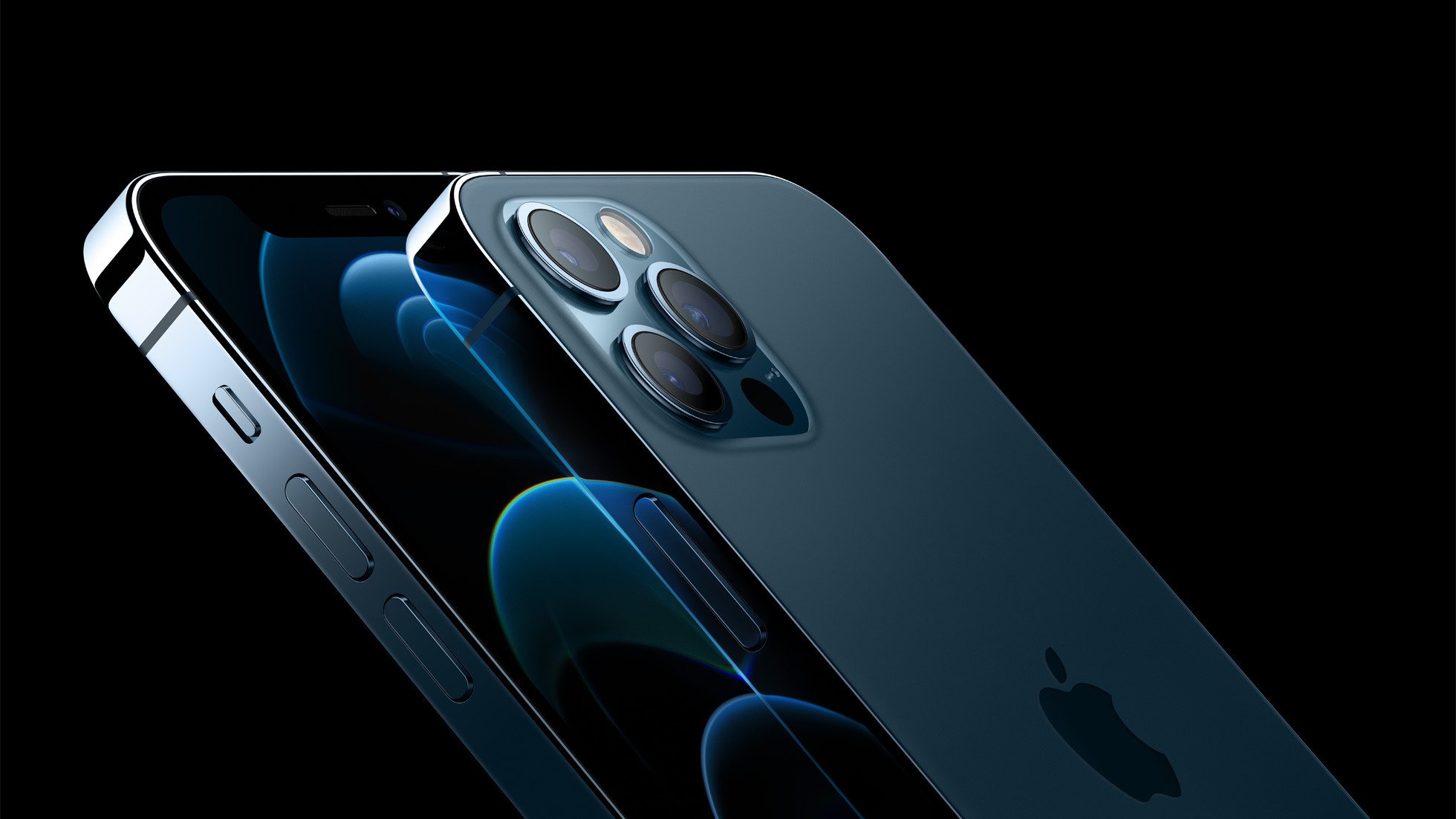
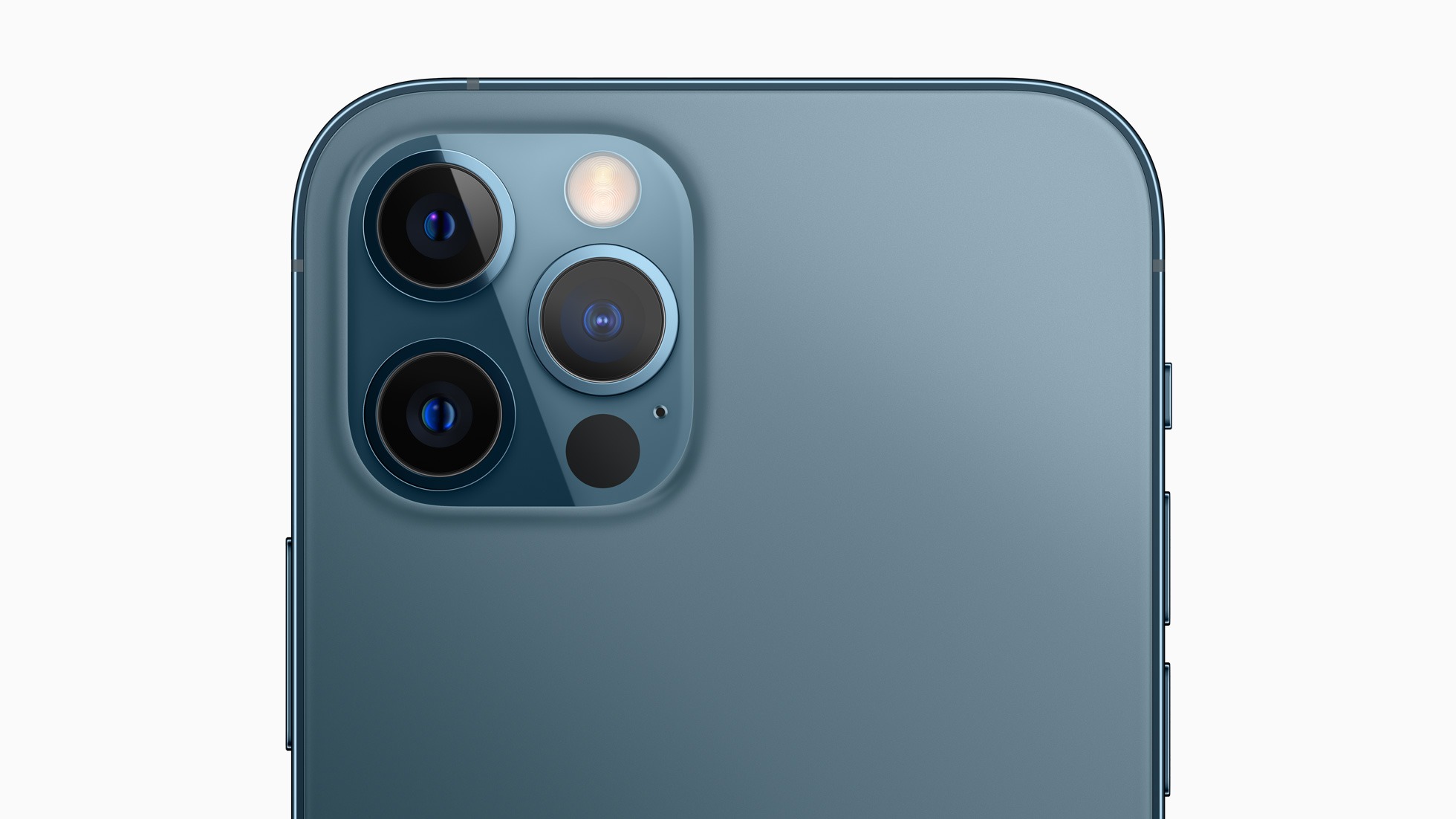
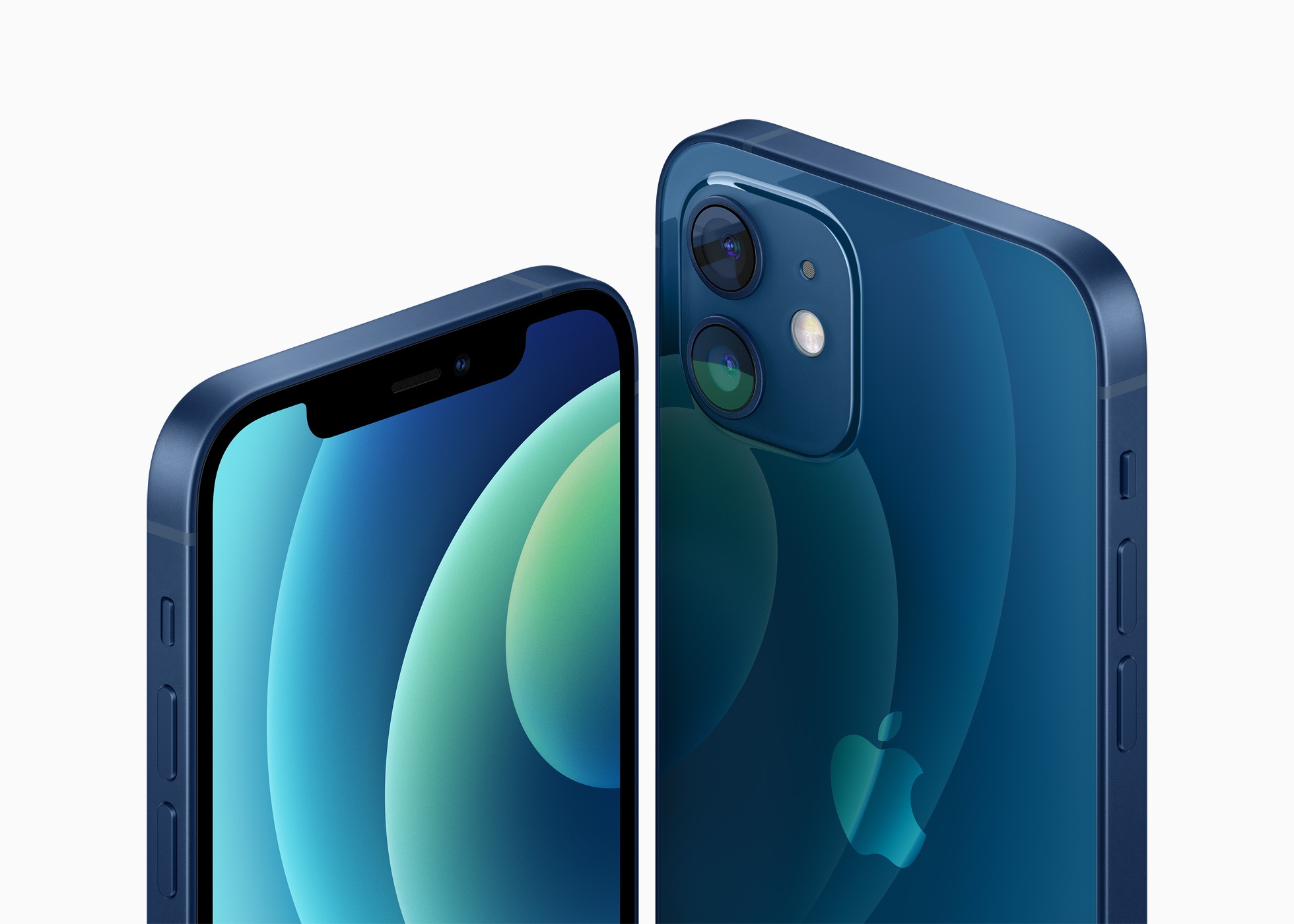
Apple announced a lot of improvements to the cameras in its upcoming iPhone 12 line. The enhancements are a combination of hardware and software that look promising on paper, especially when it comes to the iPhone 12 Pro Max.
As with past iPhone announcements, Sebastiaan de With, part of the team behind the camera apps Halide and Spectre, breaks down the changes, explaining what they mean for photographers. Probably the most significant hardware change is to the iPhone 12 Pro Max’s sensor. According to de With:
In addition to a better lens, the 12 Pro Max has the room to pack a new, 47% larger sensor. That means bigger pixels, and bigger pixels that capture more light simply means better photos. More detail in the day, more light at night. That combines with the lens to result in almost twice as much light captured: Apple claims an 87% improvement in light capture from the 11 Pro. That’s huge.
But that’s not its only trick: the 12 Pro Max’s Wide system also gets a new sensor-shift OIS system. OIS, or Optical Image Stabilization, lets your iPhone move the camera around a bit to compensate for your decidedly unsteady human trembly hands. That results in smoother video captures and sharp shots at night, when the iPhone has to take in light over a longer amount of time.
On the software side, de With thinks Apple’s announcement of the new ProRAW image format looks promising, though it’s short on details at the moment and isn’t coming until later this year:
ProRAW, according to Apple, gives you the standard RAW along with this pipeline information, which should offer some fantastic flexibility when editing. Note that this might be a custom format; little is known, and it seems it was only announced and might be limited to the iPhone 12 Pro.
That’s just the tip of the iceberg when it comes to the camera announcements made earlier this week, so be sure to read deWith’s article for additional details.
I also recommend watching Tyler Stalman’s video about the new cameras. Stalman has been watching the evolution of Apple’s cameras carefully for a long time now, and his video is a terrific overview from a photographer’s perspective of what’s coming next.
Apple events are always full of little details that don’t make it into the main presentation. Some tidbits are buried in footnotes and others in release notes. Yesterday’s event was no exception, so after having a chance to dig in a little deeper, here is an assortment of details about what Apple announced.
Apple is giving away three months of Apple Arcade to anyone who purchases an iPhone, iPad, iPod touch, Apple TV, or Mac.
Accessories
Apple has reduced the price of EarPods $10 to $19, and the 20W charger that replaces the 18W charger is $19, down from the $29 charged for the 18W version.
This week, Federico and John dive into Federico’s annual iOS and iPadOS review to look at big picture trends like Compact UI along with the changes to iPadOS, the Apple Pencil’s new Scribble feature, and Shortcuts.
As busy as it’s been though, there’s a lot more coming. In addition to Federico’s comprehensive, in-depth iOS and iPadOS 14 review, we’ve got a bunch of perks exclusively for Club MacStories members.
Among the Club-only extras this year are three eBooks, a set of stunning, widget-friendly iPhone wallpapers, advanced shortcuts, podcast episodes, and a special edition of MacStories Weekly. Check out all of the details after the break. If you’d like to learn more about the Club or sign up to take advantage of all these extras, plus perks from previous years and our jam-packed, year-round newsletters, please visit //www.macstories.net/club.
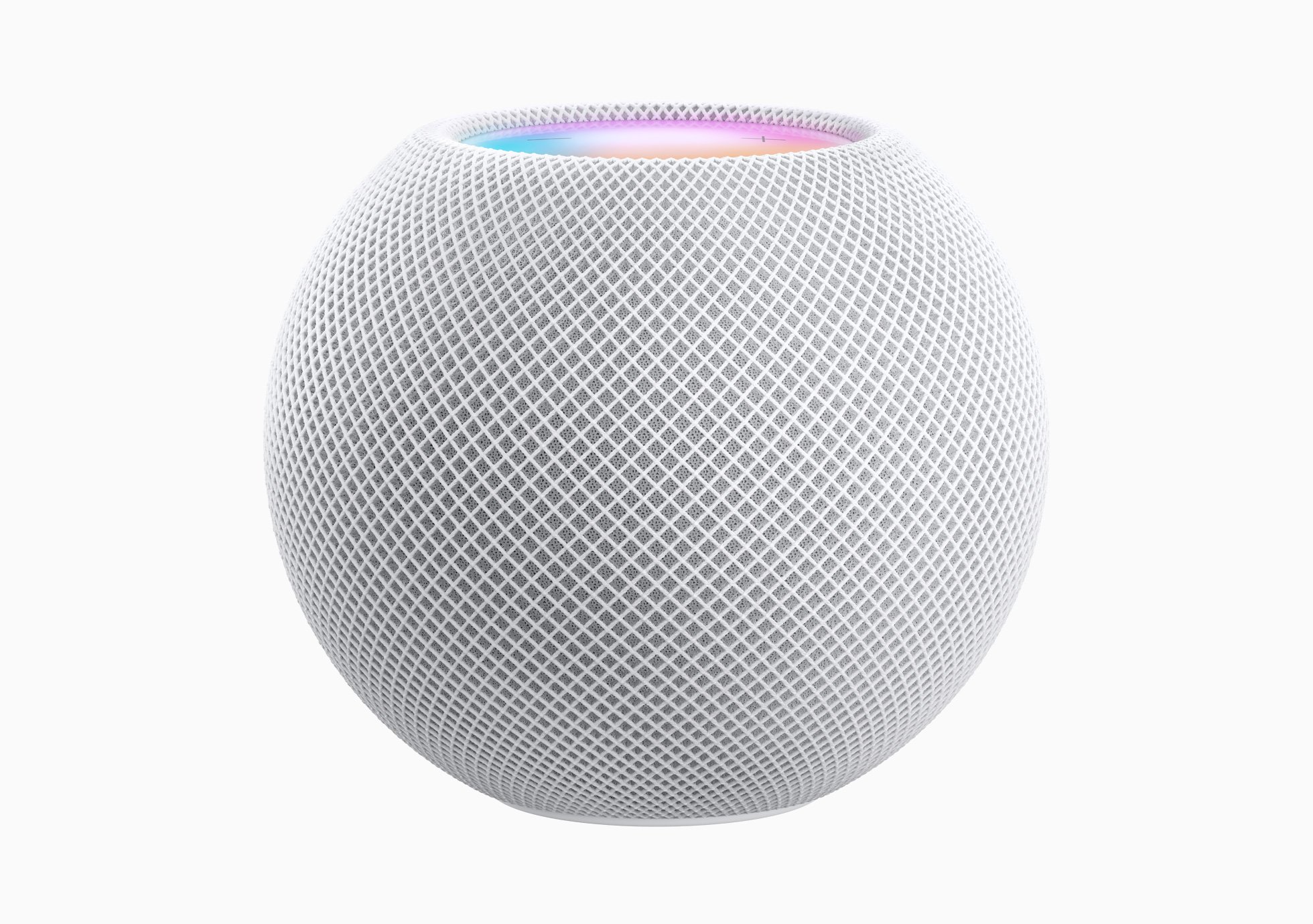
I have two HomePods: one in our living room and another in my office. They sound terrific, and I’ve grown to depend on the convenience of controlling HomeKit devices, adding groceries to my shopping list, checking the weather, and being able to ask Siri to pick something to play when I can’t think of anything myself. My office isn’t very big, though, and when rumors of a smaller HomePod surfaced, I was curious to see what Apple was planning.
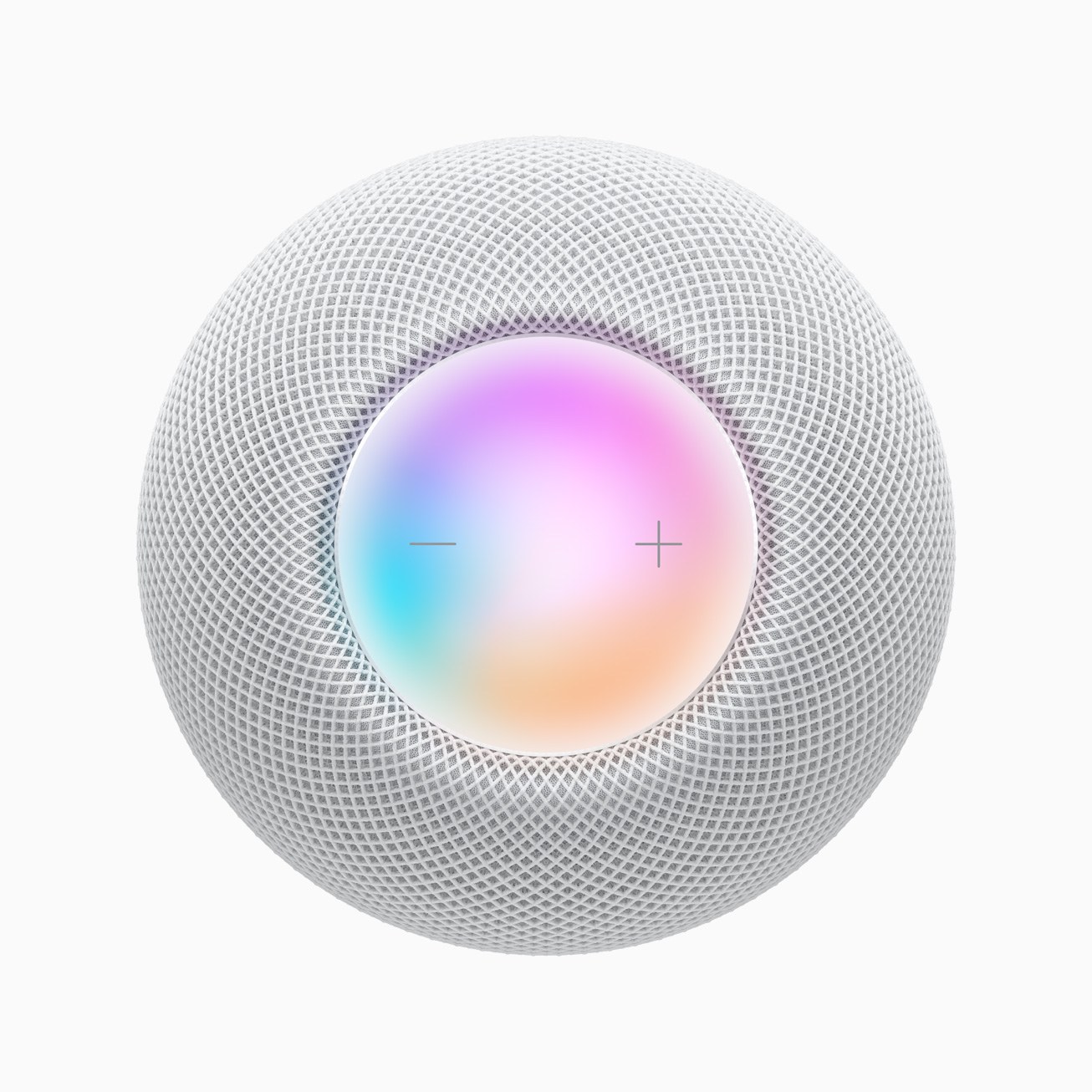
Today, those plans were revealed during the event the company held remotely from the Steve Jobs Theater in Cupertino. Apple introduced the HomePod mini, a diminutive $99 smart speaker that’s just 3.3 inches tall and 3.8 inches wide. In comparison, the original HomePod is 6.8 inches tall and 5.6 inches wide. At just .76 pounds, the mini is also considerably lighter than the 5.5-pound original HomePod.
As usual, Apple sprinkled facts, figures, and statistics throughout the keynote today. Here are highlights of some of those metrics from the event, which was held online from the Steve Jobs Theater in Cupertino, California.
HomePod mini
The HomePod mini is just 3.3 inches tall, 3.8 inches wide, and weighs .76 pounds (345 grams)
The mini analyzes your music to adjust playback dynamics 180 times/second
The tiny smart speaker features 360-degree sound using a custom acoustic waveguide
HomePod mini uses 99% recycled rare earth elements
The neodymium magnet in the speaker driver is made of 100% rare earth elements
The mesh fabric of the mini is made of 90% recycled plastic
If you didn’t follow the live stream or announcements as they unfolded at the Steve Jobs Theater in Cupertino today, you can replay it on Apple’s Events site and catch the product videos on Apple’s YouTube channel.
The keynote video can be streamed here and on the Apple TV using the Apple Events app. A high-quality version is also available through Apple Podcasts as a video and audio podcast or you can watch it on YouTube. First debuted at the September event, there is also an American Sign Language version of the event, which is available here.
Apple also posted other product videos and a 51-second recap on its YouTube channel, which are embedded after the break.
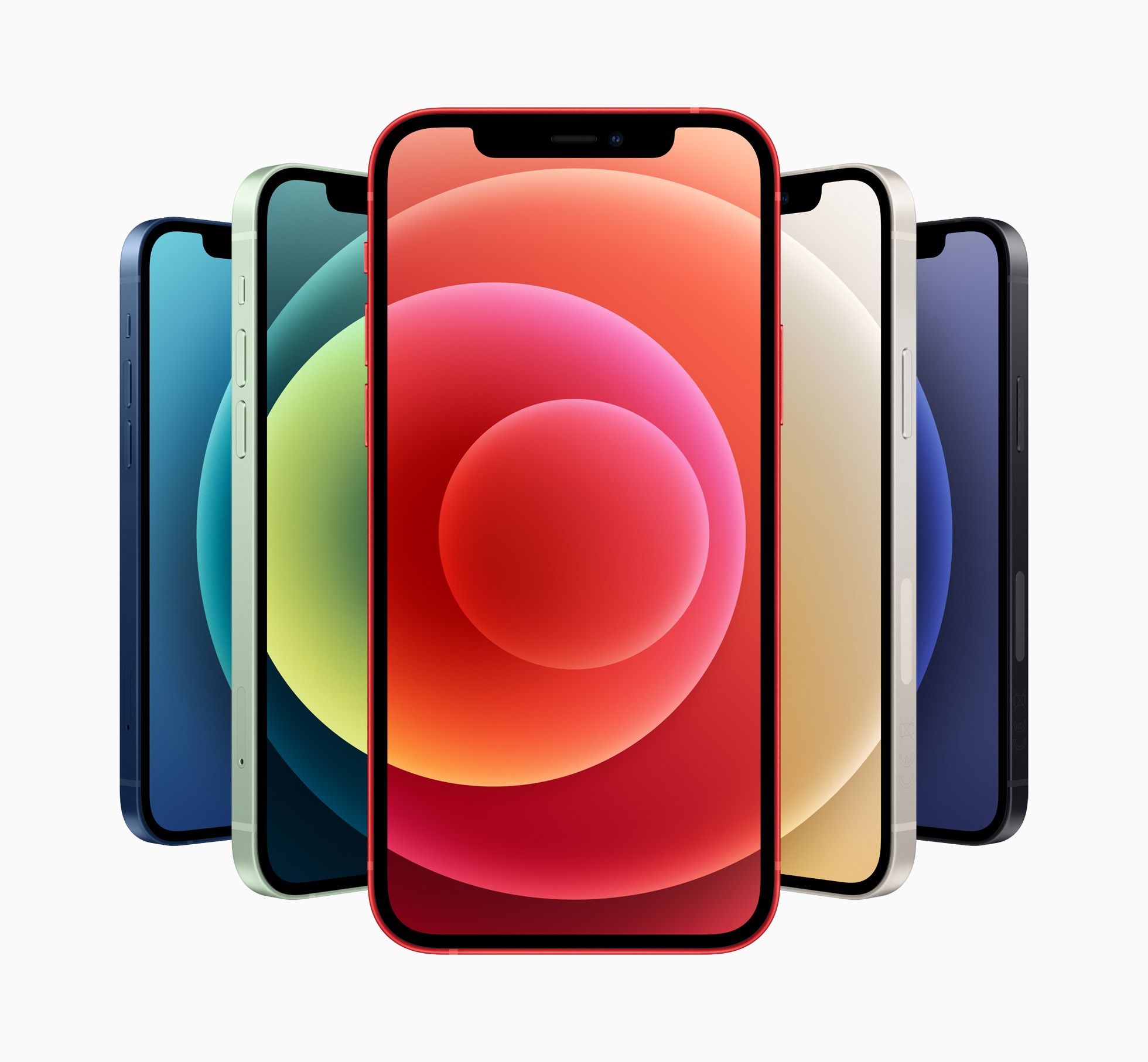
Today Apple announced the following preorder and availability dates for its iPhone 12 lineup:
iPhone 12
Preorder Date: October 16
Availability: October 23
iPhone 12 mini
Preorder Date: November 6
Availability: November 13
iPhone 12 Pro
Preorder Date: October 16
Availability: October 23
iPhone 12 Pro Max
Preorder Date: November 6
Availability: November 13
Apple also announced dates for the new HomePod mini:
Pre-order: November 6
Availability: the week of November 16
Today’s iPhone announcements continue what is shaping up to be an unusually spread out product release schedule. What wasn’t mentioned today are a launch date for the iPad Air, a release date for macOS Big Sur, or Apple Silicon Macs, the first of which Apple said at WWDC would be released before the end of the year. I suspect that, as a result, we’ll see one more Apple event in 2020, most likely in November.










 Federico