John Voorhees

5439 posts on MacStories since November 2015

John is MacStories' Managing Editor, has been writing about Apple and apps since joining the team in 2015, and today, runs the site alongside Federico. John also co-hosts four MacStories podcasts: AppStories, which covers the world of apps, MacStories Unwind, which explores the fun differences between American and Italian culture and recommends media to listeners, Ruminate, a show about the weird web and unusual snacks, and NPC: Next Portable Console, a show about the games we take with us.

Our iPadOS 15 Wishes

AppStories+ Deeper into the world of apps

AppStories Episode 220 - Our iPadOS 15 Wishes

0:00
45:20

AppStories+ Deeper into the world of apps

This week, Federico and John jump back into their pre-WWDC wishlist series with a look at iPadOS and the sorts of OS improvements that are needed for apps to take advantage of the iPad Pro’s new M1 chip.


On AppStories+, Federico gets locked out of the house, John ships fancy wire to Rome, we discuss the Apple TV 4K and original HomePod’s support for ARC, and John teases an upcoming series about audio solutions.

Read more


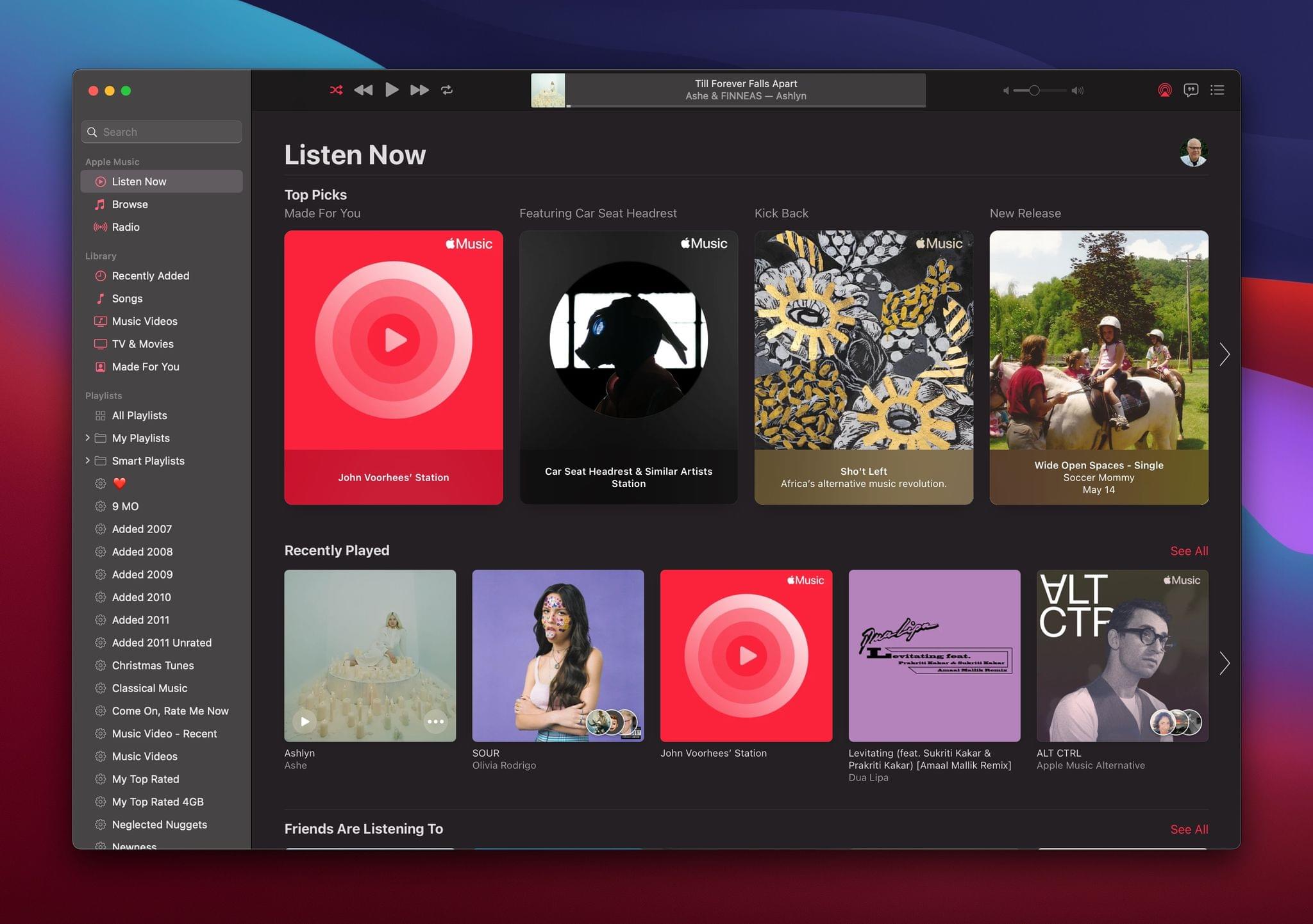
Apple Support Document Clarifies Lossless Streaming Details

In June, Apple Music will offer the option of streaming in CD-quality and high-resolution lossless formats. There was initial confusion about which Apple devices will support lossless streaming, but the company has clarified things with a support document.

The new support document confirms what was announced earlier this week. Lossless is supported by iPhones, iPads, and Macs using their built-in speakers and wired headphones, receivers, and powered speakers. Lossless audio will stream to AirPods, AirPods Max, and Beats wireless headphones, but it won’t be lossless because they rely on Bluetooth, which is inherently lossy.

Regarding the Lightning to 3.5 mm cable for the AirPods Max, Apple’s support document says:

The Lightning to 3.5 mm Audio Cable was designed to allow AirPods Max to connect to analog sources for listening to movies and music. AirPods Max can be connected to devices playing Lossless and Hi-Res Lossless recordings with exceptional audio quality. However, given the analog to digital conversion in the cable, the playback will not be completely lossless.

It’s also worth noting that Apple’s Lightning to 3.5mm adapter that can be used to connect wired headphones to devices only supports up to 24-bit/48 kHz lossless audio. A digital-to-analog converter is necessary for 24-bit/192 kHz playback.

Apple says HomePods and HomePod minis will be updated and an unspecified date in the future to support lossless playback, but they don’t currently support it.

It wasn’t clear initially which Apple TVs will support lossless streaming. Apple’s support document suggests that it’s only the Apple TV 4K, connected to a receiver via HDMI, leaving Apple TV HD owners out of luck. Moreover, the Apple TV 4K only supports lossless playback at 24-bit/48 kHz. However, the wording of the support document leaves the possibility that a future update may make Hi-Res Lossless available.

Finally, only Apple Music content supports lossless streaming. iTunes Store content and Apple Music’s broadcast radio, Apple Music 1, other live radio content, and music videos will not stream losslessly.


MacStories Unwind: Federico’s iPad Pro Review, M1 iMacs, Spatial Audio and Lossless Streaming, Halide, and Pok Pok Playroom

AppStories+ Deeper into the world of apps
0:00
23:49

AppStories+ Deeper into the world of apps


Sponsored by: Bartender – Take Control of Your Menu Bar

This week, Federico and John recap the week’s Apple announcements and news including the new M1 iPad Pro that Federico reviewed, the new M1 iMac, Spatial Audio and Lossless coming to Apple Music, new watch bands and accessibility features, plus reviews of Halide for iPad, Pok Pok Playroom, and more.

MacStories

Club MacStories

  • MacStories Weekly
    • Wallpaper Collection
    • A Mac window management tip
    • Federico on using a DAC to listen to lossless music

AppStories

Unwind


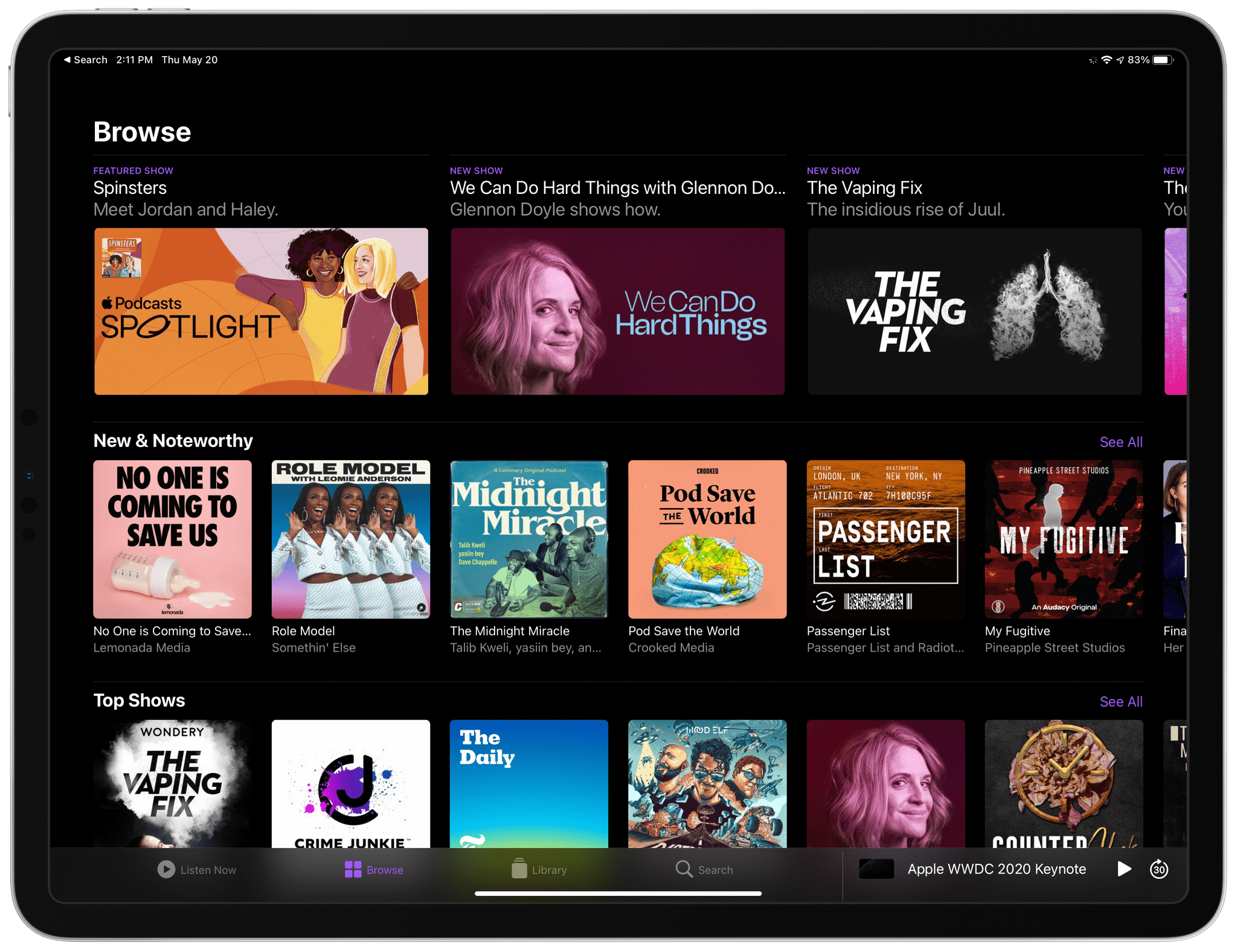
Apple Introduces Affiliate Program for Podcasts Subscriptions

Apple’s Podcasts Subscriptions service is coming soon, and today, the company debuted an affiliate program to help spread the word about the shows that participate in it. As we previously reported, the subscription program will allow podcasters to offer paid versions of their shows. Podcasters can offer paid-only shows or enhanced versions of free shows that add a combination of bonus features, like extended, ad-free, and early-release episodes.

Today’s announcement adds Podcasts Subscriptions to Apple’s existing affiliate programs for iTunes Store content as well as Apple Music, TV+, New+, and Books subscriptions and content. If you apply to the program and are accepted, you’ll be given a token that identifies your affiliate account when you publish a link to a paid podcast. When someone subscribes to a show using your link, you’ll earn a 50% commission on the first month’s subscription fee for any subscriptions signed up within a 30-day window. For example, the new program would mean a $5 payout for a user who signed up for a $10/month subscription. The affiliate program is available to podcaster’s offering shows for subscriptions, adding another way for them to earn money from their shows.

With the exception of apps, which were removed from Apple’s affiliate program in 2018, Apple now offers an affiliate program for all of the subscriptions and content it sells. The success of the App Store ultimately made that affiliate program unnecessary for Apple to continue. However, as a new service, it makes a lot of sense to introduce an affiliate program for Podcasts Subscriptions to help raise its profile among consumers.


Apple Releases New App Tracking Transparency Video

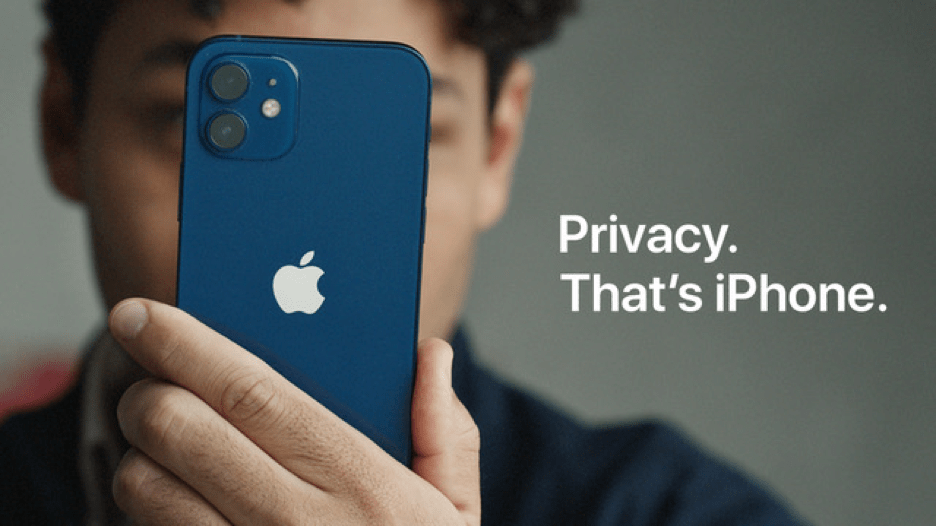
Apple has released a new video in its ongoing ‘Privacy. That’s iPhone’ campaign titled ‘Tracked.’ The latest spot starts with the lead character purchasing a coffee and then being followed around all day by a growing crowd of people that intrude on his privacy. Back home at the end of the day, the protagonist is prompted by his iPhone to ‘Ask App Not to Track’ or ‘Allow’ tracking, and as soon as ‘Ask App Not to Track’ is chosen, the mob of people crowding his apartment pop like balloons, disappearing in puffs of smoke.

Privacy isn’t an easy thing to depict visually, and no doubt, someone will take issue with aspects of the way the video portrays app trackers, but I enjoyed it. The video is entertaining, but it’s also useful to anyone who doesn’t realize how intrusive cross-app and website tracking can be.

This isn’t the first video released in the series. Late last month, Apple released ‘App Tracking Transparency’, which explains how the iOS 14.5 feature works. Earlier this year, the company also released ‘A Day In the Life of Your Data,’ a case study with real-world examples of what app trackers can do.


Austin Mann on the M1 iPad Pro for Pro Photographers

Source: Austin Mann

Source: Austin Mann

I always look forward to Austin Mann’s unique perspective on Apple hardware. His latest review is from Flagstaff, Arizona where he takes Apple’s new M1-based iPad Pro through its paces as he processes photos taken at Great Sand Dunes National Park.

Mann cuts right to the chase:

As any photographer knows, one of the most time-consuming parts of the photo creation process is culling through thousands of images, making selects, and editing the images. Thanks to the M1 chip, faster internal storage, and a few other improvements, the new iPad Pro with M1 is the fastest image sorting tool I’ve ever used.

A great demonstration of the power of the new iPad Pro is the video in Mann’s post in which he moves rapidly through a large set of 60+ MB RAW photos. There’s absolutely no lag, making the iPad Pro a terrific tool for culling large collections of imported shots.

Unsurprisingly, Mann also concludes that the iPad Pro’s big, bright display and mobile data connection make it an ideal tool for previewing images on a sunny day and staying connected to research photo shoots. However, Mann’s wishes for the iPad Pro, like background importing of photos and the ability to connect multiple external storage devices, are precisely the sort of thing that is holding the iPad Pro back from being a more complete solution for photographers and other pro users. Despite the limitations, though, the new iPad Pro looks like a big step up for photographers, which I can’t wait to try with my own camera soon.

Permalink