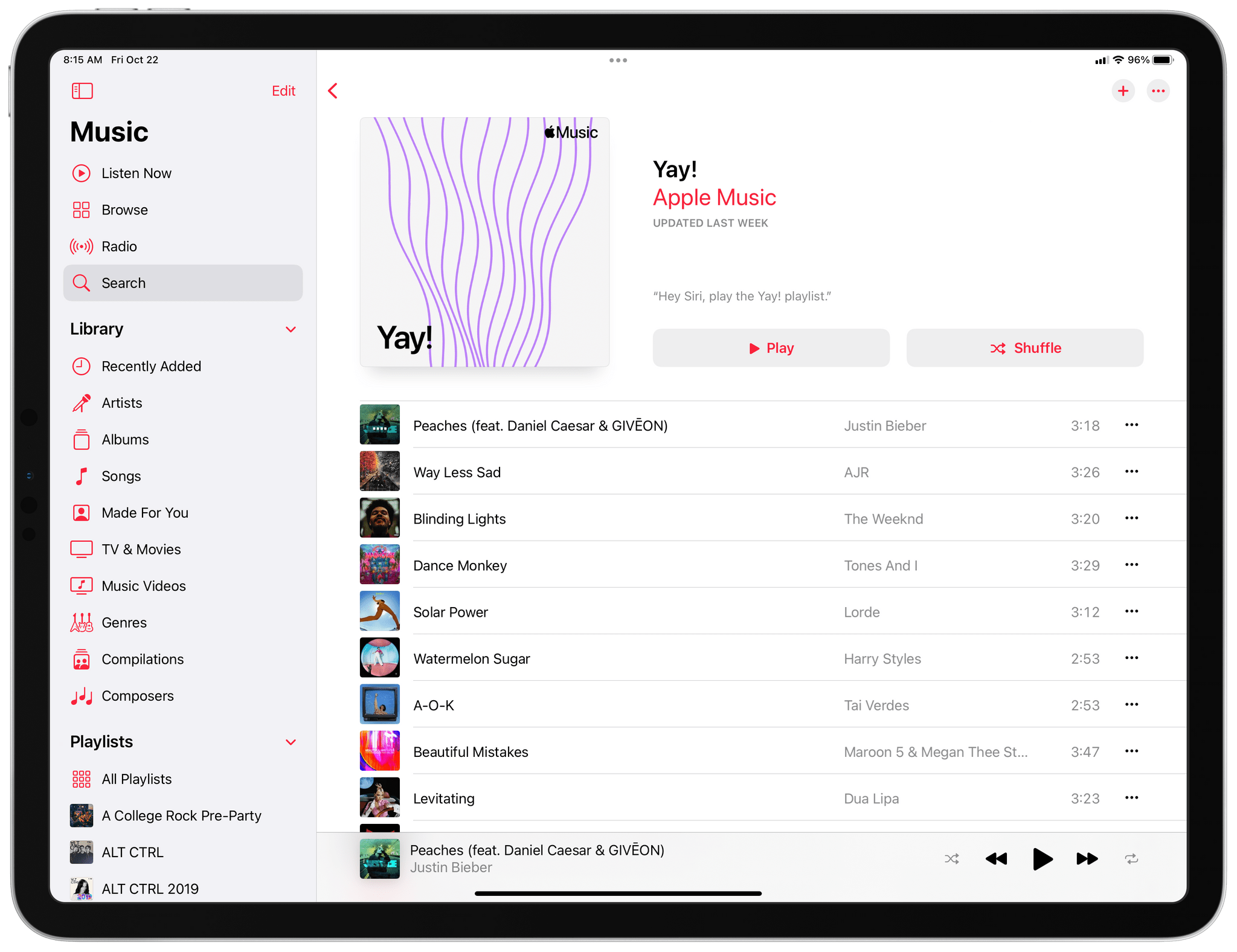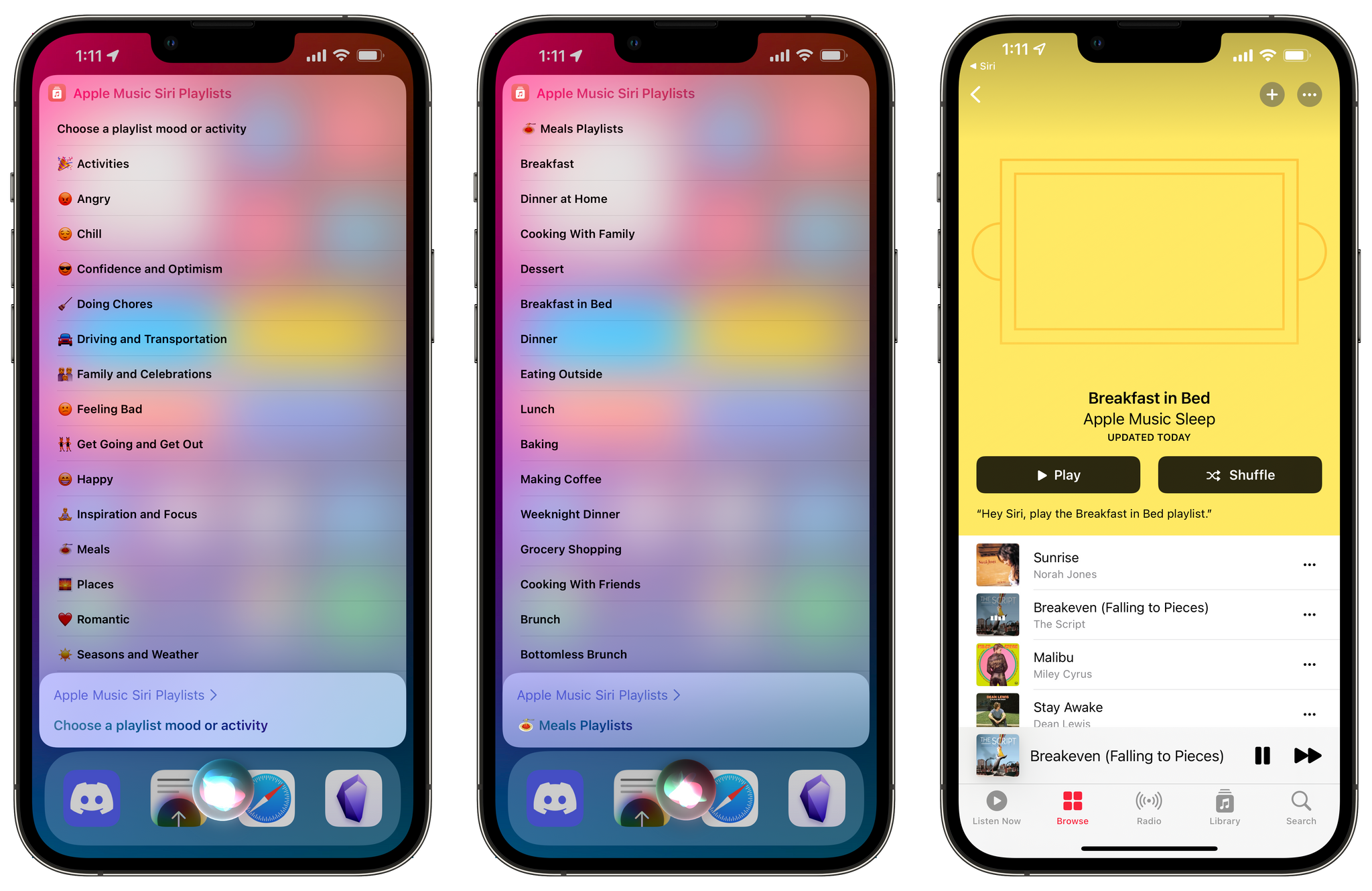
There’s no getting around the fact that it’s early days for Shortcuts for Mac, which means there are bugs. However, that doesn’t mean that you should stay away. There are different schools of thought on this, but as long as you have a ‘Plan B,’ I think this is the perfect time to work...
App Debuts
Obsidian Obsidian is out of beta and available on the App Store for iPhone and iPad users. For the first part of how Federico is using Obsidian for research and writing, don’t miss his Extension column above. At its core, Obsidian is a Markdown text editor. Just point the app to a folder on...
Emojipedia Publishes Renderings of Draft Emoji→
The process of adopting new emoji as part of the Unicode character set continues, and today, Emojipedia has what it anticipates will be part of the Emoji 14.0 collection. These emoji represent the complete set of draft emoji that the Unicode Consortium will vote on in September, so there’s still a possibility that there could be changes. The approved emoji are expected to begin showing up on devices and in apps in late 2021 and into 2022.
The draft set of emoji include several smileys such as Melting Face, Face with Diagonal Mouth, and Saluting Face. There are also many new hand emoji in the set in different skin tones and combinations, including Handshake, Heart Hands, and Hand with Index Finder and Thumb Crossed. People include Person with Crown, Pregnant Man, and Pregnant Person. There’s also a Troll, which I expect will be popular, a nest with and without eggs in it, a Mirror Ball (someone on the Unicode Consortium is apparently a Taylor Swift fan or maybe Sarah McLachlan given the spelling), and Biting Lip.
Emojipedia is conducting a vote in connection with the new emoji to coincide with World Emoji Day, which is this Saturday:
You can vote for which you are most looking forward to in the Most Anticipated Emoji award, being drawn on July 17 aka World Emoji Day.
The images in this post include a handful of the draft emoji being considered by the Unicode Consortium as imagined by Emojipedia. The final designs will depend on each company that adopts them. Be sure to visit Emojipedia for all the details and the full set of renderings of the draft emoji.
AppStories, 231 – The App Customization Trend→
This week on AppStories, we discuss the emerging trend of app customization, which along with app modularity, lets users control how apps work and look.
Sponsored by:
- Instabug – Ship Quality Apps with Real-Time Contextual Insights.
- DEVONthink by DEVONtechnologies – The one place for storing and working with all your documents, snippets, and bookmarks.
- Pillow – Sleeping better, made simple.
Apple Quietly Releases MagSafe Battery Pack
Apple today released a $99 MagSafe Battery Pack accessory for the iPhone mini, iPhone 12, iPhone 12 Pro, and iPhone 12 Pro Max.
The white battery pack connects to an iPhone using Apple’s MagSafe connector to deliver 5W of power to your iPhone on the go. The battery pack can be charged by itself using a Lightning connector and power supply. Alternatively, the battery pack and an iPhone can be charged together using a Lightning cable and power supply, which delivers 15W of charging power when a 20W or higher power supply is used. There’s no official word on how much charge the battery pack holds, though MacRumors reports that images suggest it is a 1,460mAh battery, which is less than a single charge.
Apple’s battery widget can be used to monitor the charge held by the MagSafe Battery Pack. Apple’s support document for the accessory says that:
When you’re using your MagSafe Battery Pack to charge your iPhone, you might get a notification that says your iPhone will charge only up to 90%. To charge past 90%, open Control Center, press and hold the Low Power Mode icon*, then tap Continue.
Apple also says iOS 14.7 or later is needed to use the MagSafe Battery Pack.
The MagSafe Battery Pack has been rumored for a while, and with travel becoming an option for more people around the world and iPhones having aged since the release of the iPhone 12, the timing seems right for this accessory. Although the total charge the battery pack can deliver is less than a larger power brick, I like the portability of the MagSafe version and the fact that it will work with any current or future MagSafe-compatible iPhone.
Troubles with HomePod’s audioOS Beta
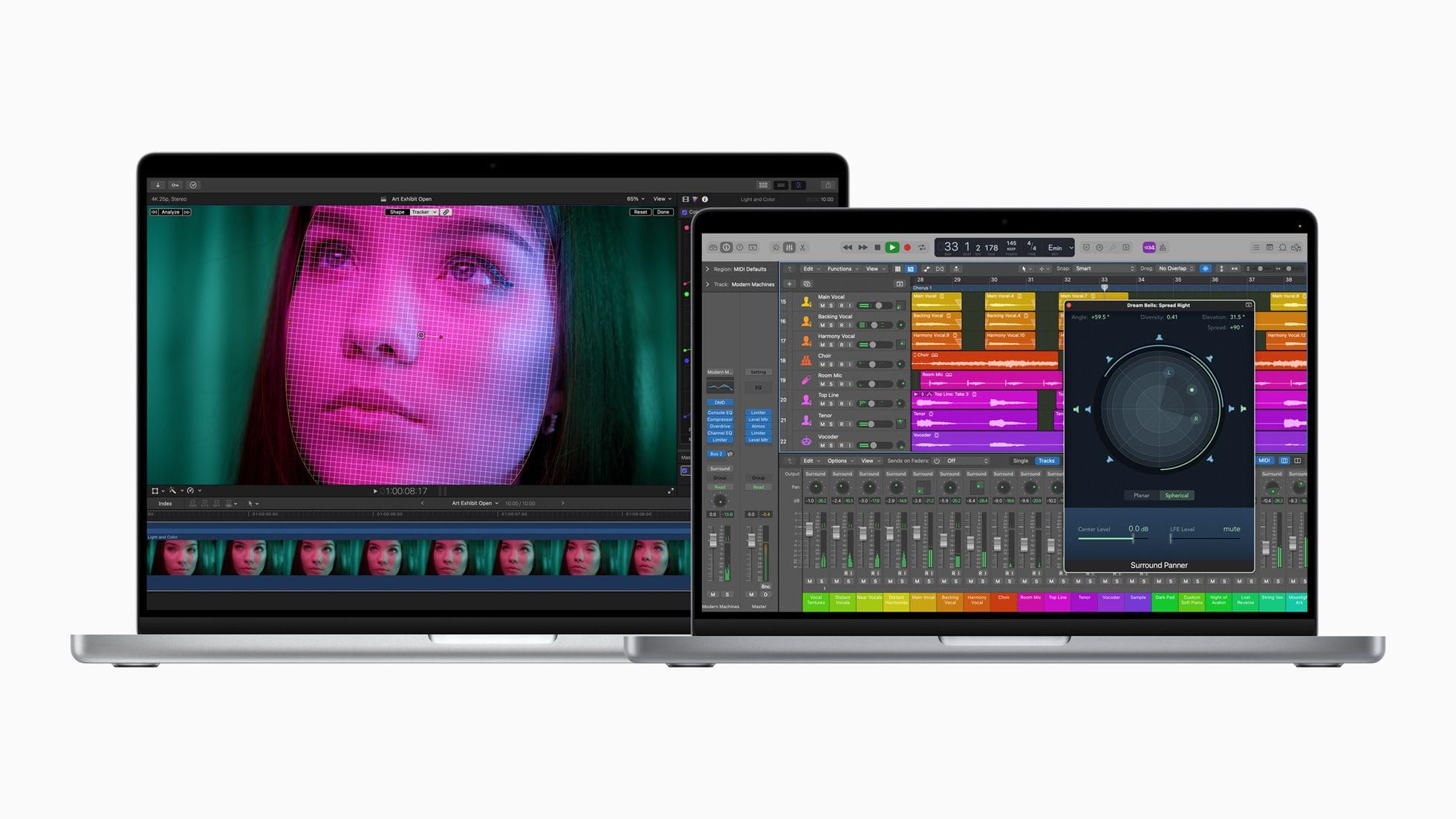
I’ve been running all of Apple’s betas, with the sole exception being watchOS 8. So far, the experience has been good. There are bugs, apps have crashed, and devices have restarted spontaneously here and there, but I haven’t been significantly slowed down on my iPhone, iPad, or Mac. In fact, I’m doing things like editing AppStories in Logic on Monterey, which isn’t the type of thing I’ve ever been able to do this early in a macOS beta.
However, audioOS, the OS that controls HomePods, has been as rough as Apple’s other OSes have been solid. I’ve been running the HomePod beta since the very beginning, and it’s been nothing but trouble. I haven’t seen overheating, which some users have reported, but I’ve had trouble with AirPlay and getting my HomePods, especially the minis, to stay connected to the Internet. So, when I heard that beta 3 was out and adds lossless streaming, I set out to update my HomePods right away.
My pair of original HomePods took a few tries, but I eventually got them updated using the Home app. The HomePod minis were more stubborn. The one in my office refused to connect to the Internet, so I couldn’t update it. I factory reset it not long ago, and I considered doing that again, but instead, I unplugged and replugged it, hoping that a restart would get it back on WiFi. I couldn’t tell if it had finished restarting, so I gave it a tap, which is when this started to play:
Yes, U2’s Songs of Innocence, the album that was given away to 500 million people with an iCloud account in 2014 that, as Russ Frushtick discovered and wrote about for New York Magazine, lives in an odd limbo in so many people’s music libraries around the world. Frushtick was frustrated because the album played automatically when he connected his iPhone to CarPlay. Was something similar at play here?
The odds that it was random chance certainly seemed too far-fetched to be a coincidence. With nearly 19,000 songs ripped, purchased, and added to my music library for well over a decade, I felt like I was being trolled by my HomePod mini as Bono belted out The Troubles. Even the title of the song felt like an elaborate troll.
I had to know, so I unplugged the HomePod mini a second time and then plugged it back in again. I waited a couple of minutes, tapped the top, and:
I couldn’t help but laugh. I also couldn’t help but wonder: Was I finger tapping Bono or Tim when I reached out to tap my HomePod mini?
Such is #betalife. The happy ending to the story is that after some more fiddling around, I managed to get my HomePod mini working again, playing my complete Music library, which is all I really care about.
I’ve always thought the uproar over Songs of Innocence was a little overblown, but then again, I’m a U2 fan, even if that album isn’t anywhere near the top of my favorites. At least with The Troubles out of the way, I can see if I can stream some lossless Doja Cat now.
The App Customization Trend
AppStories Episode 231 - The App Customization Trend
36:11
This week, Federico and John discuss the emerging trend of app customization, which along with app modularity, lets users control how apps work and look.
On AppStories+, Federico provides an update about the progress on his review, and John wonders why the Mac share sheet has been so badly neglected by Apple.
MacStories Unwind: Alto Returns, Transloader Review, and a New Way to Organize and Charge Your Gear
Sponsored by: Hook – Find Without Searching
This week, Federico and John talk about the new trailer for Alto’s Odyssey: Lost City, which is coming to Apple Arcade soon, John’s review of a big update to Transloader, the Kensington StudioCaddy, plus videogame and music picks for your weekend.
MacStories
- Team Alto Releases Trailer for Alto’s Odyssey: Lost City, A Special Edition of the Original Game Coming to Apple Arcade
- Transloader 3: A Simple, Versatile Way to Remotely Manage Mac File Downloads from an iPhone or iPad
- Kensington Releases Two-Piece StudioCaddy Charging Station and Organizer for Apple Devices
Club MacStories
- MacStories Weekly
- Beyond iPhone and iPad Gaming
- Safari tab tips for macOS Monterey
- Unabridged interviews with Majid Jabrayilov, Ish ShaBazz, Sawyer Blatz, and John Sundell
- MacStories Unplugged
AppStories
Unwind
- Federico’s Pick:
- John’s Pick:
Making the Best of Safari’s New Tab Bar Design on Monterey
As you may have gathered from my macOS Monterey preview story, I’m not a fan of Safari’s new tab bar design. The tabs look like buttons, and the buttons are just a row of icons. The screenshot above is a window that stretches about 75% across an M1 iMac, and with just seven tabs...