
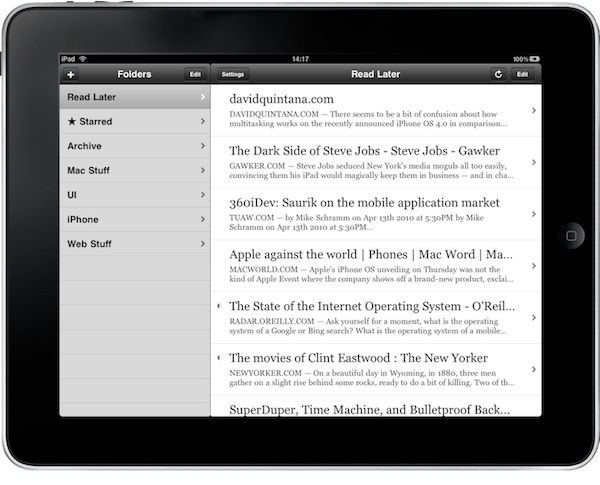
I’ve been using read-it-later apps since they first appeared on the scene and RSS services for even longer. So, when Matter launched its public beta and Readwise published a long post about how it’s building a modern reading app, it got me thinking. What should a reading app look like in 2021? I started using...
 Interesting Links
The Logitech MX Keys is one of my favorite keyboards, but I’ve never liked how big it is. The Logitech MX Keys Mini dispenses with a dedicated number pad for a form factor that is much closer to Apple’s Magic Keyboard. (Link) There are quite a few Android-based e-ink tablets out there that serve...
App Debuts
 Federico
Memento The Reminders client inspired by the design of the Home app has reached version 4.0 and it now comes with a sidebar on iPadOS and macOS, making it easy to navigate between lists in the app. Additionally, Memento supports the new XL widget size on iPadOS 15. Raindrop.io The iPhone and iPad app...
MacStories Unwind: Apple Frames 2.0, an Upcoming Apple Event, and a Safari Extension for iPad






Sponsored by: Discourse – A Powerful, Customizable Platform for Civilized Discussion
This week on MacStories Unwind:
MacStories
- Apple Frames 2.0: Faster, Lighter, and Featuring Support for iPhone 13, iPad mini, iPad 10.2”, iMac 24”, MacBook Air, and Multiple Languages
- Apple Announces October 18, 2021 Media Event
- ActiveTab Safari Extension Launched on iPad
Club MacStories
- MacStories Weekly
- Federico on Remind Me Faster
- A Reminders tip for applying tags to tasks with Siri
- John on the future of read-it-later apps
- Apps, links, and more
AppStories
Unwind
- Federico’s Pick:
- Metroid Dread on the Nintendo Switch
- John’s Pick:
AppStories, Episode 244 – iOS and iPadOS 15 Top Tips→
This week on AppStories, we share a long list of iOS and iPadOS 15 tips, highlighting lesser-known features that we are using to get the most out of the latest versions of the OSes.
](https://cdn.macstories.net/banneras-1629219199428.png)
On AppStories+, John tries to convince Federico to try a robot vacuum cleaner and Federico explains the technique he’s using to bring localization to his popular Apple Frames shortcut.
We deliver AppStories+ to subscribers with bonus content, ad-free, and at a high bitrate early every week.
To learn more about the benefits included with an AppStories+ subscription, visit our Plans page, or read the AppStories+ FAQ.
Apple Announces October 18, 2021 Media Event
As tweeted by Greg Joswiak, Apple has announced an online media event for October 18, 2021, at 10:00 am Pacific.
Based on the latest speculation and rumors, Apple is likely to introduce new Apple silicon-based Macs. Apple has already replaced part of its Mac product line with models based on its own chip architecture, but it’s expected that the company is preparing to introduce new MacBook Pros and perhaps other models at the high end of its product line. Another product we could see introduced at the event is the long-rumored AirPods 3. With the winter holidays approaching, now seems like the perfect time to rekindle interest in AirPods.
Apple may also take the opportunity to announce a release date for macOS 12.0 Monterey. If last month’s Apple event and the timing of iOS and iPadOS are any indication, the final version of Monterey should be released to the public within days after the event.
 iOS and iPadOS 15 Top Tips

AppStories Episode 244 - iOS and iPadOS 15 Top Tips
0:00
29:46
29:46
This week, Federico and John share a long list of iOS and iPadOS 15 tips, highlighting lesser-known features that they are using to get the most out of the latest versions of the OSes.
ActiveTab Safari Extension Launched on iPad
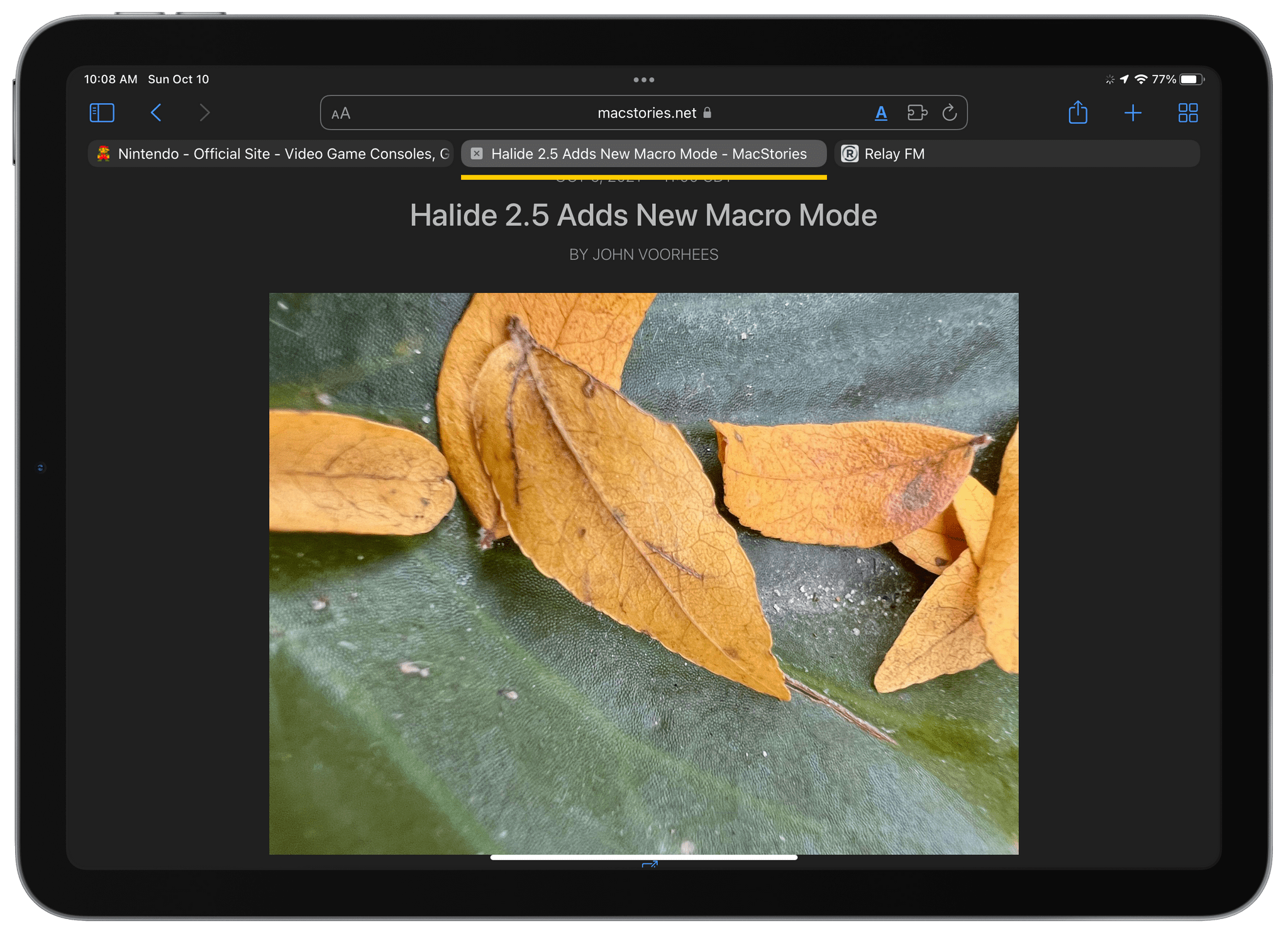
Last week, I wrote about ActiveTab, a Safari extension that draws a colorful line beneath the active tab in Safari for Mac, which makes it far easier to identify the tab you’re viewing. However, the Mac isn’t the only platform where Safari’s tabs are problematic. As Federico explained in his iOS and iPadOS 15 review, it’s every bit as difficult to decypher which tab is active on the iPad.
Fortunately, ActiveTab is now available on the iPad too. The extension has the exact same features as the Mac version, making the active tab stand out by drawing a line across the top of the content view underneath the tab. If you haven’t installed a Safari extension on the iPhone or iPad yet, be sure to check out my story on iOS and iPadOS 15 Safari extensions for details on how to set them up.
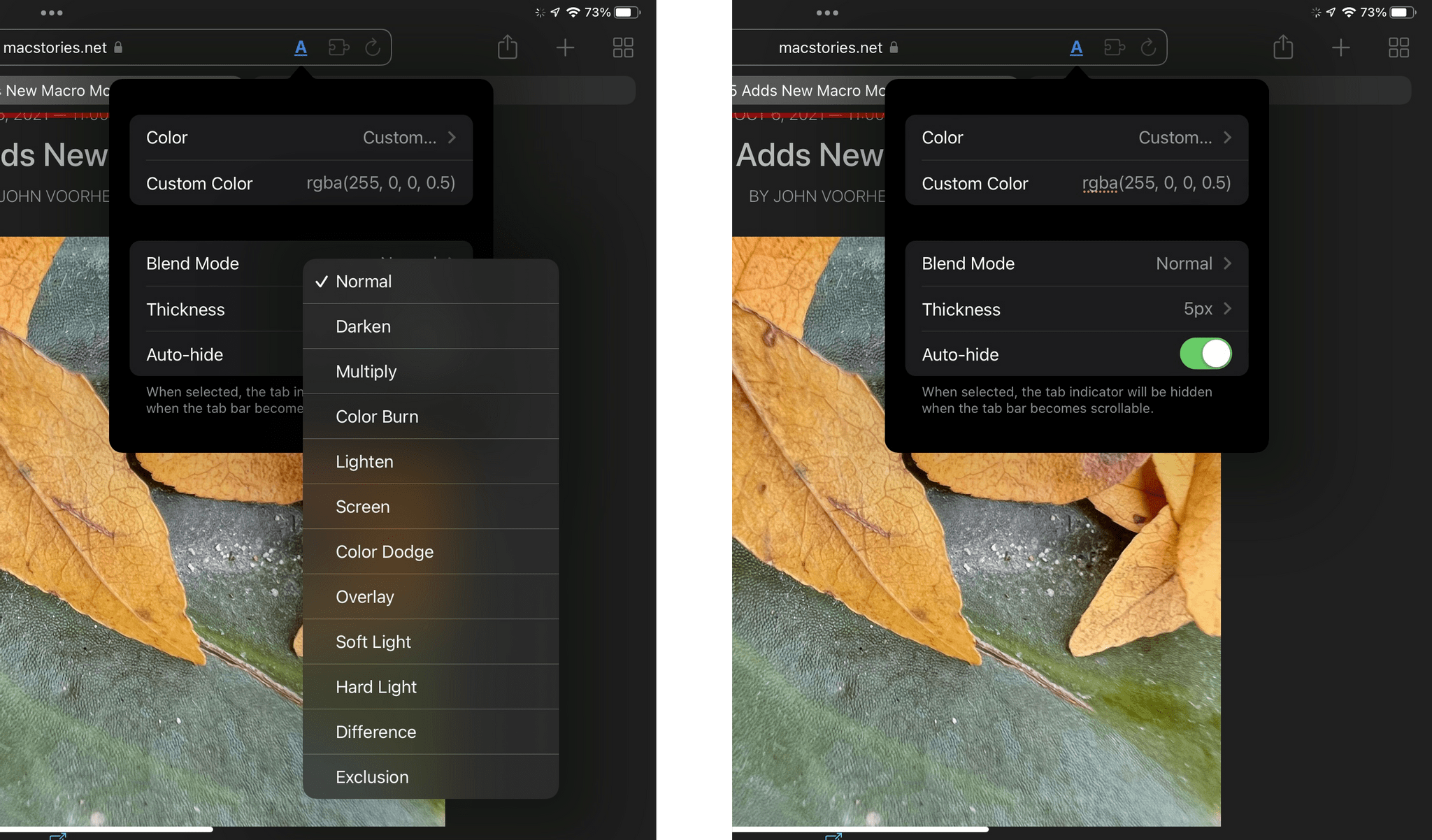
Since I first wrote about ActiveTab, the app has been updated to allow you to add a custom color using RGBA values, in addition to the set of pre-defined options. The extension has added a Blend Mode option on both platforms too, which can help set the extension’s colored bar apart from its background in some circumstances.
If you haven’t checked out ActiveTab yet, it’s available on the App Store for $1.99.
Robot Adventures: iRobot’s New Roomba j7
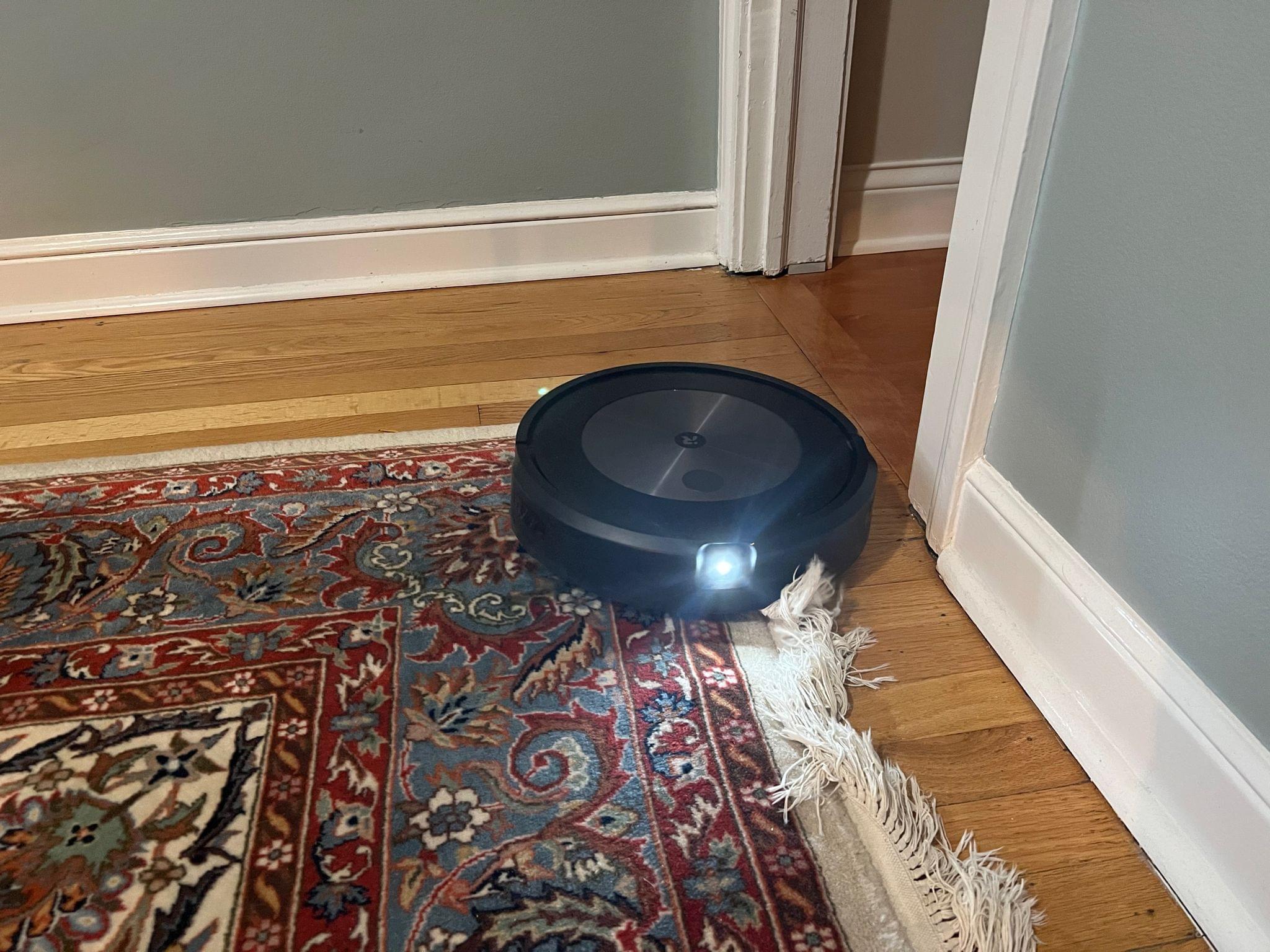
Sometimes rules are meant to be broken. For the past two years or so, I’ve limited myself to HomeKit when it comes to home automation gear. I made that choice to simplify my life. Matter and Thread promise to make home automation hardware and digital assistants more interoperable, but we’re not there yet. It’s entirely...