Posts tagged with "iPad Pro"

Why a 10.5” iPad Would Make Sense

Dan Provost:

Rumors have been swirling about Apple working on an iPad that falls inbetween the 9.7” and 12.9” sizes they currently offer in the Pro lineup. John Gruber and Jim Dalrymple briefly discussed this on the latest episode of The Talk Show, with Gruber saying: “It doesn’t make any sense to me.” (discussion at 1 hour 41 minute mark). There is, I believe, one explanation that makes too much sense not to be true.

His numbers check out. An iPad with the same footprint of the 9.7” iPad Pro but a bigger display with the same pixel density of the iPad mini sounds like a very compelling iPad to me.

Permalink


A Computer for Everything: One Year of iPad Pro

I wasn’t sure I needed a 12.9-inch iPad when Apple announced the iPad Pro in September 2015. And yet, over a year later, the iPad Pro is, by far, the best computer I’ve ever owned. I’ve never felt so satisfied with any other Apple device before – but the transition wasn’t easy.

After years spent adapting what I learned from the Mac to bring it to iOS, what I found on the other side was a more focused, efficient way of working and communicating with people. The iPad Pro accelerated my move to an iOS-only setup; today, I genuinely don’t know how to perform certain tasks on a Mac anymore.

I use my iPad Pro for everything. It’s my writing machine and favorite research tool, but I also rely on it to organize my finances, play games, read books and watch movies, program in Python and Workflow, and manage two successful businesses. While I’ve been advocating for such multi-purpose use of the iPad platform for a while, the iPad Pro elevated the threshold of possibilities, reaching an inflection point that has pushed others to switch to an iPad as their primary computer as well.

Much of the iPad’s strength lies in iOS and its app ecosystem. If Apple were to stop making iPads, I’d still prefer to work on a device that runs iOS rather than macOS. iOS is where app innovation happens on a regular basis with developers one-upping each other in terms of what software can achieve; I also prefer the structure and interactions of iOS itself. The iPad Pro is the purest representation of iOS: it’s a computer that can transform into anything you need it to be.

Even if this discussion was settled a long time ago, it bears repeating: millions of people today like working on iOS more than they do on macOS, and the iPad Pro is the best machine to run iOS. There is no sarcastic subtext about the Mac here, which is still a fantastic environment that many Apple users love and need for their line of work. The Mac and the iPad can coexist in a market where customers believe one is superior to the other. I prefer working on the iPad; others like their Macs more. And that’s fine because, ultimately, the Apple ecosystem as a whole grows stronger and we all reap the benefits.

Over the past year of daily iPad Pro usage, I’ve made it my personal goal to optimize my iPad workflows as much as possible. This is one of the best aspects of the iOS platform: competition between developers is fierce and you can always choose between different apps to get work done – apps that are improved on a regular basis and are constantly updated for the latest iOS technologies. With enough curiosity and patience, iOS rewards you with the discovery of new ways to work and save time.

Since my last iPad story in February, I’ve taken a hard look at my entire iPad setup and rethought the parts that weren’t working. I tried new apps, created new automations, and optimized every weak spot I could find. I improved how I collaborate with my teammates and produce weekly content for Club MacStories members. Thanks to the time I invested in understanding and fine-tuning my iPad Pro, I was able to embark on more projects, double MacStories’ growth, and manage a larger team.

As a result, my iPad Pro today is noticeably more capable than it was a year ago – all without the need for a hardware refresh.

Here’s what I’ve done.

Read more



    Infuse 5

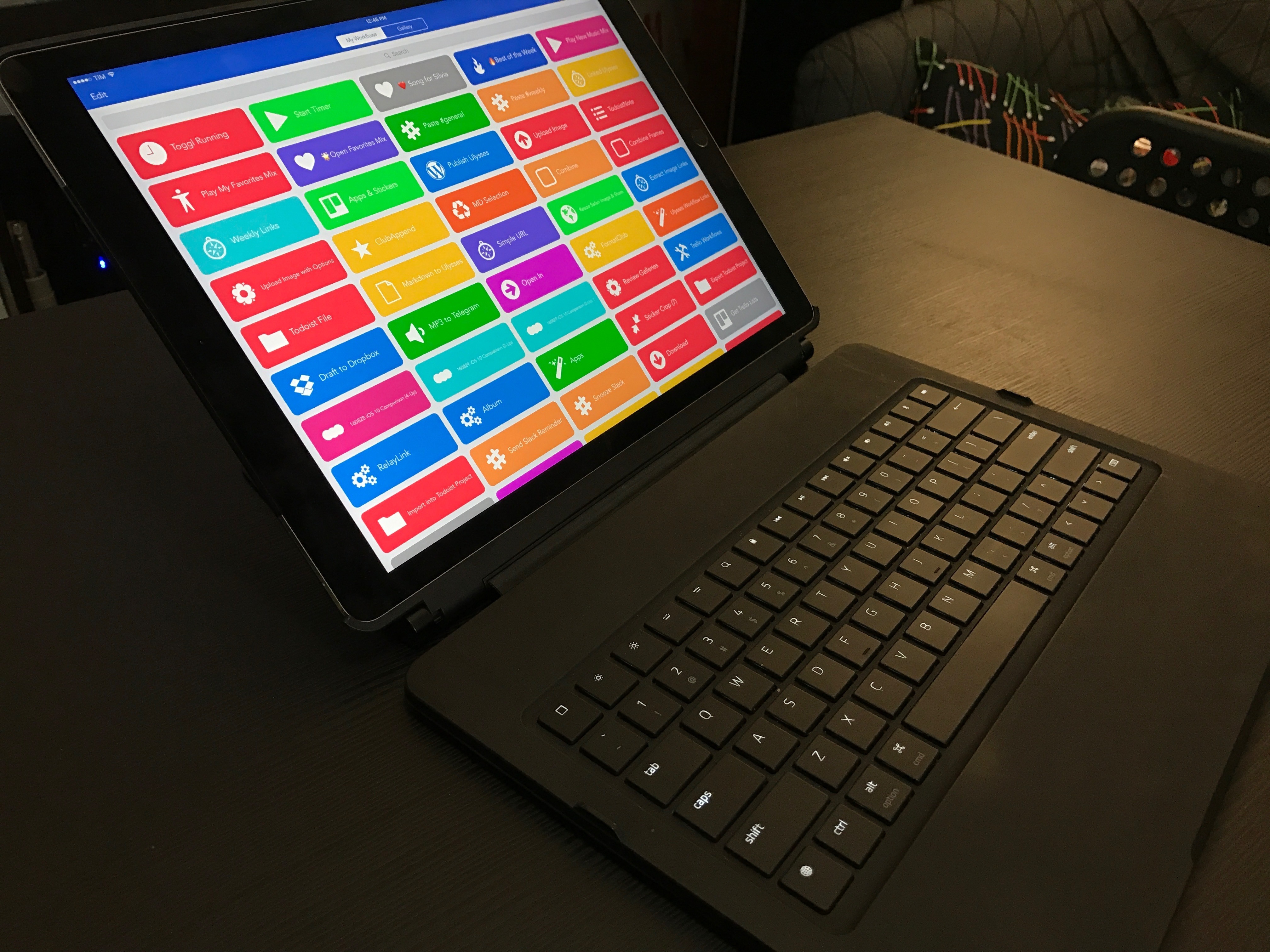
    I watch a lot of TV shows and YouTube videos on my iPad Pro. Thanks to the 12.9-inch iPad’s large screen and four-speaker system, watching directly on the device is a pleasure (I tend to prop up the iPad with the Razer keyboard I reviewed here) but I’ve also been streaming to Google Chromecast and Apple TV depending on what I want to watch (Chromecast is great for YouTube).

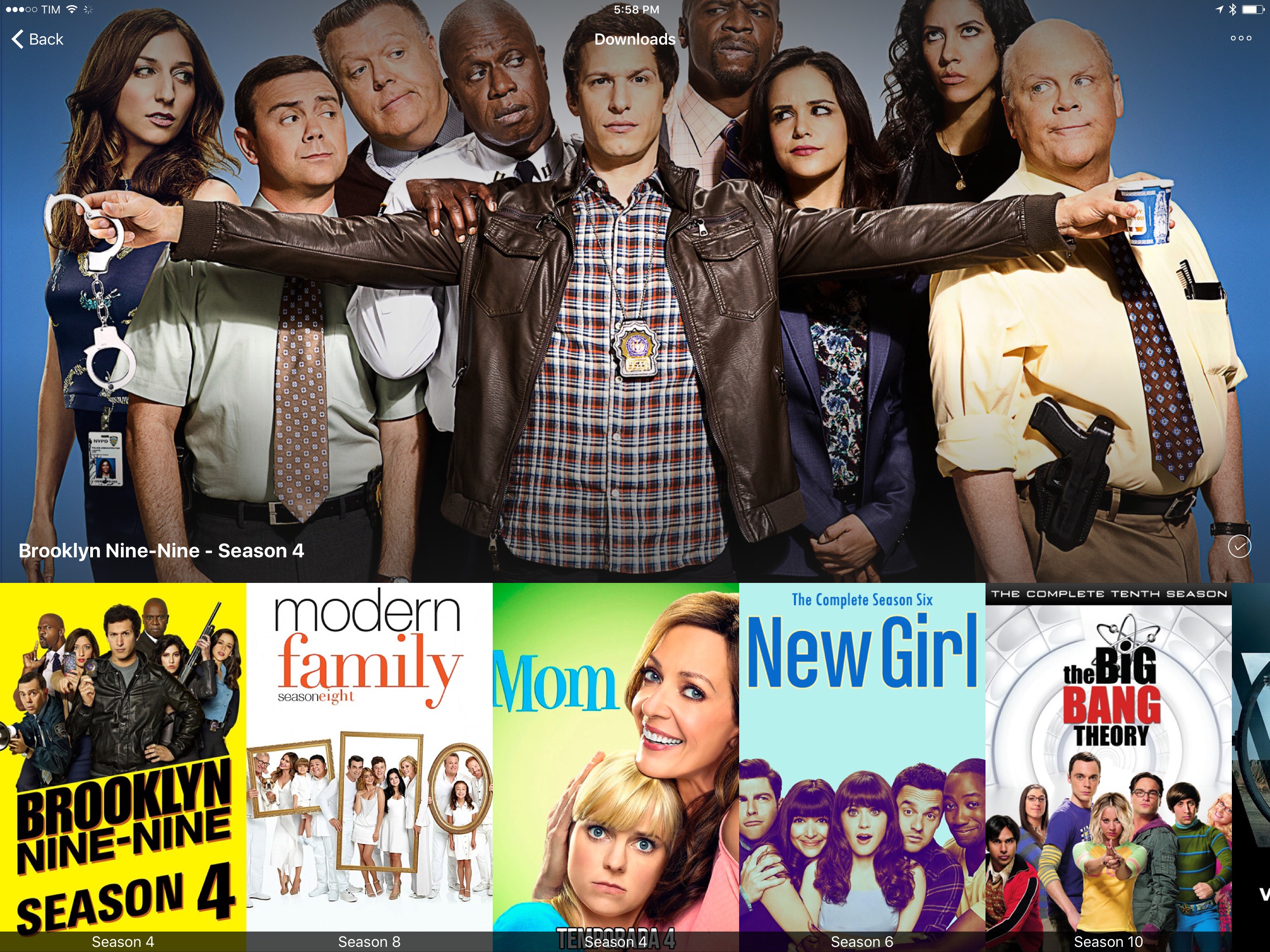
    Every time I want to watch something, I use Infuse. I’ve been an Infuse Pro customer for years now and I like the app because it can stream videos from my Synology NAS and it can play anything I throw at it without issues. Yesterday, Infuse graduated to version 5, which is a separate app with a new subscription model at $6.99/year. I don’t mind paying $0.58/month for an app I use several times each day, and the new version brings some welcome additions that will save me a lot of time going forward.

    Infuse 5 supports Split View and Picture-in-Picture, two features that were strangely missing since the launch of iOS 9. Infuse also uses iCloud now to keep shares, favorites, metadata, and other settings in sync between devices; I don’t use Infuse on my iPhone, but it’s good to know I won’t have to set it up from scratch. In terms of other native iOS features Infuse 5 supports, there is integration with the document picker to download files from external apps and optimizations for video playback on iOS 10.

    More importantly for me, Infuse 5 can automatically download subtitles from Open Subtitles and stream videos from a connected Dropbox, Google Drive, or OneDrive account. The first option is welcome for those times when I have some friends over who want to watch a movie in English audio and subtitles, which I usually keep disabled. Now I don’t have to go looking around the web for the right version of subtitles as Infuse seems to be doing a decent job at picking up the correct .srt file from the popular subtitle service. Cloud streaming means I have an easy way to beam work-related videos from my Dropbox to my Apple TV or Chromecast while retaining the benefits of Infuse’s UI.

    Infuse is the only video app I keep on my iPad Pro. Unlike other video apps, Infuse combines an elegant interface and intuitive controls with powerful functionalities and integrations, which is what I need when I’m done working and want to relax at the end of a long day. Infuse 5 is available on the App Store; a paid upfront Pro version is also available at $12.99 if you don’t want to subscribe annually.


    iPad Pro Plays a Role in the Stranger Things Poster Art

    Adario Strange of Mashable takes a look at how artist Kyle Lambert created the 80s-style poster art for Netflix’s original series Stranger Things using an iPad Pro, Apple Pencil, Procreate, a Mac, and Photoshop.

    I used the iPad Pro to do the preliminary composition ideas and the sketch that became the final Stranger Things poster. I chose to use the iPad Pro for the drawing stage of the poster because I find that I am able to sketch in a very natural way on the device using the Apple Pencil. The device in general is nice to hold for long periods of time, it is really portable and Procreate, the app that I used, has some really great Pencil brushes for drawing with.

    Lambert exported the image to Photoshop on a Mac to do detail work using an Wacom Intuos tablet, which involved editing hundreds of layers. In the final stage, Lambert exported a flattened version of the art back to Procreate on an iPad Pro to add a “more fluid sketch style” to parts of the final product.

    Image: Kyle Lambert

    Image: Kyle Lambert

    The depth and detail of Lambert’s process and artwork are fascinating and demonstrate just how powerful Procreate combined with an iPad Pro and Apple Pencil can be in the hands of a talented artist. Check out the full article on Mashable to learn more about how Kyle Lambert created the Stranger Things poster.

    Permalink

    Localized iPad Pro Smart Keyboards Arrive

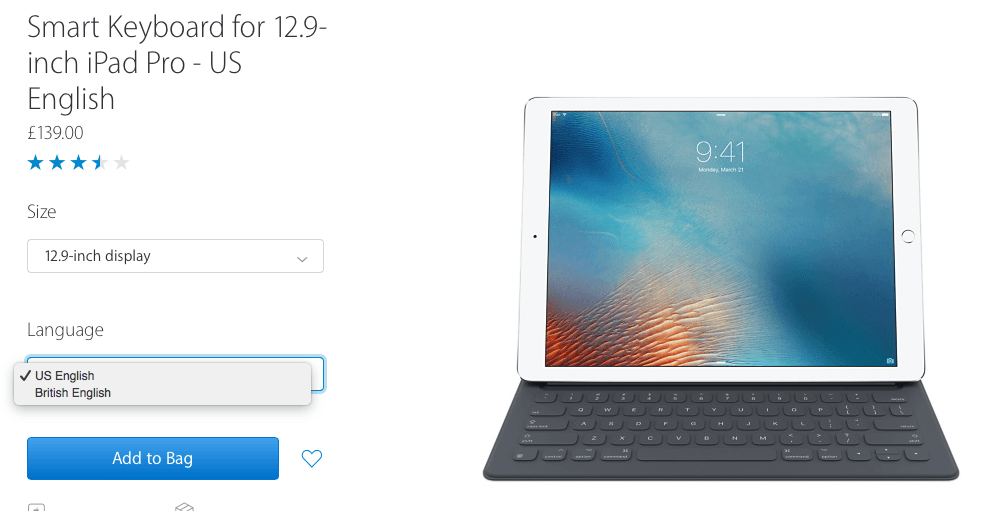
    Apple has introduced new Smart Keyboards for the iPad Pro with localized layouts for several languages. According to 9to5Mac, the localized Smart Keyboards include British English, French, Spanish, Italian, Arabic, and others. The keyboards are available to fit both the 9.7 and 12.9 inch models of the iPad Pro and are available from Apple’s websites in the countries where the applicable languages are spoken, along with the existing US English version of the keyboards.

    Permalink

    Logitech’s CREATE Keyboard for the 9.7” iPad Pro

    Logitech’s CREATE keyboard case, which I reviewed when the 12.9” iPad Pro launched in November, has received a new version for the 9.7” iPad Pro today. Logitech was able to fit all the features of the larger CREATE in this model – it’s a case that protects the front and back of the iPad, it’s got mechanical scissor keys with a full row of iOS-specific shortcuts, and it’s backlit.

    Unlike the first CREATE, the 9.7” edition comes with an Apple Pencil holder that will allow you to carry an iPad Pro and a Pencil together with a physical keyboard in one package.

    I wasn’t a fan of the original CREATE when it launched, but I feel like a smaller footprint and Pencil support could make the new version a much better deal for 9.7” iPad Pro users.

    The new CREATE keyboard case is available today at $129.99 from Logitech’s website.

    Permalink

    Apple Airs New iPad Pro Commercial, Asks “What’s a Computer?”

    Apple posted a new iPad Pro commercial today, highlighting the nature of the device as a new kind of computer.

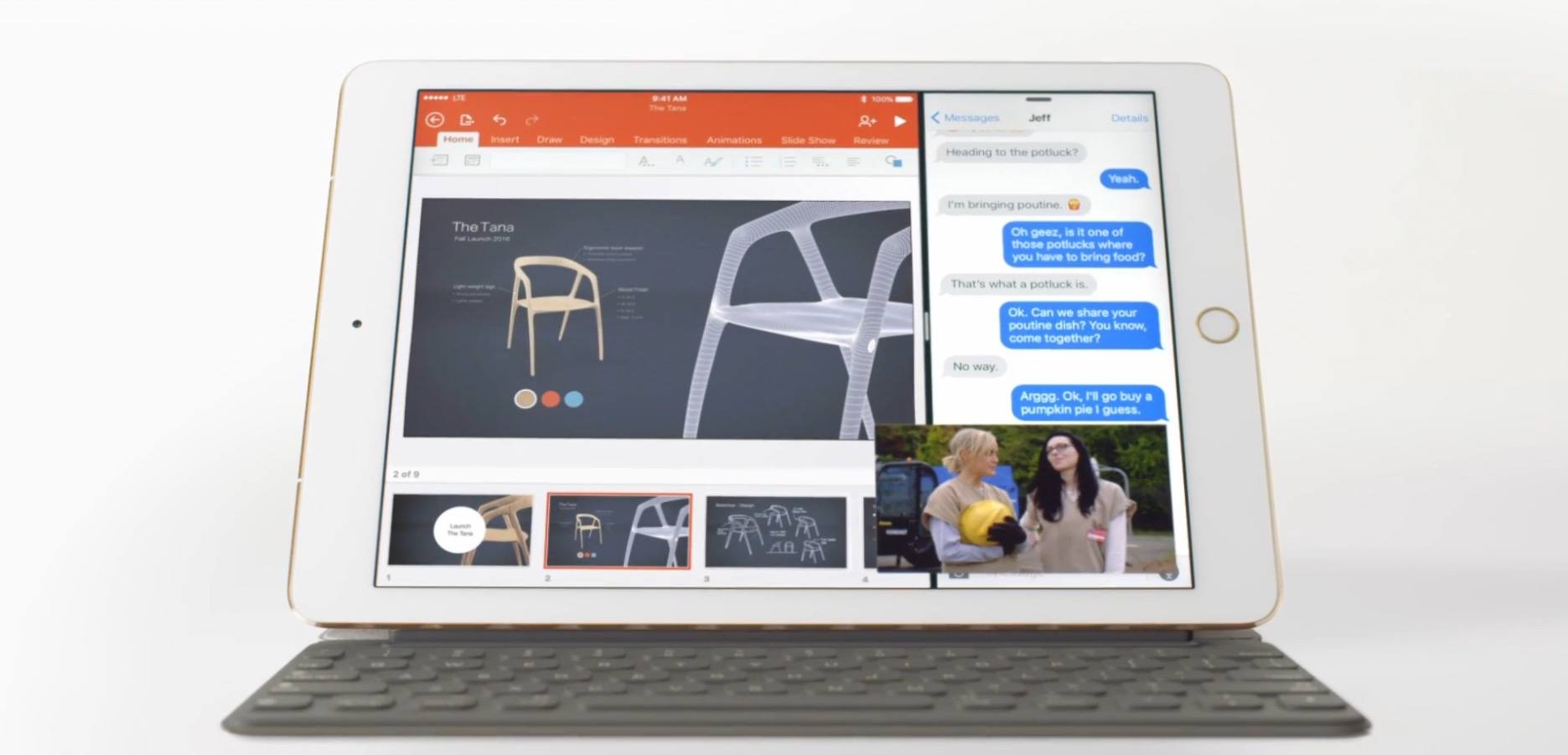
    The ad follows a simple model: it showcases common usage of an iPad Pro with accessories, apps, and system features that aren’t available on traditional computers. The video jumps from showing the Apple Pencil to mentioning the iPad’s touch screen, the detachable Smart Keyboard, and apps like Office and Procreate that offer unique functionality on iOS 9. At the end, iMessage in Split View and Picture in Picture (also two features of last year’s iPad-focused iOS 9 update) make an appearance.

    In the narration of the ad, Apple explains:

    Just when you think you know what a computer is, you see a keyboard that can just get out of the way. And a screen you can touch and even write on. When you see a computer that can do all that, it might just make you wonder – “Hey, what else can it do?”

    The video closes with the tagline “Imagine what your computer could do if it was an iPad Pro”.

    The iPad Pro’s new commercial comes at an interesting time for Apple. The company announced its latest iPad, the 9.7-inch iPad Pro, as the “ultimate PC replacement” for Windows switchers, but its upcoming iOS 10 update only includes minor iPad changes – a departure from iOS 9’s iPad breakthroughs. On the other hand, the iPad line recently returned to revenue growth after several quarters, likely thanks to the iPad Pro and its higher selling price.

    Explaining to consumers how an iPad can be a PC replacement and, at the same time, a new take on desktop computing has always been one of Apple’s toughest propositions. This new iPad Pro commercial seems to start from the basics again, asking what a computer truly is and how it can be different. It’ll be interesting to see if a wider marketing campaign and more commercials will follow.

    You can watch the video below.

    Read more