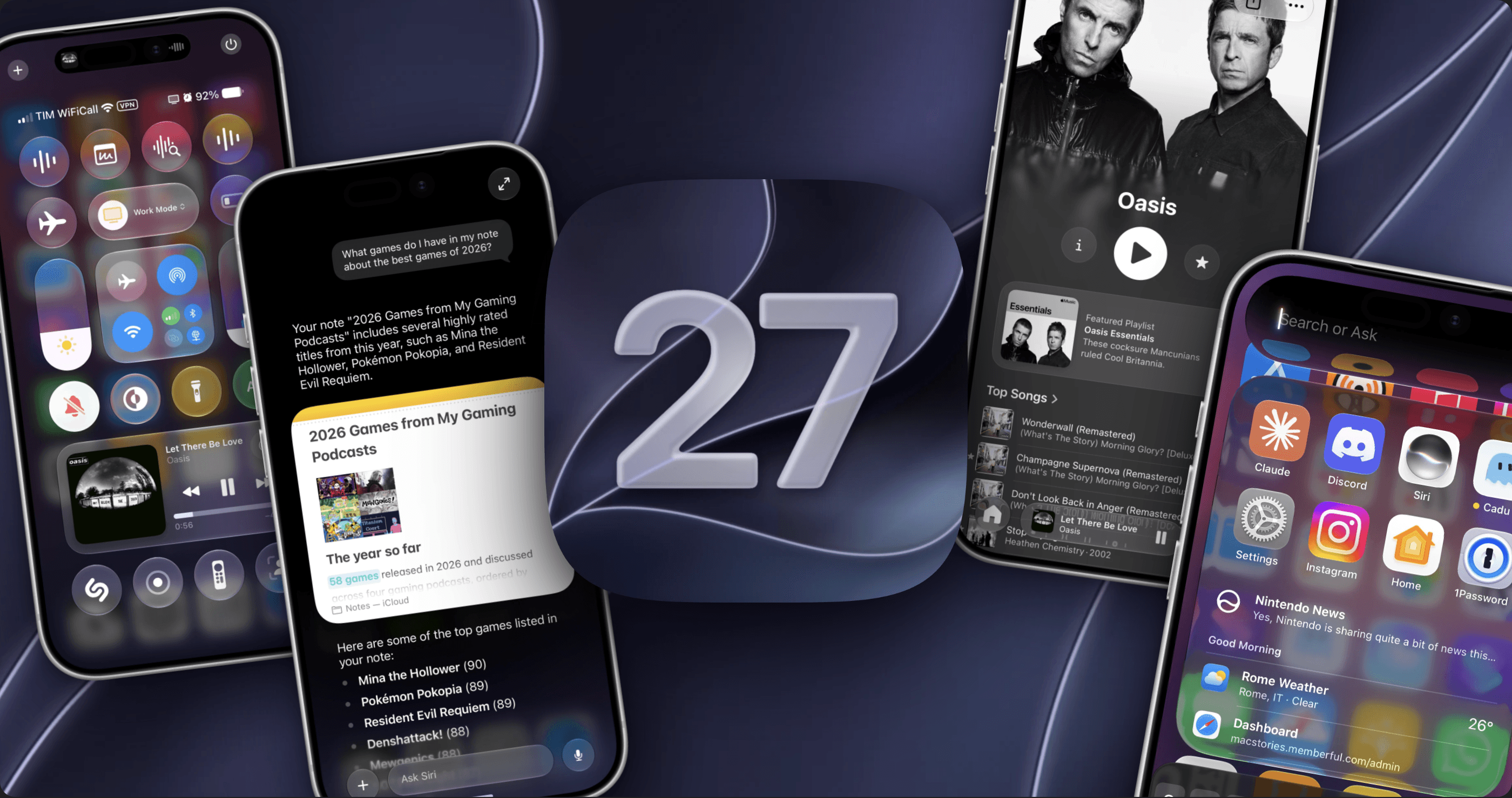
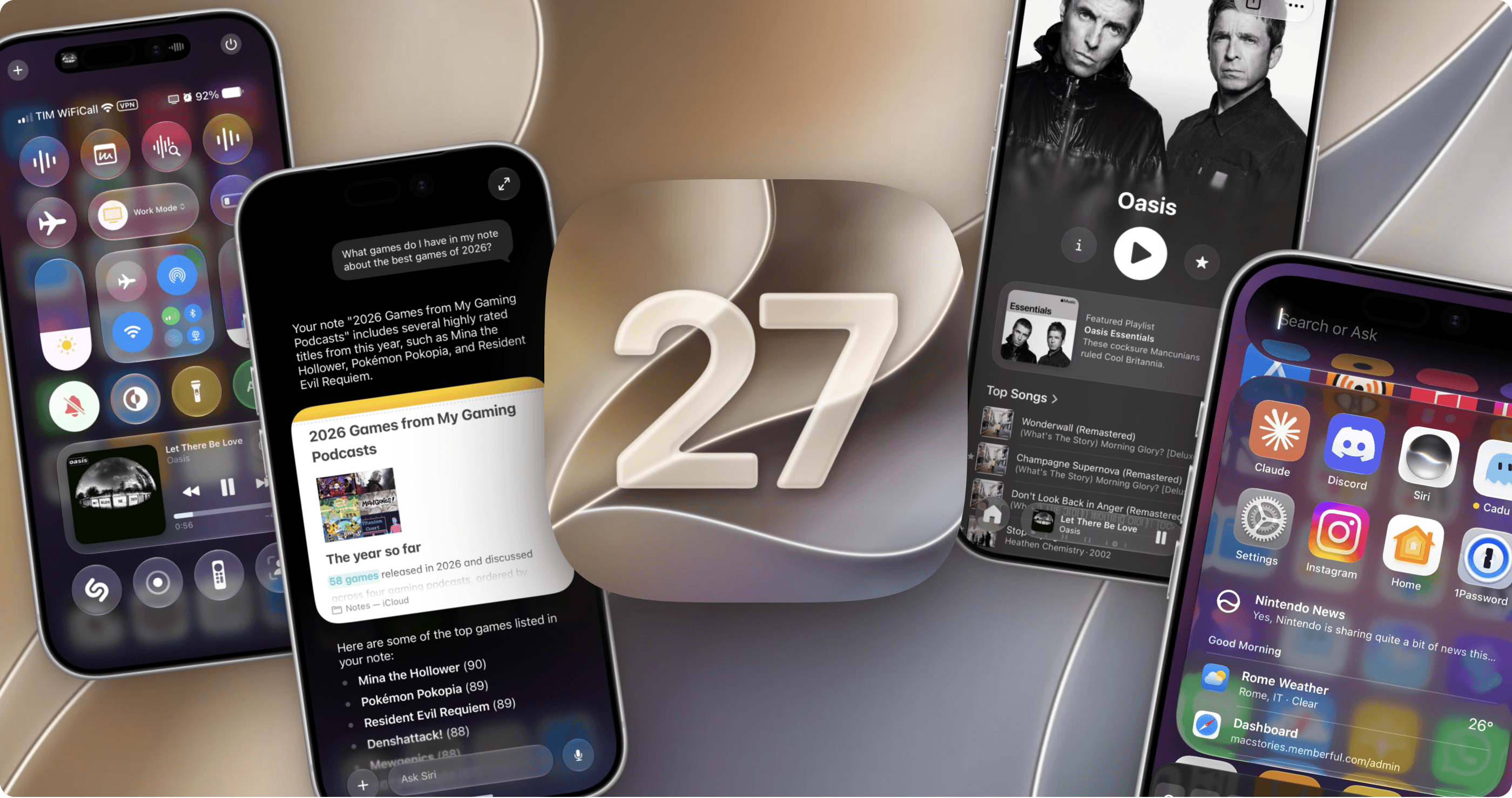
In the 11 years I’ve been writing annual iOS and iPadOS reviews every summer, I don’t think I’ve ever struggled to find an “angle” for my story as much as I did this year. The reason was twofold: I wasn’t particularly enamored with Siri AI and Apple’s belated chatbot efforts; and, as I realized during the summer, it can be challenging to write about an OS update that is largely focused on performance improvements and refinements.
“Everyone wants a so-called Snow Leopard year until it actually happens,” I thought to myself on several occasions over the past few months. Think about it: on paper, we all love a good ol’ basket of bug fixes that just make our phones better without changing much about the overall design and experience of iOS. It’s a commendable effort, and there’s no denying that iOS 27 is the snappiest (insert meme here), most stable version of iOS I’ve ever tested – and it has been since the first developer beta. In practice, though, it turns out that considering a major iOS update merely through the lens of improvements and fixes can be…a little boring.
So I’ve been sitting on this review for a while. I let it simmer. Then, a month ago, as I was sunbathing with my girlfriend Silvia down south in beautiful Vieste, Puglia, it hit me: iOS 27 is a geographically ambiguous update. Stay with me here. Depending on where you are in the world, this update can either be a little boring or pretty exciting.
If you’re a MacStories reader with access to Siri AI, you fall on the “pretty exciting” end of the spectrum. From my perspective as someone who’s been using frontier models and has embraced different agentic workflows over the past year, Siri AI can’t compete with the intelligence offered by models from the four American companies leading the AI race right now. As I wrote back in July, however, Siri AI has an advantage: its proprietary integration with iOS frameworks, personal context, and third-party apps.
As I’ll explore in the Siri AI chapter, the results can be hit or miss: inferior intelligence and lack of agentic features won’t impress power users who have grown accustomed to the likes of Claude Cowork and ChatGPT Work. At the same time, what Siri AI can accomplish with Apple’s own apps and compatible third-party ones is an objectively nicer and more powerful iOS-native experience than anything else on the market right now. And: even if Siri AI’s chatbot capabilities don’t land at the frontier of AI benchmarks, it undeniably is a better Siri for Siri-type tasks than it’s ever been. I know: that’s not a high bar to clear, but the difference is quite dramatic if you go back to the old Siri.
In the three months that I’ve spent with iOS 27, I’ve come to appreciate the “little boring” side as much as the exciting one, which is not what I was expecting after WWDC. Even if we set aside the dozens of features introduced by Siri AI and Apple Intelligence, iOS 27 is the kind of update that fixes hundreds (not hyperbole) of paper cuts throughout the entire operating system.
You may not notice them at first: perhaps you’ll think that Notes always allowed you to insert a divider line, or that Music’s Now Playing screen always worked in landscape mode, or that you’ve been able to export a frame from a video in Photos for a while now. And that’s where iOS 27’s “boring” nature turns into its opposite: if you’re the kind of iPhone and iPad user who cares about this stuff, these smaller enhancements across Apple’s entire catalog of apps will probably mean more to you than a barebones Siri chatbot app. My goal with this review is to shine a spotlight on these smaller improvements that have had a meaningful impact on my everyday iPhone experience.
I may have struggled to fully understand iOS 27 for a while, and perhaps to an extent I still do, as we’ll see with Siri AI. But I know one thing now: iOS 27 is not a Snow Leopard release. It’s less flashy than last year’s Liquid Glass update, and it’s not as bombastic for iPad users as iPadOS 26 was. Instead, iOS 27 shows that Apple is still capable of delivering something new while caring about the old.
Let’s dive in.