This Week's Sponsor:

Hello Weather

Half Off for WWDC Week, Just in Time for Summer.


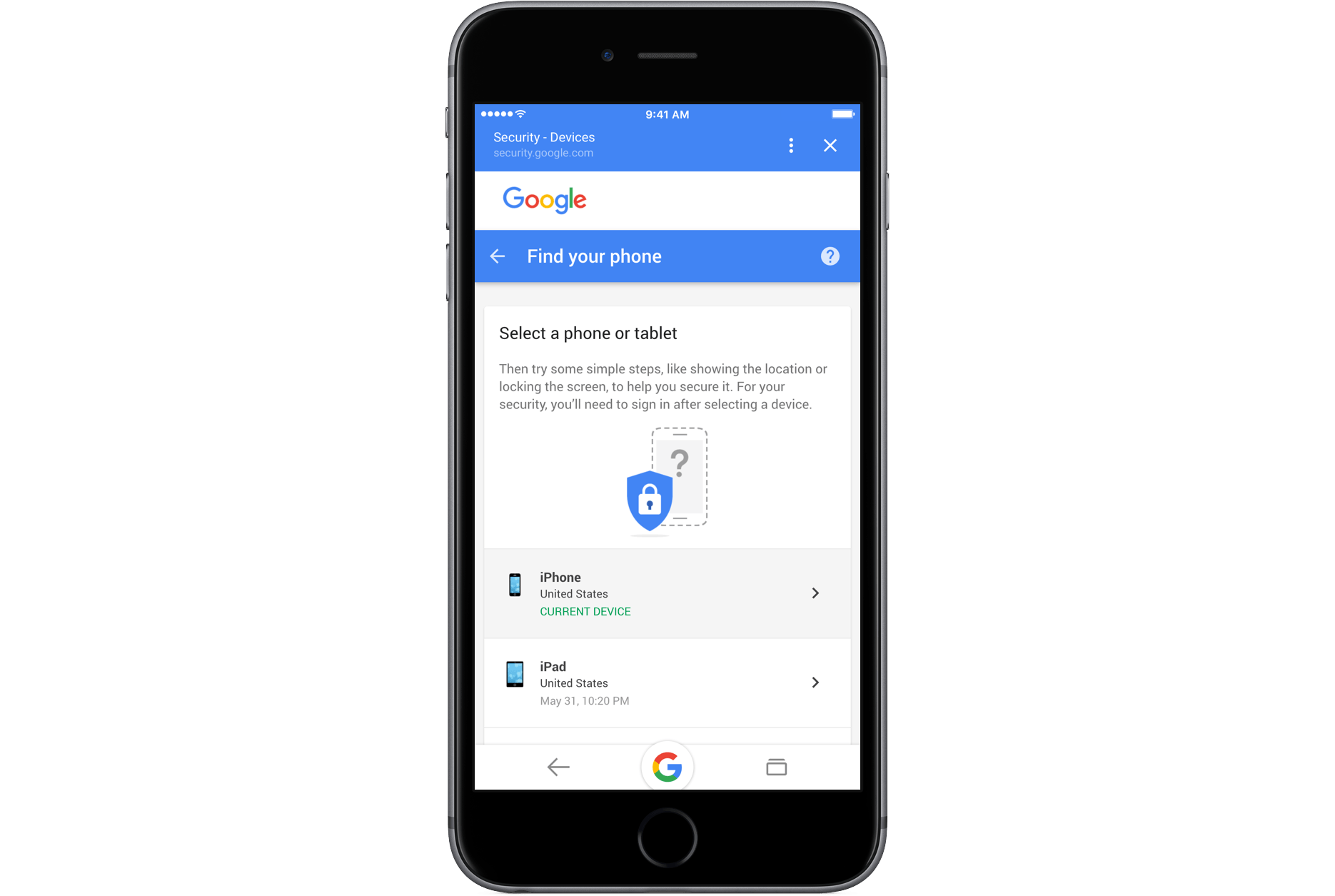
Google Adds Find Your Phone Feature for iOS Devices

Google continues to improve and refine its ‘My Account’ features with a service that complements Apple’s ‘Find iPhone’ feature. Google’s ’Find Your Phone’ which has been available for a while for Android phones, allows Google users to:

  • find their iOS device and lock it by redirecting users to iCloud.com;
  • call an iOS device;
  • leave a callback number on an iOS device’s screen;
  • log out of your Google account;
  • contact your mobile carrier; and
  • locate a local lost and found using Google Maps.

To access Find Your Phone, log into your Google ‘My Account’ page on the web or use the Google iOS app on another iOS device.


Apple’s Back to School Promotion Goes Live

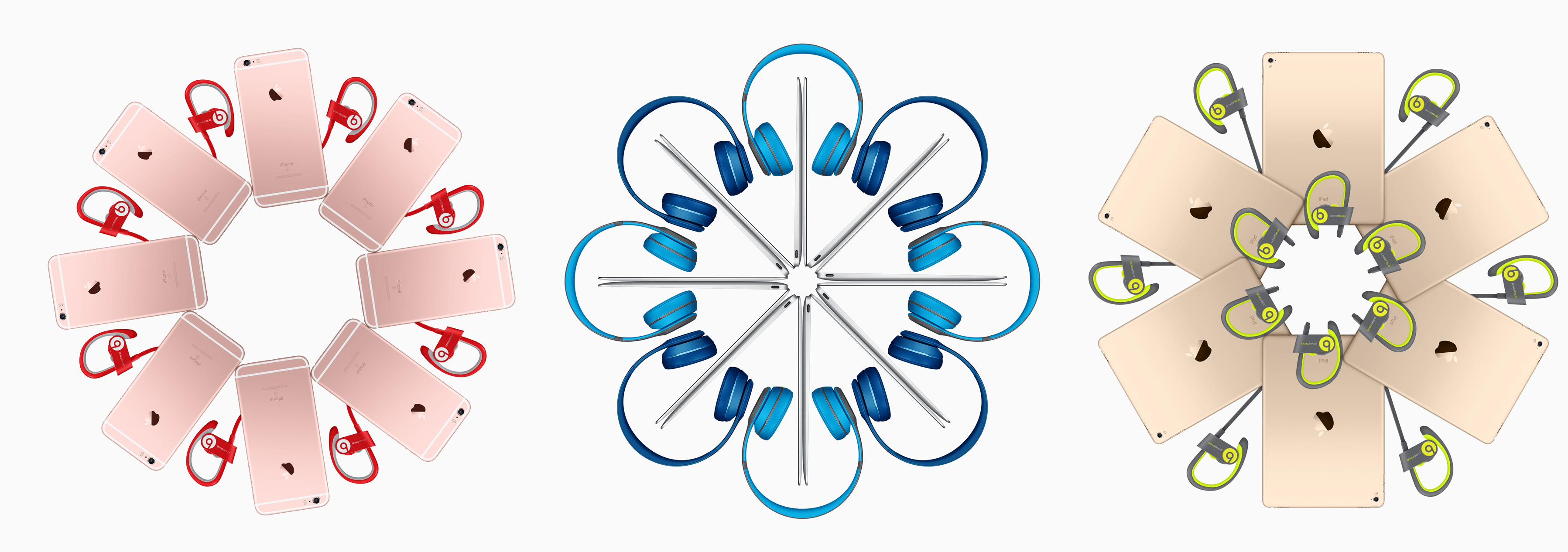
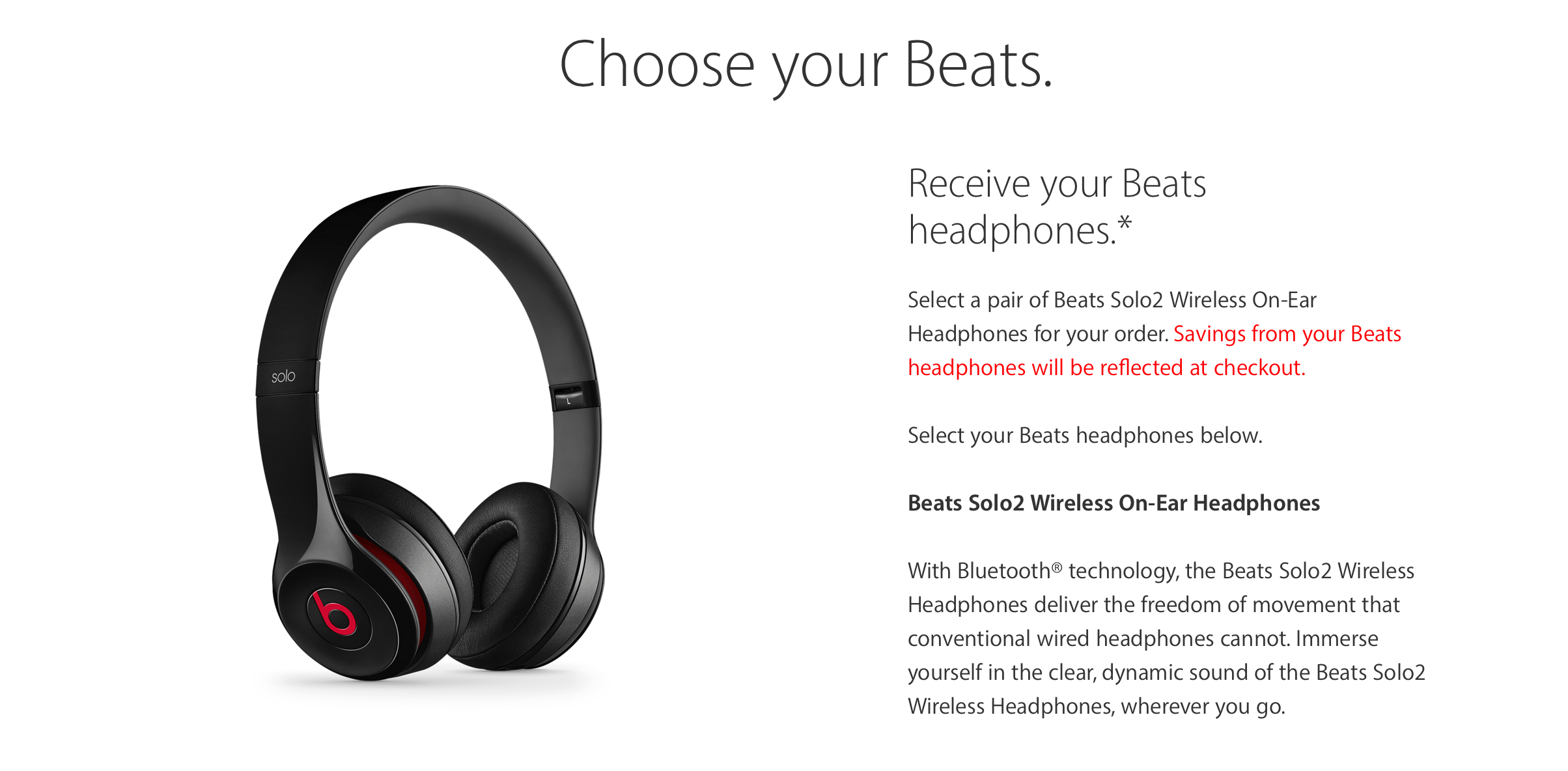
Continuing the yearly tradition, Apple’s Back to School sale launched today on Apple.com and in stores. Along with the usual education discounts of $50 for Macs and $20 for iPads, Apple is also including a pair of Beats wireless headphones with every order of either a Mac, iPad Pro, or iPhone.

On the Mac side, buyers have a choice from the selection of Beats Solo2 Wireless On-Ear headphones in 11 colors. Unfortunately, selecting a pair during the checkout process doesn’t display the color in the picture along the side, so make sure to check out how the colors look before choosing.

For both iPad Pro and iPhone, an order comes with one pair of Beats Powerbeats2 Wireless headphones or the equivalent value to be put toward a pair of Solo2 Wireless Headphones. The Powerbeats2 headphones come in 7 options.

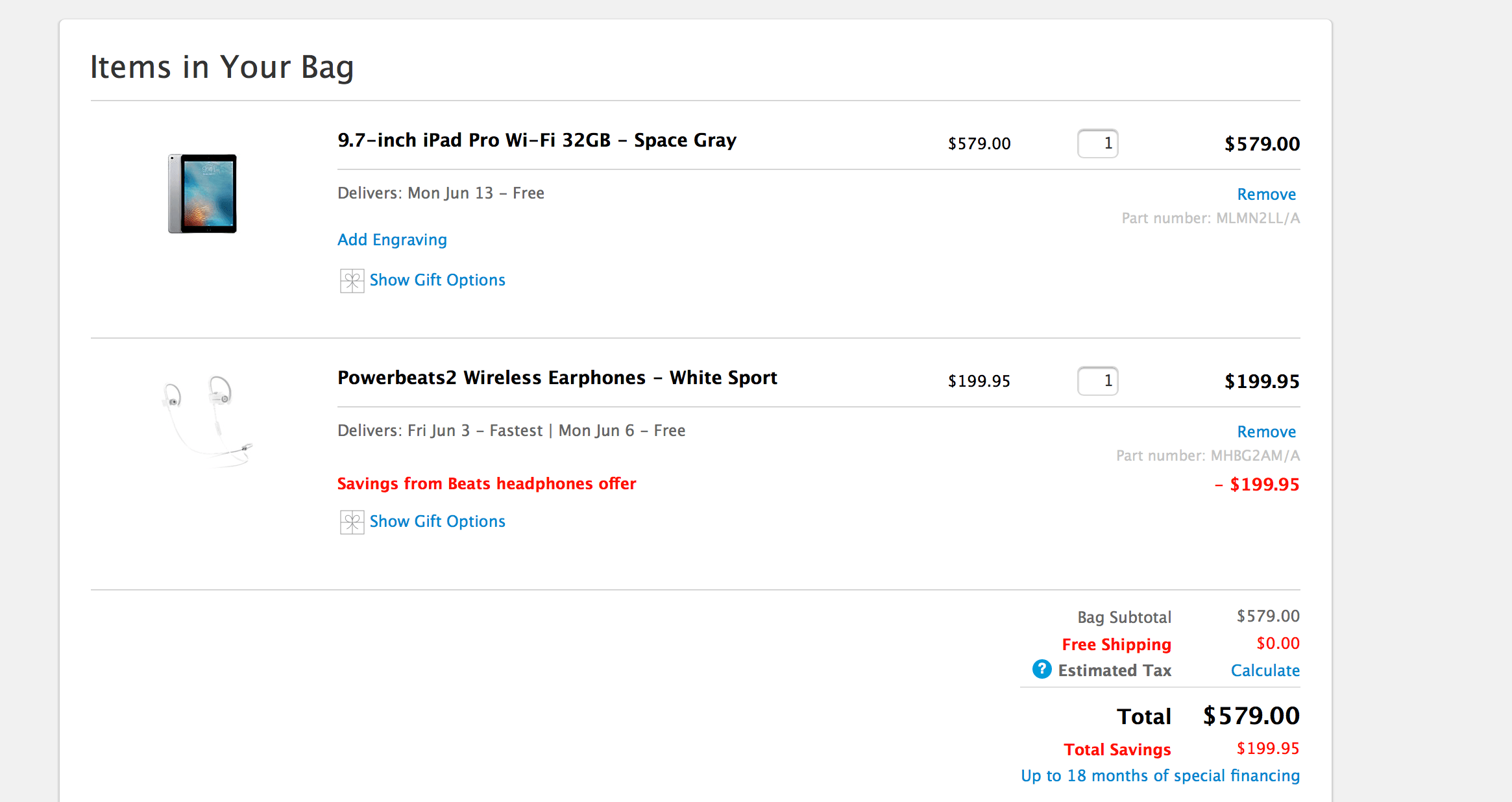
If you’ll be taking advantage of this promotion, note that the cost of the Beats will be reflected on the total until checkout. After completing the process, Apple will deduct the price and it will reflect as savings.

This year’s Back to School sale started noticeably earlier than last year’s promotional period – which took place from July 23 to September 18 – and I have to wonder if this promotion is Apple looking to introduce wireless headphones to more people ahead of the iPhone 7 launch. If the iPhone 7 does indeed ship without a headphone jack, this promotion will be a great way to familiarize the public with Bluetooth headphones.

For more information on the discount, head over the the promotion page here.

Update: According to multiple redditors in this thread, Apple will honor the deal even if the computer was purchased within two weeks before the promotion’s launch. Although many people have been able to snag the headphones, be wary – Apple hasn’t released an official policy on this.


Alto’s Adventure Adds Zen Mode and Sharable Gameplay Photos

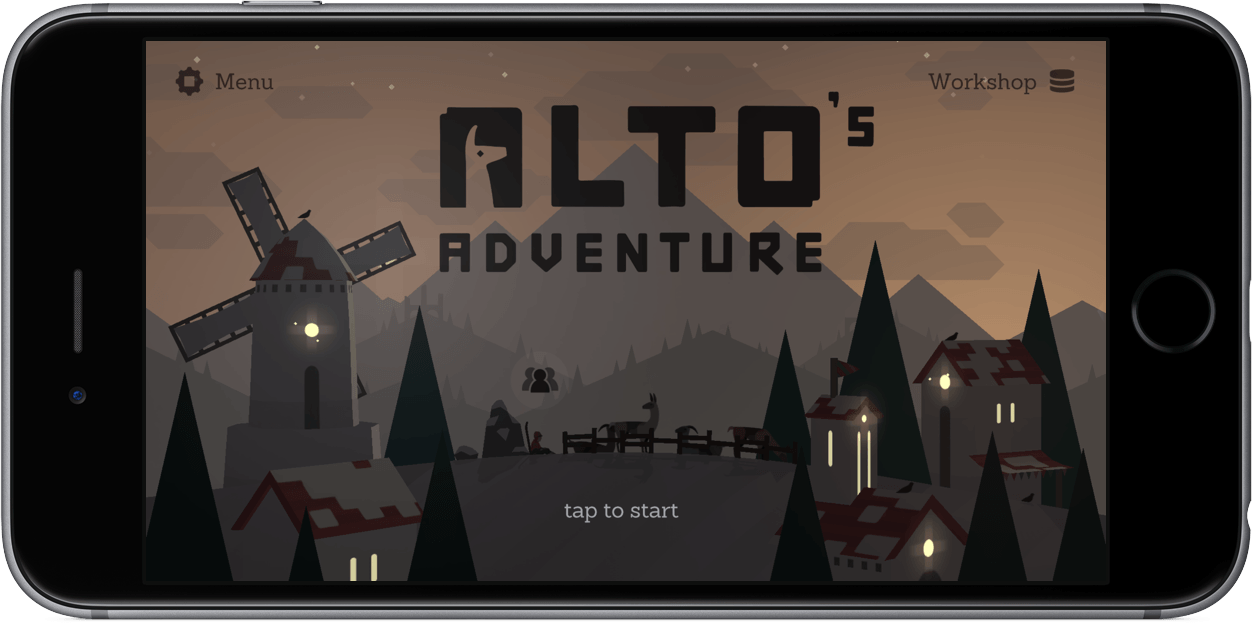
Alto’s Adventure, one of my all-time favorite iOS games, is getting a couple fantastic features today. The first is a zen mode that lets you play as long as you want without having to restart when you crash. If you fall, you can simply pick yourself up and resume from right where you are. There also aren’t any collectables, removing all of the potentially stress-inducing aspects of the game. It’s just you snowboarding down the mountain and doing tricks. The new mode is accompanied by a soothing new soundtrack that fits well with the more relaxed feel of zen mode.

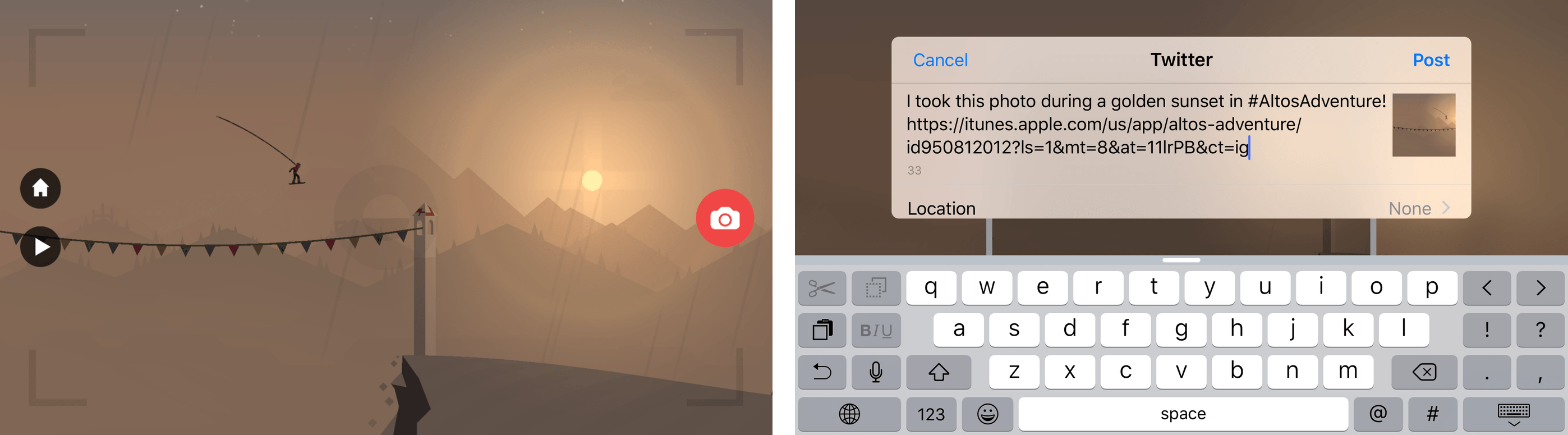
Alto’s Adventure also adds the ability to take snapshots of gameplay. Pausing the game by tapping the pause button in the lower left hand corner of the screen lets you enter photo mode.1 Once paused, you can pinch, zoom, and pan the scene to frame the shot and then take a snapshot that can be shared using the system share sheet.

Zen mode and the new photo feature enhance Alto’s Adventure by making it even easier to soak in the stunning visuals and soundtrack of the game. As much as I like the new features, though, I like that both are neatly tucked away in the interface so neither interferes with the way the original game works.

Version 1.3 of Alto’s Adventure is a free upgrade to existing customers. New customers can purchase Alto’s Adventure for $3.99 on the App Store.


  1. If you don’t see a pause button, don’t worry, it’s there. The button just fades from view over time. 


Apple Experimenting with Apple TV Top Charts and Featured Section

Last week, equinux, the maker of Live TV, an Apple TV app for streaming live German television, noticed something strange. Live TV, which was featured on the German Apple TV App Store and ranked among the top free Apple TV apps in Germany, seemed to disappear from the store shortly after an update to the app was launched.

In turns out, Apple now hides an app in the charts once you’ve installed it. Give it a try: Go install TV Pro Mediathek (VOD for German TV content) from the App Store (currently #3 Top Grossing in Germany) and then go back in to the App Store: boom – it’s gone from the charts and the next-placed app has moved up.

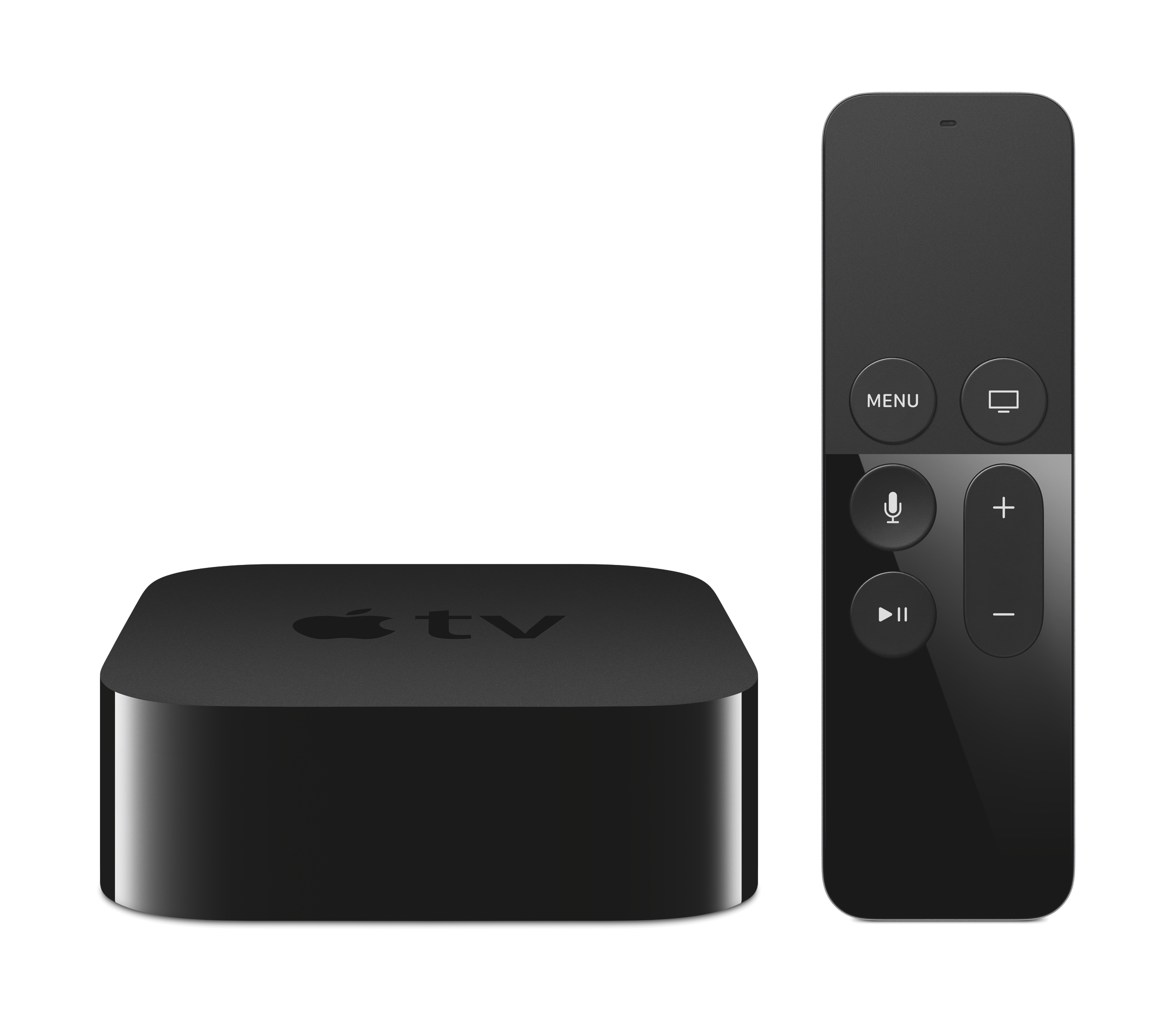
We have confirmed that the same phenomenon occurs in the US Apple TV App Store using the AMC television network’s Apple TV app. If you download the AMC app, which is currently featured and ranked among the top free apps in the US, and then force quit the store by double clicking the Home button on the Siri Remote and swiping up on the App Store app, the next time you launch the App Store, AMC will no longer be on the Featured page or on the top free app chart.

This is an interesting experiment. Screen real estate is at a premium on the Apple TV App Store. By eliminating apps that a customer has already downloaded, Apple is able to present customers with more new apps. The change does mean, however, that the charts are not true top charts, but instead, top charts of apps someone hasn’t already downloaded.

This change makes a lot of sense, especially on Apple TV. In my own experience, I am less likely to browse deep into the Apple TV App Store than I am on iOS App Store or Mac App Store. By limiting the Featured page and charts to apps that are new to me, it’s easier to discover new apps without paging past the ones I already downloaded.


I Made You a Mixtape

I’ve always loved the idea of someone else making a mixtape for me.

When I was in middle school and until the first year of high school, we didn’t have the Internet at home. My parents were against buying me a PC; they thought it was a waste of time. Unlike many of my friends, I depended on books and magazines for my school research and hobbies. I was a voracious reader.

That was 2002. I wasn’t exactly a music fan back then: I heard music on the radio in my mom’s car on the way to school in the morning, and I occasionally slid my dad’s cassette tapes in our Siemens Club 793 stereo, but he only listened to Italian music. I wanted the English stuff.

Until one day my friend Luca told me about MP3s and compact discs with hundreds of songs on them. By leaving his computer plugged in all night, he explained elatedly, he could download any music he wanted from the Internet using programs with exotic names I had never heard – WinMX, eMule, iMesh. Then, all those songs could be “burned” onto a CD as MP3s, and I could play them back for as long as I wanted with a CD player.

I was 14, we were chatting after school, and I didn’t know what piracy was. And then, the surprise: because he knew I didn’t have the Internet (or a computer), he had made a sample CD for me with about 30 songs on it. He gave me the CD, told me to buy a CD player for myself, and he concluded with “Get back to me soon about the songs you like. I put in a bit of everything except Italian music”.

Fourteen years ago, I was handed the first mixtape someone ever made for me.

Read more


Timing for Mac Tracks Your Time So You Don’t Have To [Sponsor]

Timing for Mac.

Timing for Mac.

Have you ever spent all day in front of your Mac, just to wonder where the heck all that time went?

Or tried to bill a client, but couldn’t reconstruct how many hours you spent working for them?

You could use a time tracker. But to be honest, manual time tracking sucks. You have to start and stop timers, enter what you did, and so on. And if you forget that, you are back to square one.

Not so with Timing.

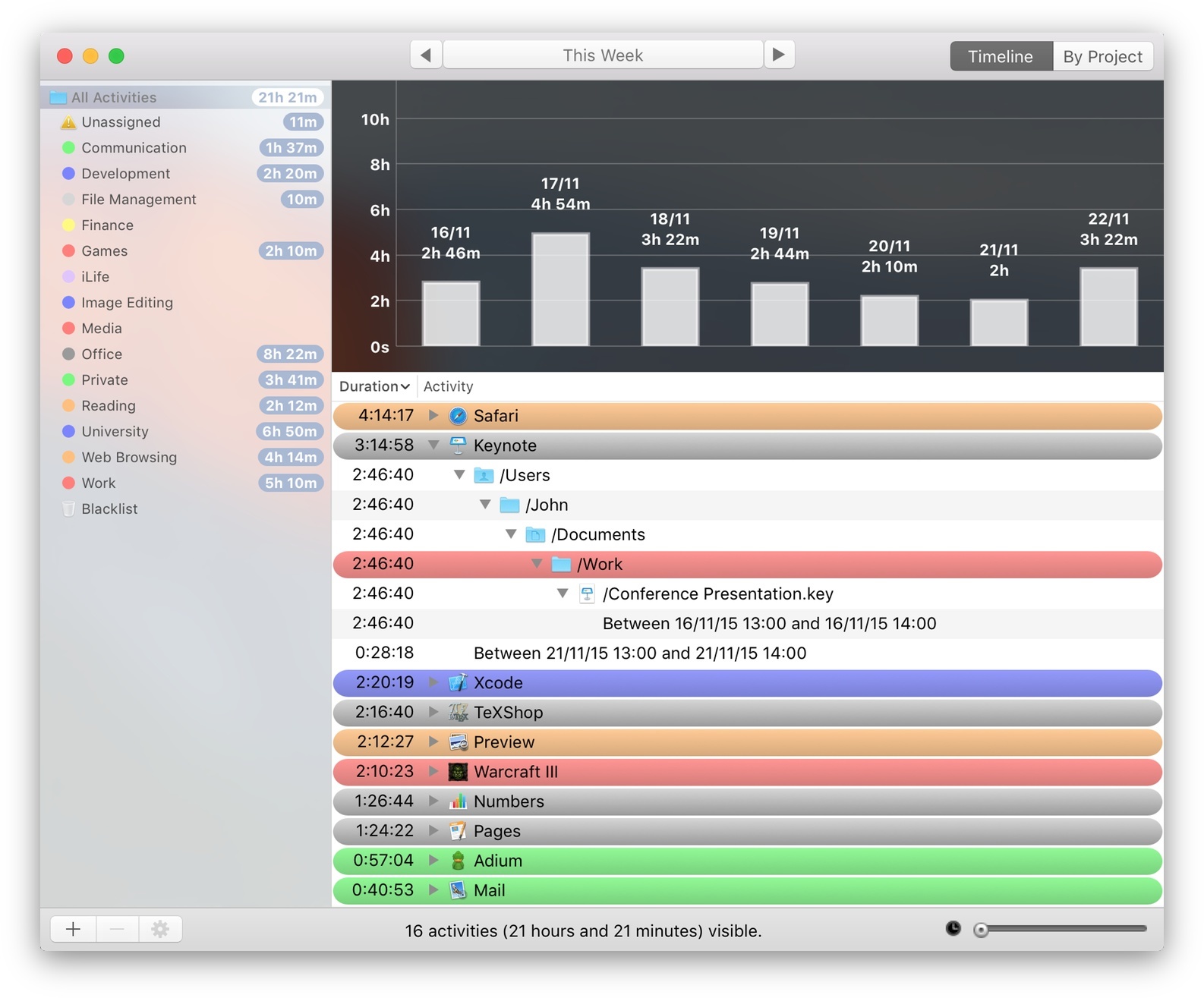
Instead of making you do all the work, Timing automatically tracks how you spend your time. It logs which apps you use, which websites you visit, and which documents you edit. You can easily categorize activities into projects.

Also, your data is not uploaded to anyone’s server. It stays safe on your Mac at all times.

Still not convinced? Download the free trial (direct link) now and on Friday review all the gory details of what you did this week. (But don’t blame Timing when you see all those hours wasted on Facebook and elsewhere!)

You can purchase Timing on the Mac App Store or check out the website at timingapp.com. The app is 20% off this week at $19.99 – that already pays for itself by recovering just half an hour of unproductive or unbilled time.

Our thanks to Timing for sponsoring MacStories this week.


Twitter for iPhone Gets Extended 3D Touch Support with Peek & Pop

With an update released earlier today on the App Store, Twitter has extended integration with 3D Touch in their iPhone app (previously limited to quick actions on the Home screen) to peek and pop previews in the timeline and other sections of the app.

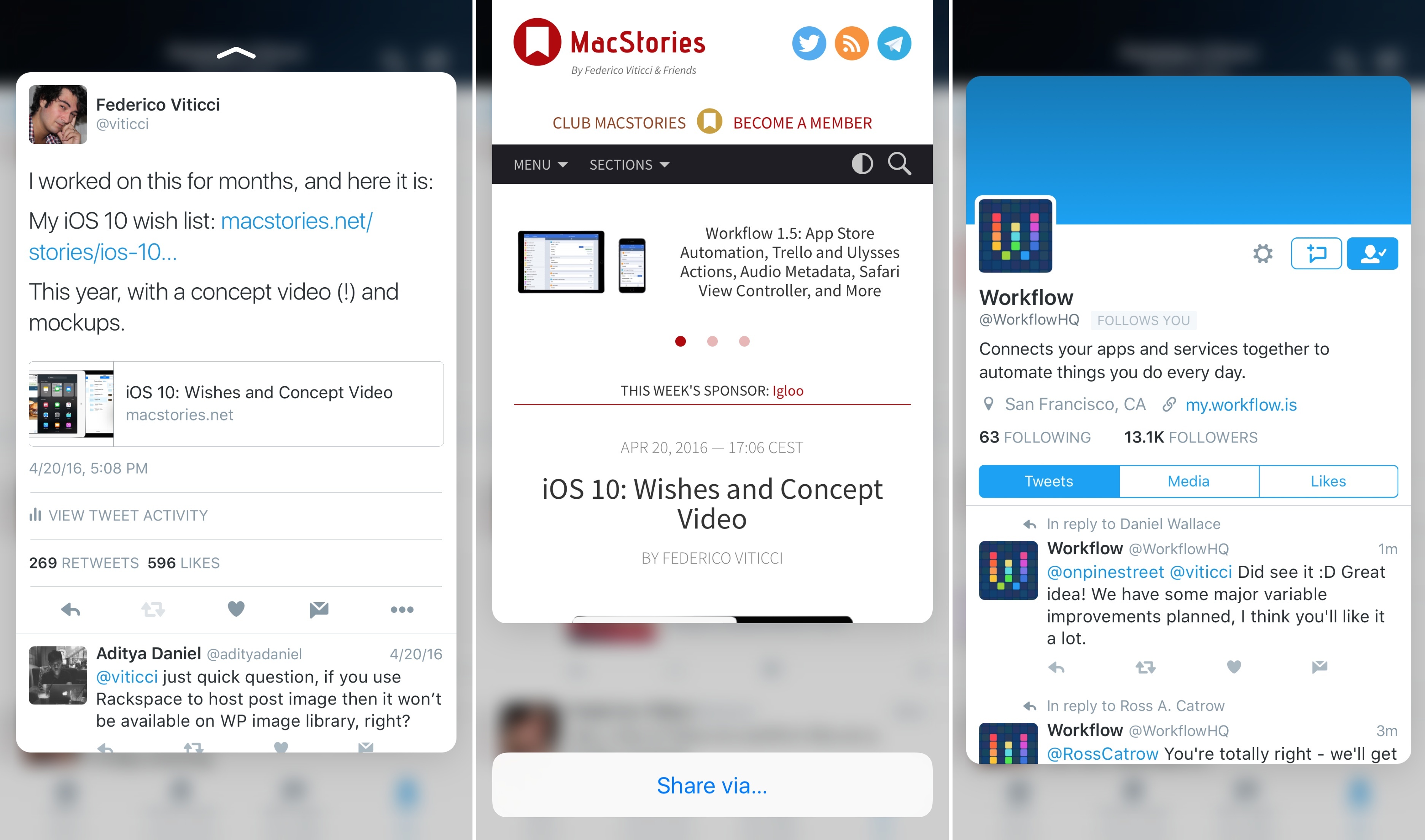
With the latest version of Twitter for iPhone, you’ll be able to press on tweets, links, pictures, and profiles to bring up a 3D Touch preview of the content. By swiping a peek upwards, you’ll also gain access to shortcuts to either share via direct message and iOS extensions or, in the case of profiles, mute, block, and report a user.

Twitter’s extended 3D Touch support isn’t as advanced as Tweetbot – for instance, peek and pop previews don’t seem to work in the Notifications tab – but it’s a step forward regardless.

You can get the latest version of Twitter for iPhone from the App Store.