Monthly Log: May 2017
Twitter Adds Filtering of Direct Messages From People You Don’t Know

If you have opened your Twitter direct messages to receive messages from anyone, Twitter now separates them into two buckets: an Inbox and Requests. Your Inbox collects DMs from people you follow, while Requests are DMs from people you don’t follow. You can review Requests without the sender knowing you’ve reviewed their message until you accept it. If you accept a request, that person’s direct messages will be delivered to your Inbox in the future.
https://twitter.com/Twitter/status/869608493548011520
Based on some preliminary testing by The Verge, it appears that the new direct message handling functionality is slowly rolling out to users across Twitter’s apps and website.
Reach Navigation→
Brad Ellis has some interesting ideas and examples on how Apple could shift the iOS interface from top-oriented navigation bars to thumb-friendly cards and sheets sitting towards the bottom of the screen:
The navbar has been essential part of iOS since Apple released the first developer kit, and it has served us well. But it’s time to let go.
Let’s agree to stop sticking important buttons to the top of the screen. Better navigation is within reach.
I think Ellis is onto something here. After Apple Music and Apple Maps in iOS 10, I’d be surprised if we don’t get more of these “reach navigation” redesigns in iOS 11 (which would also make sense if Apple is releasing an iPhone with a taller screen later this year).
Connected, Episode 144: The Barometer of Happiness→
With WWDC just around the corner, the Connected trio share their hopes and dreams for Apple’s keynote.
On this week’s Connected, we share our final WWDC wishes before Apple’s big annual event. You can listen here.
Sponsored by:
- Jamf Now: Manage your Apple devices from anywhere. Get your first three devices free!
- PDFpen 9, from Smile: Everything you need for more powerful PDF editing
Carpool Karaoke Will Be Released Every Tuesday Starting August 8th→
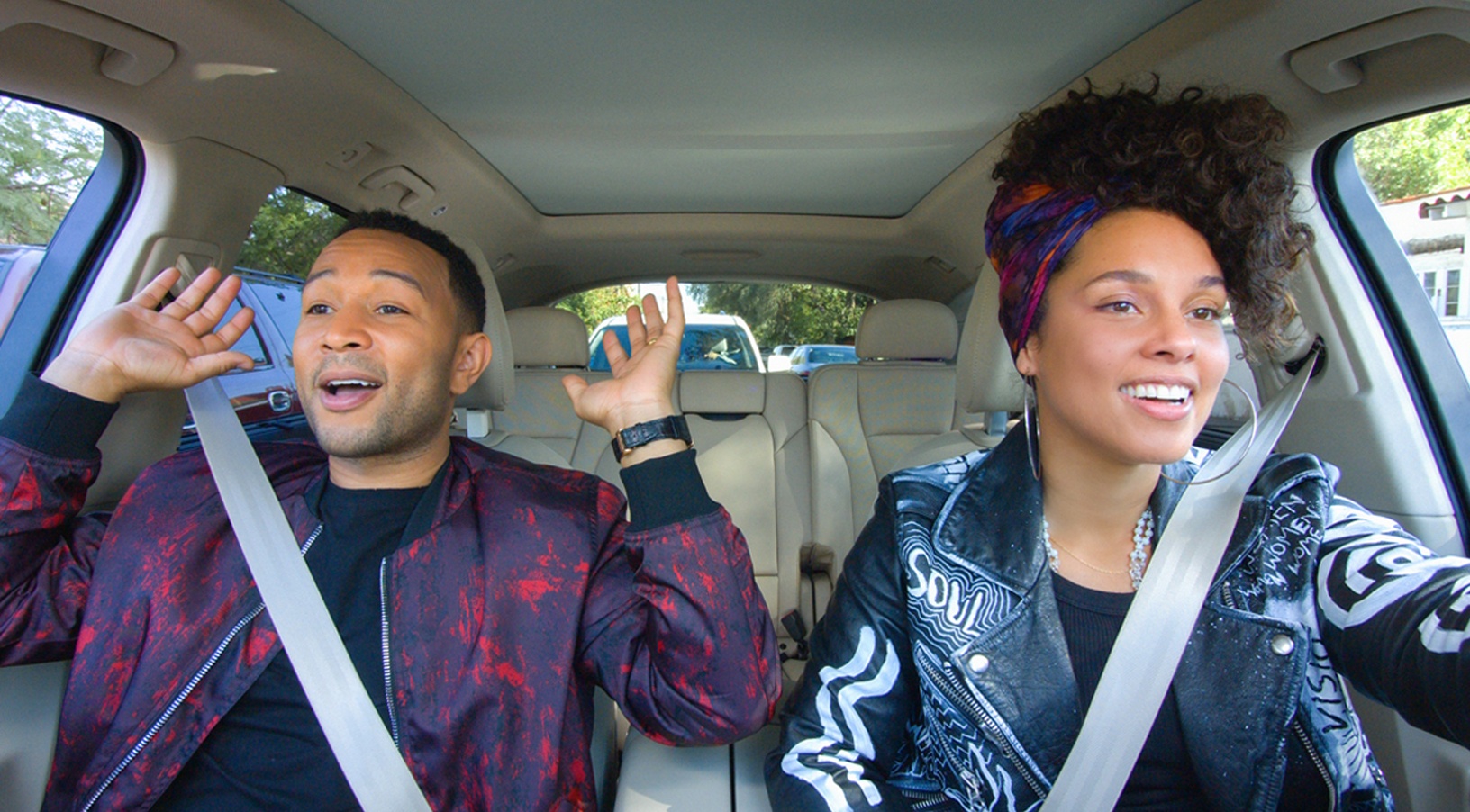
Apple announced that Carpool Karaoke: The Series will debut for Apple Music subscribers on August 8th. According to Apple’s press release, the show, based on James Corden’s popular segment from The Late Late Show with James Corden:
…will welcome a different group of superstars every Tuesday, with new episodes available exclusively to Apple Music subscribers in more than 100 countries. Celebrity pairings include Will Smith and James Corden; Miley, Noah, Billy Ray and the entire Cyrus family; Shakira and Trevor Noah; Game of Thrones stars Sophie Turner and Maisie Williams; Queen Latifah and Jada Pinkett Smith; John Legend, Alicia Keys and Taraji P. Henson; LeBron James and James Corden; and many more.
Originally anticipated to be released earlier, Apple pushed the debut of Carpool Karaoke back last month.
AppStories, Episode 7 – Tip Jars with Benefits→
On this week’s episode of AppStories, we cover more app pricing models including tip jars, patronage, fan clubs, bundles, and in-app merchandise sales.
Sponsored by:
- SketchParty TV – The fun drawing-and-guessing party game for Apple TV.
- HealthView – A new way to view your health data.







WWDC App Updated with New Design and Features
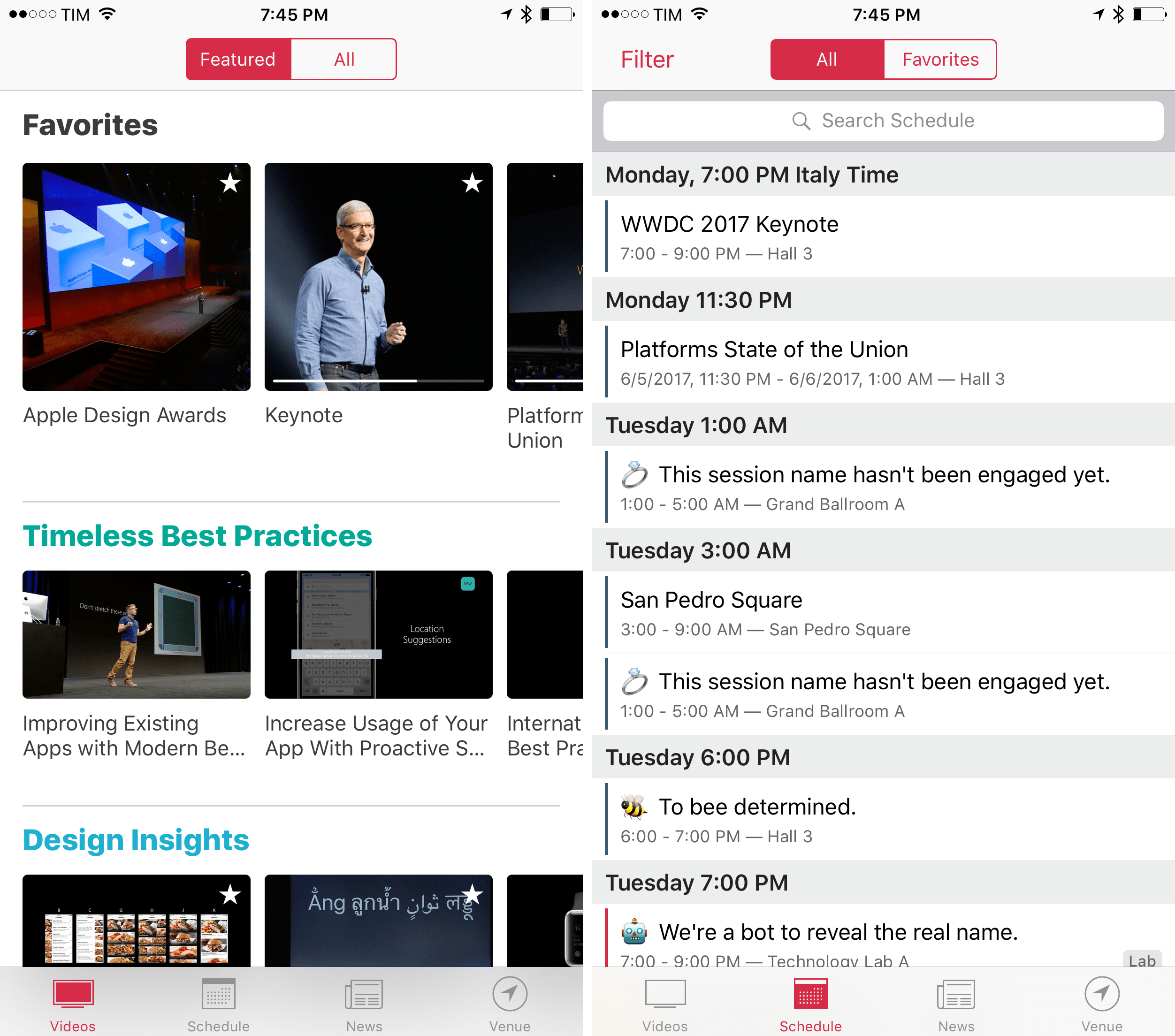
Apple has updated the WWDC app ahead of its annual developer conference that begins June 5, 2017 in San Jose, California. The app has an all-new design this year. In 2016, the UI was dominated by dark tones causing speculation that it was a precursor to a system-wide dark mode that didn’t materialize. This year’s update shares some of the same design language as the Apple Music and News apps.
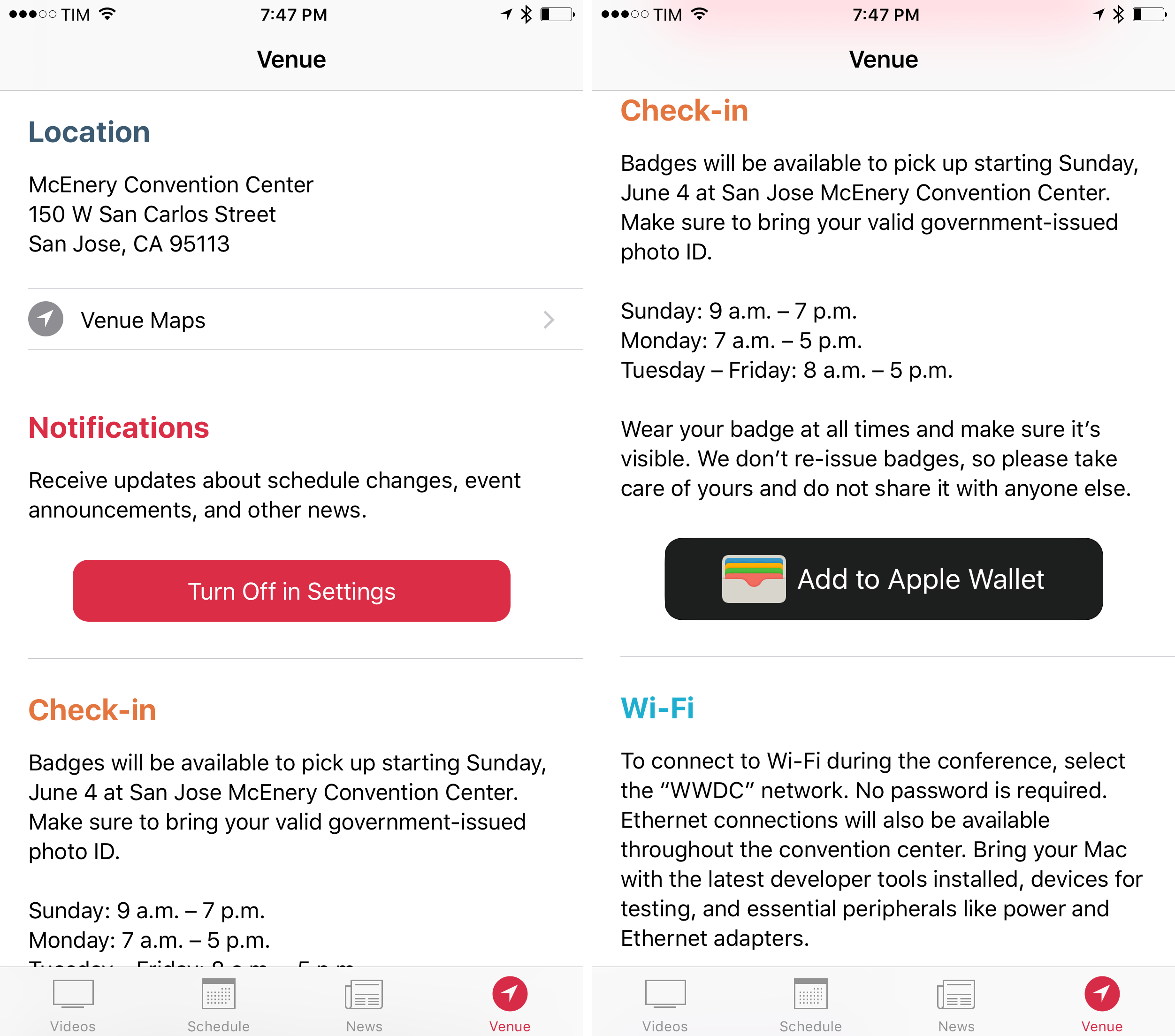
In addition to the refreshed design, Apple has added curated video playlists focused on themes like Developing for iPad, interactive maps of the WWDC venue and surrounding area, for the first time, the ability to use of all of the app’s features without signing into a developer account, and a new ‘Venue’ tab. Apple is also making a podcast studio available as part of WWDC for attendees who need a space to record shows.

Though not mentioned in the release notes, the WWDC app has a little surprise in store in the form of iMessage stickers. The set includes 17 colorful cartoon-style images with an assortment of classic Apple iconography, logos for Metal and Swift, and more.
The WWDC app is a free download on the App Store.
You can also follow all of our WWDC coverage through our WWDC 2017 hub, or subscribe to the dedicated WWDC 2017 RSS feed.
Funnel Brings News Updates to Your Ears
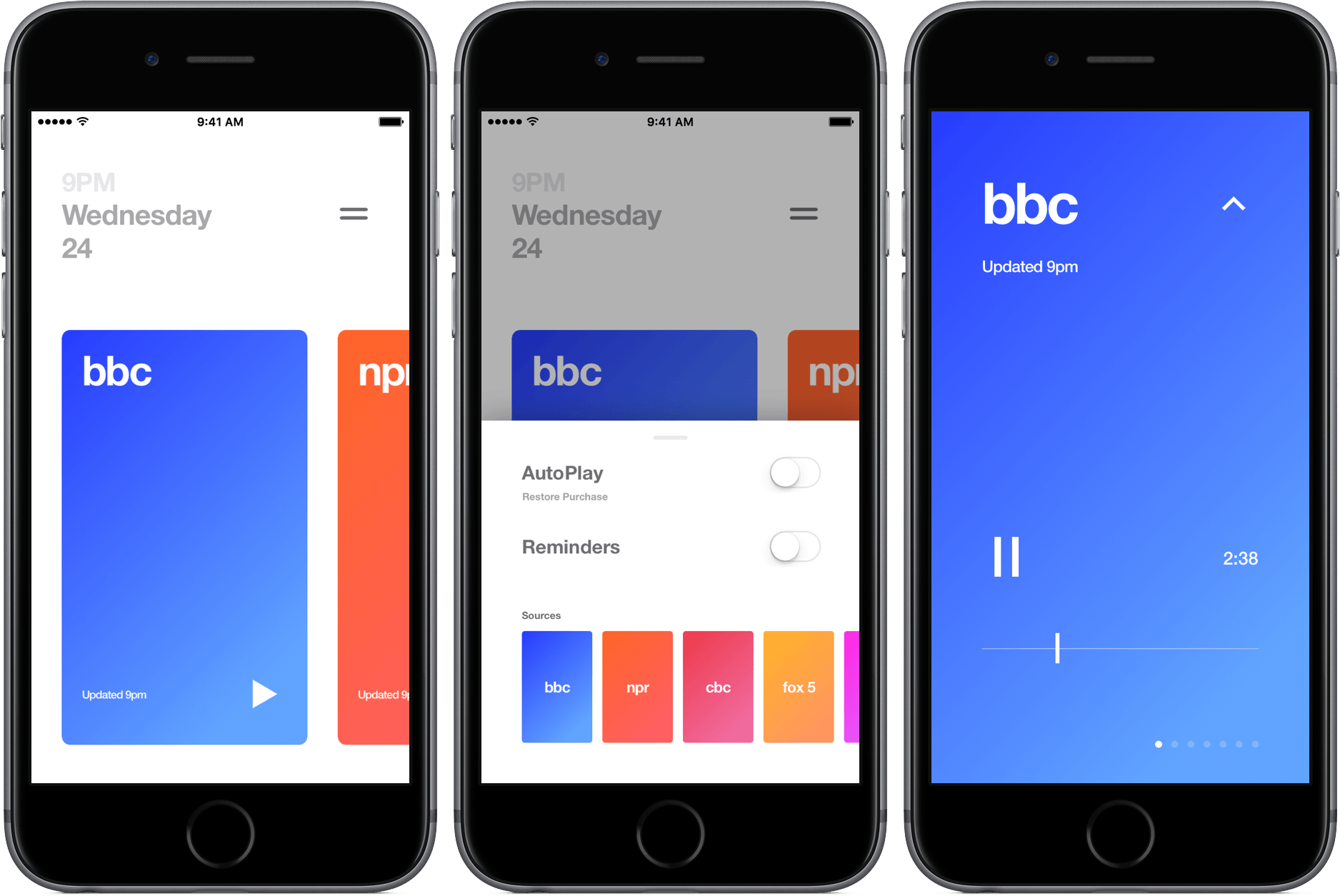
I don’t need to tell you how crazy the news cycle is. Between world and tech news, I’m often drowning in a sea of headlines and big stories, confused about what’s really important. The result is a time consuming attempt at finding the best information that ends up being more of a hassle than its worth.
Funnel aims to cut through the chaos and bring you the most recent news through audio segments that are only a couple of minutes long. The app includes seven news outlets that refresh at the top of the hour so they’re always up-to-date.