This Week's Sponsor:

Dropzone 5

Improve your Drag-and-Drop Workflow


Posts in stories

My Must-Have Mac Apps, 2017 Edition

It’s been quite a year. At the start, I was still commuting to Chicago every day to work in a law office full of Windows PCs. Now I work from my home studio surrounded by Apple hardware, moving back and forth from a late-2016 MacBook Pro to iOS devices as I write and talk about apps each day.

When I was commuting, iOS played a central role. I was on the move and used my iPhone and iPad to write for MacStories when I wasn’t practicing law. Now, I have a dedicated workspace where I connect my MacBook Pro to a 4K 27” display and a fast, wired Internet connection.

During 2017, the work I do changed too. Not only did I leave my law job, but in addition to writing at MacStories, Federico and I launched AppStories, and I began selling sponsorships for the site and podcast.

With no commute, a dedicated workspace, and massive change in the work I do each day, how I get work done has changed significantly too. I continue to work on macOS and iOS, but the Mac now plays a bigger role in my workday than ever before. I haven’t abandoned iOS for work, but now, I work on iOS because I want to, not because I need to.

Just over two months into working from home, I’ve begun to reevaluate how I use the Mac. I expect to continue evolving how I work on macOS throughout 2018 as I feel my way around the best ways to be productive. Still, a couple of overarching themes can be seen in my picks below that I expect will continue to guide me in 2018.

First, I primarily use my Mac for work. If I watch a video, read a book or article, or play a game, it’s more likely to happen on iOS, which I expect to continue. The primary exception to that rule is listening to music, which I often do as I work. Second, I don’t like to be limited to macOS. As much as I work on my Mac, I value the option to do things like pick up my iPad to read email messages or grab my iPhone while I’m away from home to make a quick edit to something I’m writing.

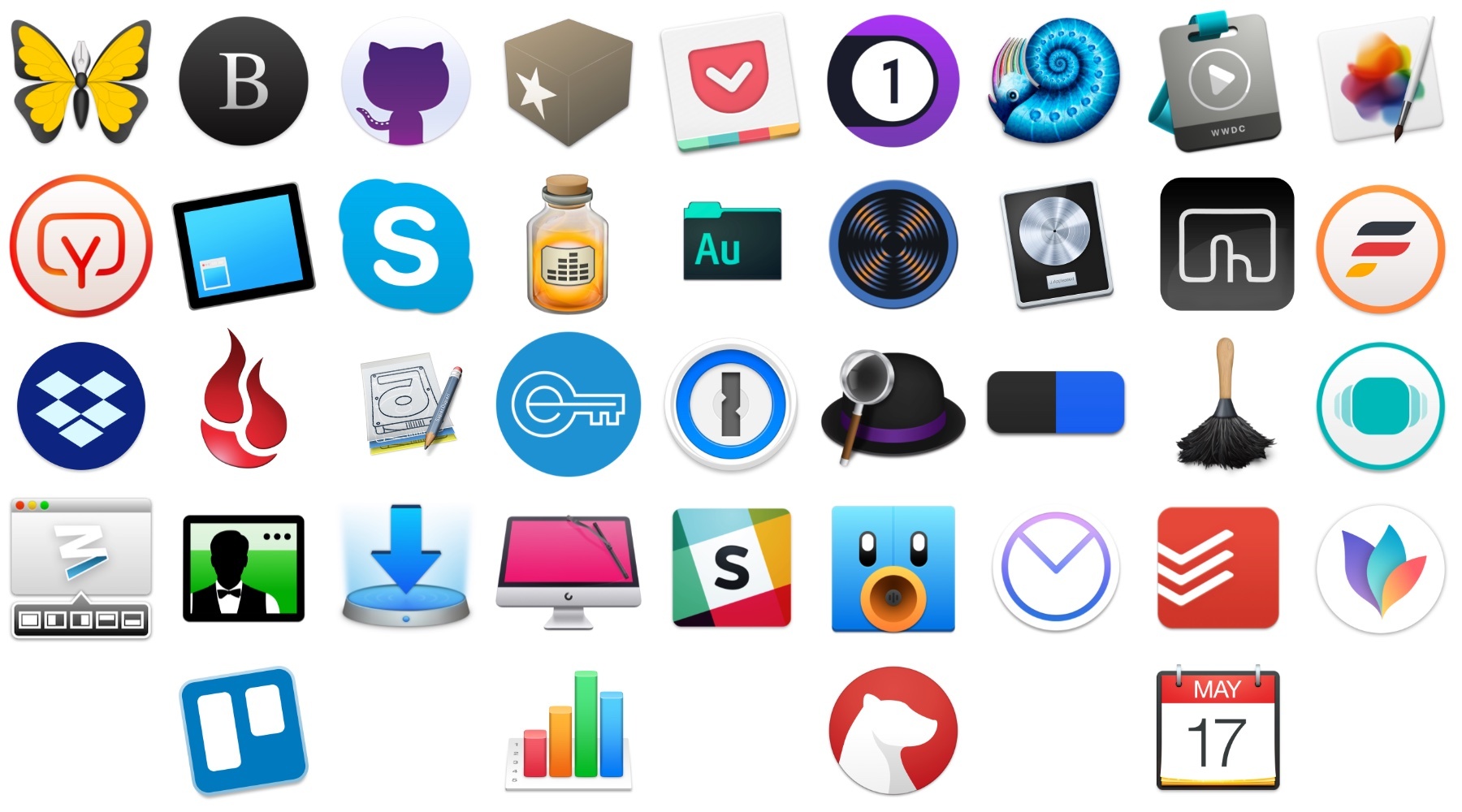
With that context, below are 40 Mac apps and a few web services that I used this year and consider my must-have apps, divided into seven categories:

  • Writing
  • Reading and Research
  • Images and Video
  • Podcast Recording and Production
  • Utilities
  • Communications
  • Task Management and Planning

I’ve also included a few awards at the end of the story that highlight some of my favorites among the exceptional group of apps I use every day on my Mac, including an App of the Year.
Read more


My Must-Have iOS Apps, 2017 Edition

With the transition to iPad Pro as my primary computer fully achieved in 2016 and not surprising anymore, in 2017 I turned my attention to three other key areas of my life: working with the MacStories team, managing my time, and finding my favorite apps among many competing alternatives.

For the first time in several years, I didn’t publish a story documenting my journey towards the iPad and iOS in 2017. In many ways, that’s a closed chapter of my career: the iPad Pro has convinced millions of people that it can be a suitable replacement for or addition to a Mac; with iOS 11 and its productivity features, Apple only cemented that belief. While part of me misses arguing in favor of the iPad against widespread skepticism, I felt it was time to move on from explaining the “why” of the iPad to helping others get the most out of the device. For this reason, I spent the better part of 2017 covering iOS 11 (first with my wish list, then with an in-depth review), discussing the details of iPad productivity, and creating advanced workflows for Club MacStories.

As much as I like to write in isolation, MacStories is also a team that requires a direction and a business that begets further responsibilities. Learning how to balance the multifaceted nature of my job with my hobbies and personal life (which got busier thanks to two puppies we adopted in April) has been an interesting challenge this year, and one that taught me a lot about allocating my time and attention, as well as the kind of writer I am and aspire to be.

There has been a recurring theme that has characterized my relationship with iOS in 2017: I’ve made a conscious effort to try as many new apps and services as possible, ensuring I would have a basic knowledge of all the available options on the market for different categories.

As I was settling on a routine and set of apps that worked well for me, I realized that I didn’t want to lose the spark of excitement I used to feel when trying new apps in previous years. My job is predicated upon writing about software and having a sense of where our industry is going; while finding something that works and using it for years is great, I don’t want to become the kind of tech writer who’s stuck in his ways and doesn’t consider the possibility that better software might exist and is worth writing about. Even though my experiments didn’t always lead to switching to a different app, they made me appreciate the state of the iOS ecosystem and helped me understand my app preferences in 2017.

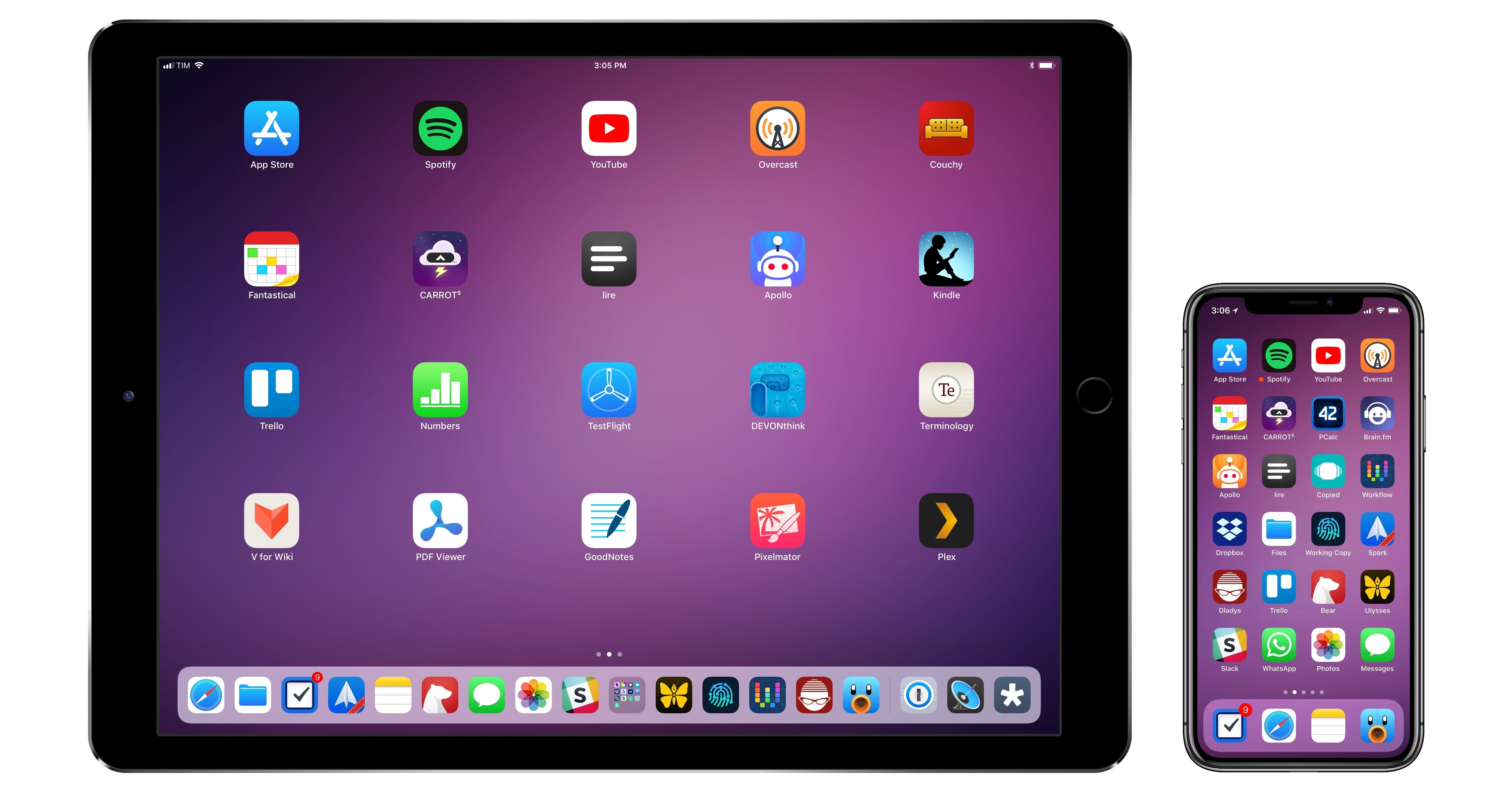
Thus, I’m going back to basics for my annual roundup this year. In the collection below, you’ll find the 75 apps I consider my must-haves – no web services, just apps for iPhone and iPad. Apps are organized by category and, whenever possible, include links to past coverage on MacStories.

As in previous years, you’ll find a series of personal awards at the end of the story. These include my App of the Year and Runners-Up; this year, I also picked winners for Feature, Redesign, Update, and Debut of the Year.

Read more


    iPhone X: A New Frontier

    For a radically redesigned iPhone launching on the tenth anniversary of the first model, it seems reasonable to lead a review of the device with a retrospective on the original iPhone and how, over the course of a decade, its vision matured into the iPhone X. But today, I want to begin with the iPhone 4.

    Read more


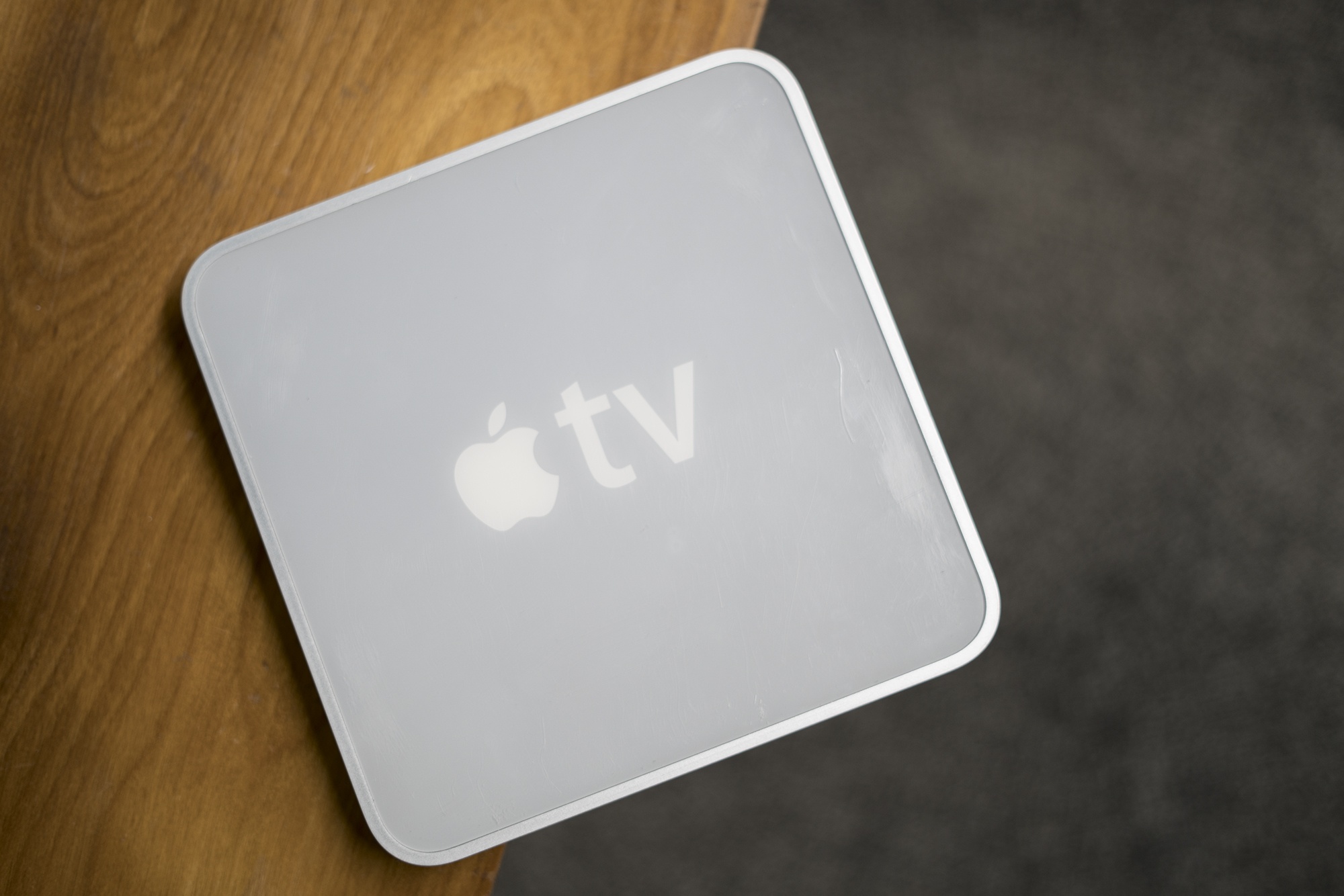
      The Original Apple TV: Ushering in a New Era of Entertainment

      Today’s Apple TV is its own full-fledged platform. While it is more expensive and less popular than other some other media streamers, the Apple TV has come into its own. The current device can stream 4K HDR content, play games and even be used as a calculator.

      The original Apple TV didn’t enjoy such a wide feature set, and it wasn’t treated as a full-blown product by the company, which repeatedly talked about it as a “hobby.”

      To understand that attitude, I think it’s important to go back to when Steve Jobs first previewed the device in September 2006.

      Read more


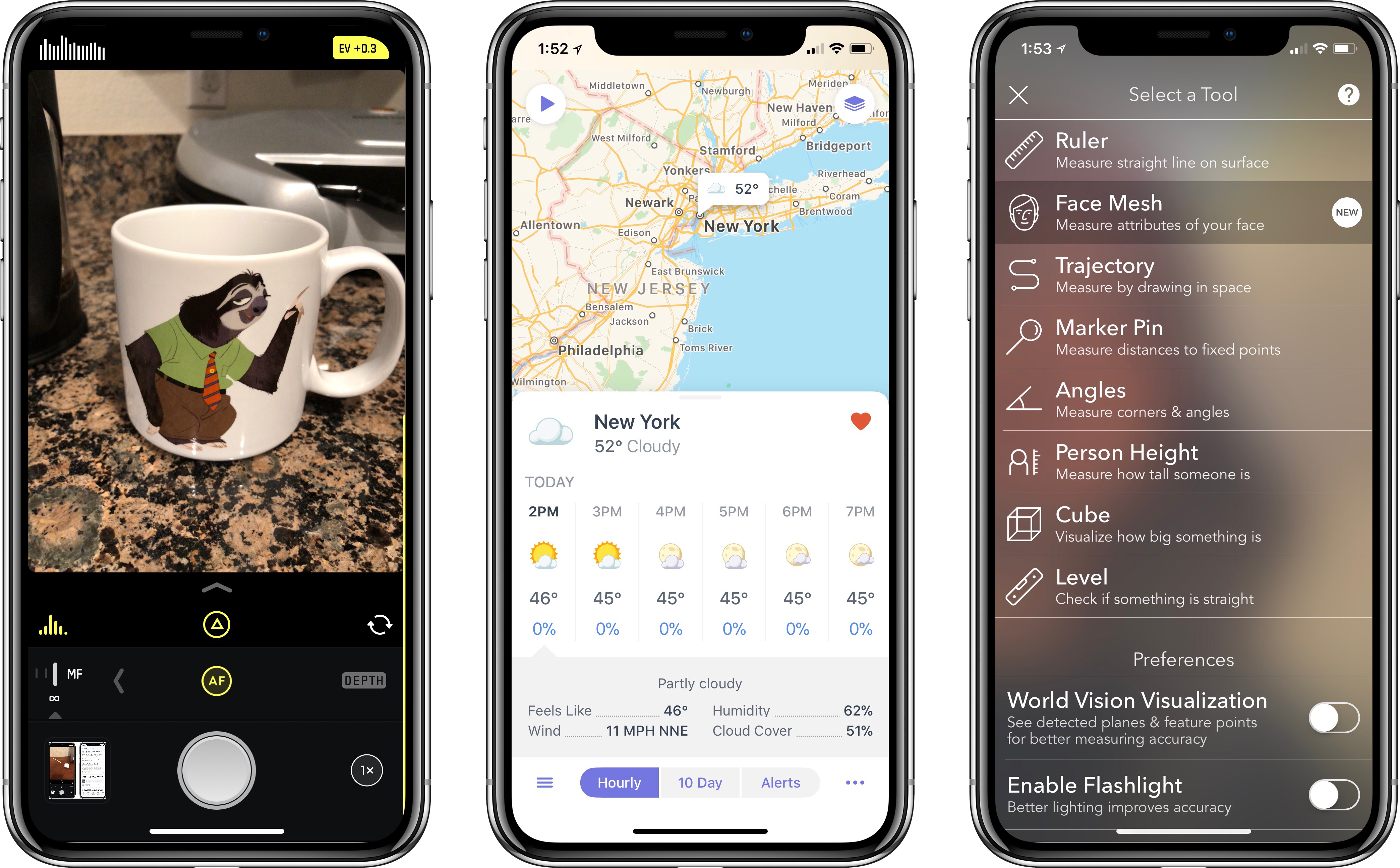
      iPhone X App Roundup: The Innovative, Beautiful, and Practical

      The iPhone X’s display poses a challenge to app developers. Similar to when the iPhone 6 and 6 Plus debuted, there’s a different screen size to work with here, which requires app layout adjustments. But more than simply the new size, the iPhone X brings two extra complications: the notch and an extra tall orientation. In order to best optimize for Apple’s current flagship phone, developers need to carefully consider these two factors – failure to do so can result in a particularly unsightly notch, or a UI that’s difficult to navigate one-handed.

      We’re only a week out from the iPhone X’s debut, so what we see from X-ready apps today will likely evolve over time as developers are able to live with the device longer. But despite it being early days still, there are several apps that stand out among the best the App Store has to offer for iPhone X.

      Read more


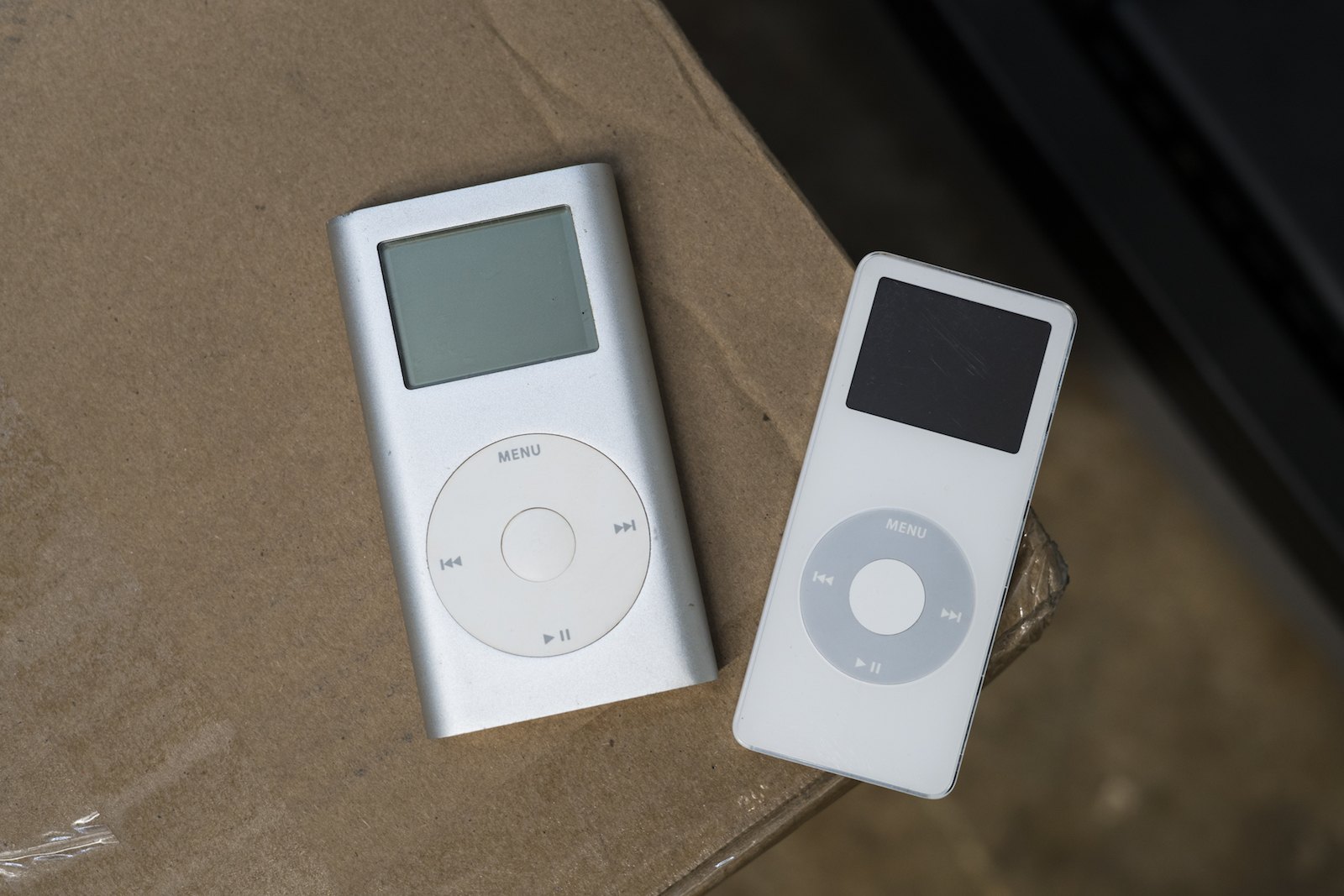
      Going Out on Top: The iPod mini

      Very often in life, we see things like products, athletic careers and even relationships end way later than they should. When this happens, sometimes the end goes unnoticed and with little fanfare.

      Occasionally, things end on a high note, like when an athlete announces their retirement after winning a championship or a band calls it quits after a massive album and tour.

      In the world of Apple products, the iPod mini is an example of the latter. It’s perhaps the best example of Apple killing one of its darlings.

      Read more


      My App Story

      Last Friday, I left my job as a lawyer. Many readers may not even know that’s something I did because it’s not pertinent to what I do at MacStories. Over the course of many years, that job became less interesting and challenging. Eventually, I recognized that I needed a change, but nothing felt quite right. That is, until the day I decided to make an app. I’m not much of an app developer, but I wouldn’t be where I am now, writing this, if I hadn’t built one. This is my app story.

      Read more


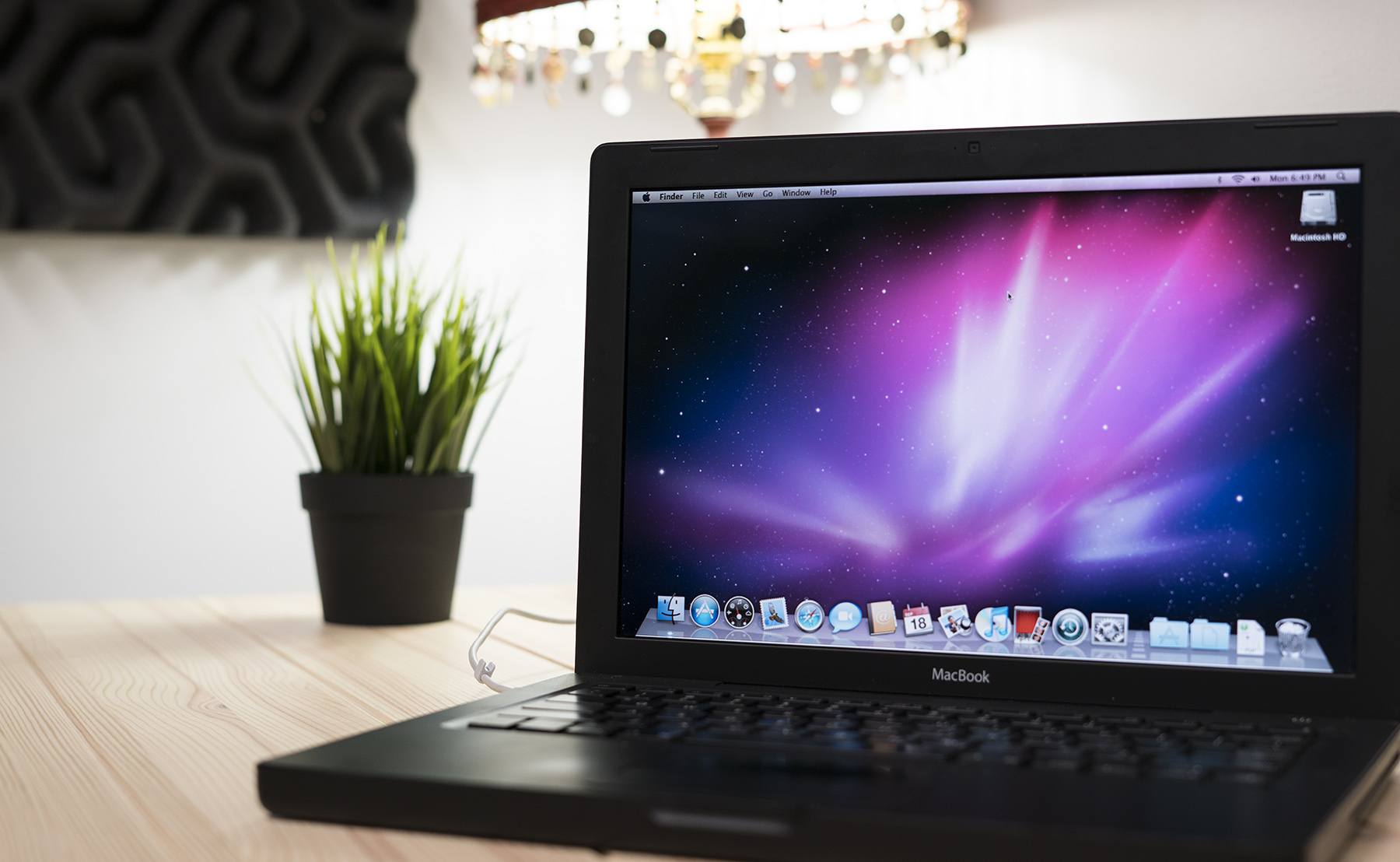
      Reliving that Snow Leopard Magic

      Enthusiasts of all types always have that one special obsession. For muscle car people, maybe it’s one particular year of Ford Mustang. Photographers always have a favorite lens, while baseball players may have a favored bat or glove.

      Ask almost any macOS fan, and they’ll tell you that Snow Leopard is their favorite version of all time.

      There are a bunch of good reasons for that, beyond pure nostalgia.

      Read more


      watchOS 4: The MacStories Review

      It is difficult to reconcile a critical appraisal of the Apple Watch with the product’s commercial success. To examine the most popular watch in the world1 and find it wanting seems dubious; yet as Apple’s smartwatch kicks off its third year, its history implores ignominy.

      The integration of hardware and software is a keystone in Apple’s foundation. Every game-changing product they’ve released over the years has used this as a core advantage over the competition. Yet despite the Cupertino company’s proven track record, the last three years of Apple Watch have demonstrated a consistent struggle to get this right.

      Apple has certainly iterated on unsuccessful hardware and software ideas in the past, but never quite so publicly. The Apple Watch feels like a device that was rushed a little too early to market. Apple knew that it had something good, but it didn’t yet know which areas the device would really excel in.

      One of the most interesting pieces of this product’s story is that all signs point to Apple having gotten the hardware of the Apple Watch exactly right, at least in terms of its direction. The original Apple Watch was underpowered and lacking some technology that Apple simply couldn’t fit into it at the time, but the idea was there. In subsequent hardware iterations Apple has significantly increased the processing power, added vital new sensors, improved battery life, and shipped LTE. In this time the case design has remained unchanged (other than growing slightly thicker), and the input methods have persisted exactly. It may have taken until the latest Series 3 release for Apple to fulfill its initial vision for the Apple Watch hardware, but that vision has remained unshaken since the beginning.

      The same cannot be said for the Apple Watch software.

      Apple’s smartwatch operating system has had a rocky first few years. watchOS 1 was fundamentally broken in several ways, and probably should never have shipped. watchOS 2 was an attempt to shore up and replace the poor foundations under the hood, but it left the substandard user interface to fester in production for over a year. With last year’s release of watchOS 3, Apple took its best shot at rethinking cardinal pieces of that interface.

      watchOS 3 was a huge improvement over the blunders that came before it. As I wrote in my watchOS 3 review last year, Apple did great work with the update to cut away the excess and hone the OS to something simpler and more straightforward. It was a significant course correction which set a far better trajectory, but it didn’t get us all the way there.

      In a lot of ways it feels like watchOS 3 was the true watchOS 1. Where Apple left off with the smartwatch operating system last year was really the point where it should have started. Nothing was complete, but almost every piece felt primed for improvement rather than necessitating reinvention. In the wake of that update, Apple has been at a crossroads. With the foundations of watchOS finally feeling solid, Apple could either continue to drive the platform forward, or leave it on a slow-moving autopilot.

      Yesterday marked the release of watchOS 4 — our first opportunity to see the hope kindled by watchOS 3 borne out — and I’m pleased to report that Apple has succeeded in maintaining the platform’s momentum. Every area that this year’s update focuses on has seen fantastic improvements, and I’ve found myself interacting with my Apple Watch more than ever before. My only disappointment is that the scope of watchOS 4 isn’t quite as far-reaching as last year’s update.

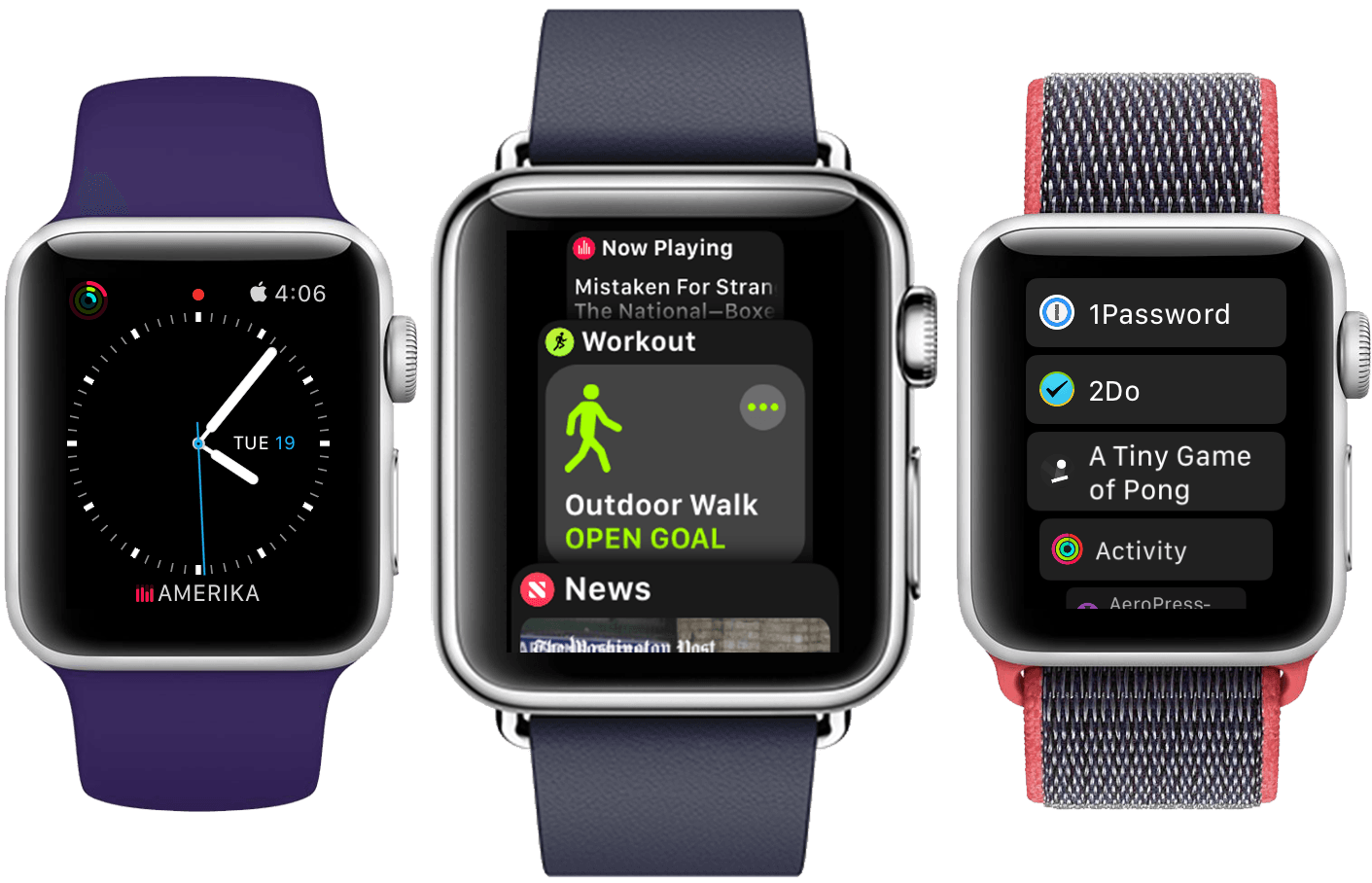
      The big themes of watchOS 4 are fitness and music, and Apple has done some excellent work in these departments. New activity goals, completely overhauled Workout and Music apps, auto-launch of audio apps, a Now Playing Complication, and more are all excellent upgrades. As always there is still room for improvement, but many of these features are making the leap for the first time from options on my Apple Watch which I mostly ignore to real features which I find consistently useful in my daily life.

      There’s a lot to dig into here with the choices made and the new features added. Let’s dive in and find out what Apple has in store for the next year of Apple Watch.

      Read more


      1. That’s watch, not smartwatch.