


Cultured Code, makers of Things for iOS and macOS, today released Mail to Things, a feature that enables Things users to save new tasks directly into the app’s inbox through a dedicated Things Cloud email address.
Posts in news
Cultured Code Releases ‘Mail to Things’
Apple Opens App Pre-Orders to All Developers
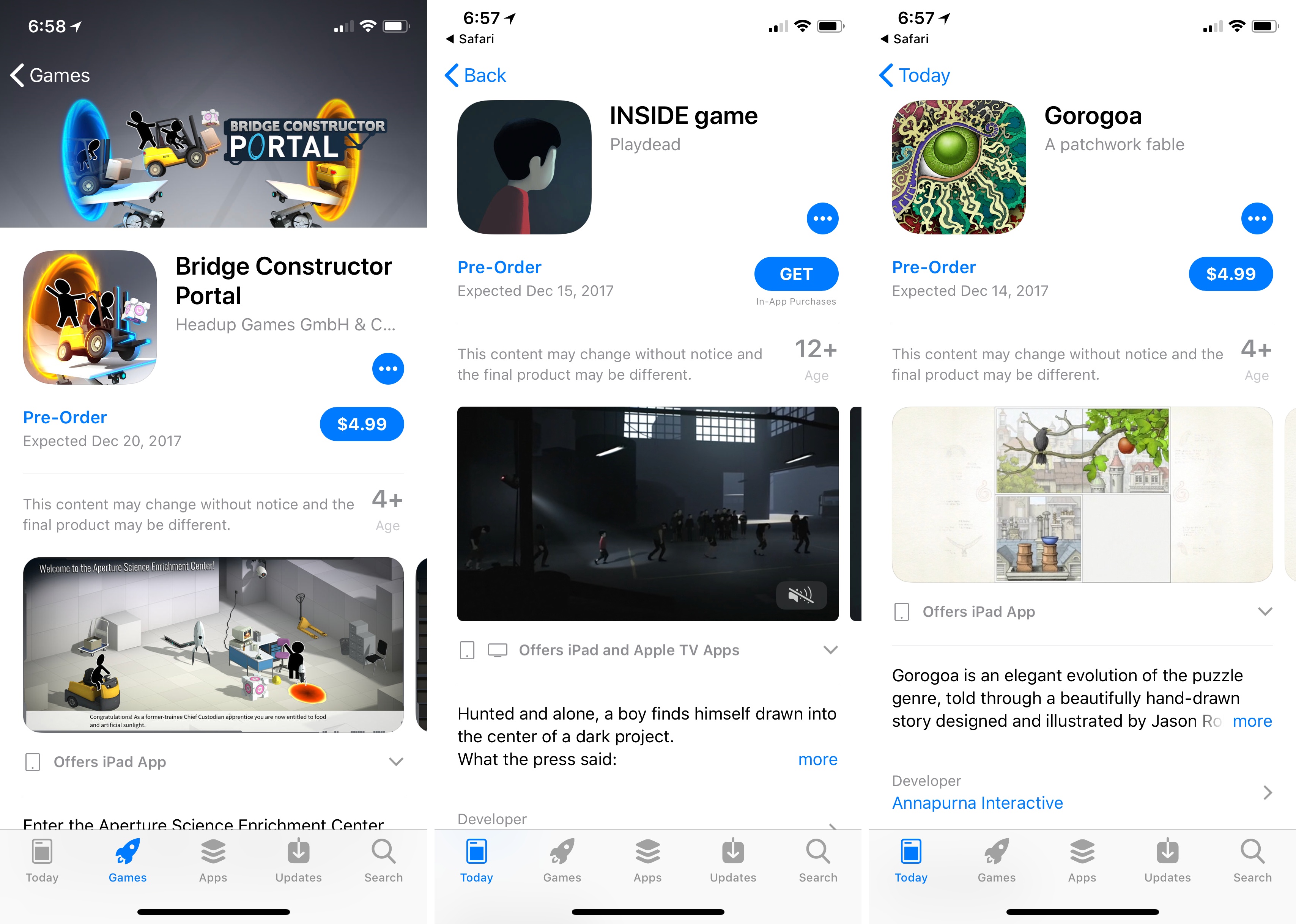
You may recall that when Super Mario Run was announced in 2016, customers could request notification of its release, which was a first at the time on the App Store. Now, all developers can do something similar by offering their apps for pre-order. According to iTunes Connect’s Resources and Help documentation:
Now you can make your new apps available for pre-order on all Apple platforms. Customers can see your product page and order your app before it’s released for download. Once your app is released, customers will be notified and your app will automatically download to their device. For paid apps, customers will be charged before download.
The process for submitting an app for pre-order seems relatively straight-forward:
To make your new app available for pre-order:
- From the homepage, click My Apps, select the app, and select Pricing and Availability in the left column. You’ll see the Pre-Orders section if your app has never been published on the App Store.
Select Make available for pre-order, choose a date to release your app for download, then click Save in the upper-right corner. The release date must be at least two days in the future, but no more than 90 days in the future.
Submit your app for review.
Once your app is approved and you’re ready to make it available for pre-order, return to Pricing and Availability, confirm the date your app will be released for download, and click Release as Pre-Order in the upper-right corner.
In addition to offering apps for pre-orders, Apple will report pre-orders as part of the Sales and Trends section of iTunes Connect. Apple has also included an FAQ with further information about the pre-order process.
It’s been about a year since Apple tested the pre-release notification waters with Super Mario Run and it’s nice to see that it’s been opened up to all developers who can use it to get customers excited about their apps ahead of launch.
Update: According to a new webpage published by Apple that summarizes the pre-order program, it also applies to macOS and tvOS apps.
In addition, Apple has added a ‘Pre-Orders’ section to the Games tab of the App Store, which currently includes five games. No similar section has been added to the Mac App Store or Apple TV App Store.
Apple Acquires Shazam Song Identification Service
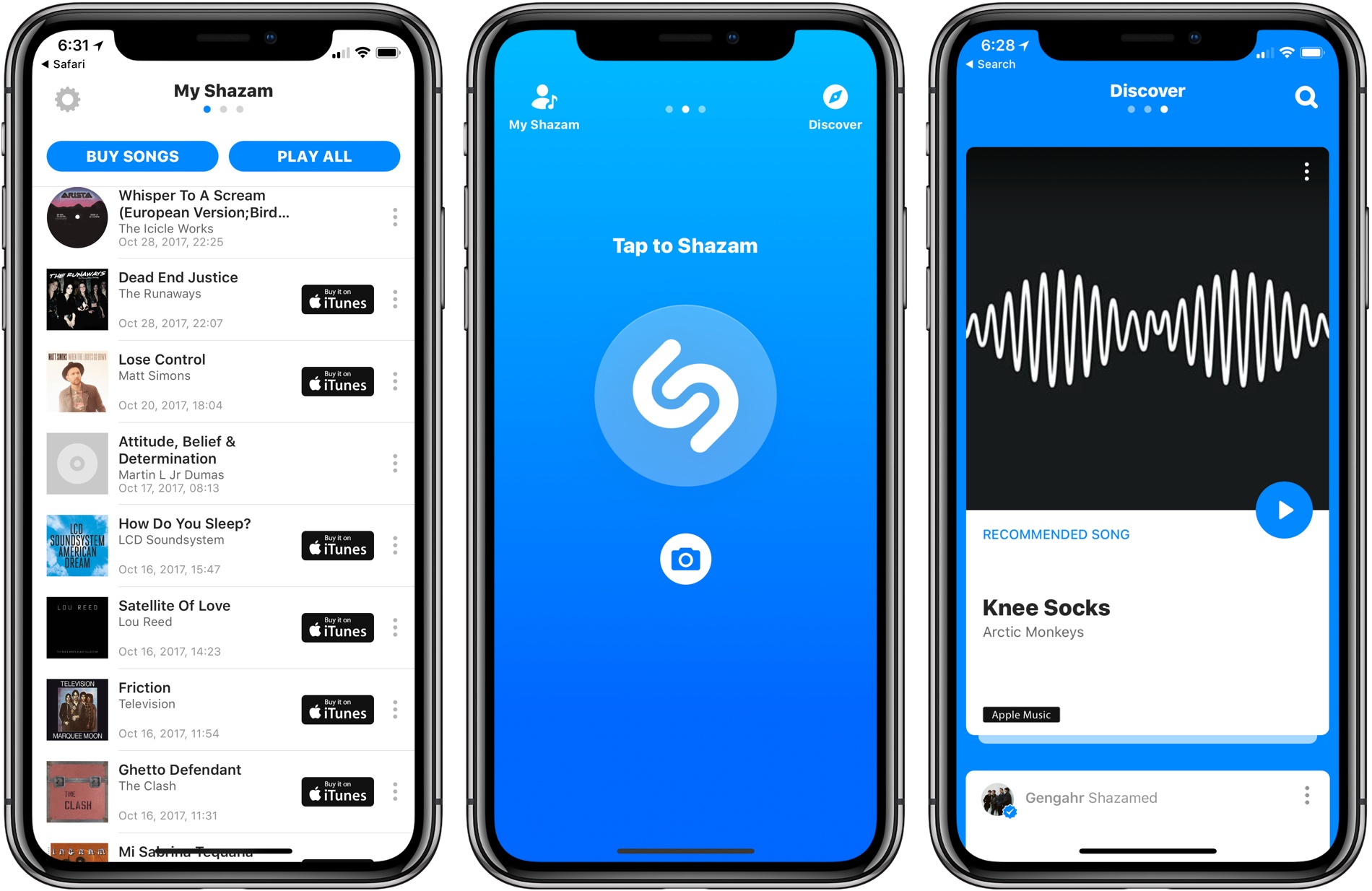
On Friday, TechCrunch reported that Apple had agreed to acquire music discovery service and app-maker Shazam. Today, Apple made it official confirming the deal to BuzzFeed News. Shazam, which makes iOS, watchOS, and macOS apps that can detect songs, TV shows, and advertisements from their sound signatures, has been on Apple’s platforms since the early days of iOS and is the engine behind Siri’s ability to recognize songs.
The financial terms of the deal were not disclosed in the announcement, but according to TechCrunch, Shazam cost Apple somewhere in the neighborhood of $400 million. According to a report from The Wall Street Journal last year, Shazam accounts for about 1 million clicks per day and 10% of digital download sales. However, as streaming services have gained popularity over paid music downloads, Shazam’s affiliate link revenue from music sales has shrunken. To compensate, Shazam has turned increasingly to advertising. With today’s acquisition, Shazam should continue to drive traffic to Apple Music without the need to sustain itself as a standalone business.
In addition to Apple’s music services, Shazam sends significant traffic to Spotify. Shazam also has an Android app. It remains to be seen what will happen to the Spotify relationship or Android app now that Shazam is part of Apple or whether Apple plans to maintain Shazam as a separate iOS app. Deeper integration with Siri is one direction Apple may take Shazam’s technology implementing something like the Google Pixel 2’s automatic song identification feature called ‘Now Playing.’
Past MacStories coverage of Shazam is available here.
Timing: Stop Worrying About Time and Focus on Your Work Instead [Sponsor]
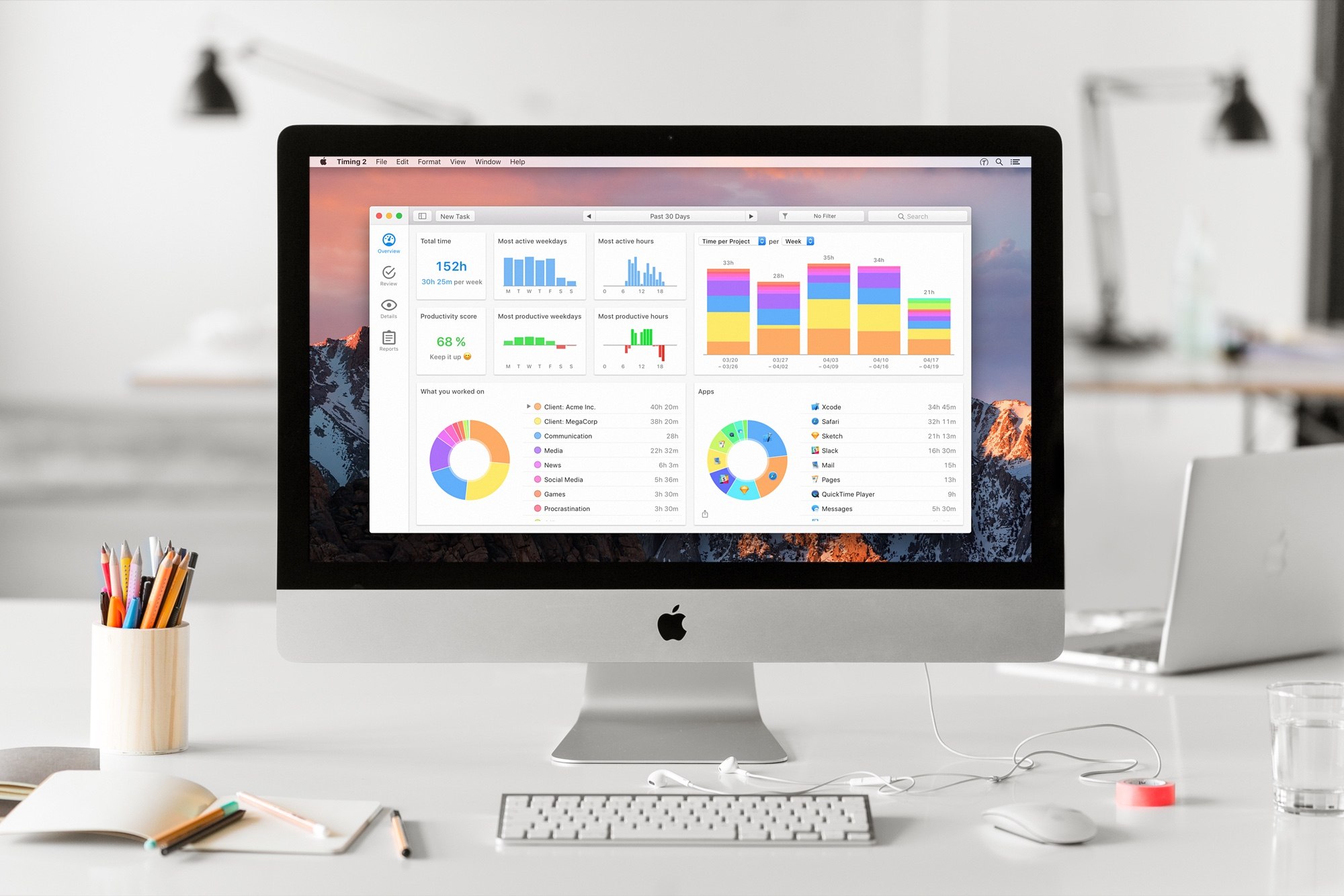
Timing for macOS is the first step to recapturing your most precious resource: time. Before you can find lost time, you need to understand how you are spending it. But manual time tracking interrupts your workflow, and it’s easy to lose track of what you’ve done. That’s where Timing comes in. It’s different because Timing automatically tracks how you spend time on your Mac.
Timing shows you how much time you spend per app, website, and document, and categorizes that time into projects. Timing helps you be more productive by analyzing how you are wasting time too. Best of all, Timing includes automation features to help you save more time by doing things like automatically categorizing activities. The app can even ask you what you did when you return to your Mac, so you never forget to track a meeting. In addition, freelancers will love Timing’s ability to generate a timesheet for your clients.
Download Timing’s 14-day free trial today and save 10% when you decide to buy. You can also download Timing as part of Setapp, the service that gives you access to more than 100 Mac apps for just $9.99/month.
Stop worrying about time and focus on doing your best work instead with Timing.
P.S.: Check out Faviconographer too. It’s a free utility from Timing’s developer that adds a favicon to your Safari tabs. It’s a clever touch. When you have a lot of tabs open, it’s much easier to find the one you want when you can see its favicon.
Our thanks to Timing for sponsoring MacStories this week.
Give the Gift of Club MacStories This Holiday Season

Starting today, you can give Club MacStories memberships as gifts for the holidays or any special occasion. Club MacStories extends what we publish at MacStories, which makes it the perfect gift for someone who wants more apps, automation, tips, and other coverage.
Club MacStories offers exclusive content delivered every week including:
- MacStories Weekly, a newsletter that is sent every Friday and is packed full of our favorite apps, themed collections, tips, automation, answers to reader questions, featured Home screens, interviews, and much more.
- The Monthly Log, a monthly newsletter that includes long-form and behind-the-scenes stories.
- Access to giveaways, discounts, and other treats like a special members-only edition of our podcast called AppStories Unplugged and ebook versions of Federico’s annual iOS review and other long-form stories.
- The full archive of over 125 issues of MacStories Weekly and the Monthly Log.
All told, that’s around 60 newsletters and lots of other perks over the course of a year.
So, if you have a MacStories reader on your holiday shopping list this season, consider a Club MacStories membership that they can enjoy all year long. Monthly ($5/month) and annual ($50/year) memberships can be given using the following links:
Also, thanks to all our loyal Club members who have joined since the Club’s debut over two years ago. You’re an essential part of what we do here at MacStories, and we hope you’ve enjoyed the Club as much as we enjoy creating its special content for you every week.
Happy Holidays!
- The MacStories Team
Apple Posts ‘Best of 2017’ Lists on App Store, Apple Music, and iTunes
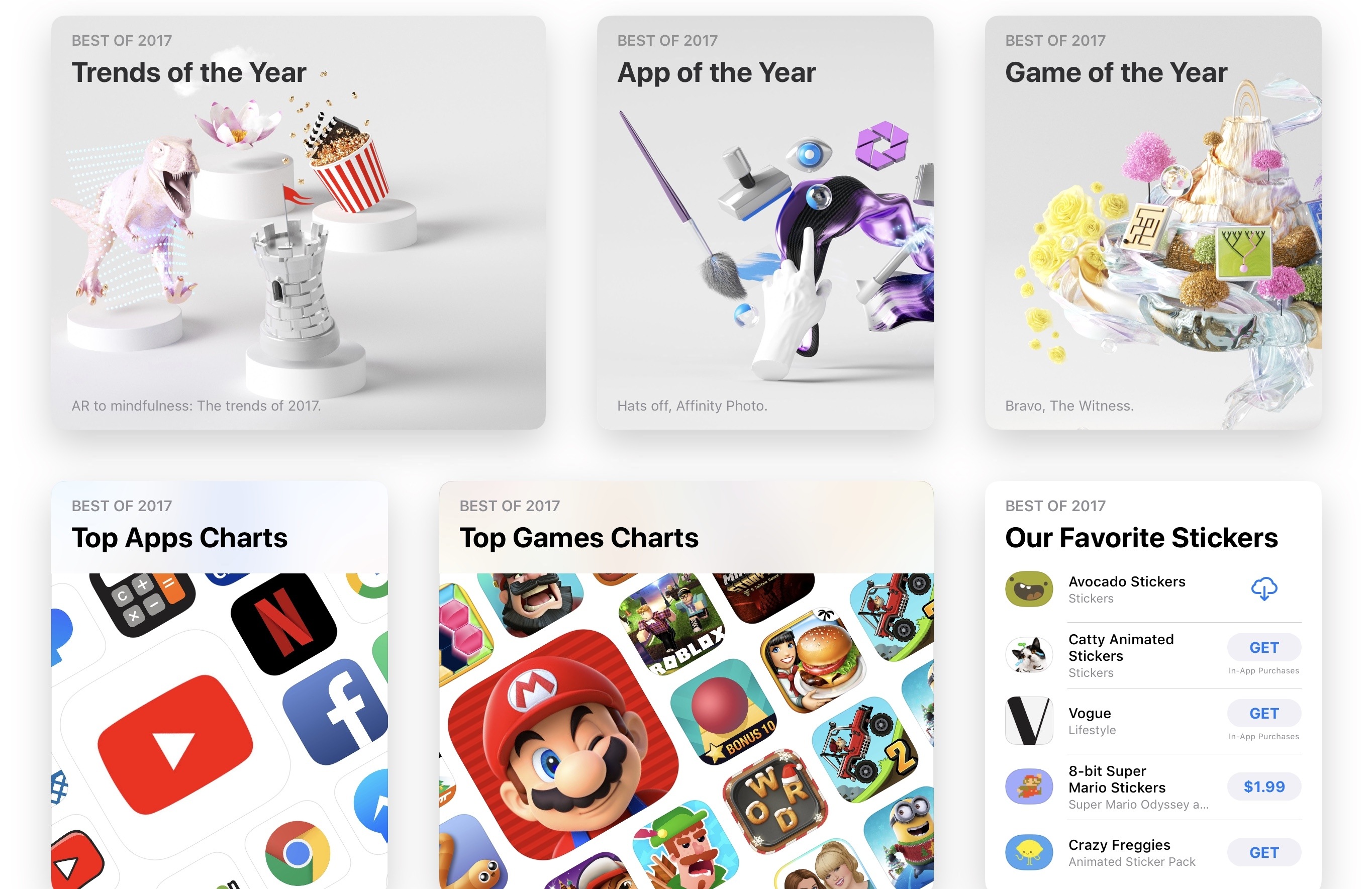
With a press release and special sections featured on its digital storefronts this morning, Apple revealed the most popular apps, games, and media releases of 2017.
Amazon Prime Video Finally Arrives on Apple TV; Was It Worth the Wait?

All the way back in June, at Apple’s WWDC keynote, the Apple TV-related news was limited to a single note: Tim Cook announced that Amazon Prime Video would arrive on Apple’s streaming box “later this year.” Ending a long six-month wait, that promise was finally fulfilled today: Amazon Prime Video is now available on the Apple TV.
Apple Expands Search Ad Offerings with Search Ads Basic
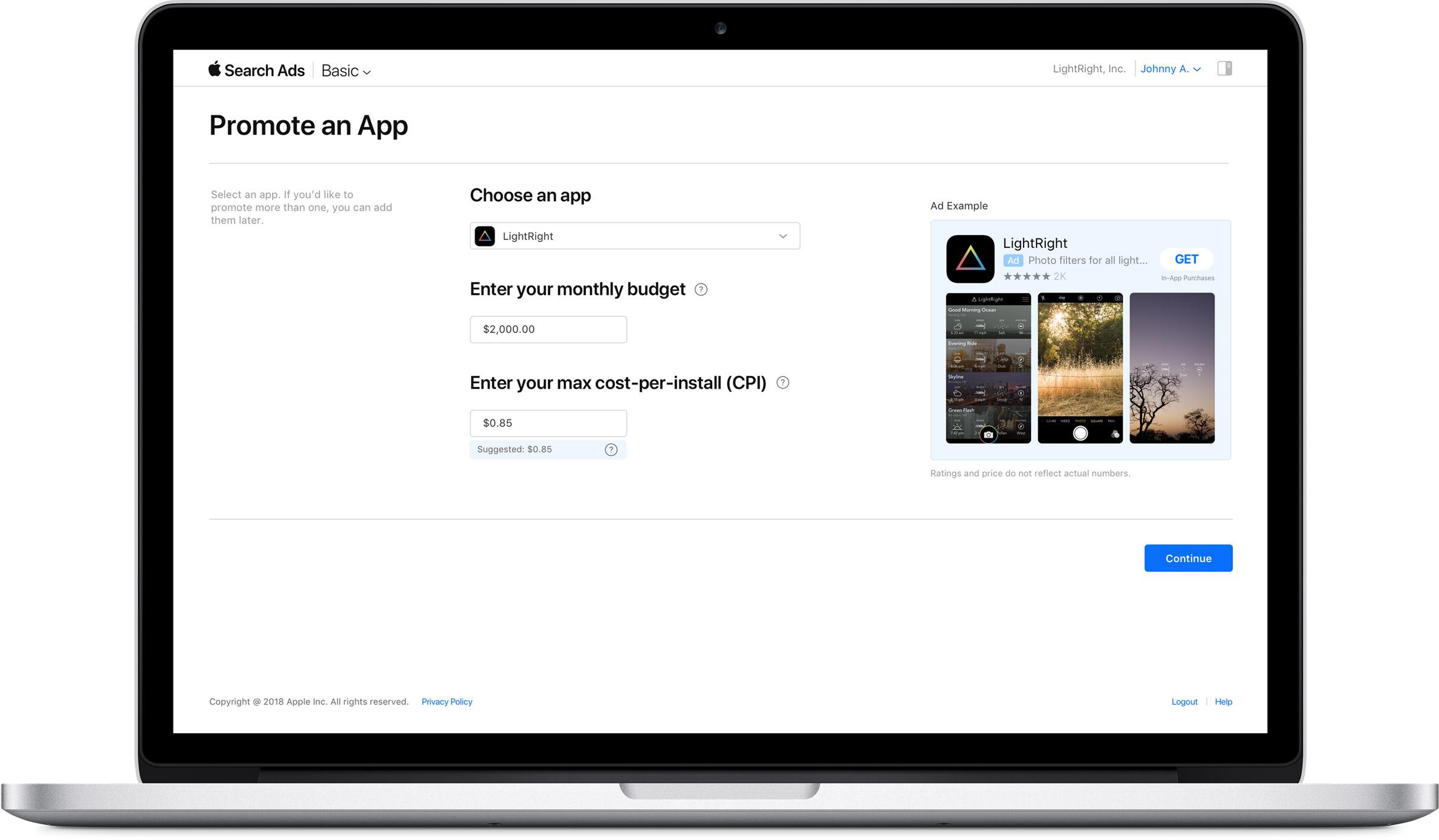
Today, Apple introduced a new search ad product called Search Ads Basic. The existing search ad service, which was introduced a little over a year ago, has been renamed Search Ads Advanced.
Search Ads Basic offers fewer of the advanced options and tracking available in Search Ads Advanced and spending is capped at $5,000 per month, but developers only pay for installations generated by their search ads. In contrast, developers pay every time someone taps on an ad under the Search Ads Advanced program, whether or not the tap results in a purchase. To get started, all that is needed is to pick the app to be advertised, set a spending budget, and choose a maximum per-user installation cost, for which Apple provides a suggested maximum based on historical App Store data.
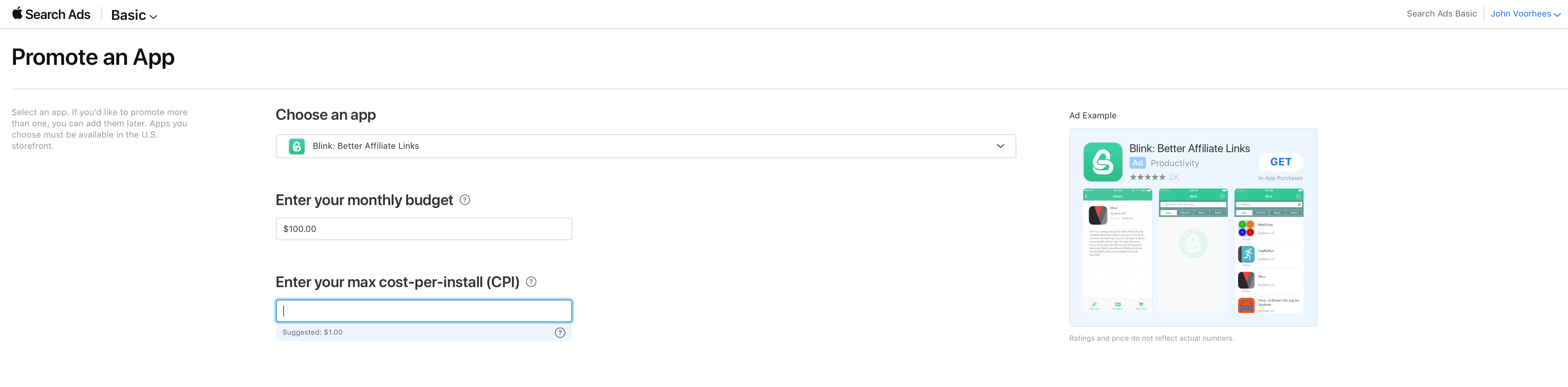
Apple is positioning Search Ads Basic as an alternative for developers who don’t have the time to fiddle with the more sophisticated options available with Search Ads Advanced. There is no doubt the process is simple. I set up a campaign for my app Blink in less than a minute.
With a $5,000 per month spending limit the new program also seems tailored to smaller developers who may be uncomfortable paying for taps or managing the more complex options of a Search Ads Advanced campaign. Although larger development shops are not precluded from using Basic, the spending limit should discourage larger companies with big advertising budgets.
Currently, Search Ads Basic is limited to US App Store, but it will be rolling out to the stores in additional countries later. As it did last year, Apple is sending email messages to developers offering a $100 credit to try Search Ads.
MarsEdit 4 Update Adds Editor Enhancements, WordPress Improvements, and More
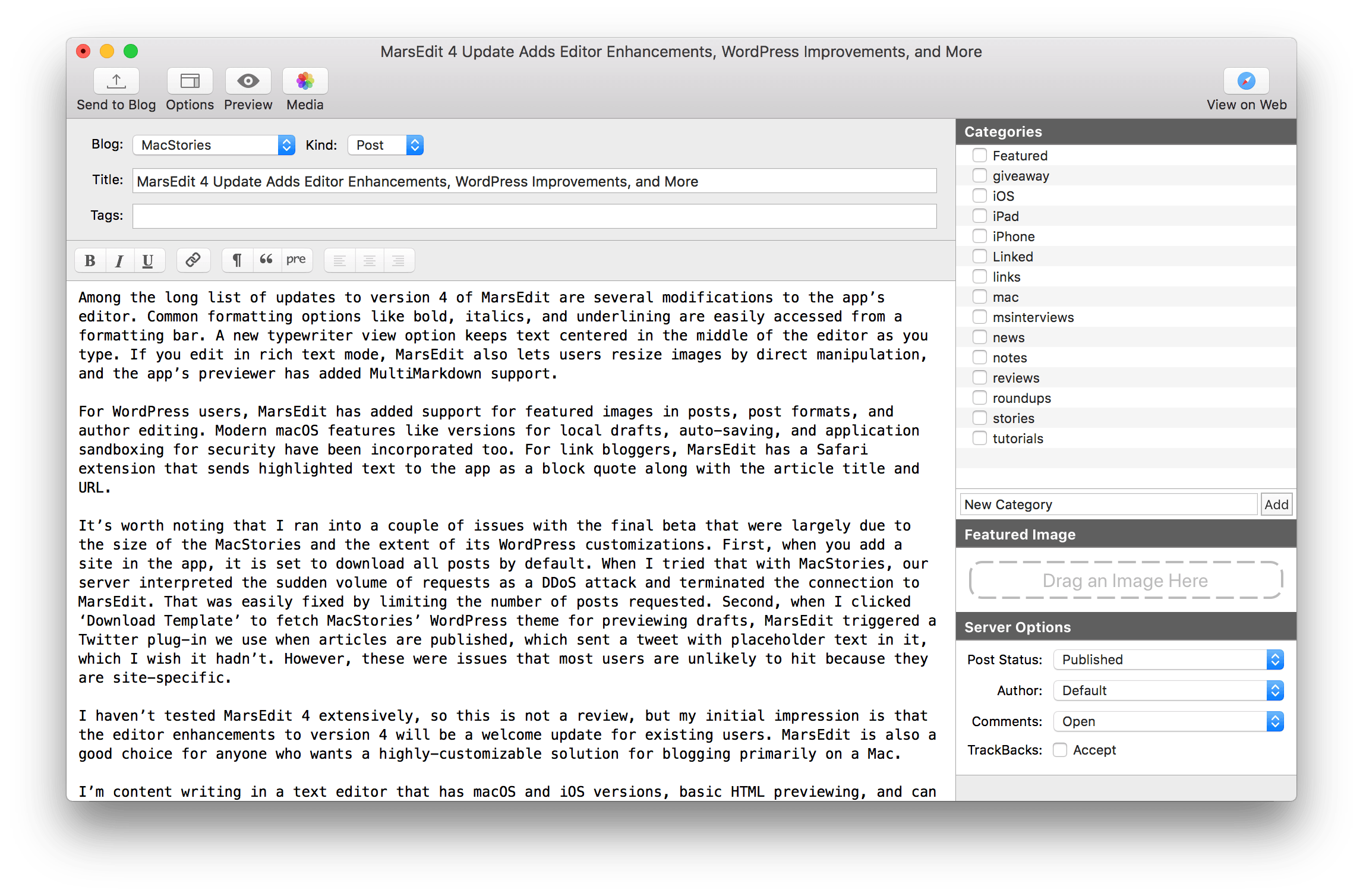
MarsEdit, Red Sweater Software’s macOS blog editor, received a major update today with new features and a UI refresh.
Among the long list of updates to version 4 of MarsEdit are several modifications to the app’s editor. Common formatting options like bold, italics, and underlining are easily accessed from a formatting bar. A new typewriter view option keeps text centered in the middle of the editor as you type. If you edit in rich text mode, MarsEdit also lets users resize images by direct manipulation, and the app’s previewer has added MultiMarkdown support.
For WordPress users, MarsEdit has added support for featured images in posts, post formats, and author editing. Modern macOS features like versions for local drafts, auto-saving, and application sandboxing for security have been incorporated too. For link bloggers, MarsEdit has a Safari extension that sends highlighted text to the app as a block quote along with the article title and URL.