Posts in news

PortraitCam: Portrait Mode for Everyone [Sponsor]

PortraitCam by BrainFeverMedia takes iPhone portrait photography to the next level. The app, which was featured by Apple in the App Store’s ‘New Apps We Love,’ uses the latest Depth APIs and Face Detection to bring an incredible level of control over portraits.

The app automatically detects faces and captures depth data for compatible devices using Apple’s latest camera technologies. For two-lens devices like the iPhone X, PortraitCam uses the depth information captured by your iPhone. For other devices though, PortraitCam uses Face Detection to generate a depth map.

But what’s most impressive is what PortraitCam does with depth information. The app takes that data and uses it to let you dial in exactly the portrait you want, regardless of whether you’re shooting live or editing an existing photo. You can control the amount of background blur and shape of the bokeh. You can add simulated lenses too. It’s a simple, sensible workflow that works perfectly for portraiture.

BrainFeverMedia has a deep catalog of photography apps. That experience shows in PortraitCam, which draws on its past work with filters and effects to help you create beautiful portraits.

When you get together with friends and family this holiday season, download PortraitCam from the App Store and wow them with a special year-end portrait.

Thanks to PortraitCam for supporting MacStories this week.


Apple Updates and Expands App Store Review Guidelines to Address Pre-Orders, Loot Boxes, VPNs, and More

Just before the annual holiday shutdown of the App Store, Apple has revised its App Store Review Guidelines to address new App Store functionality like Pre-Orders and clarify or expand a handful of existing guidelines, including the creation of apps from templates and how ’loot boxes’ and VPNs should be handled. Below is a summary of the major changes to the Guidelines. To see all the changes, check out Rich Hong’s App Store Review Guidelines gist on GitHub.

Read more


Pokémon GO’s ARKit-Powered Release Coming Soon

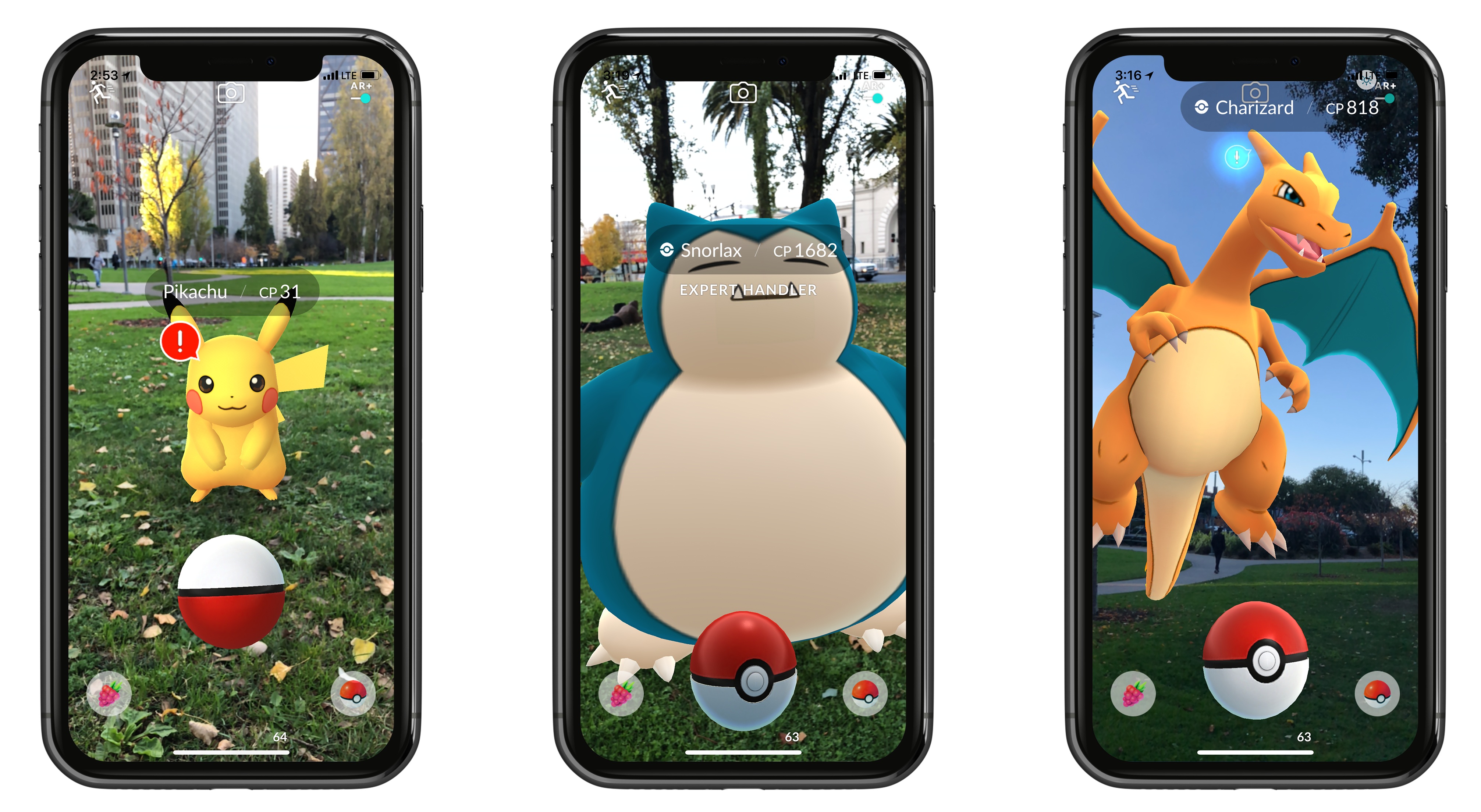
The most well-known augmented reality smartphone game will soon be better than ever. As was previously announced at WWDC, Pokémon GO is adopting Apple’s ARKit framework to provide a more true-to-life AR experience. The Pokémon GO website announced that this update, featuring what the post dubs ‘AR+’, is launching very soon.

AR+ will not only make Pokémon appear more accurately in space, but it also brings enhancements to actual gameplay. Because the game will be able to better measure distance and placement of objects, each Pokémon found in the wild will now have an awareness meter. The meter fills up as Pokémon grow more aware of your looming presence, and if the meter fills up completely, the Pokémon will run away. But if you sneak up carefully, not only will you prevent the Pokémon from fleeing, but you’ll earn some nice perks: an Expert Handler bonus that increases the amount of XP and Stardust you receive, and a better chance at earning Great and Excellent Throw bonuses. These additions are a clever way of using ARKit to not only improve the realism of the game’s visuals, but its mechanics too.

One either nice perk of AR+ is that, as a side benefit of being fixed to a precise point in space, Pokémon will display in an accurate scale, so you can walk up and see just how big or small a Pokémon truly is.

While Pokémon GO’s days as a worldwide phenomenon are over (at least for now), the game continues to receive important updates, and the adoption of ARKit appears to be a key one. The update’s exact release timeline is unclear, but by all indications it’s imminent.


Spark: The Future of Email [Sponsor]

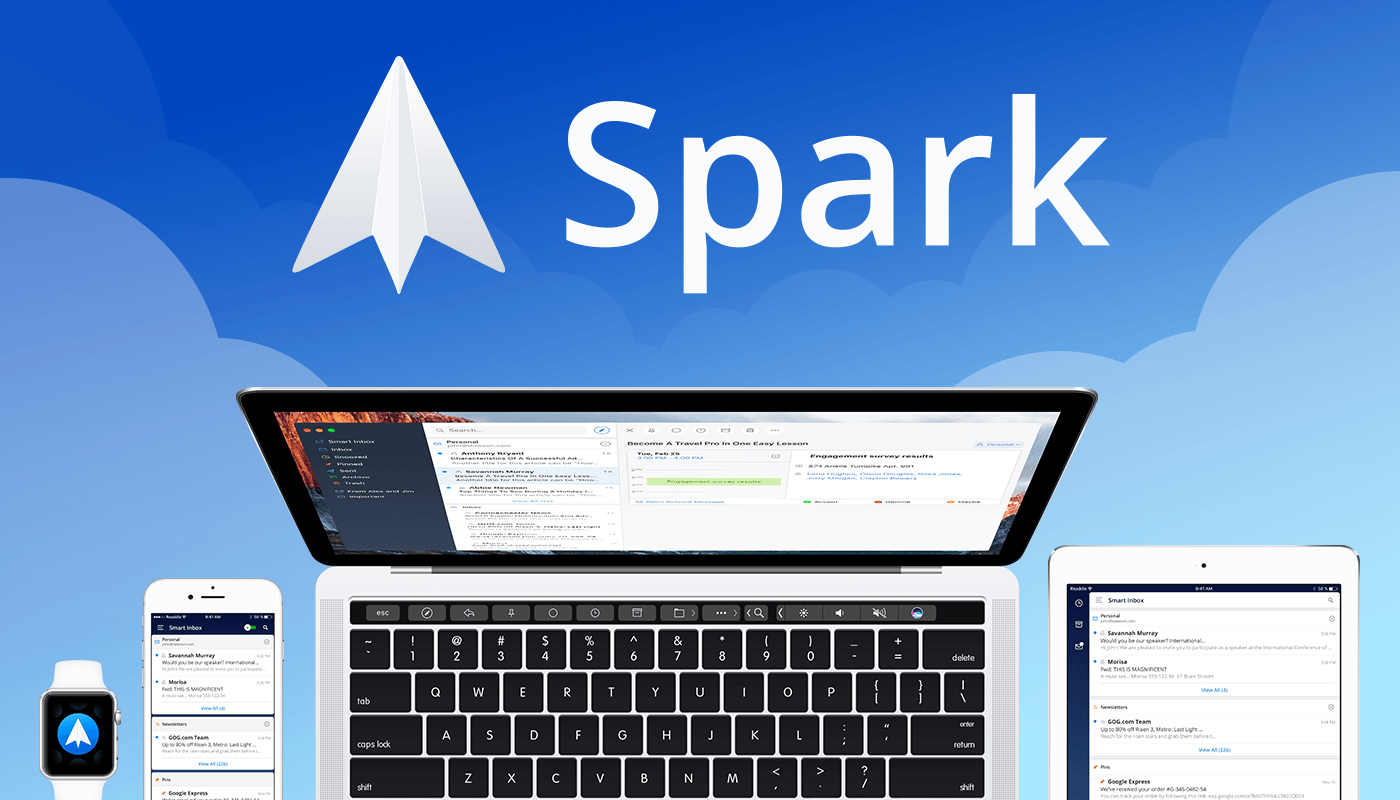
Email robs you of precious time. Spark recovers those lost moments by knowing what’s important and organizing it for you neatly and automatically.

Spark’s smarts start with its inbox. Messages that arrive in Spark’s Smart Inbox are automatically categorized as Personal, Notifications, and Newsletters, which makes it easy to focus on what’s important and return what’s not later.

Intelligent search makes it simple to find messages no matter where they are. Spark’s natural language algorithm thinks like you do. Just ask for messages the way you would if you were asking a friend.

Email notifications are a problem that can spin out of control quickly. Spark uses Smart Notifications to filter out the junk and only notify you what you need to know now.

In addition, Spark features beautifully designed card-style calendar invitations that can be accepted with just one tap, the ability to send later and set up reminders for messages that don’t receive a reply, message snoozing, and Quick Replies that let you acknowledge a message with a single tap. Spark also has customizable gesture actions and works with Dropbox, Box, iCloud Drive, and more. Spark is beautifully designed too with a threaded message view that makes following a conversation simple.

As if that weren’t enough, in just a few short months, Spark 2.0 will introduce Spark for Teams, which will change the way teams collaborate giving them the ability to do things like comment and discuss messages and write messages together.

The future is now. Download Spark today for free on iOS or on macOS and take control of your inbox.

Thanks to Spark for supporting MacStories this week.


Apple Introduces Podcast Analytics Beta

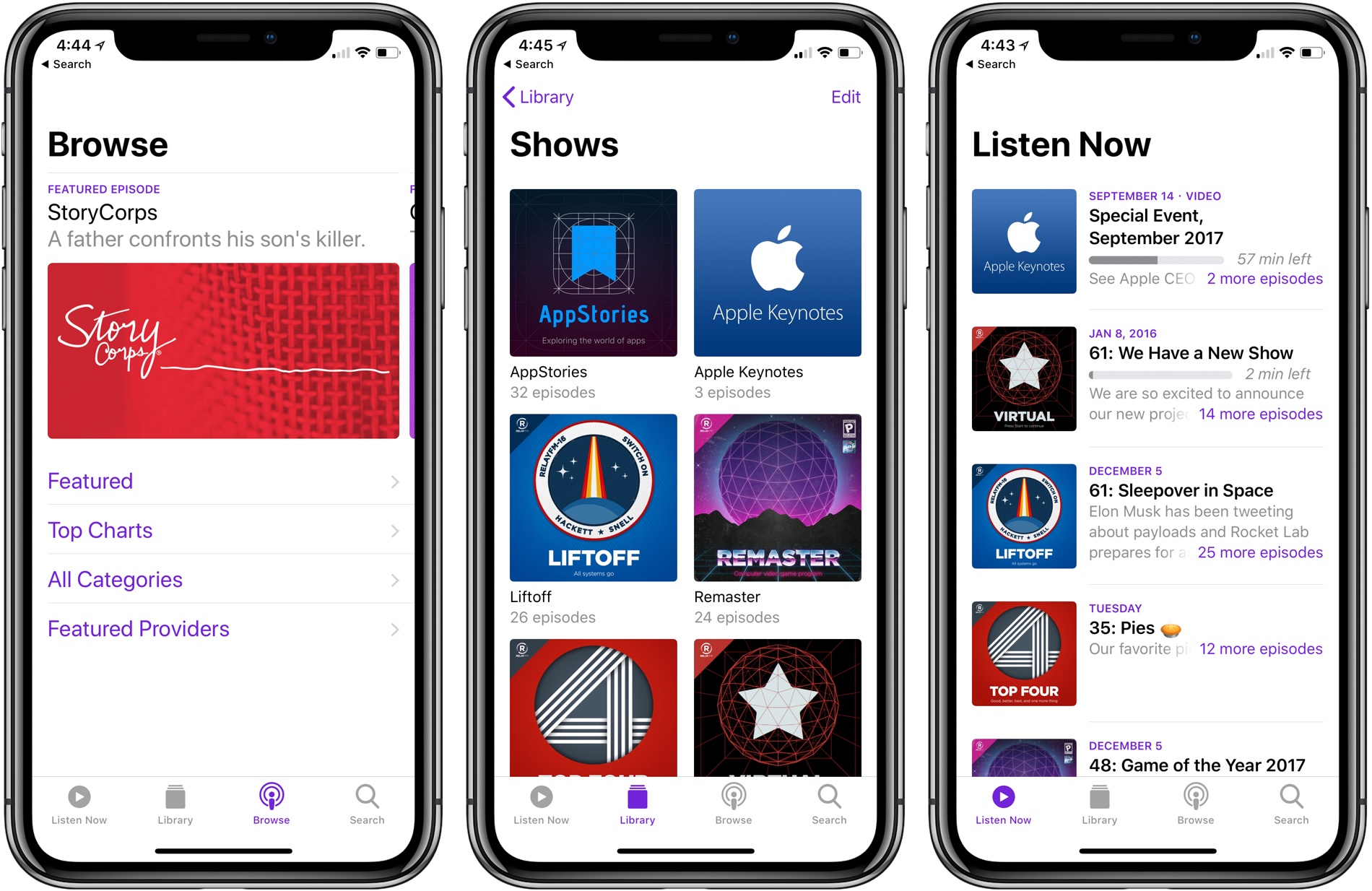
During as session about podcasts at WWDC in June, Apple announced that it would introduce podcast analytics later in the year. Today, the feature was rolled out as a beta service as part of iTunes Connect, Apple’s content creator portal. At release, the data available to podcast producers includes unique device downloads as well as playback metrics.

Historically, podcast analytics have been rudimentary. Producers could track downloads, but there was no way to tell how many users were behind those downloads or how long they listened. Those sorts of features are something that some podcast producers, especially those coming from the radio industry, have wanted Apple to add for a while.

With the beta introduced today, producers can track the number of unique device downloads and view graphs of how long listeners lasted before giving up on a show. The data is aggregated to protect user privacy, but it’s nonetheless substantially more information than podcasters have had in the past.

The data is limited to users using the Apple Podcasts app on iOS 11 and later or listening via iTunes 12.7 or later on macOS, which limits its utility for some show producers. For example, Apple Podcasts listeners account for barely over 5% of listeners of our podcast, AppStories, a number which counts users of the app on all versions of iOS.

One of the big proponents of these sort of analytics has been big brand advertisers who want to more closely measure the performance of podcast advertising. As podcasts have boomed in recent years and producers have looked to bring larger advertisers along for the ride, pressure has mounted for the kind of analytics that are employed on the web. It remains to be seen whether podcast analytics do to podcasts advertising rates what click-through and other metrics have done to other online media outlets’ advertising revenue.

The beta is available at podcastsconnect.apple.com/analytics.


Apple Releases iMac Pro and Updates to Final Cut Pro X, Motion, and Compressor

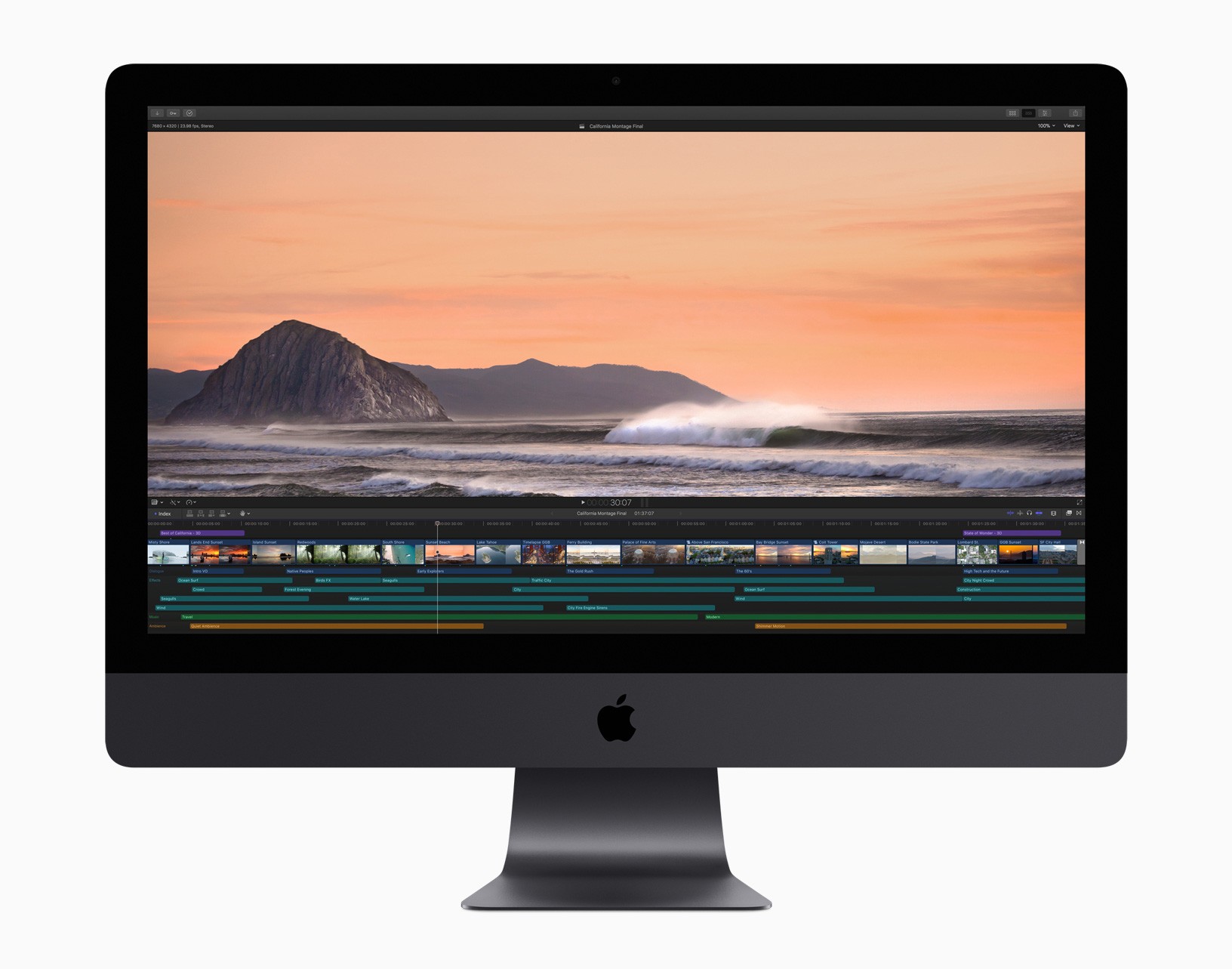
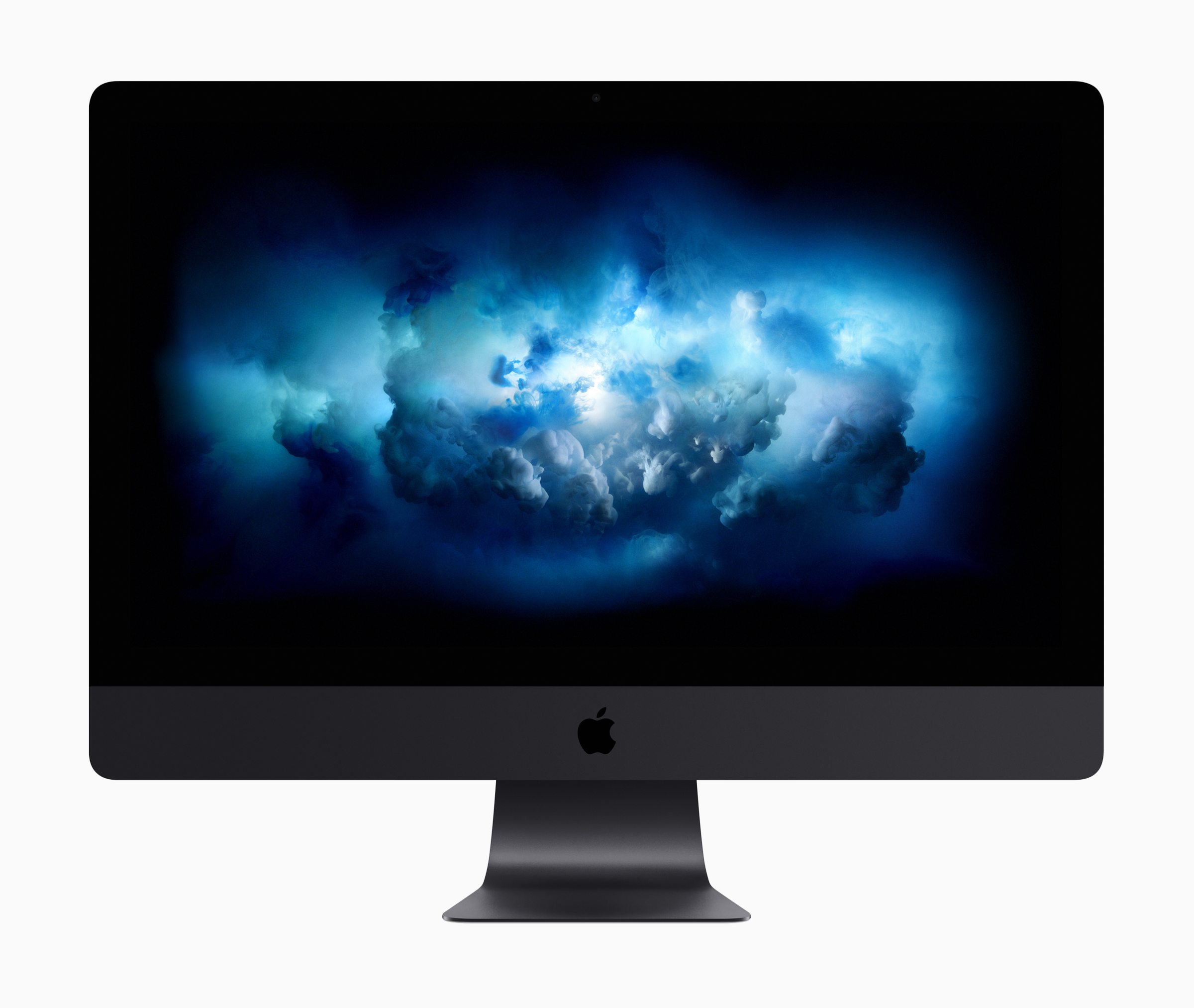
As expected, Apple introduced of the iMac Pro today, and an update to its professional video-editing app, Final Cut Pro X. Companion video-editing apps Motion and Compressor received updates too.

Specifications of the new iMac Pro are in line with what was reported earlier this week. In its press release, Apple provides examples of the kind of performance increases that different professionals can expect:

iMac Pro takes Mac performance to a whole new level, even when compared to our fastest quad-core iMac.

  • 3D designers can visualize huge 3D models and render scenes up to 3.4 times faster.
  • Developers can run multiple virtual machines and test environments, and compile code up to 2.4 times faster.
  • Scientists and researchers can manipulate massive data sets and complex simulations, visualizing data up to 5 times faster.
  • Photographers can work with enormous files and perform image processing up to 4.1 times faster.
  • Music producers can bounce (export) massive multi-track projects up to 4.6 times faster and use up to 12.4 times as many real-time plug-ins.
  • Video editors can edit up to eight streams of 4K video, or edit 4.5K RED RAW video and 8K ProRes 4444 at full resolution in real time without rendering. The iMac Pro can also export HEVC video 3 times faster.

All that power comes at a substantial price. The iMac Pro starts at $4,999 but can be configured to over $13,000.

Apple also updated Final Cut Pro X, its professional video editing app for macOS. According to Apple:

new features including 360-degree VR video editing, advanced color grading tools and support for High Dynamic Range (HDR) video. Optimized to take full advantage of the incredible performance capabilities of the all-new iMac Pro, Final Cut Pro users can now edit full-resolution 8K video for the first time on a Mac. Apple is also extending 360-degree VR video support to Final Cut Pro companion apps, Motion and Compressor.

Susan Prescott, Apple’s vice president of Apps Product Marketing said:

“With new features like 360-degree VR editing and motion graphics, advanced color grading and HDR support, Final Cut Pro gives video editors the tools to create stunning, next-generation content…. When combined with the performance of Mac hardware, including the all-new iMac Pro, Final Cut Pro provides an incredibly powerful post-production studio to millions of video editors around the world.”

The update to Final Cut Pro X lets editors create 360-degree video content and view those projects in real time using an HTC VIVE VR headset and SteamVR. Apple has also added professional color grading tools and supports popular HDR formats. Other features Apple touts include:

  • Easily import iMovie projects from iPhone and iPad into Final Cut Pro for advanced editing, audio work, motion graphics and color grading.
  • HEVC and HEIF support for importing and editing high efficiency video and photo formats from Apple devices.
  • Updated audio effects plug-ins from Logic Pro X with redesigned, resizable interfaces.
  • Faster, higher quality optical flow analysis built on Metal, Apple’s advanced graphics technology.

In addition to the update to Final Cut Pro X, Apple has updated Motion, which lets users create 360-degree VR titles and effects that are accessible from Final Cut Pro. Compressor has also been updated to let ‘users deliver 360-degree video with industry-standard spherical metadata.’

Final Cut Pro X, Motion, and Compressor are available on the Mac App Store as free updates to existing users. For new users, Final Cut Pro X is $299.99, Motion and Compressor are $49.99 each. Educational users can purchase the apps as a bundle for $199.99.



Twitterrific for iOS Adds Black Theme, Dynamic Type, Temporary Muffles, Poll Support, and More

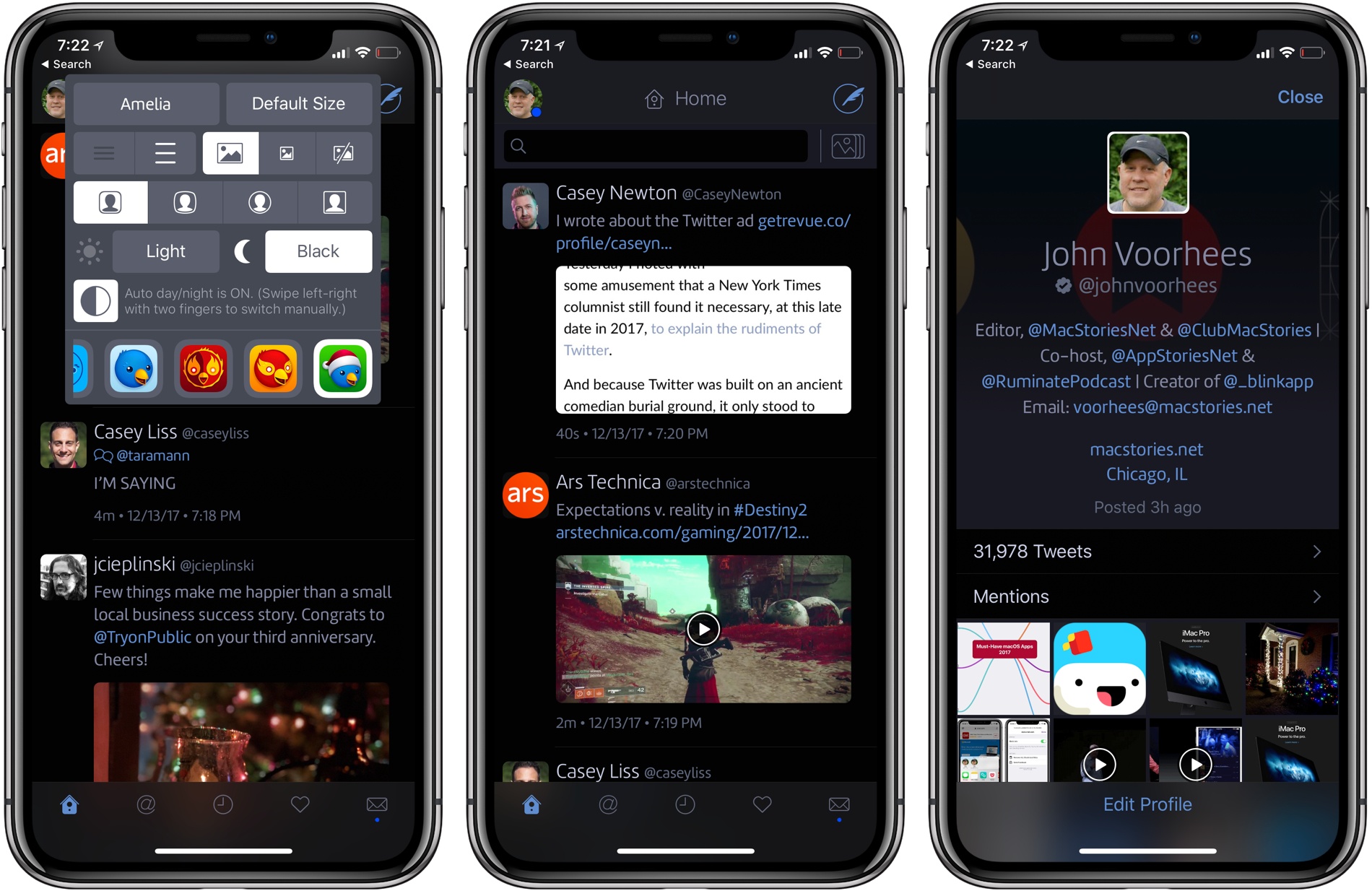
Twitterrific 5 for iOS was updated today with several new and improved features. My favorite addition is a true black theme that looks striking on the iPhone X. Users that pick the black theme are given a choice between a dark theme that has been modified for ‘greater contrast and clarity’ and the true black theme.

The app’s design has undergone other changes too. Users can pick avatars that are rounded rectangles, circles, squares, or squircles, and text sizes can be adjusted with more granularity thanks to the use of Dynamic Type.

Muffles, which are rules that partially hide tweets from your timeline, can be temporarily disabled now. Previously, the only way to deactivate a Muffle was to delete it.

Twitterrific’s experimental support for polls, which debuted on macOS recently, has been added to the iOS app too. To celebrate the holiday season, The Iconfactory has also added a new icon option: ‘Jolly Ollie,’ which features Twitterrific’s mascot in a Santa hat.

Twitterrific is available on the App Store.


iMac Pro First Impressions Around the Web

The iMac Pro was debuted on Apple’s online store today, but won’t be available to purchase until December 14th. Over the past week, the company provided test hardware to a handful of photographers, videographers, an aerospace engineer, and programmers. Each seems to have been given an iMac Pro with a 10-core 3GHz processor, 128GB memory, 2TB SSD, and the Radeon Pro Vega 64 graphics with 16GB memory. Although no one had time to put the machine through a thorough review, they each put the new iMac through a unique series of tests and real-world tasks to see how it performed.

Read more


Apple Announces iMac Pro to Begin Shipping December 14th

Apple updated its website with news that the iMac Pro is shipping beginning on December 14, 2017. The pro-level iMac features a long list of impressive specifications. The desktop computer, which was announced in June at WWDC comes in 8, 10, and 18-core configurations, though the 18-core model will not ship until 2018. The new iMac can be configured with up to 128GB of RAM and can handle SSD storage of up to 4TB. Graphics are driven with the all-new Radeon Pro Vega, which Apple said offers three times the performance over other iMac GPUs.

The desktop, which Apple touts as a solution for video editing, virtual reality development, and other graphics and processor-intensive tasks was taken through its paces by Marques Brownlee on his YouTube channel:

According to Brownlee, the machine runs quiet and cool, but suffers from the inability to upgrade components, which is uncommon for a pro-level computer. Brownlee also notes that the iMac Pro worked well on Final Cut Pro X tasks that would typically choke another iMac.

Jonathan Morrison also got an opportunity to preview the iMac Pro, showing off his setup here: