Posts in news

Apple Launches an Embeddable Web Players for Podcasts

Apple Podcasts now supports an embeddable podcast player for shows in its directory along with other marketing tools.

The player comes is responsive and can display either a show with multiple episodes or an individual episode along with playback controls and navigation options. There are controls for play/pause and to skip forward 30 seconds and back 15 seconds, as well as a timeline scrubber that appears after you click or tap play. An ellipsis menu button provides options to open a show or episode in Apple’s Podcasts app, copy a link to the show or episode, and copy embeddable code. The player is also responsive, making it look terrific on mobile and desktop devices. It’s worth noting that content blockers will hide the embedded players, so if you don’t see them below, disable content blockers and reload the page.

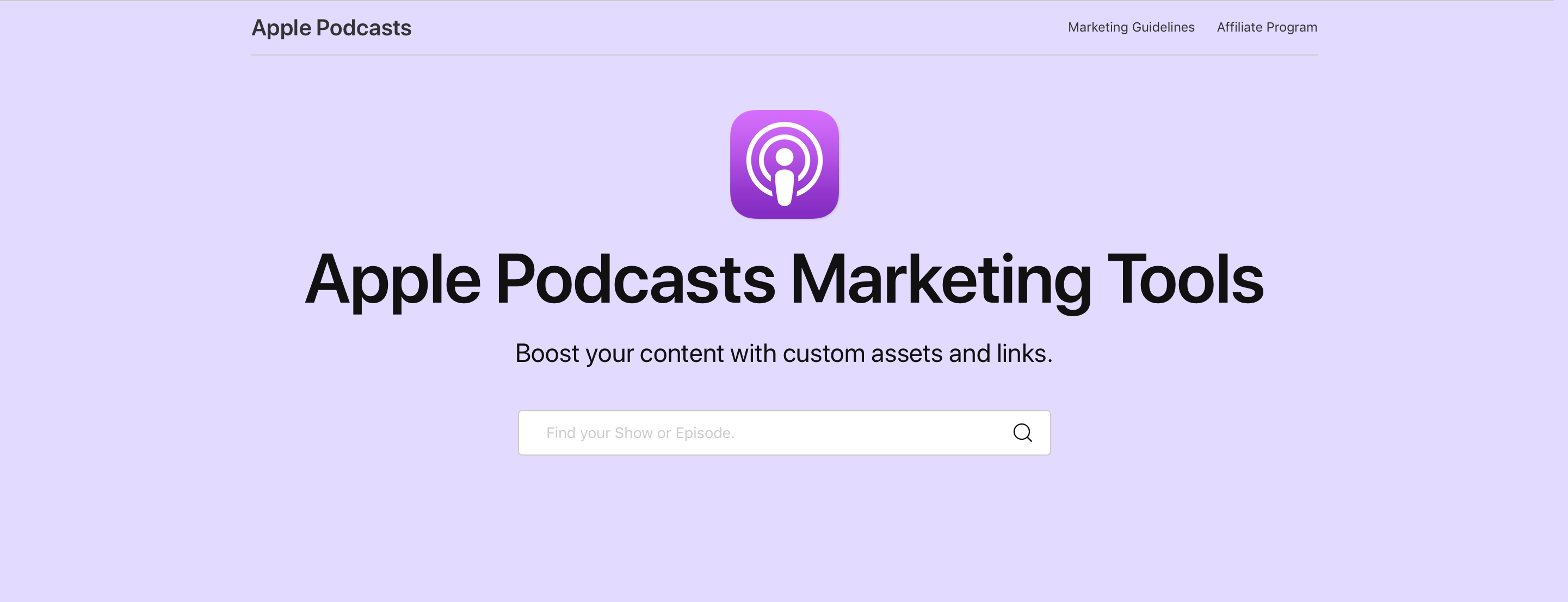
To create the code to embed the Podcasts player, visit the Apple Podcasts Marketing Tools webpage. Here’s an example of the large version of this week’s episode of AppStories:

And an embed for the show itself:

The embed for a show plays the latest episode by default with additional episodes available to the right of the player. The ‘See More Episodes’ button opens the Podcasts app. In addition to the new player, the Podcasts Marketing page offers badging resources, show and episode short link generation, Apple Podcasts iconography that can be embedded or downloaded, and QR code generation.

We’ve tested Apple’s new embeddable player with AppStories and I’ve been extremely happy with it. First of all, it’s dead simple to implement. The player uses an iframe, which means it should work out-of-the-box with little, if any, fiddling for most websites. MacStories uses WordPress and all I needed to do was paste the iframe code into the story.

What’s more, the embeds look fantastic, far better than most of the options available from podcast hosting services. Most important of all, though, the user experience is excellent, allowing MacStories readers to sample a show inline and jump to the Apple Podcasts app on any platform to learn more and subscribe.

Apple has had a similar widget system for Music content for a while, and I’m glad to see it’s been implemented for shows in Podcasts too. Podcast fans already have their preferred ways to access their favorite shows. What Apple Podcasts web embeds provides, though, is discoverability. The embeds are a simple, frictionless way for readers to sample the show and hopefully become subscribers.


MacStories Unwind: Apple’s M1 Macs, Big Sur, MusicBot, and New Reviews

0:00
30:41


Sponsored by: GoodTask – Better Widgets for Reminders and Calendars on iOS 14

This week on MacStories Unwind:

MacStories

Club MacStories

  • MacStories Weekly
    • Collection: November Event Highlights
    • Behind the Scenes: The MacStories Big Sur Review
    • Federico: iPad Features I’d Miss on an Apple Silicon Mac
    • An interview with PCalc developer James Thomson
  • MacStories Unplugged

AppStories

Unwind


HomePod mini Review Roundup

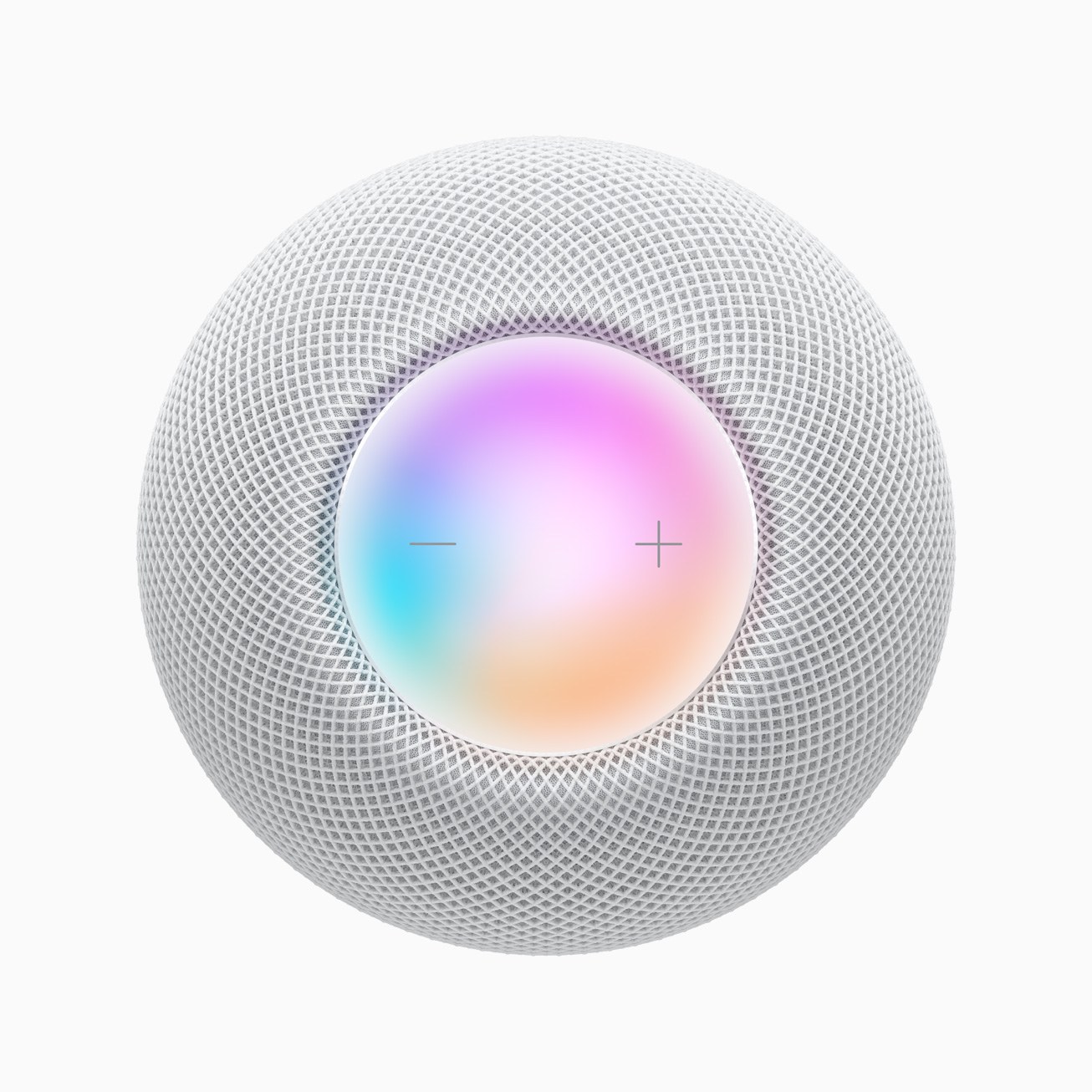
Several reviews of Apple’s new HomePod mini were published today. The mini, which I covered following Apple’s October event, is considerably smaller and less expensive than the original HomePod. Although we learned a lot about the mini in October, today’s reviews are the first to judge the sound quality of the mini.

Marques Brownlee was impressed with the quality of the HomePod mini’s audio for such a small speaker. Brownlee points out that there are less expensive smart speakers available, ones that support more smart home products, and smart assistants that he thinks are better. However, for a seamless, integrated experience with Apple’s products and great sound, he concludes the HomePod mini is a good choice.

At The Verge, Dan Seifert takes the HomePod mini through its paces too. He concludes:

At $100, compared to the original HomePod’s $350 launch price, the mini is priced low enough that you can envision buying more than one and spreading them throughout your home. It does most of the things you expect a smart speaker to do and sounds good when doing them. If you’re already fully bought into Apple’s ecosystem, including services, it’s hard to fault the HomePod mini’s price or capabilities. It also provides an escape from some of the privacy concerns and baggage that come with the Echo or Nest smart speakers, including the increasingly common ads that show up in Alexa’s responses.

However, Seifert also feels that Apple’s HomePod mini is behind the offerings available from Amazon and Google both in terms of smarts and sound quality.

Engadget’s Nathan Ingraham has a similar, although slightly more positive, takeaway:

The HomePod mini is a lot easier to recommend than the original was back in 2018. It’s significantly cheaper than the first HomePod, which automatically means more people will consider it. And it’s also a lot more capable than the original was in 2018, with more of the features you’d expect from a smart speaker. And, like the Nest Audio, it sounds very good for the price, making it a solid value for $100.

Brian Heater at TechCrunch concludes that the HomePod mini is a surprisingly good speaker for the price and size, noting about the audio:

It’s full and clear and impressively powerful for its size. Obviously that goes double if you opt for a stereo pair. Pairing is painless, out of the box. Just set up two devices for the same room of your home and it will ask you whether you want to pair them.

Jim Dalrymple at The Loop came away impressed after testing the HomePod mini, both in terms of its sound quality and ability to handle Siri requests:

I love the HomePod mini. It’s useful in accessing my personal information like lists, notes, and calendars, and it allows me the flexibility to play music wherever I want.

The sound quality of the music is really good for such a small speaker—or any speaker. HomePod mini fits almost anywhere you want to put it, and it looks great.

For more unboxing and hands-on videos, there are also videos available from Justine Ezarik:

and Rene Ritchie:

After reading and watching these reviews, I remain excited to try the HomePod mini. I have a bunch of HomeKit devices and have enjoyed the convenience of using Siri with the original HomePod, but it was too expensive to add them to every room in my house and also more speaker than necessary for many rooms. My hope is that the mini will fill in those gaps extending music to more of our home and bringing Siri into earshot in more circumstances.


iPhone and iPad Apps Are Coming to the Mac App Store

Source: Apple.

Source: Apple.

Apple’s M1-based Macs will start to be delivered to users next week and are capable of running iPhone and iPad apps natively. In an App Store story and developer documentation, Apple has explained how that will work.

iPhone and iPad apps will be available on the Mac App Store by default, although developers can opt out of offering their apps there. A developer might not want to make their iPhone or iPad app available on the Mac App Store for a variety of reasons. For example:

Some apps available on Mac may not function as they normally would on iPhone or iPad. For example, features that rely on hardware unique to iPhone or iPad—such as a gyroscope or a screen that supports complex Multi-Touch gestures—may not work on Mac. In some cases such a feature may be central to the app’s functionality, while in others the app may be usable without it.

Developers who want to offer their iPhone and iPad apps on the Mac App Store don’t have to do anything to make them work on the Mac. However, Apple is asking developers to consider adopting things like keyboard support, multitasking, and Auto-Layout, which will add Mac keyboard and window resizing support, for example.

Apple is also encouraging developers to verify that their iPhone and iPad apps work on the M1 Macs. Apps built for iOS and iPadOS will be labeled as ‘Designed for iPhone’ and ‘Designed for iPad,’ so users can identify them, and if an app hasn’t been verified by its developer yet, it will also be labeled as ‘Not verified for macOS.’

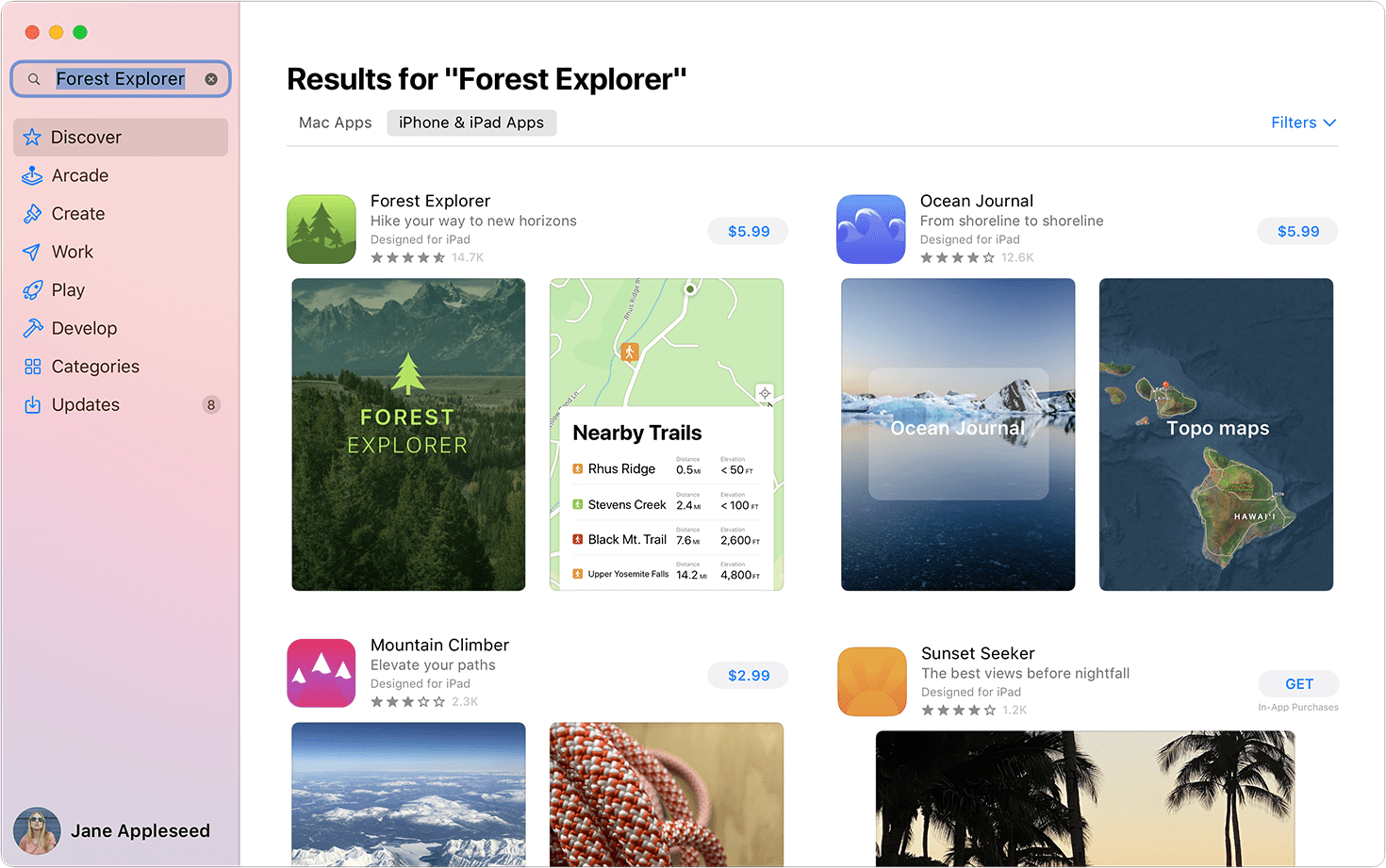
Search results will feature a toggle that separates Mac apps from iPhone and iPad apps. Source: Apple.

Search results will feature a toggle that separates Mac apps from iPhone and iPad apps. Source: Apple.

Apple’s developer documentation notes that iPhone and iPad apps can be found on the Mac App Store,

by browsing curated selections and charts, or by searching and clicking the “iPhone & iPad Apps” toggle at the top of search results.

The toggle strikes me as a good way to handle search results to help ensure that users understand which version of an app they are downloading. Also, developers who offer their iPhone or iPad app on the Mac App Store can later replace it with a macOS version, which will be delivered to users as an update to the app. However, if developers already offer a Mac app as part of a universal purchase, they cannot later offer an iPhone or iPad app instead.

It will be interesting to see how many apps opt out of the Mac App Store. There are many reasons why a developer might not participate, but I expect those that do will verify their apps relatively quickly to provide users with the confidence to try their app on a new M1 Mac.


Coming Soon: The 2020 Edition of the MacStories Selects Awards

For the first time last year, we honored our favorite apps of the year with physical MacStories Selects awards, featuring custom, hand-made awards that were shipped around the globe to each of 2019’s winners. The MacStories Selects Awards, which began in 2018, will be back again this year with awards in the following eight categories:

  • App of the Year
  • Best New App
  • Best App Update
  • Best New Feature
  • Best Design
  • Best Watch App
  • Best Mac App
  • Readers’ Choice Award

The response to the 2019 awards from readers and developers was tremendous. Last year we also introduced the Readers’ Choice Award, which is picked by Club MacStories members. If you’re a Club member, be sure to check out this Friday’s MacStories Weekly newsletter to enter your favorite app of 2020. We’ll only be accepting entries until the middle of next week, so don’t delay submitting your entries.

Every year, we look at hundreds of terrific apps. MacStories Selects is our way to call out a handful of our absolute favorites that are shining examples of the best apps on Apple’s platforms. We look forward to sharing our selections and our Club members’ pick very soon.


The M1 Mac mini: The MacStories Overview

At today’s special event Apple announced the much-anticipated first round of Apple silicon Macs. Running the impressively fast and efficient M1 chip, Apple’s initial offering includes new MacBook Air and 13” MacBook Pro models, and an all new Mac mini.

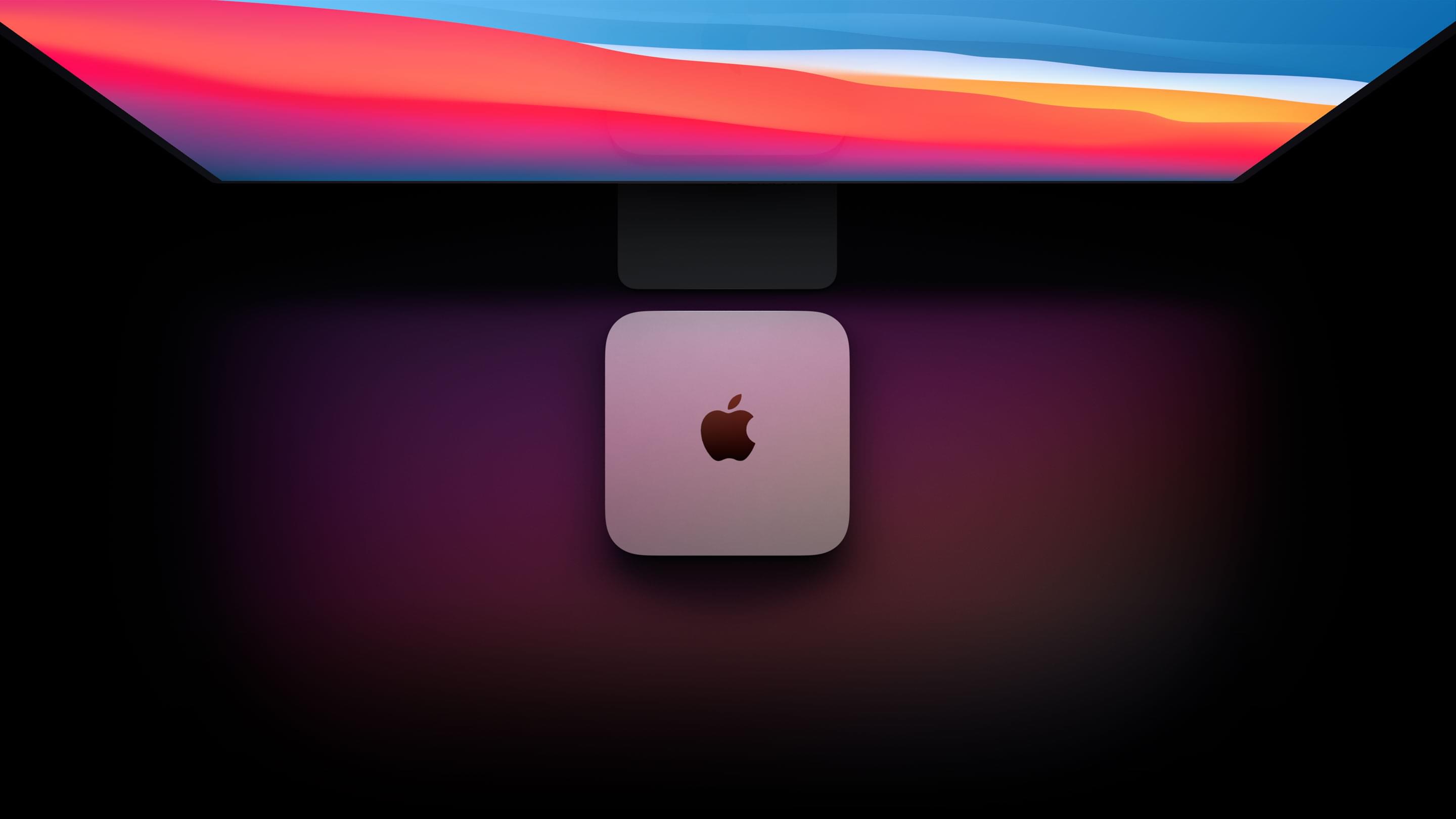
The M1-powered Mac mini features significantly faster compute and graphics performance, two Thunderbolt/USB-4 ports, Wi-Fi 6 support, SSD storage, and significantly improved machine learning capabilities. To top it all off, the starting price has been dropped by $100.

Read more


The M1 MacBook Air and 13” MacBook Pro: The MacStories Overview

Before today’s event, little was known about the Apple silicon Macs that the company promised to release by the end of the year. Today, during an online presentation hosted by CEO Tim Cook from Apple Park, Apple took the wraps off its new M1 chip, which powers the new MacBook Air, 13” MacBook Pro, and Mac mini.

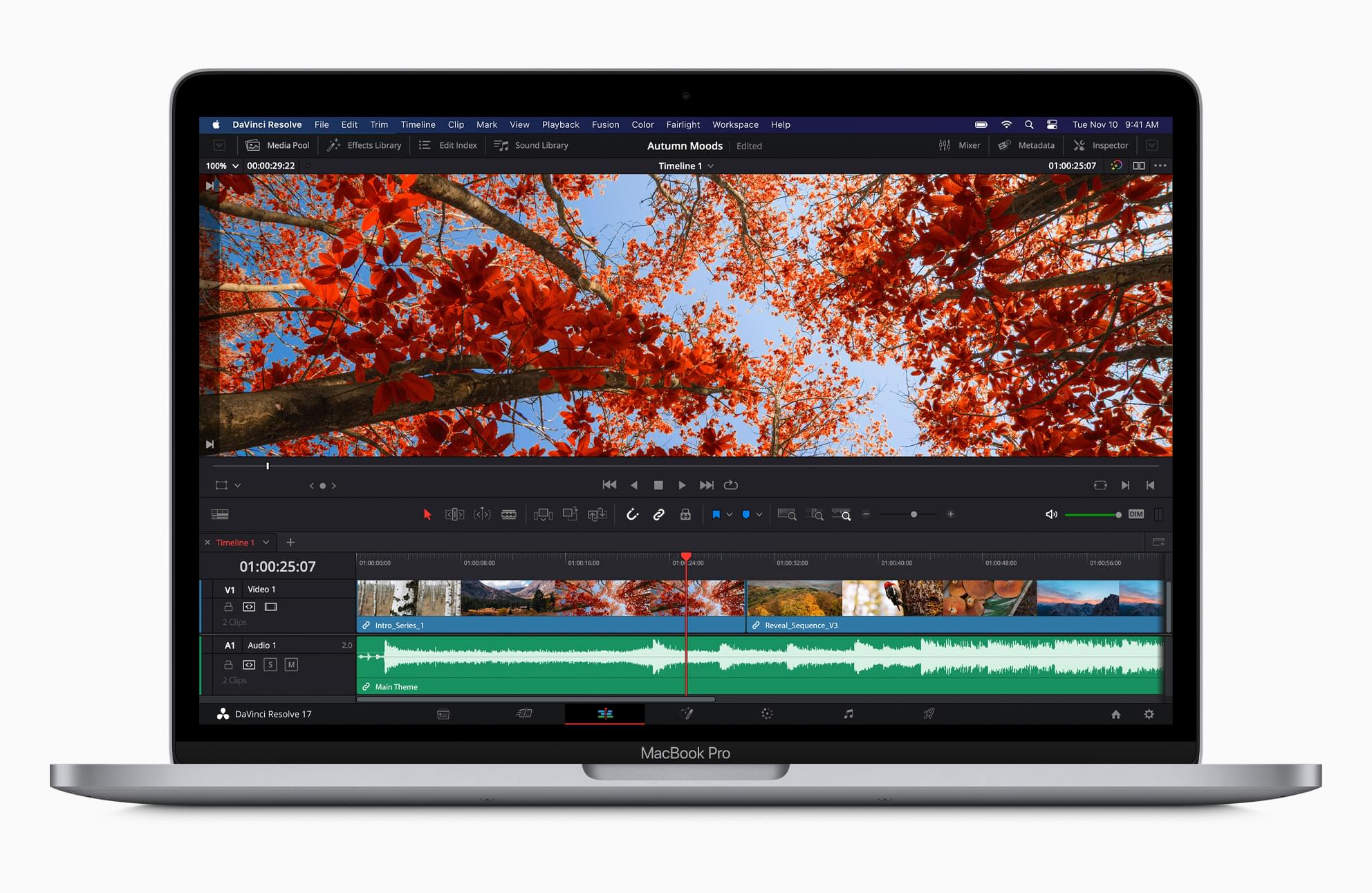
Let’s take a look at Apple’s new laptops.

Read more


Apple Unveils New M1 Apple Silicon Chip for Macs

During this morning’s Apple special event stream, SVP of Hardware Technologies Johny Srouji unveiled the first Apple silicon chip for Mac. The company teased this chip at WWDC in June, but we’ve had to wait until today for the full details. Chip transitions are never undertaken lightly, so expectations were high for how significant the advantages of Apple silicon would be. Thankfully, the M1 chip does not disappoint.

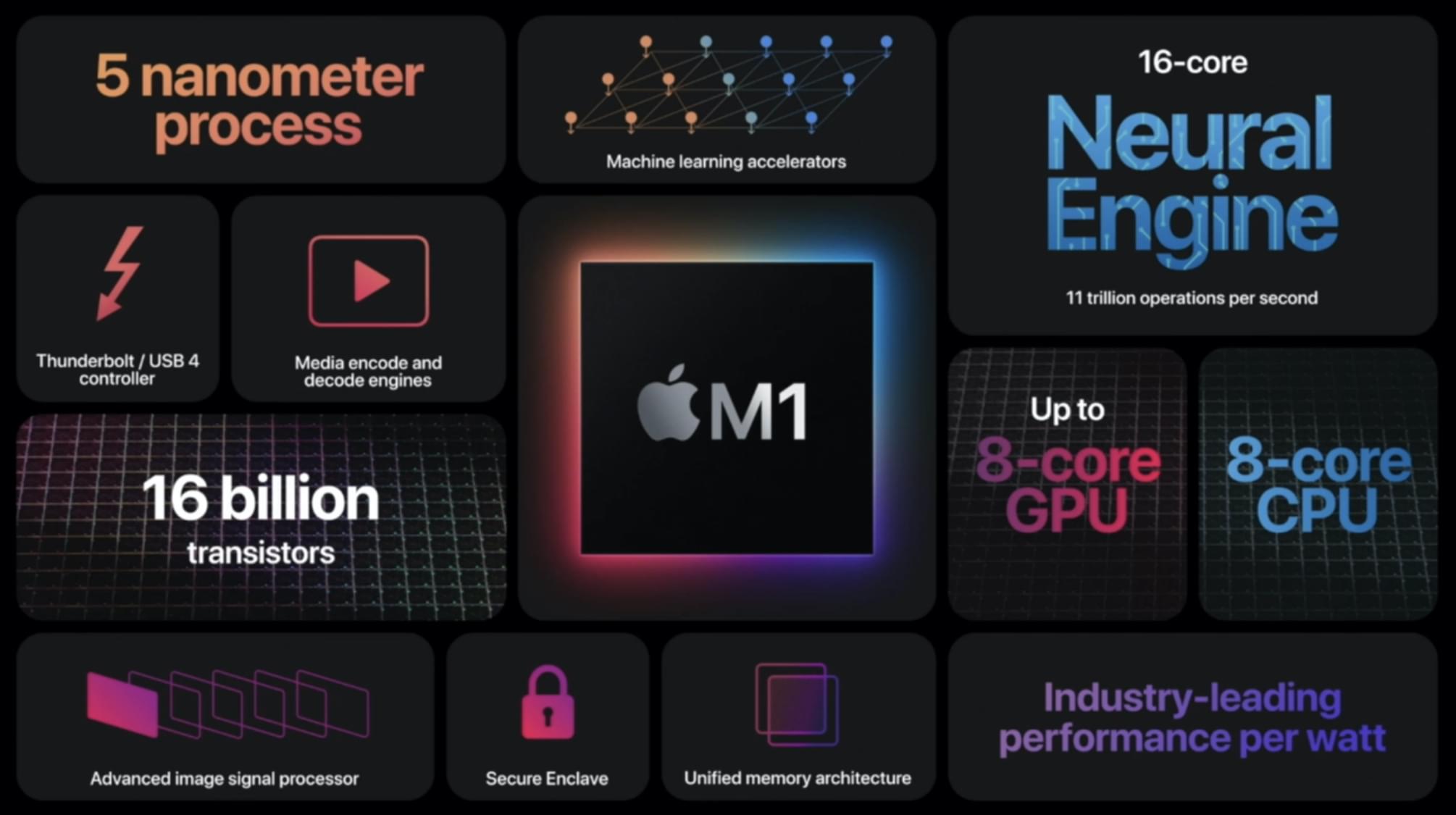
The M1 ushers in one of the largest single-generation leaps in performance and power efficiency for Apple hardware in recent history. It is a system on a chip (SoC), meaning it has pulled multiple different chip types from prior Macs together into one package. Assembled using a 5-nanometer process, the M1 is packed with 16 billion transistors. The result is a highly power-efficient chip which can deliver impressive performance while maintaining the longest battery life ever for Mac laptops.

Read more


Apple’s November 2020 Event: By the Numbers

Apple sprinkled facts, figures, and statistics throughout its presentation today about the new Macs it announced. Here are highlights of some of those stats from the event, which was held online from the Steve Jobs Theater in Cupertino, California.

Apple’s M1 Chip

  • Built using an industry-leading 5 nanometer process
  • Houses 16 billion transistors
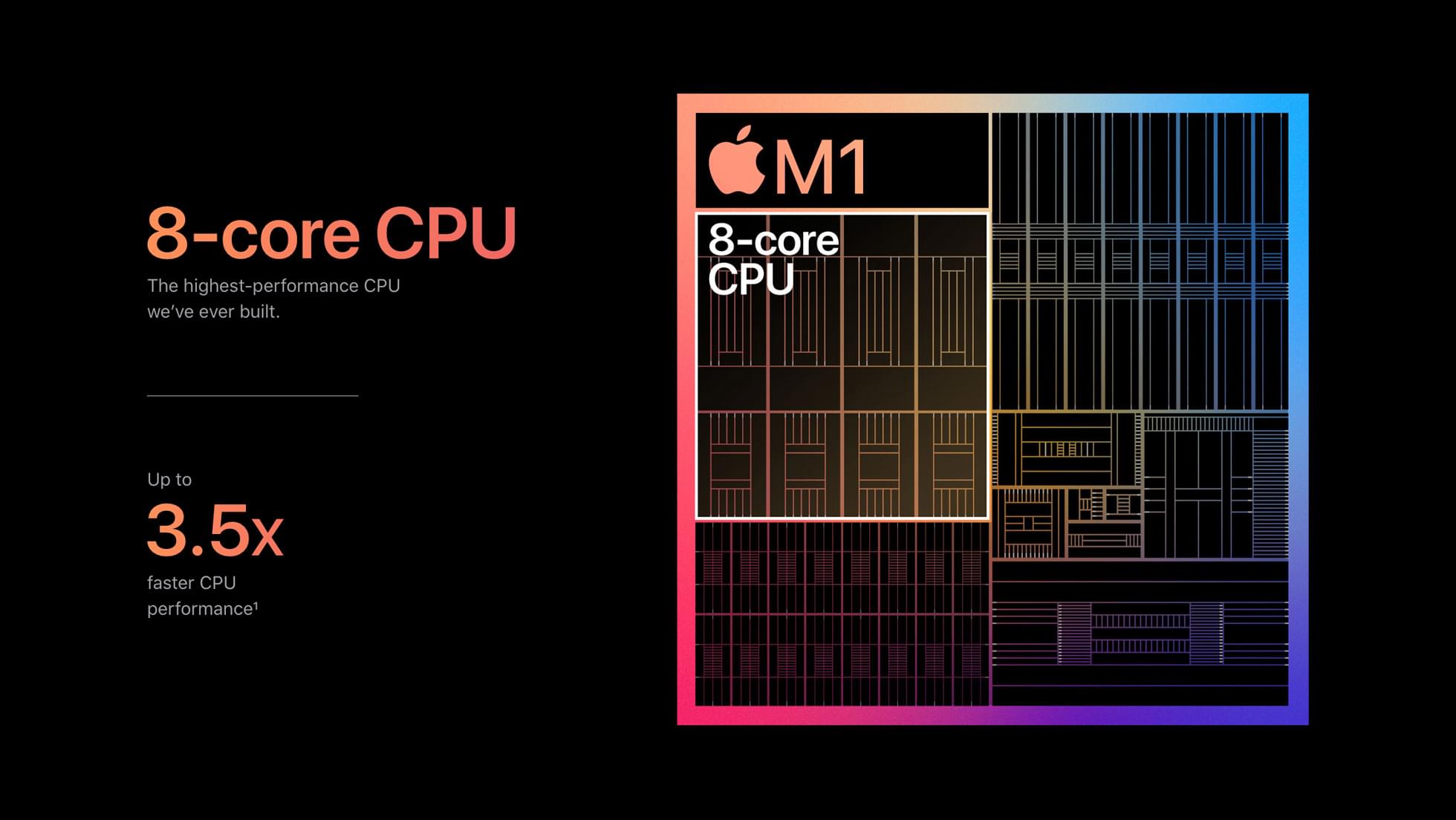
  • 8 CPU cores total: 4 high-performance and 4 high-efficiency cores
    • The high-efficiency cores have a 128KB instruction cache, 64KB data cache, and shared 4MB L2 cache
  • Uses 1/4 the power compared to the latest PC laptops running at full performance
  • Performance per watt has increased 3x since 2012
  • 8 GPU cores total
    • 128 execution units, up to 24,576 concurrent threads, 2.6 teraflops, 82 gigatexels/second, and 41 gigapixels/second
  • Uses 1/3 the power compared to the latest PC laptop GPUs running at full performance
  • Features Gen 4 PCI Express and a USB-4 controller
  • 16 Neural Engine cores that can do 11 trillion operations per second

MacBook Air

  • 3x faster than the best selling Windows laptop in its class
  • Faster than 98% of PC laptops
  • Up to 3.5x faster CPU than previous model
  • Up to 5x faster graphics than previous model
  • Up to 9x faster machine learning than previous model
  • 13.3” 2560 x 1600 resolution Retina display with P3 color that has 25% more colors than sRGB displays
  • Can drive a 6K display
  • Supports Wi-Fi 6
  • 18 hours of battery life, a 6 hour increase, plus 15 hours of web browsing
  • 2x battery life on video calls
  • 2x faster SSD that can be configured up to 2TB
  • Up to 16GB of unified memory
  • 0 fans
  • Starts at $999

Mac mini

  • 7.7” square design
  • Up to 3x faster CPU than previous model
  • Up to 6x faster graphics than previous model
  • Up to 15x faster machine learning than previous model
  • Up to 2TB SSD that support 3.3GB/s sequential read speeds
  • Up to 16 GB unified memory
  • Can drive a 6K display
  • Supports Wi-Fi 6
  • Up to 60% more energy efficient
  • 2 Thunderbolt / USB-4 ports
  • Starts at $699

13” MacBook Pro

  • 2.8x faster CPU than previous model
  • 5x faster graphics than previous model
  • 11x faster machine learning than previous model
  • 20 hours of battery life
  • 17 hours of web browsing
  • 4x faster code compiles
  • Up to 16GB unified memory
  • 13.3” 2560 x 1600 resolution Retina display with 500 nits of display brightness and P3 color that has 25% more colors than sRGB displays
  • Can drive a 6K display
  • Supports Wi-Fi 6
  • Up to 2TB SSD that support 3.3GB/s sequential read speeds
  • Starts at $1299

You can follow all of our November event coverage through our November 2020 event hub, or subscribe to the dedicated RSS feed.