

Question: I want to start reading one book a week and one of the things I’d like to know is how many pages I need to read every single day and where I need to add bookmarks in preparation before I start reading. I would like to create a shortcut that asks me ‘How many...
 How Widgets Have Changed the Way We Use Our Devices
 John
JohnShortcuts Corner: Apple Frames for iPhone 12 and SE, Get Image Resolution, Encode Images to Base64, and Search Articles in Reeder
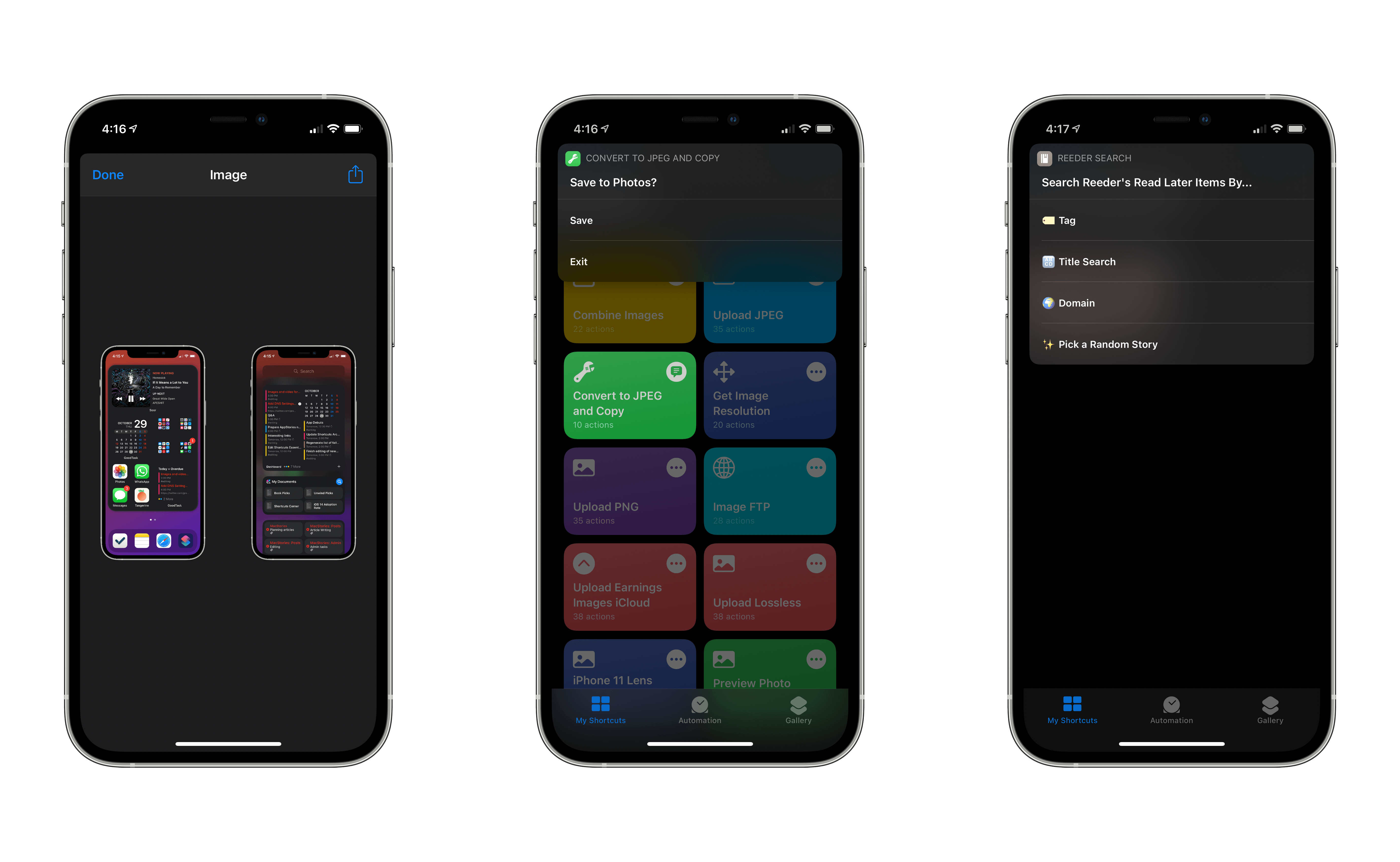
In this comeback installment of the Shortcuts Corner (I took a break last spring to focus on my Modular Computer story, then WWDC happened, then…you get the idea), I’ve prepared an assortment of image-related shortcuts available for free on the MacStories Shortcuts Archive. Ever since I installed the first betas of iOS and iPadOS 14 on my iPhone and iPad months ago, I’ve been reorganizing my shortcut library with folders. Thanks to this feature, I’ve assembled a collection of simple “utility” shortcuts that I use on a daily basis, but which I never shared on MacStories. This week, I’m sharing three of these shortcuts: one to quickly get the resolution of any image; one to convert any image to JPEG while stripping metadata from it; and the last one to encode any image previously copied to the clipboard in Base64. Following the requests of several readers over the past week, I’ve also updated our popular Apple Frames shortcut with support for the iPhone SE, iPhone 12, and iPhone 12 Pro.
In the Club MacStories edition of the Shortcuts Corner this week, I’ve also created an advanced Reeder shortcut that lets you browse articles in your Read Later account by tag, title, and more. Let’s dig in.
 Searching Reeder’s Read Later Account with Tags, Titles, and More
A couple weeks ago John reviewed Reeder 5, a brand new version of Silvio Rizzi’s popular RSS client and read-later app that, among various iOS and iPadOS 14-related enhancements, brought support for iCloud sync and tagging. I’ve been switching back and forth between Lire and Reeder for the past few months, but I’ve decided...
Using Soor’s Widgets and Magic Mixes
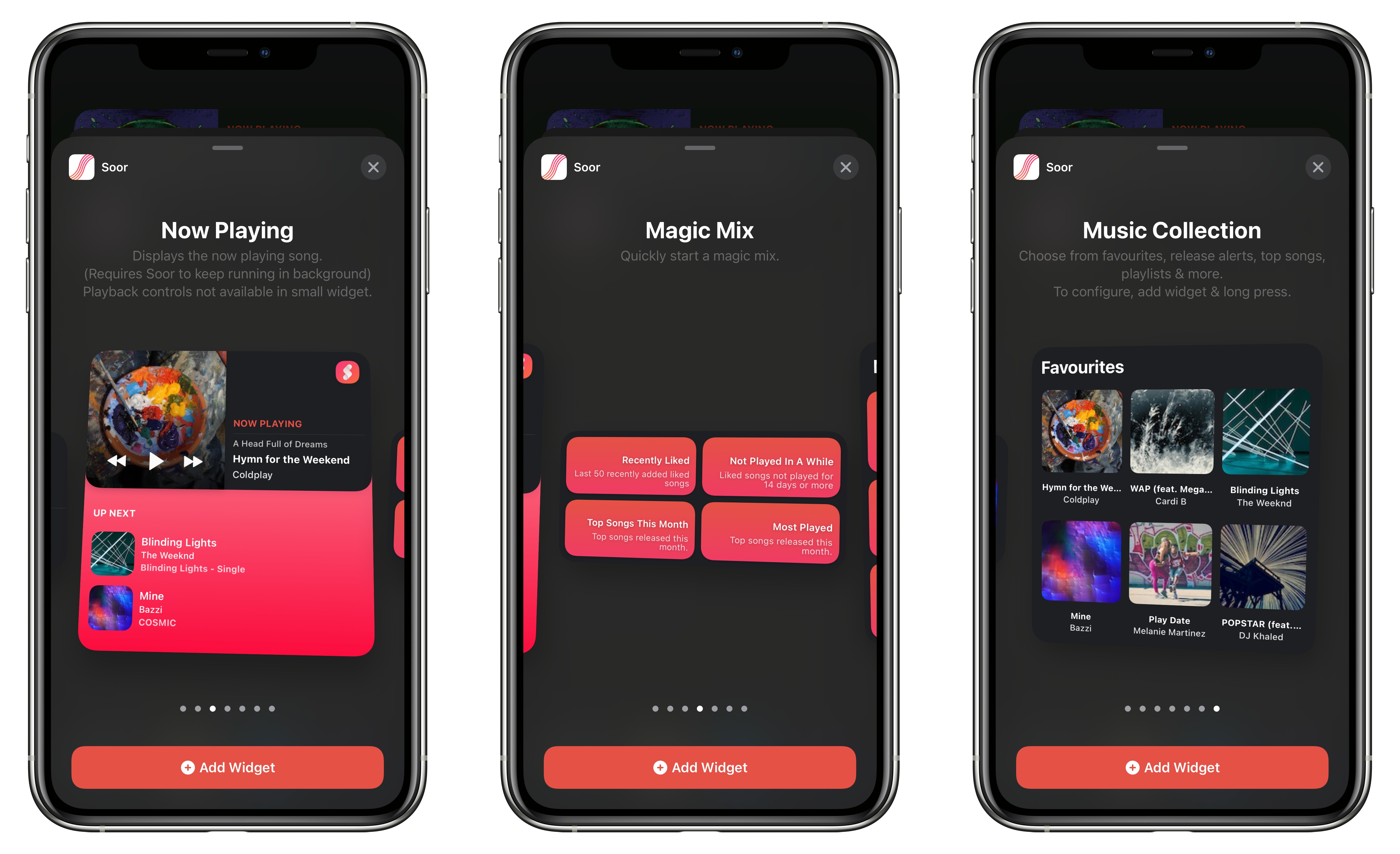
As I detailed in a recent episode of AppStories, I’ve spent several weeks tweaking my iPhone’s Home Screen and playing around with different approaches to widgets and app icons. The layout I eventually settled on (which you can find in the AppStories show notes) takes advantage of dark mode to create the illusion of widgets “blending” into the wallpaper – specifically, the Soor widgets at the top of the page. Given how I believe Soor’s developer Tanmay Sonawane has taught Apple a lesson when it comes to building Apple Music widgets for iOS 14, and considering the app’s most recent update, I thought I’d write about these widgets in more detail.
New Apps Enabled by Apple Hardware and OS Advances
The New iPad Air: Apple’s Most Forward-Looking iPad

AppStories Episode 190 - The New iPad Air: Apple’s Most Forward-Looking iPad
0:00
46:51
46:51
In this special episode of AppStories, John interviews Federico about the all-new iPad Air, which Federico has been testing and reviewed on MacStories. Federico explains why the new iPad Air is Apple’s most forward-looking iPad that stands at the intersection of the iPad Pro and the rest of the company’s line-up, and covers every aspect of the hardware, design, and differences compared to other iPad models, along with practical advice on who should consider buying the new iPad Air.
iPad Air Review: Forward-Looking
Ever since its launch in late 2015, the 12.9” iPad Pro has been my primary computer. The combination of a large display – the largest Apple makes for iPads – with software that properly takes advantage of it (see: Split View, multiwindow, multicolumn) makes the 12.9” Pro an ideal blend of laptop-like usability and tablet modularity. If you’re looking for power and flexibility, the 12.9” iPad Pro is the ne plus ultra of the iPad line.
Before the iPad Pro, however, it was the iPad Air 2 that convinced me the iPad could be a suitable replacement for a MacBook. In my review of the iPad Air 2 in early 2015, which I published just a few months before the iPad Pro’s debut, I called the device a “liberating” experience, noting how it struck a balance of high portability and versatility that enabled me to get more work done from more places. In spite of the iPad Pro’s superiority – especially in terms of display size – I’m always going to have a soft spot for the iPad Air as the device where my modern iPad journey began.
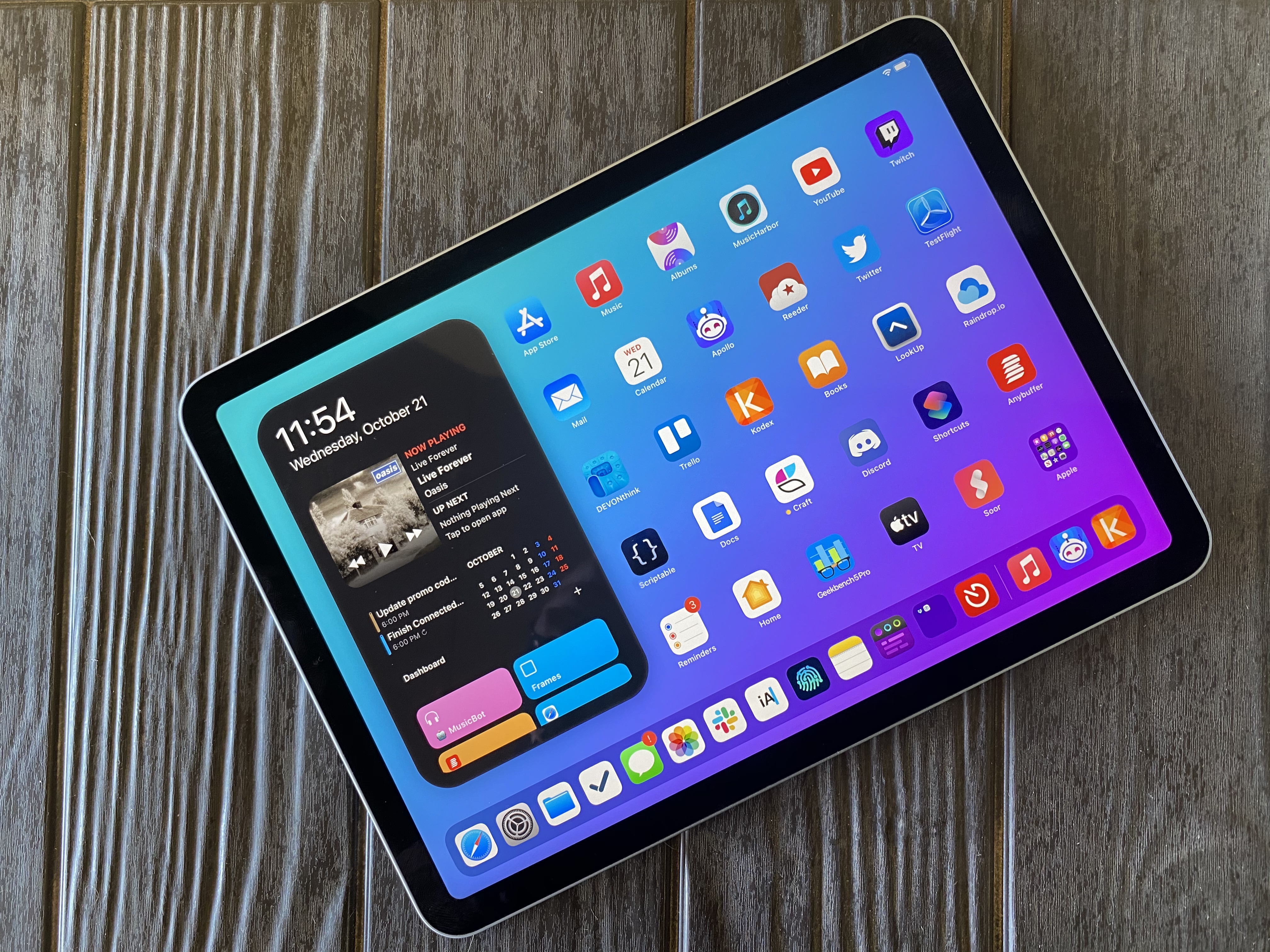
For the past few days, I’ve been testing Apple’s latest iPad Air, which comes out this Friday starting at $599 for the 64 GB, Wi-Fi model. While the 10.9” Air won’t replace the 12.9” iPad Pro as my primary machine, I’ve been impressed by this iPad for a different reason: the iPad Air democratizes the notion of “pro iPad”, bringing key features of iPad Pro to more customers, while at the same time looking ahead toward the future of iPad with hardware not seen on the current iPad Pro lineup. The iPad Air sits at the intersection of old iPad Pro features trickling down to the rest of the iPad line and new ones appearing on this model first. This makes the iPad Air a fascinating device to review, as well as a compelling alternative to another iPad of similar dimensions: the 11” iPad Pro.
Five years after the iPad Air 2, I’m intrigued by an iPad Air again. Let me explain why.
Apps and the iPhone Event: Apple’s Latest Innovations in the Home and Mobile Photography
AppStories Episode 189 - Apps and the iPhone Event: Apple’s Latest Innovations in the Home and Mobile Photography
0:00
43:28
43:28
This week, Federico and John dig into the latest Apple event to uncover new features and innovations coming to the Home app, Siri, and mobile photography.