
) I’ve been keeping an eye on Songlink, a web service to share a song across multiple music streaming services, for the past couple of months since I was first told about it on Twitter. Songlink’s premise is similar to SoundShare: given a song from one of the major streaming services, the app returns...
 Member Requests
Question: I’m trying to time-track my oversleep time as CGP Grey does. I want to get Zapier to automatically start a timer at a specific time every morning. And then I want to run a workflow on my iPhone to stop the timer. Is this possible? (Jakob Sundell, @jakobsundell)
There are two parts to...
Creating a Personal Wiki with DEVONthink
In the first installment of my new iPad Diaries series on MacStories, I detailed how I’ve been using DEVONthink’s advanced file management features to organize my research material. One of the power-user options I mentioned is the ability to generate links to individual files and groups, which allow you to reopen a document or...
iPad Diaries: Advanced File Management and Research with DEVONthink
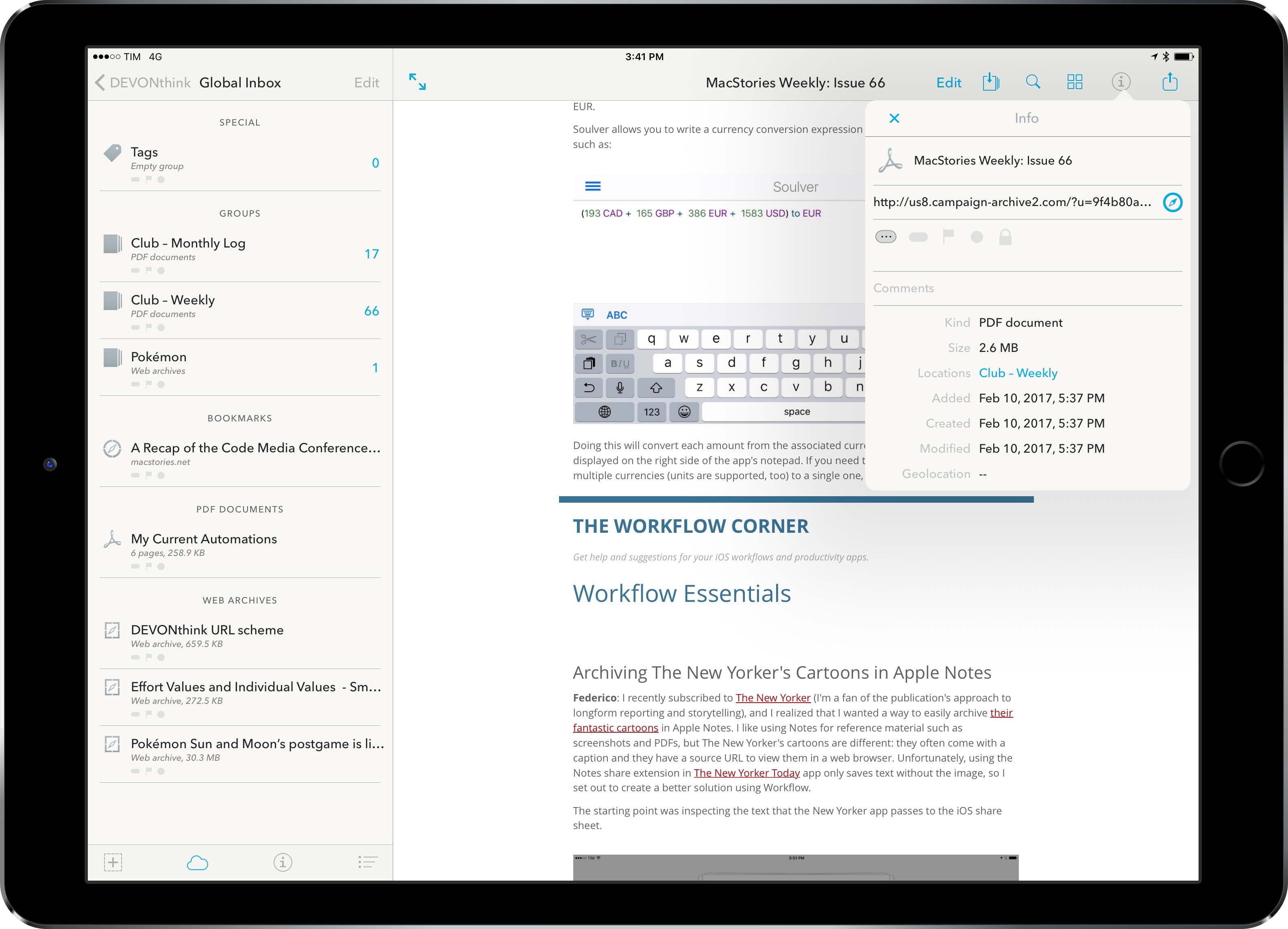
As I wrote in my story on one year of iPad Pro, I consider cloud services a necessity for managing files on iOS. Dropbox and iCloud Drive make it possible to keep the same sets of documents and app libraries synced across devices, but, more importantly, they help overcome iOS’ file management woes through centralized storage spaces. In the article, I espoused the flexibility of Documents and its tight integration with Dropbox, noting how Readdle had built the missing iPad file manager with features Apple omitted from their iCloud Drive app.
Since early January, I’ve been thinking about my larger writing projects scheduled for 2017 and whether Documents can scale as a reference and research tool. Looking back at 2016 and the time I poured into organizing and referencing files for my iOS 10 review draft in Scrivener (which I covered here), I realized that neither Scrivener’s built-in file manager nor Documents could meet the basic requirements I have set for this year’s review. These include the ability to search different file types with advanced operators as well as a system to reference individual files and folders throughout iOS with local URLs. It was during this meta-research phase1 that I decided to try DEVONthink To Go again.
Connected, Episode 129: Game of Sorrow→
This week, Stephen tries something new, Federico talks about camping, and Myke looks forward to a new television show.
On this week’s Connected, we discuss Apple’s upcoming Planet of the Apps show and a bunch of other fun topics. You can listen here.
Sponsored by:
- Incapsula: Secure and accelerate your website. Connected listeners get one month free.
- Blue Apron: A better way to cook. Get three meals free with your first purchase, and free shipping.
- Squarespace: Make your next move. Enter offer code WORLD at checkout to get 10% off your first purchase.
Remaster, Episode 28: The Current State of Games on the iPad→
The gaming scene on iOS is a vibrant place, but what about the iPad specifically? Is the App Store the right market for games on larger screens? Where are all of the tailor made gaming experiences?
On this week’s Remaster, we take a serious look at the state of gaming on the iPad, including the future of console-quality games for iOS and developers’ relationship with Apple. You can listen here.
Sponsored by:
- Mack Weldon: Smart underwear for smart guys. Get 20% off with the code REMASTER.
- Squarespace: Make your next move. Enter offer code INSERTCOIN at checkout to get 10% off your first purchase.
Making More Outside the Mac App Store→
After seeing the results of Kapeli’s exit from the Mac App Store, Rogue Amoeba’s Paul Kafasis compared sales of Piezo from the Mac App Store and their direct web store as well:
After seeing Kapeli’s chart, I was curious about the App Store’s impact on Piezo’s sales. The restrictions and limitations of the Mac App Store ultimately led us to remove Piezo on February 12th, 2016. We’ve now been selling it exclusively via our site for a year. This has provided about as perfect a real-world test case as one could hope for. Piezo’s removal came with minimal publicity, the price has remained constant at $19, and we’ve had no big updates or other major publicity for it in either 2015 or 2016.
His conclusion is perfectly reasonable:
In our case, however, it’s clear that we were serving Apple, rather than Apple serving us. By removing Piezo from the Mac App Store, we stopped paying a commission to Apple for the many customers who had found Rogue Amoeba on their own. Better still, we were able to improve the quality of the product while simplifying our work considerably. Ultimately, that alone was enough to convince us that leaving the Mac App Store was the right move. The subsequent revenue increase we’ve seen is merely a nice bonus.
At this point, I don’t understand why any independent developer would want to sell apps exclusively through the Mac App Store. The lack of meaningful improvements since 2011 don’t justify Apple’s high commission anymore. The Mac App Store has always been a second-class citizen; today, Mac developers like Rogue Amoeba are better served by controlling their own destiny.
Member Requests
Question: I drop my son off at daycare each weekday morning, though the times vary. I usually send a message to the centre when I’m within 5 minutes (usually when I stop at the Drive Thru for a coffee) of my arrival. I do the same when picking him up. Is there a way to...
Archiving The New Yorker’s Cartoons in Apple Notes
I recently subscribed to The New Yorker (I’m a fan of the publication’s approach to longform reporting and storytelling), and I realized that I wanted a way to easily archive their fantastic cartoons in Apple Notes. I like using Notes for reference material such as screenshots and PDFs, but The New Yorker’s cartoons are...