Personal Context
The final pillar of Siri AI that I need to cover is personal context, which is Apple’s way of describing the information Siri can access about you when responding to your queries. As with actions, personal context has improved a lot over the summer. For example, just weeks ago, Siri couldn’t identify my immediate family or find the Illinois address I lived at for over 20 years, but now it can.
However, while it can provide me with a bio of myself and Federico, it often struggles to explain how we know each other. That’s not a problem for other chatbots. After asking Siri how I know Federico in multiple ways across multiple separate conversations, I suspect the problem stems from Siri’s reliance on Contacts to answer questions about people. Coax Siri to investigate more deeply, and you’ll get a more satisfying answer.
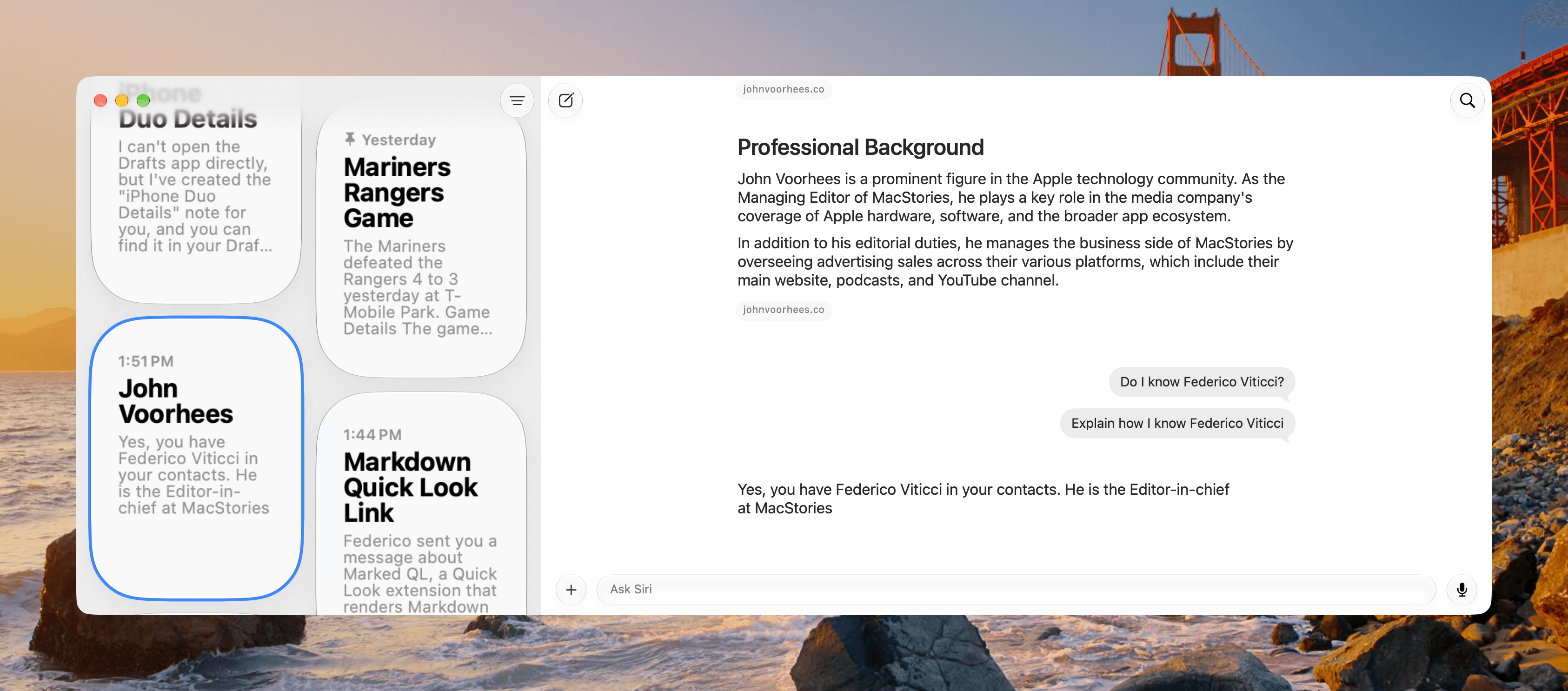
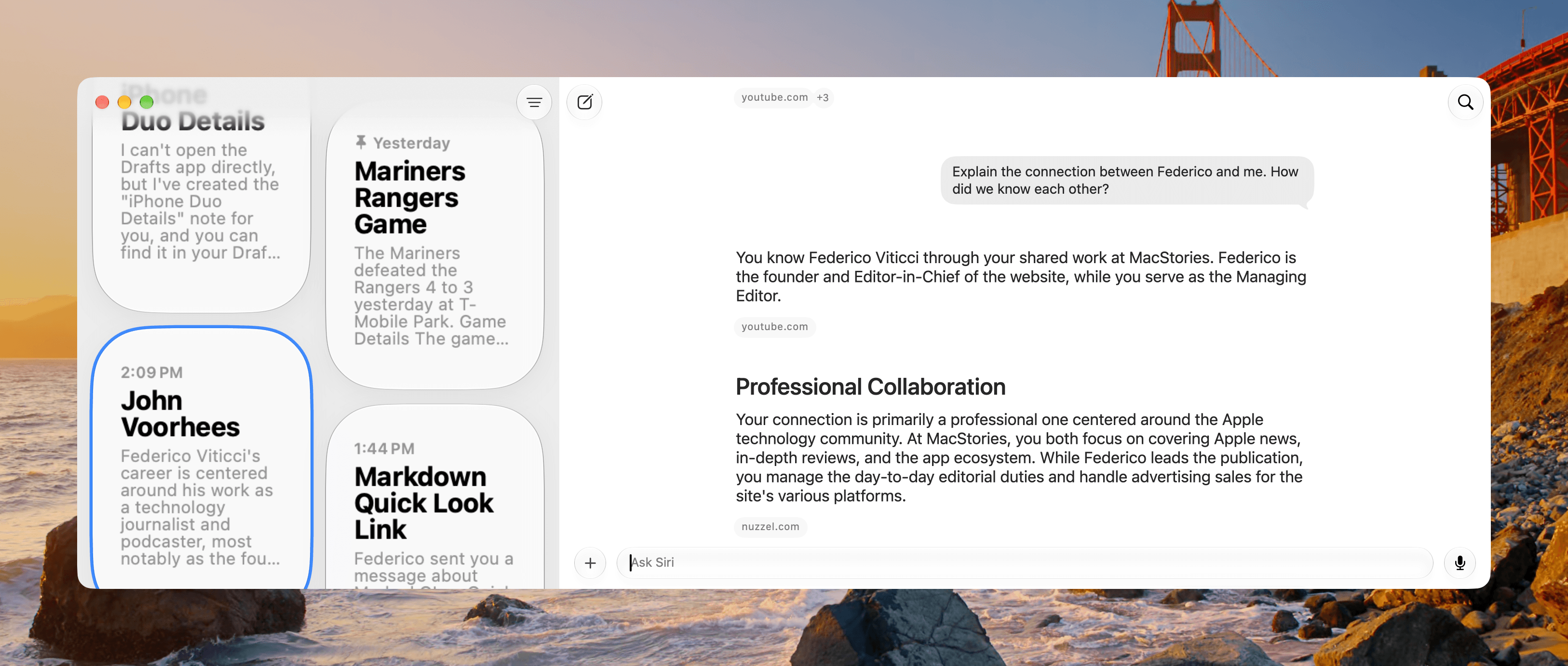
Personal context draws from sources like your email, text messages, calendar, photos, and notes. In my testing, personal context is best at finding information about me in supported apps. It’s not as strong at combining that information with the context of my request. That doesn’t make personal context any less useful as a search tool, but to me “personal context” connotes a deeper understanding of who you are and your circumstances.
Here’s what I mean. On Labor Day, I asked Siri to suggest a restaurant I’d like, specifically mentioning that it was Labor Day as a hint that some places would be closed. Siri came up with two spots I like because I had threads in Messages confirming past online orders. It then asked whether I would like to check their hours.
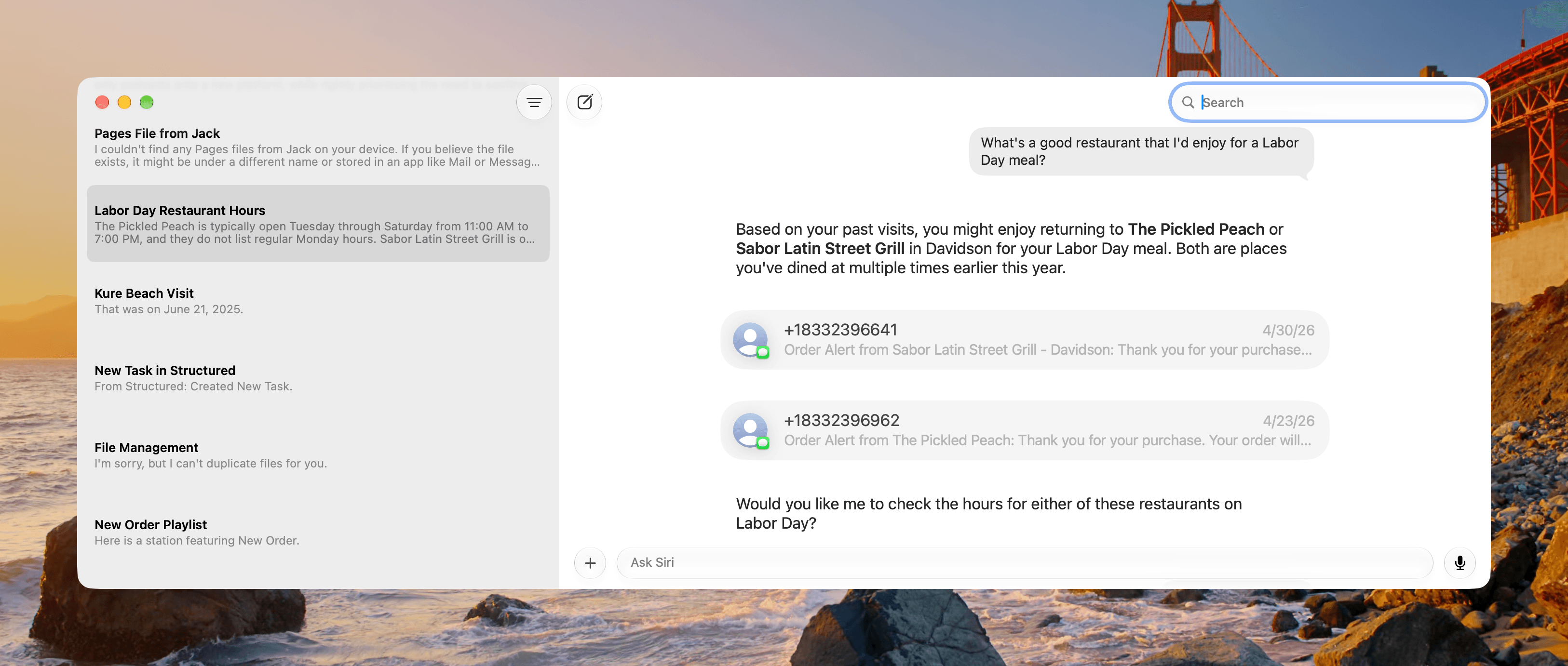
I’m probably expecting too much, but there’s a lot wrong with that response. First, multiple order confirmations in Messages may be a good indicator of places I like, but the scope of the search is too narrow. There are lots of restaurants nearby that I like from which I’ve never placed an online order. However, Siri doesn’t have access to my credit card charges, so it doesn’t know about those places, although it could probably be inferred from driving direction requests and the time I spend at certain places based on Maps data.
Another issue is that I specifically asked about eating out on Labor Day. Most places near me were closed for the holiday, which was the case for one of the two places Siri suggested. Given my specific mention of Labor Day, that should have been taken into account in the first instance. What I’m getting at is that the personal context I’d like Siri to have (and use securely and privately) is much broader and deeper than a search of Messages, Apple Mail, or other apps.
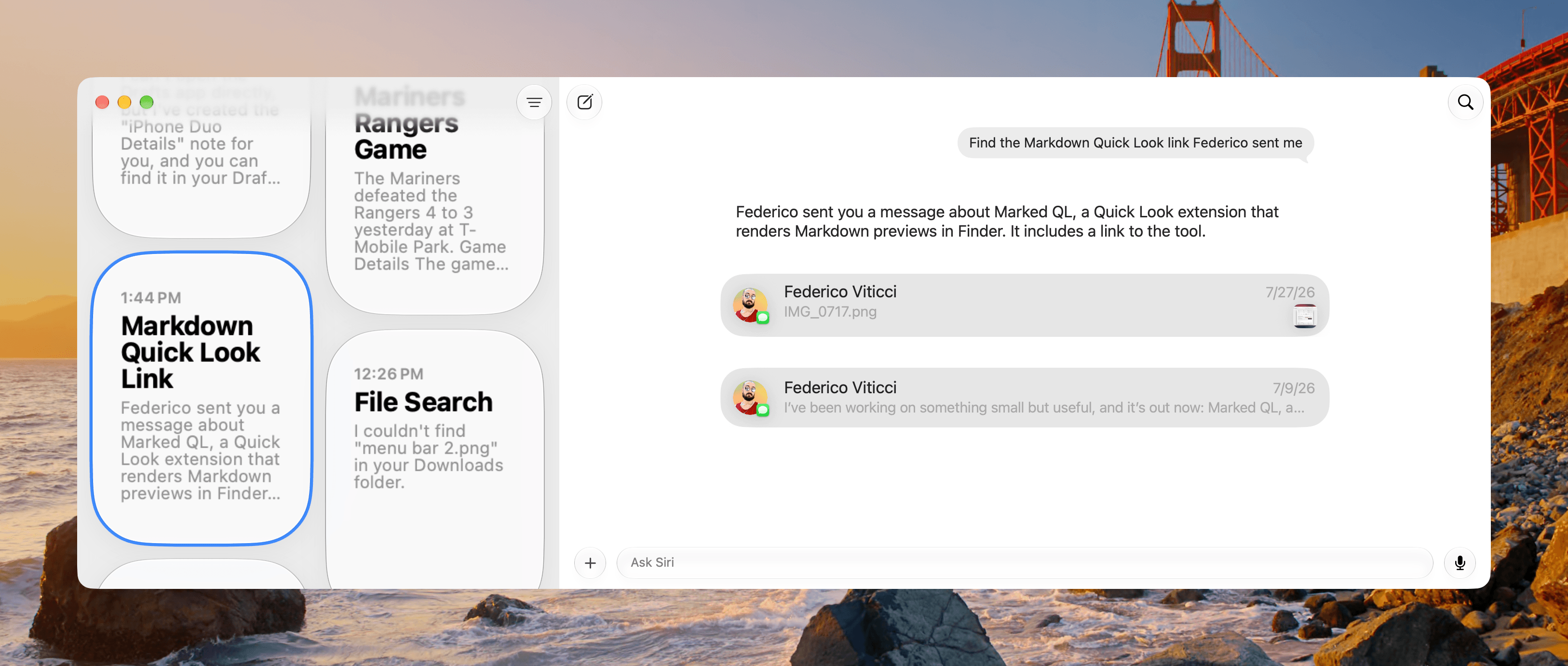
That said, personal context feels like magic when you ask it for a URL or address you know is somewhere in Messages, Mail, or Notes, but you don’t know where. It just finds those things without you having to remember where the data lives. That’s genuinely useful and a great addition to Siri. Still, it’s closer to search than what I consider the kind of context where it would feel like Siri “knows” you. Maybe that’s too creepy for a lot of people, but if done privately and securely, that’s where I hope Siri is heading because it would take Siri to an altogether different level.
A month ago, I wouldn’t have recommended Siri. Today, I would. It’s good for finding personal information, answering everyday questions, and performing tasks in supported apps. Its limitations still appear somewhat unpredictably, but it has become useful enough to earn a place in my day.