This Week's Sponsor:

SoundSource

New Year, New Audio Setup: SoundSource 6 from Rogue Amoeba


AppStories, Episode 268 – Automation April: Our Shortcuts Setups

This week on AppStories, we introduce Automation April, a month-long community celebration of automation on Apple’s platforms and share our Shortcuts library setups.

Sponsored by:

  • Kolide –  Endpoint security powered by people. Try Kolide for 14 days free; no credit card required.
  • Things – The award-winning to-do app
  • Sourcegraph – Universal Code Search. Move fast, even in big codebases. Try it now.

On AppStories+, we take listeners on a behind-the-scenes look at the origins of Automation April.

We deliver AppStories+ to subscribers with bonus content, ad-free, and at a high bitrate early every week.

To learn more about the benefits included with an AppStories+ subscription, visit our Plans page, or read the AppStories+ FAQ.

Permalink

Apple Announces That WWDC 2022 Will Be Online-Only June 6 - 10

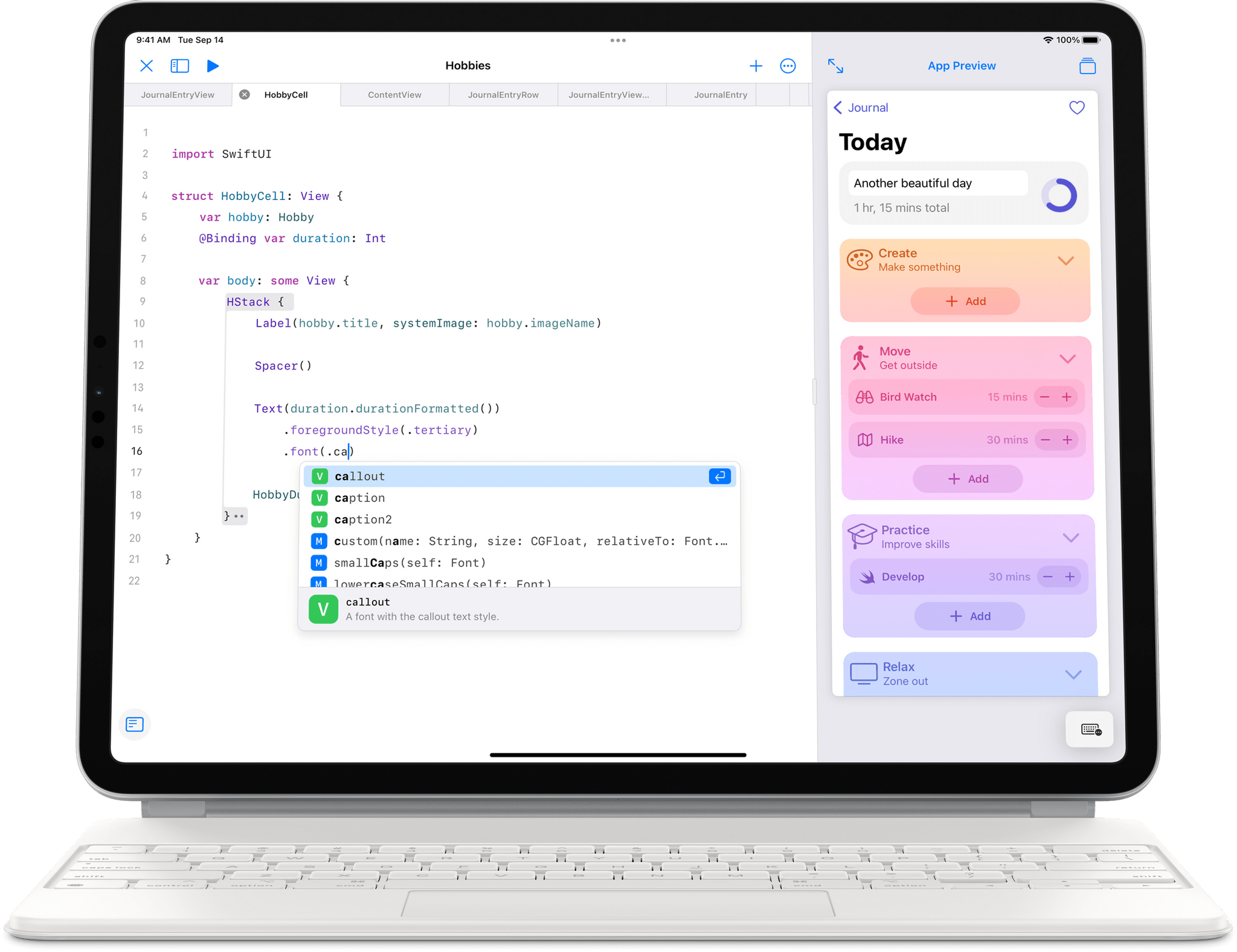
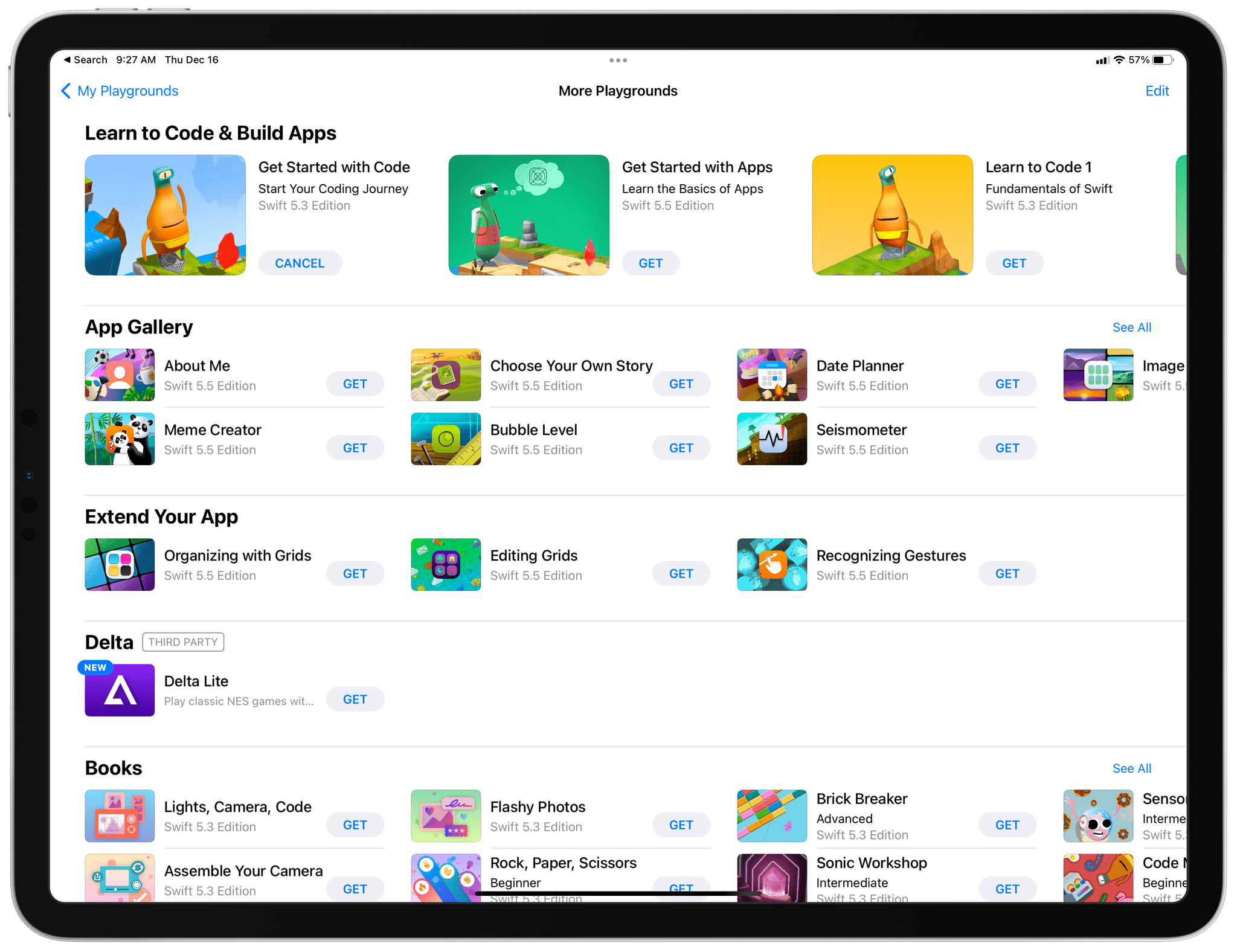
Apple has announced that WWDC will be an online-only event again this year, running from June 6-10, 2022, but with a limited in-person event for developers and students. The company also opened submissions for the Swift Student Challenge from now through April 25.

In a press release issued by today, Susan Prescott, Apple’s Vice President of Worldwide Developer Relations and Enterprise and Education Marketing said:

At its heart, WWDC has always been a forum to create connection and build community. In that spirit, WWDC22 invites developers from around the world to come together to explore how to bring their best ideas to life and push the envelope of what’s possible. We love connecting with our developers, and we hope all of our participants come away feeling energized by their experience.

Here’s what Apple has to say about a special day planned at Apple Park during the conference:

In addition to the online conference, Apple will host a special day for developers and students at Apple Park on June 6 to watch the keynote and State of the Union videos together, along with the online community. Space is limited and details on how to apply to attend will be provided soon.

Although there are benefits to a fully in-person event that can’t be replicated online, the past two years were both widely considered to be successes. In 2020 and 2021, Apple released dozens of excellent videos about its latest APIs and conducted online lab sessions for developers that received high marks. Although Apple hasn’t released details about this year’s online format yet, it’s a safe bet that it will be similar to last year. It’s also nice to see an in-person component added, though limited in scope.

I still hold out hope that WWDC will be a fully in-person event again someday, but this year clearly isn’t the right year. Still, it’s been far too long since I’ve seen many of the developers and friends I’ve made at the conference over the years. It would be a shame if people who have never been to WWDC never get to experience it in person.

Of course, MacStories readers can expect the same kind of comprehensive WWDC coverage we do every year. We’ll have extensive coverage on MacStories and AppStories, which will extend to Club MacStories too.


Automation April: 10 Shortcuts for Apple Translate, Live Text, Finder Images, Pixelmator Pro, and More

Shortcuts I've prepared for Automation April.

Shortcuts I’ve prepared for Automation April.

It’s Week 1 of Automation April, and as I announced last week, alongside the several initiatives we’ve prepared for this month-long automation event, I’ve been working on 30 shortcuts to share with everyone for free on MacStories this month.

Today, I’m pleased to share the first group of 10 shortcuts that will join the other 250 on the MacStories Shortcuts Archive. These shortcuts are a diverse collection of utilities that have been specifically optimized for the latest versions of iOS, iPadOS, and macOS Monterey. Below, you’ll find shortcuts that take advantage of new actions for Translate and Live Text; there are Mac-only shortcuts that integrate with Finder and AppleScript; there’s even a shortcut that helps you speed up multitasking and window control on macOS.

As always, all the shortcuts I’m sharing as part of Automation April have been tested across all Apple devices and you can install them via the iCloud download links in this story. So grab a good cup of espresso, take a break from the Automation April contest, and let’s have a look.

Read more


Last Week, on Club MacStories: Automation April, MacStories Unplugged, a Developer Interview, a Reader Setup

Because Club MacStories now encompasses more than just newsletters, we’ve created a guide to the past week’s happenings along with a look at what’s coming up next:

Automation April

Last Friday marked the launch of Automation April, a month-long celebration of automation on Apple’s platforms. Each week during April we’ll be doing giveaways in MacStories Weekly and in our Club MacStories+ Discord community. Between the two, we have over 20 participating apps.

Last week we kicked things off with a MenuBar Stats giveaway in MacStories Weekly and 50% off the first year of Ulysses discount for Club MacStories+ and Premier members that is available throughout April by visiting the Club Discounts page.

MacStories Weekly: Issue 314

Monthly Log: March 2022

Up Next

Today at 12:30 PM Eastern US time, we’ll do the first Shortcuts Town Hall Workshop live in the Club MacStories+ Discord Town Hall Voice Chats channel.

We’ll also continue giveaways in the Club Discord community this week and on Friday in MacStories Weekly.


Enter Your Shortcuts in the Automation April Shortcuts Contest

We’re very excited to announce the inaugural Automation April Shortcuts Contest.

When Federico and I hatched the idea for the contest last fall, it quickly became the centerpiece of Automation April. As Shortcuts tinkerers ourselves, we know that the best way to learn automation techniques is by doing, and with the contest, we hope to give the automation community a place to show off their best work and, perhaps, win some fun prizes along the way. The contest is a way to encourage people to explore what’s possible with automation, allow others to benefit and learn from that work, and recognize the best automations in several categories.

Whether you’re a Shortcuts expert or just starting out, we encourage you to participate in the contest. Shortcuts do not need to be complex to win in one of contest’s categories.

Our panel of judges will be evaluating submissions based on originality, performance, design, user experience, and usefulness. Pushing the boundaries of what is possible with Shortcuts is certainly a factor that will be considered in originality, but, at the same time, usefulness doesn’t require complexity, which is something we’ve emphasized often in our writing about Shortcuts. So, no matter your level of experience, we’d love to see what you build.

Entries must be submitted by 5:00 PM Eastern US time on April 20, 2022, so let’s dig into the details.

Read more


Kolide: Endpoint Security Powered by People; Try for Free! [Sponsor]

Kolide is a SaaS app that sends employees important, timely, and relevant security recommendations concerning their Mac, Windows, and Linux devices, right inside Slack.

Kolide is perfect for organizations that want to move beyond a traditional lock-down model and move to one where employees are educated about security and device management while fixing nuanced problems. We call this approach Honest Security.

For example, Kolide can:

  1. Instruct developers to set passphrases on the unencrypted SSH keys littered throughout their devices.
  2. Find plain-text two-factor backup codes and teach end-users how to store them securely.
  3. Convince employees to uninstall evil (yet allowed) browser extensions that sell their browser history to marketing companies

You can try Kolide on an unlimited number of devices with all its features for free and without a credit card for 14 days.

Our thanks to Kolide for sponsoring MacStories this week.


Automation April: Our Shortcuts Setups

AppStories+ Deeper into the world of apps

AppStories Episode 268 - Automation April: Our Shortcuts Setups

0:00
43:41

AppStories+ Deeper into the world of apps

This week, Federico and John introduce Automation April, a month-long community celebration of automation on Apple’s platforms and share their Shortcuts library setups.

Read more


MacStories Weekly: Issue 314

Read more

MacStories Unwind: PS Remote Play and Xbox All-Access

AppStories+ Deeper into the world of apps
0:00
26:11

AppStories+ Deeper into the world of apps


This week, Federico explains the many ways to play the PS5 remotely, and John recommends Microsoft’s All-Access Pass as an entry point into the Xbox universe of videogames.

Show Notes

Federico’s Pick:

John’s Pick: