Home Widget Unlocks HomeKit Device Control That Apple’s Home App Doesn’t Offer

You might have wondered what would become of widget-focused apps like Home Widget when Apple announced at WWDC that a Home widget was coming to iOS 17, iPadOS 17, and macOS Sonoma. I did too. But, even though the Home widget works well, it’s limited, leaving room for developers like Clément Marty to take their widgets to an entirely different level.

If you’re a home automation nerd, you’ll quickly run into the Home widget’s limitations. For instance, it’s great for toggling lights on and off, but it can’t dim your lights or change their color. Home Widget goes beyond the binary choice of on or off across a spectrum of features, making it indispensable for home automation fans.

Let’s see what it can do.

Read more


Timery’s Updated Widgets Enable Starting and Stopping Timers, Pagination, and More

It’s interesting to compare Timery 1.6, Joe Hribar’s time tracking app for iPhone, iPad, Mac, and Apple Watch, with Widgetsmith. David Smith’s app uses interactivity across a wide range of different types of widgets, allowing for a highly personalized approach to your Home Screen. Timery is a little different. It’s just as customizable, if not more so, but in a deep, focused way that makes it hands-down the most customizable and useful way to track time from a widget.

If you had asked me how I used Timery in the spring, I would have said I primarily use the Mac app. That’s changed drastically over the summer. My answer now is that I’m primarily a Timery widget user.

What I love about the app’s widgets is that they allow you to create a set of widgets that work how you use the app and nothing more. One of Timery’s strengths has always been its rich set of features that make it valuable to a broad cross-section of users. However, that means there is more to Timery than most people need. But with the app’s widgets, it’s possible to pare the app down to just the components that are essential to you, which is the ultimate in customization.

That doesn’t mean you won’t use the main app ever again. Some people may, but I certainly haven’t. Instead, it’s been more of a focus shift that allows me to continue whatever I’m working on, switching timers as needed on the fly from whichever device I have handy at the moment without opening the app most of the time. Timery’s update is a stellar release, which also comes with a new watchOS app that fans of the app are going to love.

Read more


Widgetsmith Pushes the Boundaries of Widget Interactivity

It’s clear from David Smith’s iOS 17 update to Widgetsmith that he intends for the app to hold its position among the most customizable widget creation tools available. That’s exactly what he’s done with a long list of new widgets, customization options, and features that push interactivity to the limit of the technologies Apple provides.

The new widgets focus on weather, calendar events, photos, and a game. The number of permutations available is vast because there’s so much to customize. The image at the beginning of this story is just a small sample of what is possible, but with adjustable colors, fonts, and other elements, the combinations that can be created are nearly endless. So, let’s dig into the highlights.

Read more


AppStories, Episode 351 – iOS and iPadOS 17: The MacStories Review

This week on AppStories, we dig into Federico’s review of iOS and iPadOS 17.

Sponsored by:

  • Setapp – Power up your efficiency.
  • Things 3 – Ready for iOS 17, watchOS 10, and macOS 14
  • Daylite CRM – Spend less time managing your business and spend more time doing what you love. Regain control now!
  • HelloFresh – Use code 50appstories for 50% off plus free shipping.
  • Electric – Unbury yourself from IT tasks. Get a free pair of Beats Solo3 Wireless Headphones when you schedule a meeting.

On AppStories+, Federico takes listeners behind the scenes of his iOS and iPadOS 17 review with a look at the custom Obsidian plugins he used to produce the review that will be available as an exclusive perk for Club MacStories members.

We deliver AppStories+ to subscribers with bonus content, ad-free, and at a high bitrate early every week.

To learn more about the benefits included with an AppStories+ subscription, visit our Plans page, or read the AppStories+ FAQ.

Permalink

iOS and iPadOS 17 Review Extras: eBook, Special Editions of MacStories Weekly and AppStories+, and Two New Obsidian Plugins

Today, Federico published his iOS and iPadOS 17 review. As in past years, we’re releasing a wide variety of perks exclusively for Club MacStories members throughout the week, including an eBook version of the review, a special ‘making of’ edition of MacStories Weekly, a behind-the-scenes AppStories+ segment, and two new Club-exclusive Obsidian plugins.

Read more


iOS and iPadOS 17: The MacStories Review

In the year when the vision is elsewhere, what do you get the OS that has everything?

Credits

My annual iOS and iPadOS reviews are a labor of passion, curiosity, and – to an extent – endurance. I write them because I love the whole process – from WWDC all the way to September. The review wouldn’t have been possible without the support from the following humans and dogs:

  • My girlfriend Silvia, for her wisdom, support, love, and patience. I hope I’ve found the better work-life balance I promised you. I love you.
  • John Voorhees, a friend and amazing business partner. Running MacStories with you gets better every day.
  • Zelda and Ginger, my two girls and the love of my life. Thank you for making me happier every day.
  • Michael Steeber, for outdoing himself with this year’s intro animation and graphics.
  • Finn Voorhees, who listens to my Obsidian-related ideas and turns them into reality.
  • Alex Guyot, for putting his magic web development skills to good use with MacStories and the Club.
  • Lachlan Campbell, for their invaluable feedback and kind encouragement.
  • Jonathan Reed, for his help with editing and useful notes.
  • Myke Hurley
  • Stephen Hackett
  • Basic Apple Guy, for putting together some fantastic wallpapers I used throughout the review.
  • Every app developer who sent me betas during the summer. Your work is appreciated.
  • Obsidian, Working Copy, iA Writer, Timery, and Lire – incredible iPad productivity apps that helped me put together this review.
  • Every engineer at Apple who always makes reviewing iOS and iPadOS each summer fun. Especially the ones who listened to Stage Manager feedback.
  • Every Club MacStories, Club MacStories+, and Club Premier member for directly supporting us and being an awesome community.
  • Our Discord members, for always pushing me to do my best, within healthy limits.

And finally, every MacStories reader, for allowing me to do what I love every single day. Thank you.

I’ll see you next year, for my tenth annual iOS review.


    The Dirty Secret of OS Updates [Sponsor]

    Getting OS updates installed on end user devices should be easy. After all, it’s one of the simplest yet most impactful ways that every employee can practice good security. 

    On top of that, every MDM solution promises that it will automate the process and install updates with no user interaction needed.

    Yet in the real world, it doesn’t play out like that. Users don’t install updates and IT admins won’t force installs via forced restart.

    Let’s talk about the second problem first. Sure, you could simply schedule updates for all your users, and have them restart during non-work hours. But this inevitably leads to disruptions and lost work. This, in turn, leads to users (especially executives) who simply demand to be left out of your update policy. The bottom line is: any forced restarts without user approval will lead to data loss events, and that makes them so unpopular that they are functionally unusable.

    There is another class of tools that claim to get users to install updates themselves, through “nudges.” These reminders pop up with increasing frequency until users relent or the timer runs out. This is an improvement, since it involves users in the process, but users still tend to delay updating as long as possible (which for some tools can be indefinitely).

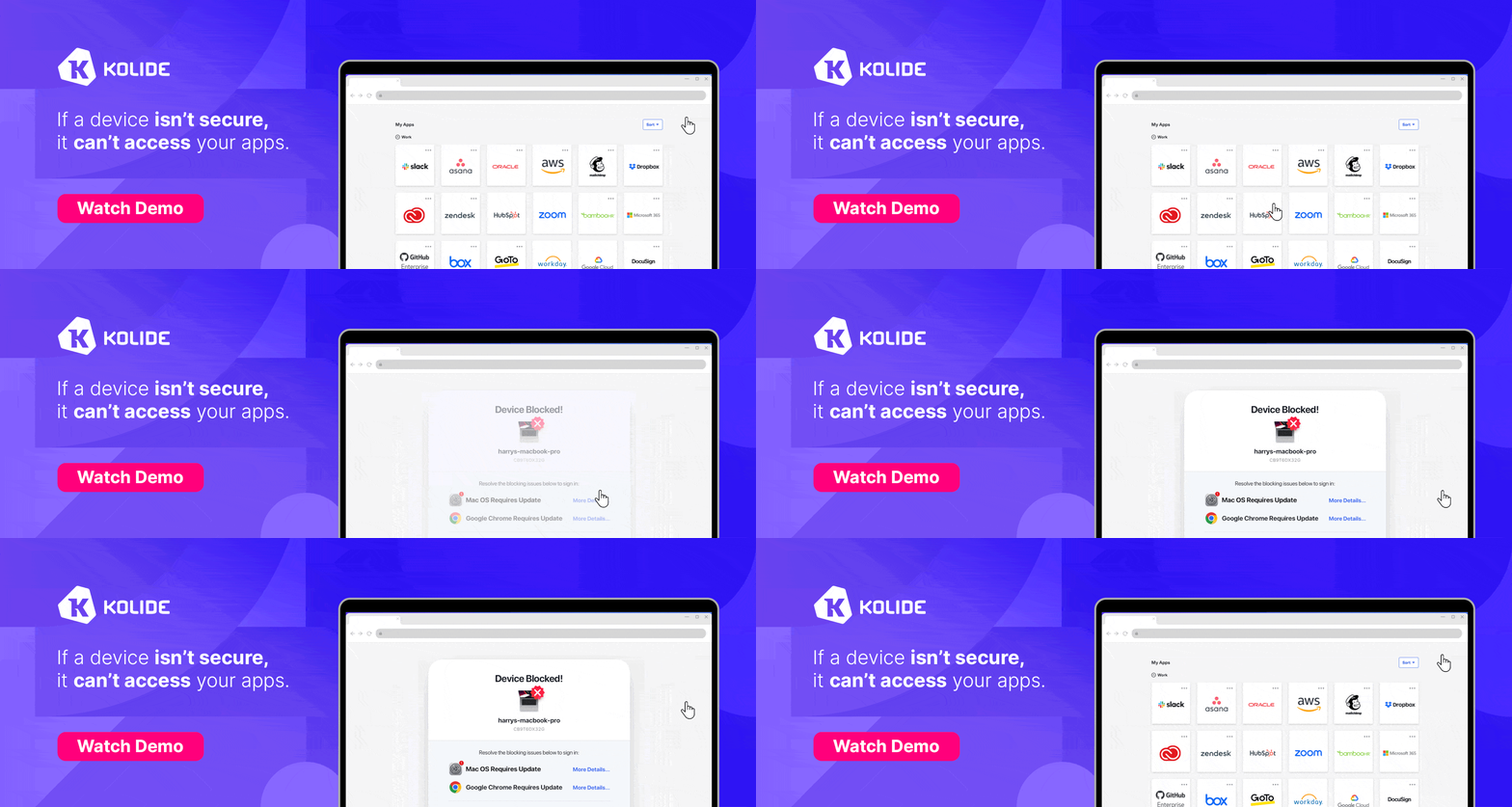
    At Kolide, OS updates are the single most common issue customers want us to solve. They come to us because we have a unique (and uniquely effective) approach to device compliance.

    With Kolide, when a user’s device–be it Mac, Windows, Linux, or mobile–is out of compliance, we reach out to them with instructions on how to fix it.

    The user chooses when to restart, but if they don’t fix the problem by a predetermined deadline, they’re unable to authenticate with Okta. (At present, Kolide is exclusive to Okta customers, but we plan to integrate with more SSO providers soon.)

    If your fleet is littered with devices that stubbornly refuse to update, then consider these two principles:

    1. You can’t have a successful patch management policy without involving users.
    2. You can’t get users to install patches unless you give them both clear instructions and real consequences.

    Installing OS updates is a top priority for both security and IT, and when you make it part of conditional access, you can finally get it done without massive lists of exemptions or massive piles of support tickets.

    To learn more about how Kolide enforces device compliance for companies with Okta, click here to watch an on-demand demo.

    Our thank to Kolide for sponsoring MacStories this week.


    The Weather App Adds More Detailed Data in iOS 17, iPadOS 17, and macOS Sonoma

    Apple’s Weather app is packing more data than ever before on iOS 17, iPadOS 17, and macOS Sonoma. The thing about weather is that beyond the basics, everyone cares about different things, and some people care about it all. With Apple’s latest version of Weather, there’s more weather to nerd out on than ever before.

    Hourly precipitation predictions for a full 10 days.

    Hourly precipitation predictions for a full 10 days.

    The Weather app includes hourly precipitation predictions in its 10-day forecast detail view. Is there really a 45% chance of rain in Nashville a week from Monday? Probably not, but if that sort of precision is what you’re looking for in a weather app, Weather has it.

    The wind animates on the new radar map overlay.

    The wind animates on the new radar map overlay.

    Wind map overlays have been added to Weather, too. The overlay looks excellent and animates to show you which way the wind will blow over the next 24 hours. It’s a great addition if you’re going out to fly a kite or a drone, sail a boat, and more.

    Read more


    iOS 17, iPadOS 17, and macOS Sonoma Expand Password Management and Access System-Wide

    Passwords permeate our lives. With an ever-growing number of sites, services, and apps to log into, people need help generating, managing, and accessing them. There are excellent third-party apps that can help, but the reality is that most people aren’t going to download a third-party app, and even fewer are likely to pay for one. That’s why Apple’s work with passwords is so important.

    However, what makes that work impressive is the lengths to which the company has gone to make good password practices easy for users. The password updates to iOS 17, iPadOS 17, and macOS Sonoma are fantastic examples, making it easier than ever to share passwords and for users to begin adopting passkeys, a superior method of authentication compared to traditional passwords.

    Read more