As any Pokémon fan knows, the series is all about data – lots and lots of data. So much data that entire websites and apps are dedicated to helping players keep track of it all. That’s a big design challenge for any app developer, which is why I was so glad to see it taken on by Ben McCarthy, whose apps, including the camera app Obscura, are some of the best designed on the App Store.
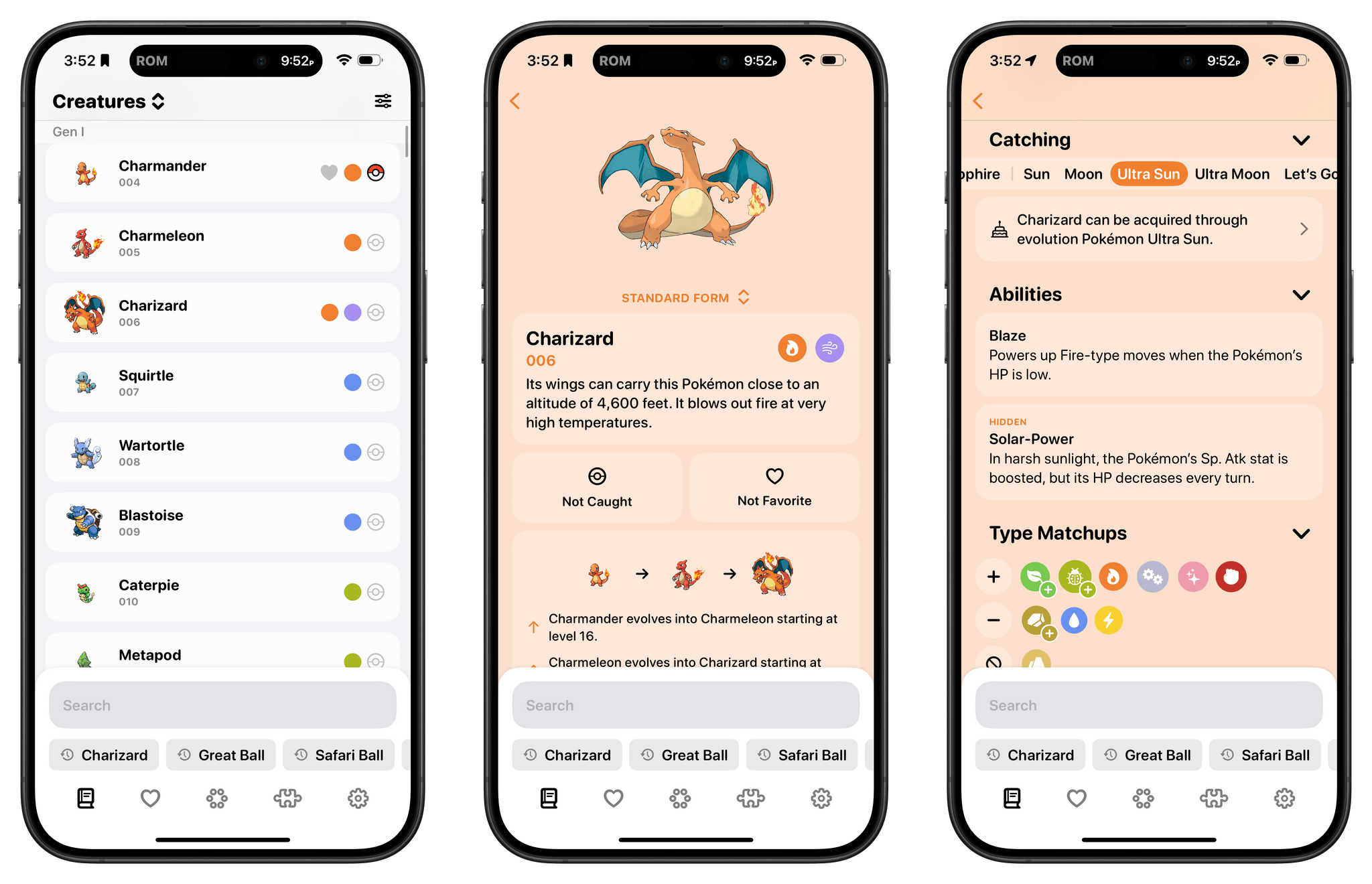
Ben’s new app is called Ketchup, and it’s a comprehensive compendium of every generation of Pokémon that incorporates powerful search, caught and favorite Pokémon tracking, a battle match-up utility, and a quiz game all in one app. But what makes it special and sets the app apart from others I’ve tried over the years is the design, which makes it easy to find what you’re looking for and presents it in a coherent, understandable, and modern interface.
Earlier this week, Supercell soft-launched Squad Busters, a party action game, in Canada, Mexico, Spain, Denmark, Norway, Sweden, Finland, and Singapore. Today, the company announced that the game will launch on iOS and Android worldwide on May 29th.
According to Supercell’s CEO, Ilkka Paananen:
Our dream is to create great games that as many people as possible play for years and that are remembered forever. Huge credit to the Squad Busters team – it’s already apparent that the game has such high potential, making it our first company game launch since Brawl Stars in 2018. Squad Busters brings together our Supercell characters in a fun way that fans have never seen before and I can’t wait to see the reactions from players across the globe!
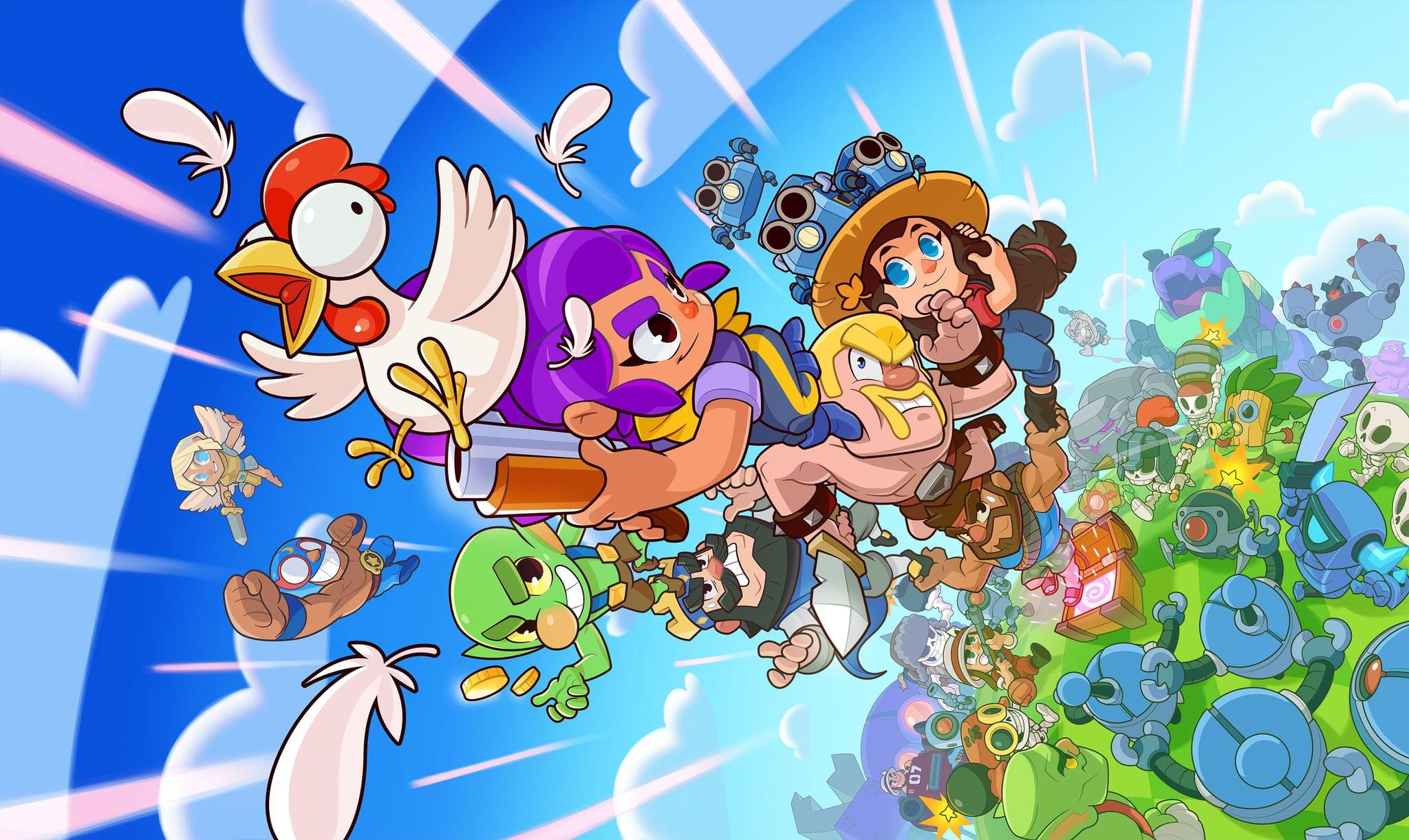
I haven’t had a chance to play Squad Busters yet, but from the demo Supercell shared with me, it looks like an interesting addition to its lineup, which includes popular titles like Clash of Clans. The Supercell team likens Squad Busters to the fun, chaotic competition of classic games like Mario Kart. Players compete against friends and online squads in ten-person, four-minute matches that are populated with characters from across Supercell’s stable of games, collecting gems and other items. Along the way, characters evolve in a style similar to Pokémon games.
Squad Busters may superficially look a little like a last-person-standing battle royale game, but Supercell says its goal was to design a competitive action game that is accessible to players of all skill and experience levels. To that end, prizes are awarded no matter where you finish among the squads competing during a match. It’s not easy to design a game that appeals to such a broad spectrum of gamers, but if Supercell can manage it, Squad Buster’s colorful, frenetic, one-button gameplay has the potential to become a big hit. In that same vein, Supercell has worked to make sure that the game works on multiple generations of hardware as far back as the iPad mini 2.
Clash of Clans and Supercell’s other games have never appealed to me, but Squad Busters is intriguing. The gameplay I’ve seen looks fun, and I can see it working as a way to introduce a new wave of gamers to the company’s other titles.
This week on Magic Rays of Light, Sigmund and Devon discuss TV technology and the pivot from OLED to mini LED, round up Apple-related announcements from this year’s National Association of Broadcasters Show, ask if season two of The Big Door Prize can fulfill its potential, and recap historical thriller Manhunt.
I read this post by Jarrod Blundy a few weeks ago and forgot to link it on MacStories. I think Jarrod did a great job explaining why Apple’s Shortcuts app resonates so strongly with a specific type of person:
But mostly, it just lights up my brain in a way that few other things do.
[…]
But when there’s a little burr in my computing life that I think could be sanded down with Shortcuts, my wheels get turning and it’s hard to pull myself away from refining, adding features, and solving down to an ideal answer. I’m sure if I learned traditional coding, I’d feel the same. Or if I had a workshop to craft furniture or pound metal into useful shapes. But since I don’t know that much about programming languages nor have the desire to craft physical products, Shortcuts is my IDE, my workshop.
For me, despite the (many) issues of the Shortcuts app on all platforms, the reason I can’t pull myself away from it is that there’s nothing else like it on any modern computing platform (yes, I have tried Tasker and Power Automate and, no, I did not like them). Shortcuts appeals to that part of my brain that loves it when a plan comes together and different things happen in succession. If you’re a gamer, it’s similar to the satisfaction of watching Final Fantasy XII’s Gambits play out in real time, and it’s why I need to check out Unicorn Overlord as soon as possible.
I love software that lets me design a plan and watch it execute automatically. I’ve shared hundreds of shortcuts over the years, and I’m still chasing that high.
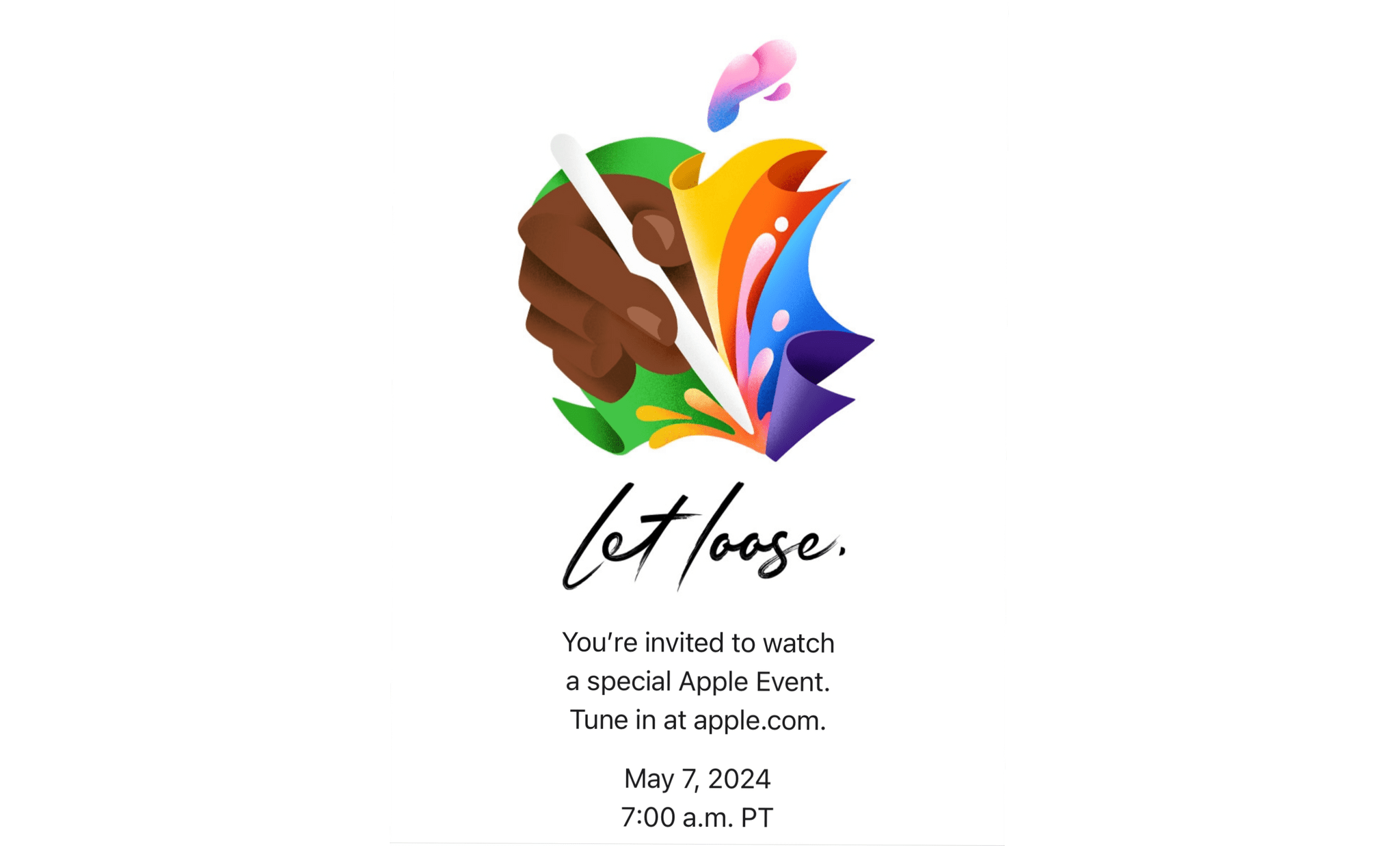
Today, Apple announced that it will be holding a video event on May 7, 2024 at 7 AM Pacific.
The announcement, which was sent to members of the press, doesn’t specify what it is about, but based on the illustration in the invitation, which clearly depicts an Apple Pencil, and based rumors, I expect the company will reveal new iPads and related accessories.
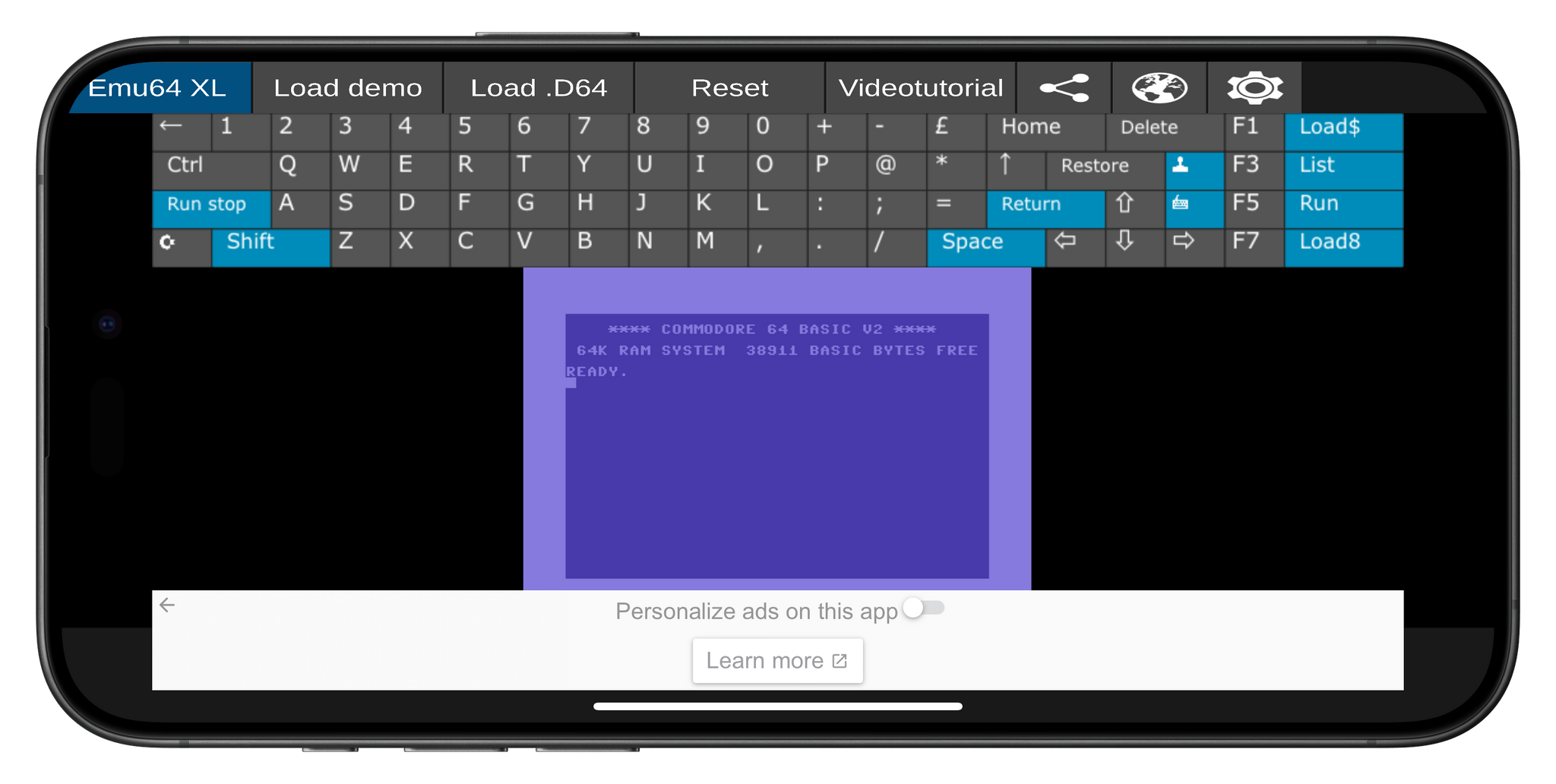
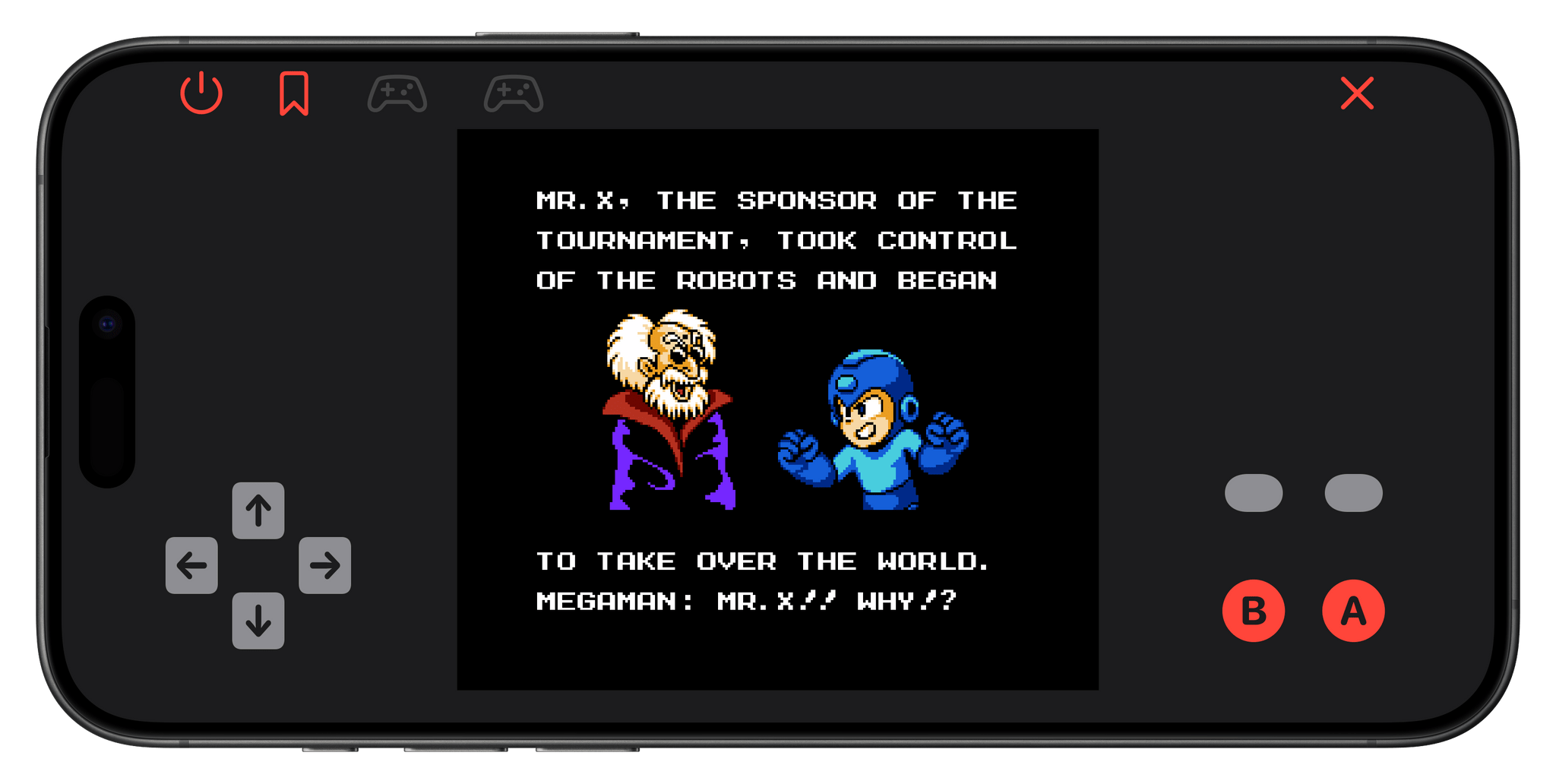
Game emulators are nothing new to mobile phones. That is unless you have an iPhone. There’s a long history of emulation on Android and an even longer history on Macs, PCs, and other platforms. However, with ‘retro game console emulators’ (Apple’s App Review Guidelines term) now allowed worldwide on iOS, we’re seeing the iOS world speed-running game emulation. It will be a while before iOS emulators catch up to Android and other OSes, but in just over a week, there’s already been a lot of news.
Not long after, iGBA appeared on the App Store and then disappeared within a couple of days. The ad-supported app was a clone of Riley Testut’s GBA4iOS, a predecessor to his Delta emulator. Apple told MacRumors that it pulled the app because it violated the company’s App Review Guidelines related to spam and copyright.
The short-lived Bimmy.
About the same time that iGBA was being pulled from the App Store by Apple, Bimmy, an NES emulator, appeared on the Store for $0.99. It, too, was pulled from the Store within a day or two, but this time, it was the developer who pulled it, not Apple. Tom Salvo, Bimmy’s developer, told Zac Hall of 9to5Mac that he pulled the app “out of fear” and not as the result of pressure from anyone.
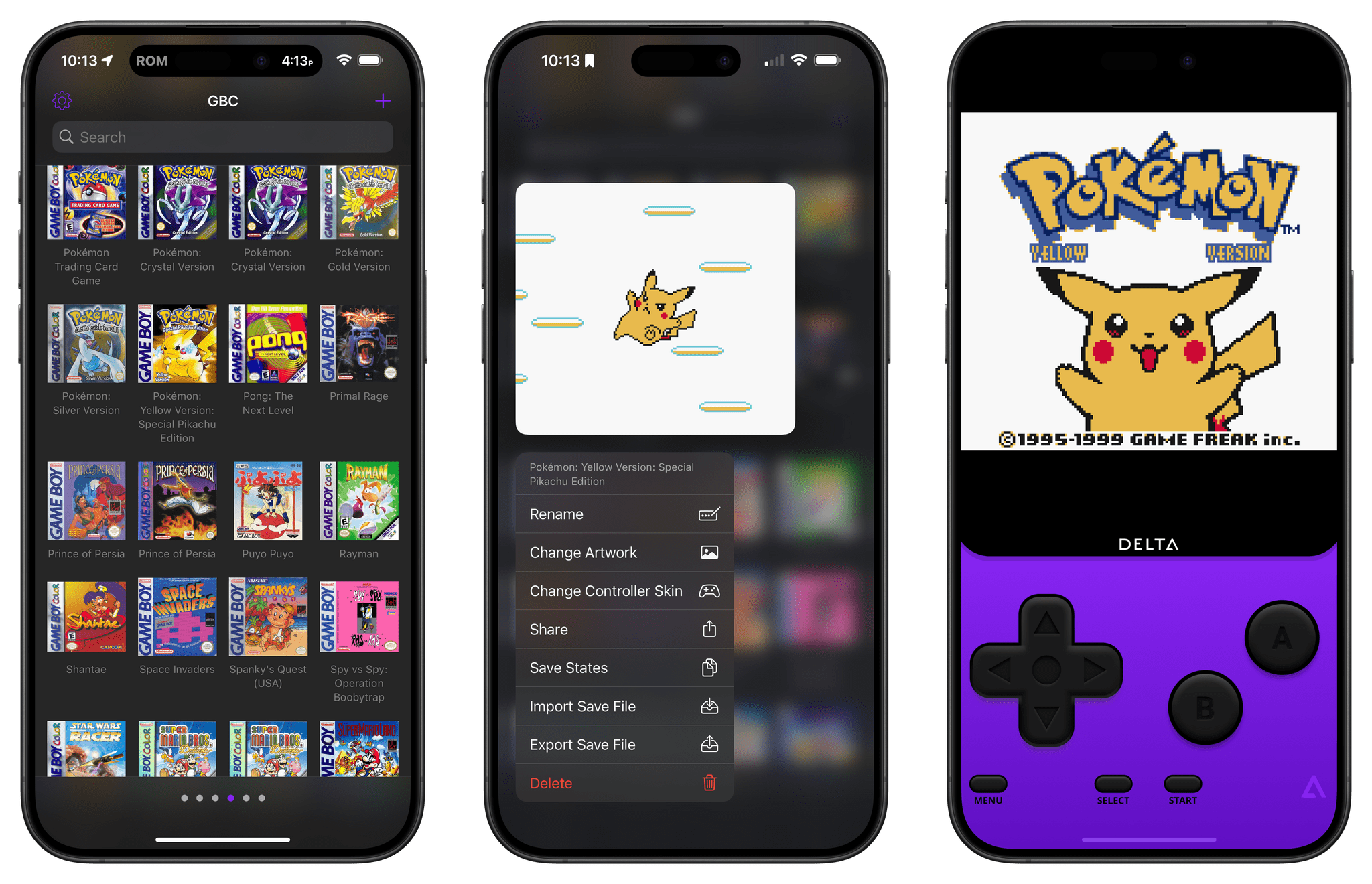
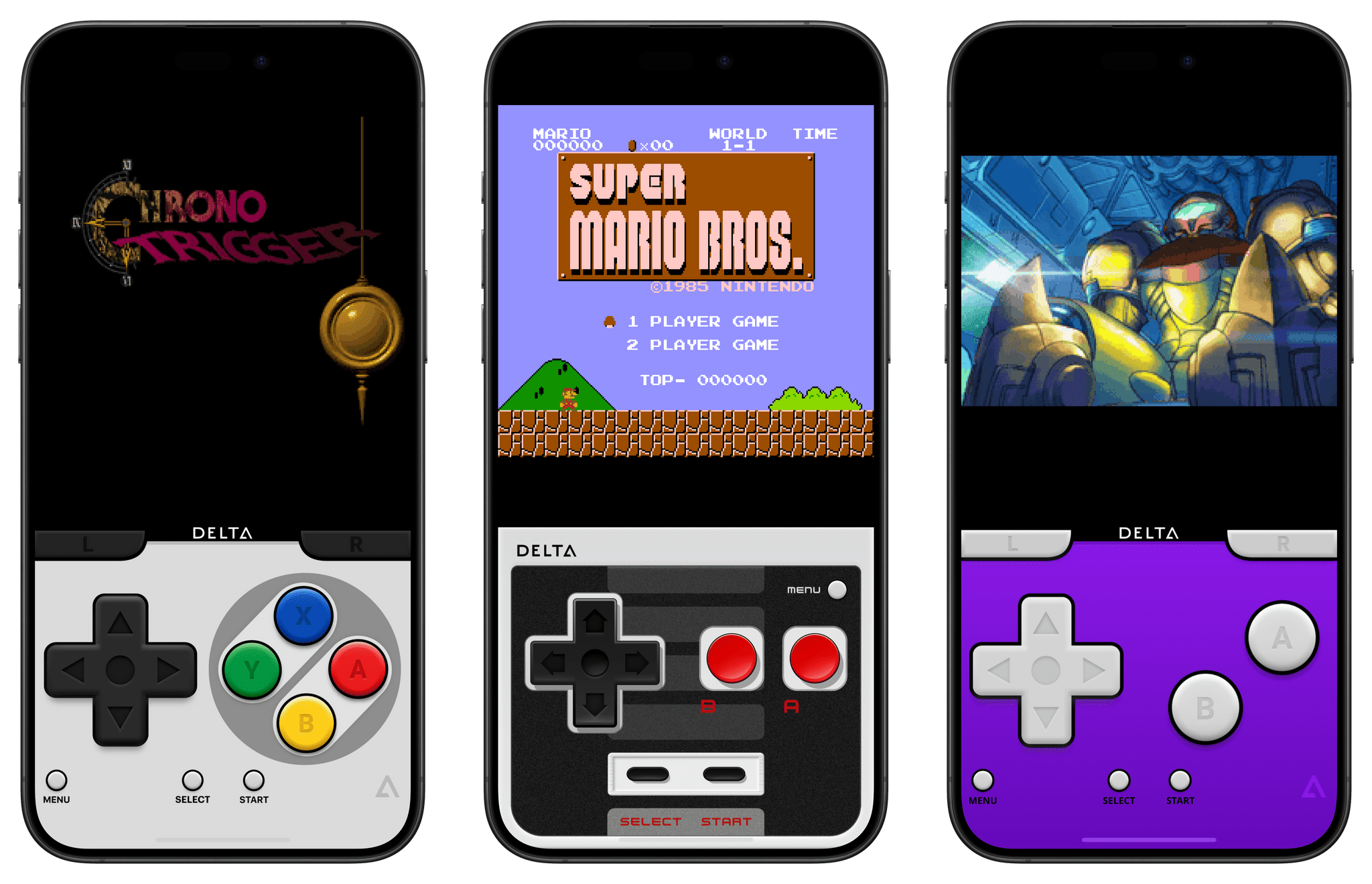
Delta works with a variety of classic systems.
Then, last Wednesday, Delta, Riley Testut’s game emulator that supports a long list of older Nintendo systems and the Sega Genesis console, was released on the App Store everywhere except the EU, where it is available on AltStore. Within hours, Delta shot to the top of the App Store’s Free Apps Top Chart, where it remains today.
The rush to the App Store by emulator developers isn’t universal, however. The creators of Dolphin, which works with Nintendo GameCube and Wii games, announced that it will not be coming to iOS because Apple doesn’t allow the necessary Just-In-Time recompilers to be integrated with game emulators.
Meanwhile, all eyes are on Nintendo. The company is notoriously protective of its intellectual property. And, although Nintendo has not sought to restrict the availability of emulators for its oldest systems, it aggressively pursued the makers of Yuzu, a Switch emulator, which resulted in the emulator being forced from the Internet with other emulators following suit. So, while emulators for early Nintendo systems have been available elsewhere for years, the sudden mainstream popularity of Delta on the App Store could draw an unwanted reexamination of emulators by the company. My hope is that instead of litigation, the new crop of iOS emulators spurs Nintendo to offer older games on the App Store and via other channels, but history isn’t on the side of my hopes and dreams.
The September 2023 MGM hack quickly became one of the most notorious ransomware attacks in recent memory. Journalists and cybersecurity experts rushed to report on the broken slot machines, angry hotel guests, and the fateful phishing call to MGM’s help desk that started it all.
And, like a slick magic trick, the public’s attention was drawn in the wrong direction. Now, months later, we’re still missing something critical about the MGM hack.
That’s because, for many of the most important questions about the breach, the popular answers are either incomplete or inaccurate. Those include: who hacked MGM, what tactics they used to breach the system, and how security teams can protect themselves against similar attacks.
Why is that a problem? Because it lets us write off the MGM hack as a one-off story, instead of an example of an emerging style of attack that we’ll certainly be seeing more of. And that leaves companies and security teams unprepared.
Who hacked MGM?
Plenty of news stories have confidently blamed the MGM attack on either the Scattered Spider or ALPHV hacking group, but the truth is still murky, and likely involves a dangerous team up between different groups, each bringing their own expertise to the table.
Their attacks first use fluent English social engineering skills to get onto networks, where they then deploy sophisticated ransomware that quickly establishes persistence across multiple systems.
What tactics did they use?
The dominant narrative has been that “a single phone call hacked MGM.” A phone vishing attack to MGM’s IT help desk is what started the hack, but there’s much more to it than that. The real issue is that this help desk worker was set up to fail by MGM’s weak ID verification protocols, and probably wasn’t doing anything “wrong” when they gave the bad actors access to a super administrator account.
How can security teams protect themselves?
Cybersecurity experts have centered most of their advice on user ID verification. But while it’s true that MGM’s help desk needed better ways of verifying employee identity, there’s another factor that should have stopped the hackers in their tracks.
That’s where you need to focus your attention. In fact, if you just focus your vision, you’ll find you’re already staring at the security story the pros have been missing.
It’s the device you’re reading this on.
To read more of what we learned when we researched the MGM hack–like how hacker groups get their names, the worrying gaps in MGM’s security, and why device trust is the real core of the story–check out the Kolide Blog.
Our thanks to Kolide for sponsoring MacStories this week.











](https://cdn.macstories.net/banneras-1629219199428.png)