


The iStick by Hypershop is a USB (Mac+PC) flash drive with an integrated Apple-approved Lightning connector. Made to work for any current generation iPhone, iPad, and iPod touch that has a Lightning port, the iStick allows users to easily and safely move data between computers, iPhones, iPads and iPod touches without using iTunes, the web, or any other online service.
Posts in news
Kickstarter - iStick: A USB & Lightning Flash Drive for iPhone and iPad
Castro 1.1 Brings UI Tweaks, Sleep Timer
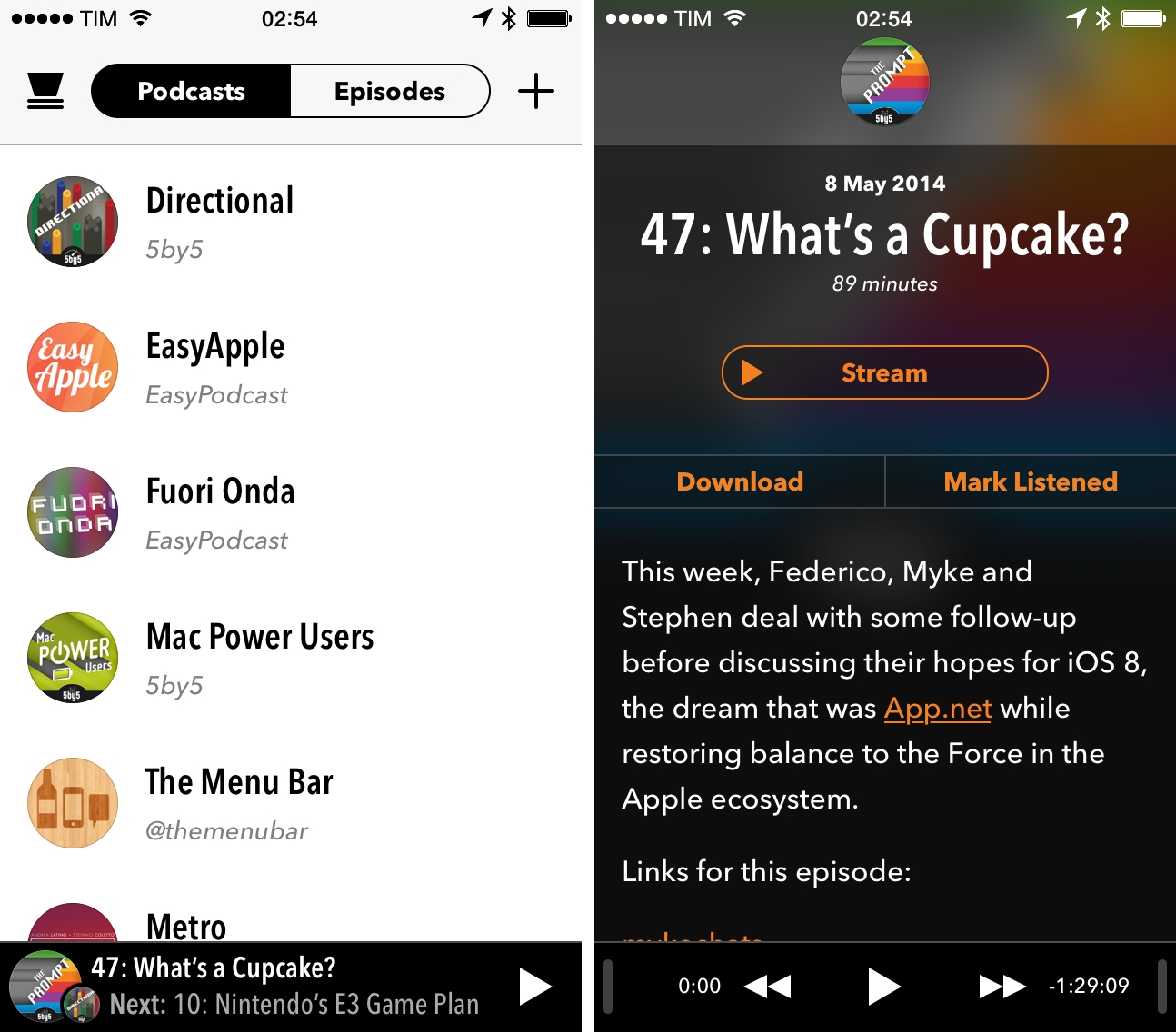
We first talked about Supertop’s Castro, a podcast client for iPhone, when it came out in December, noting how the app fit well with iOS 7’s aesthetic and implemented cool features such as fast search and a peculiar scrubber. Today, Supertop has released Castro 1.1, a major update that further refines the app’s design and introduces new functionalities for playback controls.
Twitter Launches Mute Feature, Updates iPad App
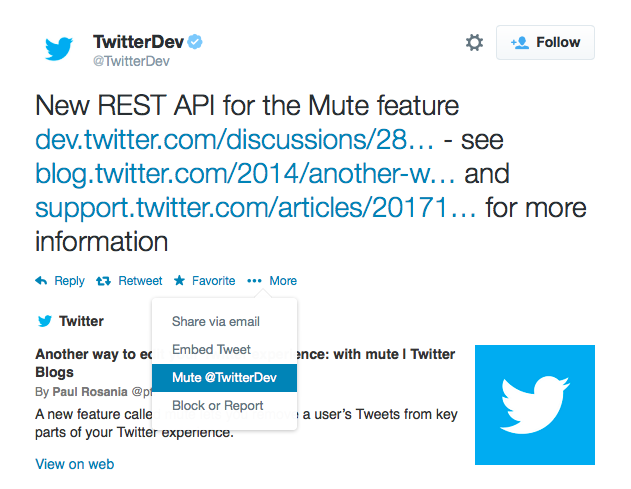
Following screenshots first surfaced two weeks ago, Twitter officially started rolling out a mute feature today that will allow users to stop seeing tweets and retweets from other users in their timelines without unfollowing them. The feature, rolling out to Twitter for iPhone, Android, and web, will also be available to third-party Twitter developers through the service’s API.
From the Twitter blog:
In the same way you can turn on device notifications so you never miss a Tweet from your favorite users, you can now mute users you’d like to hear from less. Muting a user on Twitter means their Tweets and Retweets will no longer be visible in your home timeline, and you will no longer receive push or SMS notifications from that user. The muted user will still be able to fave, reply to, and retweet your Tweets; you just won’t see any of that activity in your timeline. The muted user will not know that you’ve muted them, and of course you can unmute at any time.
The mute feature can be accessed through a contextual menu available both on the web and iOS; muted users will be indicated by a red mute icon on their profile page, and they can be “unmuted” at any time.
Made popular by third-party clients such as Tweetbot and Twitterrific, muting has long been requested by users who wished to keep following somebody without necessarily seeing all their tweets in the timeline on a daily basis. Twitter’s implementation, however, doesn’t include the more advanced features found in Tapbots’ client for iPhone and iPad: in Twitter, muting is limited to users, while Tweetbot includes muting filters for hashtags and specific keywords. It’s unclear at this point whether third-party apps will switch to Twitter’s official mute feature soon, but it’s likely that developers will choose to keep their own custom solutions as options for advanced mute filters.

In today’s rollout, Twitter also updated their iOS app to version 6.5 to include changes to the iPad interface that mirror what the company brought to the iPhone months ago. Media from Vine as well as Twitter Photos are displayed in the timeline with inline previews, alongside buttons to quickly retweet, reply, mark as favorite, or follow other users. Navigation has been refreshed, search comes with tabs for Top and All tweets, and it’s now possible to apply filters to photos directly on the iPad.
Twitter 6.5 is rolling out on the App Store.
Symbolay Combines Unicode Symbols with Power User Features
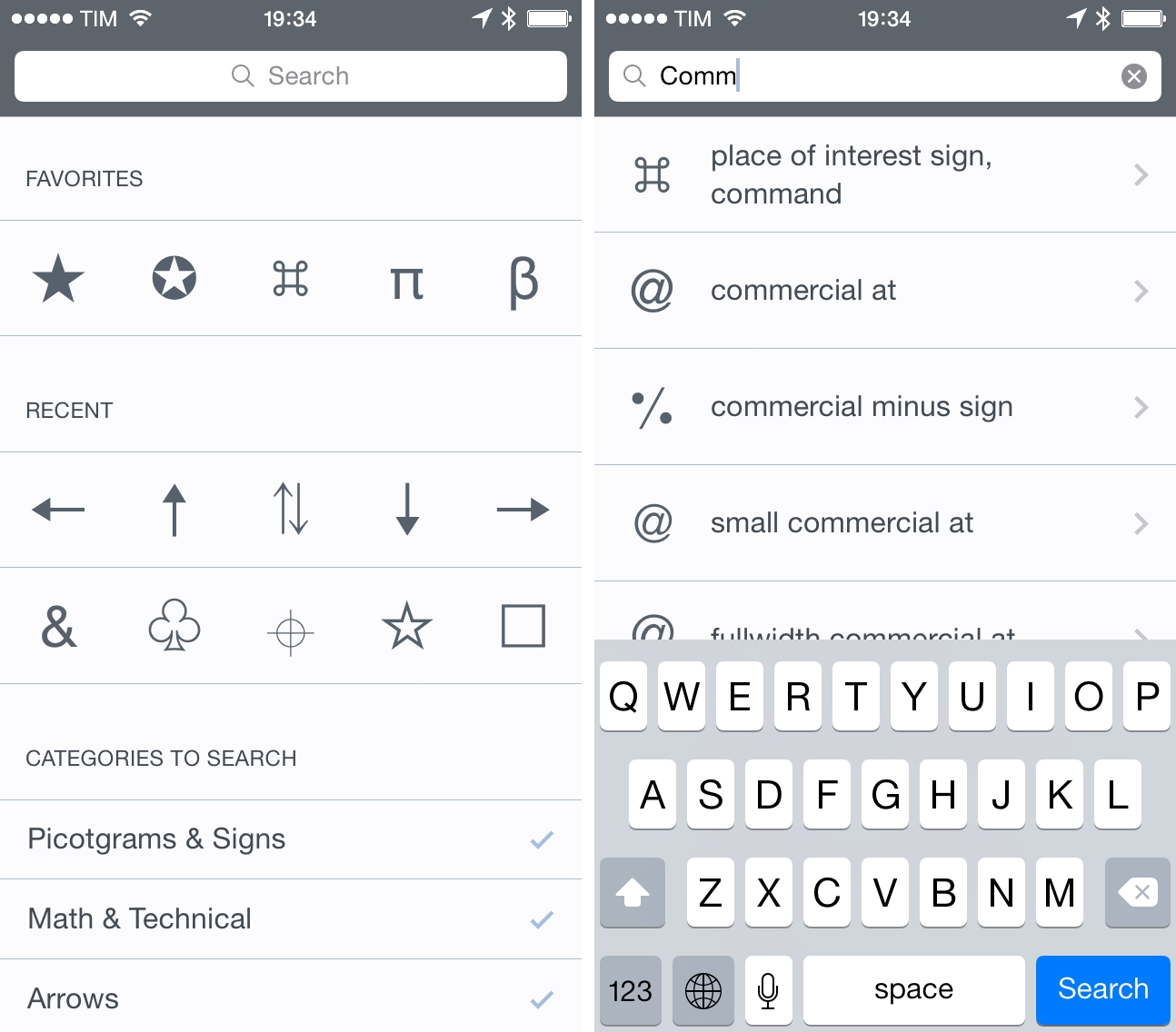
Whether you want to add a little personality to your tweets or include special characters in your notes, there’s no easy way to copy Unicode symbols on iOS. While I’ve covered my fair share of iOS apps for the task in the past, Symbolay stands out for the amount of options it gives you when copying symbols and launching searches from other apps.
Symbolay’s main screen offers the usual section-based organization with categories for pictograms, arrows, shapes, alphabets, and more. There is a search bar to look for specific items by name, and the interface is clean and obvious on iOS 7. The app’s real strength lies in the output options: symbols can be copied directly in the clipboard, or you can copy them as Python code, HTML entities, or pure code names – these help if, for instance, you’re writing code on the iPad and don’t want to rely on an online converter to turn symbols into code using Safari. You can save favorites and browse your recently viewed symbols, collect them in a scratchpad, and, if you’re on a keyboard, use shortcuts to speed up the entire process.
Furthermore, the app supports a URL scheme that allows you to trigger searches from Launch Center Pro or Drafts; on the website, there’s even a workflow to integrate Symbolay with Editorial for text editing.
Symbolay is a nice reference tool for Unicode symbols with handy features aimed at power users and programmers. It’s Universal and $4.99 on the App Store.
Yahoo News Digest Goes International
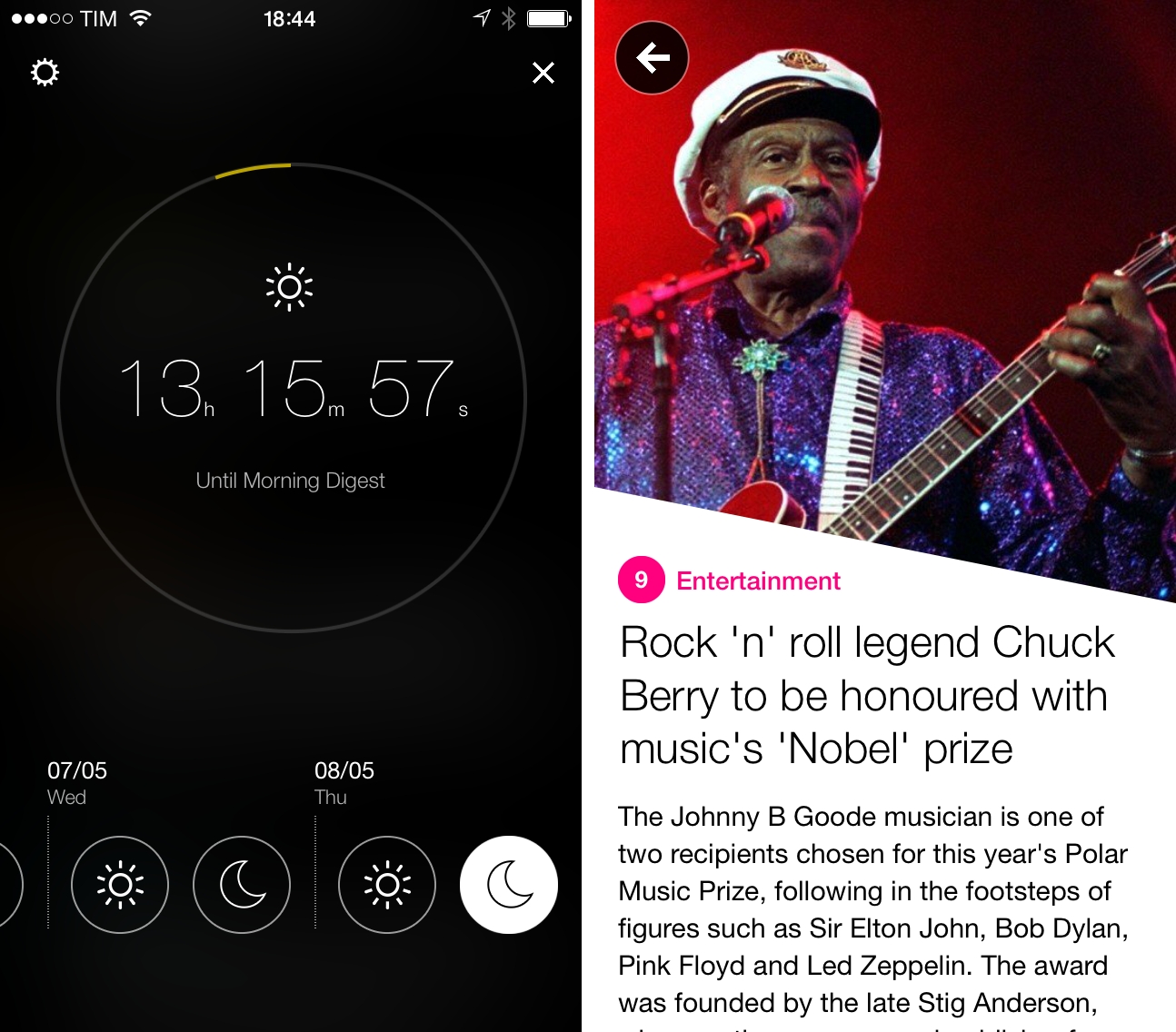
Yahoo’s News Digest, an app that provides daily news summaries collected from multiple sources, has been updated today to include an International edition and better support for local time zones when sending daily reminders.
I’ve been keeping an eye on News Digest since our initial review:
Contrary to the previous example, Yahoo excels at disseminating information around people and locations. Summaries on politicians, celebrities, and athletes are rounded out with Wikipedia links, maps showing where the event took place, photos, and videos that consist of panels, analysis, or interviews from various news outlets. Where traditional news articles might have a single image and caption, Yahoo’s digest throws complete image galleries, videos, and a list of sources at the end of each summary.
In previous versions, I found News Digest to be a clever idea with an attractive interface, but the app was obviously US-centric and, after a few days, I had to uninstall it because I simply didn’t care about news that weren’t relevant to me. With the latest update, however, I’m already seeing a good diversification of global news for politics and entertainment, and I think I’m going to stick with the app this time around.
While News Digest launched to some criticism, I am a fan of the idea (unfortunately, I don’t have time to stay on top of in-depth news every day) and I believe the realization is solid. Yahoo is making nice apps for iOS 7, and News Digest is a good example of a focus on content with clean text, large photos, and pleasant transitions. I’ve already received a news digest for my time zone, and I enjoy the break that the app gives me from tech news. I like it, and I’m looking forward to an Italian version at some point.
Yahoo News Digest is free on the App Store.
Choosy, Open-Source Framework To Pick Default Apps In Third-Party iOS Apps
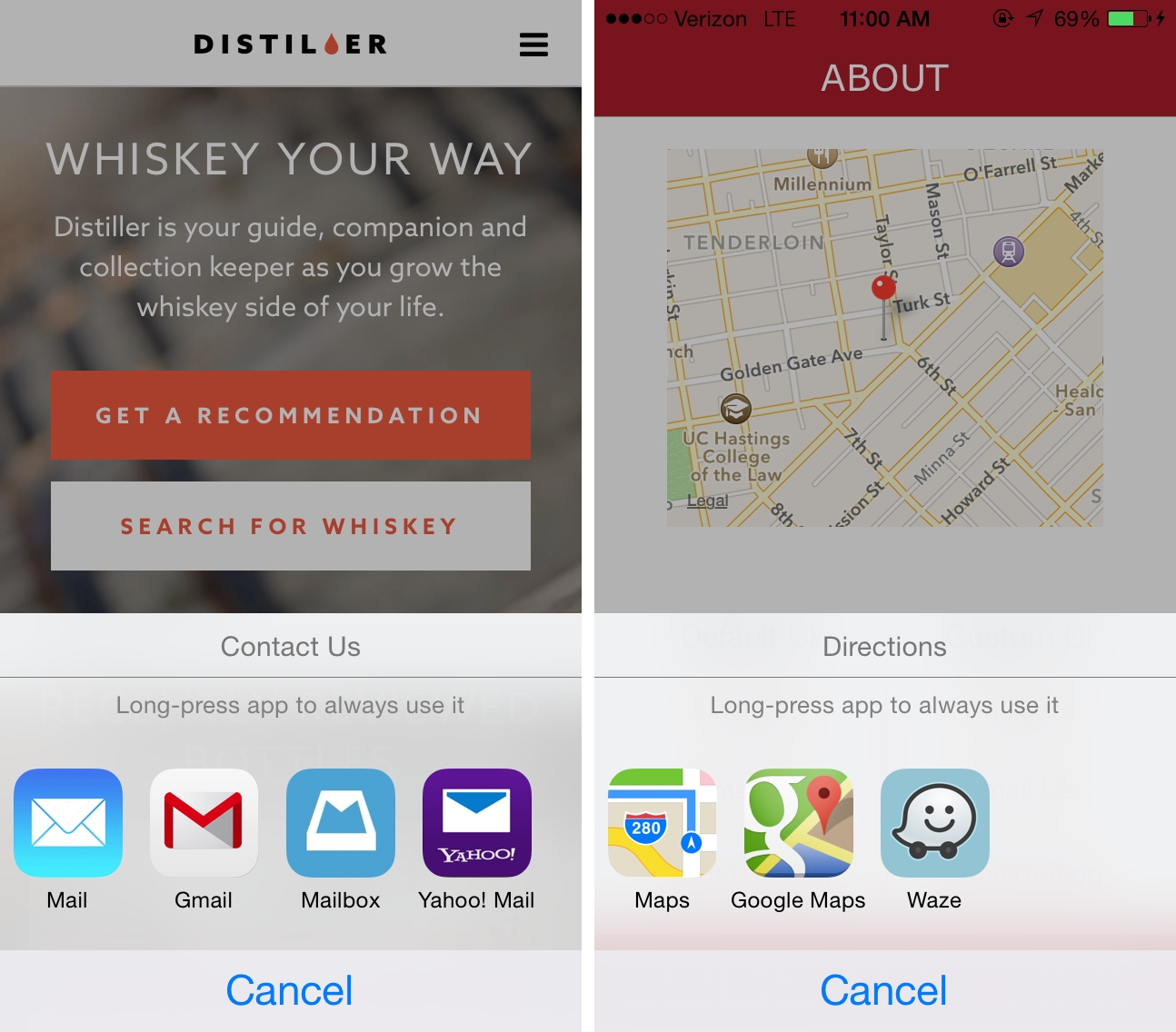
Created by Alex Novosad from development studio Substantial and released today as a beta on GitHub, Choosy is a new third-party framework that wants to (at least partially) improve upon iOS’ lack of a default app selection mechanism.
The Next DuckDuckGo
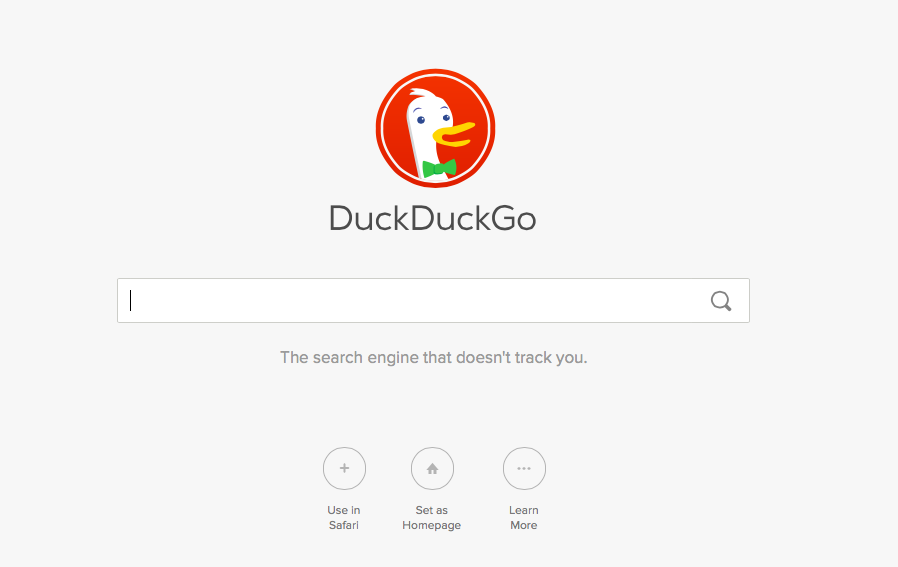
A few days ago, the team over at DuckDuckGo released a “reimagined and redesigned” DuckDuckGo at next.duckduckgo.com. Besides shipping a visual makeover that looks great, they have focused on smarter answers, images, videos, auto-suggest, and more. Read more
Google Brings Lane Guidance, Uber Integration, New Filters and Offline Mode To Maps for iOS
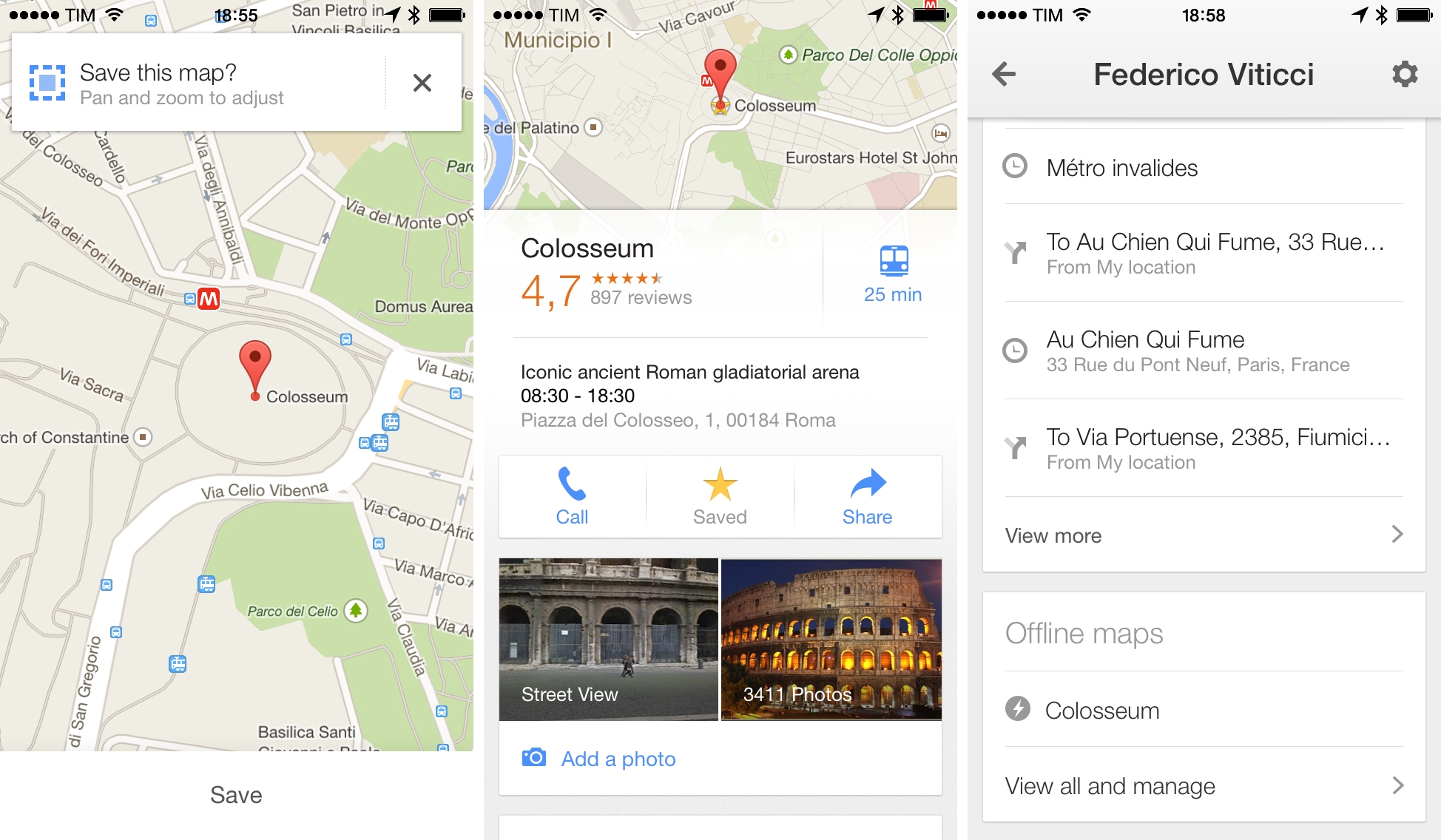
In a major update released today and detailed on the official Maps blog, Google has announced a variety of new features for Google Maps for iOS, available for iPhone and iPad.
For users in the United States and “parts of Canada and Japan”, Google has added lane guidance, a turn-by-turn navigation feature that allows the app to show the lane to stay in or move to; lane guidance is often found on dedicated GPS devices, and it should enable Google Maps to provide drivers with more precise directions.
Previously available only through a hidden command, Google has added a new offline mode to Maps that lets users easily store multiple areas as offline maps for usage in areas with no cellular or WiFi coverage. In the new version of the app, a new “Save map to use offline” is featured in the detail screen of a location (or dropped pin); offline maps can be given a unique name, and they can be viewed in a new list of the Profile view in the app. When offline, Google Maps will allow to zoom and pan on saved maps, but search and directions won’t be available.
Alongside improvements to public transit directions (which now include total walking time and next scheduled bus or train), Google has also revamped the filter functionality of nearby search results:
With new filters, you can browse through restaurants, bars and hotels by opening hours, rating, price, and more—where available—to find just what you’re looking for, right when you need it.
The other big addition is Uber integration inside the Google Maps app. For users who have the Uber app installed on their devices, Maps will allow to compare their ride with other directions and, through a “Get an Uber” button embedded in the app, it’ll be possible to switch directly to the Uber app with one tap. Notably, Google’s investment arm Google Ventures is an investor in Uber.
Google added other functionalities for iOS users in version 3.0 of the app as well. iPhone and iPad contacts can be accessed directly from the app, and Voice Search (a feature previously available in the Chrome and Search apps for iOS) has been integrated in the app’s search box to look for locations without typing. A scale bar to estimate distances is now visualized on the map, and the process of saving and sharing locations has been refined; recently saved places and searches will be available in a “Places to review” list (requires sign-in).
Version 3.0 of Google Maps for iOS is available on the App Store.
Apple Highlights Best App Store Releases In “Best Of April” Section

With today’s weekly App Store refresh, Apple has launched a new curated section highlighting the best app and game releases of April 2014, called “Best of April”. The new showcase, available on the iPhone and iPad App Store but absent from the Mac App Store, suggests Apple’s intention to start offering a monthly recap of the App Store’s best releases, handpicked and curated by the App Store’s editorial team.