

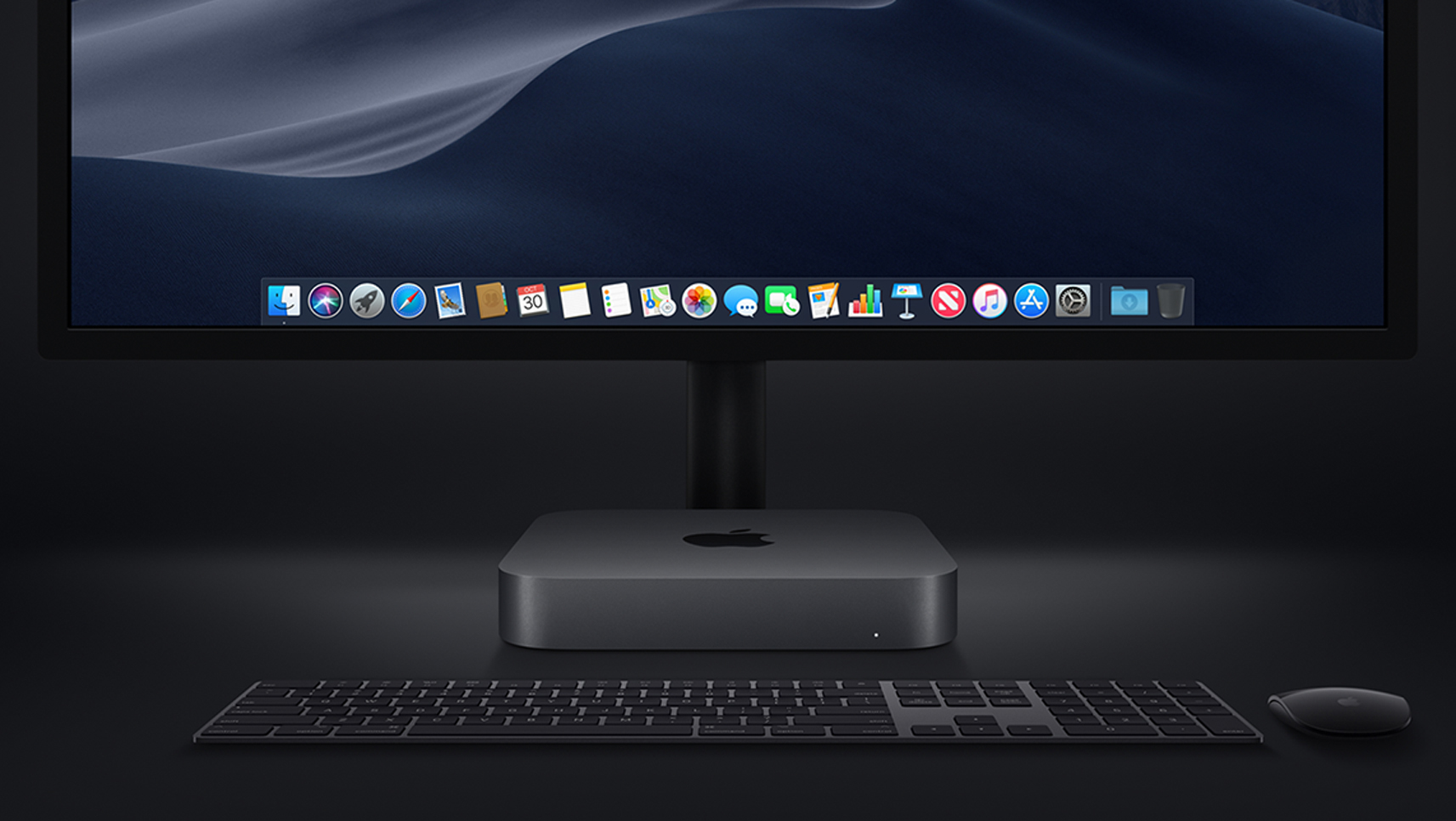
Tim Cook introduced the new Mac mini at the Brooklyn Academy of Music’s Howard Gilman Opera House by gesturing to the sky. What followed was a video titled ‘The Arrival’ depicting a Mac mini descending like a UFO from the nighttime sky into the desert, which turned out to be a nighttime wallpaper from Mojave, Apple’s latest macOS update. It was a fun introduction to a computer that was last updated in 2014, and many Mac users had predicted would be discontinued.
Posts in news
Mac mini: The MacStories Overview
Apple Releases iOS 12.1 with New Emoji, Group FaceTime, and Camera Improvements for iPhone XS, XS Max, and XR
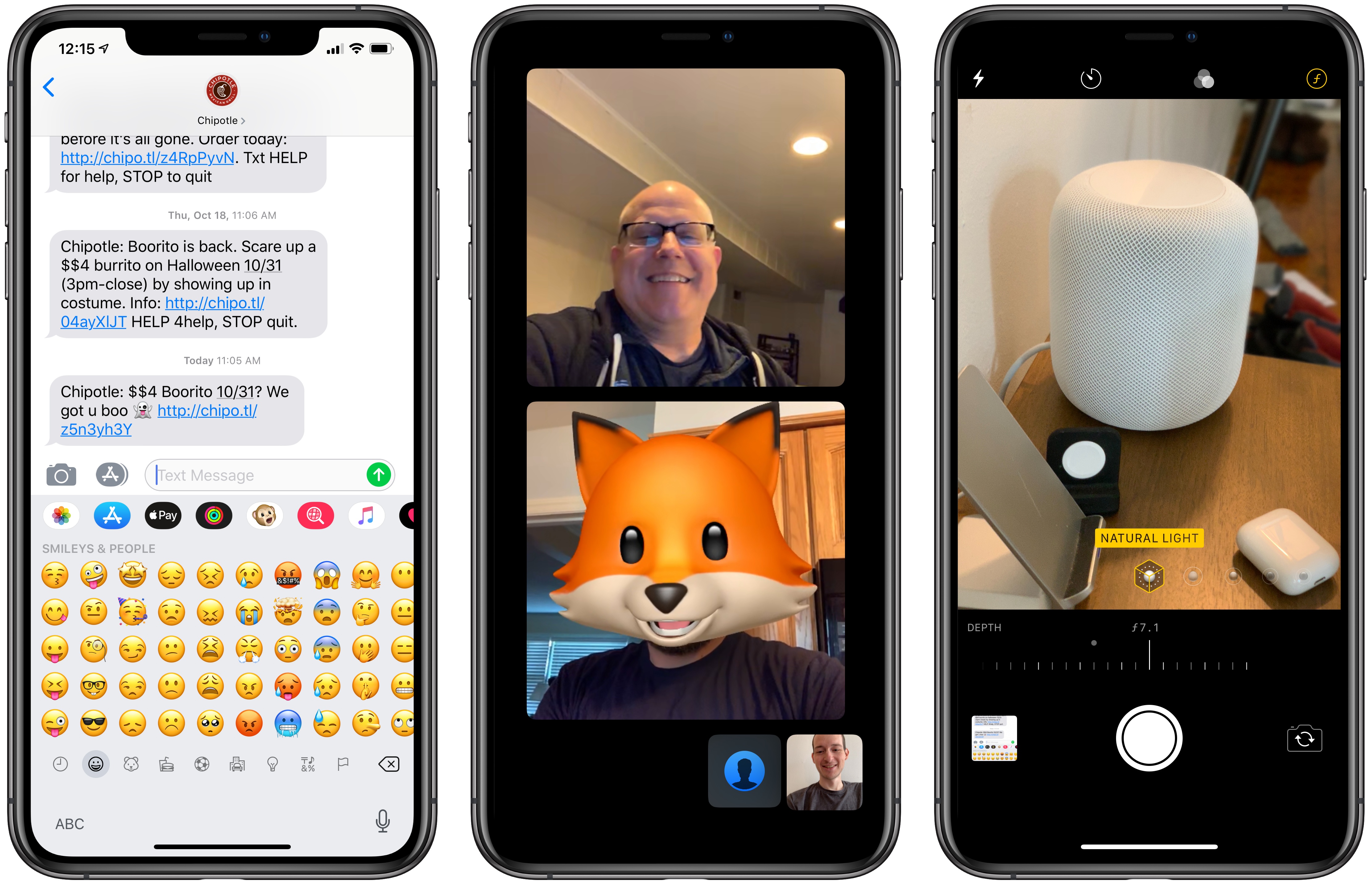
Today following its Brooklyn keynote event, Apple released iOS 12.1, the first major update since September’s iOS 12 brought Shortcuts, Screen Time, and more. Version 12.1 adds over 70 new emoji, introduces Group FaceTime with up to 32 participants, and lastly 2018’s iPhones get upgrades via camera improvements and dual SIM support.
Apple Announces Release Dates for New iPad Pros, Macs, and iOS 12.1
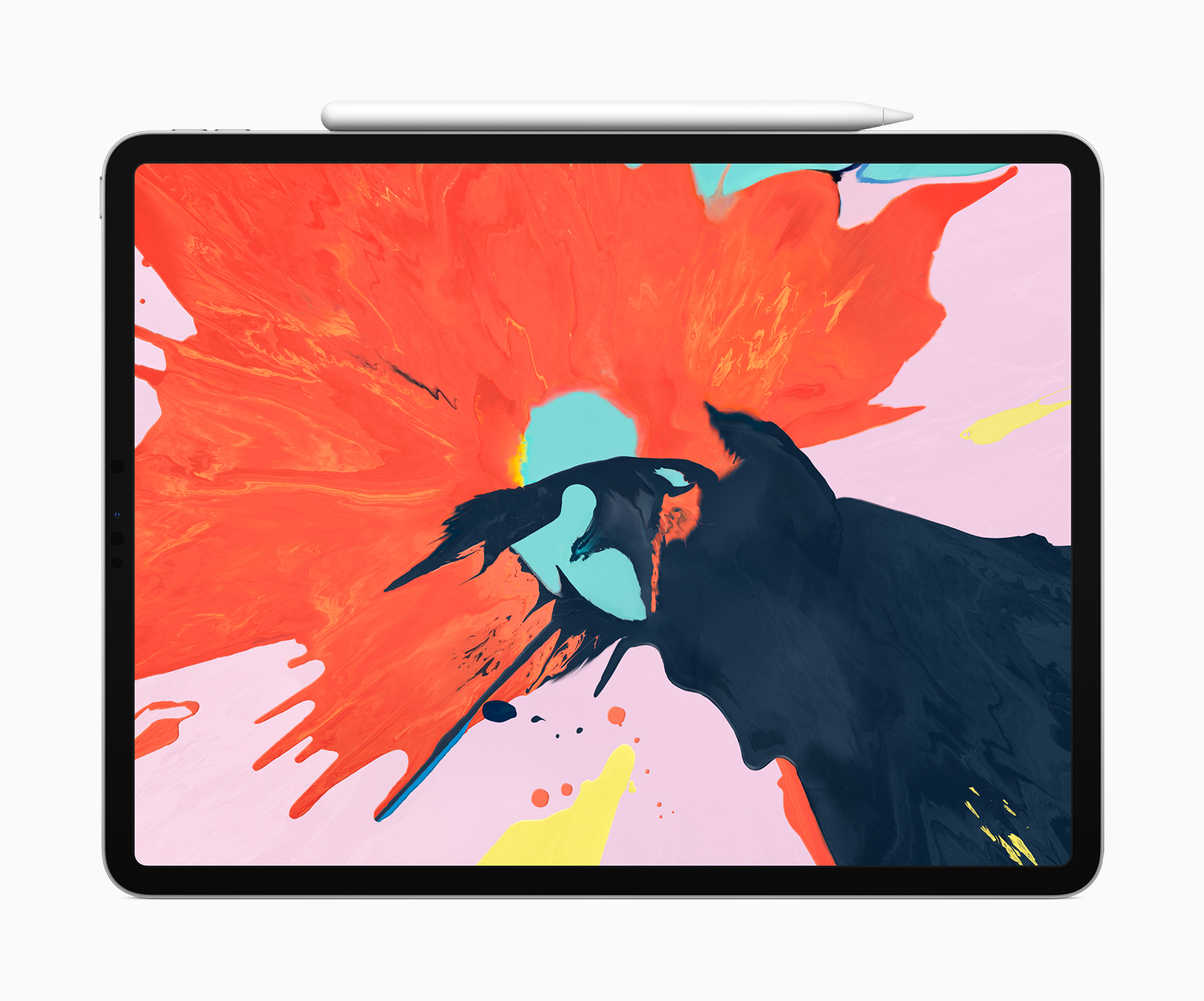
Apple announced release dates for the new hardware unveiled during the keynote held at the Brooklyn Academy of Music’s Howard Gilman Opera House today and iOS 12.1. Here are the dates for each:
iPad Pros:
Pre-Order Date: Today
Ship Date and in stores: November 7th
iOS 12.1
Release Date: Today
MacBook Air
Pre-Order Date: Today
Ship Date and in stores: November 7th
Mac mini
Pre-Order Date: Today
Ship Date and in stores: November 7th
You can also follow all of our Apple event coverage through our October 30, 2018 hub, or subscribe to the dedicated October 30, 2018 RSS feed.
Replay Apple’s October 30, 2018 Keynote and New Product Videos
If you didn’t follow the live stream or announcements as they unfolded at the Brooklyn Academy of Music’s Howard Gilman Opera House today, you will be able to replay it on Apple’s Events site soon. You can also catch all the product videos on YouTube.
The keynote video will be streamed here and on the Apple TV using the Apple Events app. Also, a higher quality version should be made available soon through iTunes on the Apple Keynotes podcast.
Apple has posted new videos, including its product-reveals for the new iPad Pro, MacBook Air, and Mac mini on its YouTube channel too. You can find all those videos below after the break.
You can also follow all of our Apple event coverage through our October 30, 2018 hub, or subscribe to the dedicated October 30, 2018 RSS feed.
Tim Cook Calls for Strong Privacy Protections
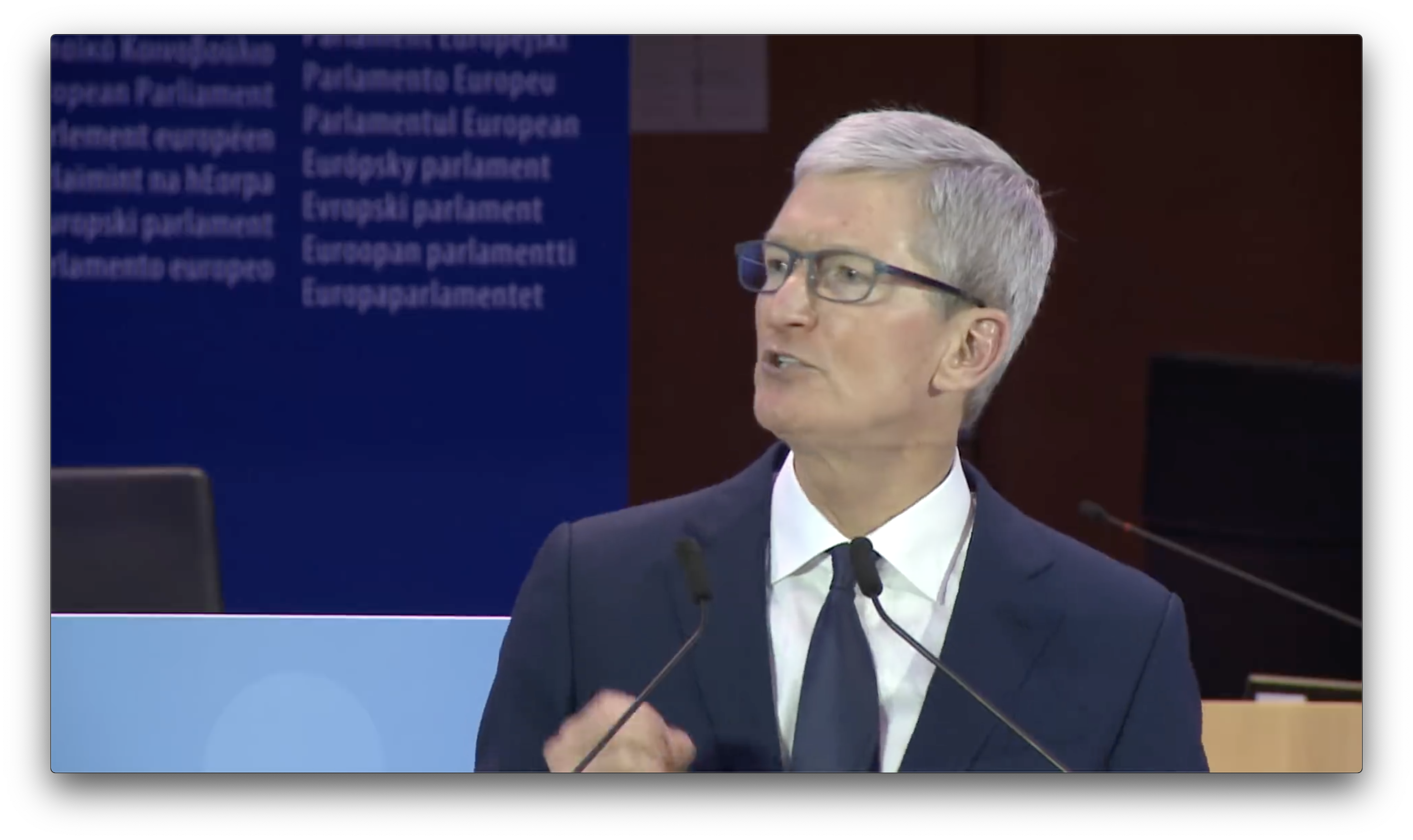
On Wednesday, Apple CEO Tim Cook spoke at the International Conference of Data Protection and Privacy Commissioners in Brussels. Cook, who has stated many times that Apple believes privacy is a fundamental human right, called for federal privacy legislation. As transcribed in Ars Technica’s post on the speech, Tim Cook said:
We at Apple are in full support of a comprehensive federal privacy law in the United States. There, and everywhere, it should be rooted in four essential rights: First, the right to have personal data minimized. Companies should challenge themselves to de-identify customer data—or not to collect it in the first place.
Second, the right to knowledge. Users should always know what data is being collected and what it is being collected for. This is the only way to empower users to decide what collection is legitimate and what isn’t. Anything less is a sham.
Third, the right to access. Companies should recognize that data belongs to users, and we should all make it easy for users to get a copy of, correct, and delete their personal data. And fourth, the right to security. Security is foundational to trust and all other privacy rights.
Cook also commended the European Union on its General Data Protection Regulation, which went into effect earlier this year.
The importance of privacy to Apple is reflected on its website, during public events, and elsewhere. As the amount of data collected about everyone increases and the methods for creating sophisticated profiles of people with that data become more advanced, providing consumers with the tools to make informed decisions about what they share and control that data has become increasingly important. These aren’t issues that Apple can solve on its own, but as one of the largest global technology companies, it’s heartening to see the company taking a proactive stance on privacy.
Safari Technology Preview Allows Websites to Switch Themes Based on Mojave’s Dark Mode
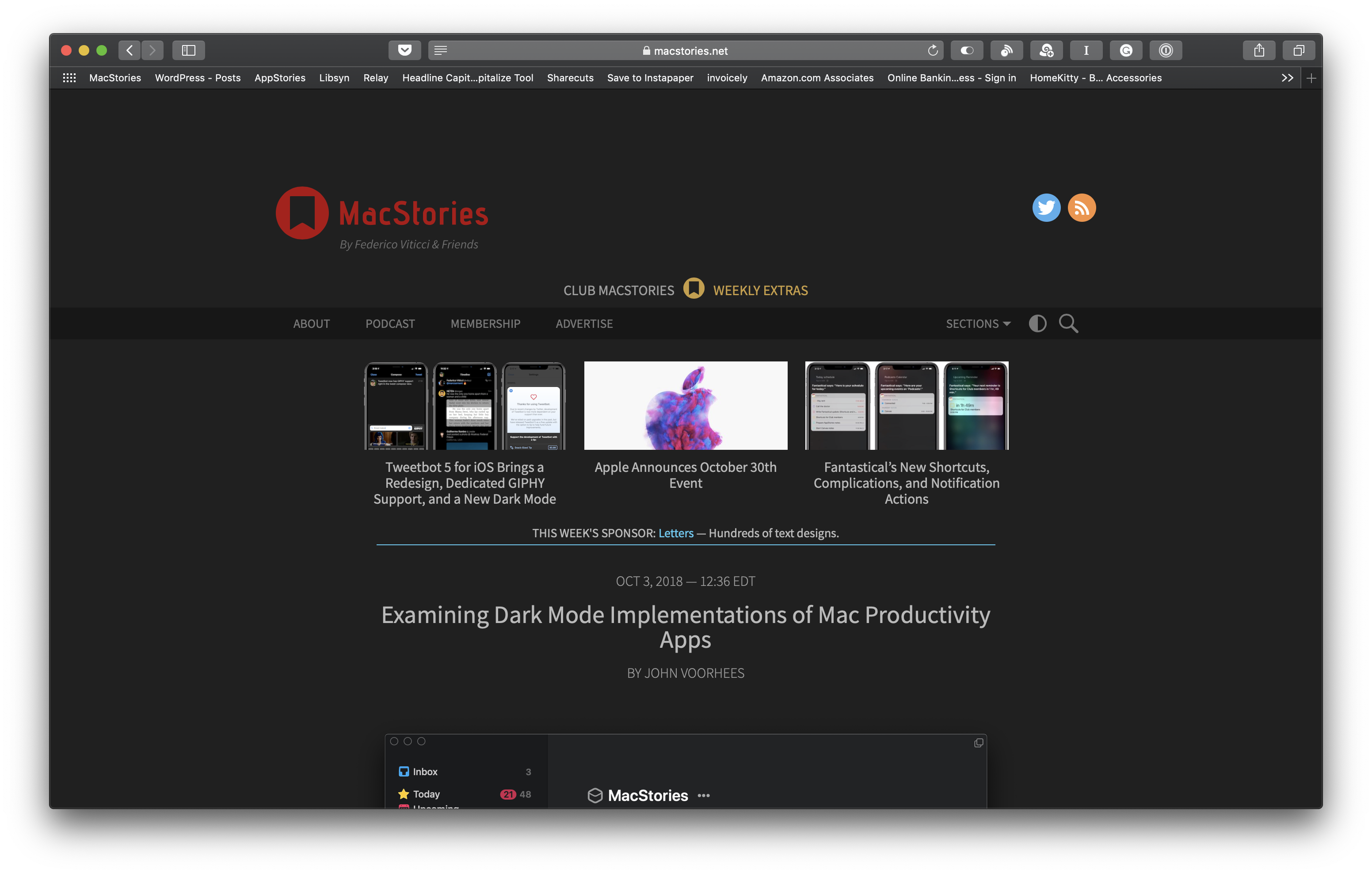
With Mojave, Apple introduced a user-selectable Dark Mode. Although Dark Mode is implemented throughout Mojave and Apple’s system apps, it’s not automatic. Third-party developers have to update their apps to adopt the feature. Many developers have already added Dark Mode support, but when you run across one that hasn’t, it can be jarring.
Safari has a similar problem. Although the browser incorporates Mojave’s Dark Mode, which makes the app’s chrome dark, websites have no way to detect if a Mac is running in Light or Dark Mode. As a result, even if a site has light and dark themes like MacStories does, the theme has to be switched manually.
Safari Technology Preview 68 changes this by adding support for the prefers-color-scheme media query. Websites that implement the feature will be able to detect if a user’s system is set to Light or Dark Mode and apply a light or dark theme to match the user’s preference. Similar to apps, website owners still need to implement a dark theme for their sites, but if they do, the new feature will switch themes automatically.
Safari has a relatively small piece of the overall browser market, so broad adoption of dark themes is by no means an inevitability. However, I’m glad to see the feature coming to Safari soon because if you use Dark Mode on a Mac, bright white webpages clash with the rest of the UI.
iPhone XR Reviews Are Out and Reviewers Conclude It’s a Great Value
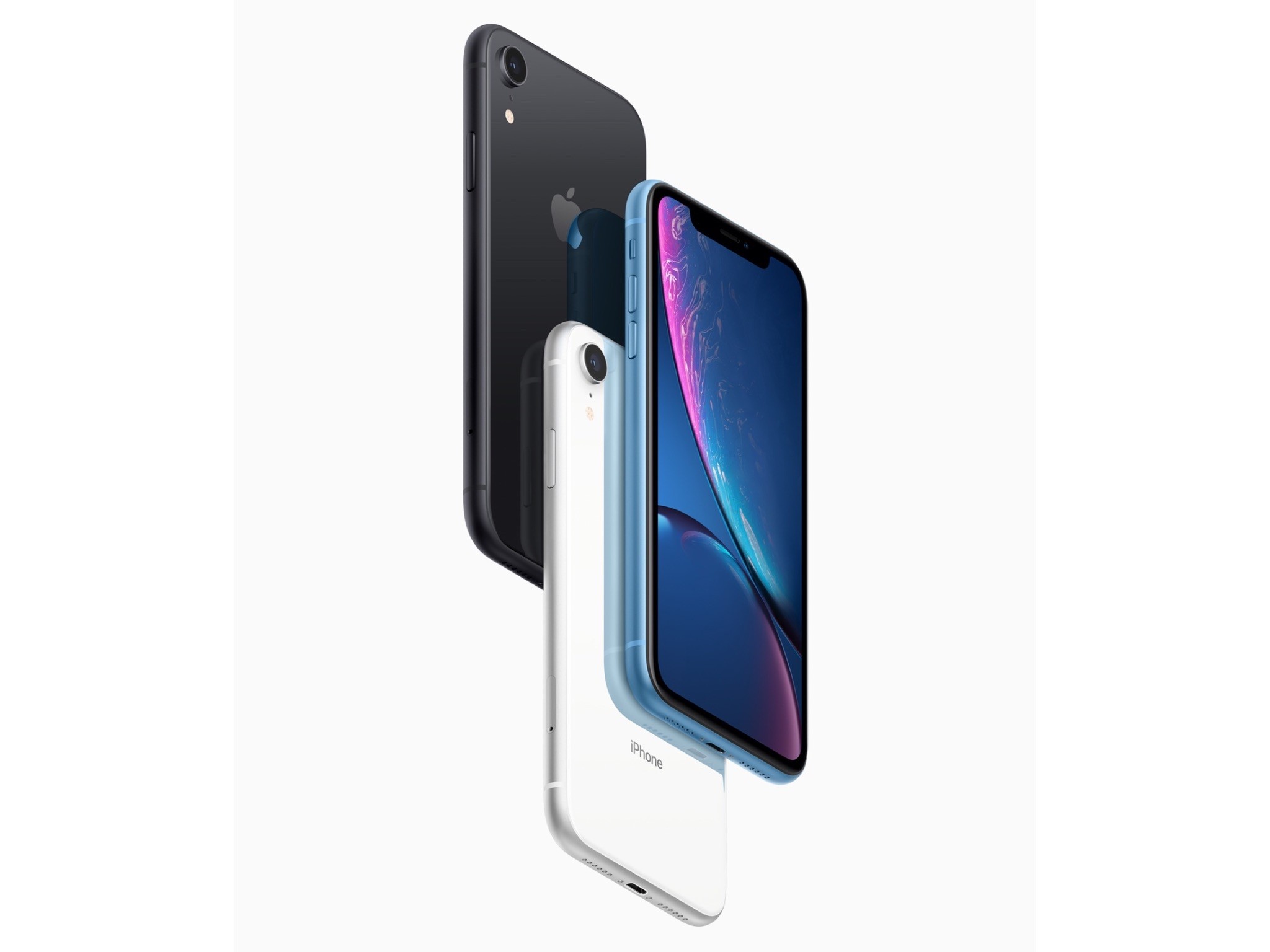
The iPhone XR won’t show up on your doorstep or at your local Apple Store until Friday, but today the embargo on reviews for the device was lifted. The common refrain from reviewers is that the XR is more similar to the XS than different. So similar that Nicole Nguyen of Buzzfeed concludes:
But so far, after five days of reviewing the device, the biggest problem with the iPhone XR is that it’s mostly good — which makes picking an iPhone in 2018 more confusing than ever.
Acknowledging the differences between the XR and XS models, Nilay Patel of The Verge says:
Those differences are interesting, and worth pulling apart, but really, the simplest way to think about the iPhone XR is that it offers virtually the same experience as the iPhone XS for $250 less, but you’ll be looking at a slightly worse display.
So, what are the differences? They include:
- Most notably, a non-HDR LCD display instead of an OLED one
- Slightly larger screen bezels
- An aluminum instead of steel band around the edge of the XR
- A single, wide-angle lens camera that has Portrait mode but limited to human faces and with fewer Portrait Lighting modes available
- Less durable glass on the back of the XR than the XS
- 3GB of RAM instead of 4GB
- No 3D Touch; instead, the XR uses Haptic Touch, which is essentially a long-press with haptic feedback
- No first-party cases yet
- No Gigabit LTE where available
- Longer battery life than the XS (rated at 15 hours by Apple)
- Six vibrant colors
As the reviews bear out, these are relatively minor differences that most users won’t notice.
Reviewers generally give the new LCD display with rounded corners high marks, though acknowledge it isn’t as good as the XS. On the display, Nilay Patel says:
The iPhone XR LCD definitely shifts a little pink and drops brightness quickly when you look at it off-axis, which often leads to a bit of a shimmery effect when you move the phone around. I noticed that shimmer right away, but I had to point it out to other people for them to see it; it’s one of those things you might not notice at first but you can’t un-see. Apple told me the XR display should match previous iPhone LCDs in terms of performance, but side-by-side with an iPhone 8 Plus, the off-axis shifts are definitely more pronounced.
Patel was also impressed with how Apple pulled off those rounded corners:
So Apple built little apertures for the pixels around the corners of the XR display to mask some of the light coming through, on top of antialiasing the curve in software. It’s a neat example of Apple’s attention to detail.
Reviewers spent a lot of time on the XR’s camera. Patel was impressed with the single-lens camera:
Like the XS, iPhone XR photos look incredibly even and preserve highlight and shadow detail more aggressively than any camera I’ve ever used before, at the expense of contrast. It’s a conscious aesthetic decision, according to Apple — the company knows Smart HDR photos look different from traditional photos that have lots of contrast, but the bet is that people will get used to it and eventually prefer this look. And in some cases, I prefer it to the Pixel 3.
As John Gruber of Daring Fireball points out, providing real-world examples:
Portrait Mode is usable on the XR in some low light situations where it’s unusable on the XS.
The bottom line seems to be that the XR is a good value compared with the XS. Gruber concludes:
The iPhone XR is everything Apple says it is, and it’s the new iPhone most people should buy. I’ve been using one as my primary phone for the last week, and it’s a lovely, exciting device. Even some of the things I thought were compromises don’t feel like compromises at all in practice. Overall, yes, the XS and XS Max are better devices, but in a few regards the XR is actually better.
When I first picked up the iPhone XR, it felt like the big questions would be about what the XR was missing compared to the XS. But now that I’ve used this thing for a while, that seem like the wrong way to think about it. The real question for iPhone buyers is whether the high-res OLED display on the XS is worth $250 more than the XR. Because otherwise, the XR offers almost everything you’d want in a 2018 phone.
The reviews highlight a few interesting details too. According to Gruber, ‘Portrait Mode on the iPhone XR does not offer the Stage Lighting or Stage Lighting Mono lighting effects.’ Patel reveals that the skin smoothing controversy that erupted in the wake of the XS launch is an HDR photo bug that will be corrected in iOS 12.1. Patel also says he’s been told that the lack of a X, XS, or XR battery case is a deliberate choice to avoid antenna interference.
If you’re thinking about buying an iPhone XR, check out the Daring Fireball, The Verge, and BuzzFeed reviews in their entirety, especially for the excellent camera comparisons.
iPhone XR Hands-On Videos Offer Best Look Yet at Apple’s Latest Flagship
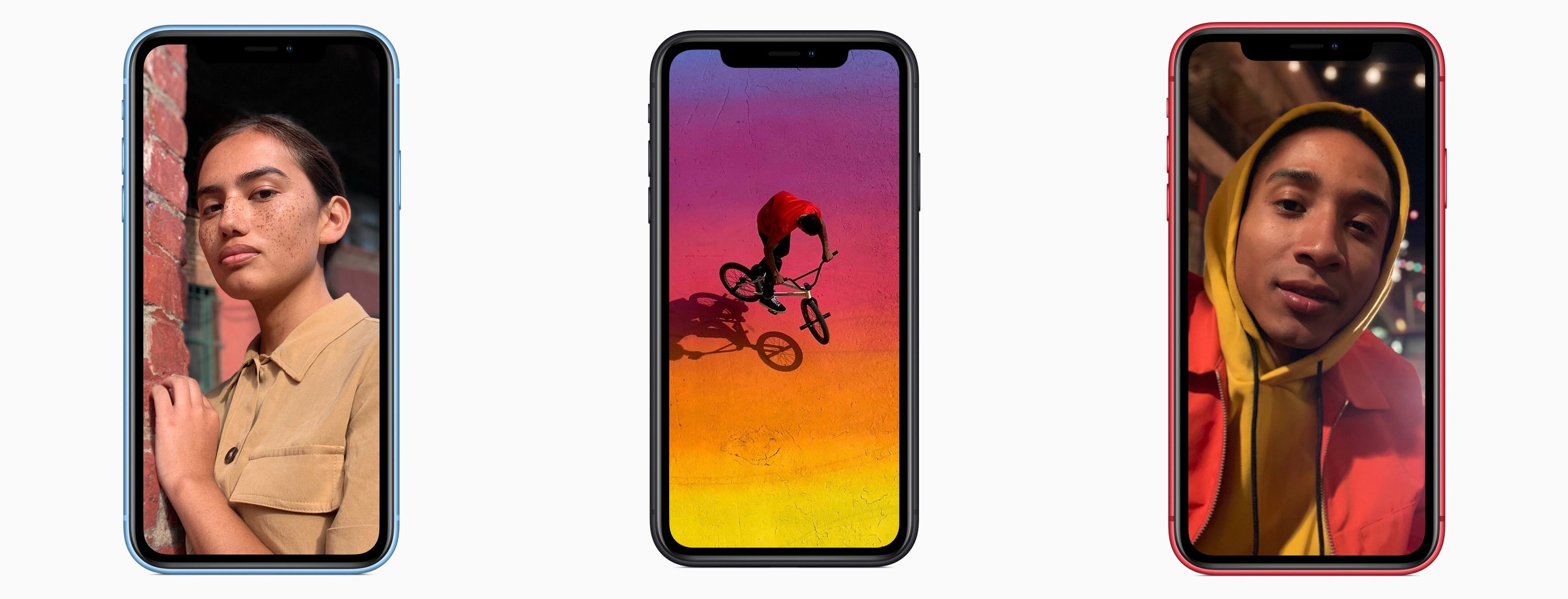
Today a variety of YouTube videos have been published featuring hands-on looks at the iPhone XR, which becomes available for pre-order tomorrow and ships Friday, October 26th. We’ve embedded several of the best videos below.
One common message across multiple videos is that the iPhone XR doesn’t feel at all like a budget phone. Despite its similarities, this isn’t the iPhone 5C all over again; instead, the iPhone XR feels very much like a premium device, just at a much lower cost than the iPhone XS and XS Max.
Apple Announces October 30th Event
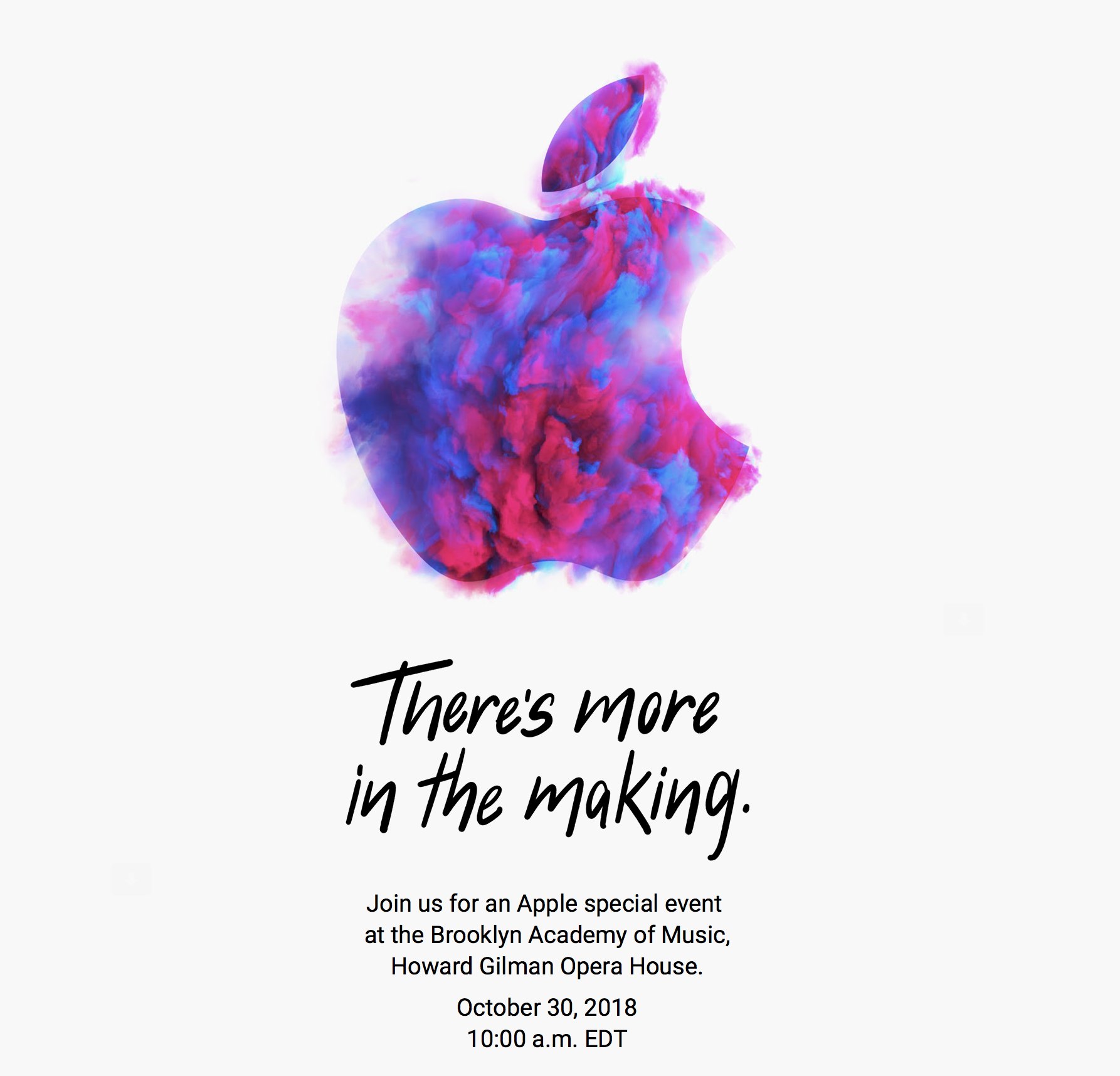
As first reported by Neil Cybart, Apple has announced a media event for October 30, 2018 at 10:00 am Eastern. The event will be held at the Brooklyn Academy of Music, Howard Gilman Opera House.
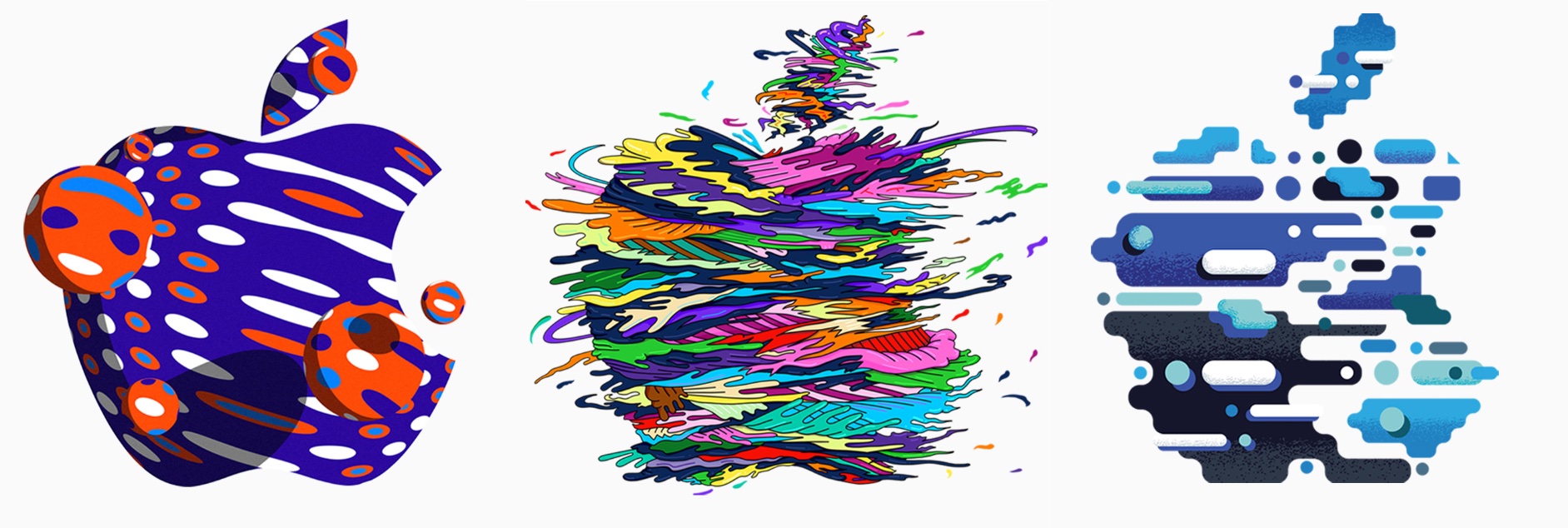
To announce the event, Apple sent invitations to members of the press with a wide variety of artistic renderings of the Apple logo. The designs are also used on Apple’s event website. Here’s a sampling collected by Sebasiaan de With on Twitter:
Based on rumors that have circulated for months, Apple is expected to introduce new iPad Pros with edge-to-edge screens and Face ID and external display support. There has also been speculation of a redesigned Apple Pencil that will pair with the new iPads using proximity sensing technology and a redesigned magnetic connector on the back of the iPad. It’s possible Apple might use the event to introduce the long-expected AirPower charging mat and new Mac hardware too.