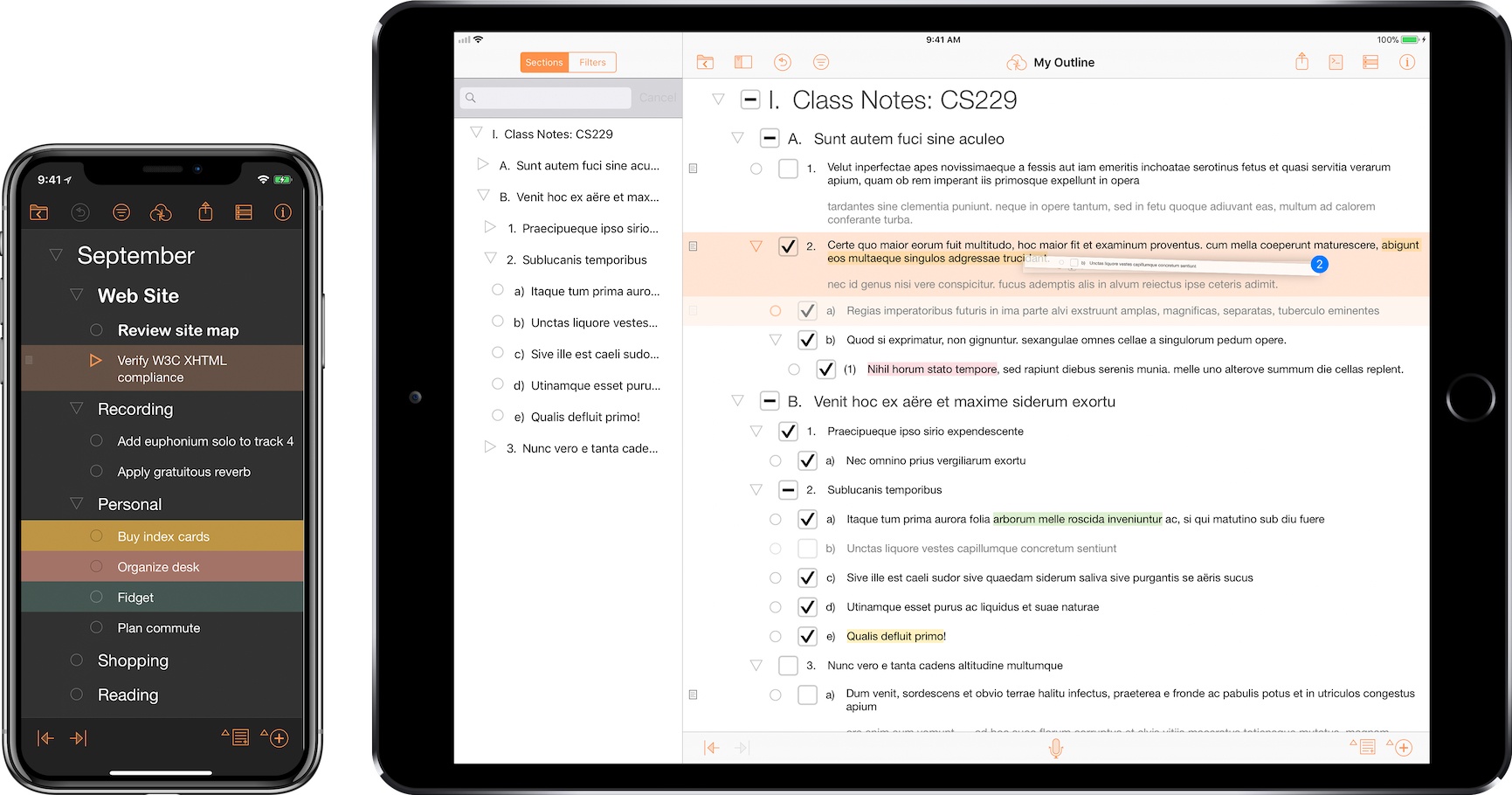
Announced in December 2012, The Omni Group has today started the public rollout of OmniPresence, their new free automatic document syncing solution for OS X and iOS. OmniPresence, based on open web technologies, is available inside OmniGraffle, OmniGraphSketcher, and OmniOutliner for iPad, and it also comes with a companion Mac app that runs in the menubar.

“The way we are doing it is not to hook it up into some backend proprietary service”, The Omni Group CEO Ken Case told us in an interview during Macworld|iWorld earlier this year. As a long-time user of Omni products such as OmniOutliner for the iPad and Mac, I was eager to see whether Case’s promises of a fast, reliable automatic syncing technology would grow into a stable product capable of fitting seamlessly into my daily workflow. After nearly two months of testing, I’m glad to say that, in some ways, The Omni Group has even exceeded my (already high) expectations. (more…)

The Omni Group’s 2013: OmniFocus 2, OmniOutliner 4, New “OmniPresence” Sync

In a post published on the company’s blog, The Omni Group CEO Ken Case has detailed their plans for the first quarter of 2013. In the upcoming months, The Omni Group will unveil OmniFocus 2, OmniOutliner 4, and a new sync engine based on open web standards called OmniPresence.

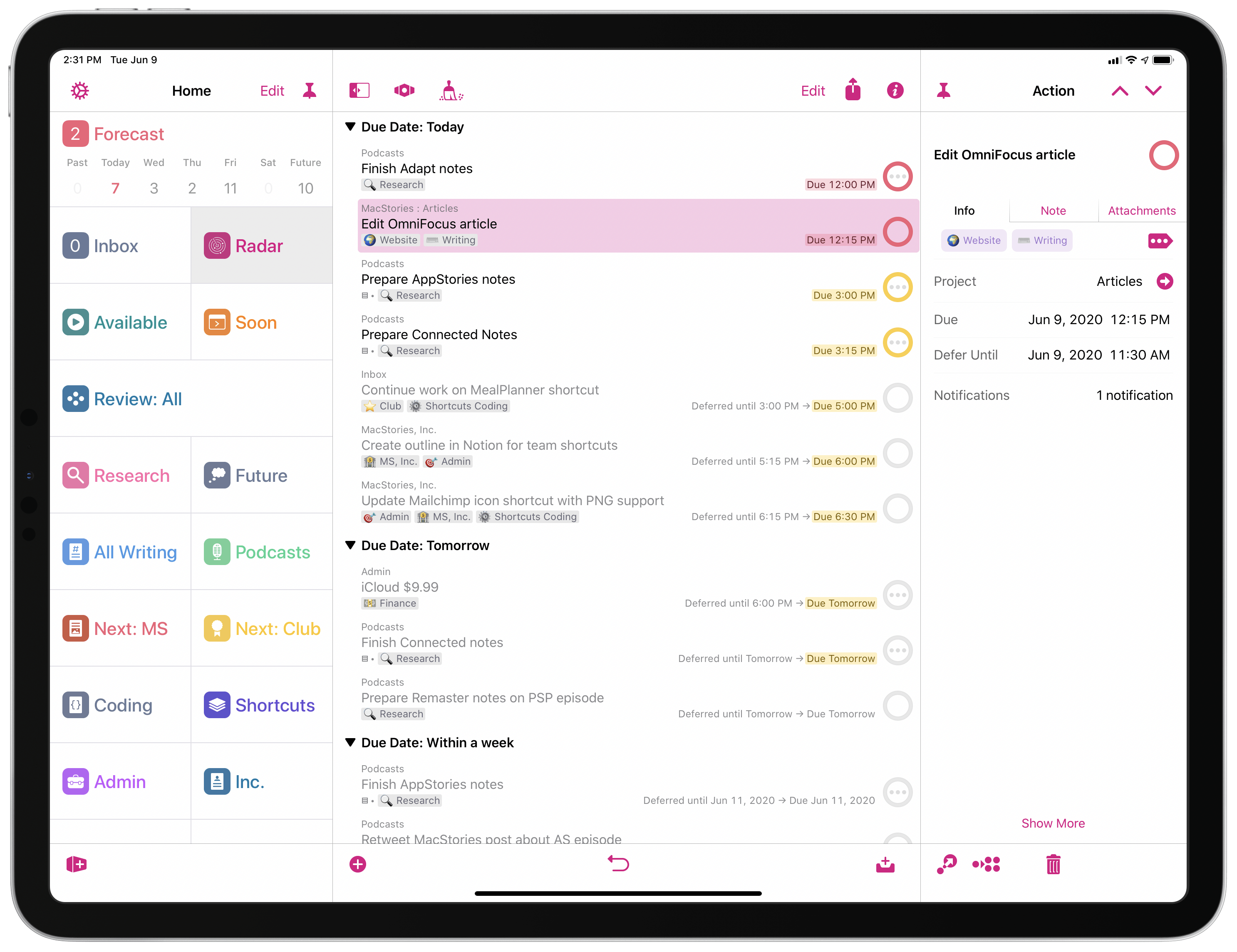
OmniFocus 2 will officially be announced on January 31, during the week of Macworld/iWorld. As expected, it will bring a redesign inspired by the iPad app, dedicated review and forecast modes, a clearer navigation, and “a fresh look and feel”. An OmniFocus 2 private beta will be given to attendees of the private event. Another major update will be OmniOutliner 4: as explained by Case, the original OmniOutliner 3 was released in 2005, before Apple’s transition to Intel processors for Macs. With version 4.0, The Omni Group has “completely rebuilt” the outlining engine to support zooming text, showing and hiding columns, and a better handling of attachments. As an OmniOutliner user myself (I used the app to build a massive outline for my Mountain Lion review earlier this year), I have to say I’m looking forward to OmniOutliner’s update in particular as the app feels outdated at this point.

The biggest news in my opinion is OmniPresence, Omni’s new automatic document syncing. Based on open web protocols, OmniPresence will run on The Omni Group’s Omni Sync Server as well as other cloud servers users can set up on their own. It will support Omni’s apps and, on OS X, even syncing of documents from other apps configured with the service.

OmniPresence is not limited to syncing with a single cloud, either: you can choose which folders to sync with which clouds. This means that teams can set up separate folders in separate clouds, and you can access files from any of them on each of your devices.

Because it’s open and you can host your own cloud, OmniPresence is designed to sync any documents you want: it’s not limited to syncing documents created by our apps. In fact, on the desktop OmniPresence is completely independent of our other apps: if you wish, you can use it to sync TextEdit documents! (But when using OmniPresence with non-Omni apps, we’ll ask that you limit the amount of space you use on our Omni Sync Server since we can’t provide infinite storage to everyone for free. On your own cloud server, though, do whatever you want!)

I have been running my own OmniFocus syncing server for months, but lately I went back to using the Omni Sync Server — initially out of curiosity to see whether it had improved over the past months. Not only is it faster, The Omni Group has also started testing features exclusive to their service, such as Mail Drop. That’s the reason I’m excited about OmniPresence: it’s an open standard and it’ll work with other apps and your own server, but I have no doubt The Omni Group will enhance their hosted solution with better integration with their apps.

Read the details of The Omni Group’s future updates here.

OmniFocus Mail Drop Beta

As noted by Sven Fechner, a post by The Omni Group on the company’s forums publicly describes a new feature of Omni Sync Server: Mail Drop. An enhancement to OmniFocus’ existing support for Mail.app, Mail Drop is a proper way to email tasks directly to your OmniFocus inbox.

We call this new feature the “OmniFocus Mail Drop”. Unlike previous mail-processing features, we wanted a method that wouldn’t require any of your devices to be present in order to add items to OmniFocus, we wanted to add the much-requested better attachment support, and we wanted to reduce the amount of extra work you had to do in order to get your items into OmniFocus as much as possible.

To this end, we implemented the feature as part of the Omni Sync Server. Accounts on the server can now have a special email address generated. Any message forwarded or sent to that address will be processed (including attachments) and added to your OmniFocus database right there on the server. (If a spammer gets ahold of your Mail Drop address, we give you a way to generate a new one.)

I have been testing Mail Drop for the past few days, and, indeed, it works as advertised. Once generated in your Omni Sync Server’s account page, you’ll get a unique email address you can send tasks to. Unlike previous solutions, this is a real “cloud capture” tool: you don’t need a Mac to be always running to turn emails into tasks, as everything will be processed server-side by Omni Sync Server.

Right now, Mail Drop doesn’t seem to support OmniFocus’ email syntax for adding tasks, but it’s really fast. In my tests, tasks sent via email using Mail Drop were added in seconds to my Omni Sync Server account.

Personally, I think this is the right path to follow. As our devices become increasingly interconnected and “always-on”, it doesn’t make sense anymore to make task management — arguably a fundamental part of many’s workflows — simply “local”. People have been asking for a real web-based OmniFocus for years, and Mail Drop is a good start. I have been running my own OmniFocus server using Drafts’ email actions to quickly add tasks, but I welcome the user-friendliness of Mail Drop as a promising indication of OmniFocus’ cloud future.

Jun
7
2012

Hands On: OmniPlan for iPad

Posted by at


Back in February, I had the opportunity to talk with The Omni Group’s CEO Ken Case about their next iPad venture, OmniPlan. OmniPlan is a well known and powerful project management software that includes features like Gantt charts, smart scheduling, change tracking, team collaboration, and so much more. Today The Omni Group is releasing a full featured version of OmniPlan specifically designed and optimized for the iPad.

I remember asking Ken if the iPad version of OmniPlan was intended to be used in addition to the Mac version for complete project management; however, he was adamant that the iPad app would be “as complete as possible”. From the screenshots he provided at that time, it definitely seemed as if all the features that serious project managers would need were already finding their way in to the app. Three and half months later, the app is complete and it truly came together beautifully. (more…)

OmniOutliner 1.2 Document BrowserThe Omni Group have removed the carousel in OmniOutliner 1.2 for a new document browser that closely resembles Pages’. Giving a broader overview of your outlines, the new file browser makes it much easier to scroll through dozens of documents without having to individually file past each one. The new file browser doesn’t let you create folders or sync to the cloud, but the original WebDAV and iDisk implementations are still available for online storage.

(more…)

The Omni Group Previews OmniPlan for iPad, iCloud Sync Coming To iPad Apps

At Macworld|iWorld 2012, which kicked off yesterday in San Francisco, iOS and Mac developer The Omni Group offered a first preview of an initial build of OmniPlan for iPad, and detailed some of their upcoming plans for the suite of apps they offer to Mac, iPhone, and iPad users.

As reported by Ars Technica, an iPad version of The Omni Group’s project planning and management application, OmniPlan, should be released in the second quarter of 2012. That puts it right on schedule for a possible WWDC release, although The Omni Group’s CEO Ken Case didn’t commit to a specific ETA when commenting on the app’s release. Similarly, Case didn’t give any details on pricing, except that we should expect the same pattern that happened with the Mac versions of OmniFocus and OmniGraffle – the iPad apps being sold at roughly half the price, yet with equally powerful functionalities.

Chris Foresman writes:

When we spoke to Case at the Macworld Expo last year, he told us about the company’s plans to update OmniPlan on Mac OS X to version 2.0. That version included a major overhaul to the backend engine, which improved cloud syncing abilities and offered integration with the GTD-based task manager OmniFocus. OmniPlan for the iPad will use the same engine, making it possible for multiple users to update project plans simultaneously. Those changes can be reviewed, approved, or rejected using the iPad just as on the desktop.

The early build we saw this week wasn’t complete, but the UI made full use of pinch and swipe gestures to control how much of a project’s timeline was in focus at any given time. Multitouch gestures also make it easy to manipulate task times and connect tasks and milestones to others to establish dependencies.

For current Omni customers, Case has confirmed that iPad versions of OmniGraffle, OmniGraphSketcher and OmniOutliner will get a new document management interface with iCloud support. The change is much needed as Omni’s current document-based sync isn’t the most automatic or user-friendly out there, and iCloud would hopefully make everything easier and reliable, while still keeping the old webDAV and exporting options available.

Looks like it’s going to be another great year for The Omni Group.

As a follow-up to their previous update on Lion adoption numbers, The Omni Group has published a blog post on Omni Sync Server usage stats. The Omni Sync Server is a cloud-based system that handles OmniFocus databases across Macs, iPhones and iPads. It’s been in “beta” for several months and it’s free, allowing OmniFocus customers to keep their tasks in sync over-the-air free of charge.

The Omni Group monitored usage on the OSS, and found out that roughly 31,500 users were active in the past 8 days (at the time of publishing the blog post). 92% of iOS devices on the OSS were updated to the latest version of iOS, 5.0.1; the most popular Mac computer in usage logs has turned out to be the 2011 MacBook Air with 10%. As for OmniFocus, the majority of active users are opting for the Mac+iPhone combo, with “all 3″ being the second most registered option. Surprisingly, “only” 2069 users were active as iPad-only.

With Omni Sync Server, The Omni Group has built its own cloud that syncs user data across the whole OmniFocus ecosystem on OS X and iOS. The developers have also confirmed that the service will come to other document-based Omni apps, such as the popular OmniOutliner. Indeed, the lack of proper automatic sync between the mobile and desktop versions of these apps has forced many users to either switch to different software with Dropbox support or rely on third-party tools such as DropDAV, which turns your Dropbox into a webDAV server compatible with Omni apps and Apple’s iWork for iOS (the latter lacking cloud sync before version 1.5).

You can read more about OmniFocus’ sync and the Omni Sync Server here.

The Omni Group’s Lion Update Stats

The Omni Group has updated its software update statistics document with Lion data:

Because we’re nice folks who want to help the development community, we’ve decided to make the information we gather public (in aggregate form) so that you can also benefit from this knowledge.

Below you’ll find statistical information about all collected configurations to date. The information is provided as-is. We’re not going to tell you exactly how many individual users have submitted the information, nor can we place any guarantee on the accuracy of this information. Remember, this is not a poll of the Mac OS X community at large, just a subset of our customer base.

Looking at the data, you can see how OmniFocus (by far Omni Group’s most popular app) shows a steep Lion usage increase in July (obviously), and a gradual growth throughout January 2012, whereas lesser known apps like OmniWeb have shown an initial decline in user adoption of the latest OS, then stable updates. Surprisingly, OmniOutliner users don’t seem to upgrade to Lion much.

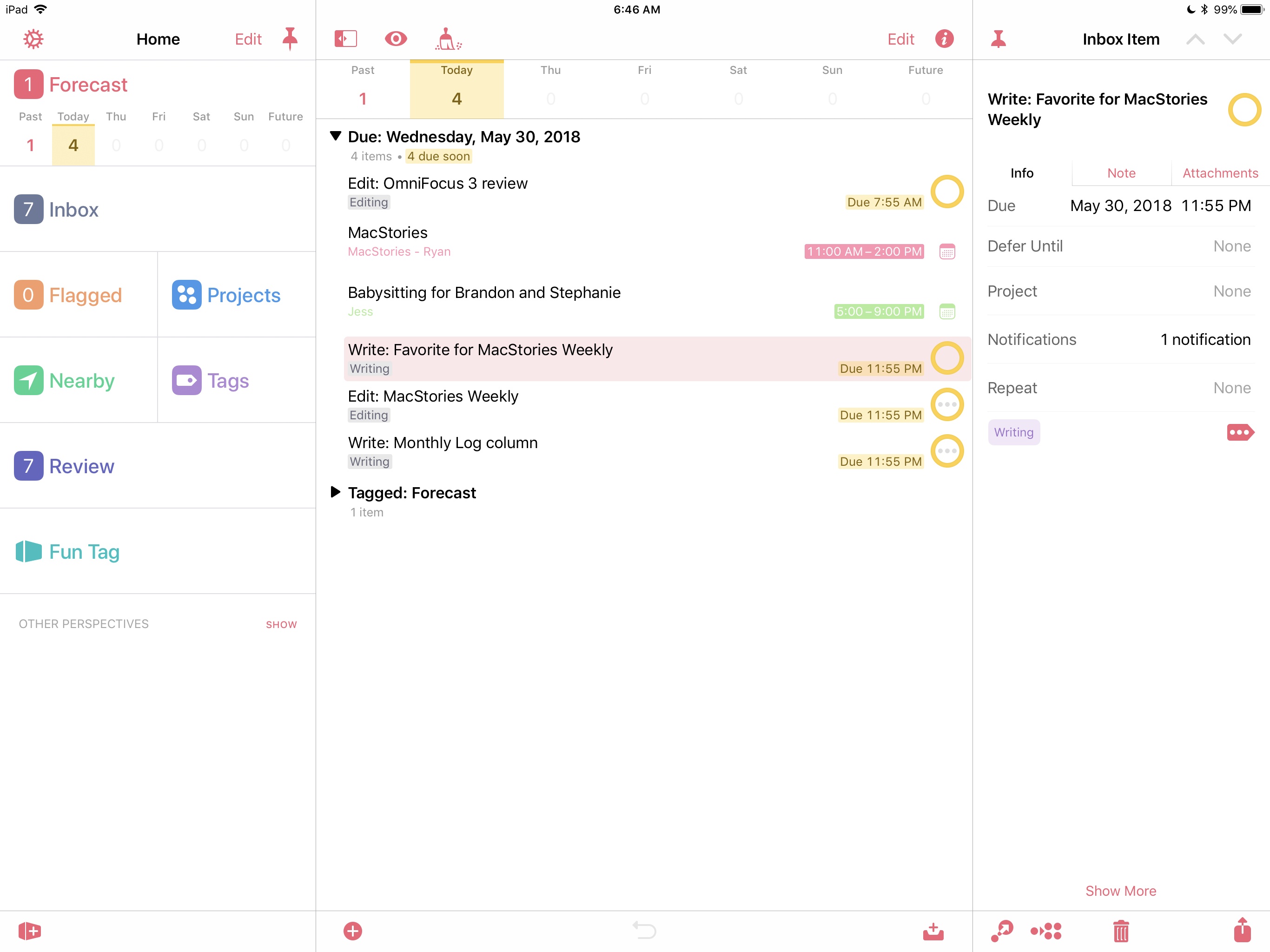
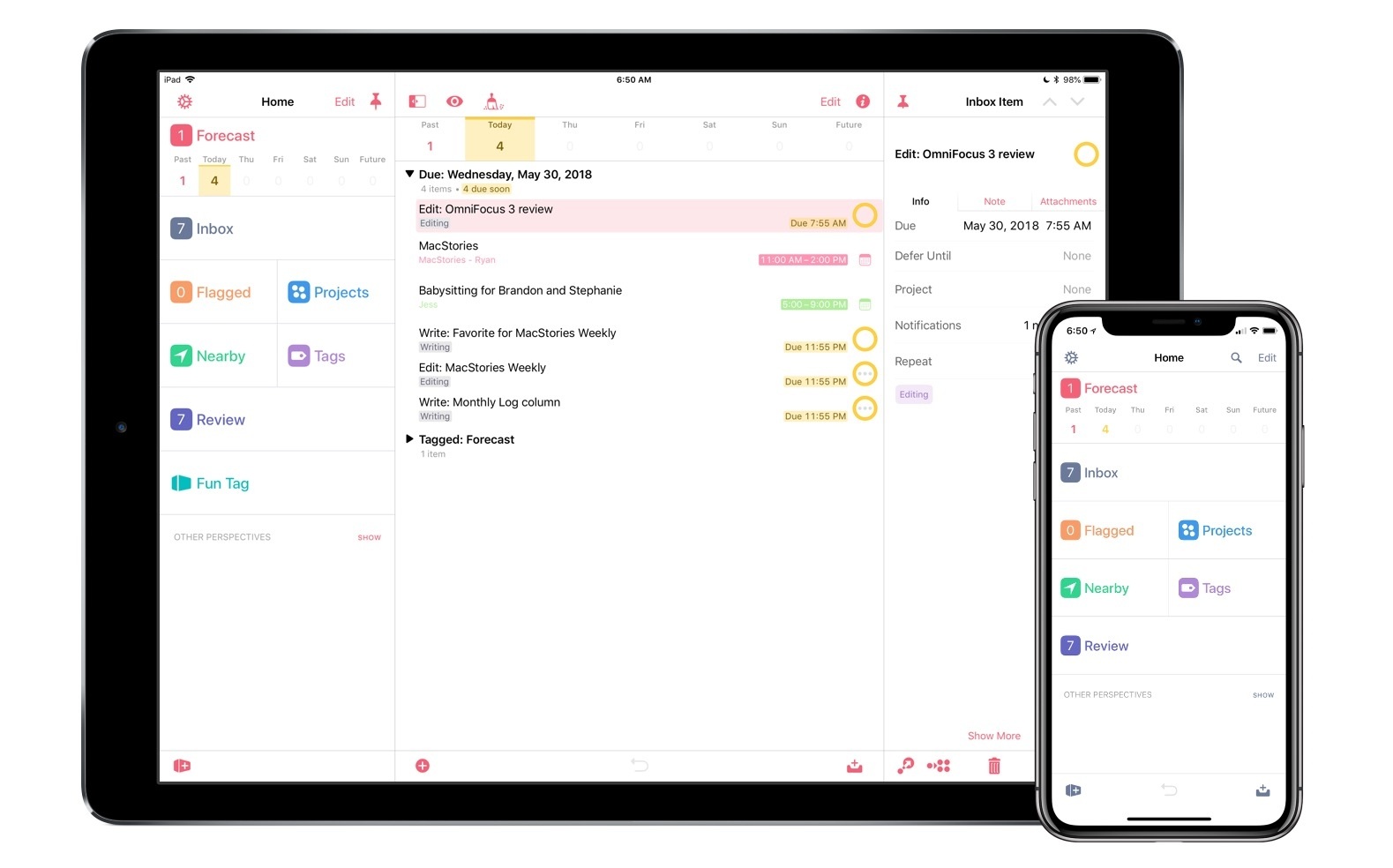
Users of the OmniFocus application for iPad who also happen to have an iPhone and are tied to The Omni Group’s software ecosystem might want to check for updates in iTunes and download the latest version of OmniFocus for iPhone. Released a few minutes ago, OmniFocus 1.10 adds one major new feature: Forecast mode for overdue, due, and future actions. Forecast was one of the new OmniFocus features exclusive to the iPad version, and a hint of things to come in the much-anticipated OmniFocus 2.0 for Mac. Just like on the iPad, you’ll have a bar along the top displaying a summary of your upcoming week, as well as past tasks and stuff that needs to be taken care of sometime in the future. Forecast mode replaces the Due and Overdue lists and it provides an incredibly useful way to see what’s going on at a glance, without having to find your way around sections and taps. It’s a huge time saver.

OmniFocus 1.10 also comes with several refinements all around the UI and bug fixes, which you can read in detail here. Just to name a few, the first-run sync process has been redesigned to be more intuitive, and the Action and Project editors got “Go to Project” and “Go to Context” buttons. Overall, the app feels a lot faster and it’s clear The Omni Group set out to fix all those minor annoyances that are not so minor when you have to work with an app on a daily basis.

You can find OmniFocus for iPhone at $19.99 on the App Store.