Apple Posts Apple Music Ad Featuring Taylor Swift

Apple posted a new Apple Music ad on YouTube earlier today, featuring Taylor Swift listening and singing along to Drake and Future’s Jumpman while running on a treadmill.

The ad, which is called ‘Taylor vs. Treadmill’ and was posted on Apple’s Beats 1 Radio YouTube channel, features the ‘Distractingly Good’ and ‘All the music you want’ taglines at the end as Swift falls off the treadmill while still continuing to rap along.

Most notably, however, the ad focuses on Apple Music’s support for Activity Playlists, which include selections of songs for various scenarios such as working out or relaxing at home. In this ad, the playlist picked by Taylor Swift is called #GYMFLOW.

You can watch the ad below or check it out on Beats 1’s YouTube channel here.

Read more


Snapchat Does It Different

Louis Harboe makes some good points about Snapchat and how it continues to change and attract users:

You see, there are lots of messaging apps out there. So many that it’s almost like there’s a template now for these sort of things. Because popular messaging apps all implement the same features: texting, video calling, stickers. But Snapchat continues to impress me in the ways it adds small, entertaining, irregularities to conventional communication methods. Snapchat’s implementation of these template features go beyond exception. They are seemingly familiar but undoubtedly unique.

Admittedly, I don’t use Snapchat a lot. But I find it remarkable how, in less than two years, Snapchat went from being a barely known app here in Italy to a full-blown phenomenon that is used by virtually all of my friends and is constantly mentioned on TV (the “Follow us on Twitter/Instagram/Snapchat” type of mention). I wish I had paid more attention.

Permalink

Answers to Ulysses Questions

David Chartier:

When preparing my review of Ulysses 2.5 for MacStories, I asked my fine Twitter followers for any questions they’d like me to answer. I covered some of them in my review, but it occurred to me that I left quite a few on the table. Here is my attempt to clean up.

Lots of great answers here. In addition to our review, I also posted an in-depth note on how I’ve been using Ulysses as my text editor in the latest Monthly Log for Club MacStories members. I’m liking this app a lot.

Permalink

Apple Releases iOS 9.3.1 with Fix for Unresponsive Links

Apple released iOS 9.3.1 earlier today, bringing a fix for a problem related to Universal Links that caused apps to become unresponsive after tapping web links.

Last week, a number of publications reported on a bug that was causing Safari, Mail, and other iOS apps to stop responding after a user tapped on a link to a webpage. As it was outlined by some developers, the issue was likely related to Universal Links – a feature introduced with iOS 9 that allows links to open in their native iOS apps.

Today’s iOS update seems to only include a fix for that problem, and it’s available now in Software Update.


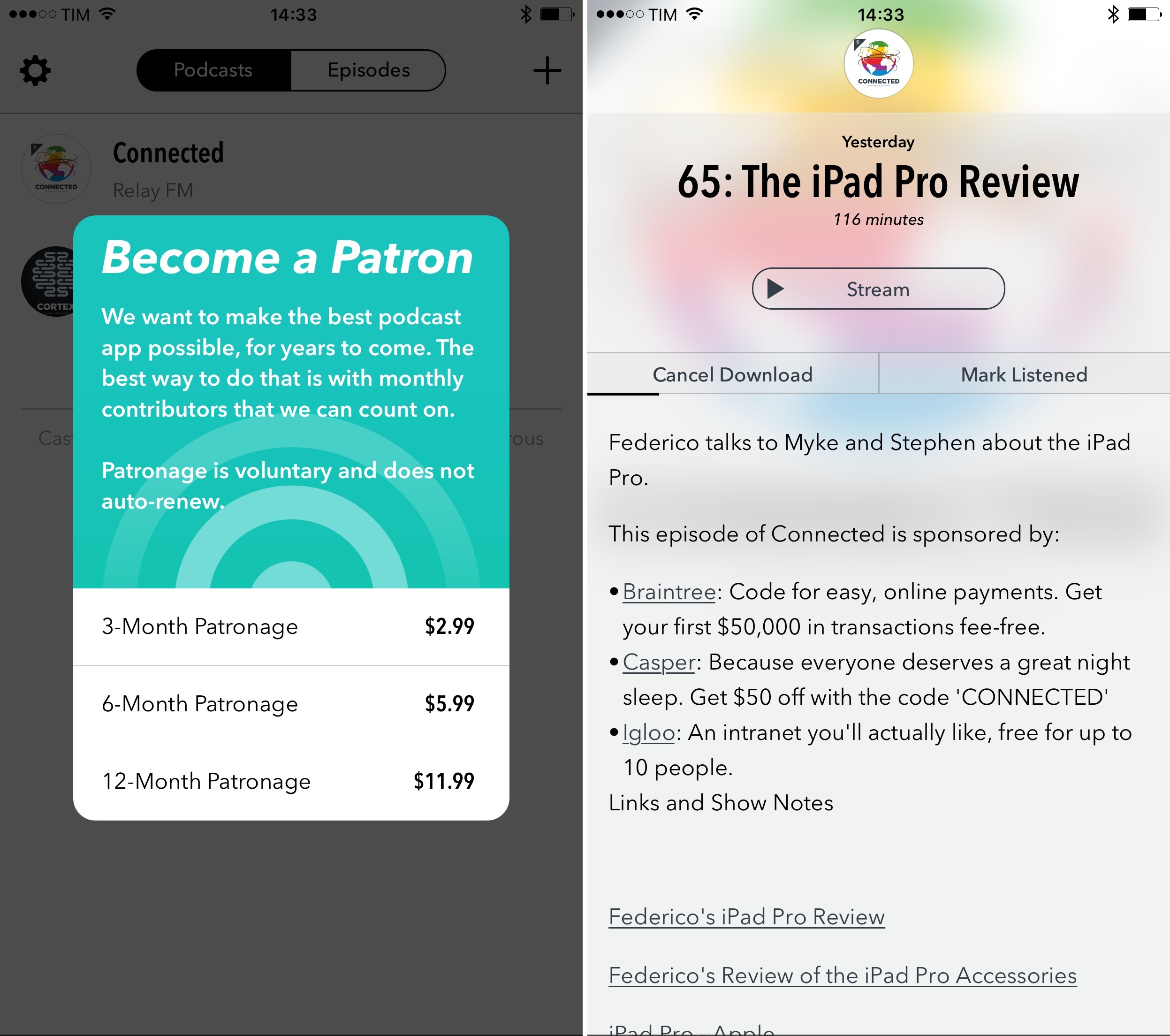
Capture Ideas Quickly and Easily With Yeti

Yeti is all about quick capture and effortless export. Yeti’s main interface is dominated by four colorful buttons that allow you to capture your thoughts with a note, a photo or video, audio, or a sketch. What you create is stored on iCloud Drive in one of a handful of non-proprietary formats that can be easily opened in other apps. And while Yeti does an admirable job of making it fast and easy to record information on your iPhone, the lack of support for capturing data from other devices or apps, will limit Yeti’s utility for some people.

Read more


Miitomo for iOS Goes Live Internationally

Nintendo’s highly anticipated iOS debut title, the social free-to-start app Miitomo, is now available in the US and several European countries.

I’ve been keeping an eye on Miitomo – I still don’t completely understand it, but I’m intrigued by the premise of a friend-based network with mini-games and the ability to collect coins. Those coins can then be used to claim rewards and redeem other Nintendo-related content such as games and customizations. I’m curious to see how Miitomo will perform outside of Japan.

This morning Nintendo also launched My Nintendo, their new web service, globally. As I noted on Twitter, it’s a surprisingly well done web app. If you’re going to install Miitomo this morning, make sure to connect your existing Nintendo Network ID and online profiles to earn some free points and easily find new friends to add on Miitomo.

Permalink

Google Announces Cardboard SDK for iOS, VR View for Apps and Websites

Interesting updates for the only VR viewer I own: starting today, iOS developers can create native apps for Google’s Cardboard VR thanks to a new iOS SDK, and they can also embed VR views in their apps and websites.

VR views take 360 VR images or videos and transform them into interactive experiences that users can view on their phone, with a Cardboard viewer, or on their desktop computer. For native apps, you can embed a VR view by grabbing the latest Cardboard SDK for Android or iOS and adding a few lines of code. On the web, embedding a VR view is as simple as adding an iframe on your site. We’re open-sourcing the HTML and JavaScript for web developers on github, so you can self-host and modify it to match your needs.

Google’s blog post has an example of a VR view – tap a button, put your phone in the Cardboard, and view the content in VR. Very nice.

Permalink