tvOS 13: The MacStories Overview

The first half of 2019 has in many ways mitigated the Apple TV’s usefulness. Early in the year we learned that smart TVs would gain support for AirPlay 2 and HomeKit, which were formerly exclusive to Apple’s set-top device. Then more recently, Apple launched a brand new TV app which will also live on both smart TVs and third-party streaming sticks. Following these announcements, it was unclear whether Apple was content to let the Apple TV become even more of a niche product than before, or if the company would put renewed efforts into the product to help differentiate it from new competition. It turns out the latter was true – at least to a degree.

tvOS 13 is perhaps the most substantial update to the Apple TV’s software since the debut of tvOS in 2015. That’s not saying a lot, because past updates have been relatively lackluster, but it does say something about Apple’s commitment to the Apple TV platform. Taken in combination with the redesigned TV app that arrived last month, this latest version of tvOS makes a strong case for Apple finally taking television seriously – particularly as the launch of Apple TV+ draws nearer.

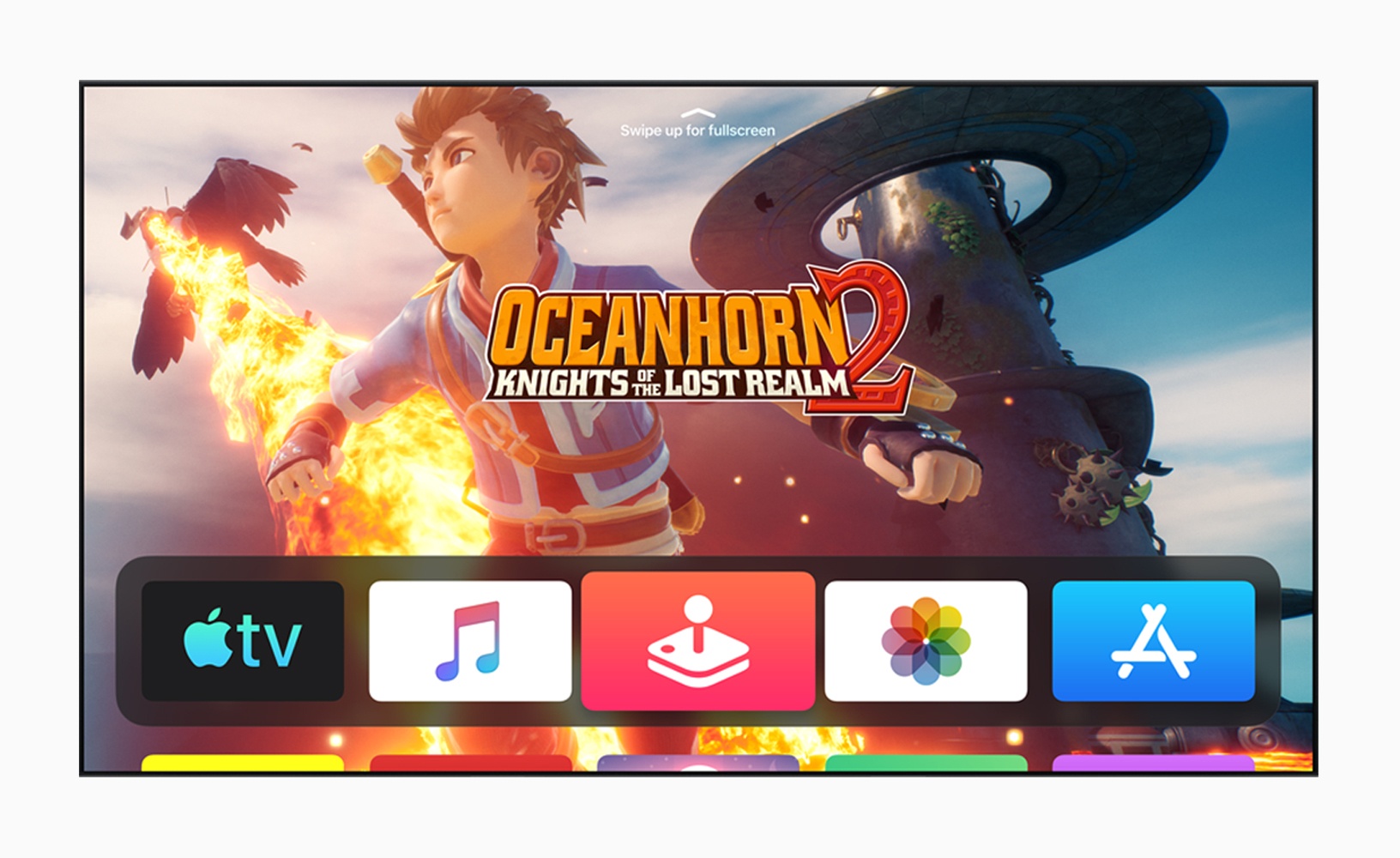
The latest version of tvOS starts with an updated Home screen, which includes a Control Center pane, and most notably adds multi-user functionality, as well as expanded game controller support, plus a few other upgrades.

Read more


CarPlay Dashboard to Enable Displaying Multiple Apps in the Fall

According to Apple, CarPlay is currently available in 90% of all cars manufactured in the US and 75% worldwide, which explains why the company announced what it described as the biggest update to CarPlay since its introduction in 2014.

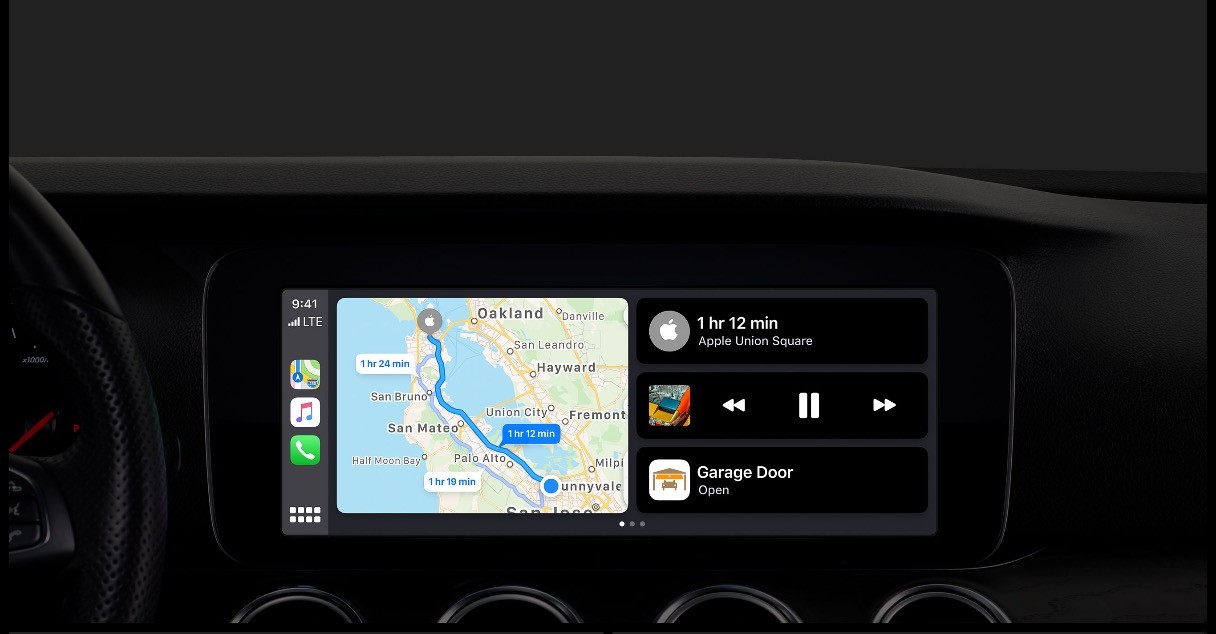
The update, which will be released in the fall with iOS 13, is dominated by a redesign of CarPlay’s interface. In the current version of CarPlay, only one app is displayed onscreen at a time and using Siri takes over the whole screen. The new UI, which Apple is calling CarPlay Dashboard, allows two apps plus Siri suggestions or the Siri interface to be displayed at one time.

During the demo, Apple showed off Maps side-by-side with Music and a Siri suggestion to open a garage door using a HomeKit shortcut. Although apps can coexist next to each other in the update, the demo also showed apps like Music being used full-screen. When Siri was activated while Music was displayed full-screen, Siri’s familiar stylized sound wave pattern appeared beneath the Music controls and artwork, which is a nice departure from the current system where Siri’s UI takes over the entire display.

In another nice Siri addition, the voice assistant will now work with third-party CarPlay-enabled apps like Waze and Pandora. Currently, Waze has a separate button in the app’s UI to trigger voice control. That makes voice control more difficult and frustrating in third-party apps because they all implement voice control a little differently. In the fall though, developers will be able to update their apps to take advantage of the same in-car Siri hardware buttons as Apple’s apps.

Apps will also be added and updated. Apple previewed a new CarPlay version of the iOS Calendar app, and Music has been redesigned to include album art.

Apple didn’t say whether the update will be backwards compatible with existing car entertainment systems, but because that’s historically been one of CarPlay’s selling points, I expect it will be. A revamped CarPlay was an unexpected surprise yesterday, and although I haven’t had a chance to try it yet, I like what was shown during the demo, especially the ability to keep Maps on the same screen as another app.


You can also follow all of our WWDC coverage through our WWDC 2019 hub, or subscribe to the dedicated WWDC 2019 RSS feed


macOS Catalina: The MacStories Overview

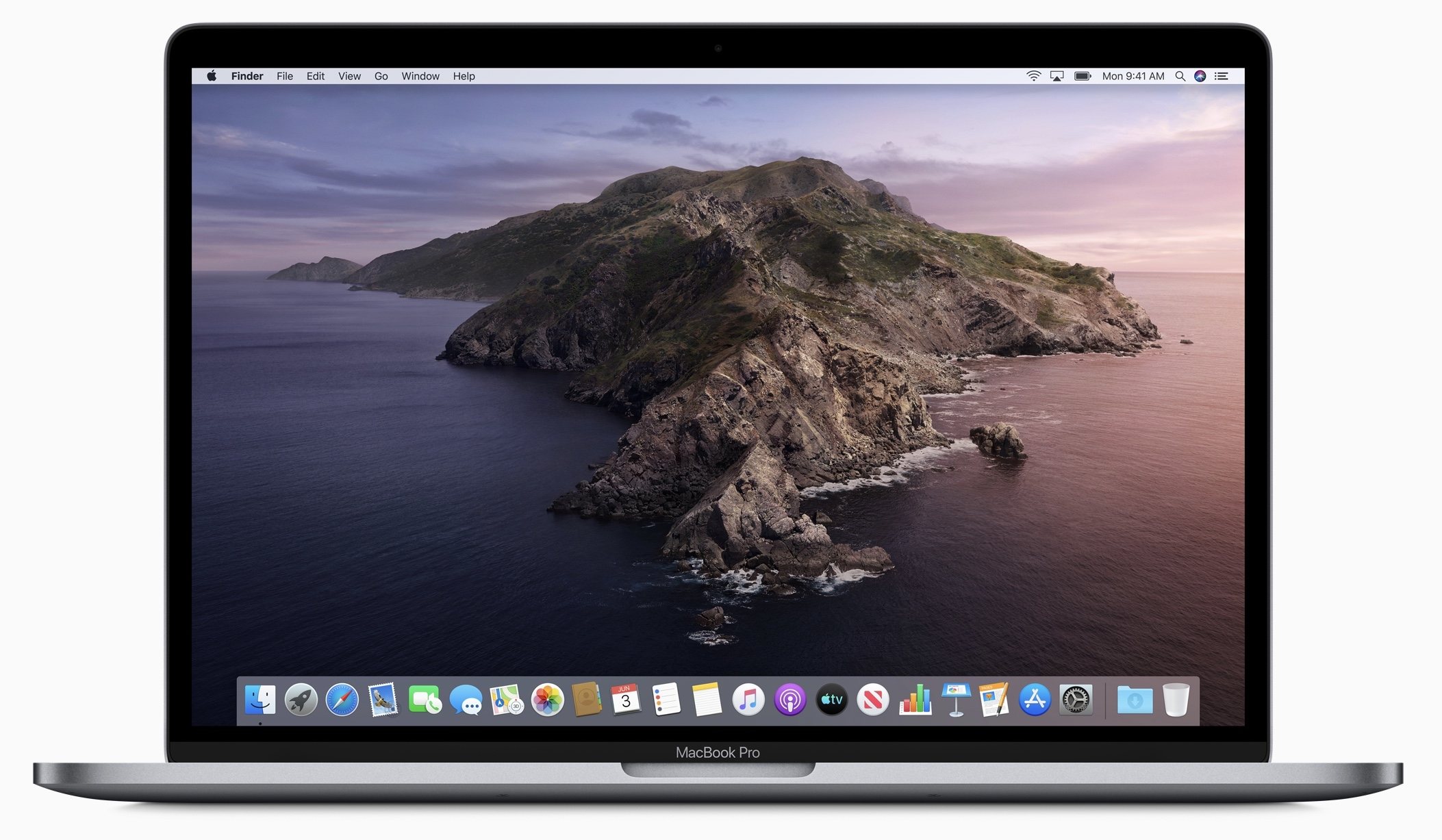
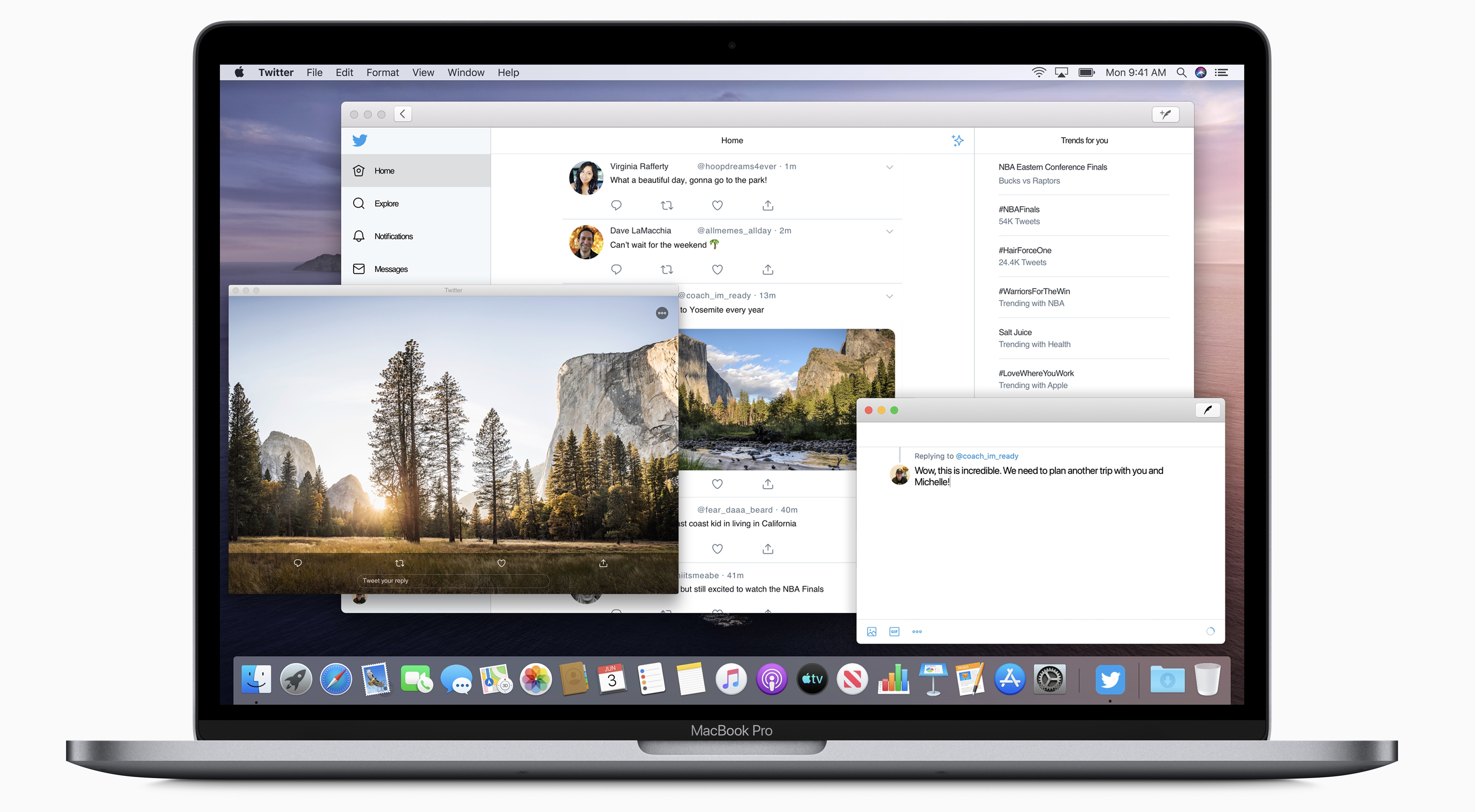
The Mac is experiencing a new season of change. Following up on last year’s Mojave, which positioned the Mac as a productivity-first platform, this year macOS Catalina ushers in what’s sure to be a flood of new apps on the platform thanks to Project Catalyst. At the same time as the Mac welcomes an influx of new third-party apps, it says goodbye to iTunes in favor of dedicated apps for Music, Podcasts, and TV. From a user-facing standpoint Catalina isn’t a huge release – at least not until the other shoe drops and iPad apps hit the Mac this fall – but it is an important defining moment for macOS: with Catalina, old things are reimagined, and integration with the growing ecosystem of other Apple products and platforms propels the Mac to new heights.

Read more


HomePod Gaining Multi-Voice Support and Handoff, AirPods Add Audio Sharing and More

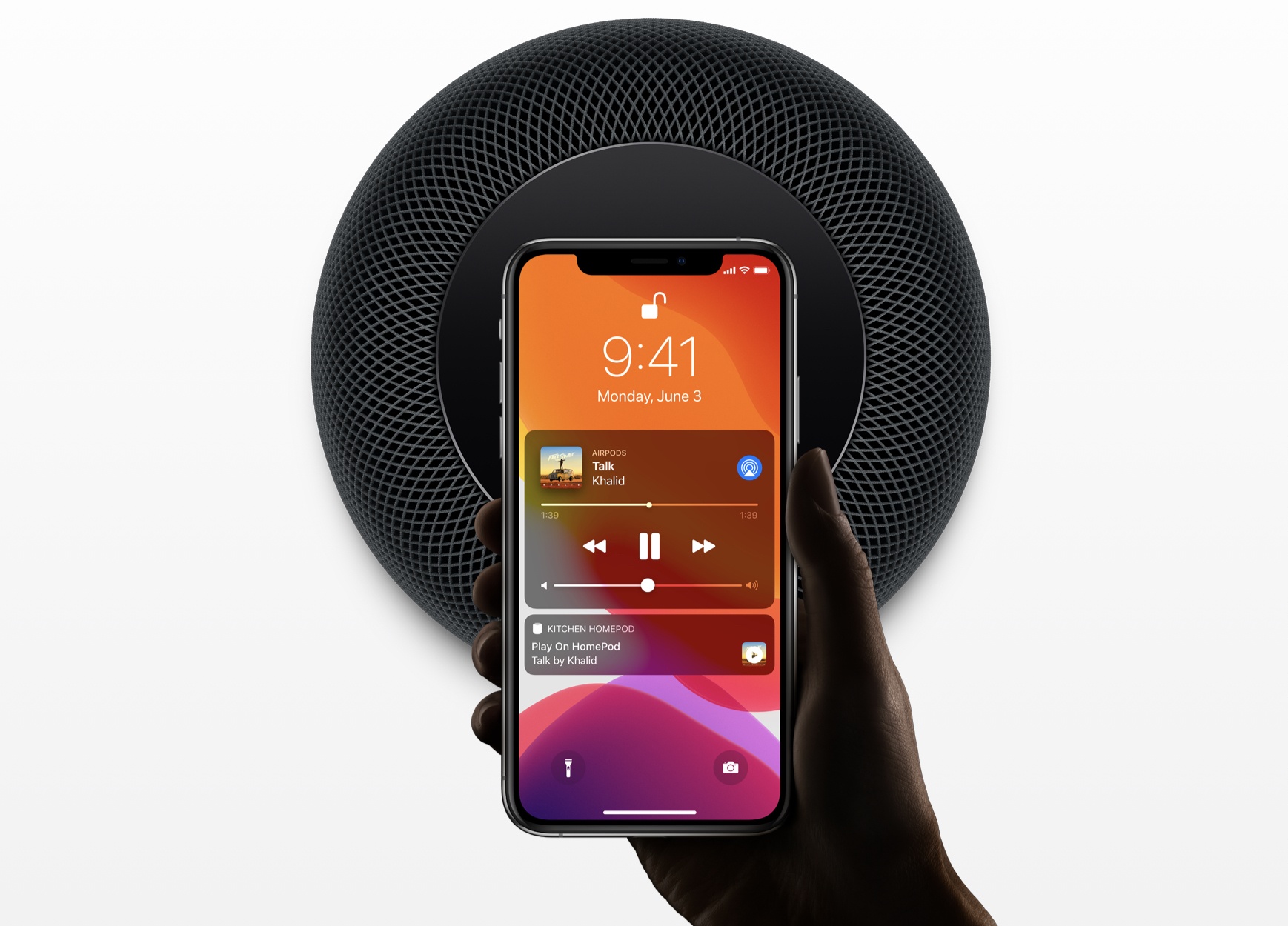
Amid yesterday’s packed WWDC keynote, where iOS 13, iPadOS, the new Mac Pro, and more were announced, Apple also shared a few exciting updates coming this fall for its music-focused accessory products: HomePod and AirPods. The HomePod will soon support multiple users, a new Handoff feature, and radio apps, while AirPods will gain audio sharing and a special Siri feature for messaging.

Read more


Dialog Season 1, Episode 2: A Conversation with John Gruber

Today, we published the second episode of Dialog Season 1 (called ‘Writers and Writing’) featuring the first part of a conversation with Daring Fireball’s John Gruber.

You can find the episode here or listen through the Dialog web player below.

I’d like to provide some context around this interview as John Gruber was one of the first names I thought of when my colleague John pitched the original idea for Dialog months ago.

When I started MacStories 10 years ago, Daring Fireball was one of my main sources of inspiration: I was incredibly fascinated by the idea that a single person – more than a blogger, a writer – could share his opinions about Apple and technology on a website that was so clearly attached to his name. Gruber’s columns and original in-depth software reviews were the blueprints upon which I modeled my writing for MacStories: at the time, I felt that, even though English was not my primary language, I could at least try to do the same, but for iPhone apps and the modern age of the App Store and iOS developers.

Of course, as I shared for our tenth anniversary coverage in April, MacStories’ style and scope changed throughout the years: I realized I didn’t want to run a single-person website anymore and we expanded to newsletters and, most recently, podcast production. However, two of the underlying principles that I observed in Daring Fireball a decade ago still inspire my work and MacStories to this day: MacStories is a website by Federico Viticci and Friends (it’s right there in the logo), and I want to publish longform, personal opinion columns in addition to news, app reviews, and links.

John Gruber and Daring Fireball created a framework for other independent online writers to follow in the late 2000s, particularly in the Apple community. From this very website to 512 Pixels or Six Colors, I genuinely believe we owe a lot to John Gruber’s experiments with online ads, sponsors, memberships, and merch – ideas that, in many ways, he pioneered over 15 years ago when it was uncommon and, to an extent, perhaps even frowned upon – to try and monetize an “indie site” on the open web.

In this week’s episode of Dialog, we asked John to tell the story of his first experiences as a writer (and later editor-in-chief) of the school newspaper at Drexel, where he majored in computer science. That intersection of programming and in-depth, opinionated writing ended up shaping John’s entire career as a freelancer, documentation writer at Bare Bones Software, and, finally, independent writer at Daring Fireball. In addition to contextualizing John’s experiences as a newspaper columnist and editor in the early 90s, in the interview we covered topics such as the role of luck and privilege, how Daring Fireball’s beginnings can be traced back to Apple’s renaissance with the iPod, and, of course, the business of writing online and how he sees the influence of Daring Fireball over the indie Apple community.

I’m happy we were able to interview John for this first season of Dialog, and I like how the entire conversation turned out. It’s inspiring to hear the backstory of Daring Fireball and the core ideas at the foundation of one of the most successful indie websites on the Internet. In Part 2 of this interview, out next week, we’ll continue to dig deeper into the business of Daring Fireball, how John makes a distinction between linked posts and regular columns, his podcast The Talk Show, and, of course Markdown.

If you haven’t subscribed to Dialog yet, now’s a good time to do so. You can listen to the first part of our interview with John Gruber here, and subscribe to Dialog so you’ll instantly receive Part 2 when it drops next week.


Apple Publishes Video from WWDC 2019 Keynote

Yesterday Apple kicked off the week-long WWDC in the usual way: with a keynote announcing details on the latest versions of iOS, macOS, and more. This year’s keynote brought a handful of big surprises, like iPadOS, a new developer framework called SwiftUI, and pricing and release information for the new Mac Pro and pro display.

The full keynote video, spanning over two hours in length, is available now on Apple’s website. If you missed the livestream yesterday, or even if you just want to re-watch certain segments because Apple’s presenters blazed through their content at times, now you can do that.


You can also follow all of our WWDC coverage through our WWDC 2019 hub, or subscribe to the dedicated WWDC 2019 RSS feed.


iOS 13: The MacStories Overview

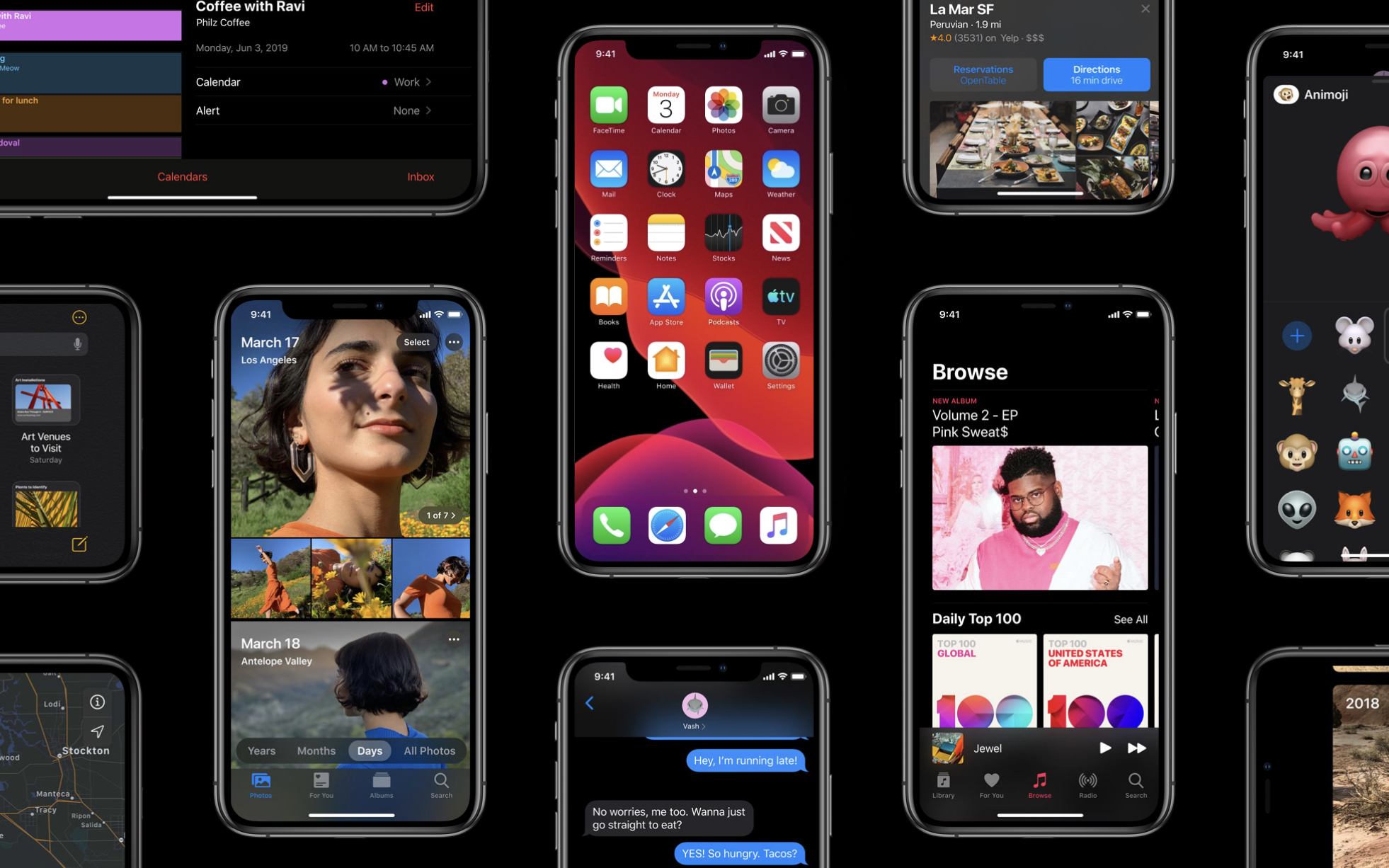
iOS 13 is the latest major version of Apple’s mobile software platform, unveiled earlier today during the company’s WWDC keynote. Contrasting with last year’s iOS 12, which focused largely on performance improvements and brought fewer new features than usual, iOS 13 promises to continue the theme of strong performance while also adding a wide array of enhancements across the board. From a systemwide dark mode, updates to Shortcuts, a long-awaited redesign for Reminders, enhancements to an unprecedented number of system apps, and much more, there is a lot to take in here.

What’s not included in iOS 13 is iPad-specific updates, but that’s because Apple has split off the iPad’s version of iOS into its own dedicated software platform: iPadOS, which you can read our complete overview of here.

As for iOS 13, despite not including the variety of iPad improvements Apple has built, it remains a substantial release meant to take the mobile computing experience to a whole new level. Let’s dive in.

Read more