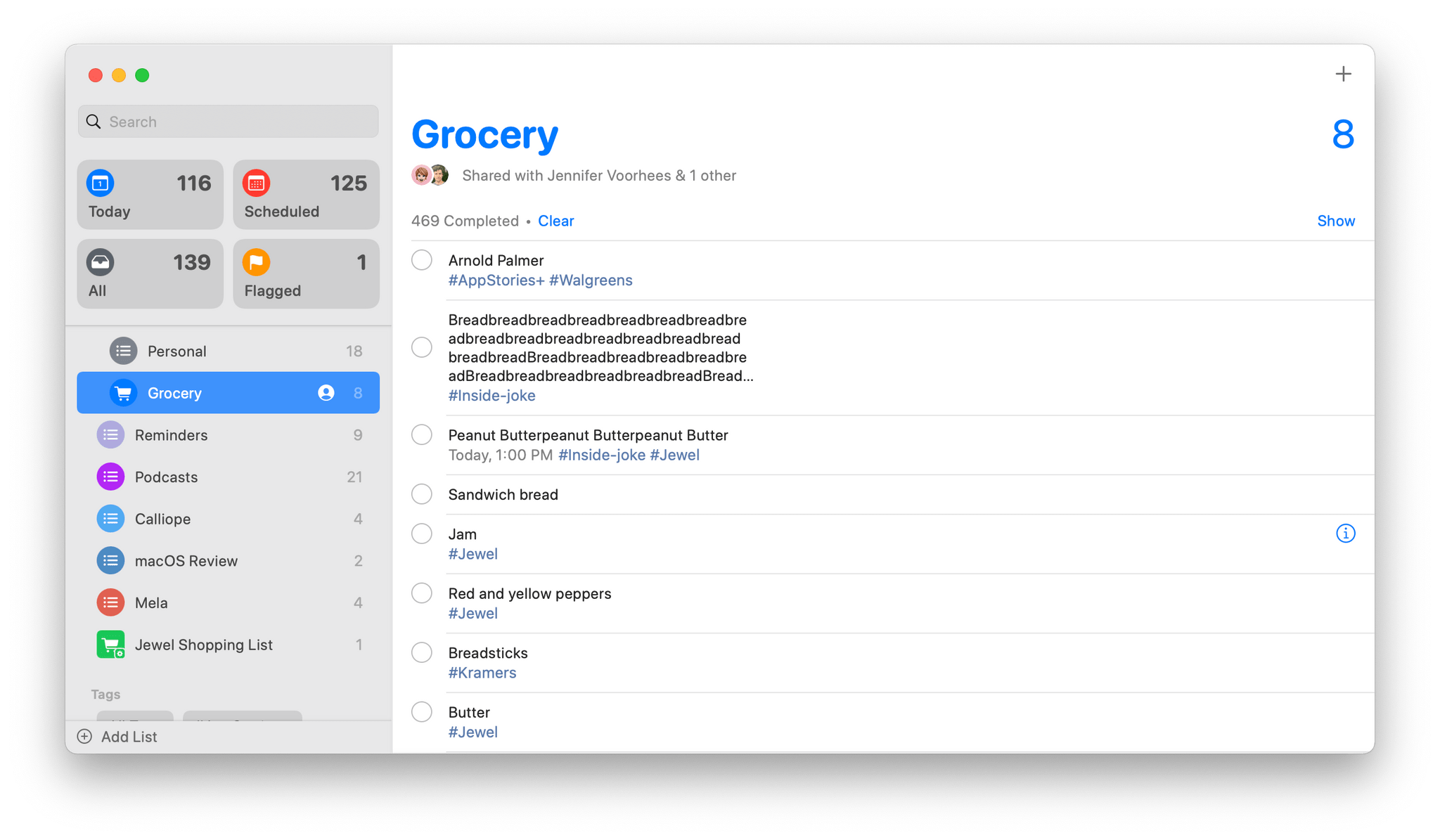
A couple of years ago, Apple transformed Reminders from a simple checklist-style task manager into something far more robust. It was a surprising but welcome update that made the app a good choice as the sole task manager for many users. Reminders is back with more surprises this year, including tagging and Smart Lists features, which I didn’t expect. Both new features work together to make it easier than ever to manage your tasks in Reminders, which by itself makes this year’s update to Reminders worth checking out. However, the update may indicate something broader too: that Apple is more receptive to providing users with greater control over how they use the iPhone and iPad’s stock apps, an exciting possibility that I hope comes to pass.
Tags are brand new to Reminders and probably the most surprising addition to the iOS and iPadOS 15 versions of the app. Tags aren’t anything new to task management apps in general, but user-defined tags haven’t historically been available in Apple’s iPhone and iPad apps.
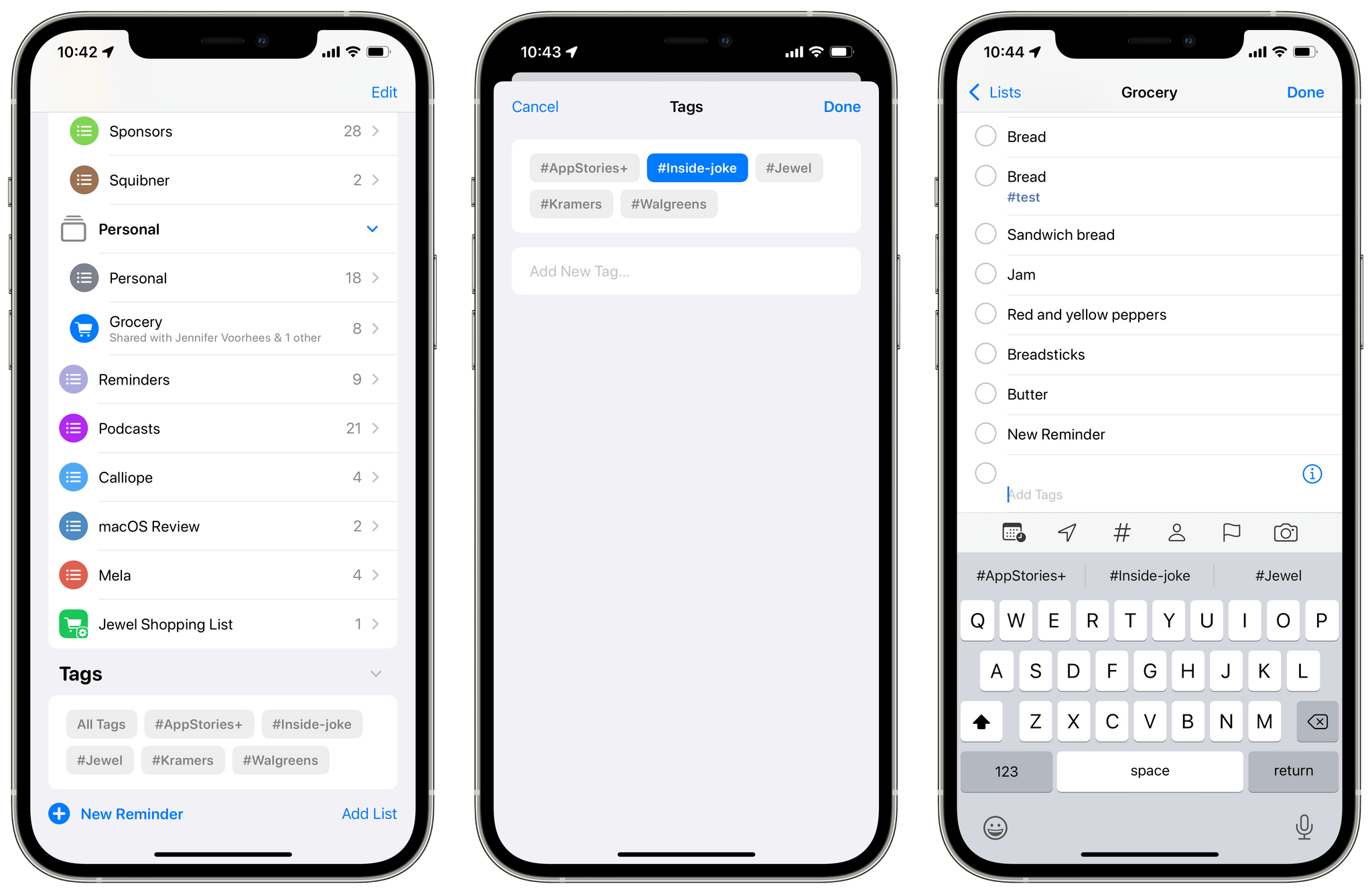
The design of Reminders’ tagging system makes it easy to get started. When you add a new task, there’s a field just below Notes for adding tags. Just start typing a name for your tag, and when you tap the Space bar, hit return, or type a comma, a hashtag is added to the beginning of the tag, and it changes to Reminders’ purplish accent color. Sorry, no spaces are allowed in your tags.







.](https://cdn.macstories.net/banneras-1629219199428.png)