BetterTouchTool is an indispensable Mac app that has stood the test of time. The app was one of the first covered by MacStories back in November 2009. In those early days, BetterTouchTool was a simple app for adding customizable gestures to MacBook trackpads and the Magic Mouse.
Today, many things have changed in BetterTouchTool. Of course, it still allows you to configure all sorts of gestures for the Magic Trackpad and Magic Mouse. However, nowadays, the app also supports many more input devices. BTT enables full Touch Bar customization, allows users to define keyboard shortcuts, including a powerful Hyper Key, bind the buttons of mice, create custom mouse gestures, customize the Siri Remote, connect and configure MIDI devices, and more.
BetterTouchTool offers a long list of predefined actions to automate tasks on your Mac that can be assigned to any input-device trigger you choose. The app also contains some handy features like window snapping, a clipboard manager, a screenshot editor, and much more. There is even a free iOS app to remotely control your Mac and trigger actions.
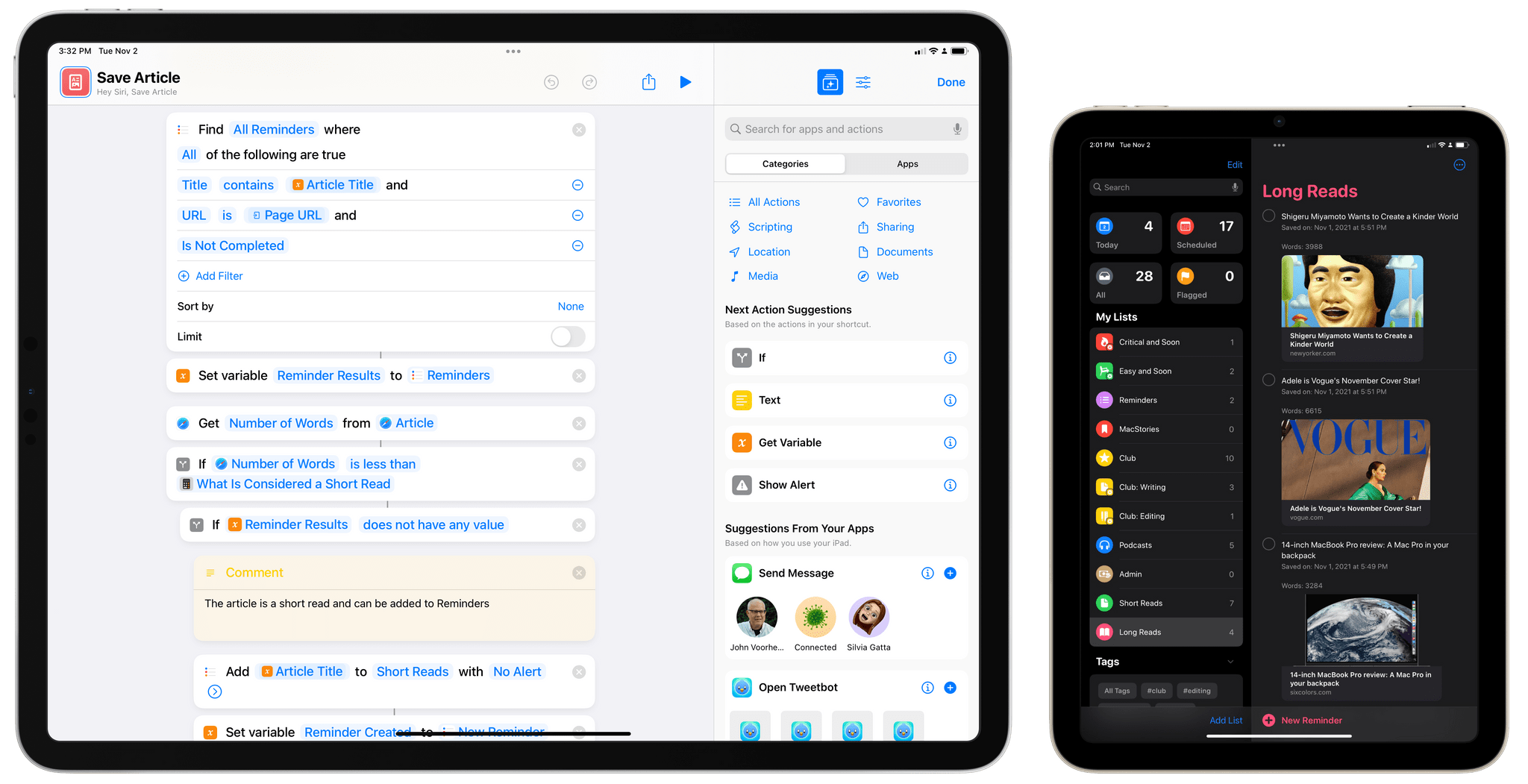
Also, BetterTouchTool already supports macOS Monterey and integrates deeply with the new Shortcuts app. It now lets you run Shortcuts using any of BTT’s triggers. Additionally, BetterTouchTool makes many of its actions available to be used within the Shortcuts app. For examples see https://community.folivora.ai/c/shortcuts/18.
The breadth of what can be accomplished with BetterTouchTool is only limited by your imagination. A great place to get started and be inspired by other BTT users is the BetterTouchTool Community at community.folivora.ai. Users have shared some fantastic BTT presets there, including some very advanced custom Touch Bar setups that you should definitely check out.
BetterTouchTool comes with a 45-day trial, after which you can choose between a license that includes all updates for 2 years and a lifetime license.
For a limited time, MacStories readers can purchase BetterTouchTool for 20% off by using the coupon code MACSTORIESBTT at checkout. So, don’t delay. Go to folivora.aito learn more about this fantastic Mac app and take advantage of the special limited-time, 20% discount on BetterTouchTool.
Our thanks to BetterTouchTool for sponsoring MacStories this week.










](https://cdn.macstories.net/banneras-1629219199428.png)