This week on AppStories, we share a long list of iOS and iPadOS 15 tips, highlighting lesser-known features that we are using to get the most out of the latest versions of the OSes.
On AppStories+, John tries to convince Federico to try a robot vacuum cleaner and Federico explains the technique he’s using to bring localization to his popular Apple Frames shortcut.
Based on the latest speculation and rumors, Apple is likely to introduce new Apple silicon-based Macs. Apple has already replaced part of its Mac product line with models based on its own chip architecture, but it’s expected that the company is preparing to introduce new MacBook Pros and perhaps other models at the high end of its product line. Another product we could see introduced at the event is the long-rumored AirPods 3. With the winter holidays approaching, now seems like the perfect time to rekindle interest in AirPods.
Apple may also take the opportunity to announce a release date for macOS 12.0 Monterey. If last month’s Apple event and the timing of iOS and iPadOS are any indication, the final version of Monterey should be released to the public within days after the event.
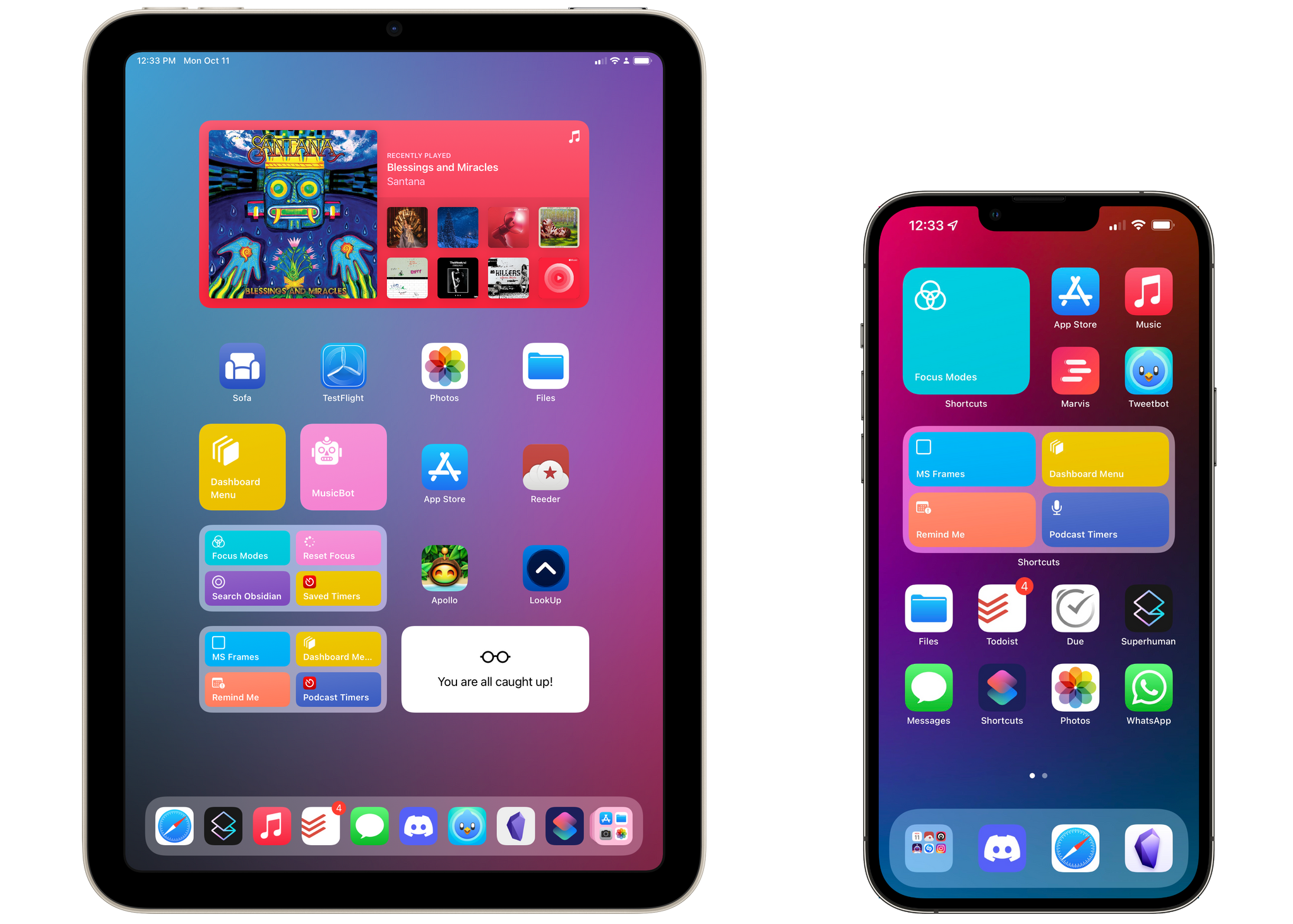
Today, I’m pleased to introduce Apple Frames 2.0, an all-new version of my popular shortcut to put screenshots inside physical device frames of Apple products. The new Apple Frames, which you can download at the end of this post or on the MacStories Shortcuts Archive, has been completely rewritten so it’s faster and lighter, comes with support for the latest iPhone 13 lineup and iPad mini, brings support for framing iMac and MacBook Air screenshots, and, at long last, is available internationally in seven different languages.
This is a massive update to Apple Frames, so let’s dive in.
Discourse is a powerful, customizable, open-source platform designed to facilitate civilized discussion for your community. We’re reimagining what a modern discussion platform could be. Discourse is designed with the tools to create and scale a healthy, vibrant, and fun place to connect with your customers, superfans, or teammates online.
Toxicity and spam are two of the biggest problems for online communities, and we’ve developed features to help make your corner of the Internet a more civilized place. Discourse’s automatic trust system encourages new users to interact with your community in helpful, thoughtful ways – all while keeping spammers at bay. Plus, our built-in community-led moderation tools assist in keeping the trolls out and topics on track.
Wondering if your site will look just like every other community out there? We have you covered. Whether you’re a gaming community or a worldwide brand, you can customize Discourse to fit your company’s image with our extensive theming system. Additionally, our developer API and plugin ecosystem give you the ability to extend Discourse in a limitless number of ways.
Oh, and did we mention that you can trust your data with Discourse? Discourse never sells your data to advertisers, and you can download a full backup of your community at any time – no questions asked and no hidden fees.
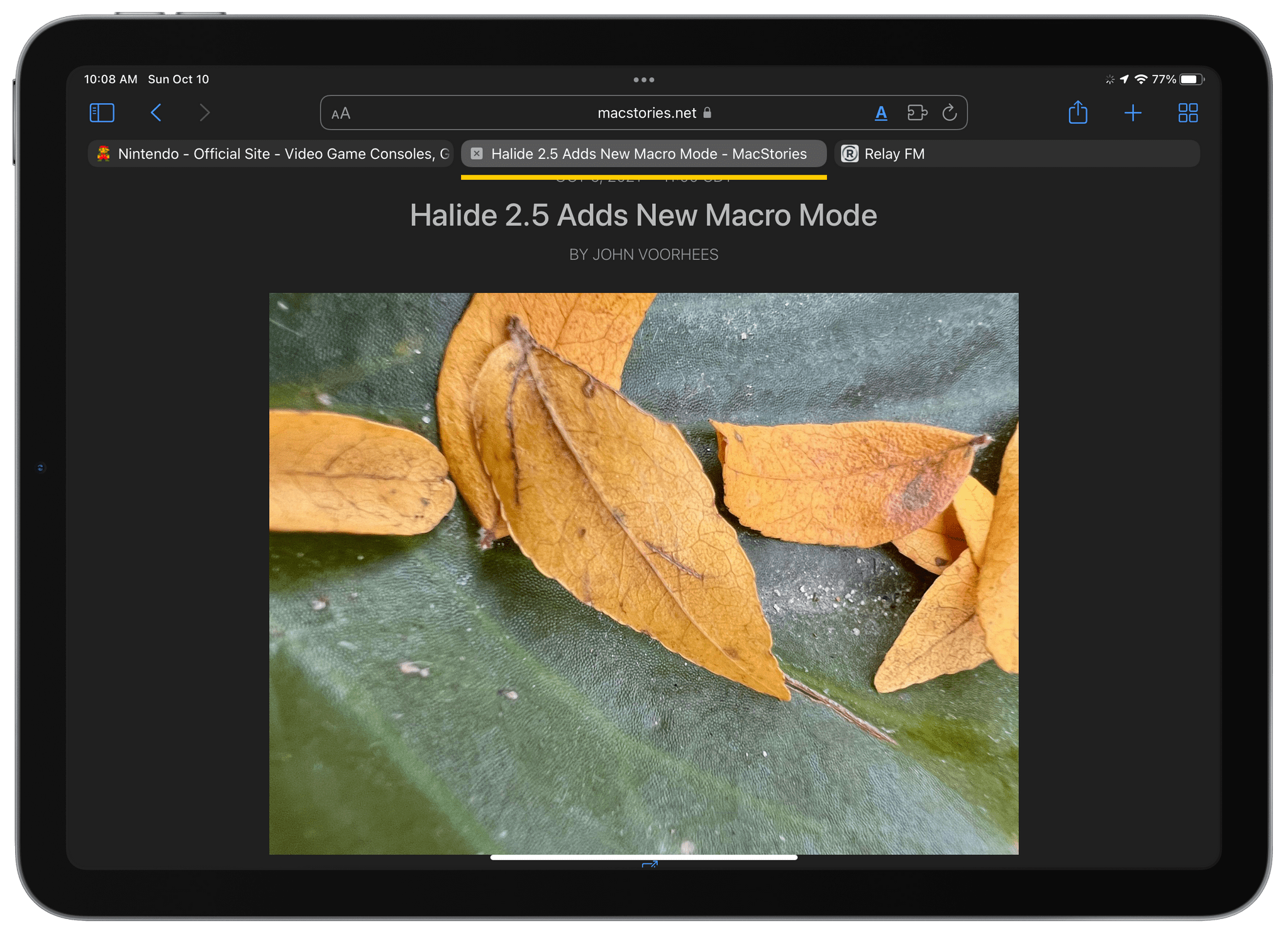
Last week, I wrote about ActiveTab, a Safari extension that draws a colorful line beneath the active tab in Safari for Mac, which makes it far easier to identify the tab you’re viewing. However, the Mac isn’t the only platform where Safari’s tabs are problematic. As Federico explained in his iOS and iPadOS 15 review, it’s every bit as difficult to decypher which tab is active on the iPad.
Fortunately, ActiveTab is now available on the iPad too. The extension has the exact same features as the Mac version, making the active tab stand out by drawing a line across the top of the content view underneath the tab. If you haven’t installed a Safari extension on the iPhone or iPad yet, be sure to check out my story on iOS and iPadOS 15 Safari extensions for details on how to set them up.
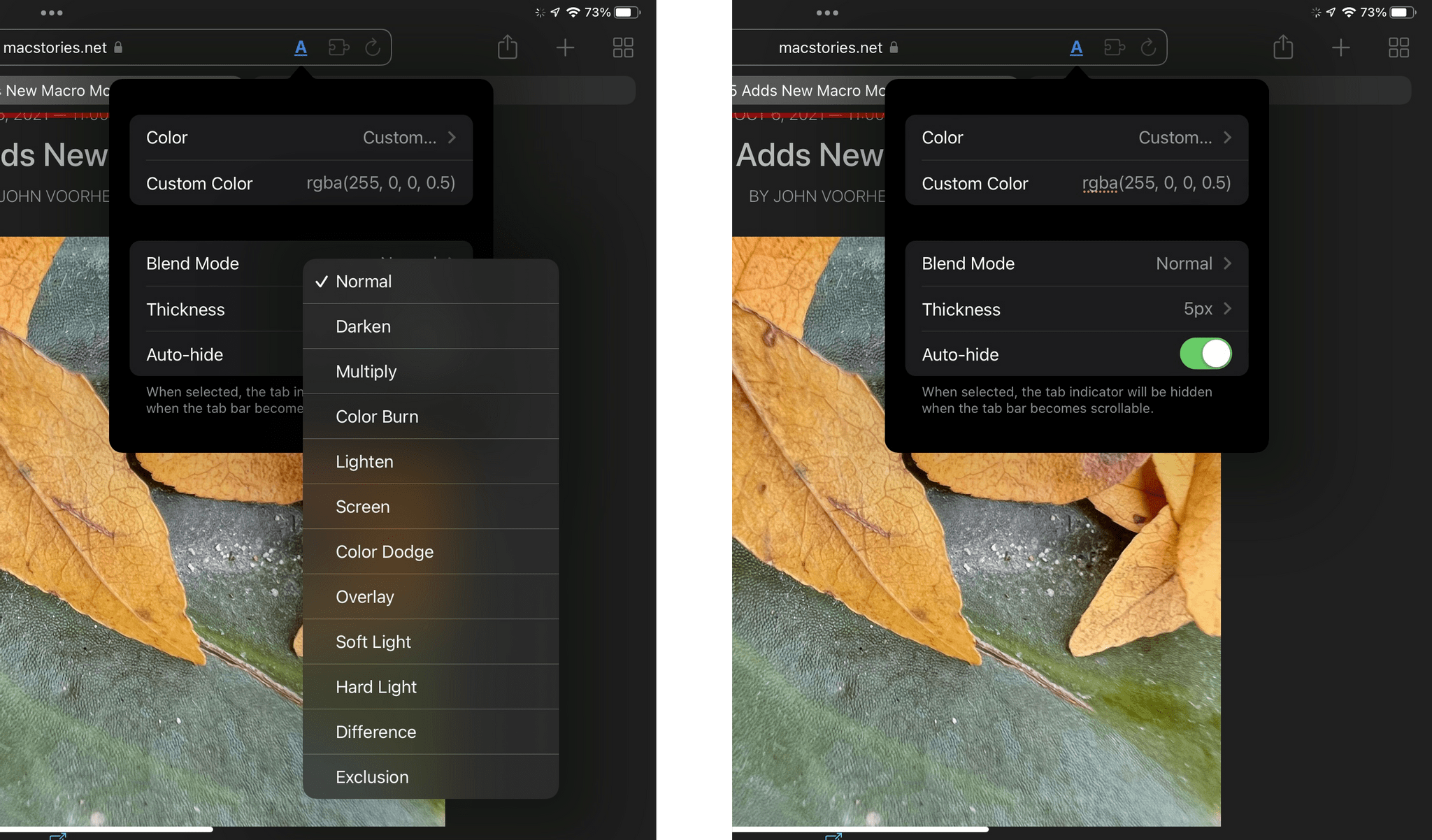
ActiveTab has added new Blend Modes and custom colors to the app too.
Since I first wrote about ActiveTab, the app has been updated to allow you to add a custom color using RGBA values, in addition to the set of pre-defined options. The extension has added a Blend Mode option on both platforms too, which can help set the extension’s colored bar apart from its background in some circumstances.
Federico rethinks personal task management with Due and a new shortcut
John reviews the Roomba j7
Peter Zarko-Flynn’s desk setup
MacStories Unplugged
Federico and John discuss how they advise friends and family about hardware updates, speculate about when the next Apple event will be and what the company might announce, and consider the impact Shortcuts bugs could have on automation across all of Apple’s platforms.









](https://cdn.macstories.net/banneras-1629219199428.png)