Automation April: Processing Tot Dots with Shortcuts

I’ve used Tot by The Iconfactory on and off since it was released in 2020 and reviewed by Federico, but it never stuck. I never came up with a system for using the app that fits well with how I work. Instead, I would simply dump text and URLs copied from the web or jot notes to myself haphazardly in any of the app’s seven colorful dots. The trouble was that when I went back to the app to find something, I often found myself clicking and scrolling around a lot to find what I wanted.

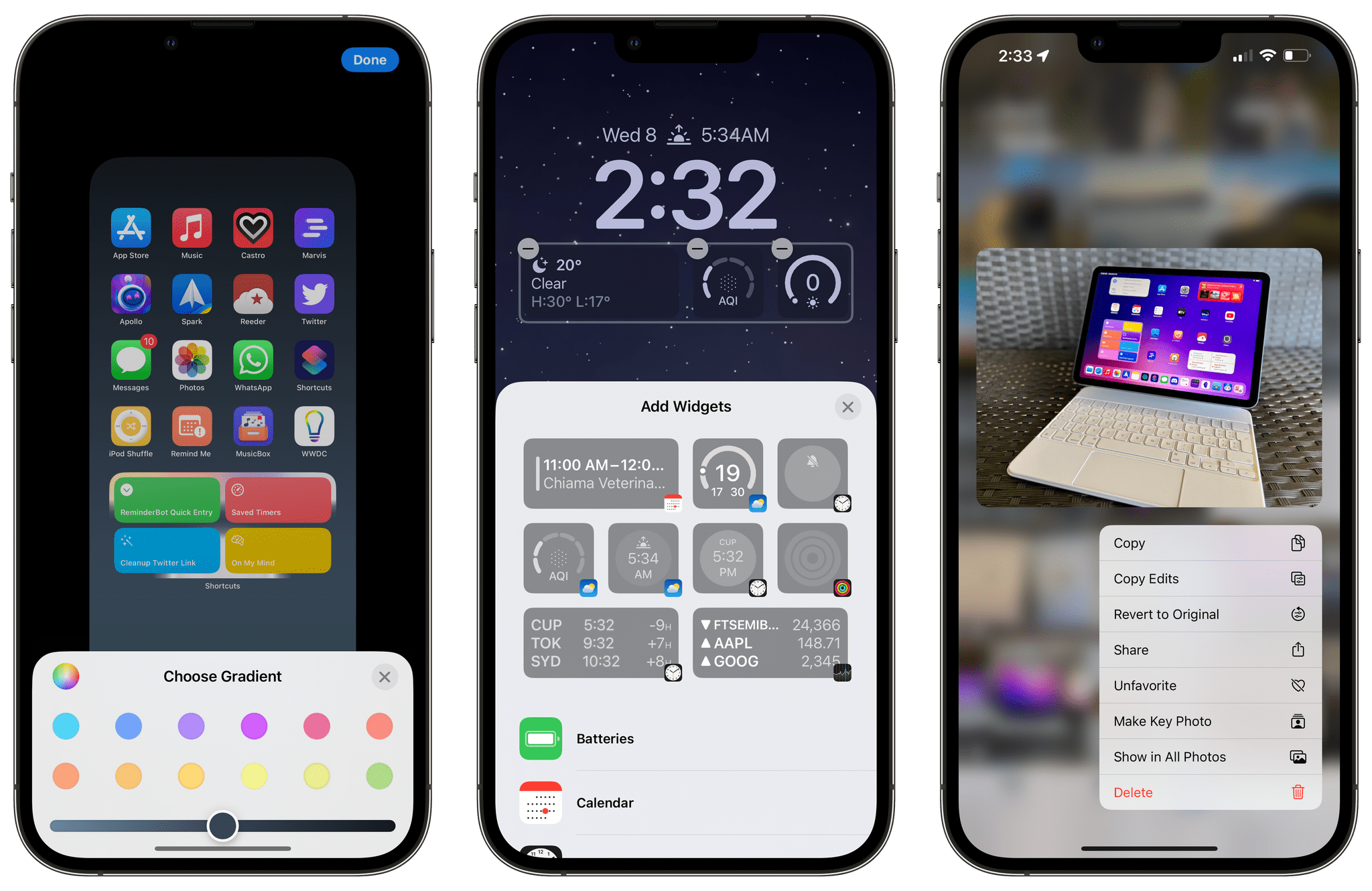
With the introduction of Tot’s Shortcuts support, I immediately saw an opportunity to process Tot’s dots in ways that would make the app fit better with the way I use it. I still don’t have a system for the app’s seven dots. Instead, I’ve got a shortcut called Tot Dot Review that lets me parse and process Tot’s dots in several different ways that shows off Tot’s shortcuts actions along with a handful of built-in Shortcuts actions for extracting different types of data from text.

Tot Dot Review lets me quickly pull URLs, Apple Maps URLs, addresses, phone numbers, and dates from my Tot notes without skimming through each of the app’s seven notes. I can also copy Tot’s notes into Markdown-formatted text that I can copy and paste into another app for processing and delete the content of all seven Tot notes, so I can start fresh. The combination of options has made it easier to find and manage things in Tot, which has led me to use the app more too.

Read more


Sofa 3.3 Adds Extensive Customization Options

Sofa 3.3, the media organizer app for the iPhone, iPad, and Mac, is out, and the update is all about customization. If you haven’t tried Sofa before, check out our recent coverage of the app, which was a runner-up for the MacStories Selects awards in the Best App Update category last year. The update includes a long list of ways to personalize Sofa, which are best shown off by showing you what’s possible, so let’s update the list of books I’ve got in Sofa.

Read more


Apple Unveils Its Self Service Repair Program

In a press release, Apple announced that Self Service Repair is now available in the US, with more countries being added later this year, beginning in Europe.

According to Apple:

The new online store offers more than 200 individual parts and tools, enabling customers who are experienced with the complexities of repairing electronic devices to complete repairs on the iPhone 12 and iPhone 13 lineups and iPhone SE (3rd generation), such as the display, battery, and camera. Later this year the program will also include manuals, parts, and tools to perform repairs on Mac computers with Apple silicon.

Manuals for iPhone repairs.

Manuals for iPhone repairs.

Apple's Self Service Repair Store.

Apple’s Self Service Repair Store.

Manuals for repairs will be available at support.apple.com/self-service-repair. Parts for repairs can then be purchased at Apple’s Self Service Repair Store. Both the parts and the tools available in the Self Service Repair Store are the same ones used by Apple’s repair network, according to the company. Tool kits can be rented for one-week periods for $49 with free shipping too.

It’s good to see this program, which was announced last fall, launch. The products are limited for now, but more iPhones are sold than any other Apple product, so it makes sense to start with it and expand from there.


AppStories, Episode 271 – Apps with Great Shortcuts Support

This week on AppStories, we share our favorite third-party apps with deep Shortcuts integration.

Sponsored by:

  • Kolide – Endpoint security powered by people. Try Kolide for 14 days free; no credit card required.
  • Pillow – Sleeping better, made simple.
  • Sourcegraph – Universal Code Search. Move fast, even in big codebases. Try it now.
  • Crowdstrike – Start your free 15-day trial of CrowdStrike Falcon Pro today.

On AppStories+, we conclude the episode with a bonus round of apps with great Shortcuts support.

We deliver AppStories+ to subscribers with bonus content, ad-free, and at a high bitrate early every week.

To learn more about the benefits included with an AppStories+ subscription, visit our Plans page, or read the AppStories+ FAQ.

Permalink

Last Week, on Club MacStories: A Shortcuts Workshop, an Email Utility, Giveaways, and a Shortcut for Bundling Other Shortcuts

Because Club MacStories now encompasses more than just newsletters, we’ve created a guide to the past week’s happenings along with a look at what’s coming up next:

Automation April: Shortcuts Workshop Part 2

Last Tuesday, Federico and I were joined by Timery developer Joe Hribar for a special Automation April Shortcuts Workshop Town Hall in the Club MacStories+ Discord community to talk about magic and declared Shortcuts variables, action parameters and how Timery makes use of them, automation triggers, and our hope that Apple will allow third-party apps to act as shortcut triggers in the future.

Last week’s conversation was recorded and released in the Club Town Hall podcast feed.

MacStories Weekly: Issue 317

Triage 2

Triage 2

In Issue 317 of MacStories Weekly:

Up Next

Later this week, we’ll have more app giveaways in our Discord community and MacStories Weekly, we’ll publish the Monthly Log newsletter, and an all-new episode of MacStories Unplugged, our Club-only podcast will be released.


Kolide: Endpoint Security for Teams That Slack - Try Kolide for Free Today! [Sponsor]

At Kolide, we believe the supposedly Average Person is the key to unlocking a new class of security detection, compliance, and threat remediation. So do the hundreds of organizations that send important security notifications to employees from Kolide’s Slack app.  

Collectively, we know that organizations can dramatically lower the actual risks they will likely face with a structured, message-based approach. More importantly, they’ll be able to engage end-users to fix nuanced problems that can’t be automated.

Try Kolide for 14 days free; no credit card required.

Honest.Security is one part guide and another-part manifesto that defines a user-first approach to security and IT compliance. It’s not just Kolide’s north star but also an aspirational roadmap. It’s our positive contribution to counterbalance the worrying upward trend of human-hostile cyber security, device management, and workplace surveillance philosophies that we’ve seen reach a fever pitch as organizations adapt to the long-term term prospects of remote work.

Our thanks to Kolide for sponsoring MacStories this week.


Automating Podcast Sessions in Audio Hijack 4 with Shortcuts and Timery

Audio Hijack 4 and Timery.

Audio Hijack 4 and Timery.

For the past week, I’ve been rethinking my approach to time tracking with the Timery app with a focus on simplicity and automation. I appreciate the insights into my habits and patterns afforded by time tracking and Timery’s excellent Reports view, but lately I’ve felt like my setup with projects, tags, and sub-tasks was too convoluted since it was based on a structure I designed years ago.

My daily routine is different now – and it’ll continue to change in 2022 – and I wanted to get rid of the overhead caused by a time tracking system that was too granular. For time tracking to be effective, you need to remember to start a timer whenever you’re working on something; too much friction in the process – such as having to carefully pick from a list of similar projects – defeats the whole purpose of it. There’s also the opposite problem – forgetting to stop a long-running timer – which John explained and fixed in a separate story for Automation April.

So I went back to the drawing board of my Timery projects and reorganized everything with simplicity and ease of activation in mind. I cleaned up my saved timers and shortcut that activates those timers, which I can now trigger system-wide via Raycast on the Mac and the Shortcuts widgets on iPad. I split my work projects into three main areas – MacStories, Club, and podcasts – removed redundant sub-tasks, and grouped related activities under the same tags for more reliable filtering.

How I access my saved timers from the Home Screen.

How I access my saved timers from the Home Screen.

The approach worked well for MacStories and the Club, but podcast timers turned out to be a different beast. You see, when I sit down to record a show like Connected or AppStories, I need to take care of key tasks such as making sure my audio inputs are correct, checking out notes for the show’s outline and intro, and keeping an eye on the Connected audience in Relay’s Discord server. These tasks distract me from time tracking and, as a result, I often forget to start a timer for when I begin recording and, conversely, stop the timer when I’m done. I could automatically start a timer when a calendar event for a show is due in my calendar, but that also doesn’t work for me since it doesn’t account for the time before we actually record the show when I may be chatting privately with Myke and Stephen. Wouldn’t it be great if there was One True Way to automatically start tracking my real recording time when I start talking into the microphone for a show?

As it turns out, thanks to the latest update to Audio Hijack – the new version 4.0 that recently launched on macOS – there is. So for this week’s Automation April story, I’m sharing the custom system I created to trigger a single shortcut that starts time tracking in Timery based on the show I’m recording in that specific moment. Let’s take a look.

Read more