Posts in reviews

FoodNoms 2 Refreshes Its Design and Adds Refinements to Nutrition Logging and Goal Tracking Throughout

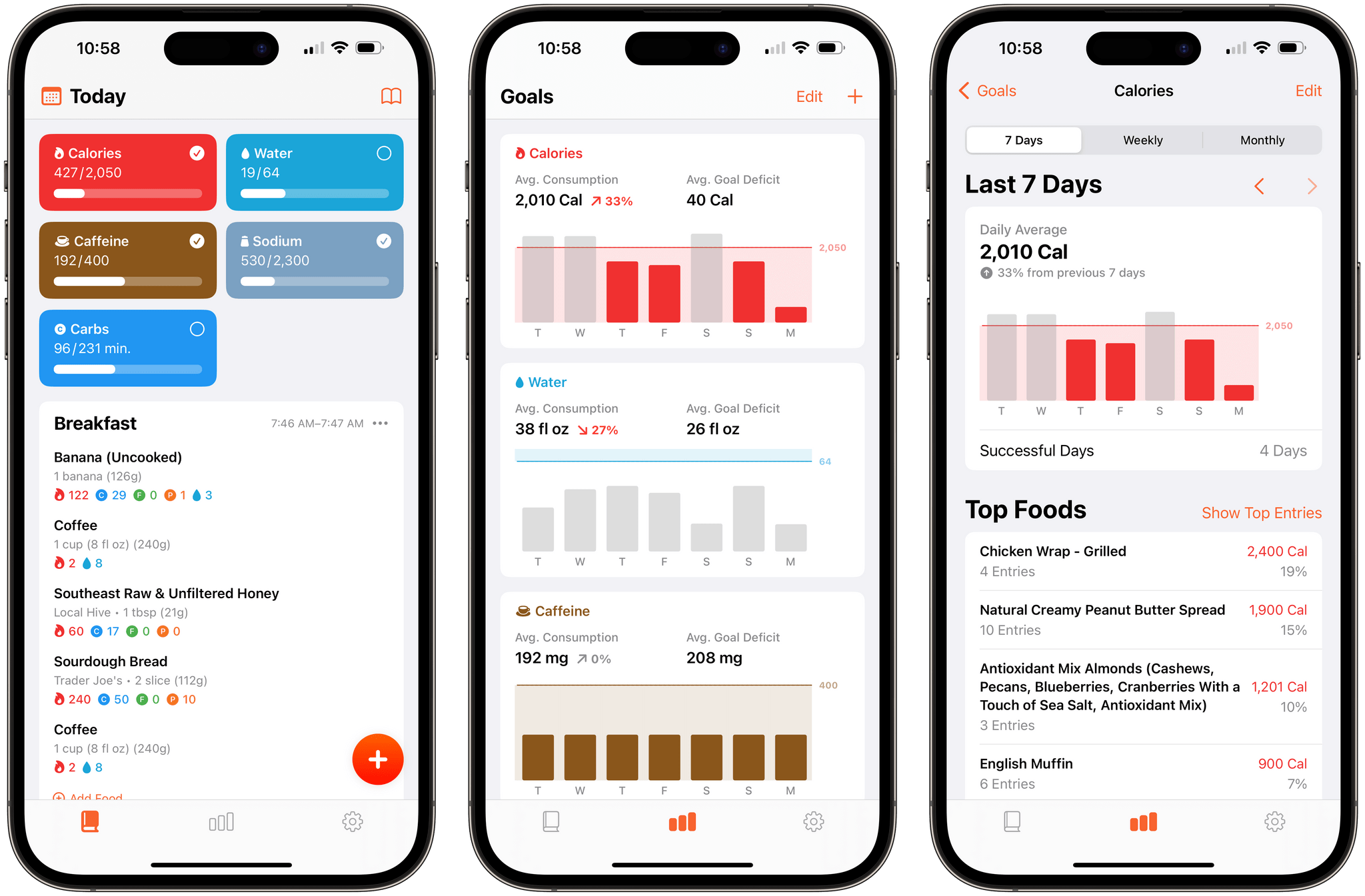
It’s been over two years since FoodNoms, the nutrition tracking app for the iPhone, iPad, Mac, and Apple Watch by Ryan Ashcraft, debuted on the App Store, and I reviewed it. Over the past two years, the app has steadily improved, refining its database of foods, adding Home Screen widgets, and a lot more. With version 2 out today, FoodNoms has taken its biggest step forward since its launch with a long list of new features and a refreshed design.

At its core, FoodNoms lets you set goals, track what you eat, and monitor your progress toward your goals. There are a lot of apps that do something similar, but what sets FoodNoms apart is its design, ease of use, and emphasis on privacy.

Read more


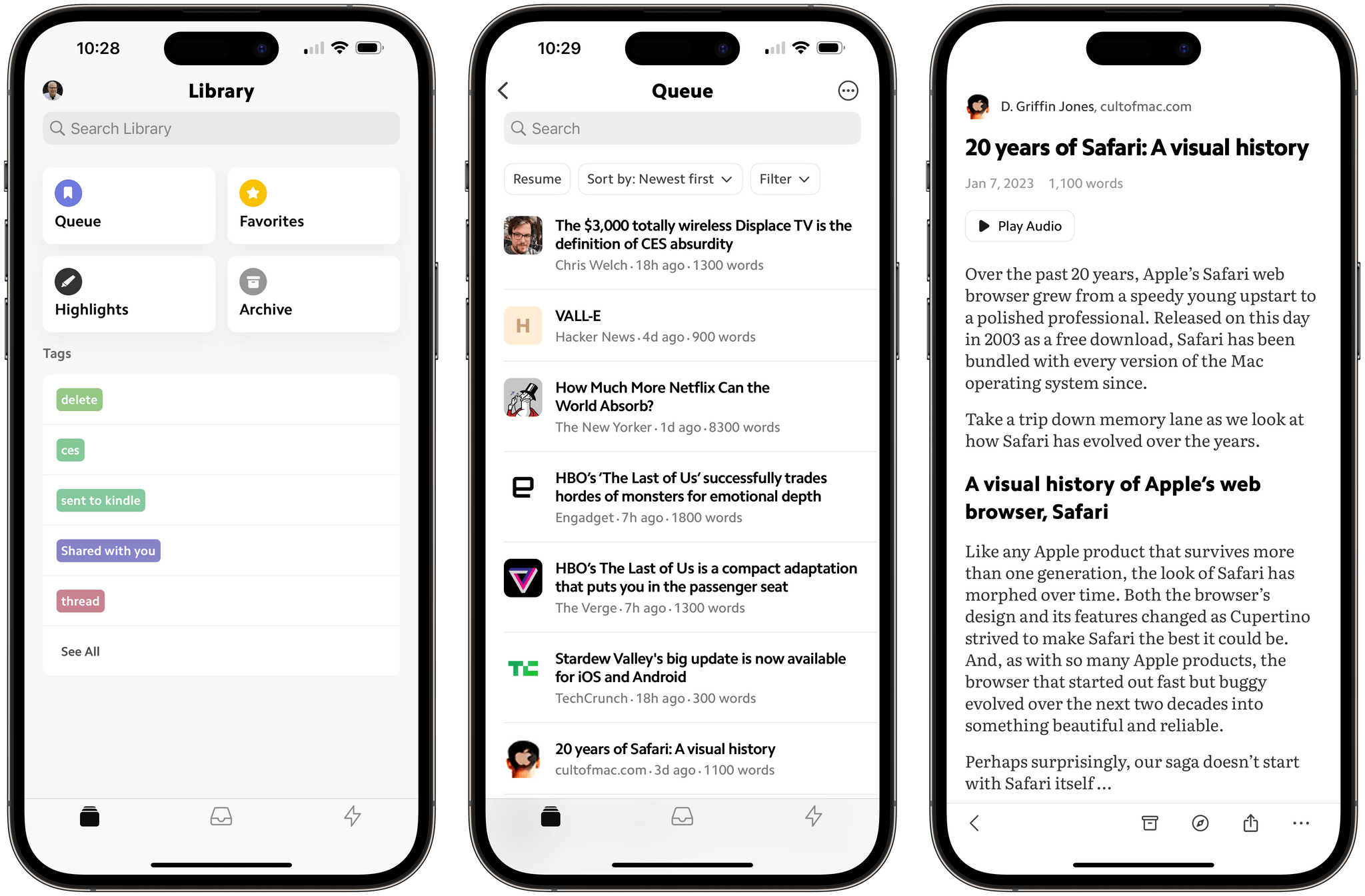
Matter: A Fresh Take on Read-Later Apps

Saving articles and links from the Internet for later isn’t new, but it’s something that has drawn renewed interest from developers over the past year or so, including the makers of Matter, who are reexamining the approaches of the past through a modern lens.

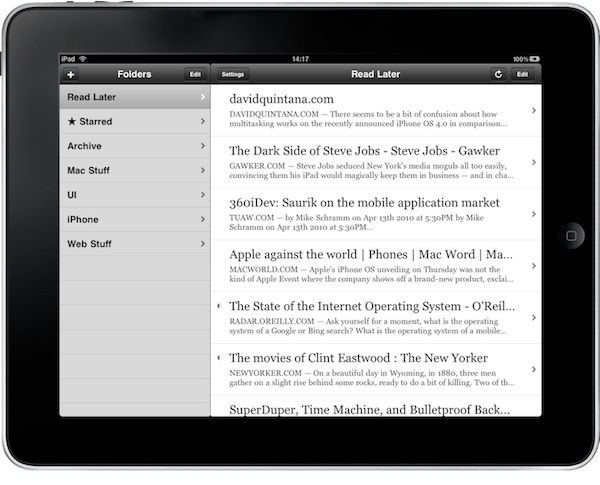
An early version of Instapaper on the iPad.

An early version of Instapaper on the iPad.

Apps like Instapaper and Read It Later, which became Pocket, pioneered saving web articles for later. The original iPhone ran on AT&T’s EDGE mobile network in the US and coverage was spotty. Read-later apps saved stripped-down versions of articles from the web that could be downloaded quickly and read offline when EDGE was unavailable. The need to save content offline because of slow and unreliable mobile networks is far less pressing today, but collecting links and time-shifting reading remains popular.

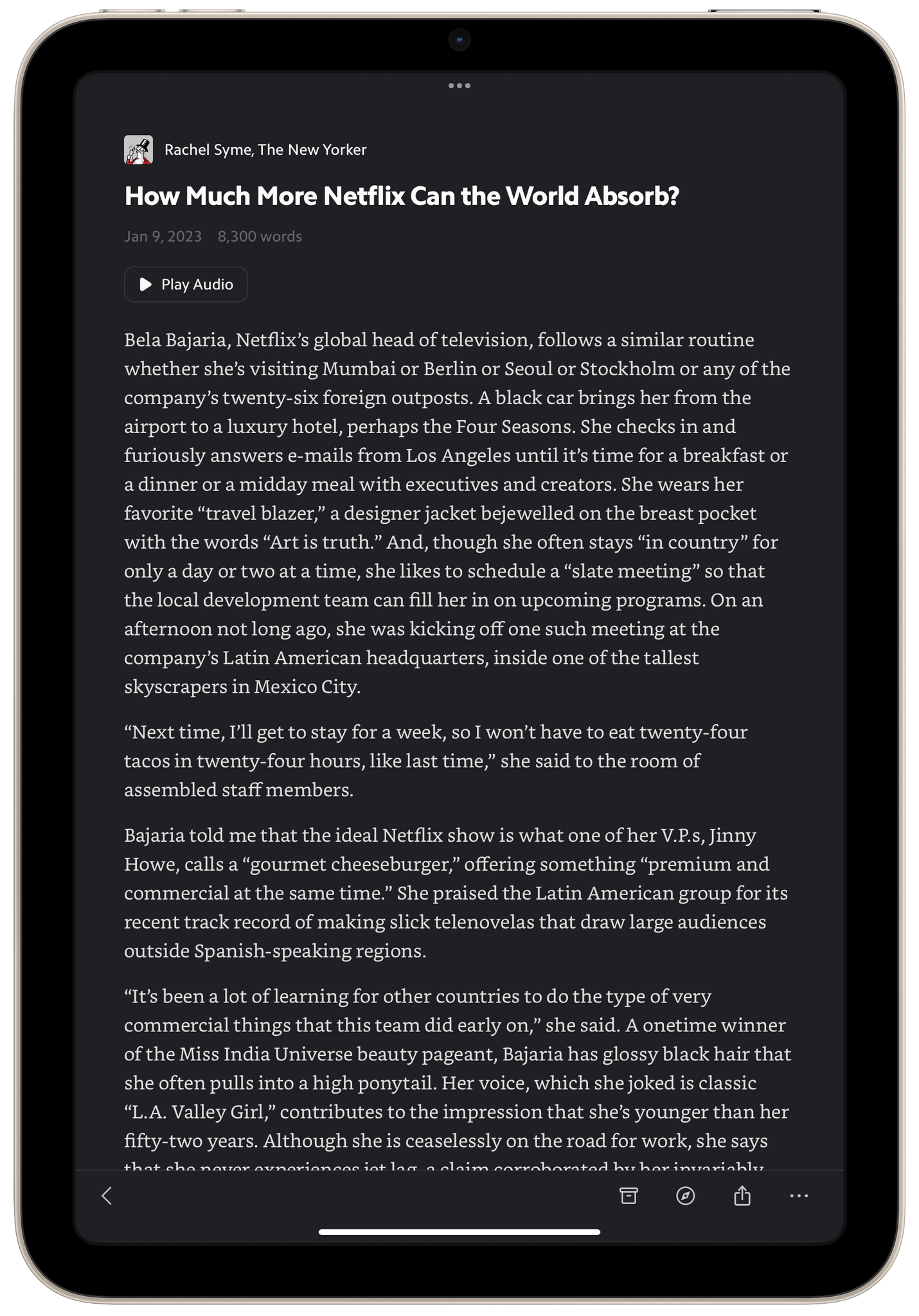
I do most of my Matter reading in the evening on my iPad mini using dark mode.

I do most of my Matter reading in the evening on my iPad mini using dark mode.

Today, classics like Instapaper and Pocket are joined by Matter, which I’m reviewing today, plus Readwise Reader, which is currently in public beta, and a long list of link organizer apps like GoodLinks, Anybox, and Cubox, all of which include their own reading modes and are the spiritual successors to web services like Delicious and Pinboard. The result is that users have more choices than ever. That’s fantastic because, as I’ve learned from MacStories readers, no two people take the same approach to what they save and how they read and process it.

Read more


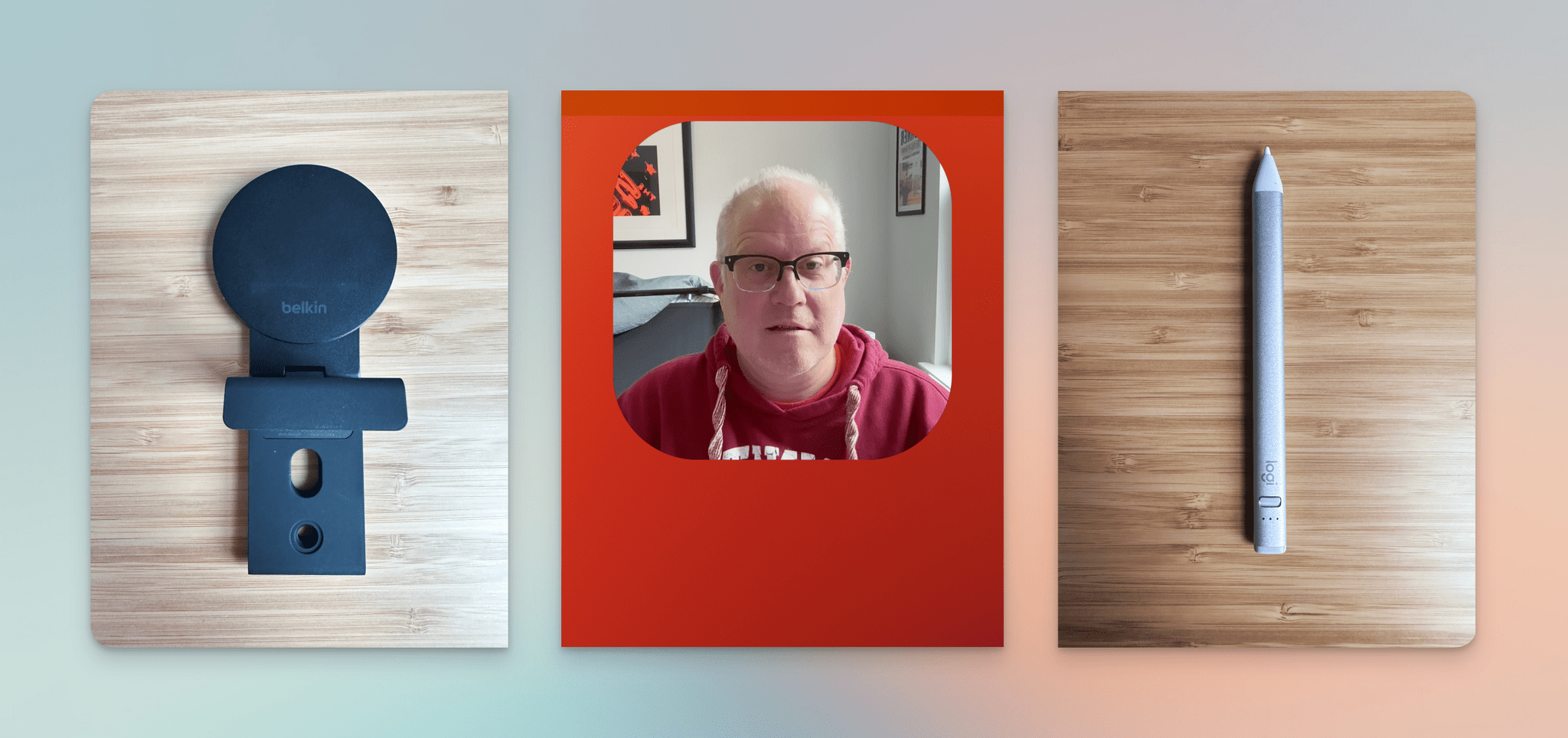
Belkin’s MagSafe Mount for Desktops and Displays, Hand Mirror, and the Logitech Crayon

It’s the end of the year, and before I take a few days off to relax for the holidays, I have a few cool things to share that have been sitting on my desk and Mac for a little bit.

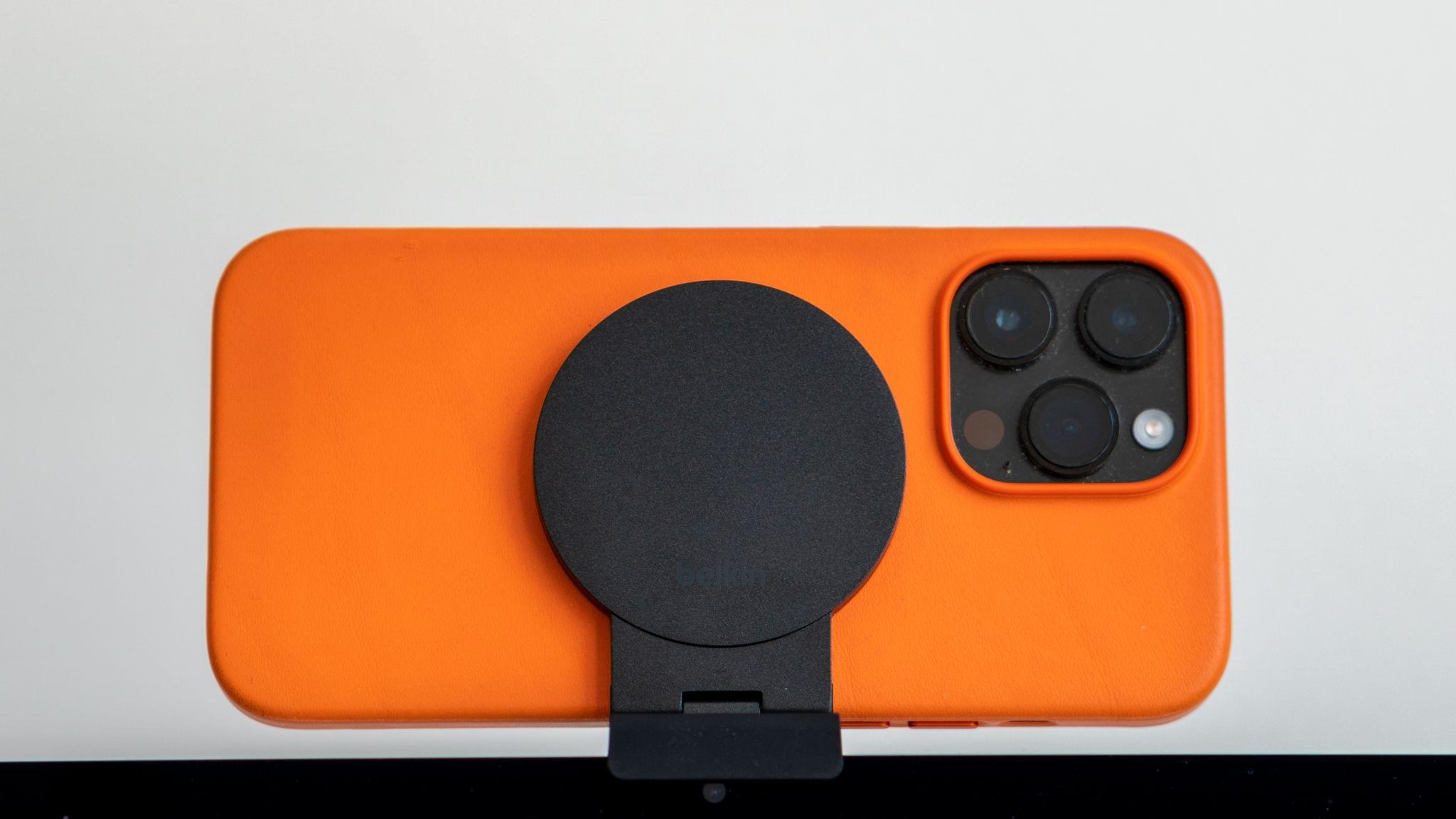
The Belkin Mount with MagSafe for Mac Desktops and Displays

One of macOS Ventura’s flagship features is Continuity Camera, which lets you use an iPhone’s camera as a webcam. I covered Continuity Camera in my Ventura review, and it works really well, especially with Center Stage turned off, so you get the full uncropped image from the iPhone’s camera.

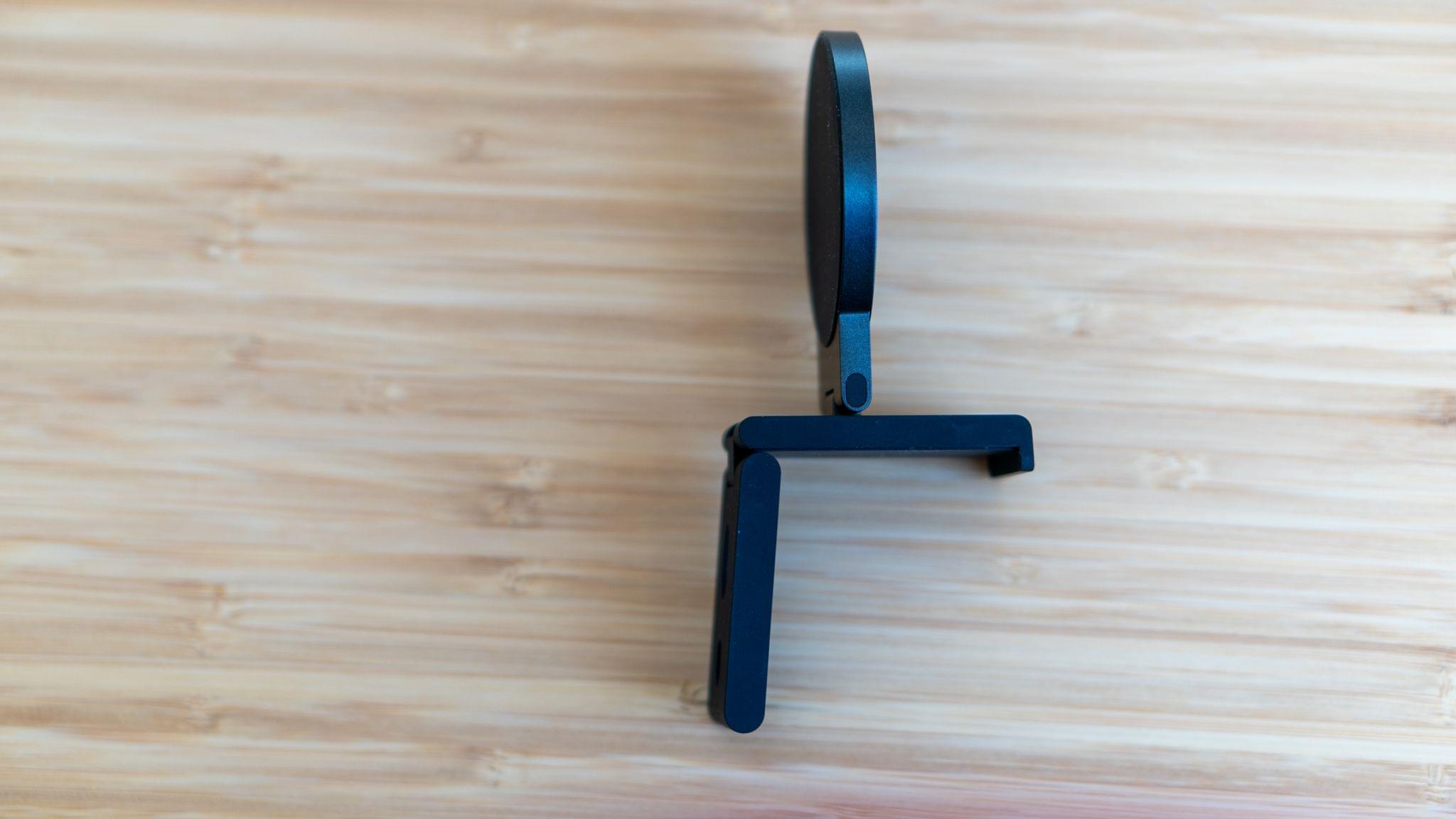
A side view.

A side view.

Alongside Continuity Camera, Belkin introduced an excellent, compact MagSafe mount for Apple Laptops but left desktop and external display users hanging. Last week, desktop users got their wish for a similar solution, with a double-hinged MagSafe Mount that I expect will work on a work with a wide range of displays.

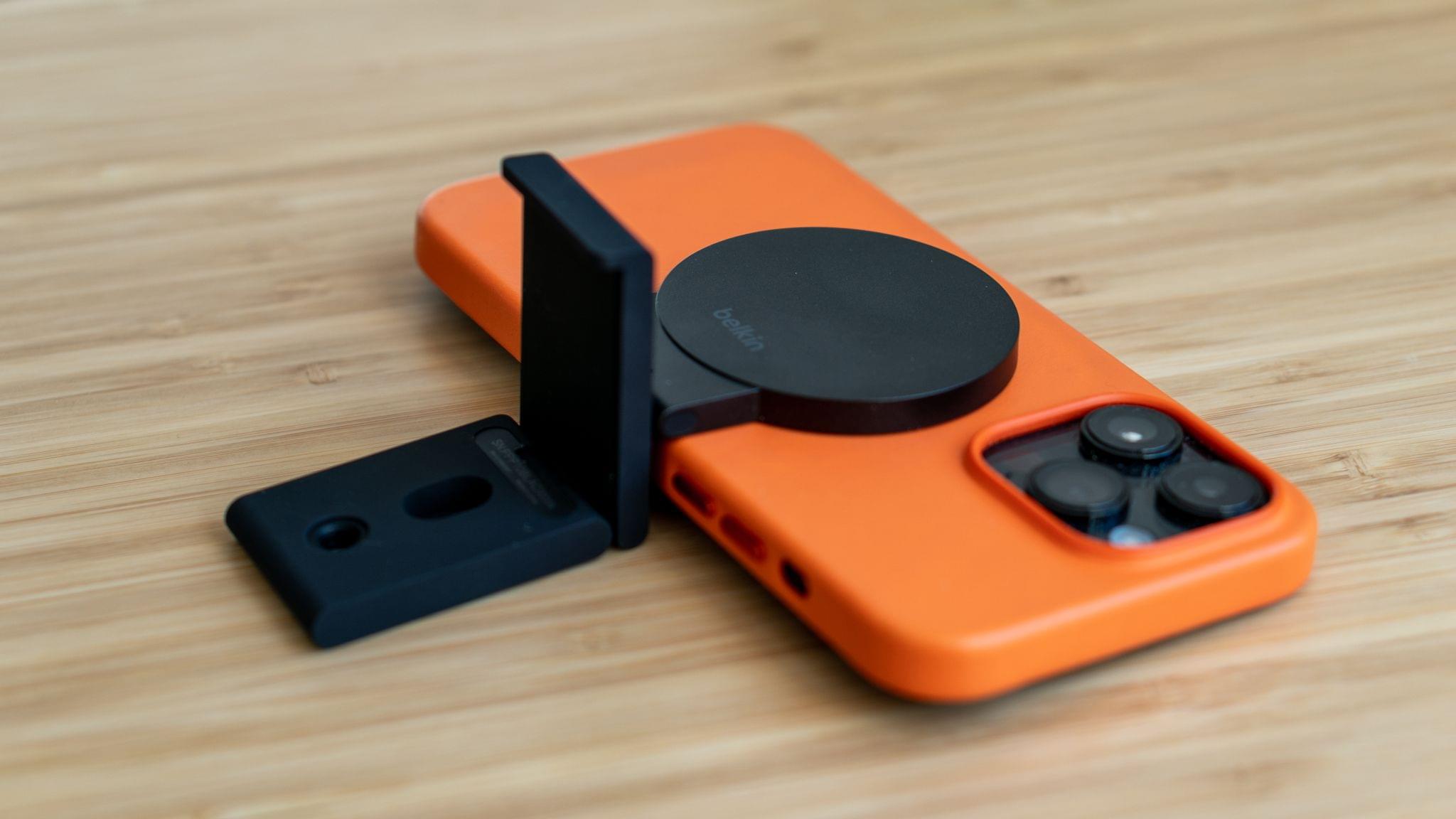
Ready for hooking to a screen.

Ready for hooking to a screen.

Belkin sent me its new mount to try last week, and I immediately gave it a try. The hardware has a nice, solid feel. The hinges are stiff, so your iPhone’s weight won’t affect your setup, and every surface that touches your display, front and back, as well as your iPhone, has a soft-touch finish that shouldn’t scratch your display or phone.

Read more


Freeform Leverages the Freedom and Flexibility of a Blank Canvas

Freeform is a brand new iPhone, iPad, and Mac app from Apple that lets users create multimedia boards on an infinite canvas that include text, images, drawings, links, files, and more. It’s an ambitious entry into a crowded category of apps that take overlapping approaches, emphasizing everything from note-taking to collaborative design to whiteboarding.

As is so often the case with Apple’s system apps, Freeform falls squarely in the middle of the landscape of existing apps. Freeform isn’t going to replace apps that are deeply focused on a narrow segment of apps in the blank canvas category. Instead, Freeform is targeted at a broader audience, many of whom have probably never even considered using this sort of app. For them, and for anyone who has felt constrained by more linear, text-based ways of exploring ideas, Freeform is a perfect solution.

At first blush, Freeform’s spare interface may give the impression that it’s a bare-bones 1.0 release, but that’s not the case. The app is easy to use and impressively feature-rich for a new release. So, let’s dig into the details to see what it can do.

Read more


Sofa 3.4: List Sharing, Shortcuts Actions, Lock Screen Widgets, and More

Shawn Hickman is back with another excellent update to Sofa, the downtime/media organization app for iPhone and iPad that we’ve covered several times on MacStories. Sofa remains my favorite one-stop app for managing lists of media I don’t want to forget to enjoy later. The app supports TV shows, movies, books, audiobooks, videgames, music, podcasts, board games, and apps, making it the most comprehensive media organizer I’ve used. However, what makes Sofa special is its design and extensive customization options, which is why it was the runner-up for Best App Update in last year’s MacStories Selects awards.

What I appreciate most about version 3.4 of Sofa is that it extends the app beyond its existing boundaries with list sharing and new Shortcuts support. To round out the update, Sofa also adds Lock Screen widget support and TV and movie provider details for Super Sofa subscribers. It’s an excellent batch of new features for an app that I already consider one of the finest in its category.

Read more


iOS 16.1 and Apps with Live Activities: The MacStories Roundup, Part 2

When Live Activities debuted with iOS 16.1, a long list of apps supported the feature. There were some great examples, like the ten apps I covered in October and Timery, which was updated shortly thereafter. Because developers didn’t have a lot of time to prepare their apps for Live Activities, I expected a steady stream of updates that take advantage of the feature, but that hasn’t happened. Live Activity support is still being added to apps, but I thought I’d have more interesting, innovative examples to share by now, but I don’t.

Still, I’d be remiss if I didn’t follow up October’s story with a few additions to my favorite examples of Live Activities. I’m sure there are some I’ve missed and others that will be released in the future, which we’ll cover in the future, but today, I’m going to focus on Dark Noise, Shelf, and Lock Launcher.

Read more


CARROT Weather 5.9: A Robot Relationship and Layouts

It’s never been about just the weather when it comes to CARROT Weather, and version 5.9 of Brian Mueller’s app is no exception. With the latest update, you can participate in bonding activities with CARROT. Yes, it’s as strange as it sounds, and a lot of fun too. Still, if getting to know CARROT better isn’t your thing, the update has also expanded Live Activities, updated the app’s layout UI, and more.

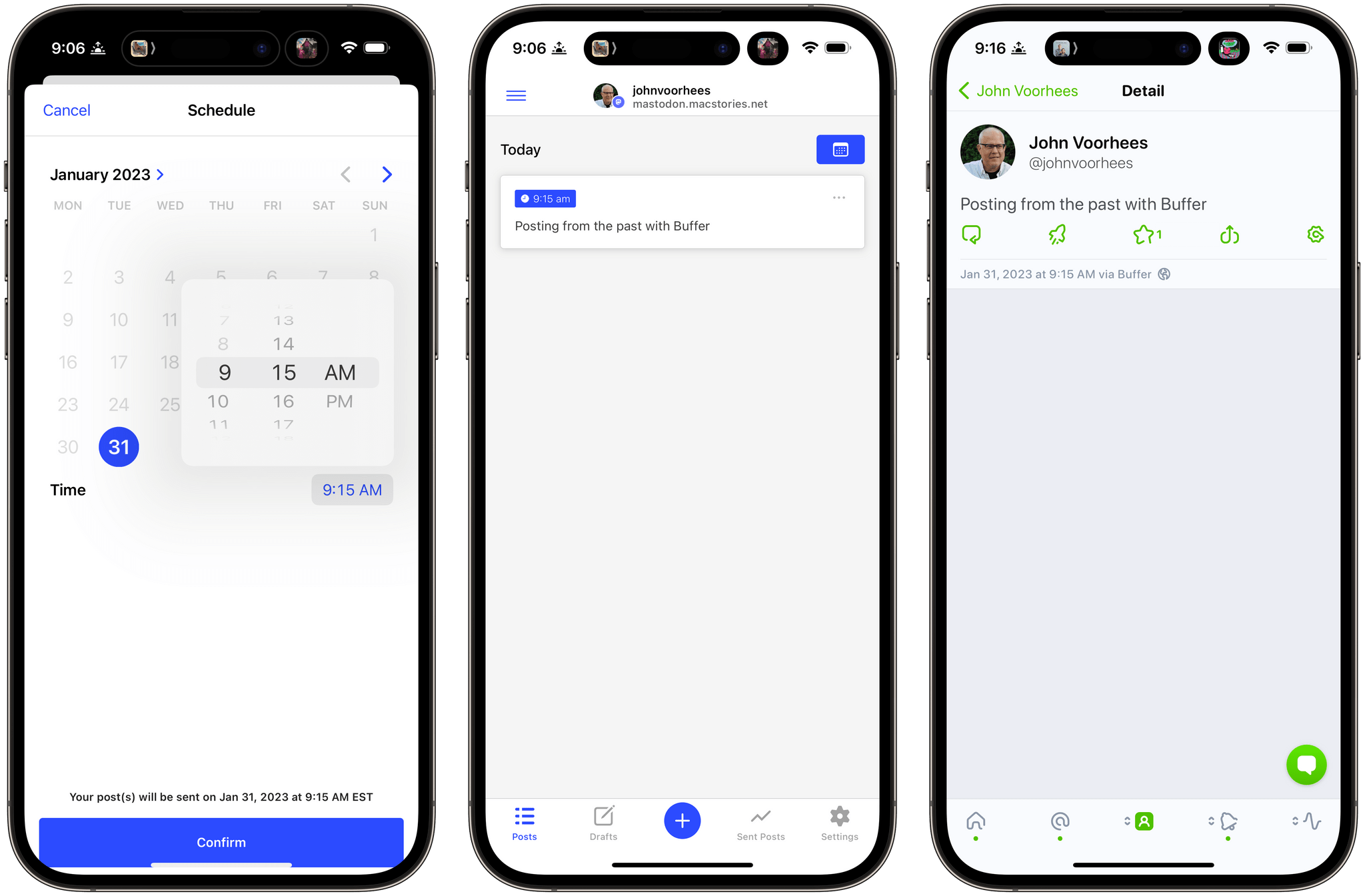
Charging up CARROT to earn hearts.

Charging up CARROT to earn hearts.

Tap the CARROT icon in the toolbar to get to know her better through a series of mini-games. At the outset there are three games:

  • Charging CARROT’s batteries by feeding her an assortment of objects that rotate roulette-wheel-style onscreen until you tap a button
  • Stroking her ego by repeating nice things to CARROT, which uses speech recognition to make sure you get the compliments right
  • Debugging CARROT’s code by shaking your device

But relationships take time, so you’ll find that after a while, you’ll stop earning hearts and have to wait before you can continue earning your way into CARROT’s good graces.

Complete enough bonding activities with CARROT and you can start a romance with her.

Complete enough bonding activities with CARROT and you can start a romance with her.

Bonding with CARROT is part of the app’s Achievements system, and you’ll see if you visit that section of the CARROT menu that there are additional mystery tasks available to complete once you fill op the rings of the first set. Fill enough rings, and you can even start a romance with CARROT.

Tracking your CARROT achievements.

Tracking your CARROT achievements.

I love CARROT’s new bonding activities. They’re fun and breathe new life and personality into the character that’s been abusing users for years as they check the weather. I’ve only begun earning hearts, so it remains to be seen where this all will lead, so stay tuned to MacStories for updates on that, I guess.

Read more


ReadKit 3.1 Adds Smart Folders, More Customization Options, and New Lifetime Purchase Options

Around this time every year, I tend to start fiddling with my RSS setup. Last year, I drastically simplified my setup, and it worked well. Still, with Twitter’s fate uncertain, I thought it would be an excellent time to reexamine what various sync services and apps have to offer to refine my RSS reading experience.

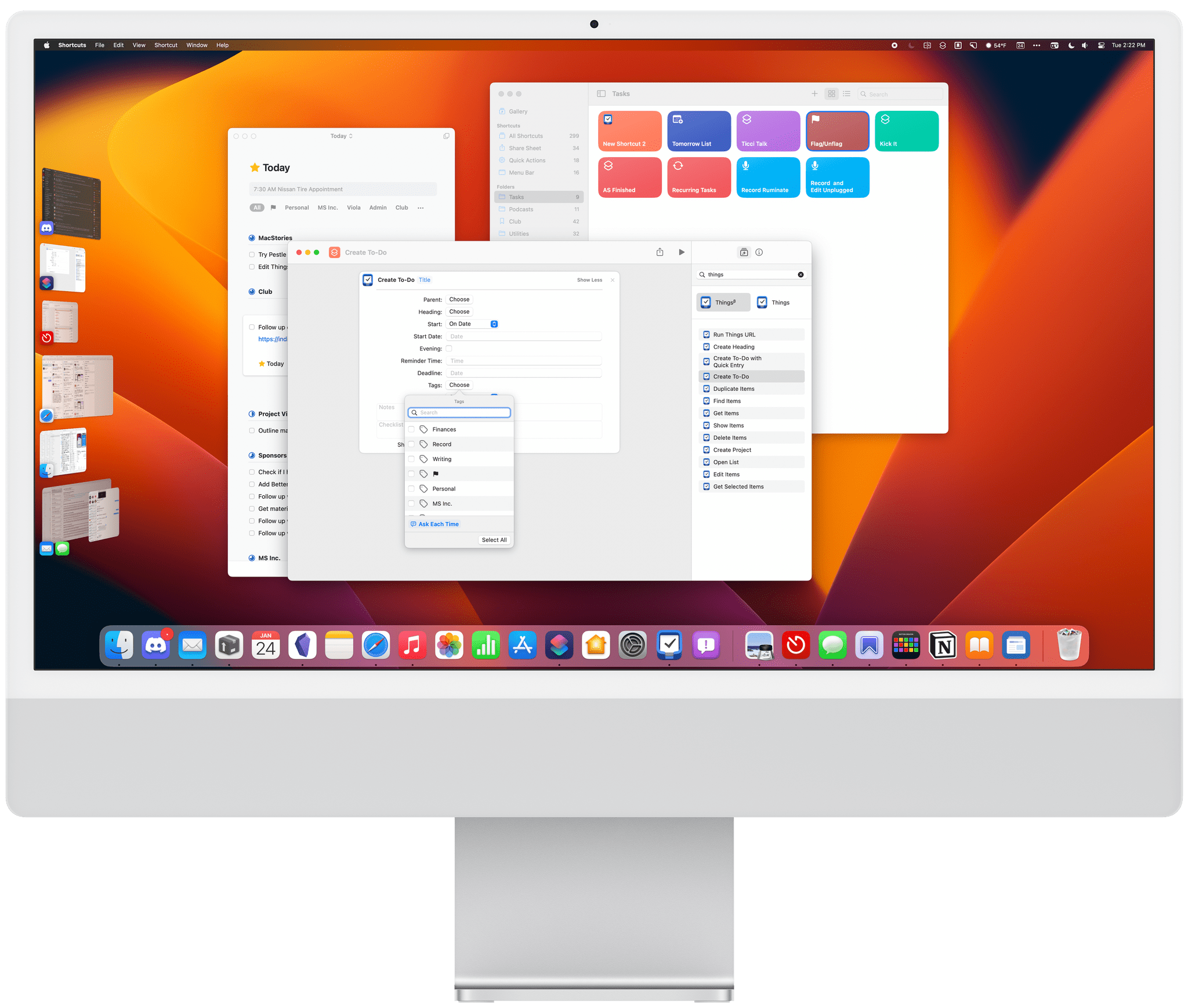
One of my goals with this year’s experiments is to find better ways to filter and sort the articles in my feeds. Folders are a useful top layer of organization, but I’ve wanted more control over my feeds for a while now, especially when I’m busiest. One way to accomplish advanced filtering is server-side with an RSS sync service, but support for them by third-party RSS apps is limited. That’s why I was excited to see that ReadKit 3.1 has added a new smart folders feature.

Read more