Posts in news

Apple TV 4K Updated with an A15 Bionic Chip, HDR10+, and a Lower Starting Price

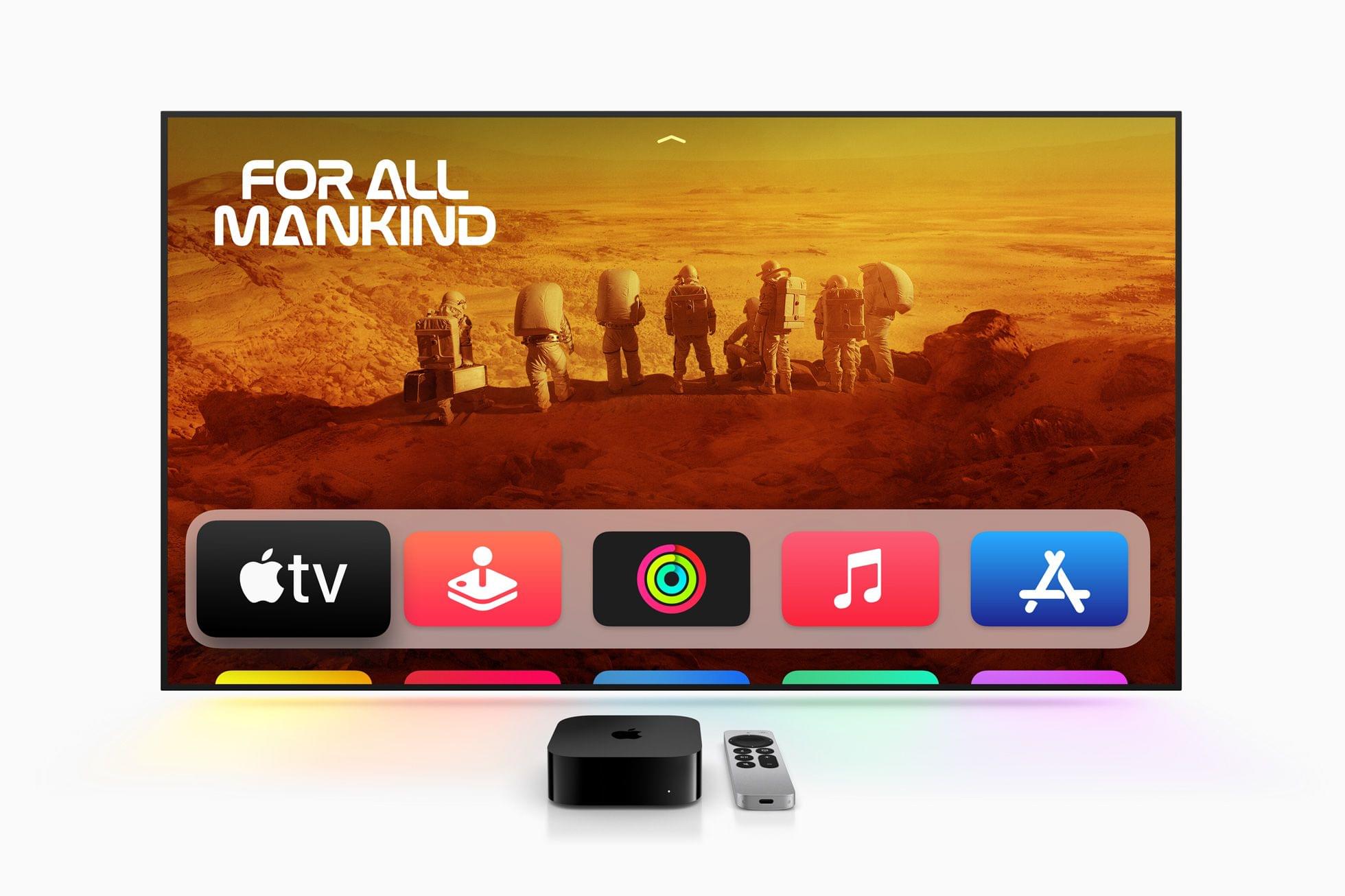
Today, Apple published a press release announcing an update to the Apple TV 4K, which now comes in two configurations that offer different storage capacities and network connectivity. The Apple TV HD is no longer available on Apple’s online store.
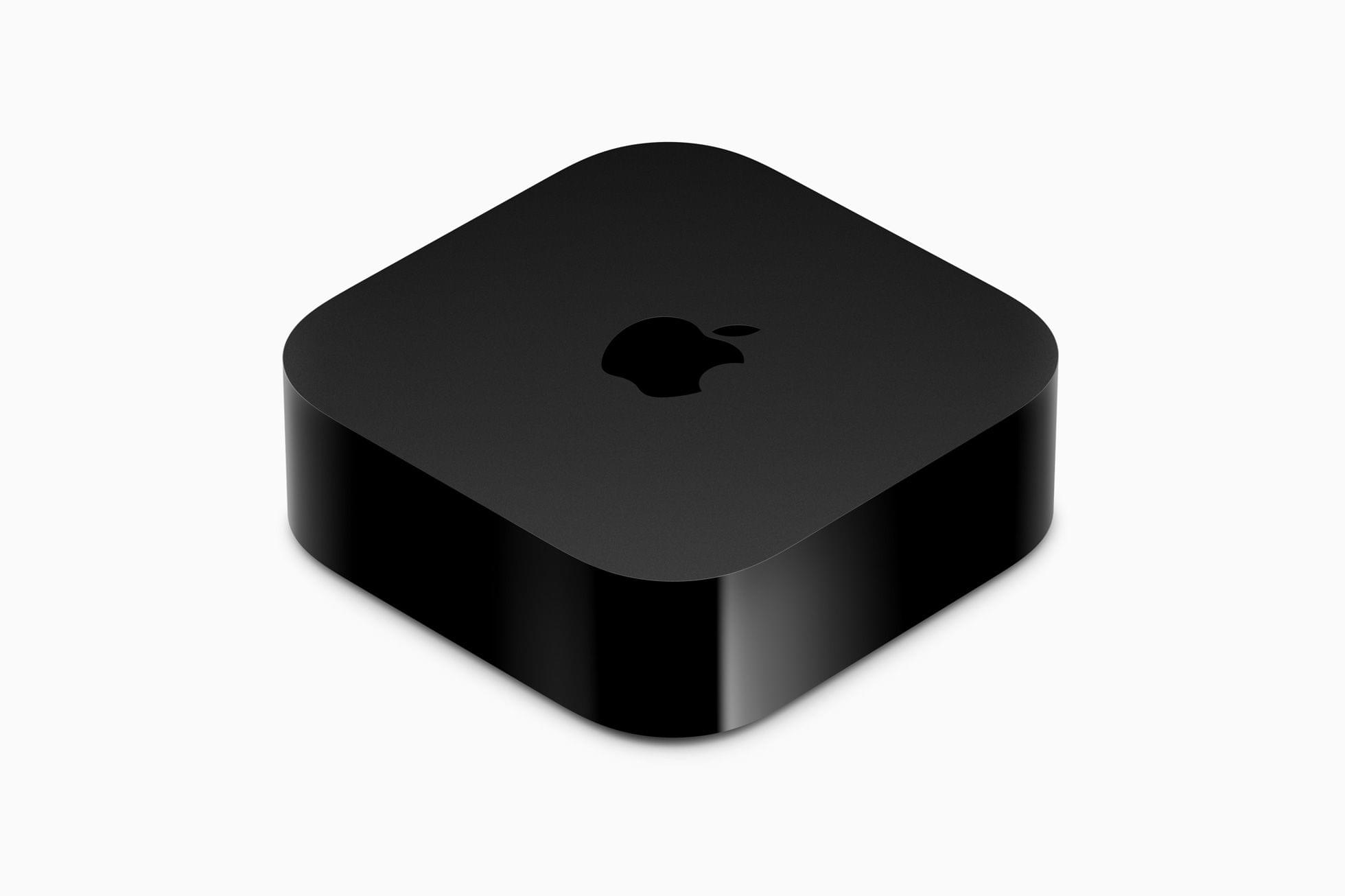
The Apple TV 4K has been updated with an A15 Bionic chip and support for HDR10+, which is part of tvOS 16. The base configuration, which is $129, has 64GB of storage and is WiFi-only. The other model adds Gigabit Ethernet and has 128GB of storage for $149. The top-tier Apple TV 4K supports Thread networking too.

Apple says:

CPU performance is now up to 50 percent faster than the previous generation, delivering greater responsiveness, faster navigation, and snappier UI animations. GPU performance is now up to 30 percent faster than the previous generation for even smoother gameplay.
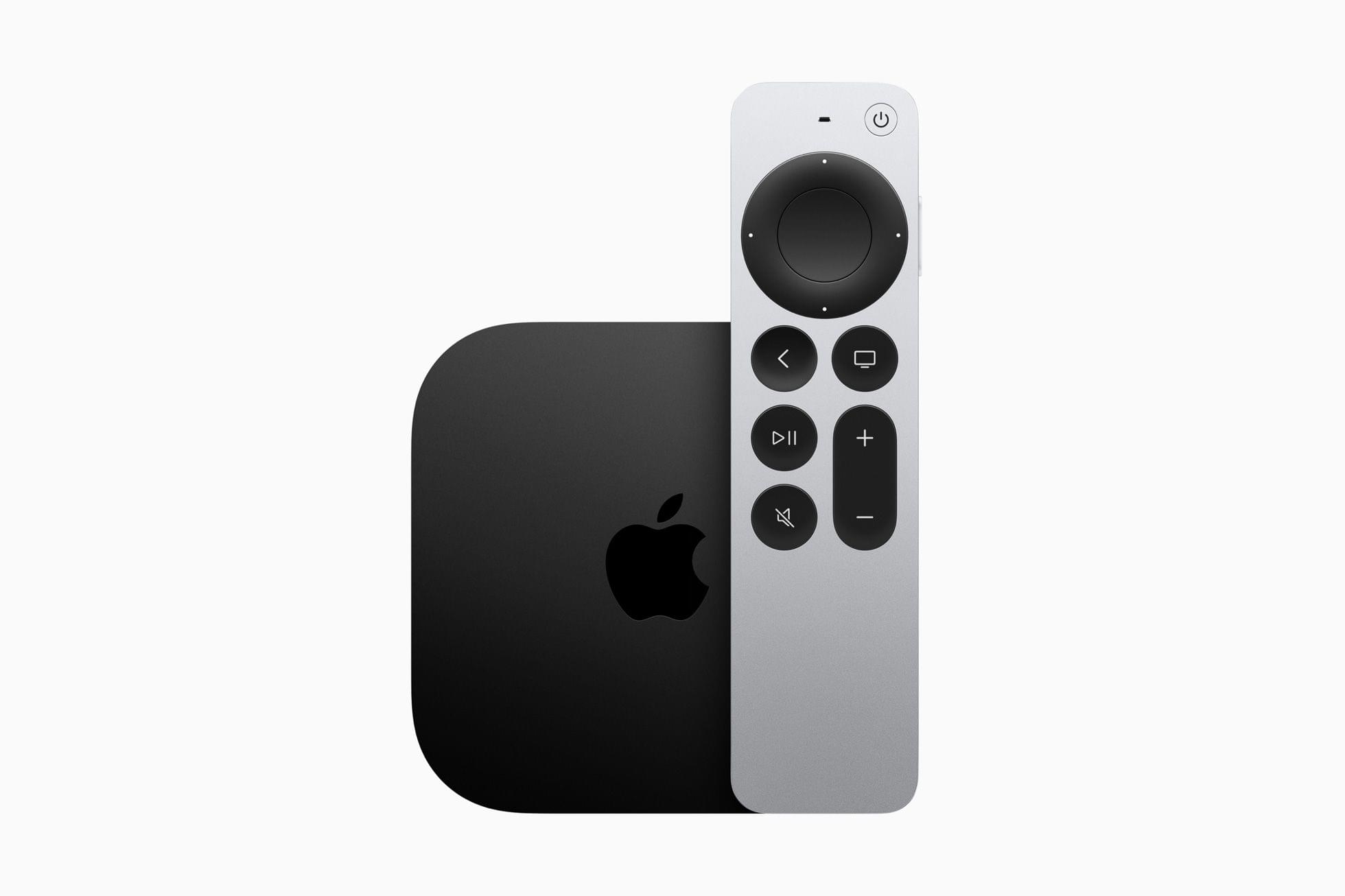
The Siri Remote now charges via USB-C.

The Siri Remote now charges via USB-C.

The Siri Remote has remained mostly the same, except it has added USB-C charging in place of the previous model’s Lightning port. The Siri Remote is included with the Apple TV but can be purchased separately for $59.

Overall, the changes to the Apple TV 4K are fairly minor, notwithstanding the snappier UI the A15 Bionic enables. I don’t see a good reason for most people to upgrade from a previous generation Apple TV 4K unless you play a lot of games on the Apple TV and have run into storage limits. If you have an Apple TV HD before and are planning on buying a 4K TV, the new model will save you some money and offer a few new perks. Although it’s a shame that Ethernet is only available in the more expensive configuration, that’s probably part of how the cost of the base model has been brought down, and I’m sure most people connect their Apple TVs via WiFi anyway.

The new Apple TV 4K is available for pre-order now, with deliveries beginning on Friday, November 4th in 30 countries, including the US.



MacStories Unwind: Werewolf by Night and Two Weekend Videogame Projects

AppStories+ Deeper into the world of apps
0:00
15:45

AppStories+ Deeper into the world of apps


This week on MacStories Unwind, I pick a spooky special from Disney+, Werewolf by Night, and Federico has two weekend videogame projects: openFPGA for the Analogue Pocket and setting up the Epilogue GB Operator with the Steam Deck.

John’s Pick:

Federico’s Pick:


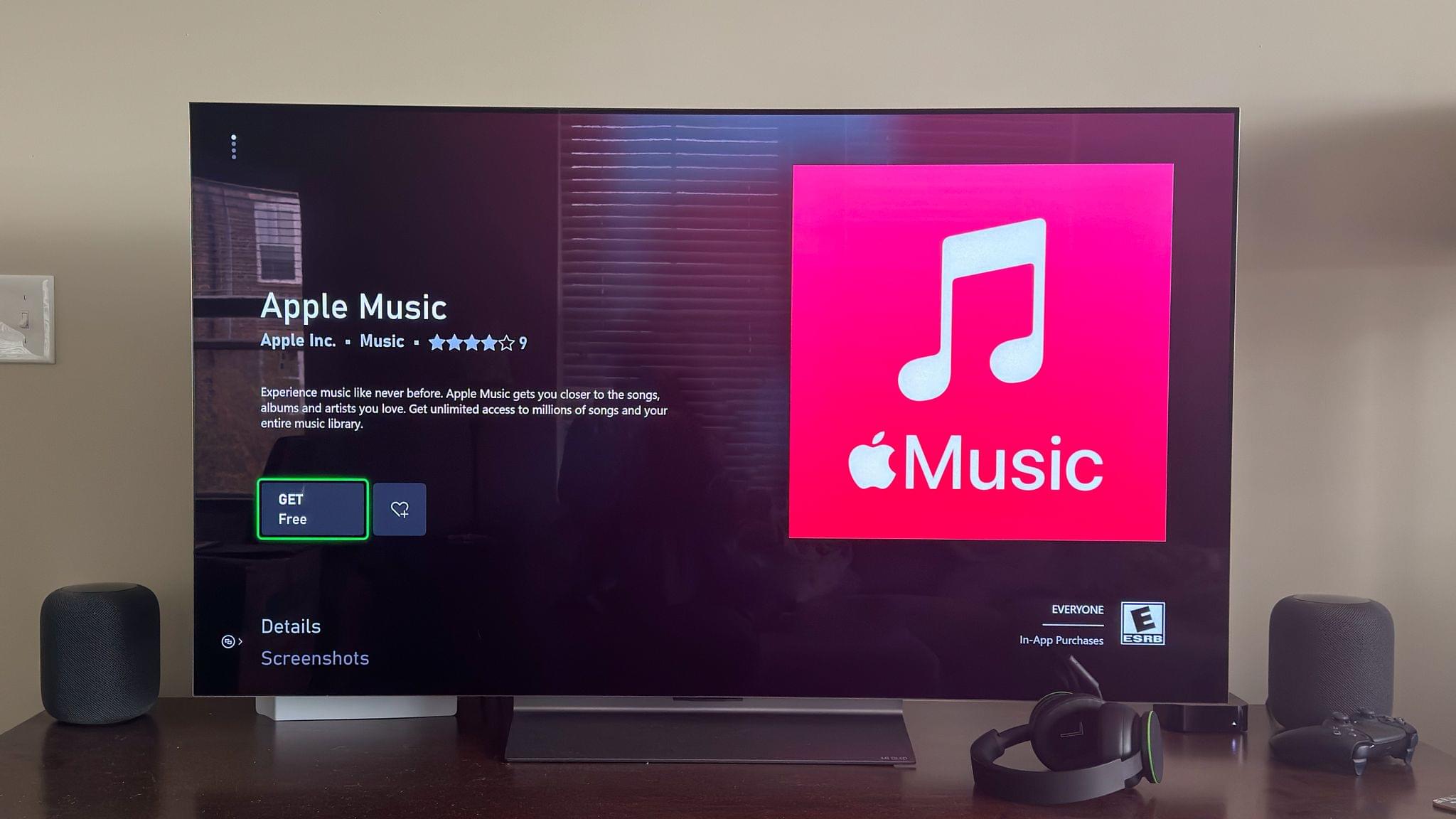
Apple Music Launches on Xbox and Windows Photos Adds iCloud Photo Library Support

Apple Music was released today on the Xbox Store as a free download. I’ve had a chance to test the app briefly on my Xbox Series X, and the experience is very close to that of the Music app on the Apple TV.

Upon downloading the app, new users can take advantage of a free month of Apple’s music streaming service. There are multiple ways for existing subscribers to log in, too, including by using a QR code that opens a web page and asks you to sign in with your Apple ID. Once I signed in, the app on my Xbox refreshed, and I was good to go.

If you’ve ever used the Apple Music app on the Apple TV, you’ll be right at home on the Xbox version of the app. The UI is nearly identical from the ways you can interact with the service’s catalog of music to the Now Playing screen. It is my understanding that the Music app, along with the TV app, will be coming to Windows next year too.

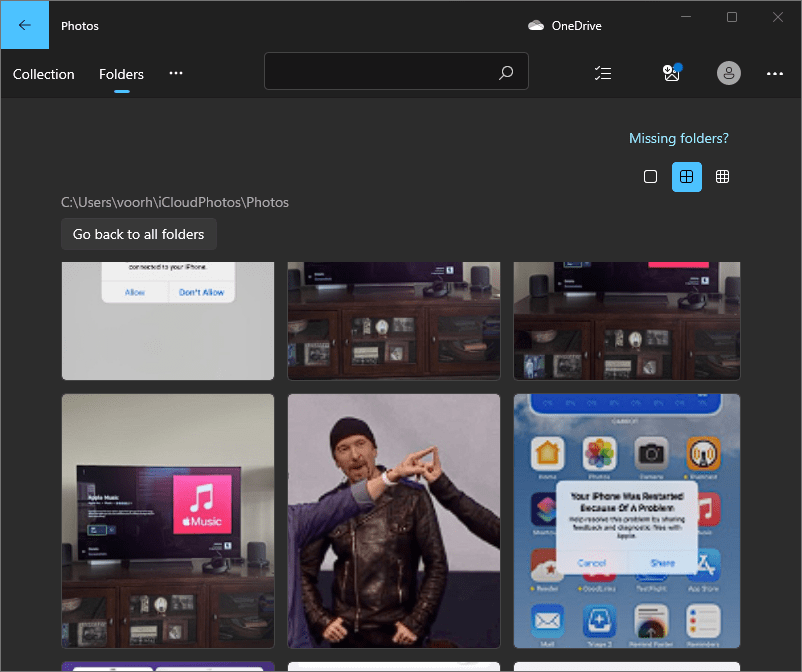
Some recent photos from my iCloud Photo Library in the Windows Photos app.

Some recent photos from my iCloud Photo Library in the Windows Photos app.

Your iCloud Photo Library is also available in the Windows 11 Photos app now, with support for both images and video. To connect the two, you need to install iCloud for Windows on your PC and choose to sync your iCloud photos library. I gave it a try on my AYANEO Next Pro and had no trouble linking Microsoft’s app to my iCloud Photo Library.

The number of devices on which you can access Apple’s media services has expanded significantly over the past few years, with availability expanding from Android devices to smart TVs and other platforms. With Xbox and Windows PC integration, that expansion has taken another big leap forward, making those services available to a much wider audience.


Last Week, on Club MacStories: A GaN Charger Review, Text Scaling Tips, Floor Plan Layouts with Concepts, and a Shortcut Beta

Because Club MacStories now encompasses more than just newsletters, we’ve created a guide to the past week’s happenings along with a look at what’s coming up next:

MacStories Weekly: Issue 339

Arranging furniture using Concepts.

Arranging furniture using Concepts.


MacStories Unwind: A Tech Gripe, An Power-Pop Album, and Thoughts on Better Call Saul

AppStories+ Deeper into the world of apps
0:00
30:26

AppStories+ Deeper into the world of apps


This week on MacStories Unwind, I unleash a tech gripe about an otherwise excellent product and recommend The Beth’s latest album, Expert in a Dying Field. Plus, Federico has finished Better Call Saul, so he revisits the show which he originally covered last month.

John’s Gripe:

John’s Pick:

Federico’s Pick:


Gamevice Begins Taking Pre-Orders for the Flex, Its New iPhone Game Controller

Source: Gamevice.

Source: Gamevice.

Today, Gamevice announced pre-orders for the Flex, a new MFi-certified, case-compatible game controller for the iPhone. Like the Backbone One and Razer Kishi V2, the Flex separates an Xbox-style controller into two halves that connect to the ends of your iPhone for playing controller-compatible iOS games. I haven’t had a chance to try the Gamevice Flex, but based on the company’s announcement video, there are a handful of features that set it apart from the Backbone One and Razer Kishi V2 that are worth considering if you’re shopping for an iPhone game controller.

Like the Razer Kishi V2, the Gamevice Flex uses spacers to accommodate a long list of Apple and third-party cases, an advantage over the Backbone One, which requires you to remove your case before using it. The downside, of course, is keeping track of the collection of spacers to allow for moving to a different case in the future.

Gamevice says that the Flex uses Hall effect triggers, a technology that uses magnetic field sensors instead of mechanical parts to cut down on the wear and tear on components. The company hasn’t said if the Flex’s thumbsticks use the same technology or not.

Like the Backbone One, the Flex includes passthrough charging via a Lightning port on the end of one of the controller’s grips and a headphone jack on the other grip. The Razer Kishi V2 includes a Lightning port for charging but not a headphone jack. Although you can never be sure about how a controller will feel to use until you have it in your hands, I like the look of Flex’s grips too.

Originally announced in August with the video above, 9to5Mac has a hands-on with a prototype of the Flex with more details on what the device is like to use.

Set to start shipping later this month, the Gamevice Flex costs $109.95 for the iPhone model, which is about $10 more than the Backbone One or Razer Kishi V2, and $99.95 for the Android version. Customers who order before October 14th can get one month of Xbox Game Pass Ultimate free with their purchase.


Last Week, on Club MacStories: Advanced Notes Shortcuts, Focused Work, Stage Manager, and a New MacStories Unplugged Episode

Because Club MacStories now encompasses more than just newsletters, we’ve created a guide to the past week’s happenings along with a look at what’s coming up next:

Monthly Log: September 2022

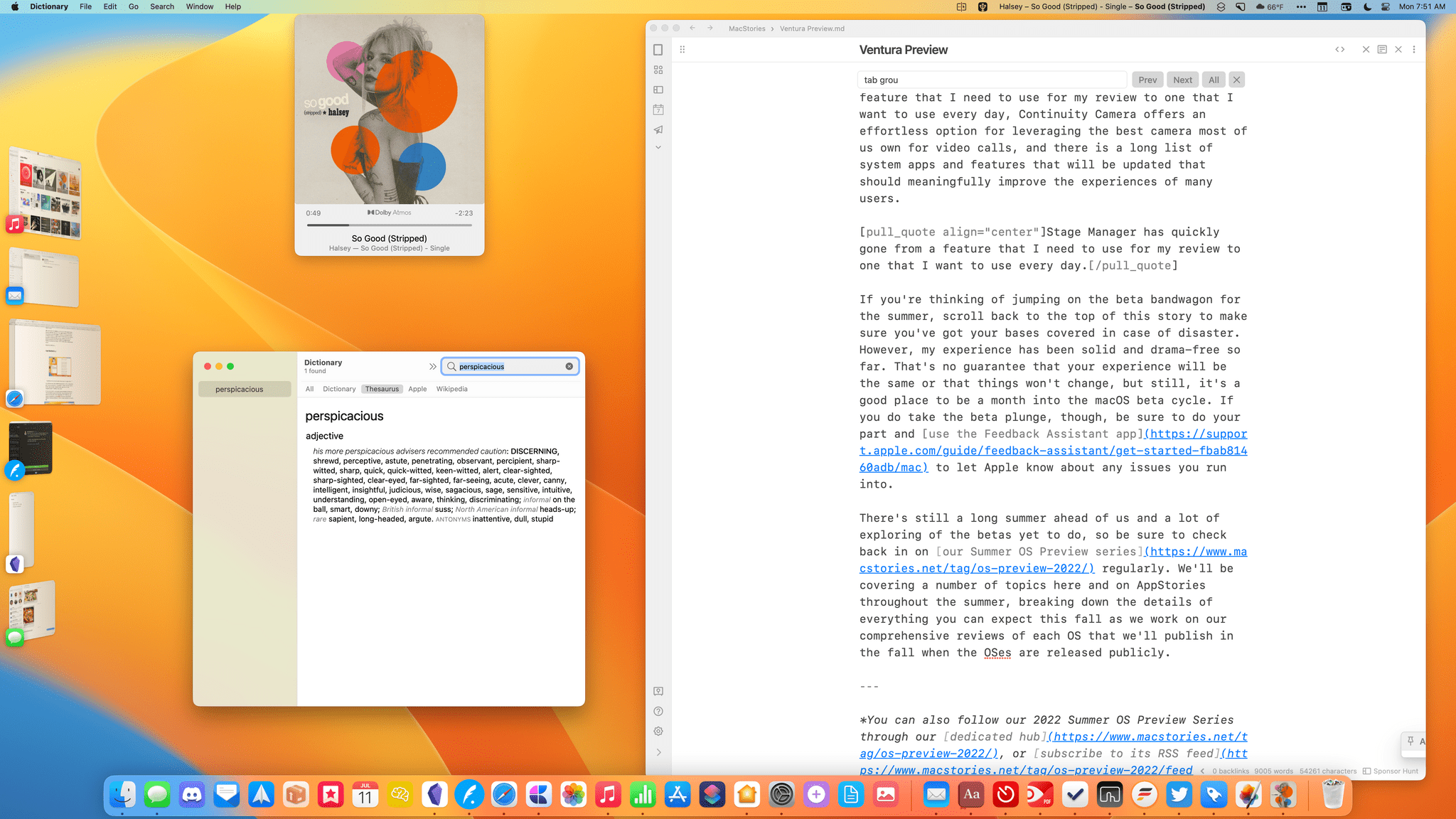
Stage Manager running in an early macOS Ventura beta.

Stage Manager running in an early macOS Ventura beta.

MacStories Weekly: Issue 338


MacStories Unwind: Cyberpunk 2077 and Shovel Knight Dig

AppStories+ Deeper into the world of apps
0:00
24:05

AppStories+ Deeper into the world of apps


This week on MacStories Unwind, Federico’s been playing Cyberpunk 2077 on his PC, while I’ve been enjoying Shovel Knight Dig on my iPhone using the Razer Kishi V2 controller that I reviewed earlier this week.

Sponsored By: Kosmik – For All Mindkind

Federico’s Pick:

John’s Pick:


Adobe Updates Photoshop Elements and Premier Elements with Apple Silicon Support and New Features

Source: Adobe.

Source: Adobe.

Today, Adobe announced the release of Photoshop Elements 2023 and Premier Elements 2023, its photo and video editing apps for the Mac that guide users through a wide variety of creative projects and support for Apple silicon. The paid-up-front apps, which don’t require a Creative Cloud subscription, have been updated with an extensive list of new features and projects designed to help users get the most from their photos and videos.

Source: Adobe.

Source: Adobe.

Photoshop Elements 2023, which focuses on photo editing projects, features a long list of new features. The centerpiece of the update is the ability to select an area of a photo and animate it, applying a dynamic effect to parts of an otherwise static image. The update to Elements also allows users to add photo overlays that can be used to frame shots, replace image backgrounds and skies, and brushes to add patterns to images.

Premier Elements' new slideshow designs. Source: Adobe.

Premier Elements’ new slideshow designs. Source: Adobe.

Premier Elements 2023, Adobe’s video creation app, includes new effects that can be applied to video to add artistic effects to video. The app also has new collage and slideshow templates with modern designs and more than 100 new soundtrack options.

Both apps have been rebuilt to take advantage of Apple silicon Macs. Adobe also announced a browser-based beta version of Elements.

Both apps are available now for $99.99 or as a bundle for $149.99 from Adobe’s website and other retailers.