Posts in news

David Smith Tests the Apple Watch Ultra on a Three-Day Hike in Scotland

David Smith, the developer of Widgetsmith, Watchsmith, Pedometer++, and many other apps, put the new Apple Watch Ultra through its paces on a three-day hike through the Scottish Highlands. Dave confirmed what I’ve suspected all along. The Apple Watch isn’t so much an extreme sports watch as it is an Apple Watch with expanded capabilities that make it work better for strenuous activities like a three-day hike but also make it the best Apple Watch for the things an Apple Watch already does. As he puts it:

While I was putting together this review I kept coming back to the analogy that the Ultra is like a pick-up truck. Useful in regular, daily life but capable of heading offroad or carrying gravel from the garden store. It still drives like a regular car, but can do more.

Dave’s post is accompanied by a video journal of his trip shot on an iPhone 14 Pro. The video is full of great insights into the Ultra’s hardware, a couple of criticisms of its software, and loads of beautiful footage of the Scottish Highlands.

Permalink

More iPad Models Will Get Stage Manager, but External Display Support Is Delayed and Will Be M1 iPad-Only

Earlier today, Apple released iPadOS 16.1, developer beta 3, which adds Stage Manager support for 2018 and 2020 12.9” iPad Pros as well as the 11” iPad Pro. However, external display support will remain an M1 iPad-only feature that will be released in a future iPadOS update later this year.

In a statement to Engadget reported by N. Ingraham, Apple said:

We introduced Stage Manager as a whole new way to multitask with overlapping, resizable windows on both the iPad display and a separate external display, with the ability to run up to eight live apps on screen at once. Delivering this multi-display support is only possible with the full power of M1-based iPads. Customers with iPad Pro 3rd and 4th generation have expressed strong interest in being able to experience Stage Manager on their iPads. In response, our teams have worked hard to find a way to deliver a single-screen version for these systems, with support for up to four live apps on the iPad screen at once.

External display support for Stage Manager on M1 iPads will be available in a software update later this year.

In preliminary testing of the update, our Federico Viticci says that the latest beta also clears up many of the bugs users have experienced:

It’s excellent to hear that Apple is expanding the availability of Stage Manager based on the feedback from iPad users. I’m also glad to hear that iPadOS has stabilized. I’ve been using my iPad Pro more often lately and, like many others, have run into frequent crashes and visual glitches in the iPadOS 16.1 betas. It shouldn’t be too much longer before iPadOS 16.1 is released publicly.

Permalink

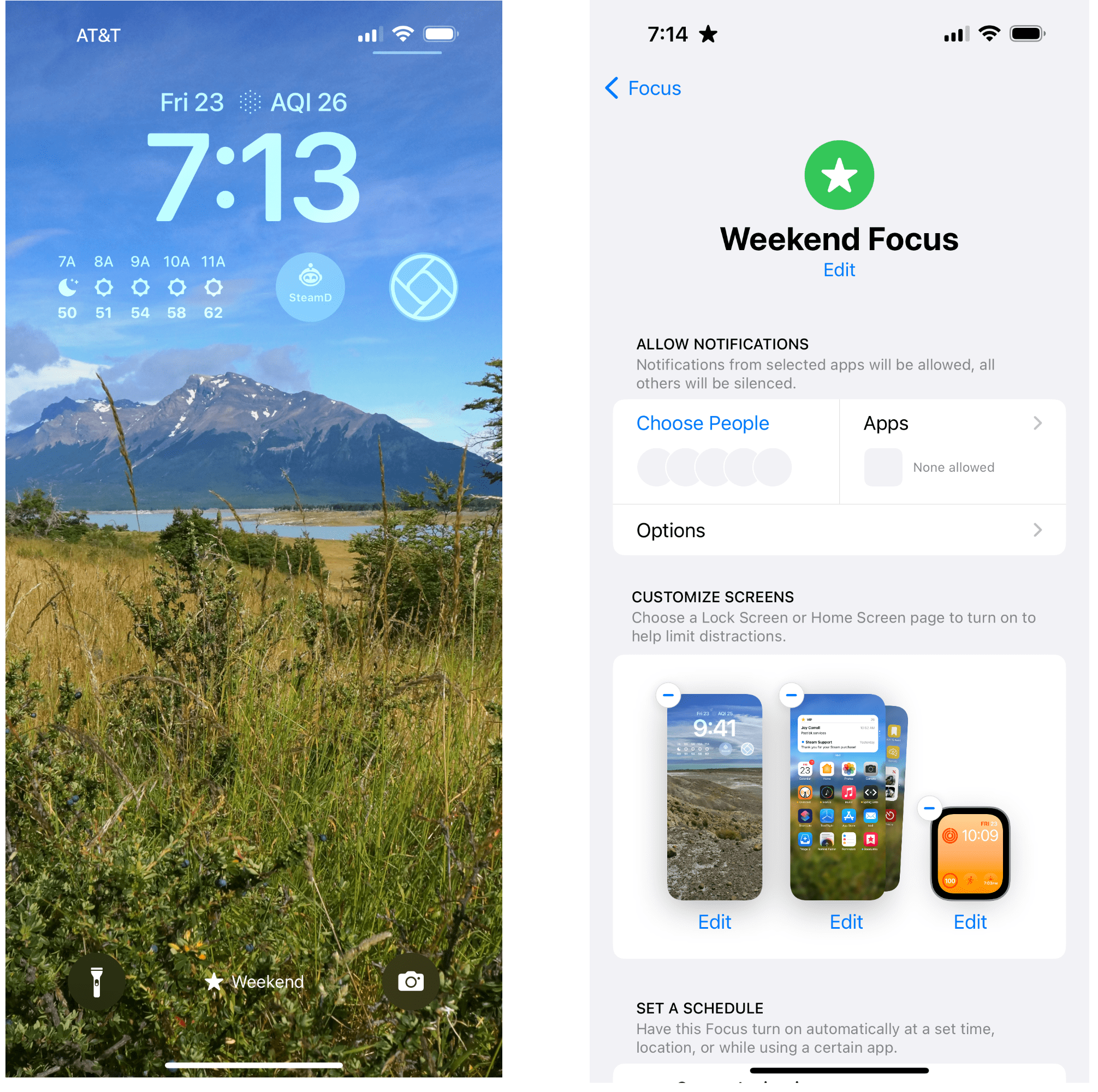
Last Week, on Club MacStories: iPad App Management and Customizing Your iPhone and Apple Watch Using Focus Modes

Because Club MacStories now encompasses more than just newsletters, we’ve created a guide to the past week’s happenings along with a look at what’s coming up next:

MacStories Weekly: Issue 337


Pixelmator Pro 3.0 Adds Templates

Templates are a great way to speed up your workflow and maintain a consistent design language and branding across everything you create. With Pixelmator Pro 3.0,, you now have over 200 professionally-designed templates for creating a wide range of documents and mockups. I’ve been playing around with the new templates for a few days, and they have a lot of potential.

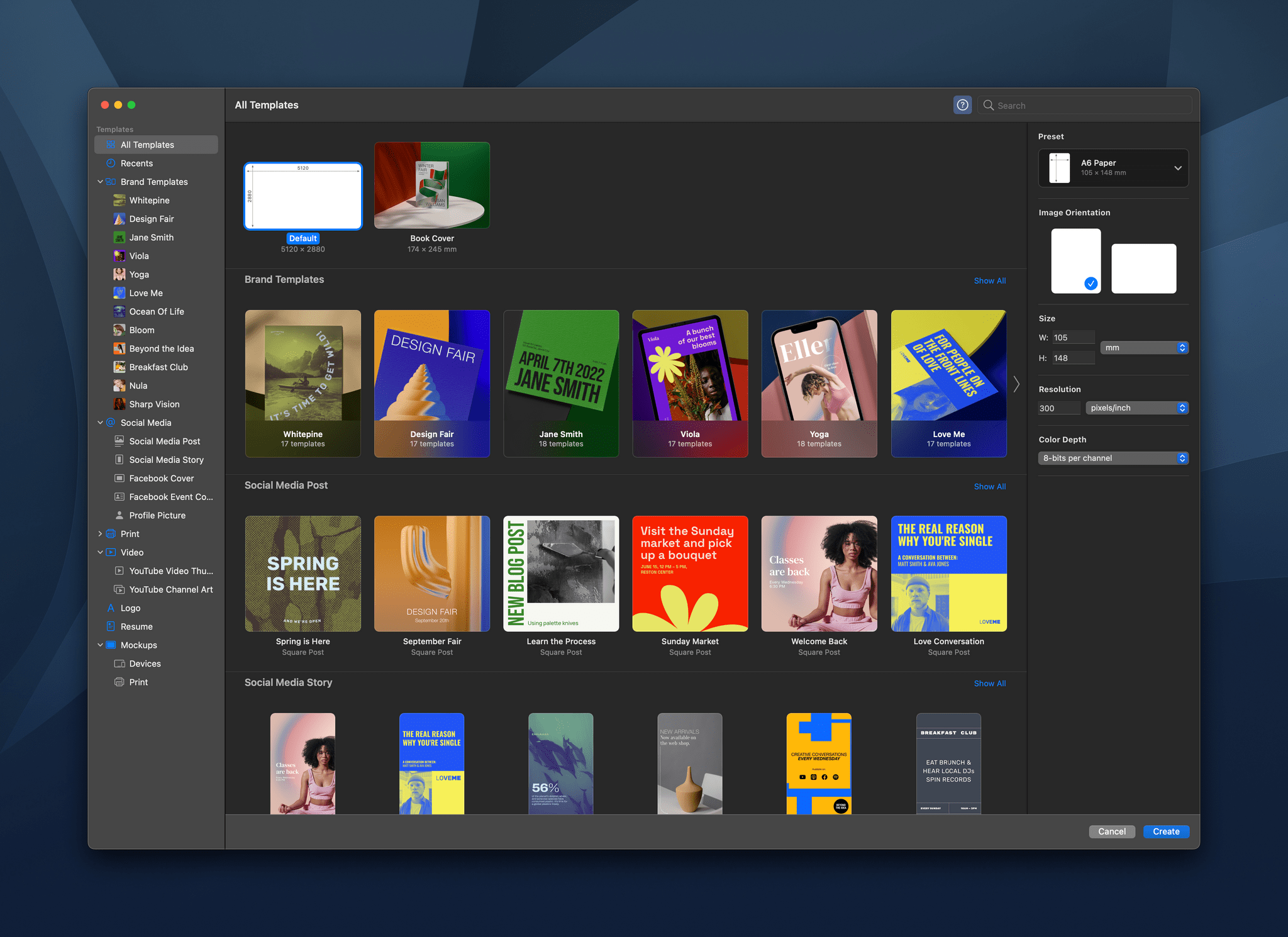
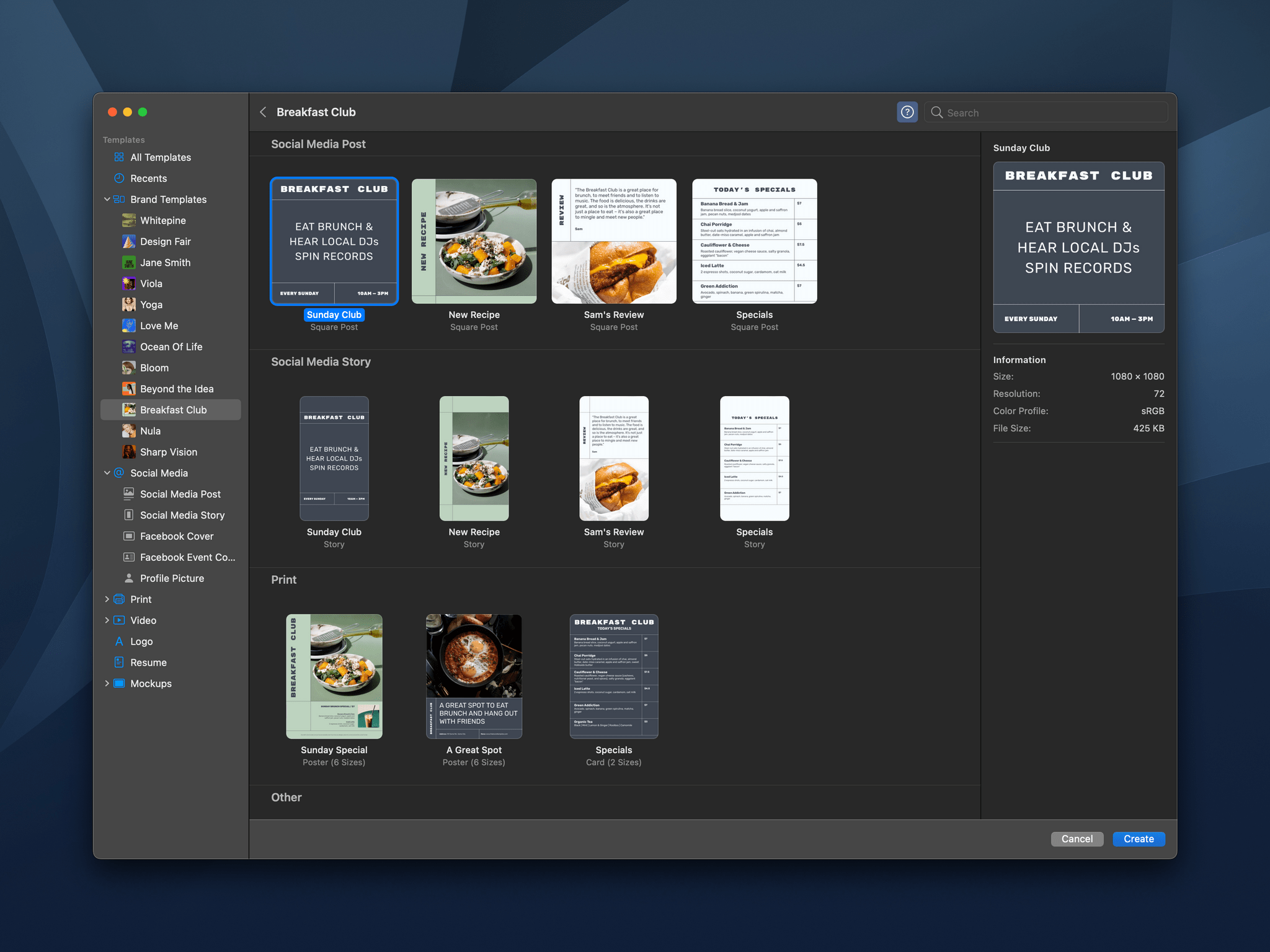
Templates are organized by type and branding style.

Templates are organized by type and branding style.

When you start a new Pixelmator Pro document, you’re presented with the app’s catalog of templates, which is broken down into several categories for creating social media, print, video, and mockup assets. There’s also a Brand Templates category that cuts across different template types, collecting templates by their branding style. There’s a lot here to browse, but like any app that offers templates, I quickly gravitated to a couple of looks that I particularly liked. You can also define your own templates using the app’s system for creating placeholders for various image elements.

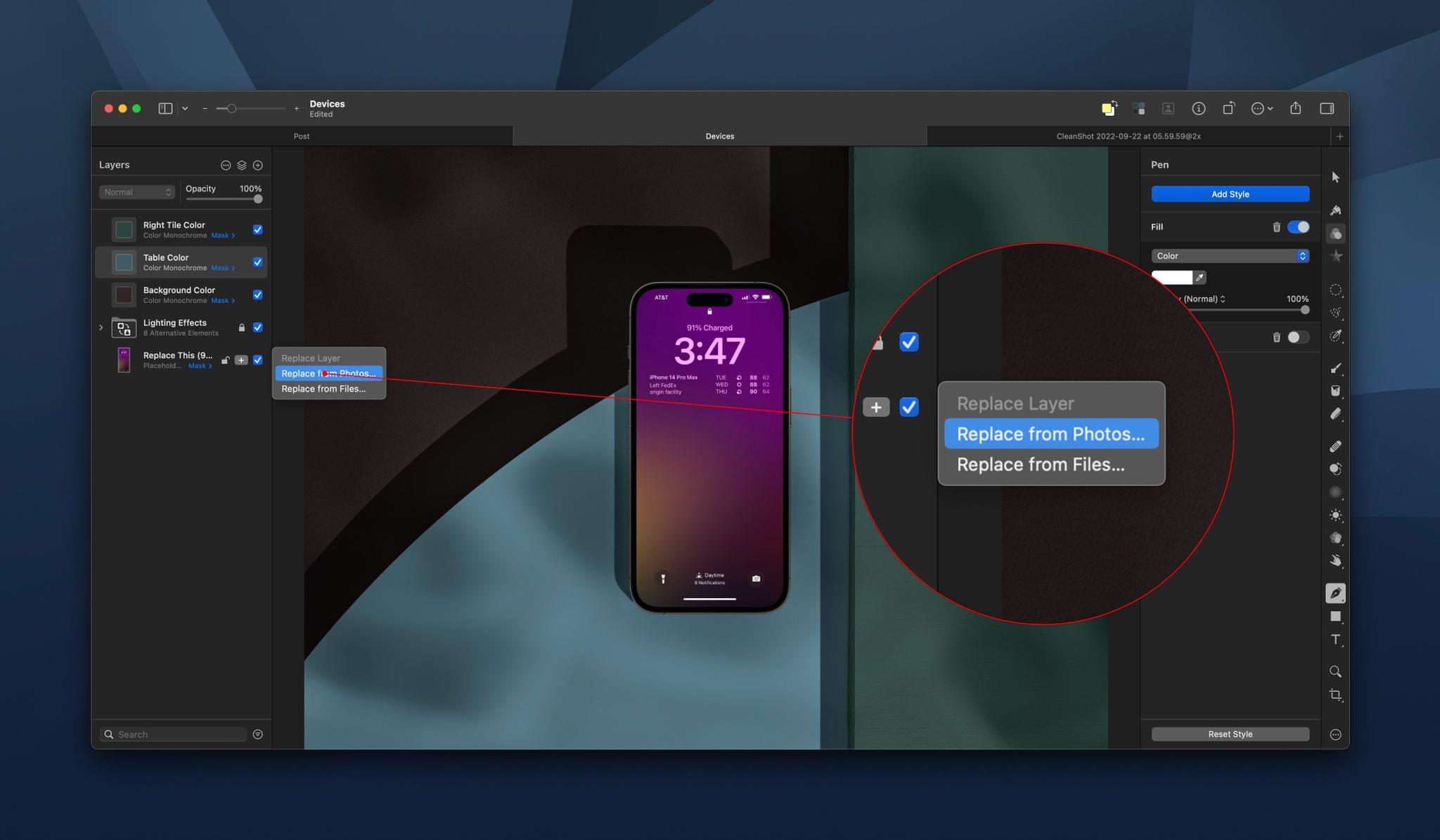
Replacing a placeholder image is easy.

Replacing a placeholder image is easy.

Once you open a new template-based document, tweaking it is easy. The options for each template vary depending on its design, but browsing through the layer navigator in the left sidebar, you’ll find controls to change things like lighting effects, placeholder images, colors, and more. The Pixelmator team says that for actions like replacing placeholder images, Pixelmator Pro uses the app’s machine learning engine to remove backgrounds, resize images, change their resolution, and place them properly in any frame.

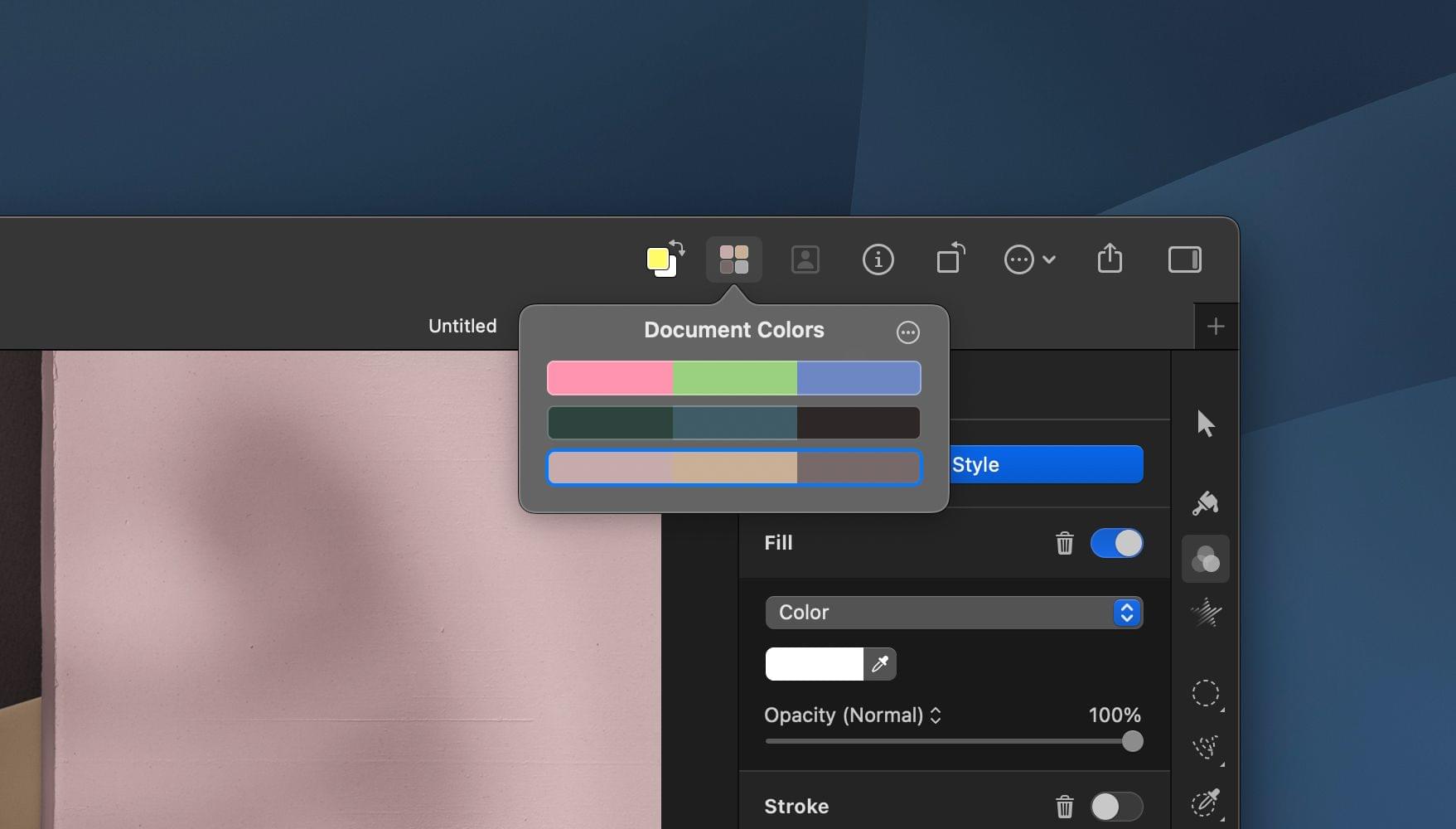
Examples of Pixelmator Pro's Document Colors.

Examples of Pixelmator Pro’s Document Colors.

Pixelmator Pro 3.0 also introduces the concept of Document Colors, which are sets of colors that can be applied to a template. Each template comes with a few starter palettes to choose from, and you can create your own too. Click on a set of colors, and your template will be updated with the new color scheme all at once.

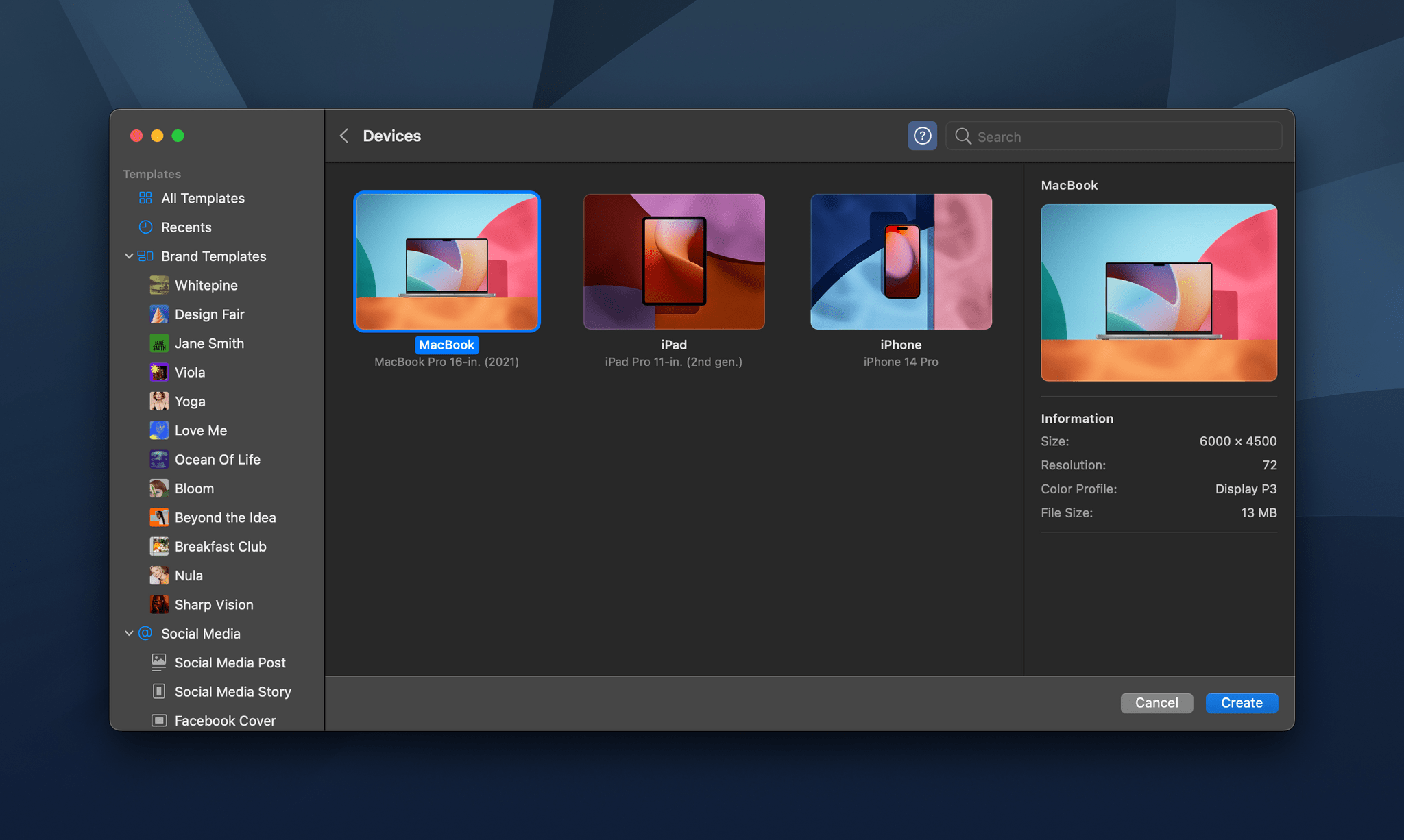
Device mockups are limited but look good.

Device mockups are limited but look good.

Overall, I like the new Pixelmator Pro templates a lot. It’s simple to get started and easy to adjust your creation. I also appreciate the wide variety of formats available for social media and other types of documents.

The iPhone, iPad, and MacBook mockups have potential too, but I found the lack of adjustments available for the device frames and backgrounds limiting, A bigger library of mockup styles would help, but more controls to manipulate device frames and backgrounds would be ideal.

Still, I like the direction Pixelmator Pro is heading with its templates. They’re easier to use than the systems used in other apps and should meet the needs of a lot of users.

Pixelmator Pro 3.0 is available on the App Store as a free update to existing customers.


AppStories, Episode 296 – iOS 16 Apps with Great Lock Screen Widgets

This week on AppStories, we cover some of our favorite new apps and updates that feature iOS 16 Lock Screen widgets.

Sponsored by:

  • RevenueCat – Subscription management built for mobile apps.
  • Pillow – Sleeping better, made simple.
  • Kolide – Kolide can help you nail third-party audits and internal compliance goals with endpoint security for your entire fleet. Learn more here.

On AppStories+, I got a new microphone, and both Federico and I contemplate our evolving work setups.

We deliver AppStories+ to subscribers with bonus content, ad-free, and at a high bitrate early every week.

To learn more about the benefits included with an AppStories+ subscription, visit our Plans page, or read the AppStories+ FAQ.

Permalink

Last Week, on Club MacStories: Behind the Scenes of the iOS 16 Review, Michael Steeber on the Review’s Design, and Another eBook

Because Club MacStories now encompasses more than just newsletters, we’ve created a guide to the past week’s happenings along with a look at what’s coming up next:

MacStories Weekly: Issue 336

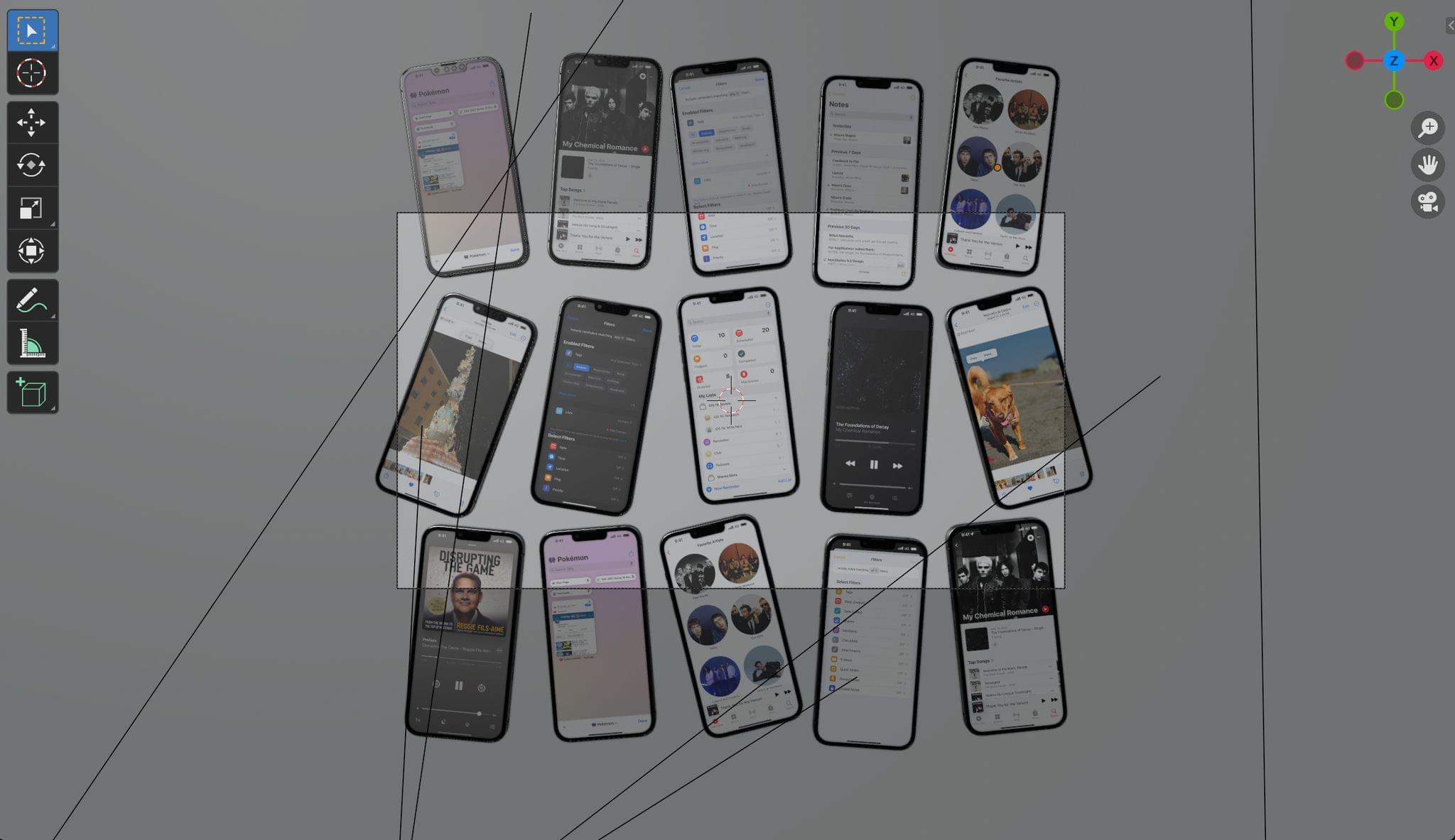
From Michael Steeber's behind-the-scenes story.

From Michael Steeber’s behind-the-scenes story.


AppStories, Episode 295 – iOS 16: The MacStories Review

This week on AppStories, we dig into Federico’s iOS 16 review, discussing the all-new Lock Screen, wallpaper creation, Focus modes and filters, App Shortcuts, and some of the smaller changes you might have missed.

Sponsored by:

  • Pillow – Sleeping better, made simple.
  • Memberful – Monetize your passion with membership.

On AppStories+, we take a behind-the-scenes look at the making of this year’s iOS 16 review.

We deliver AppStories+ to subscribers with bonus content, ad-free, and at a high bitrate early every week.

To learn more about the benefits included with an AppStories+ subscription, visit our Plans page, or read the AppStories+ FAQ.