This Week's Sponsor:

Copilot Money

Copilot Money, The Best Money Tracker, Launches on the Web – Limited-Time: Get 26% Off + 2 Months Free


Posts in news

Apple Posts September 7, 2016 Keynote Video & New iPhone, AirPods, and Apple Watch Videos

If you didn’t follow the live stream or announcements as they unfolded today, Apple posted the video of its September 7th keynote held earlier today at the Bill Graham Civic Auditorium in San Francisco along with advertisements for the products debuted on stage.

The keynote video can be streamed here and on the Apple TV, and a higher quality version should be made available in a few hours through iTunes (on the Apple Keynotes podcast). To avoid streaming errors, Safari is recommended for the best viewing experience.

Apple also posted new commercials and product reveal videos for the iPhone 7, AirPods, and Apple Watch on its YouTube channel. You can find all the videos below.

You can also follow all of the MacStories coverage of today’s Apple’s keynote through our September 7 Keynote hub, or subscribe to the dedicated September 7 Keynote RSS feed.

Read more


Apple Announces macOS Sierra to Launch on Tuesday, September 20

Today, Apple announced the official release date of macOS Sierra will be Tuesday, September 20th.

As detailed at WWDC in June, macOS Sierra features Siri integration with search results that can be pinned in Notification Center for easy access, the addition of Memories, intelligent search, and Places and People albums to Photos, Apple Pay in Safari, Apple Watch unlocking of your Mac, a universal clipboard that works across macOS and iOS, syncing of your Desktop and Documents folders via iCloud Drive, picture-in-picture video, among other things.

Apple hasn’t announced a Golden Master seed of macOS Sierra yet, but it should be released to developers soon. The GM seed gives developers a chance to prepare their apps for, and submit them to, the Mac App Store before the public launch of macOS.

You can also follow all of the MacStories coverage of today’s Apple’s keynote through our September 7 Keynote hub, or subscribe to the dedicated September 7 Keynote RSS feed.


Apple Announces iOS 10 to Launch on Tuesday, September 13

As widely expected, Apple confirmed the official release date of iOS 10 at a media event held today at the Bill Graham Civic Auditorium in San Francisco. iOS 10 will be released on Tuesday, September 13th.

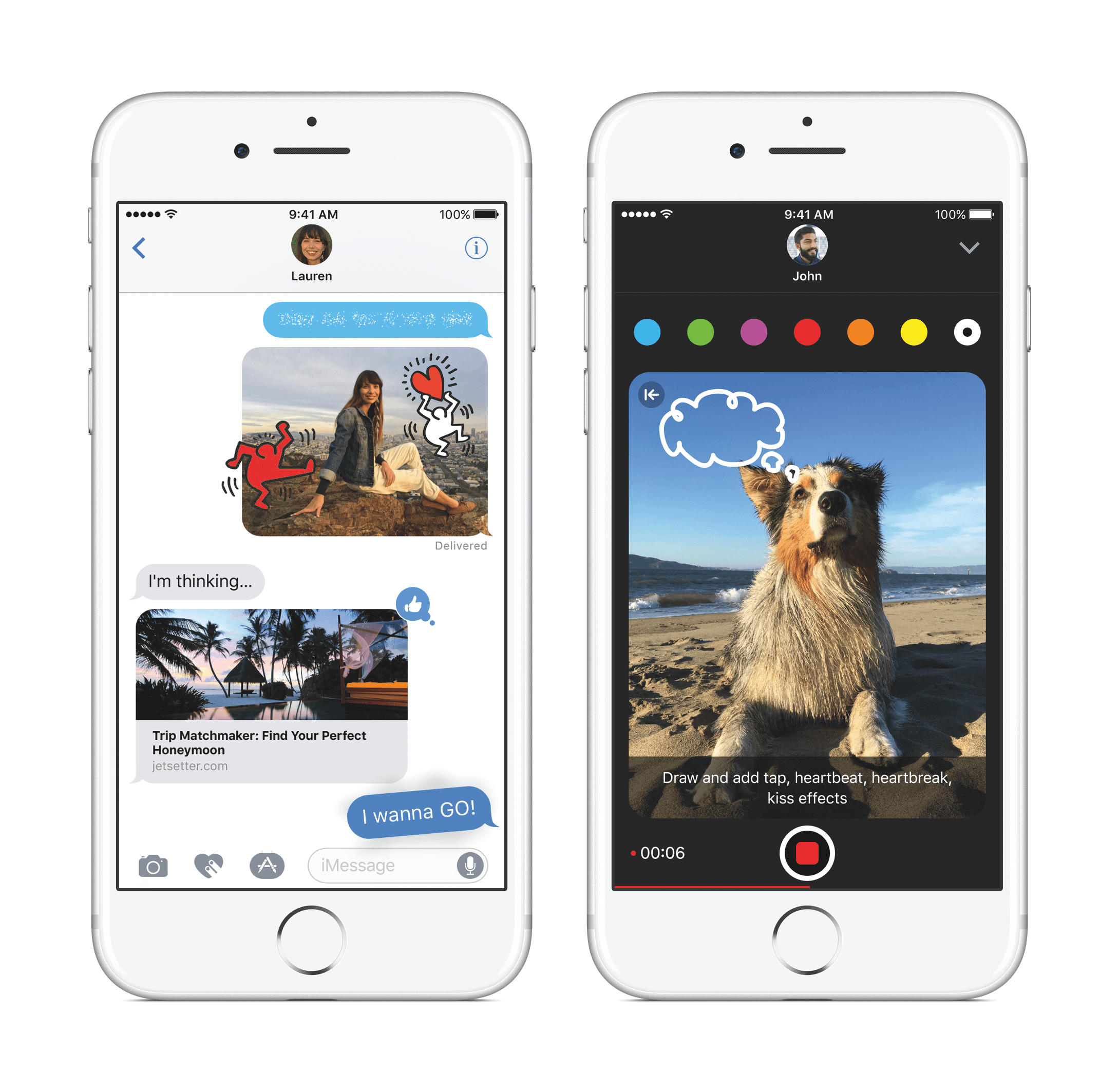
Announced at WWDC in June, iOS 10 includes new and updated built-in apps with a major focus on the iPhone. With iOS 10, Apple has rethought widgets and notifications, created an entire new app ecosystem within Messages, which also supports stickers and other fun touches, redesigned the Music app, added a new Home app, let third-party developers into Apple apps like Maps, Messages, and Siri for the first time, added Memories and other enhancements to Photos, and made a myriad of other changes big and small.

Apple hasn’t announced a Golden Master seed of iOS 10 yet, but it will presumably be released to developers later today. Typically the last developer release before a public launch, the GM seed will allow developers to make final preparations to submit their iOS 10 apps to the App Store.

You can also follow all of the MacStories coverage of today’s Apple’s keynote through our September 7 Keynote hub, or subscribe to the dedicated September 7 Keynote RSS feed.


Apple Announces watchOS 3 to Launch on Tuesday, September 13

Apple confirmed the official release date of watchOS 3 at a media event held today at the Bill Graham Civic Auditorium in San Francisco. watchOS 3 will be released on Tuesday, September 13th.

Announced at WWDC in June, watchOS 3 features a new dock for faster launching of your favorite apps, new watch faces, fitness sharing and competition, a new Breathe app to help manage stress, HomeKit integration, stickers and some of the other features found in Messages for iOS, the ability to unlock your Mac, and more.

Apple hasn’t announced a Golden Master seed of watchOS 3 yet, but it will presumably be released to developers later today. Usually the last developer release before a public launch, the GM seed will allow developers to make finalize their watchOS 3 apps and submit them to the App Store.

You can also follow all of the MacStories coverage of today’s Apple’s keynote through our September 7 Keynote hub, or subscribe to the dedicated September 7 Keynote RSS feed.


Igloo: An Intranet You’ll Actually Like [Sponsor]

Information is coming from everywhere: email, files, chat, the 30+ cloud-based apps we use every day — it’s getting harder to keep things simple. Igloo is a modern intranet that makes sense of the modern world.

Stay connected with people by using newsfeeds and integrated chat apps; get the information you need with (easy to navigate and secure) file storage and apps you already use like Zendesk and Salesforce; and keep work moving with instant notifications and document controls.

The modern workplace is anywhere with an internet-connected device — and a modern intranet like Igloo works wherever you do.

See what your company has been missing and try Igloo for free today.

Our thanks to Igloo for sponsoring MacStories this week.


Airmail Adds More Power User Features

It’s been a busy year for Italian indie studio Bloop. Airmail for OS X has been around for a while, but Airmail for iOS was introduced just seven months ago as an iPhone-only app. A couple months later, Bloop brought Airmail to the iPad with extensive keyboard support and great new features like smart folders and saved searches, which was enough for Federico to switch to Airmail full time. Today, Bloop released version 1.2 of Airmail for iOS, which picks up where version 1.1 left off with some great new functionality.

One of my favorite features of Airmail is its integration with other apps and services. Airmail makes it simple to get information out of my email and into the apps where I need it whether that’s sending an attachment to Dropbox or the text of an email to 2Do. Version 1.2 adds additional integrations including the ability to send attachments to iCloud Drive and emails to Day One or Ulysses. Bloop’s expansion of integrations into even more apps and services is smart and should make the app appeal to an even wider audience.

Notifications have also gained new functionality. You can now turn on ‘Do Not Disturb’ on an account-by-account basis, which should be a great help to people who manage multiple email accounts. Notifications can also be tied to a location. I can imagine this coming in handy if you’re on vacation and don’t want to get notifications until you get home. Email senders can be muted, which eliminates notifications from those senders. Blocking senders is similar, but in addition to muting the sender it automatically archives the email you receive.

In addition to the foregoing, Airmail 1.2 adds:

  • Undo send, a feature that already existed in Airmail for OS X and that can be set to delay the sending of an email 5 or 10 seconds to allow you to prevent its sending;
  • Email Label sync when your iOS device is connected to a power source;
  • An Apple Watch complication that launches Airmail’s Watch app from certain Apple Watch faces;
  • Dynamic Type support;
  • Preview support for EML and Win.dat email file formats; and
  • MDM server support to configure and manage Airmail for teams.

Bloop has covered a lot of ground since the beginning of 2016. After having seen so many free email alternatives come and go, it’s reassuring to see Bloop continue to innovate and refine Airmail on iOS and the Mac and charge a fair price for an excellent app.

Airmail 1.2 for iOS is available on the App Store for $4.99.


Review Guidelines Added for Subscriptions, Stickers, and SiriKit

On the heels of Apple’s announcement of an impending App Store cleanup, it has updated its App Review Guidelines to cover app subscriptions, stickers, and SiriKit apps. Among other guidelines, Section 3.1.2(a) states that:

While the following list is not exhaustive, examples of appropriate subscriptions include: new game levels; episodic content; multi-player support; apps that offer consistent, substantive updates; access to large collections of, or continually updated, media content; software as a service (“SAAS”); and cloud support.

The availability of subscriptions for apps that are ‘continually updated’ provides additional clarity to an issue that was hotly debated and discussed among developers since subscriptions were announced shortly before WWDC.

The App Review Guidelines also include an entire section on stickers.

Whether your app contains a sticker extension or you’re creating free-standing sticker packs, its content shouldn’t offend users, create a negative experience, or violate the law.

Section 4.4.3 includes a link for making infringement claims and states that if you cannot back up your rights to content contained in stickers with documentation, your sticker packs and extensions will be removed from the App Store. Repeat violators risk having their developer accounts revoked.

With respect to SiriKit, section 2.5.11 of the Guidelines provides:

Apps integrating SiriKit should only sign up for intents they can handle without the support of an additional app and that users would expect from the stated functionality. For example, if your app is a meal planning app, you should not incorporate an intent to start a workout, even if the app shares integration with a fitness app.

This guideline seems to be designed to avoid confusion that could be created by an app without clear SiriKit functionality accessing SiriKit.


Apple Announces App Store Cleanup

Apple has announced a plan to clean up the App Store. Apple’s developer site states it plainly:

To make it easier for customers to find great apps that fit their needs, we want to ensure that apps available on the App Store are functional and up-to-date. We are implementing an ongoing process of evaluating apps, removing apps that no longer function as intended, don’t follow current review guidelines, or are outdated.

Beginning September 7, 2016, the same day as the event at the Bill Graham Civic Auditorium where Apple is expected to unveil the iPhone 7, App Review will begin evaluating all existing apps on the App Store to determine if they are functional and meet App Store guidelines. Some of the highlights:

  • If App Review determines that changes need to be made to an app, the developer will be contacted and given 30 days to update it, after which it will be removed from the App Store;
  • If an app crashes on launch, it will be removed from sale immediately; and
  • Existing customers will still have access to apps removed from the App Store.

In addition, Apple announced in an email to developers that going forward, app names will be limited to 50 characters. Apple explained that long app names, which developers use to try to influence search results, provide no value for customers, particularly because they are too long to display in full on the App Store.

Eight years and over two million apps later, the App Store is long overdue for a cleanup. Abandoned and broken apps create a real discovery problem for customers. We are well past the time when the number of apps served as meaningful bragging rights for Apple keynotes. The directness in tone and relatively short time frame given to developers to make changes to apps sends a clear message – Apple is serious about cleaning up the App Store. Developers with neglected apps had better pay attention if they want to remain on the App Store.


Sonos Adding Support for Amazon Echo and Spotify

In a March blog post announcing layoffs, Sonos CEO John MacFarlane made cryptic comments about bringing voice control to Sonos that specifically called out Amazon’s work with the Echo. According to The Verge and Variety, Sonos unveiled plans today to integrate Sonos with Amazon’s popular line of voice-controlled products beginning in 2017. A video released by the companies shows a family using an Amazon Echo Dot to play music, skip tracks, get artist information, and pause music. It is unclear from reports whether the Amazon integration is limited to Amazon’s music products or will be available to use with other services too.

Variety is also reporting that Sonos has struck a deal with music streaming service Spotify to allow Spotify customers to stream music to Sonos speakers directly from Spotify’s mobile app. Spotify will begin beta testing the new integration in October.

In February, Sonos added support for Apple Music in its own app. With these latest deals Sonos appears to be taking a Netflix-like approach to ensure it remains relevant by integrating with as many services and platforms as possible. The strategy makes a lot of sense given today’s highly competitive music streaming landscape.

For more on the Amazon/Sonos announcement, check out the video after the break.

Read more